
Your Browsing History



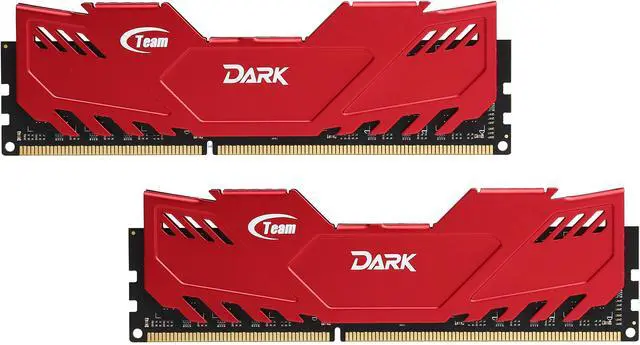
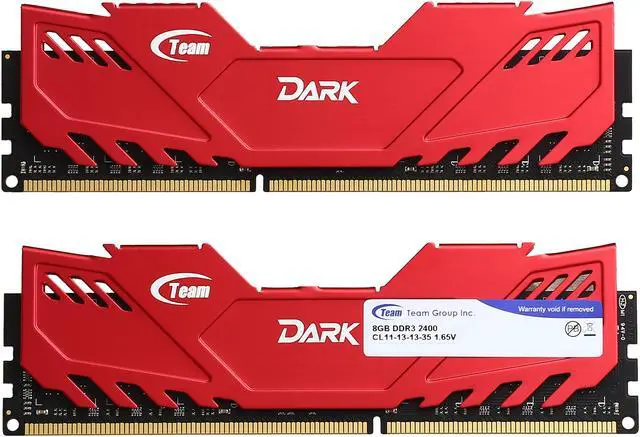
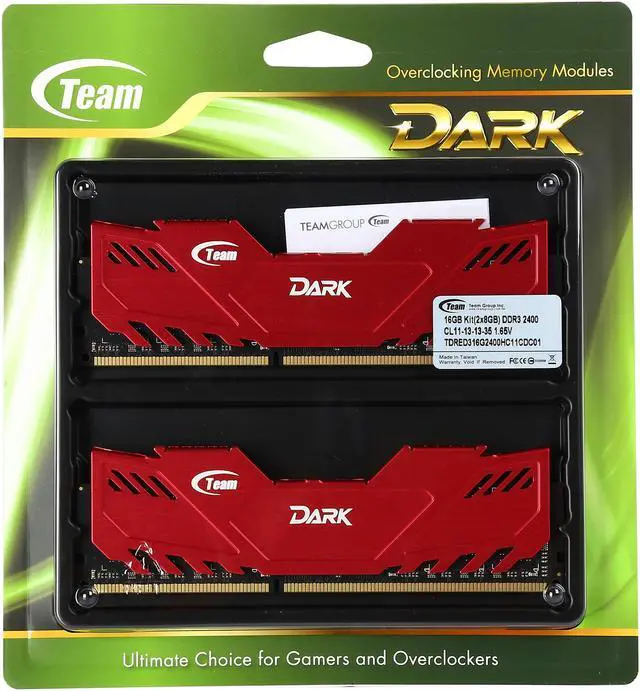


Team Dark 16GB (2 x 8GB) DDR3 2400 (PC3 19200) Desktop Memory Model TDRED316G2400HC11CDC01
- DDR3 2400 (PC3 19200)
- Timing 11-13-13-35
- CAS Latency CL11
- Voltage 1.65V
Overview
Specs
Reviews (7)

Team Dark DDR3

Speed, Stability, and Reliability… Great for Overclocking
The perfect blend of style, performance and reliability, the Team DARK DDR3 Overclocking Desktop Memory Module is meticulously designed for the dedicated gamers and power users. Built with specially selected ICs, the Team Vulcan memory delivers substantial overclocking potential, and the rigorous testing ensures unbeatable stability and reliability even under harsh environments. XMP 1.3 profile support makes stable overclocking easy and automatic.
To match the high performance, the memory module features aluminum heat spreaders, which deliver superior heat dissipation while providing the aggressive look that you want in your gaming rig.

Quality Built. High Performance.
For Team DARK family, Team Group Inc. selects high quality ICs with strict test verification procedures to guarantee quality strictly. The Team DARK DDR3 desktop memory delivers fast speed and low latency to sharpen your rig’s response.

Up to 16 GB High Capacity
High capacity memory module design satisfies the requirement of 3D drawing multimedia workers, such that the operation is smooth and rapid when a large amount of applications and media files are opened to meet the requirement of over-clocking users for various multimedia and gaming applications.
The Team DARK DDR3 desktop memory offers various capacity configurations, including 4GB x 1, 4GB x 2, 8GB x 1, and 8GB x 2.

Outstanding Heat Dissipation without Compromising Style
Standard height multi-color heat sink is utilized for Team DARK to be compliant with heights of commercial available CPU heat sinks to the extreme extent. The high-quality aluminum heat sink provides efficient heat dissipation while its dashingly sleek design with vibrant colors (available in five colors) brings a striking look to your system.

Intel XMP Support
The Team DARK supports Intel XMP v1.3 standard developed for Intel platform for easy overclocking. Just enable XMP on your compatible motherboard and you'll automatically get optimized memory overclocking without having to deal with multiple BIOS settings. Of course, if you're an experienced overclocker, you can also adjust the settings to extract maximum performance from your system.
Warranty & Returns
Warranty, Returns, And Additional Information
Warranty
- Limited Warranty period (parts): Lifetime
- Limited Warranty period (labor): Lifetime
- Read full details
Return Policies
- Return for refund within: 30 days
- Return for replacement within: 30 days
- This item is covered by Newegg.ca's Standard Return Policy.
- Read full return policy for details.
Manufacturer Contact Info
- Manufacturer Product Page
- Manufacturer Website
- Support Phone: 1-833-574-4629
- Support Website
- View other products from Team Group
LOADING...