Skip to: |

Newegg.ca - A great place to buy computers, computer parts, electronics, software, accessories, and DVDs online. With great prices, fast shipping, and top-rated customer service - once you know, you Newegg.

If you are reading this message, Please click this link to reload this page.(Do not use your browser's "Refresh" button). Please email us if you're running the latest version of your browser and you still see this message.

Newegg.ca - Computer Parts, Laptops, Electronics, HDTVs, Digital Cameras and More!

  • | Wish List
  • Help

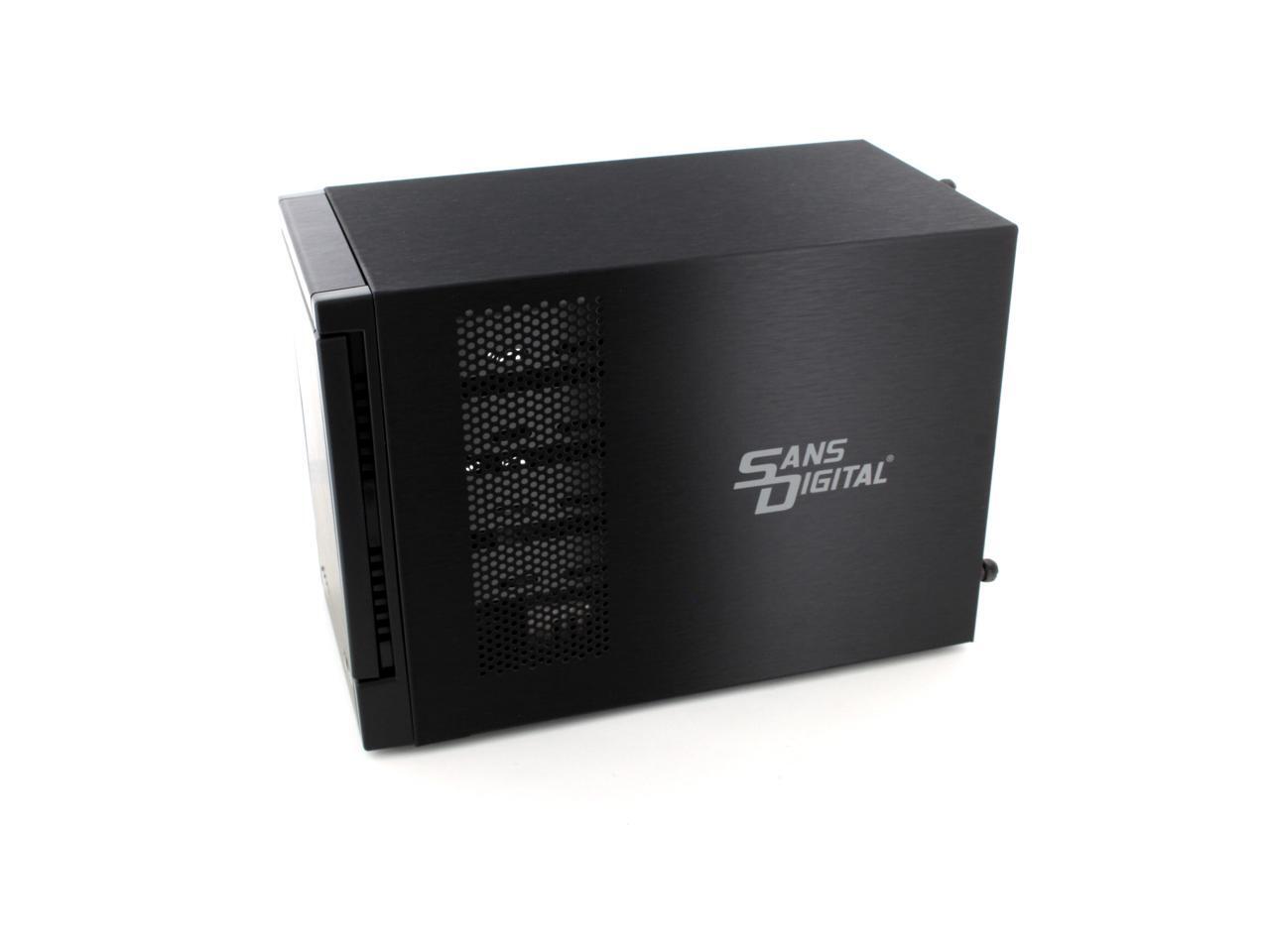
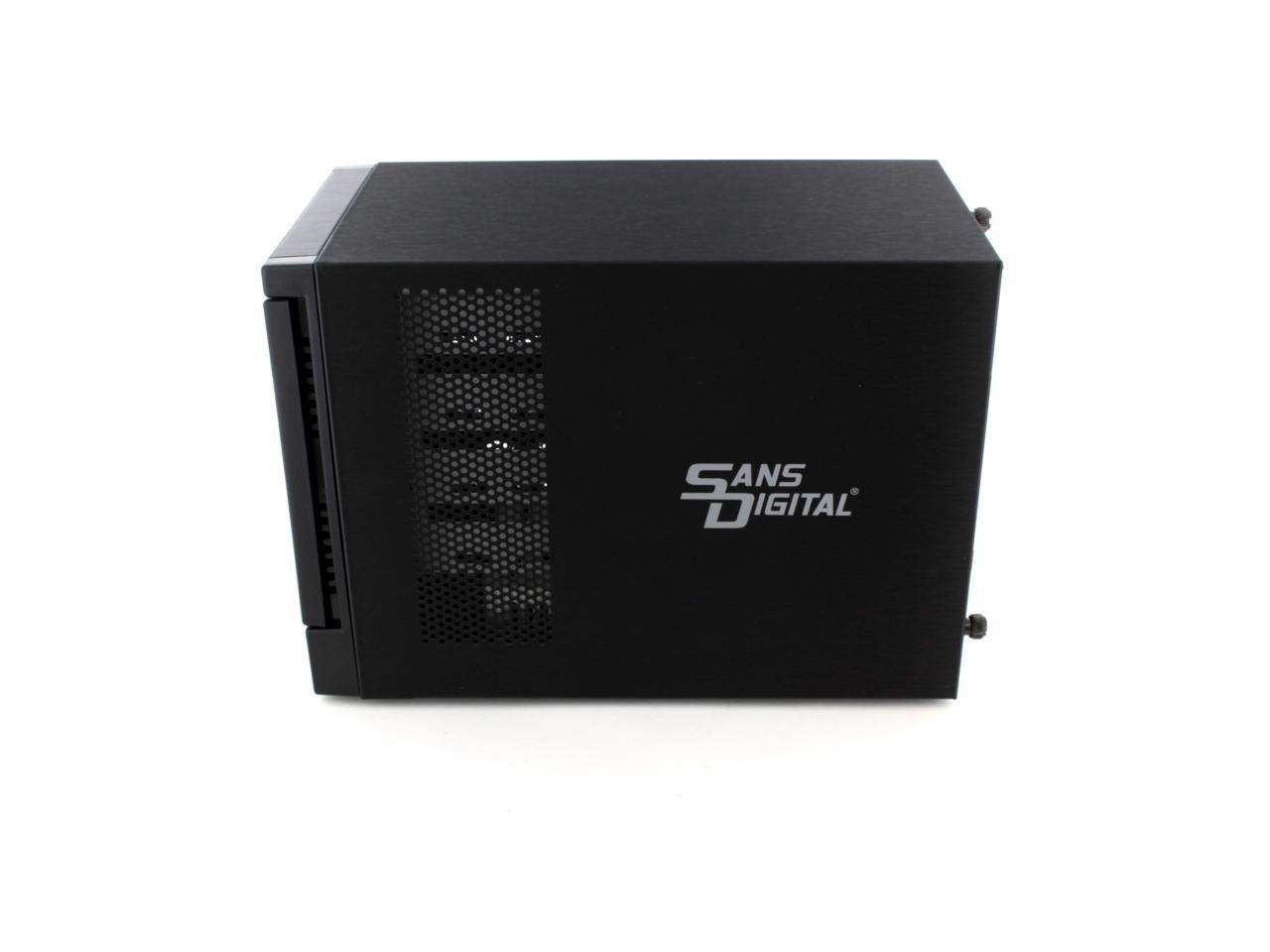
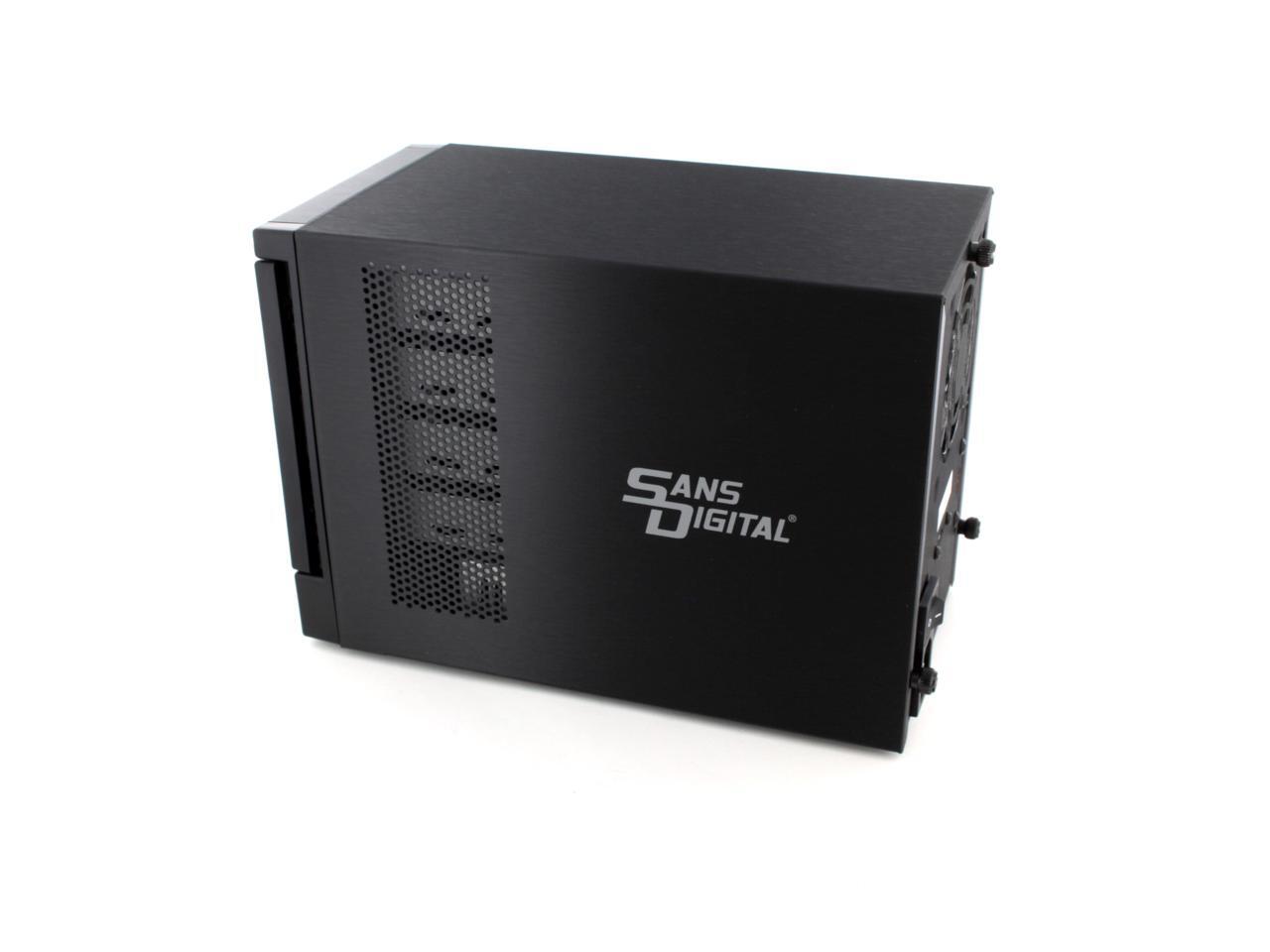
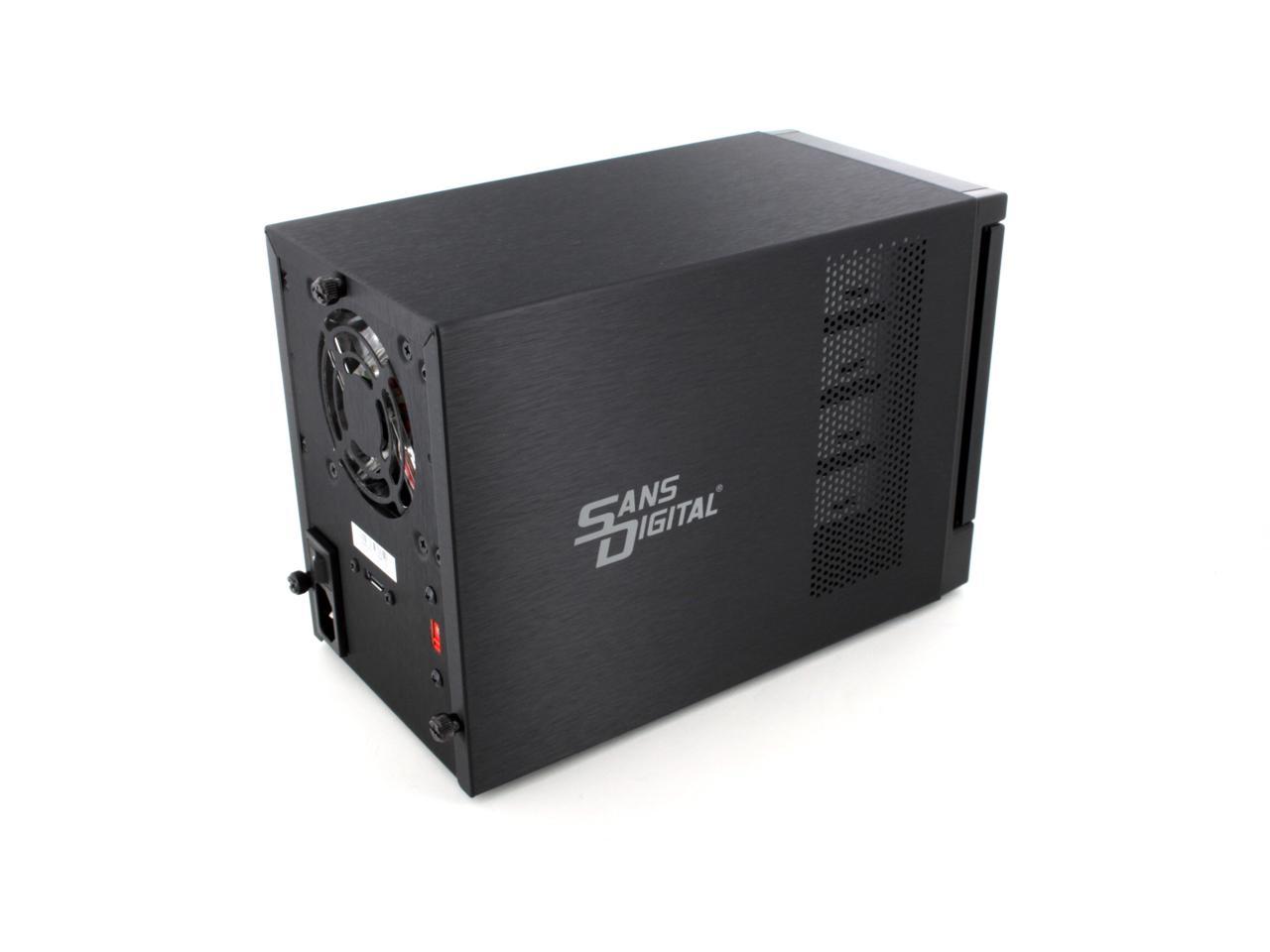
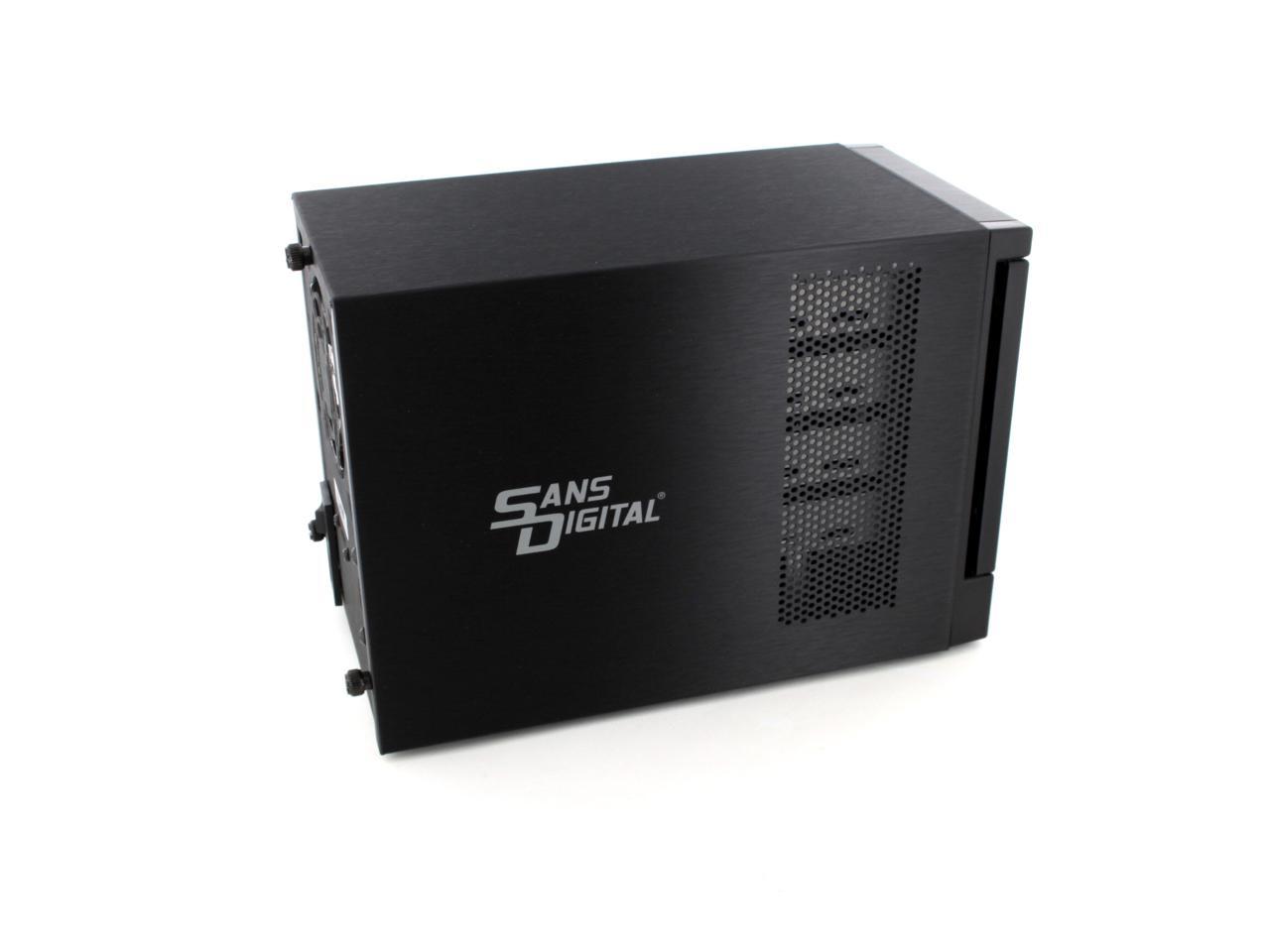
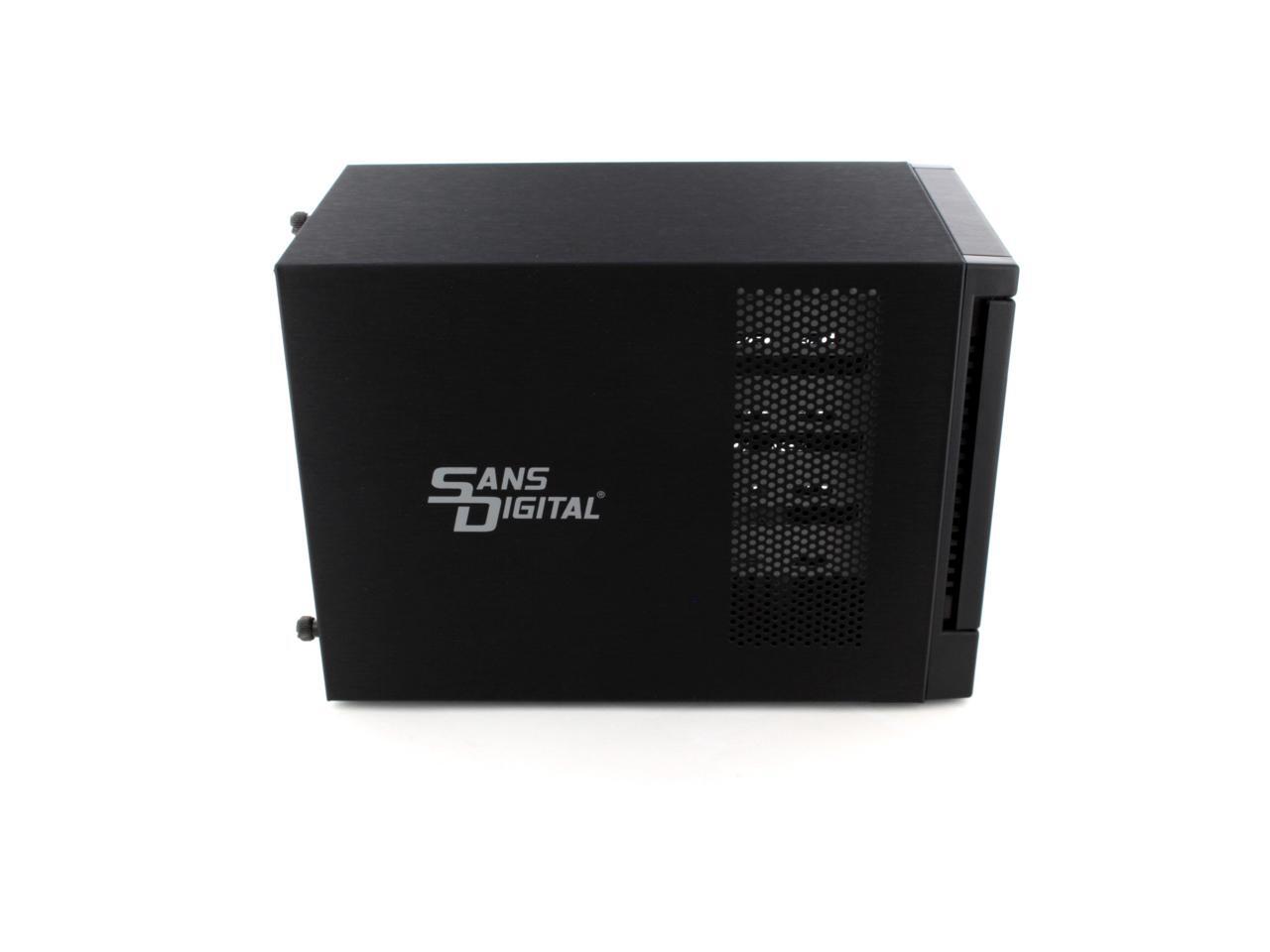
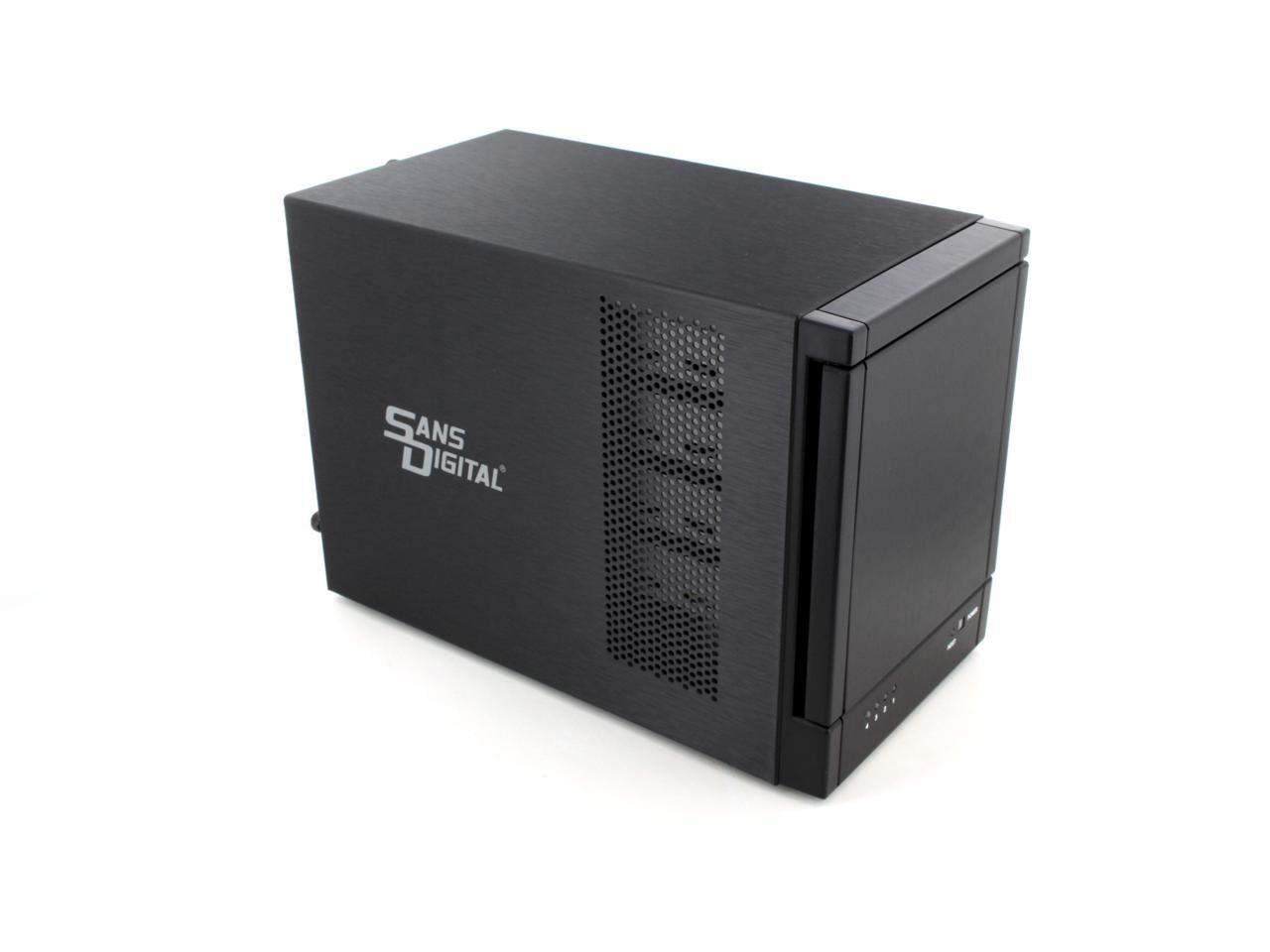
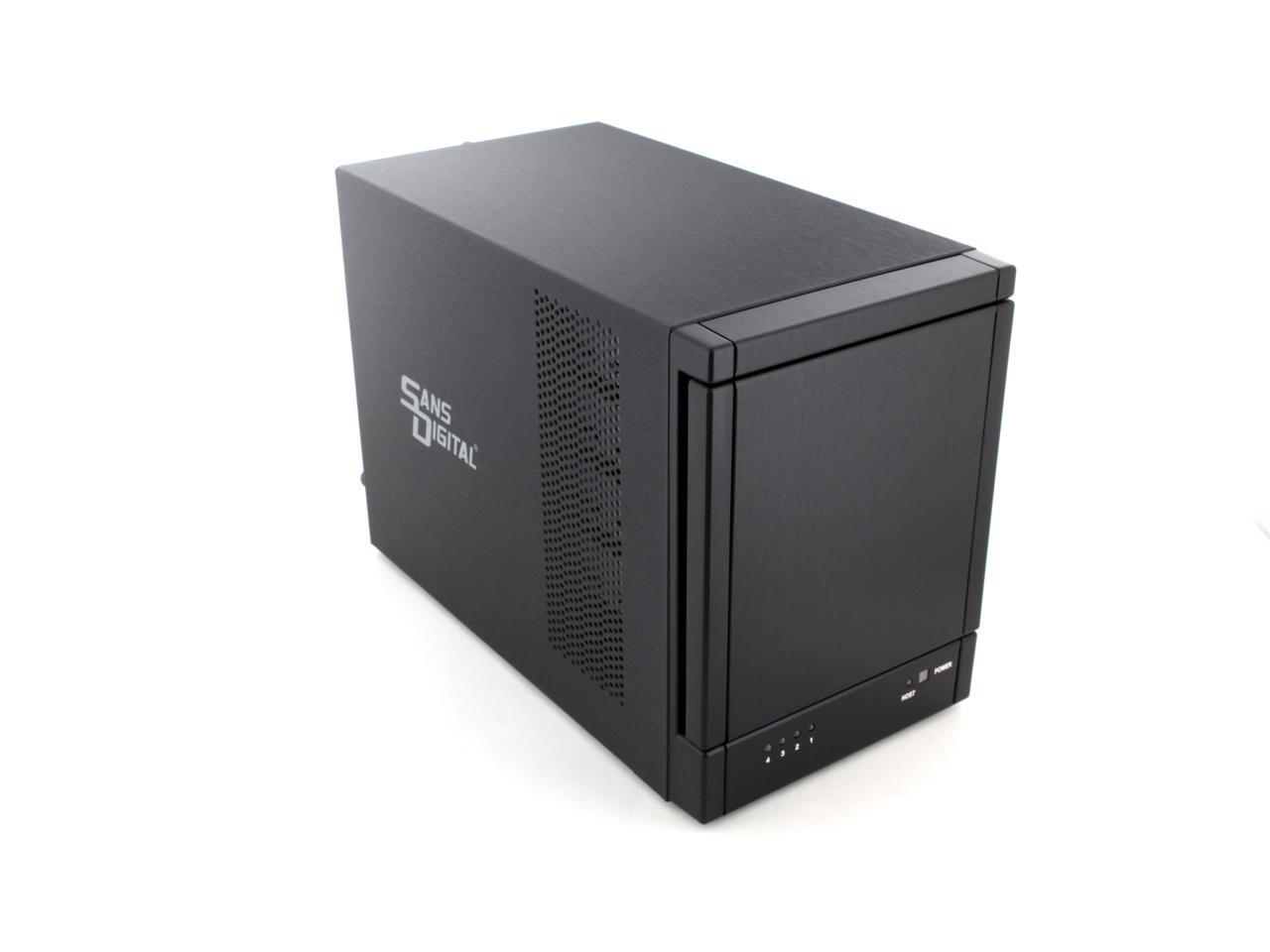
Sans Digital 4 Bay eSATA Port Multiplier JBOD Tower Storage Enclosure (no eSATA Card bundle) TR4M+BNC

Support 3TB Hard Drives

In stock. Limit 3 per customer.

  • SATA 150 & 300
  • 4 x Hot-Swappable 3.5" Drive Bays
  • JBOD (Hard drives are accessed individually)
  • Pin It
  • Email this page
ICON Loading...

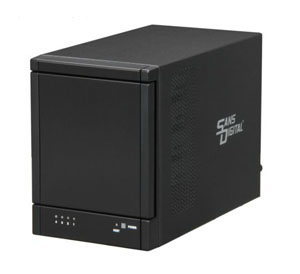
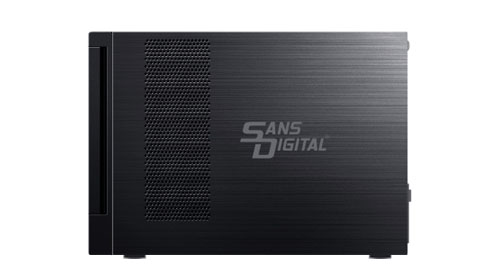
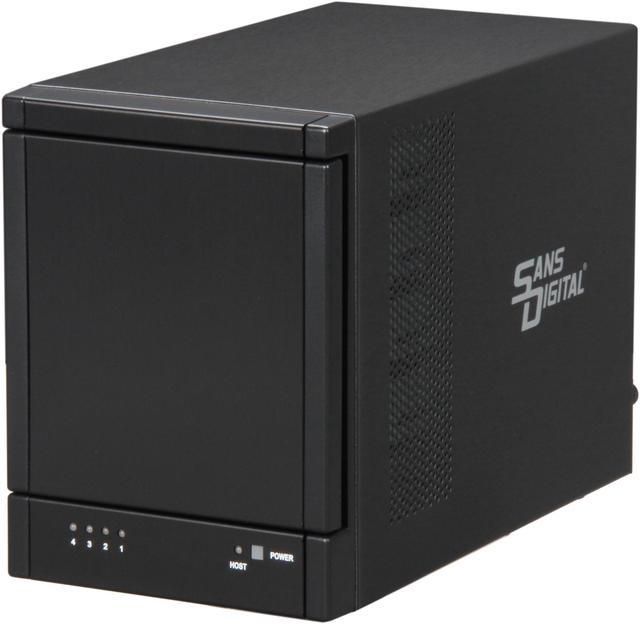
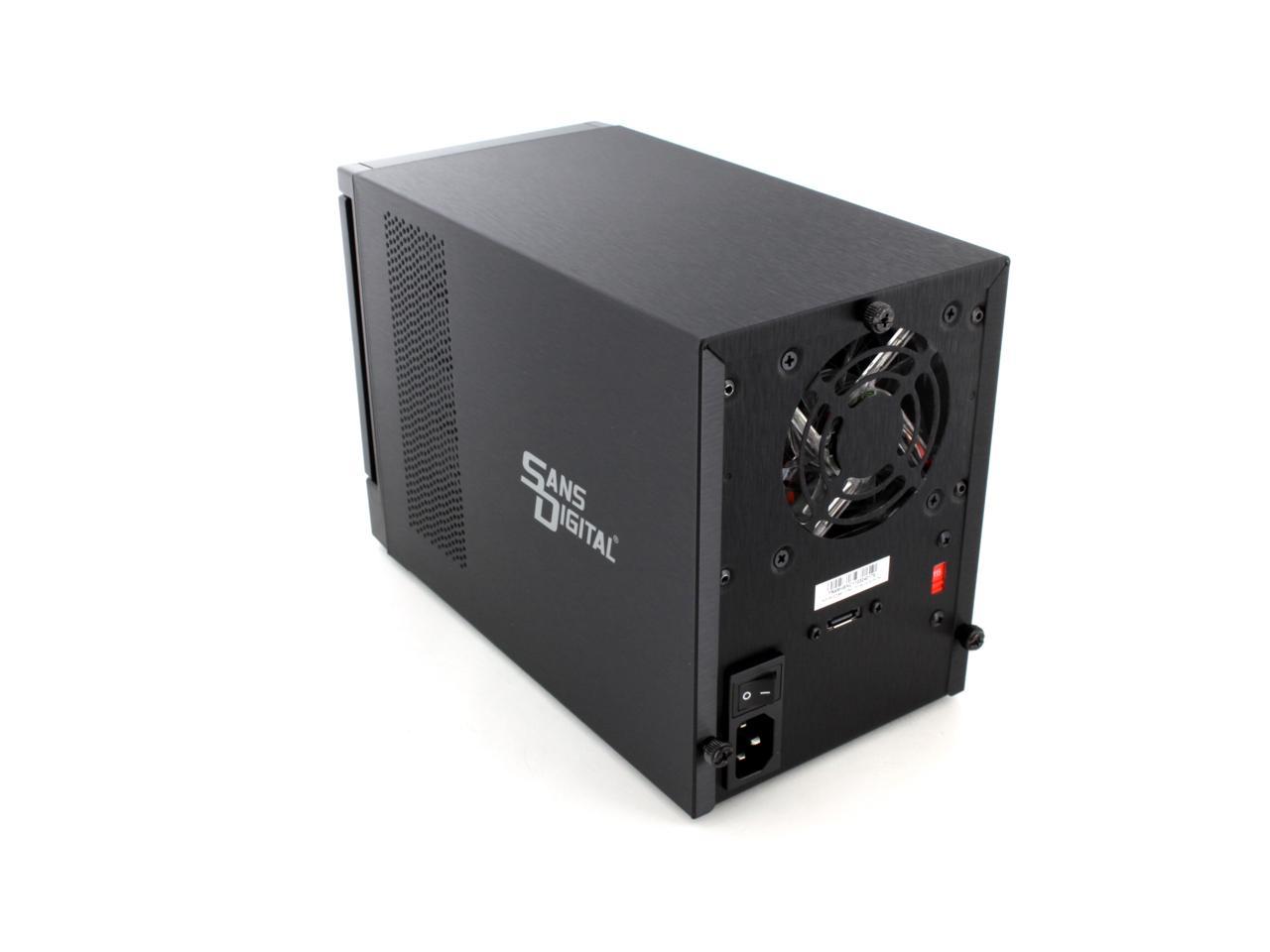
The TowerRAID TR4M+BNC is a compact JBOD tower utilizing the latest SATA II port multiplier technology, where one single eSATA cable connects to four SATA hard drives. Four hard drives can be access to the computer individually, providing instant storage expansion with ease.

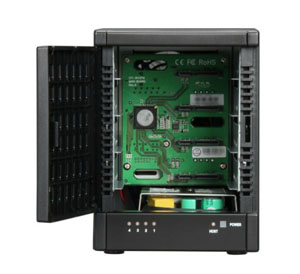
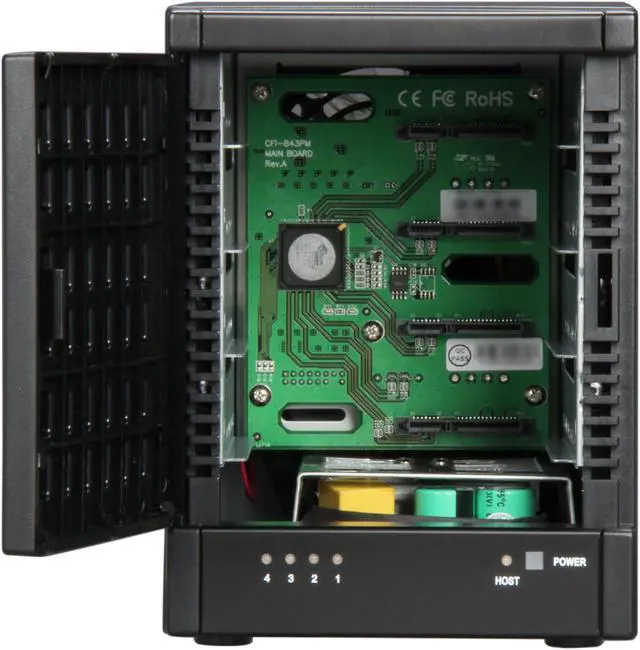
Designed with easy installation in mind, the trayless TR4M+BNC allows instant setup by simply inserting the hard drives after opening the protective ventilating cover. Port Multiplier technology is widely available in current eSATA port, including home sever, laptop and personal computer, and an optional port multiplier supported eSATA controller can be purchased separately for added performance and functionality, such as RAID application. TR4M+BNC supported in Windows, Linux and Mac, including storage expansion, home server applications as well as personal data backup.
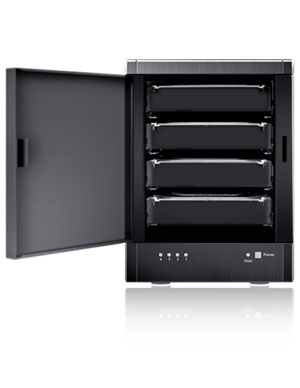
  • newegg 4-Bay Storage Expansion Featuring eSATA interface with Port Multiplier technology, the 4-bay SANS DIGITAL TR4M+BNC allows you to access four SATA hard drives via a single eSATA connection, offering you a hassle-free, cost-efficient storage expansion for home/small office use.
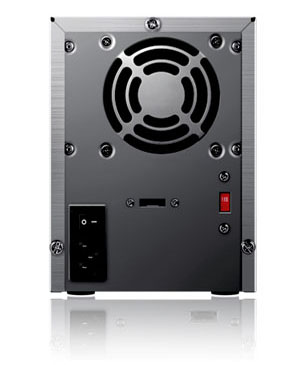
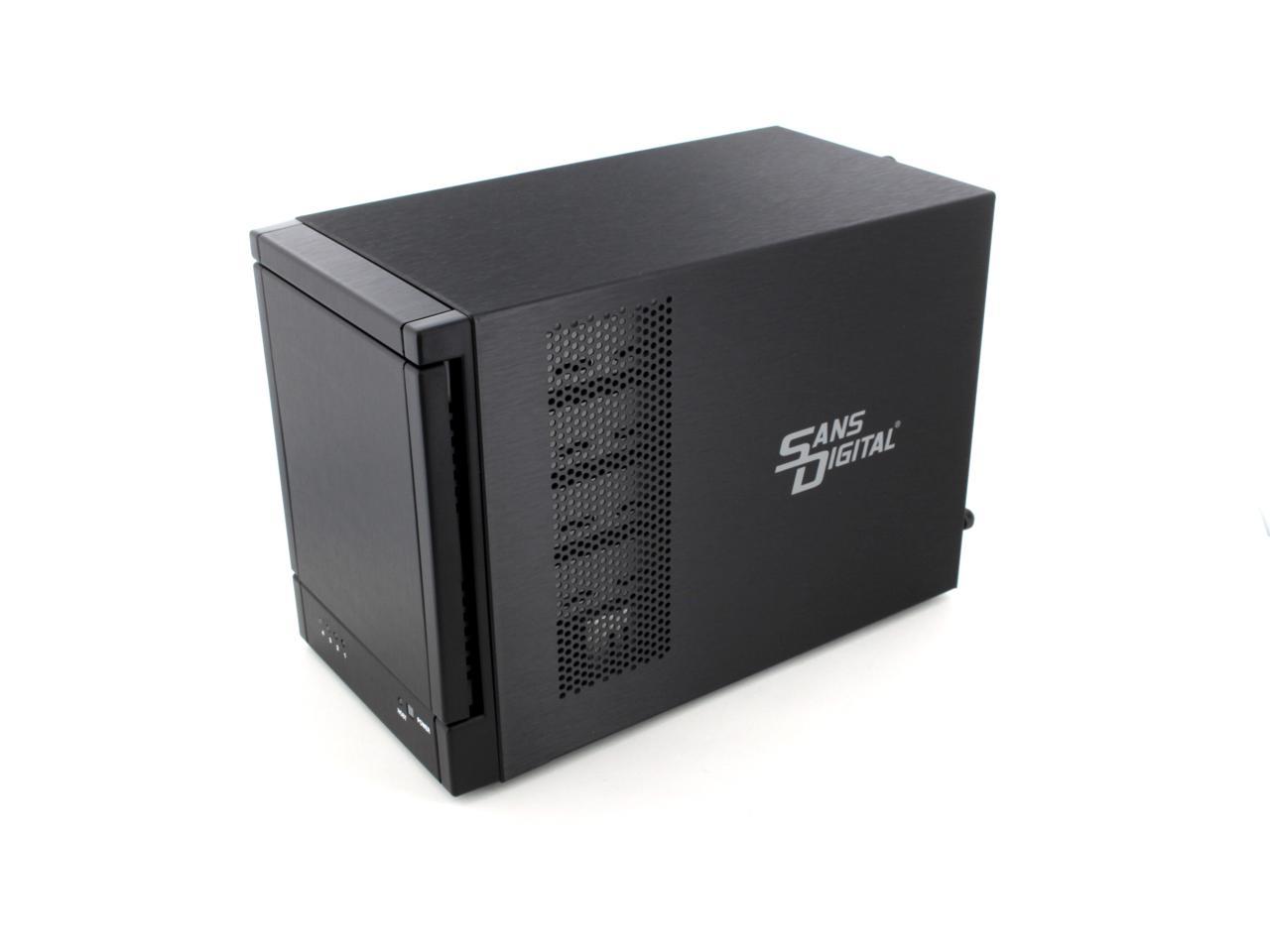
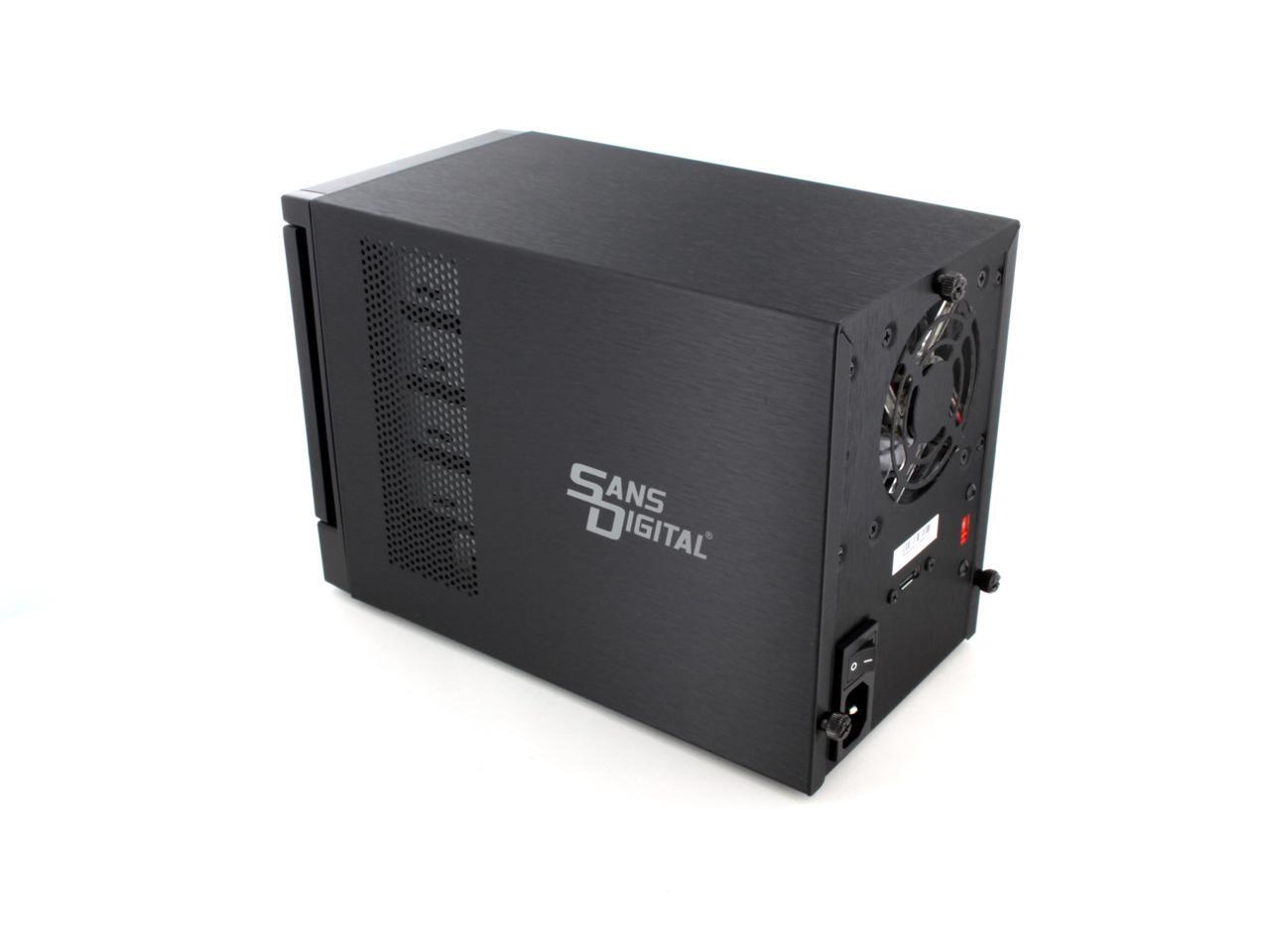
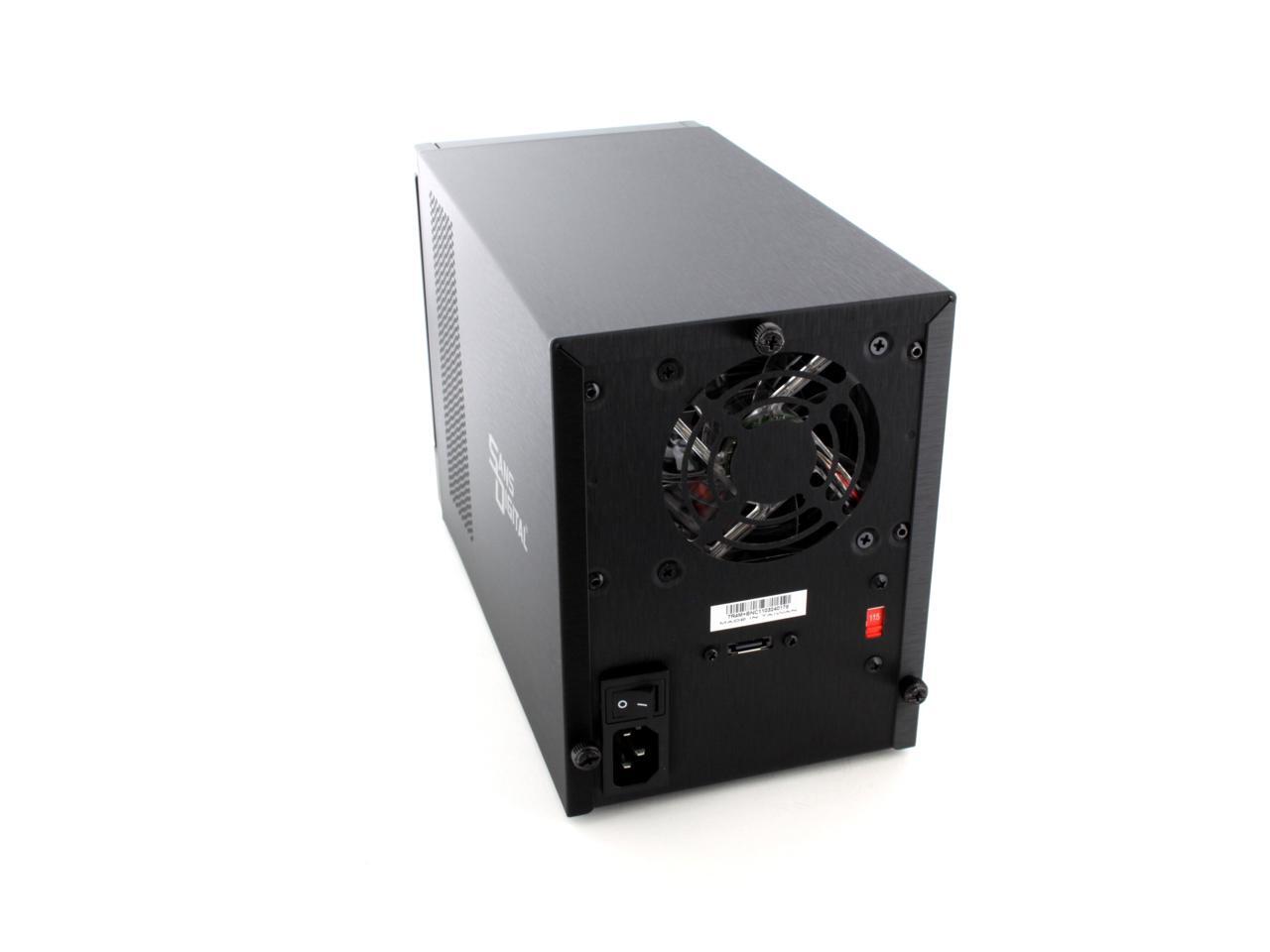
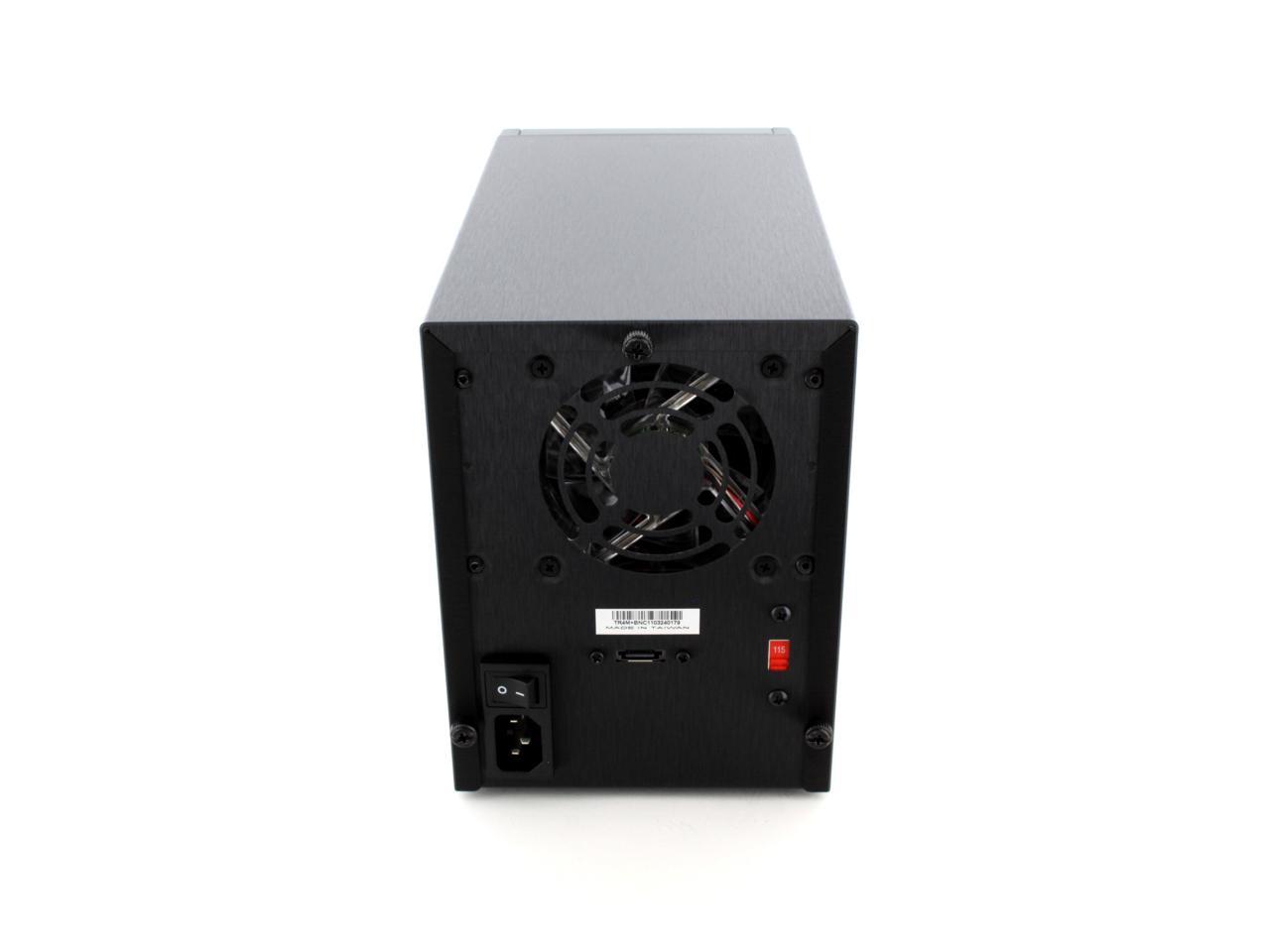
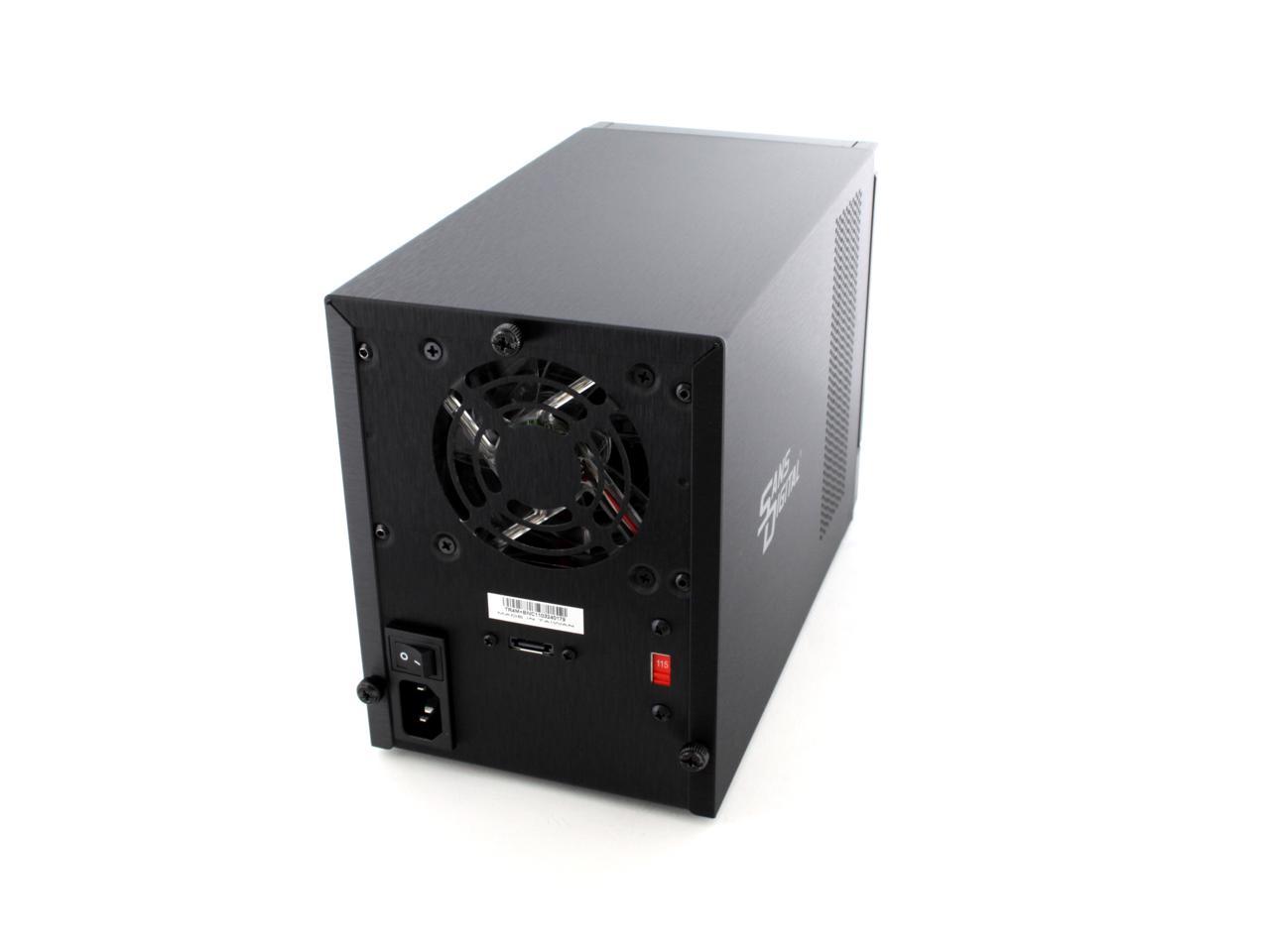
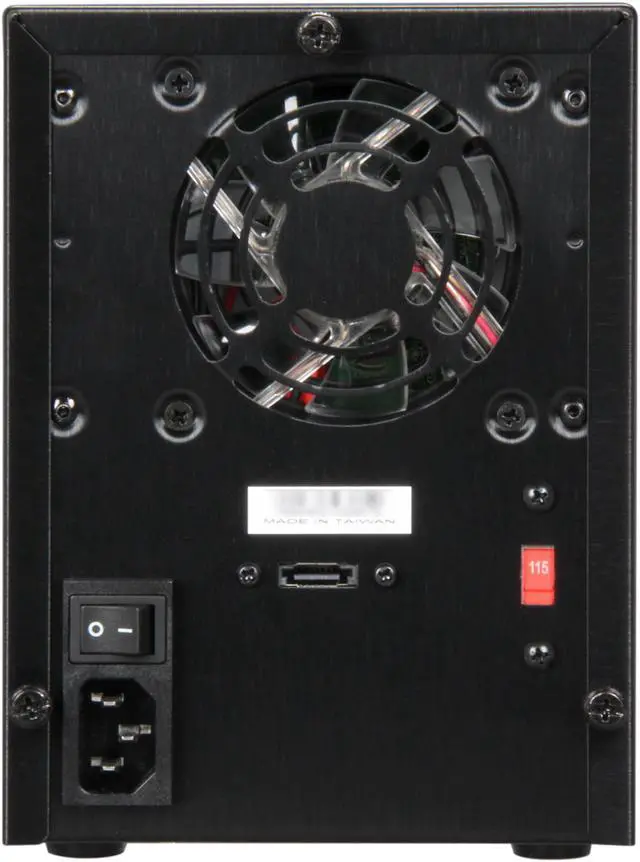
  • newegg Efficient Cooling A preinstalled 3.15" ball bearing fan at the rear of this unit provides improved cooling for better stability and reliability.

Learn more about the SANS DIGITAL TR4M+BNC

Model

Brand
SANS DIGITAL
Series
TowerRAID
Model
TR4M+BNC

General Spec

Drive
SATA 1.5 & 3Gb/s
External I/O
eSATA (via Port Multiplier)
RAID Levels
JBOD (Hard drives are accessed individually)

Expansion

3.5" Drive Bays
4 x Hot-Swappable

System Management

OS Supported
Supports PC, Linux and MAC OS, including Windows 7 and Snow Leopard

Mechanical Spec

Power Supply
150W (115V - 230V Switchable)

General Spec

Dimensions
5.3" x 7.1" x 10.0"
Weight
5.9 lbs.
Features
Form Factor: Compact Tower

Maximum Capacity: 16TB

Host Interface & Transfer Rate:
eSATA (via Port Multiplier)
Note: *Port Multiplier supported eSATA port required.
*Please see Sans Digital eSATA port multiplier controller card selections.

Cooling Fan: 3.15" Ball Bearing Fan

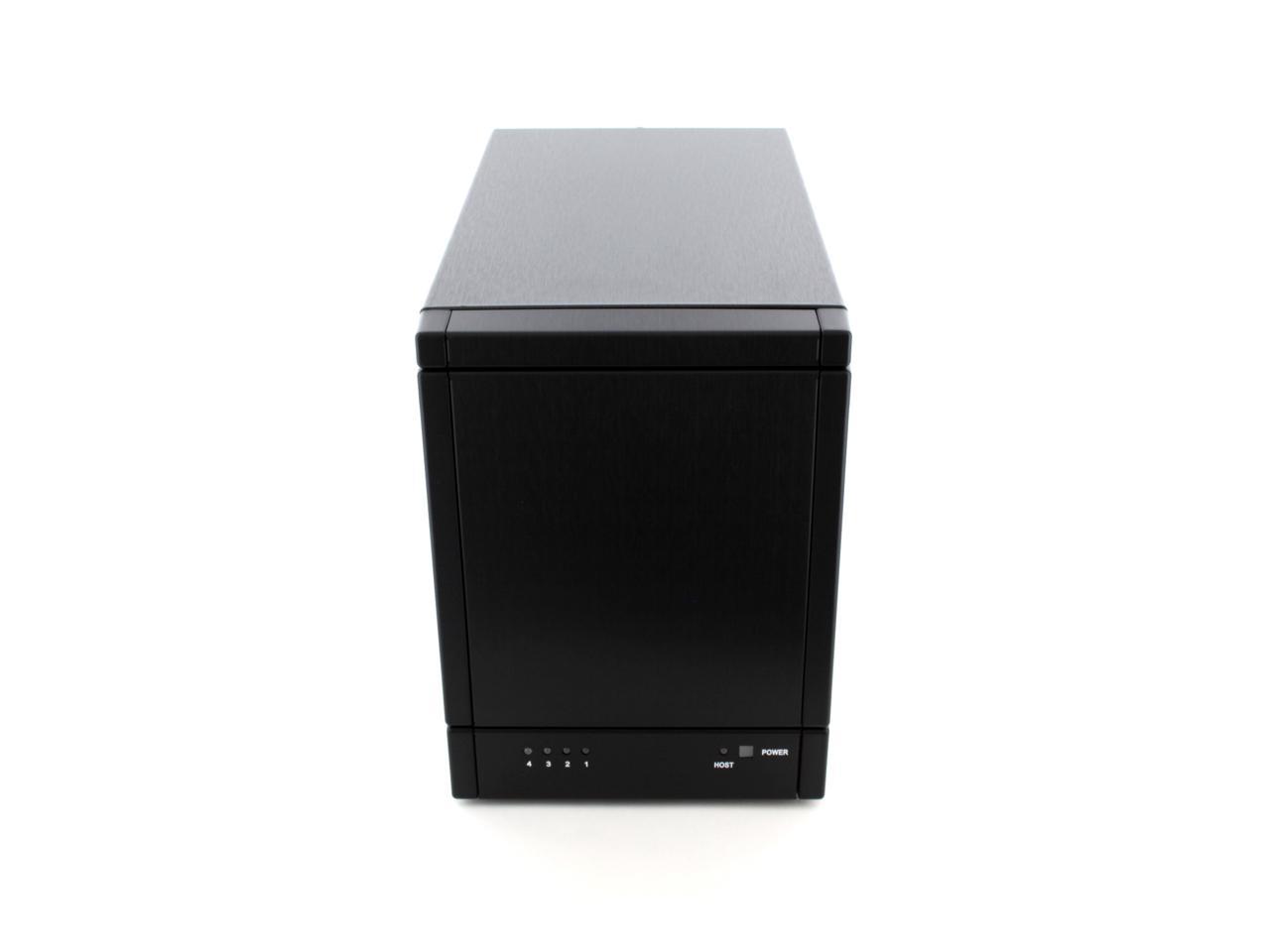
Status Indicators: Power LED and 4 * Access LEDs

Accesses four hard drives using only one cable

Support port multiplier enabled RAID adapter for additional RAID application

* SATA/eSATA port require support port multiplier in order for your computer to recognize multiple hard drive. Port multiplier supported eSATA port is required.
** No eSATA card bundled

Packaging

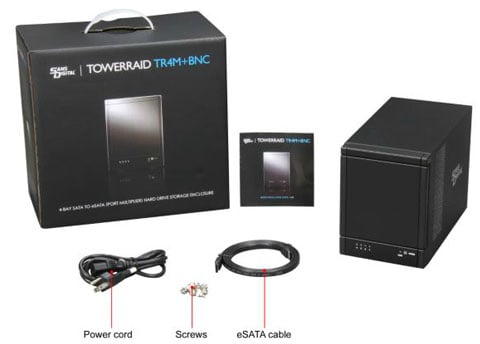
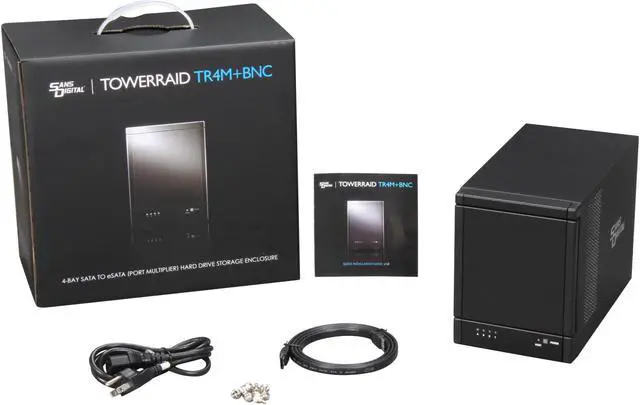
Package Contents
TR4M+BNC
Power Cord
eSATA Cable
Screws (1 set)
Quick Installation Manual

Quick Info

Warranty

  • Limited Warranty period (parts): 1 year
  • Limited Warranty period (labor): 1 year


Customer Reviews of the SANS DIGITAL TR4M+BNC

Do you own this product? Write a Review

Filter Results

Go
  • mdv
  • 5/24/2013 4:18:23 AM
  • Tech Level: High
  • Ownership: 1 month to 1 year
  • Verified Owner

1 out of 5 eggsNot Reliable

Pros: Looks nice....quiet. When it worked, it did seem to do the job.

Cons: Well, at first everything was great, then it started getting flaky... it would go offline as if turned off then after about 2 months the power supply completely failed.

Other Thoughts: The fact I have computer over 25 years old with working PSUs and even my primary PC has a PSU 5 years old, it makes me realize this company is using the lowest quality parts, etc. I will not purchase anything from them again.

Did you find this review helpful? Yes No

  • tsw
  • 5/18/2013 2:01:56 PM
  • Tech Level: High
  • Ownership: 1 day to 1 week
  • Verified Owner

5 out of 5 eggseasy JBOD & Storage Spaces

Pros: so simple to setup, I believe I could train a monkey to do this.. nice compact unit, slick design, good airflow, and standard power cabling.

Cons: no USB 3.0 port :( but other models do have it...
wish it support 6GB ports :(

Other Thoughts: setting up windows 8 to use storage spaces on this drive was stupid simple... plug it in to the eSATA port, fire up storage spaces and go to town. I put 4 500GB WD velociraptor drives in it.. works fine. yes, it only support 3GB port, but meh.. will work fine for me.

Did you find this review helpful? Yes No

  • Peter
  • 5/7/2013 10:54:09 AM
  • Tech Level: High
  • Ownership: 1 week to 1 month
  • Verified Owner

4 out of 5 eggsPort multiplier / Rebate ?

Pros: So far so good,

Cons: When load drive, it makes a sound of running.
E-sata should support port multiplier - need to print on front or cover to know about that. I had to check this info on product website.

Did you find this review helpful? Yes No

  • TheBeagle
  • 4/13/2013 9:40:18 AM
  • Tech Level: High
  • Ownership: 1 month to 1 year
  • Verified Owner

4 out of 5 eggsThe LED Case Fans Have To GO!

Pros: The unit is working OK and the port-multiplier SATA card sees all four drives without a problem. Time will tell about how ell these units hold up over the long haul.

Cons: Whoever decided to put a LED case fan in these units should be horse-whipped! I have three (3) units and that purple-blue glow from the back of those units is awful. I took one of those 80mm case fans out of the unit to inspect it, and it has four LEDs glued into the fan housing with two thin power leads to each LED. I'm wondering whether or not if I carefully snip off those power leads to the LEDs, if that will affect the overall fan function. The main power lead to the fan itself is a two-wire with a tiny push-in connector (not the usual size fan connector). If someone know if I can reliably snip the LED power leads, or, if necessary, buy a non-LED fan with that kind of tiny main power lead connector, I'd sure like to know about it.

Did you find this review helpful? Yes No

  • evilpeacock
  • 4/10/2013 6:09:50 PM
  • Tech Level: Somewhat High
  • Ownership: more than 1 year
  • Verified Owner

2 out of 5 eggsInexpensive, but you pay for what you get.

Pros: Inexpensive, unobtrusive design. Works well as a backup array or something that isn't mission critical.

Cons: Unreliable or prone to failure— my unit gets stuck in loops where it crashes often which often will cause a hard crash on the host PC. This happens on different eSATA host cards, including a high end Sonnet Tempo E4P, so I know it's the unit that is problematic.

Oddly it seems to right itself, at least for a little while. I don't run it 24/7 but more as a backup unit so it may have something to do with intermittent use.

Other Thoughts: Don't purchase this if you do professional work or want to risk any hardware that may not work well.

Manufacturer Response:

Thank you for purchasing Sans Digital Product.

TR4M+BNC will work with standard eSATA port multiplier controller card. If you have problem able unstable operation, please contact us for more details. We have tested with Sonnet, Highpoint (both using Marvell chipset) as well as Silicon Image based controller card.

If you are having problem on the unit, please contact us by calling 1-800-980-1988 for technical support and our engineer will try to resolve it over the phone. You can also contact us at tech@sansdigital.com for e-mail supports.

1 out of 1 people found this review helpful. Did you? Yes No

  • randomuser
  • 4/3/2013 6:31:20 PM
  • Tech Level: Somewhat High
  • Ownership: 1 day to 1 week
  • Verified Owner

2 out of 5 eggsunreliable

Pros: Great price and easy quick storage. Have owned 3 total.

Cons: I purchased one in 2012 that I started having issues with about 3 months in. The notification lights would completely shut off and then flash back on and drive access would lock up my machine. I sent that in for an RMA, with about a 3 week turn around, and the unit worked for another 3-4 months then started exhibiting the same problems. I chalked it up to receiving a lemon and decided to purchase a new one instead of hassling with another RMA on the same unit. Hence this purchase....

Out of the box, one of the connectors on the board is DOA. Now I could hassle with another RMA....but it is frustrating and I don't feel the situation would be remedied. A 3 week turnaround and the issue wasn't even resolved on my last unit. Now this one arrives out of the box with a non-functional port.

Other Thoughts: My luck has been 1 for 3 on these so I caution the buyer. I have another JBOD unit from Sans Digital that I purchased in 2010 that has been running without issue.

Did you find this review helpful? Yes No

  • prp
  • 3/11/2013 1:09:44 PM
  • Tech Level: High
  • Ownership: more than 1 year
  • Verified Owner

4 out of 5 eggsPretty solid for the price.

Pros: Running 8 of these, some for more than 2 years with good performance and little trouble. No power supply or fan failures so far.

Cons: One box has become unreliable and a few drives seem to be picky about being in these boxes but after moving them around all but one settled in OK.

Other Thoughts: All but 1 of my boxes are on a single media server system filled with 1TB drives, mostly WD green. Running Gentoo linux in an Intel based system with assorted Silicon Image based eSATA boards. The linux port multiplier driver has poor error handling, so any trouble with the boxes stands out right away.
To make it easier to change drives, instead of bolting them in I leave them loose but have all the boxes tipped back a little. Otherwise in a few months some of the drives work loose and disconnect themselves. This is working well so far.

1 out of 1 people found this review helpful. Did you? Yes No

  • HDmedia0919
  • 2/16/2013 9:38:27 AM
  • Tech Level: Somewhat High
  • Ownership: 1 month to 1 year
  • Verified Owner

2 out of 5 eggsQuestionable Reliability - Rebate Failure

Pros: Affordable, quick transfer speeds, somewhat visually appealing, easy to use. A rebate was offered (but not honored)

Cons: After a few months of ownership I have started experiencing device failure when transferring files. It doesn't matter if the files are transferred b/w HD's in the case, or are coming from another HD connected to the comp. The lights on the front start blinking on / off together as it appears the unit tries to reboot itself. This causes my computer to freeze.
Minus 1.5 eggs.

Also, this company failed to honor their rebate. It wasn't a lot of money, it's the principle. If your company does not plan to honor rebates, don't offer them.
Minus 1.5 eggs

Other Thoughts: This unit was reliable for a couple months. It's reliability is now in question, but seems to work OK a majority of the time.

They didn't honor their rebate. The device is currently listed @ $99 with a $30 rebate. Don't be fooled. You have been warned even if one of their cust. serv. reps posts a response encouraging me to contact them.

Manufacturer Response:

Thank you for purchasing our products.

Since there is not many information about the detail of the failure, please contact us for technical support. We can work with you over the phone for the transfer issues.

Please also check back with us with the rebate status by info@sansdigital.com Unless it is not arrived in our office, or missing document, the rebate will be honored.

If you are having problem on the unit, please contact us by calling 1-800-980-1988 for technical support and our engineer will try to resolve it over the phone. You can also contact us at tech@sansdigital.com for e-mail supports.

2 out of 3 people found this review helpful. Did you? Yes No

  • JBKirkpatrick
  • 2/13/2013 3:08:03 PM
  • Tech Level: Average
  • Ownership: more than 1 year
  • Verified Owner

5 out of 5 eggsStill working great!

Pros: Bought this May of 2011 and it's still working fine!

Cons: They didn't just give it to me.
;)

Other Thoughts: Lasted longer than I thought, I'm so thankful I've not had to do anything else.

Did you find this review helpful? Yes No

  • N/A
  • 2/3/2013 1:42:46 PM
  • Tech Level: High
  • Ownership: more than 1 year
  • Verified Owner

4 out of 5 eggsGreat use of port-multiplier abilities

Pros: When your host system has SATA port multiplier support, this thing just works (moreso with linux and libata with modern kernel builds than with windows). You get instant storage expansion without the need to fit more disks inside a PC case at SATA interconnect speeds.

I've been able to carry a single md raid array across multiple systems without the need of using a screwdriver and without any loss of data using this enclosure.

Cons: Depending on the host system's hardware and software this thing can be finickey. It seems that certain combinations of sata devices on the motherboard coupled with bios settings AND the specific ordering of drives in the enclosure can raise some bugs which may make it appear one drive in the enclosure is not working, so with respect to ease of use, your milage may varry.

Other Thoughts: Until I used this on Ubuntu 12.10 I had zero problems and was amazed how well it "just worked".

I started running in to some issues where I thought I might have a bad drive because although AHIC BIOS detected all drives, the initramfs environment would always get hung up on one of the drives and there would be one drive missing from the /dev file system. If I watched the LED's on the front of the enclosure I could figure out which drive seemed to be having trouble by observing the blink patterns. Moving "problem" the drive around to different slots would result in the failure following to the slot the drive was put in. Bad drive, right? When I tried this "problem drive" in slot 4, no problem!

I totally blame the default kernel configuration in Ubuntu 12.10 for this problem but I haven't spent any time doing kernel debugging to say exactly what the issue is. My expectation is that therer will be a kernel update which, after I apply it, the issue goes away... until some future kernel update has a regression to this issue again :D

Finaly thought: my experience is exactly why the LTS Ubuntu versions exist (and Debian stable, for that matter)

3 out of 3 people found this review helpful. Did you? Yes No

ICON Loading...
  • $109.99
  • $13.79 Shipping
 
Are you an E-Blast Insider? Subscribe Newegg e-Blast

Buzz

Great unit at a great price

5 out of 5 eggs
The new case design is makes it more attractive then the previous units with the Black Piano Finish. This is my 3rd unit. ...
— Comp1962 5/13/2011

Great SAN

5 out of 5 eggs
I purchased this product to increase the space on my WHS v1 server. It worked perfectly out of the box. Just removed the ...
— smuv123 5/10/2011


LOADING... LOADING...
Shop by Region: United States | Canada | China
Follow us:   RSS Feeds Youtube
VeriSign Reliability Seal1 PaypalVerify GoldenSeal InteracThis site protected by Trustwave's Trusted Commerce program Inc500

Policy & Agreement | Privacy Policy

 © 2000-2013 Newegg Inc.  As used herein, “Newegg.ca” means Newegg Canada Inc. unless the context specifically refers to the www.newegg.ca web address.
If the Adobe Reader does not appear when you click on a link for a PDF file, you can download Adobe Reader from the Adobe web site. nassau