Skip to: |

Newegg.ca - A great place to buy computers, computer parts, electronics, software, accessories, and DVDs online. With great prices, fast shipping, and top-rated customer service - once you know, you Newegg.

If you are reading this message, Please click this link to reload this page.(Do not use your browser's "Refresh" button). Please email us if you're running the latest version of your browser and you still see this message.

Newegg.ca - Computer Parts, Laptops, Electronics, HDTVs, Digital Cameras and More!

  • | Wish List
  • Help
Search all
Search

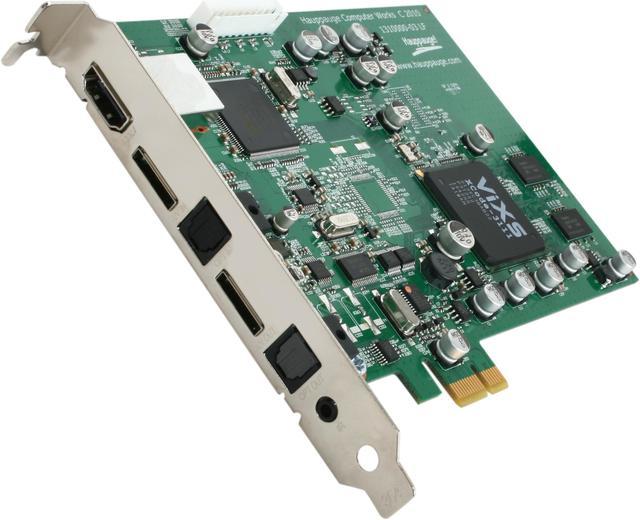
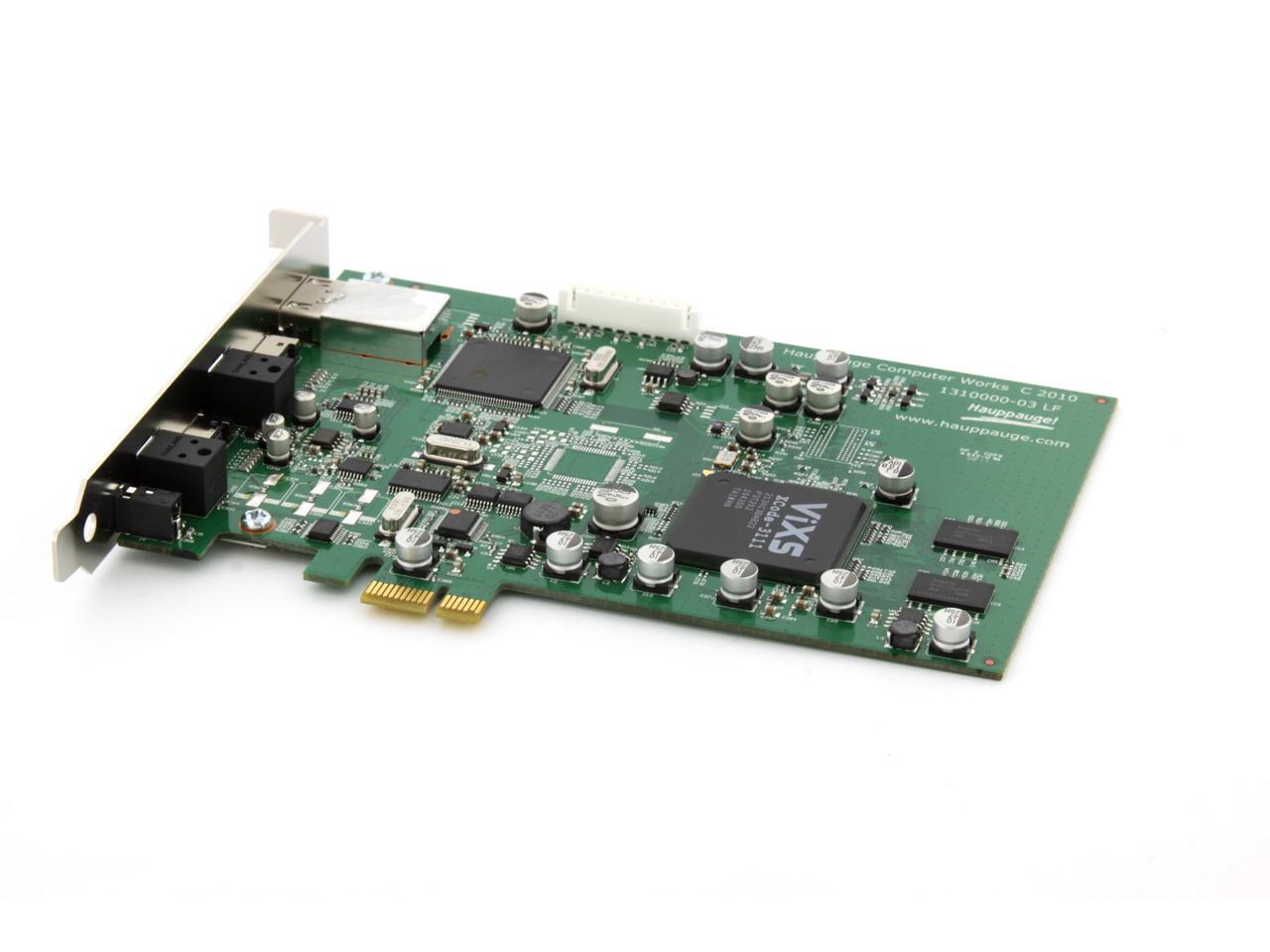
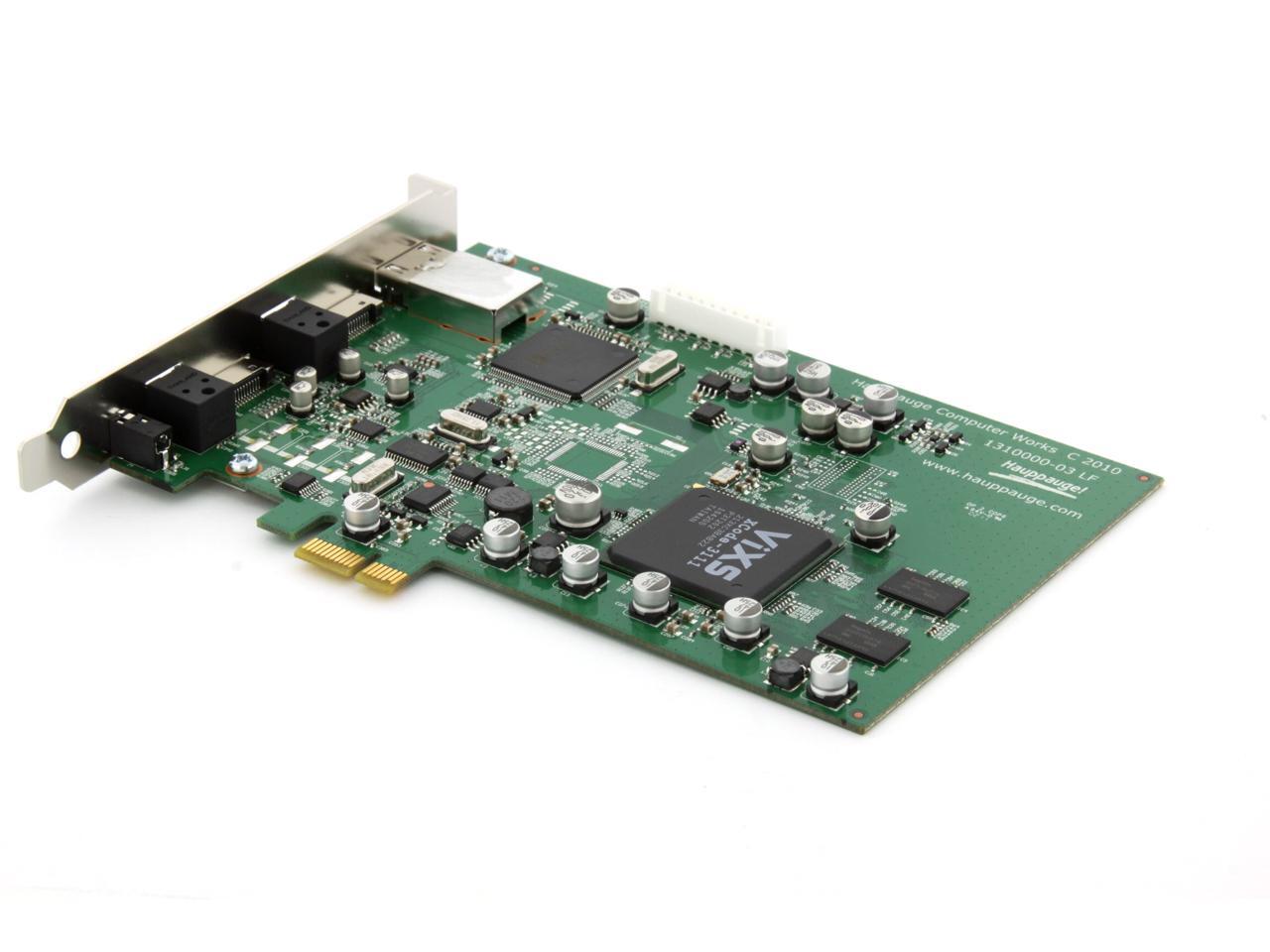
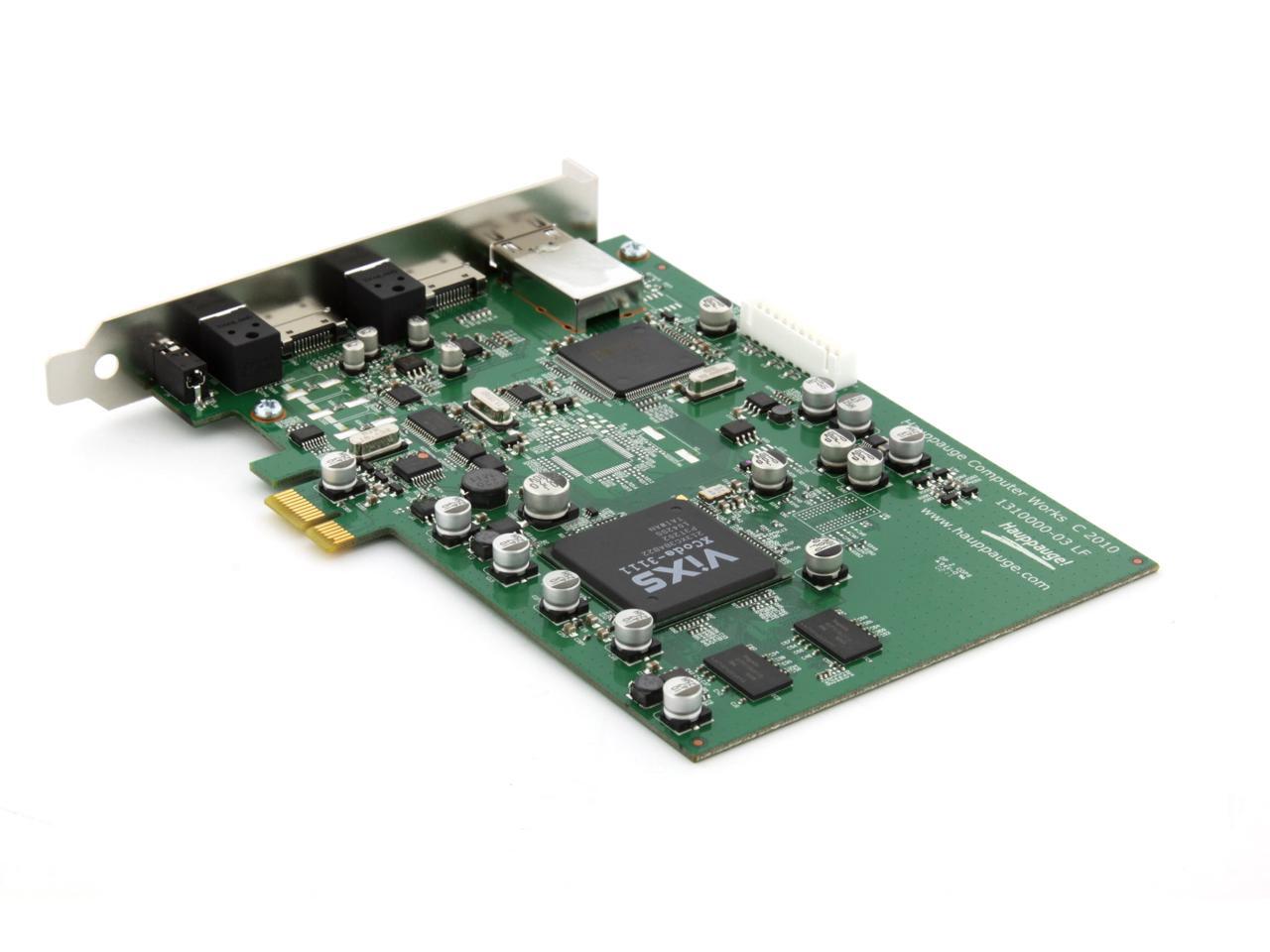
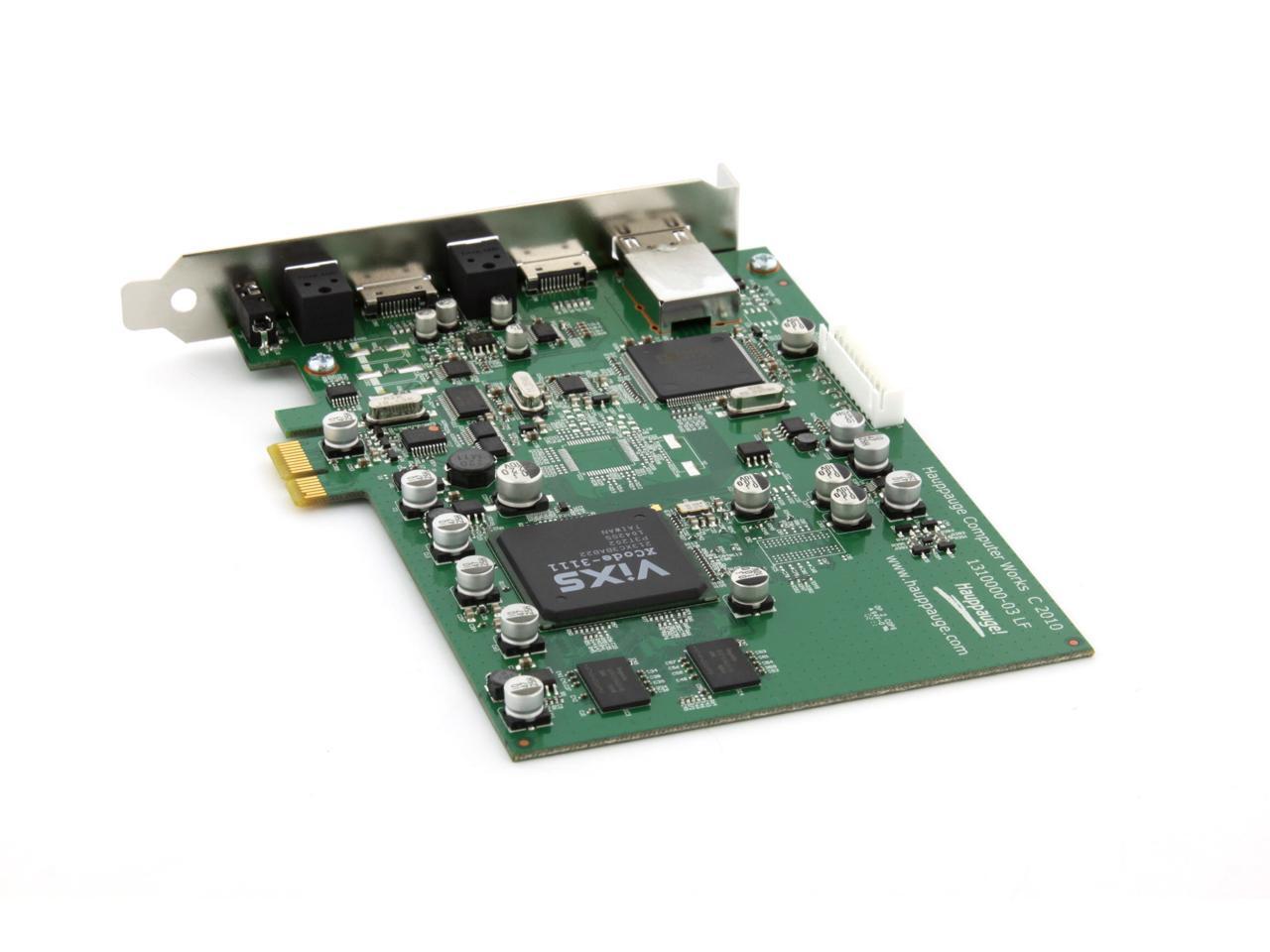
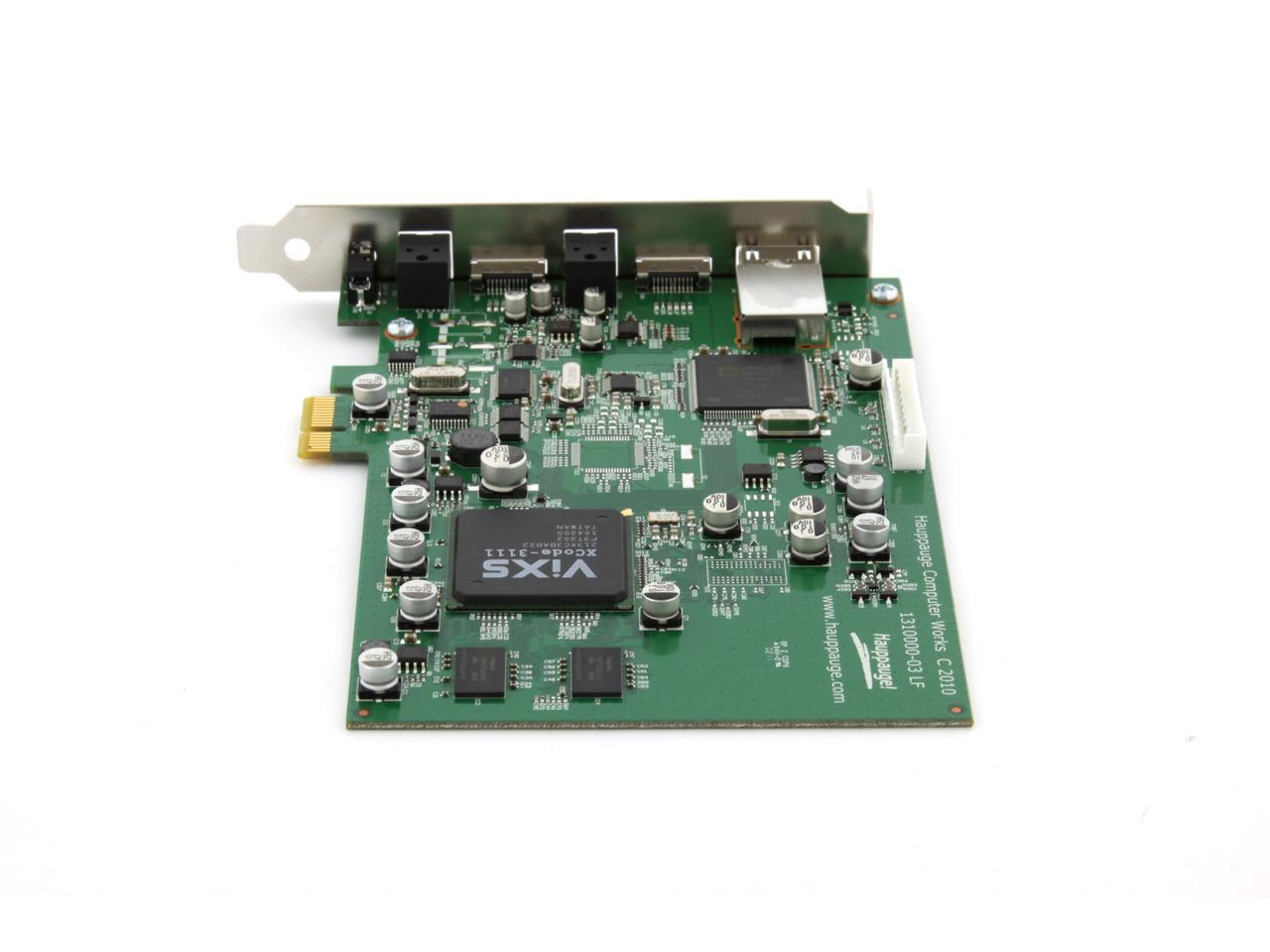
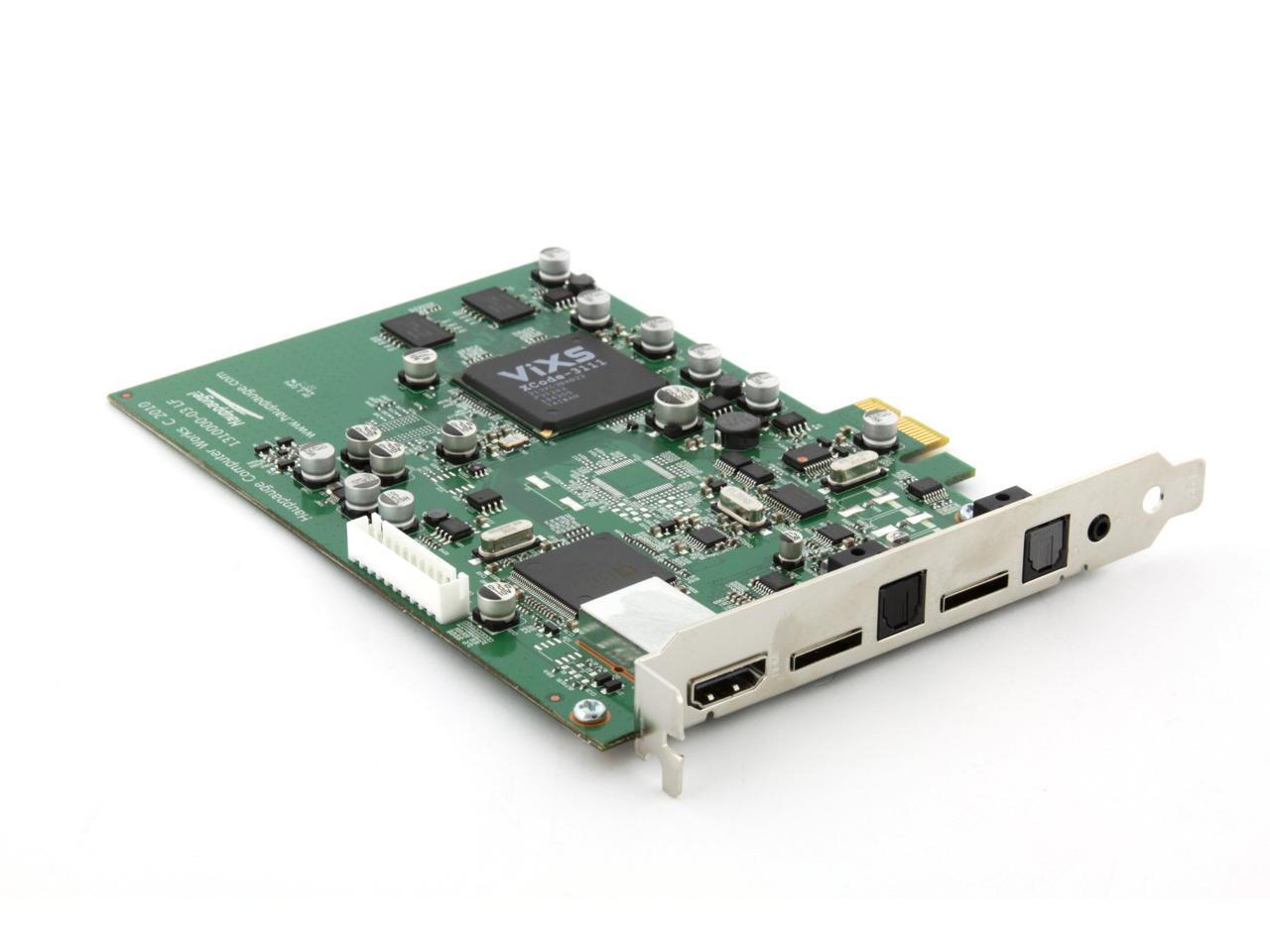
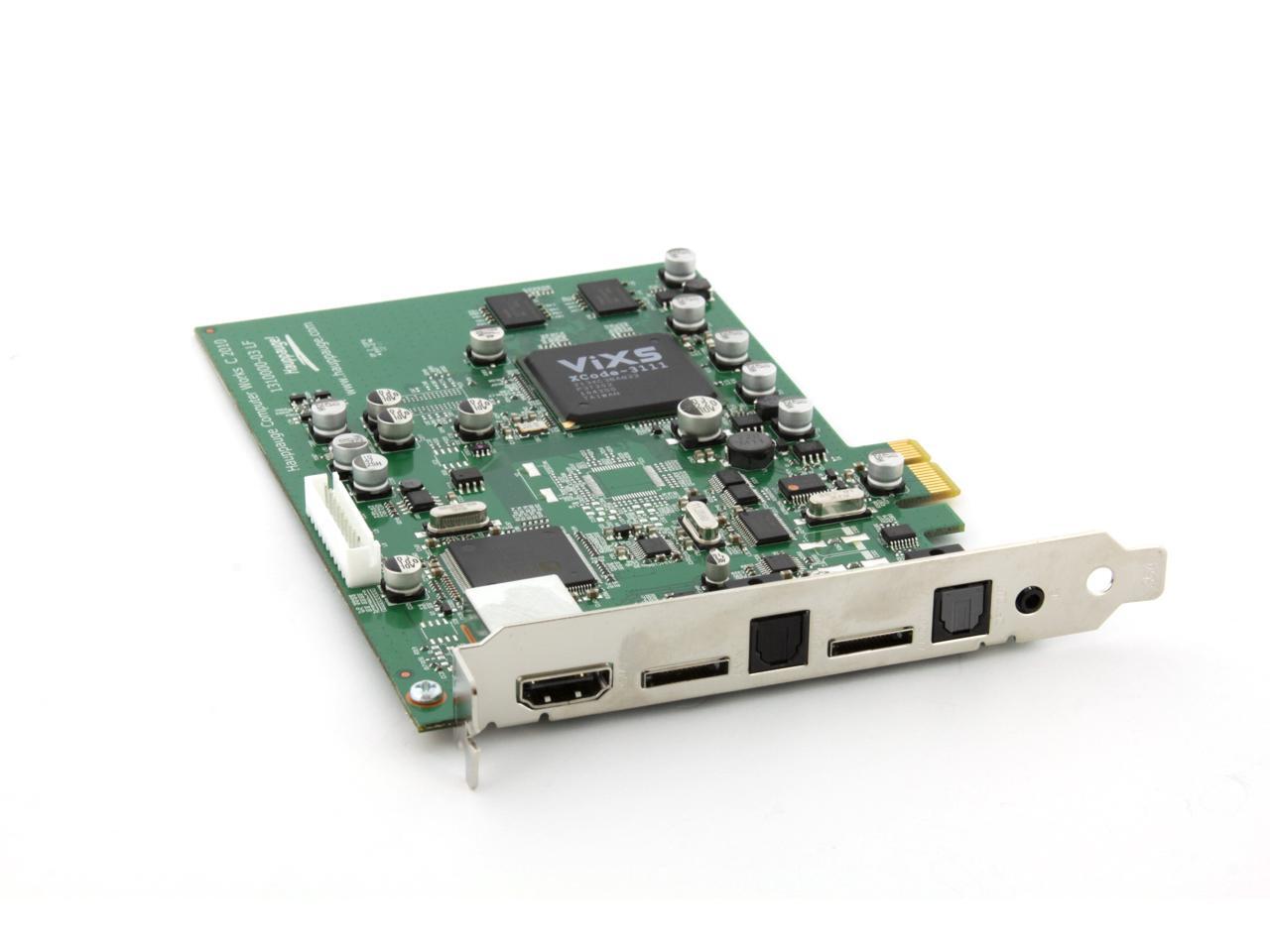
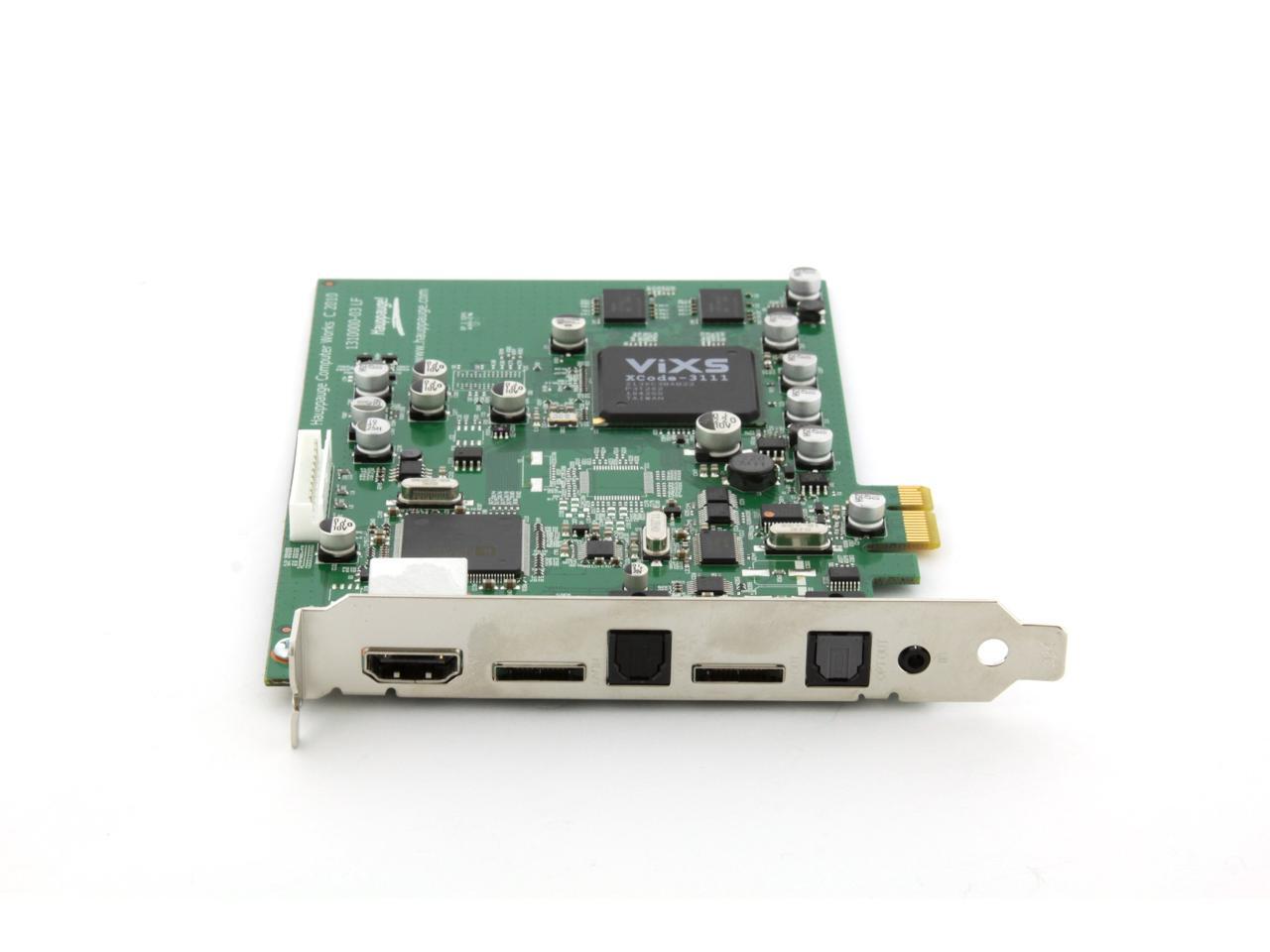
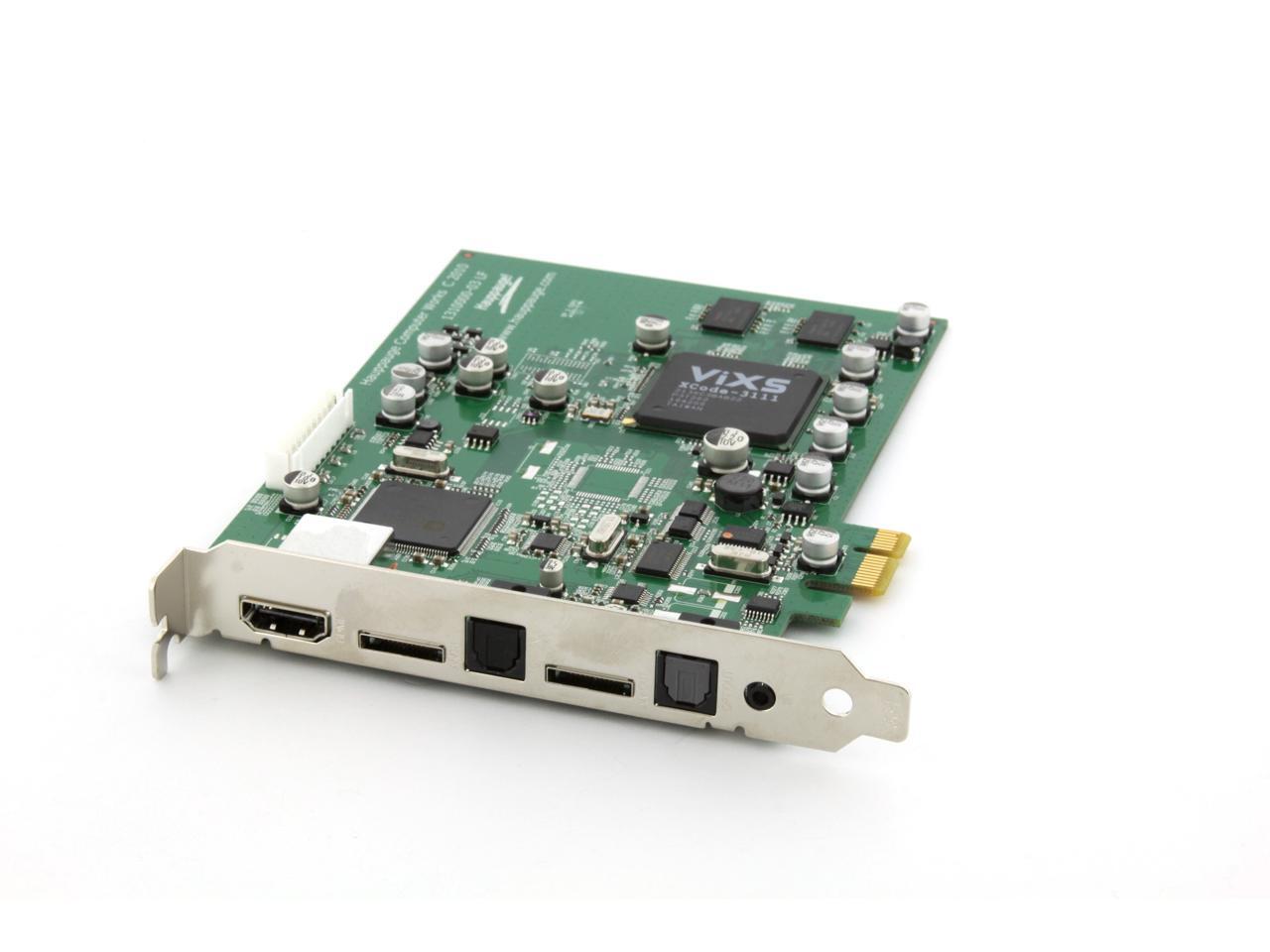
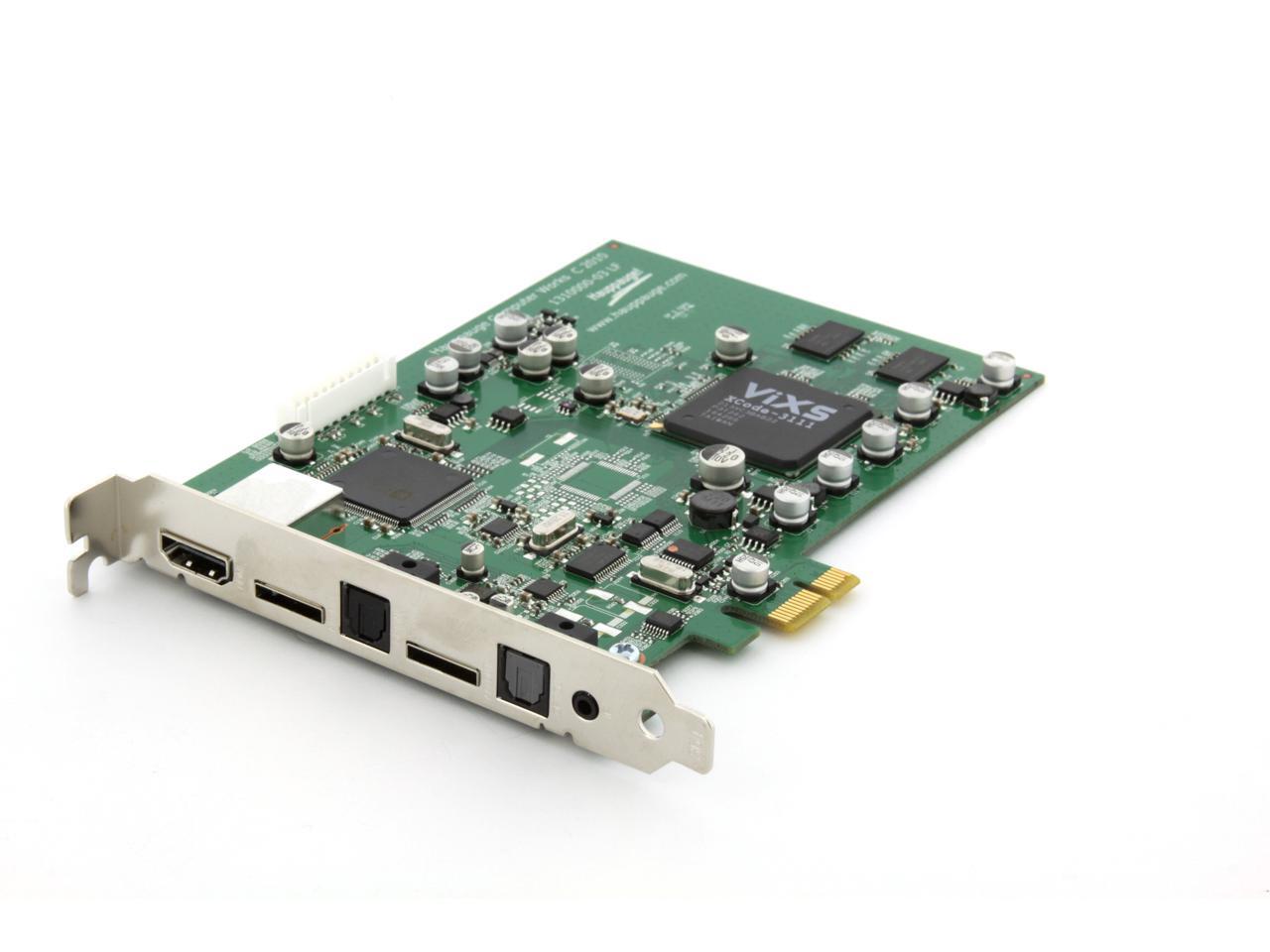
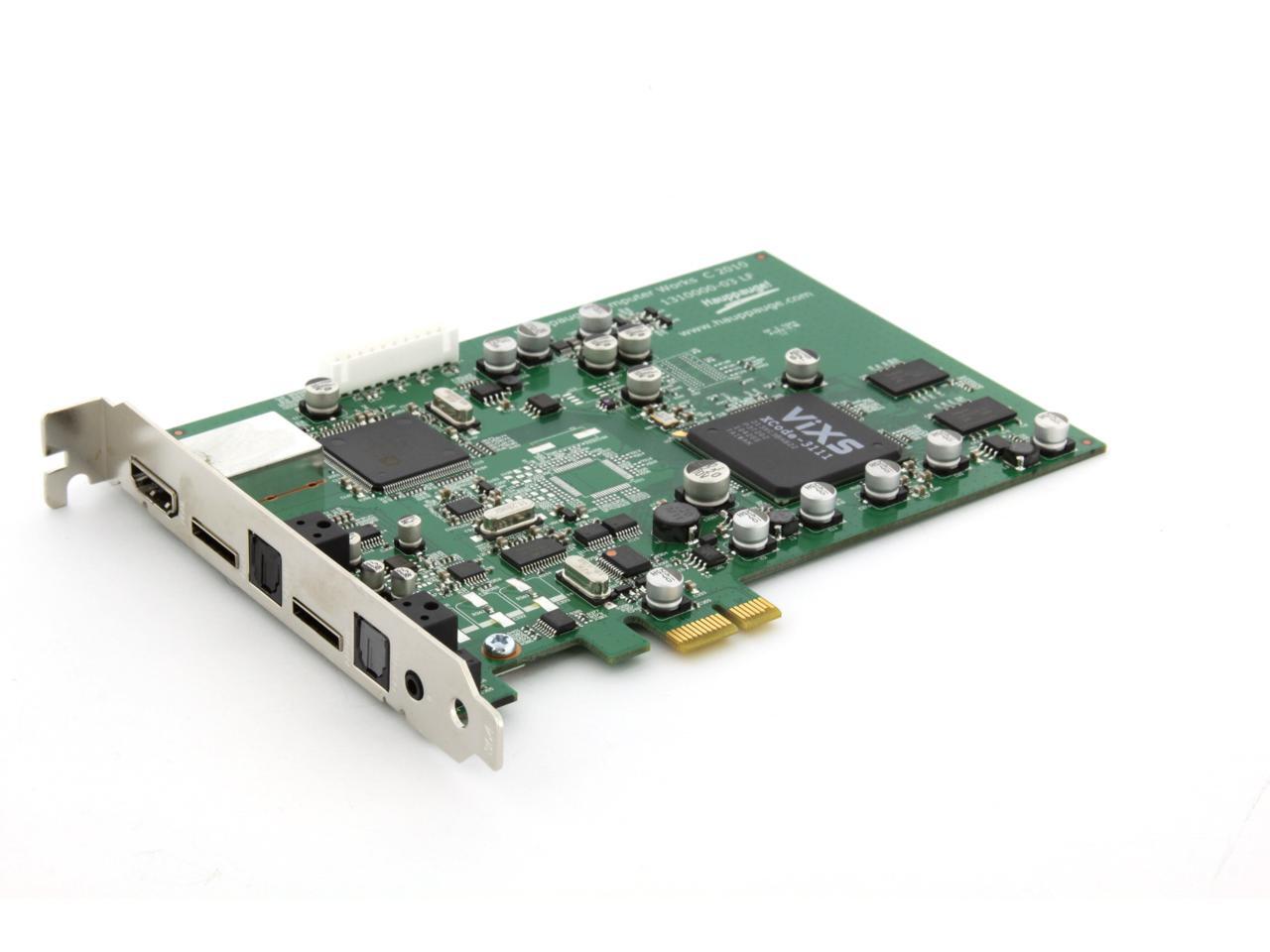
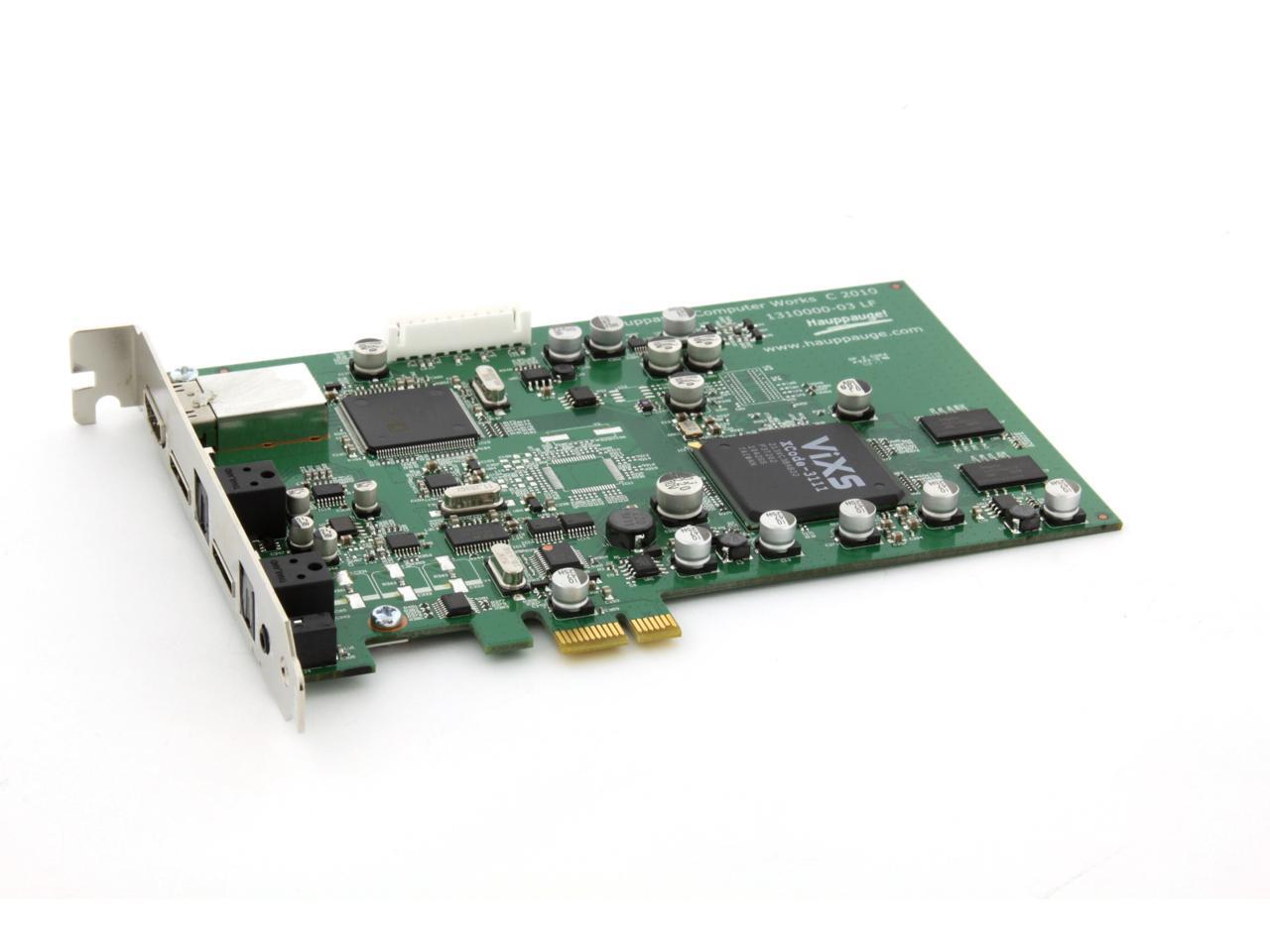
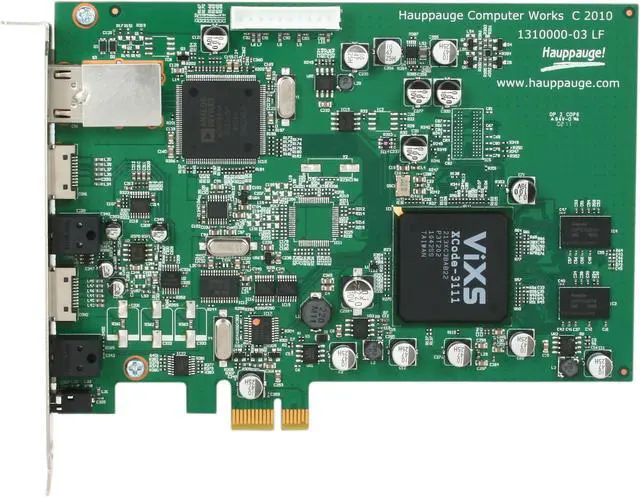
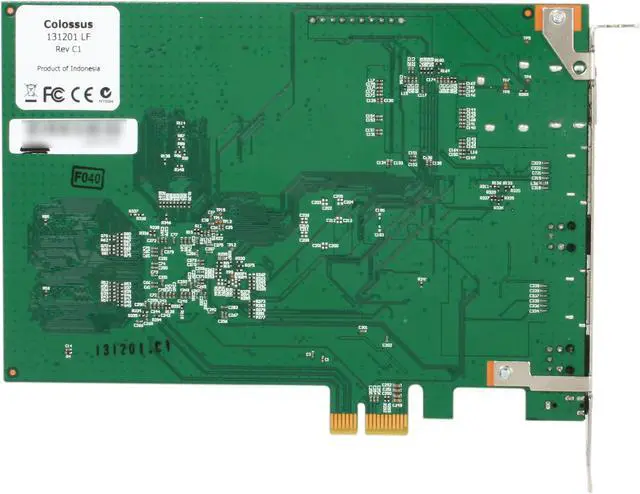
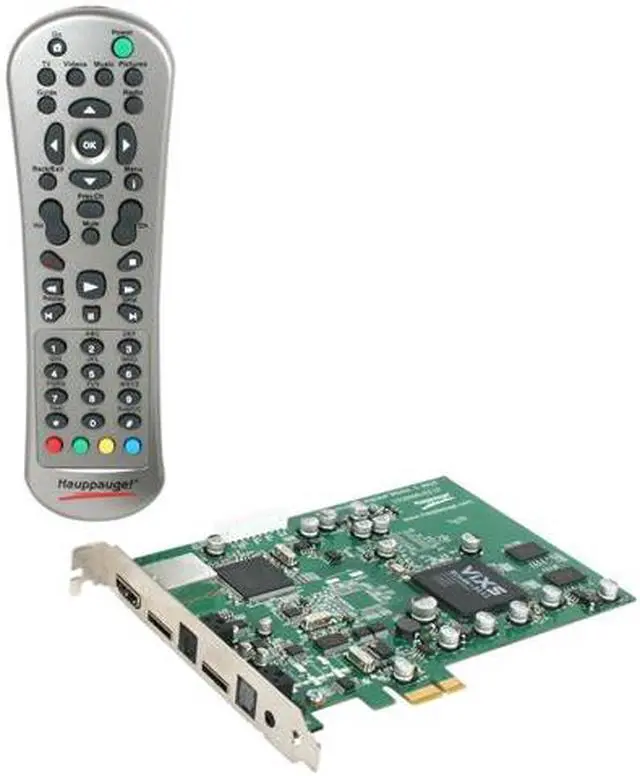
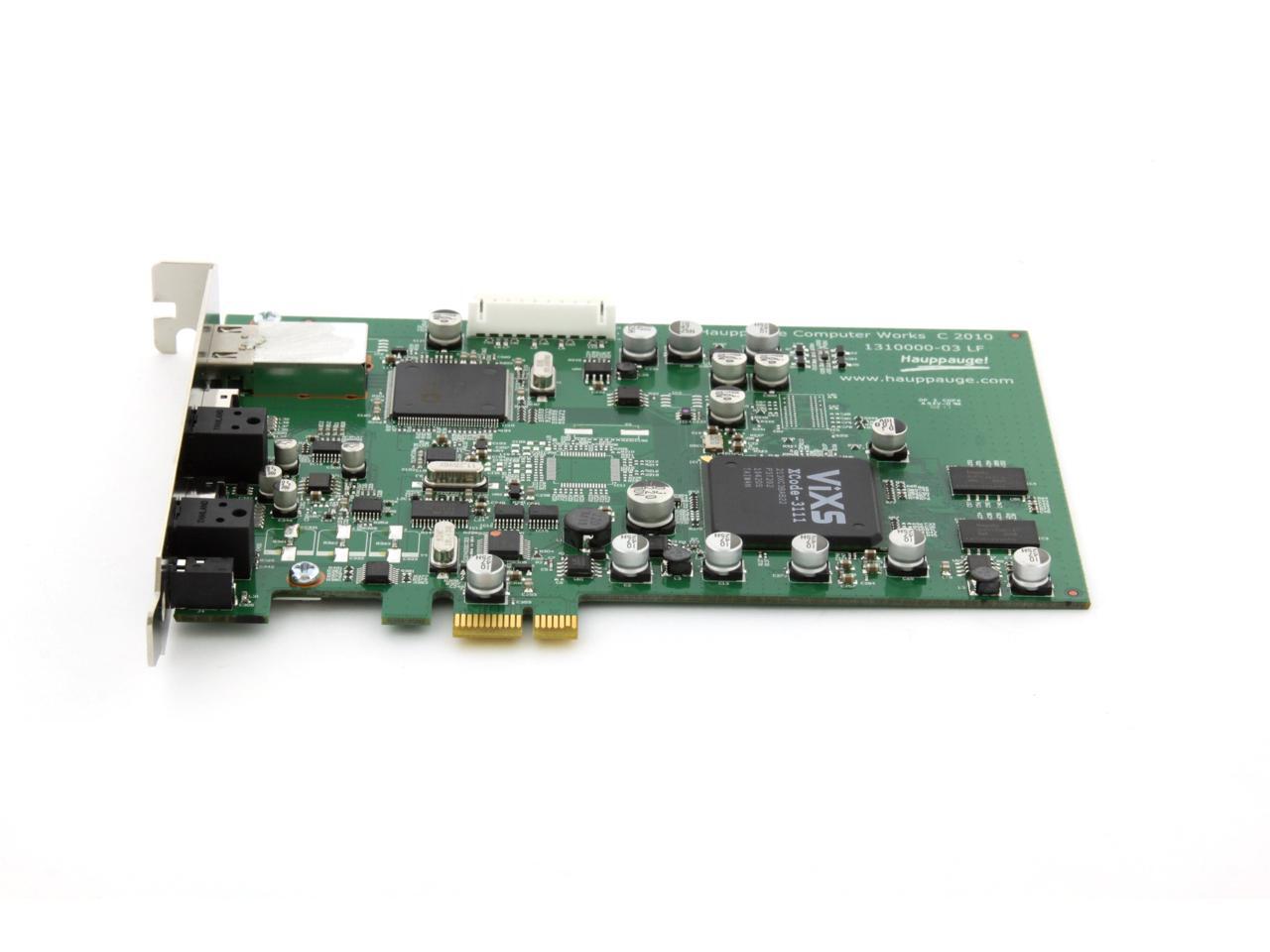
Hauppauge Colossus - Record your high definition video gameplay and TV programs by H.264 for resolution up to 1080i, PCI-Express x1 Interface

In stock.

  • up to 1080i from component video (YCrCb or YPrPb)
  • PCI-Express x1 Interface
  • Remote Included
  • Pin It
  • Email this page
ICON Loading...

Learn more about the Hauppauge 01414

Model

Brand
Hauppauge
Model
01414

General

Type
Video Capture & Editing
Remote Control
Remote Included
Interface
PCI-Express x1

Features

Features
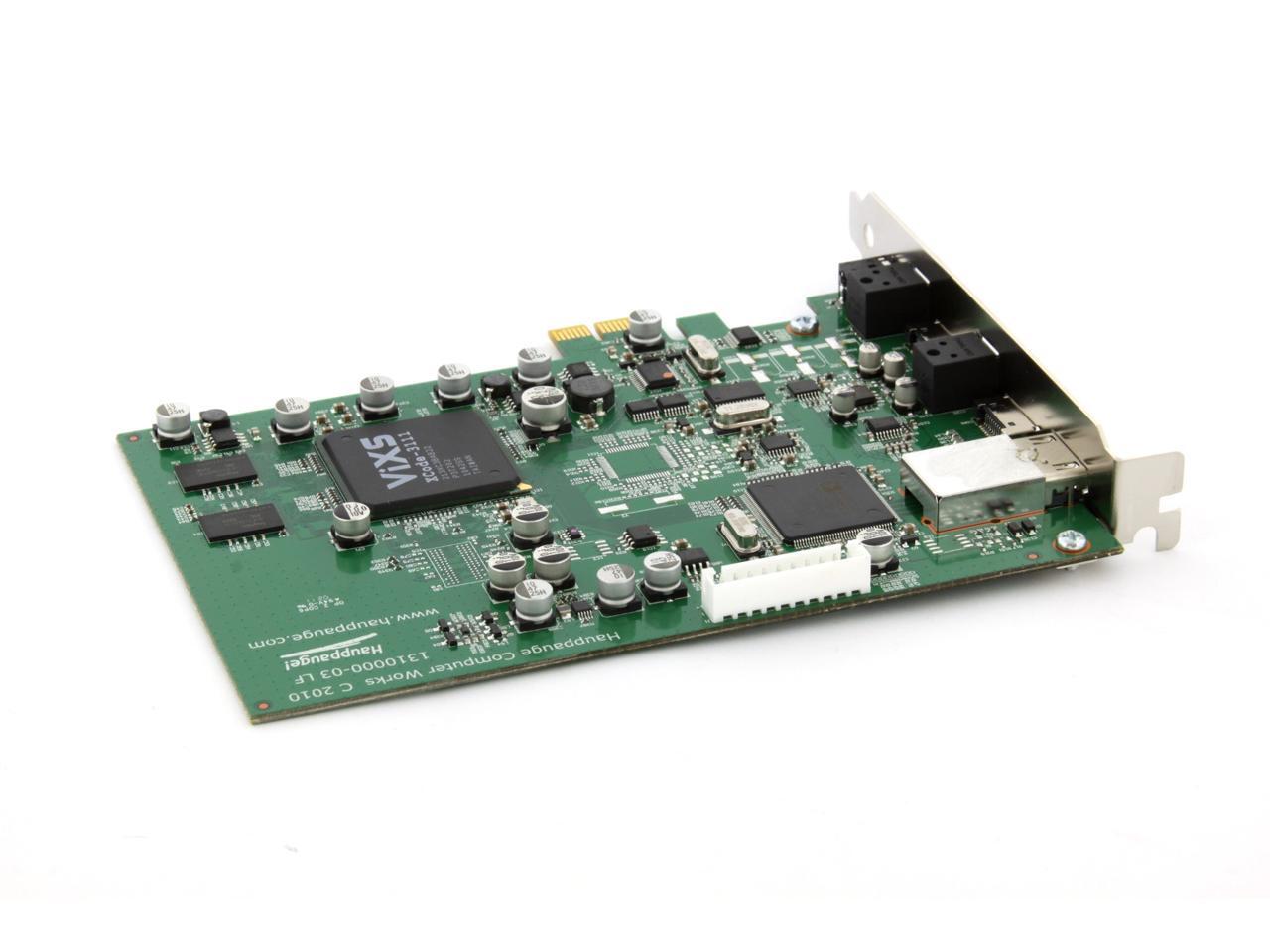
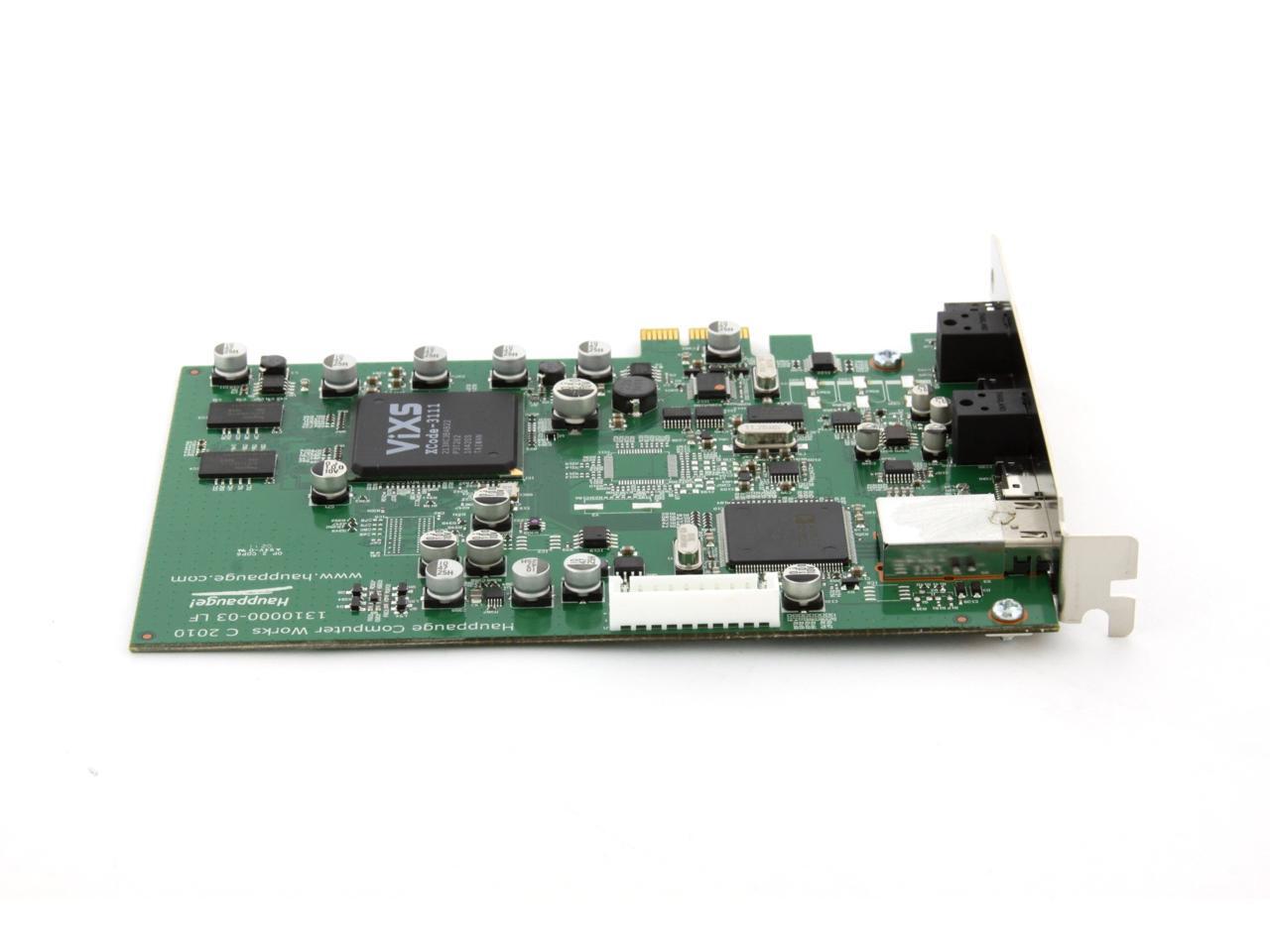
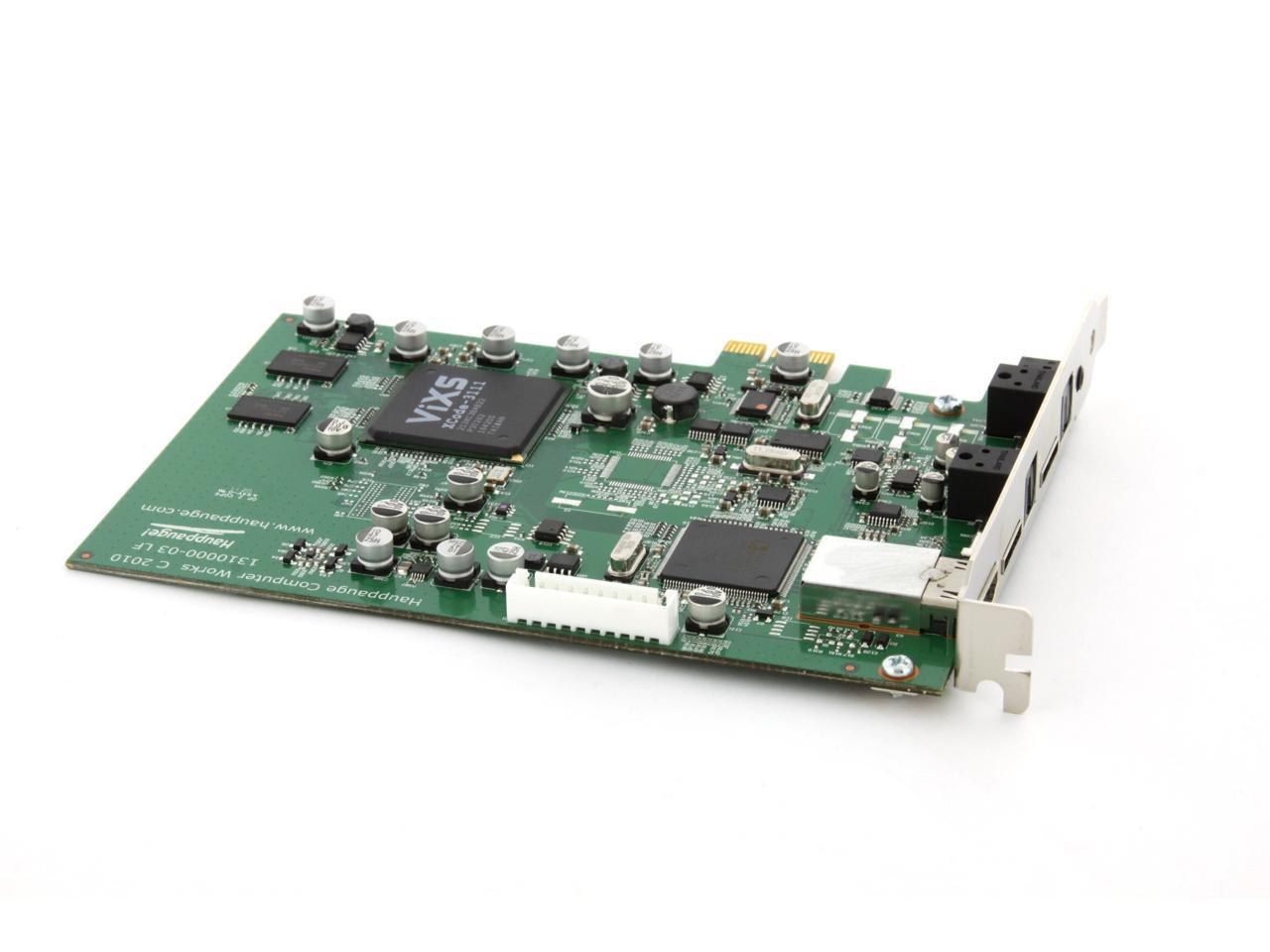
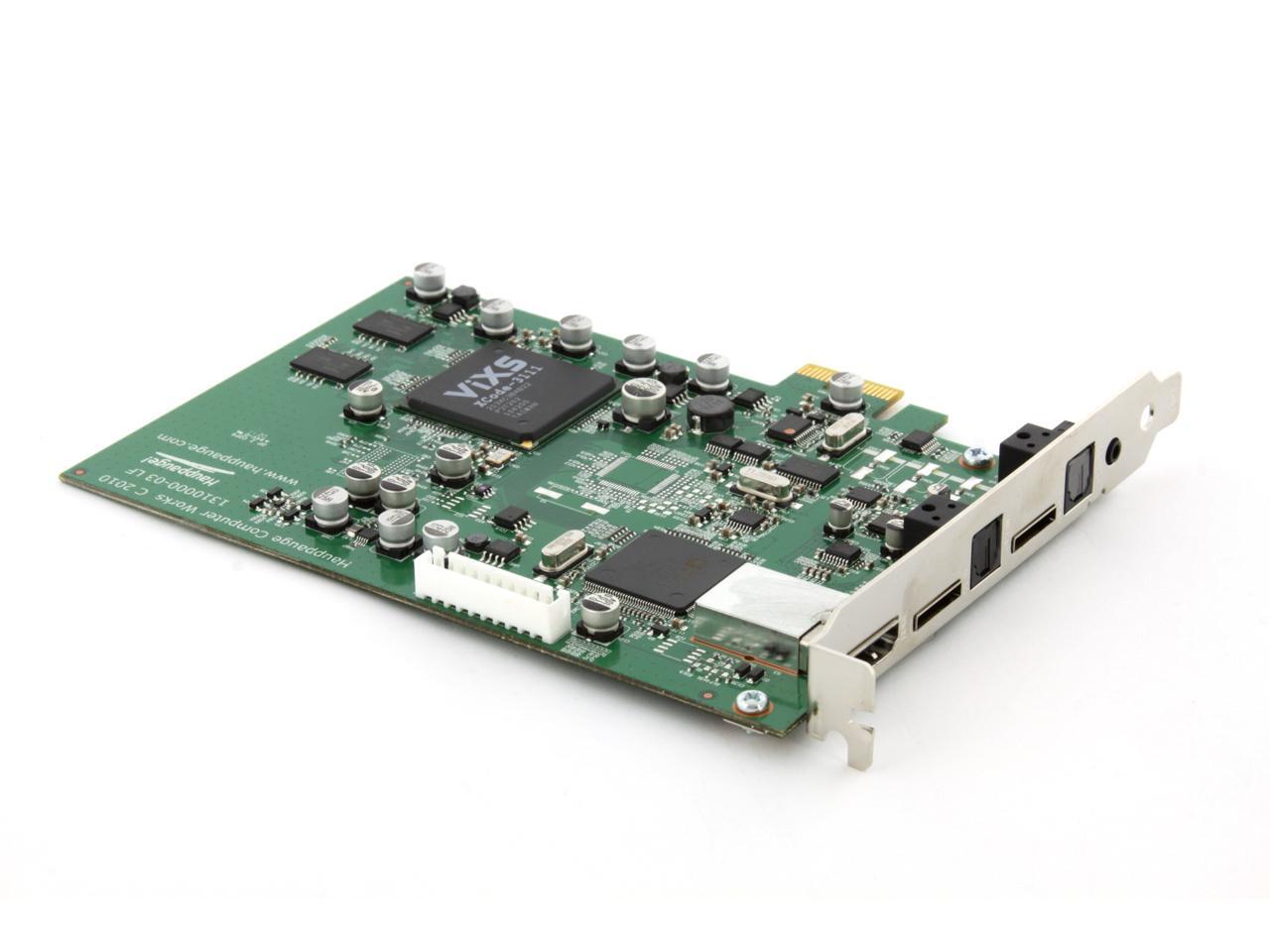
Record high definition video using H.264 video encoding with digital audio. Colossus is an internal PCI Express board, full height, and runs with Windows 7, Windows Vista and Windows XP.

Includes a built-in high quality hardware H.264 high definition encoder, for high performance, high quality video recordings

Record high definition video at up to 1080i resolution. Also records standard definition video. Record at datarates from 1Mbs to 20Mbs.

Record your game play in HD (up to 1080i) with component video and digital audio (optical) from Xbox360 or PS3 game consoles.

Record your favorite TV programs from HD cable TV and satellite set top boxes. Colossus connects to most HD cable TV and satellite TV receivers with component video and optical digital audio. Stereo audio inputs are supported, too.

Burn your video game play or your favorite TV programs onto AVCHD disks in high definition using standard DVD media. These AVCHD disks can be played back on a blu-ray DVD player. Up to 2 hours of HD AVCHD video can be recorded on standard DVD-R disks at 5MBits/sec.

Create HD recordings which can be played back on the Xbox 360 and PS3

Includes Hauppauge's WinTV v7 TV application for automatic recording of TV programs from cable or satellite set top boxes

Includes Arcsoft ShowBiz to record video game play. Burn HD disks or upload video game play in HD to YouTube

Colossus has component video plus stereo and digital audio pass through, to allow HD recording and viewing at the same time.

NTSC and PAL support

HDMI input port included. If you have an un-encrypted HDMI video source, such as a digital SLR, you can record directly from this source. Note: most cable and satellite TV receivers do not support un-encrypted HDMI video.

Includes IR blaster and IR receiver/learn cable. Colossus can "learn" your cable TV or satellite remote control and can automatically change the channel on your set top box.

Specifications

Video Encoding
Hardware Encoding
Specifications
Hardware encoder
- H.264 AVCHD video encoder
- AC-3 recording from AC-3 source
- AAC audio encoding from PCM source
- Recording datarate: from 1 to 20 Mbits/sec (user selectable in the ArcSoft ShowBiz application)
- Recording format:
up to 1080i from component video (YCrCb or YPrPb)
NTSC: 720p60, 1080i60, 480i60, 480p60
PAL: 720p50, 1080i50, 576p50, 576i50, 480p50, 480i50
Note: the video input format determines the recorded format. For example, 1080i input records at 1080i, 720P records at 720P, etc. Any other format conversions needs to be done with the MediaConvert program (supplied).
- NTSC or PAL supported

Input and outputs:
Note: video input on Component and HDMI sources is limited to 1080i
- A/V cable input adapter with:
Component video input
Left/ Right RCA audio input
- A/V cable output adapter with loop through audio and video:
Component video output
Left/ Right RCA audio output
- Optical audio input and loop through output
- HDMI input (Note: for use with un-encrypted HDMI video sources)
- IR Blaster output

Bundled software applications
- ArcSoft "ShowBiz" for video recording and authoring and burning of your TV recordings onto a Blu-ray DVD compatible disc
- Hauppauge WinTV v7 application, with support for the Hauppauge remote control and IR blaster

System Requirements

Processor
Dual core CPU 2.0GHz or faster
Graphics Card
Graphics with 256MB memory (or greater)
Available Slot
PCI Express x1 slot
Operating Systems Supported
Windows 7 (32 and 64-bit), Windows Vista or Windows XP service pack 2 (32-bit). For use with Windows 7 Media Center.
Others
Sound card for audio playback
CD-ROM drive for installing the Colossus software

Packaging

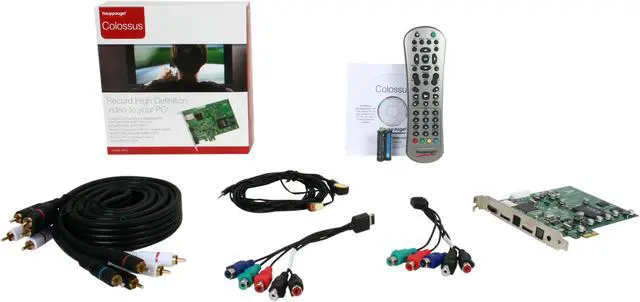
Package Contents
Colossus PCI Express full height board
Hauppauge remote control
A/V cable adapters (two sets supplied)
Component video cable set
IR blaster/receiver cable
Installation software on CD: WinTV v7 and Arcsoft ShowBiz applications
Quick Installation Guide

Manufacturer Warranty

Parts
2 years limited
Labor
2 years limited

Quick Info

Warranty

  • Limited Warranty period (parts): 720 days
  • Limited Warranty period (labor): 720 days


Customer Reviews of the Hauppauge 01414

Do you own this product? Write a Review

Filter Results

Go
  • Rock Gaines
  • 6/11/2013 5:52:43 PM
  • Tech Level: Average
  • Ownership: 1 month to 1 year
  • Verified Owner

3 out of 5 eggsColossus Is Ok

Pros: Works well with Windows 7 Media Center. Records programs well.

Cons: Picture output could be sharper; no HDMI ports (component only); Changes channels too slowly via IR (2-4 secs)

Other Thoughts: You should read and follow the installation directions so you don't become frustrated. Make sure you hold on to the installation CD, for you will need it for future updates.

It's not necessary to install WinTv7 and Windows Media Player. I use WMC.

Did you find this review helpful? Yes No

  • N/A
  • 4/28/2013 11:47:24 AM
  • Tech Level: Somewhat High
  • Ownership: 1 week to 1 month
  • Verified Owner

5 out of 5 eggsWOW....Great WMC Card

Pros: After reading alot of reviews about this card, i had to admit I was a somewhat sceptical about purchasing this card. I bought the card anyway and I must say it has truely lived to my expectations. After installing the drivers(correctly) the card was recognized by windows media center without a hitch. The showbiz software captures
shows from my directv hd dvdr with ease. The ability to choose what resolution and bitrate you can use on capturing video is a godsend :). Compared with my avermedia capture card which does not let you set your bitrate and resolution, this is a must have for anyone that wants to capture video. All in all, this card is a must have as it will not let you down.

Cons: You must be patient in reading the directions and installing the drivers for this card. This first time i installed the drivers the card was not being recognized by windows media center correctly and once it was recognized it stated that I had comcast as my service provider. I deleted the drivers, rebooted my pc and started from scratch. This time i installed the correct drivers and the windows media center drivers correctly. This time around everything went smoothly. Windows Media Center recognized the tuner card and was able to choose my tv service provider. Do not be perform these tasks on an empty stomach...lol.

Other Thoughts: I have the avermedia hd dvr mtvhddvrr capture card but it only lets you capture and in the process it uses your computer's resources...cpu. With the colossus you get a capture card and a tv tuner card. Its like getting the best of both worlds. I should of just gotten the colossus and saved myself some money in the process :)

Did you find this review helpful? Yes No

  • charbroiled
  • 4/28/2013 7:02:11 AM
  • Tech Level: High
  • Ownership: 1 week to 1 month
  • Verified Owner

3 out of 5 eggs

Pros: very good resolution on capture (same as input resolution). one set high quality component cables. very low CPU usage on capture (10% on E2160 dual core). can stream live TV to other computers on network (needs CPU more powerful than my E2160). can control STB through IR Blaster (it knew codes and channels for my Dish setup out of the box). 5.1 audio capture on S/PDIF. S/PDIF passthru when card is powered is on (with no delay, I use it with STB HDMI out for watching TV)

Cons: weak color. full high card (not a problem with my case but be aware of it). no HDMI passthru. setting up favorite channels is a pain. audio can get out of sync on long records (over 1 hour). sometimes recording have video stutter (possibly the drives?)

Other Thoughts: computer:
HTPC - intel E2160 dual core CPU, 4 GB RAM, AMD HD6770 video card, intel X25M G2 80 GB SSD (system), 2 x 500 GB WD green drives (storage), antec trupower 550 watt PSU, antec fusion black HTPC case, soundblaster extreme music soundcard.

setup:
Dish ViP211 satellite tuner, component video cable out to Colossus component in (HDMI out on 6770 to TV for playback), S/PDIF out on satellite box to S/PDIF in on Colossus (with passthru to harman kardon receiver for watching TV).

Did you find this review helpful? Yes No

  • Stogie
  • 3/20/2013 4:13:55 PM
  • Tech Level: Somewhat High
  • Ownership: more than 1 year
  • Verified Owner

3 out of 5 eggsVideo Game Capture

Pros: Well it works. You can record your component video game consonle with this. And it has pass through. I split my components so i dont have to use both of the lil component plugs. So i have 1 for back up. Video is good quality.

Cons: Software and support are terrible. If youre looking to record your video game console id recomment the elgato. Just because their software is better. The software that comes with it is not very good. Ive been searching for other software to use but ive not really found any. Also sometimes it cuts the video short. And their tech support basically didnt repsond to my email asking about it. The vid would be full length in size but then would only play about 1 min then the video could continue after the slider bar reached the end of the time limit.

Other Thoughts: If youre looking to record ps3 or xbox spend the xtra 40 bucks for an elgato. The flashback feature in their software is totally worth the 40 bucks. With this is have to always record then go find the video. With flashback you can just go back when you do something good and record.

If this capture card had some support and software it would be AWESOME. But it seem smost people look for something that can plug in usb style. I obviously dont need that but in the lack of popularity now with all the usb plug in caputre devices, this one is not supported very well.

Did you find this review helpful? Yes No

  • Max9R
  • 3/2/2013 9:47:05 PM
  • Tech Level: High
  • Ownership: more than 1 year
  • Verified Owner

5 out of 5 eggsWorks Great

Pros: I wanted to build a Media Centre PC that would work with my Satellite receivers mainly because I was sick of the limited storage on the Satellite PVR itself. I did my research and decided to go with 4 of these. They installed easily, and after setting up DVBLink Media Centre detected all four cards as tuners. The setup in MC was a bit of work getting all the channels etc.. but after that was done all was well.

Overall I would say the quality of the video is 90%+ as good as what I was getting natively from the PVR's themselves. I'm using 720p @ 13mbps capture rate through the component inputs and have been quite happy with it. Having 4 tuners in one place is great, and being able to watch our recordings anywhere is great too.

Cons: Probably the biggest thing that I would like to see improved is the time it takes to change channels. It's roughly 4 - 5 seconds. This is way better than the close to 20 seconds that the Hauppauge HD-PVR was taking but still a bit slow.

It would be awesome if the HDMI port had HDCP support but obviously that'll never happen. So in that context I guess it's not really a con but it is unfortunate.

My only other con (although minor in my mind) would be that the 1080i isn't great, the interlacing is annoying but thankfully 720p works great.

Other Thoughts: Overall, I'm very happy with them. They have great capture quality and hardware encoding, hence you don't need a high-end CPU in your PC.

2 out of 2 people found this review helpful. Did you? Yes No

  • Zero
  • 2/6/2013 3:52:34 PM
  • Tech Level: High
  • Ownership: less than 1 day

5 out of 5 eggsUpdated review "It's a gamble"

Pros: This one works. Component HD & 5.1 optical audio capture. Finally HD for the HDTV through my HTPC. Giving it 5 stars to balance out my last review...

Cons: Too many people receiving faulty cards, as I did with the first one. Software may be limited in functionality, but as long as it captures I can take it from there with the files generated.

Other Thoughts: I wrote my last review in anger as this was a b-day present and I spent a whole day trying to get a faulty card to work. Boo hoo, I am over it. Again this is the only card that does HD video w/ 5.1 audio so I had no choice but to give this card one more try. This card works so far, left it running for about an hour in showbiz. I apologize to hauppauge for the harshness of my previous review. Tech support did respond to my Email 1 day after I sent the faulty card back. The WMC integration is a 1 year 5 mo old beta not a 3 year old beta. Looking foward to finding the best integration for this card, still don't know if I will use the WMC integration as WMC tends to encrypt .WTV files from channels w/ the copy once flag leaving me no option to convert the file to save on disk space, and the loss of access to the file if I ever reinstall my O/S as I am sure I will forget to back up and reimport the liscense keys for my recordings if I do reinstall, which I really shouldn't have to fiddle w/ in the first place imho.

If you're wanting the whole package HD video and 5.1 audio this is the card. Be patient (note to self) and be prepared to try more than one card if yours is faulty.

1 out of 1 people found this review helpful. Did you? Yes No

  • Zero
  • 1/24/2013 7:47:37 AM
  • Tech Level: High
  • Ownership: less than 1 day

1 out of 5 eggsIt's a gamble

Pros: Analog inputs for HD video letting you get around the HDCP big brother in your home * optical audio in for 5.1 SS capture. This is the only card that does both of those (that I have found). And the hunt continues ...

Cons: Many. I have been working on computers since I was 6, so going on 25+ years of tech knowledge. When I say this was a faulty card brand new out of the box, it was faulty. Kept freezing about ten seconds into activity. The card would completely lock up requiring a reboot to get those ten seconds back. I subjected my poor computer to about 40+ reboots yesterday. Tried the latest drivers, Tried winTV7 & their going on 3 years old BETA version of WMC integration. All had the same result. Uninstalled ( device manager & programs) completely reinstalled w/ fresh drivers etc etc. Also removed my 2nd GPU and plugged it into a PCIeX4 (physical x16)slot to get the same exact result. I did everything short of lowering the input from 1080i to 720p b/c at that point I am not getting what I paid for. It's going back today.

Other Thoughts: This card is not worth nearly 150$ It is worth about half that (if it works that is). I spent 112$ on mine for a brand new sealed everything box/items. For the price they are charging, a price I must assume is arrived at from the lack of options in the HD PC PVR market, there should be more quality assurance. The software needs work, a lot of it, but instead has been neglected for a really long time. I mean a beta version of WMC integration is the most current version that has been available since 2010 ? Lack of 24 hour customer support and what seems to me to be a 50/50 success rate from customer reviews. I have to advise others to stay away from Hauppauge as I do recall purchasing and returning one of their SD PCI capture cards about 4 years ago. Wish ATI/AMD was still in the PC TV tuner game =( Guess my 4 year old ATI SD capture device is going to have to hold off on retirement a while longer.

0 out of 2 people found this review helpful. Did you? Yes No

  • N/A
  • 1/2/2013 12:57:59 AM
  • Tech Level: Somewhat High
  • Ownership: 1 month to 1 year
  • Verified Owner

4 out of 5 eggsGreat for sports

Pros: The bundled software is great. Can't speak for the IR features but the scheduler is really nice.

Captures regular TV (shows, ie Psych) with great quality and without issue.
When capturing sports, players in motion when the camera is not get very blurry, but that is normal for capping cards. Still great quality otherwise.

Great for the price.

Cons: Kills my hard drive.

Did you find this review helpful? Yes No

  • yoLa
  • 12/27/2012 6:13:05 PM
  • Tech Level: Somewhat High
  • Ownership: 1 month to 1 year

1 out of 5 eggsColossus - Colossal waste

Pros: Great card for the short period it worked

Cons: Randomly wouldn't work, reinstalled software multiple times, corrected issue, then 3 months later it stopped recognized the hardware was installed. Removed and reinstall w/drivers to no avail. Serious amount of time and money wasted with this card when there are such great alternatives out there. - Black magic intensity pro- same price on largest rainforest in the world's site.

Other Thoughts: I love newegg but with such crummy experience from the product, I may opt my way out to largest rainforest in the world's site for the better product. (black magic intensity pro in this case).
Not a possibility of the tower being bumped or played with - Hasn't been touched or moved since install. R & R twice just in case - hardware is apparently worse than their software(hauppage)

0 out of 2 people found this review helpful. Did you? Yes No

  • fanaudi
  • 12/20/2012 11:31:41 AM
  • Tech Level: Somewhat High
  • Ownership: 1 month to 1 year

5 out of 5 eggsEXCELLENT TOOL !

Pros: When it commes to recording in hd to a pc , you need a powerfull machine with internal good quality stuff or you will face desillusion in your works . You will also need a quality capture device and Colossus does the job . Using a I7 Intel quadcore processor , 8GB Ram memory and a fair Asus video card ( GTX 650 ) , Colossus happily records digital tv programs and movies with the help of ArcSoft capture module in HD264 format , 9mbs to 18mbs . Videos are smooth and sharp .That's all I use with ARcSoft . The rest , editing , cutting away ennoying commercials , converting to dvd format is done with TMPGEnc and burned with Nero . Two hours of excellent quality pictures are easily set on standard dvds , results being as good as avchd , no kidding .
That's all I need .

Cons: None

0 out of 1 people found this review helpful. Did you? Yes No

ICON Loading...
  • $159.99
  • $139.99
  • Save: $20.00 (13%)
  • $11.49 Shipping
 

Protect Your Investment!

    • (more options) read warranty details
Are you an E-Blast Insider? Subscribe Newegg e-Blast

Buzz

5 out of 5 eggs
Excellent video and sound quality
Much more reliable than the Hauppauge HD PVR
— Herr 3/12/2011

A Great Product

4 out of 5 eggs
Set up was very easy. All I did was put it in to my PC, put in the disk, and installed the drivers. BTW, make sure to install ...
— 8/28/2012


LOADING... LOADING...
Shop by Region: United States | Canada | China
VeriSign Click for the BBB Business Review of this Computers - Supplies & Parts in Whittier CA PaypalVerify GoldenSeal InteracThis site protected by Trustwave's Trusted Commerce program Inc500

Policy & Agreement | Privacy Policy

 © 2000-2013 Newegg Inc.  As used herein, “Newegg.ca” means Newegg Canada Inc. unless the context specifically refers to the www.newegg.ca web address.
If the Adobe Reader does not appear when you click on a link for a PDF file, you can download Adobe Reader from the Adobe web site. nassau