Skip to: |

Newegg.ca - A great place to buy computers, computer parts, electronics, software, accessories, and DVDs online. With great prices, fast shipping, and top-rated customer service - once you know, you Newegg.

If you are reading this message, Please click this link to reload this page.(Do not use your browser's "Refresh" button). Please email us if you're running the latest version of your browser and you still see this message.

Newegg.ca - Computer Parts, Laptops, Electronics, HDTVs, Digital Cameras and More!

  • | Wish List
  • Help

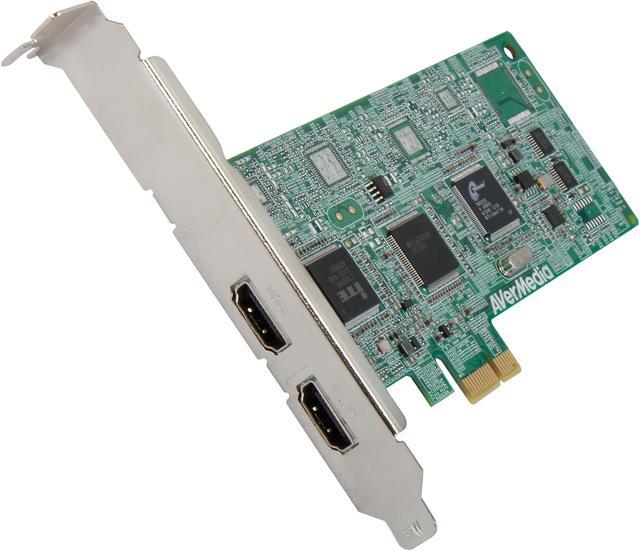
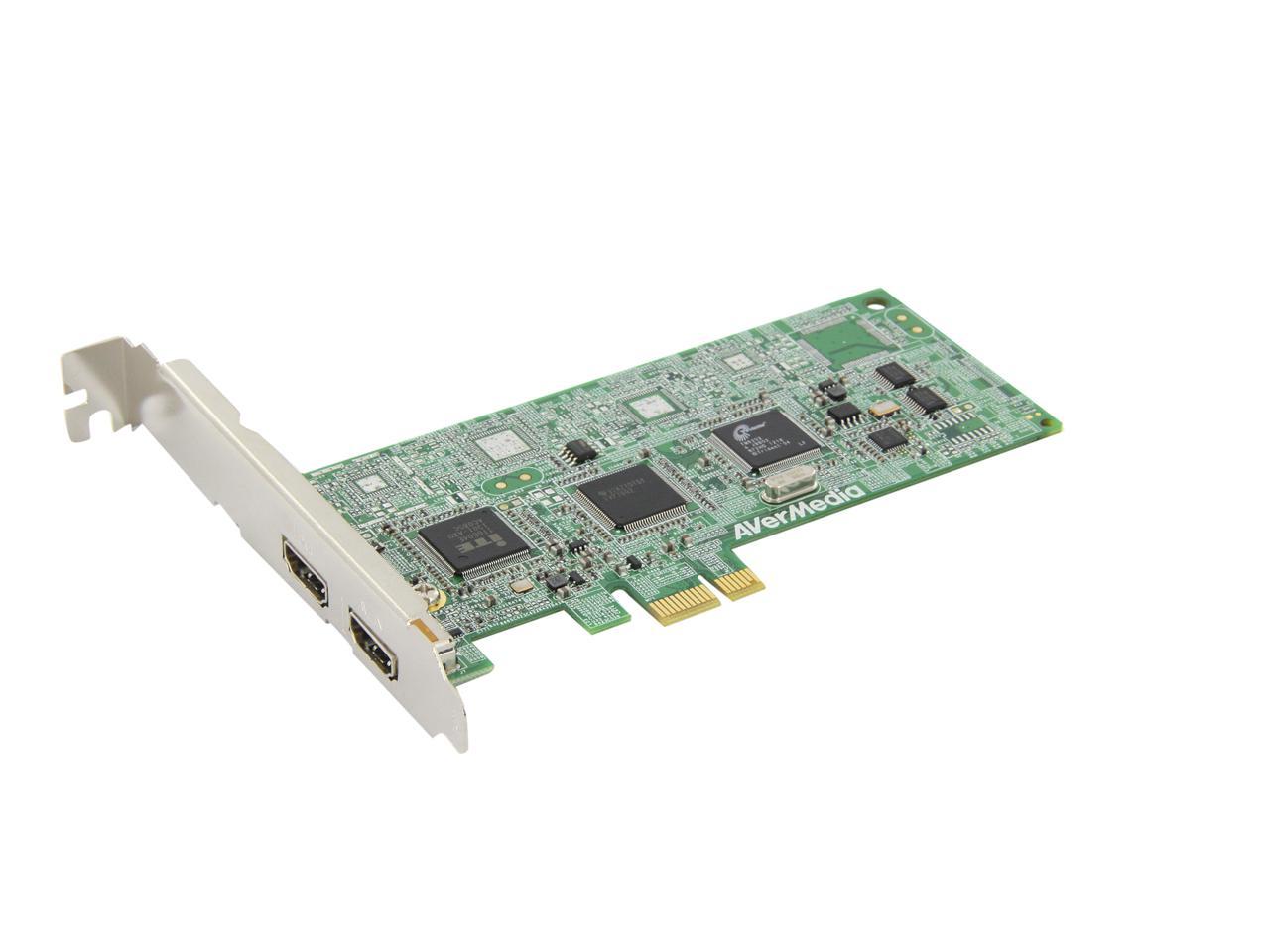
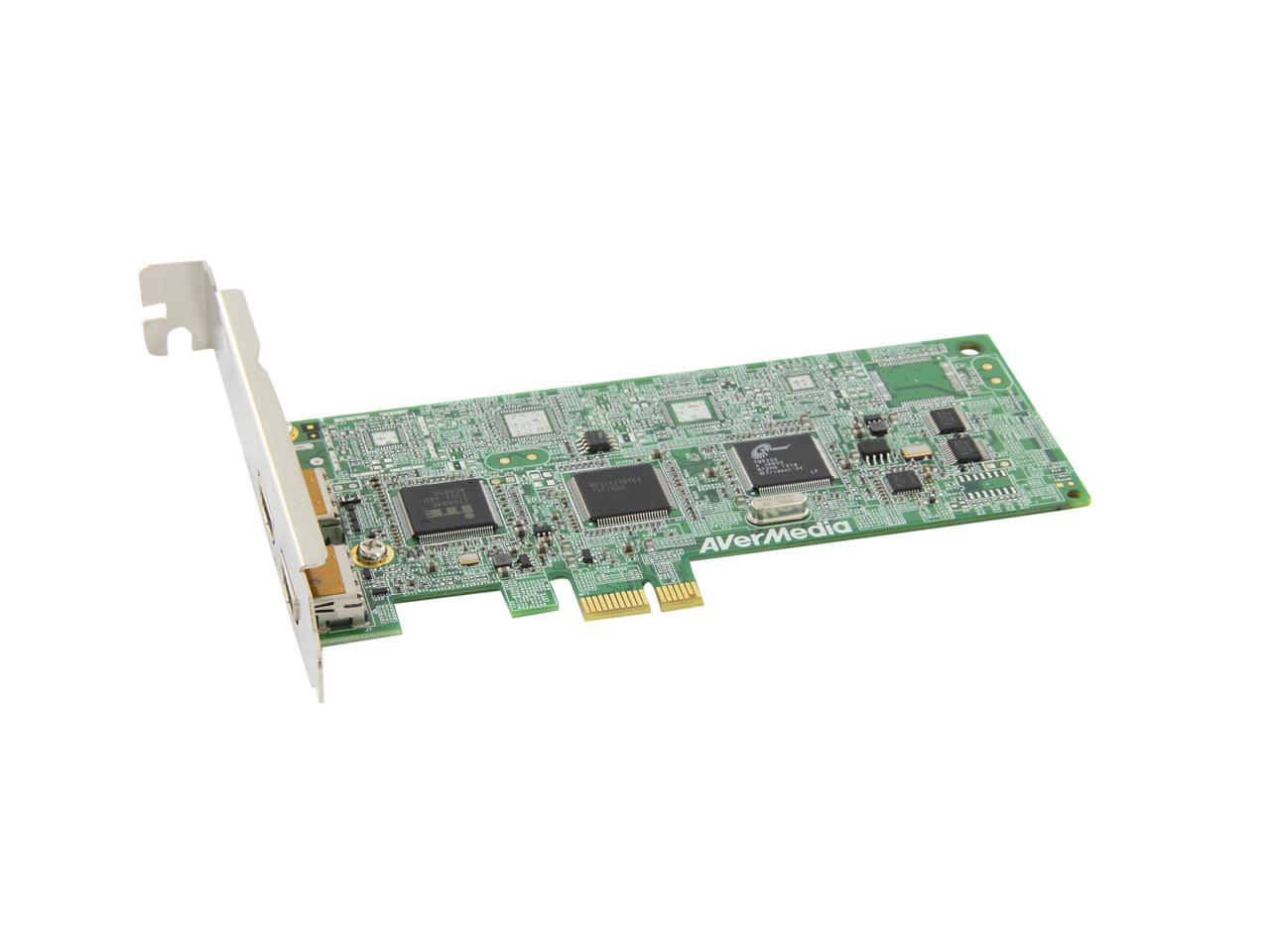
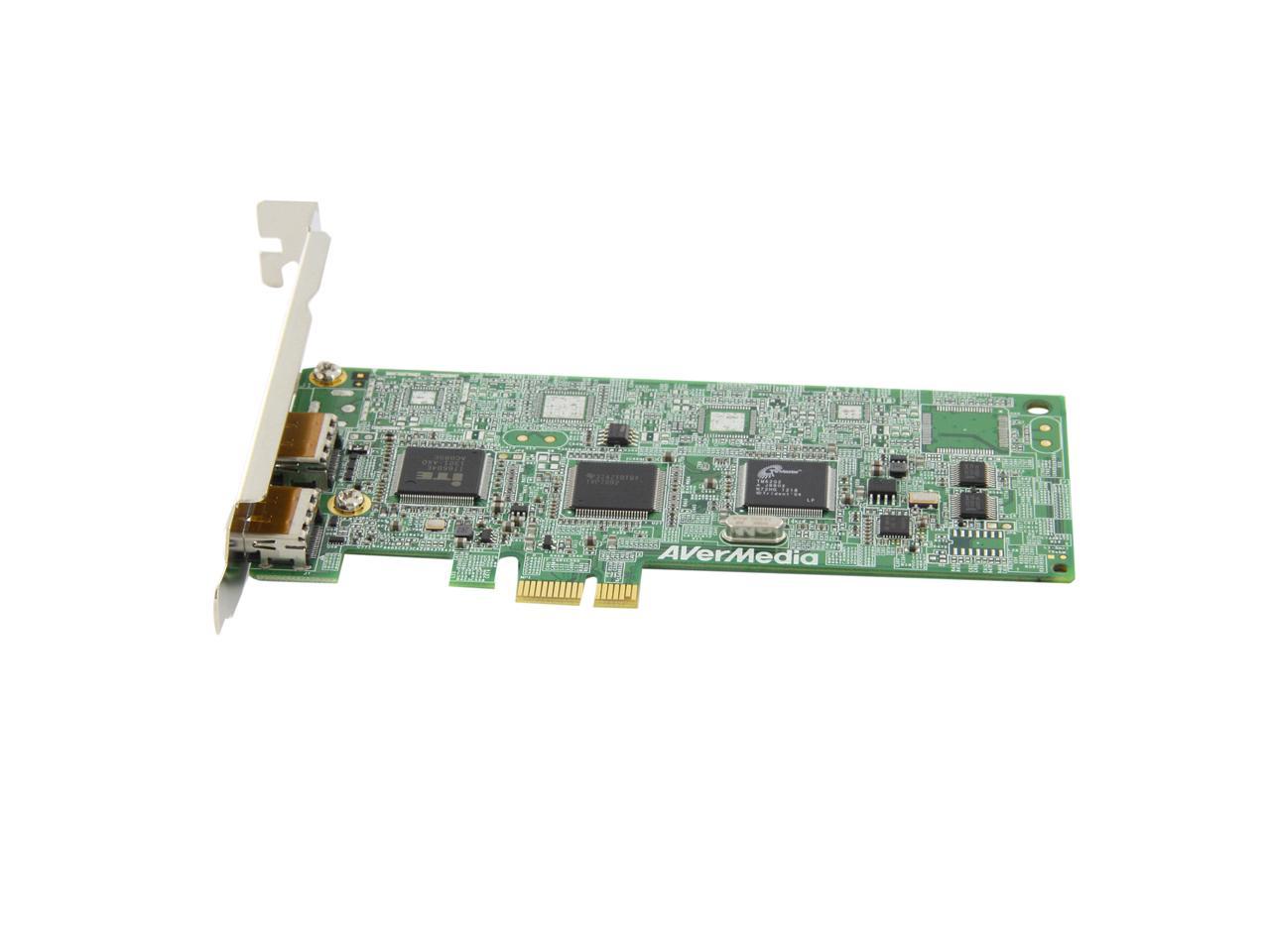
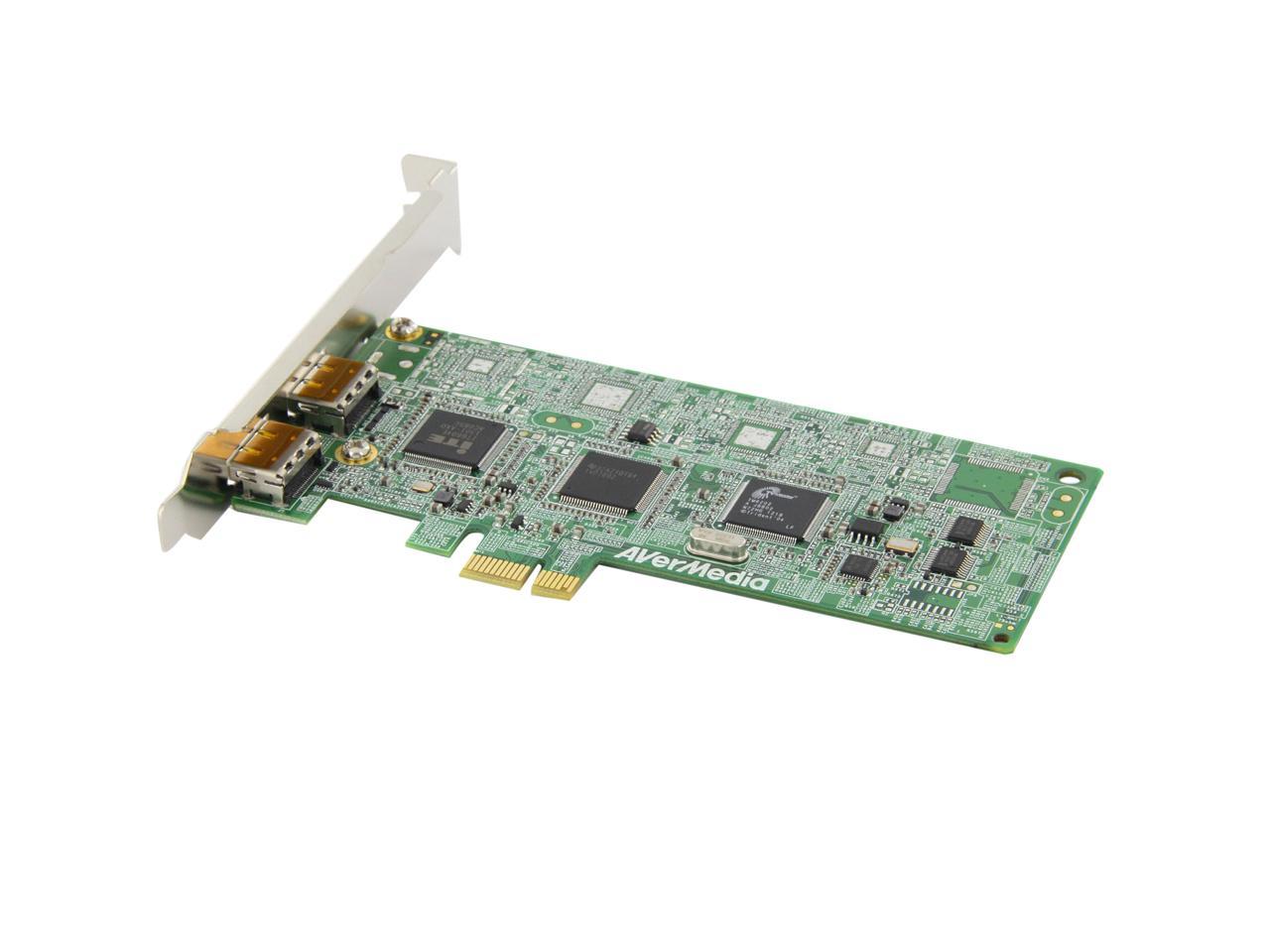
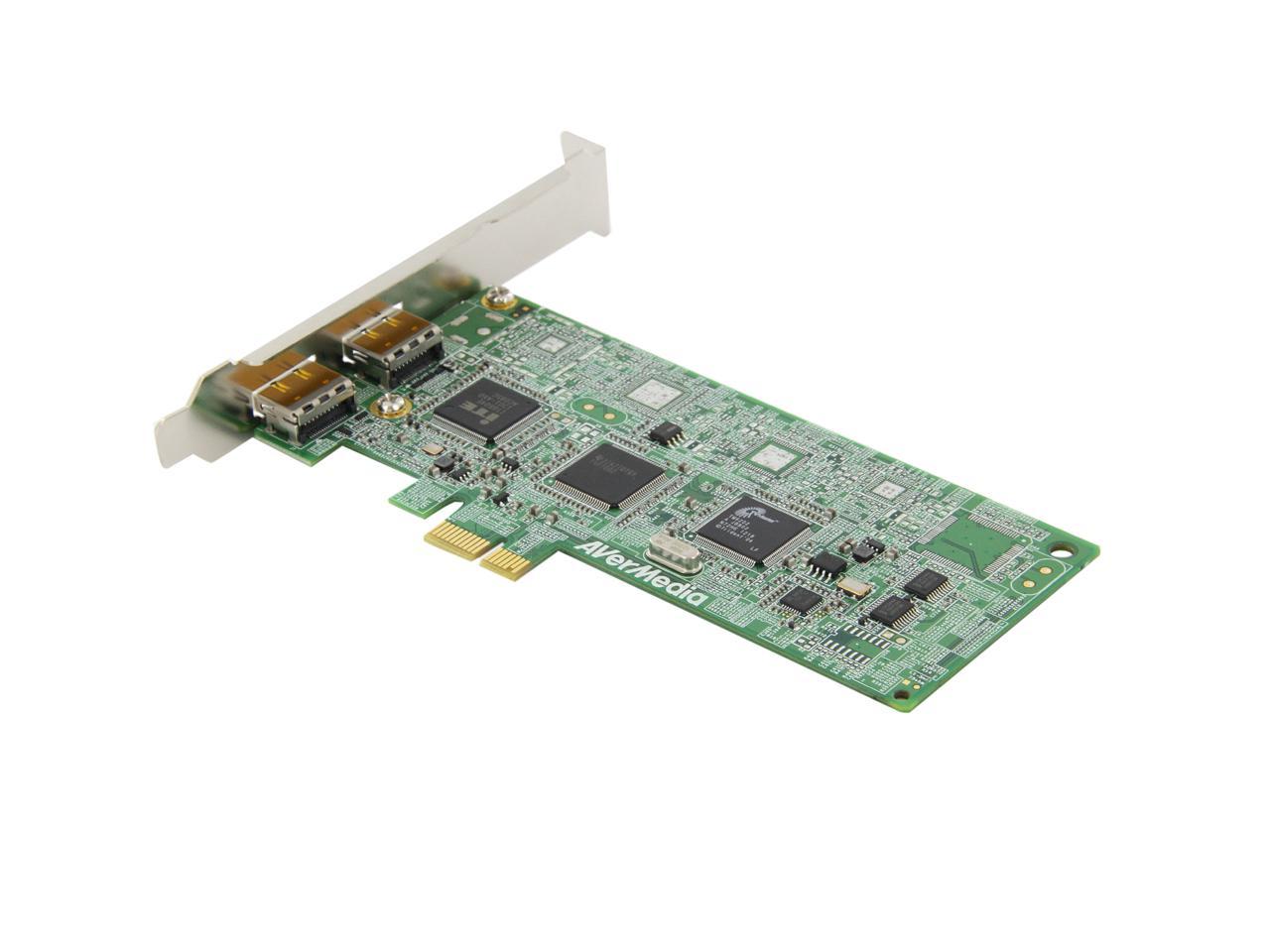
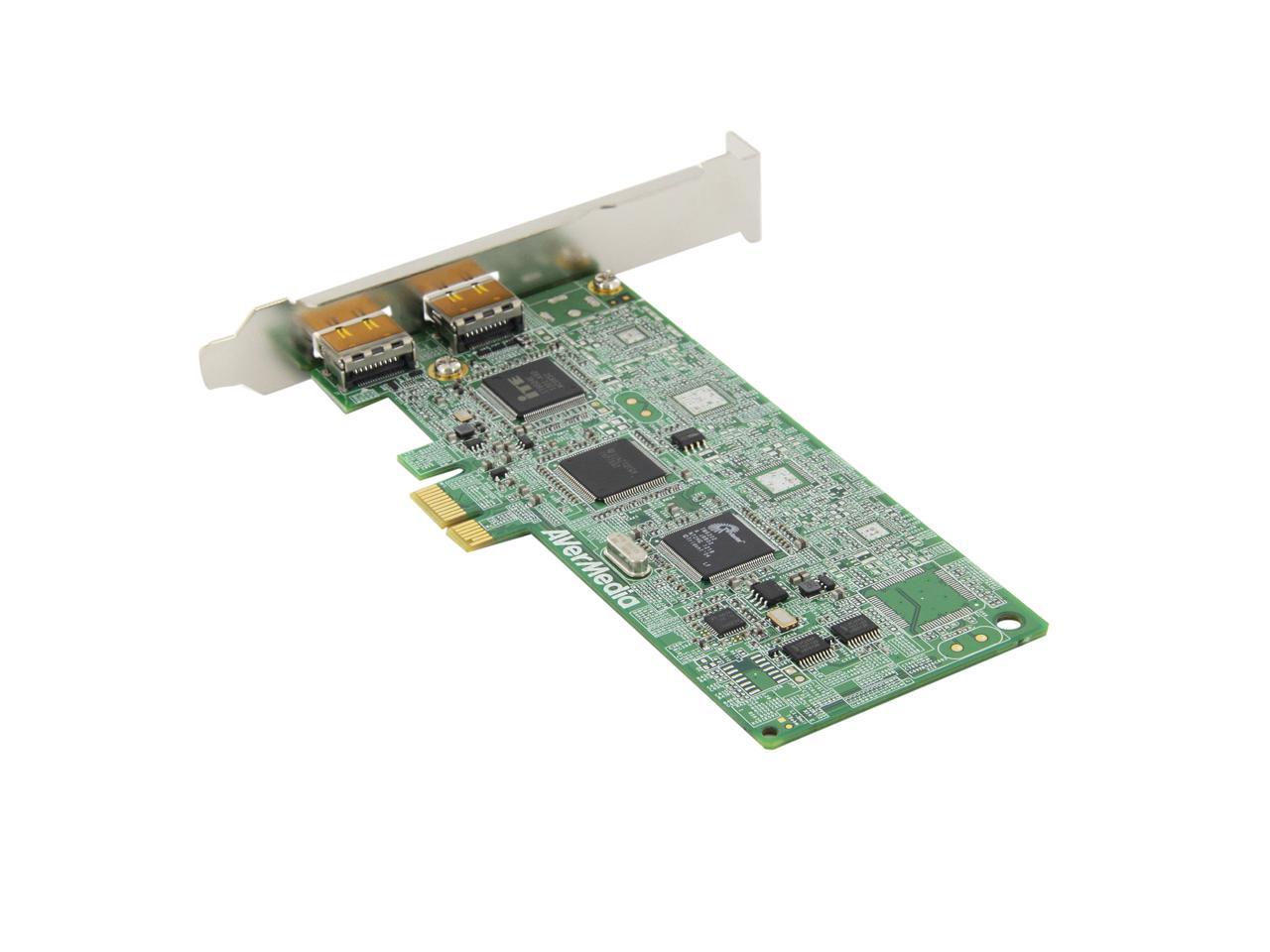
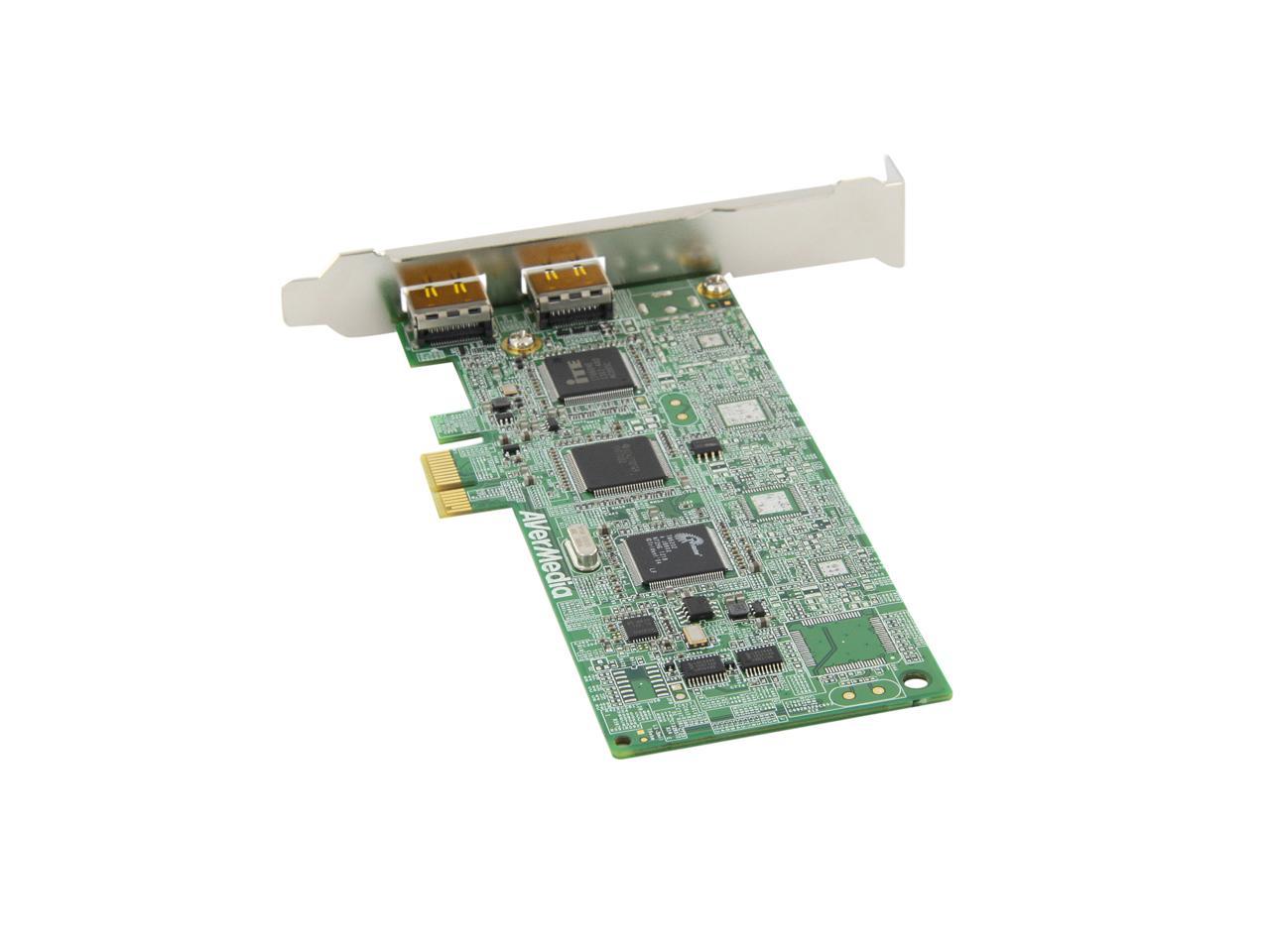
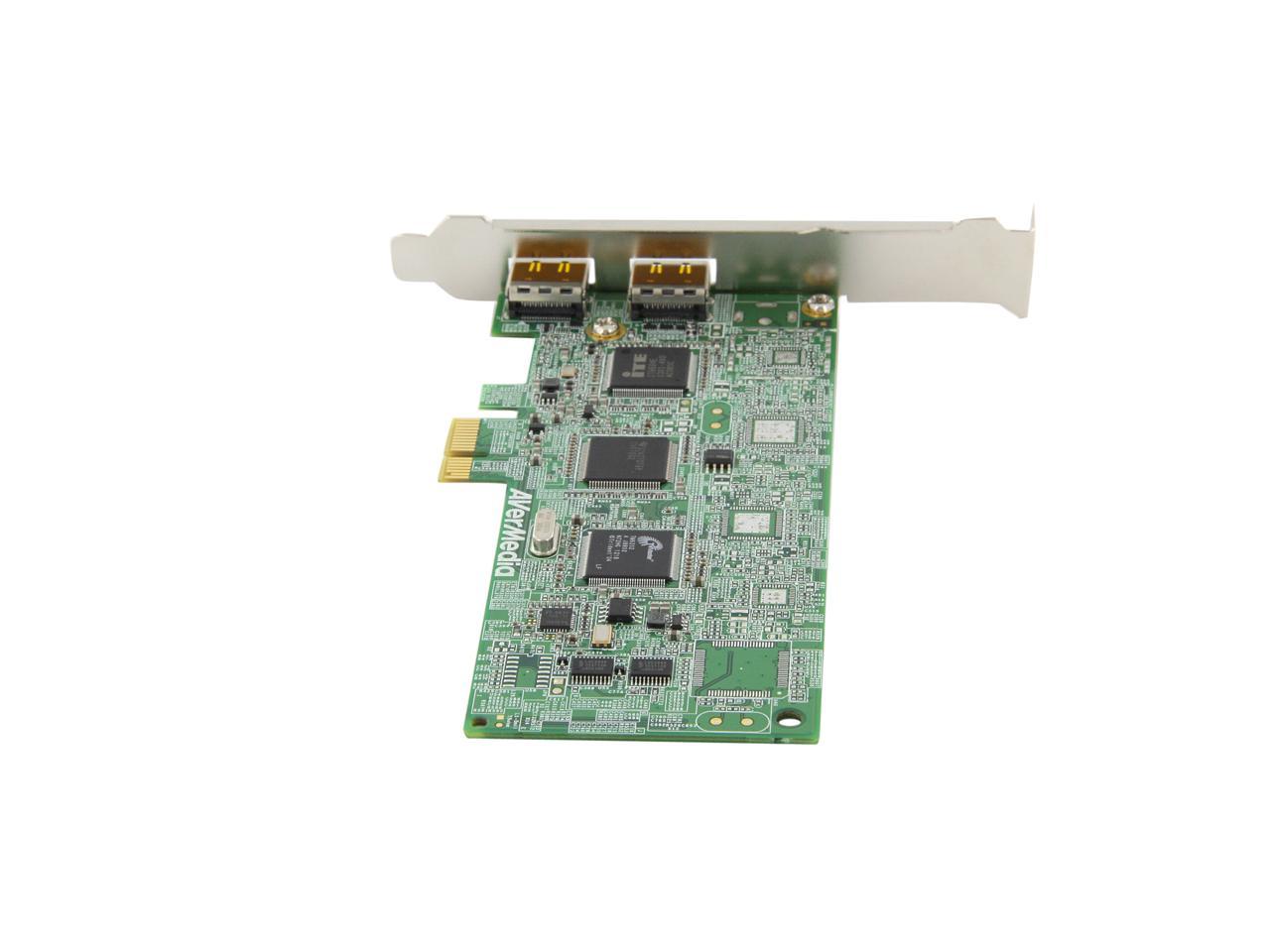
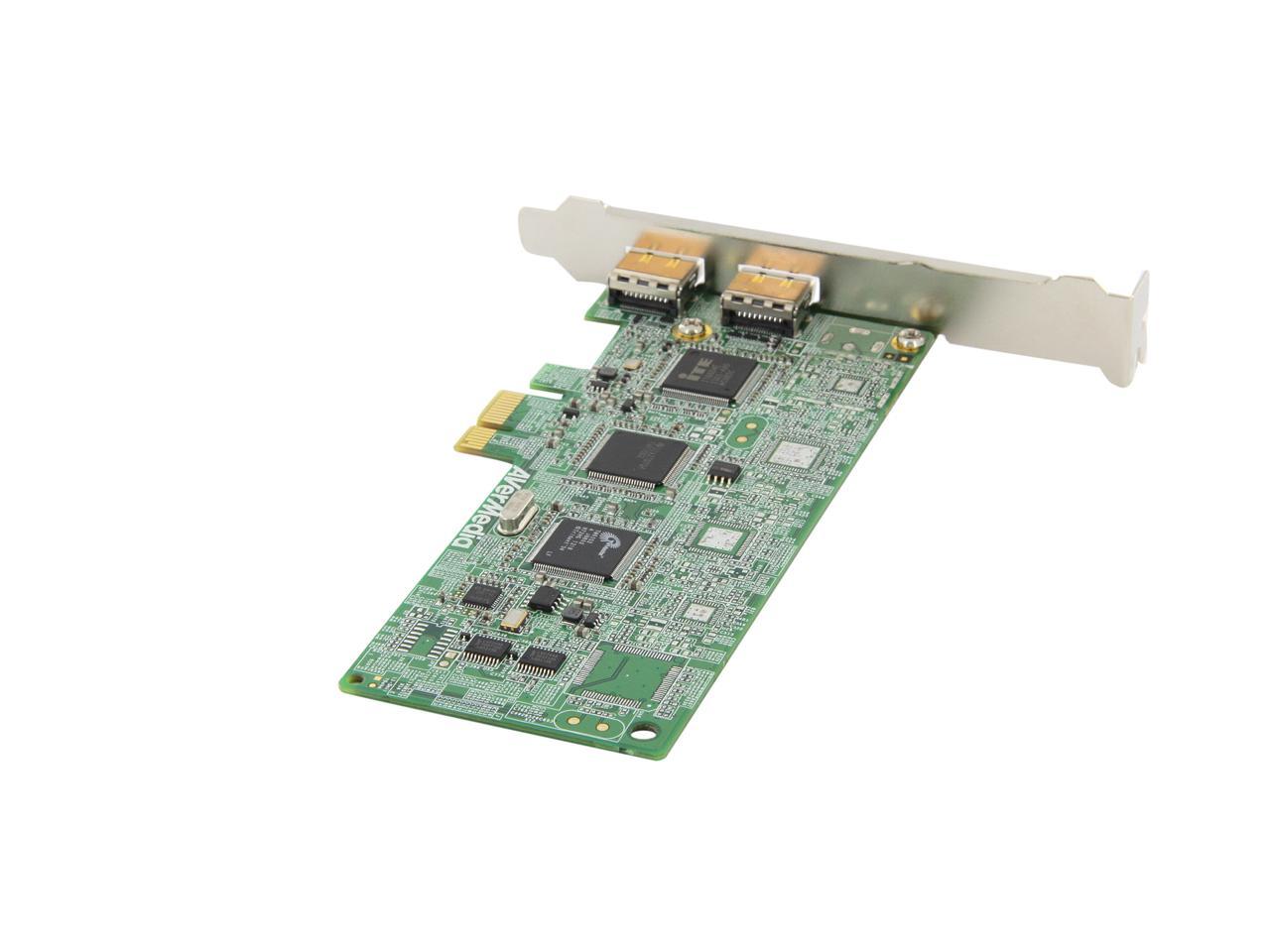
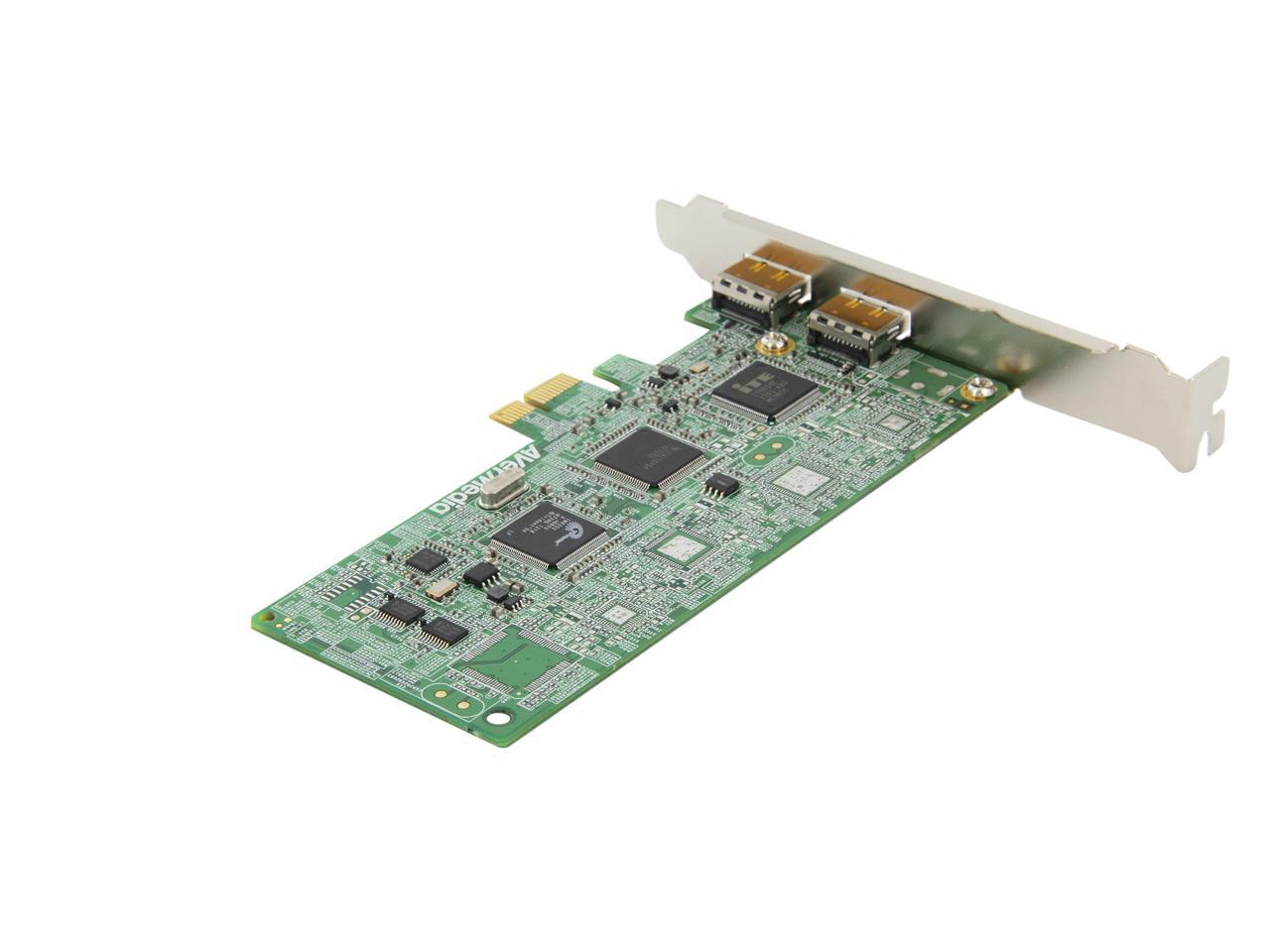
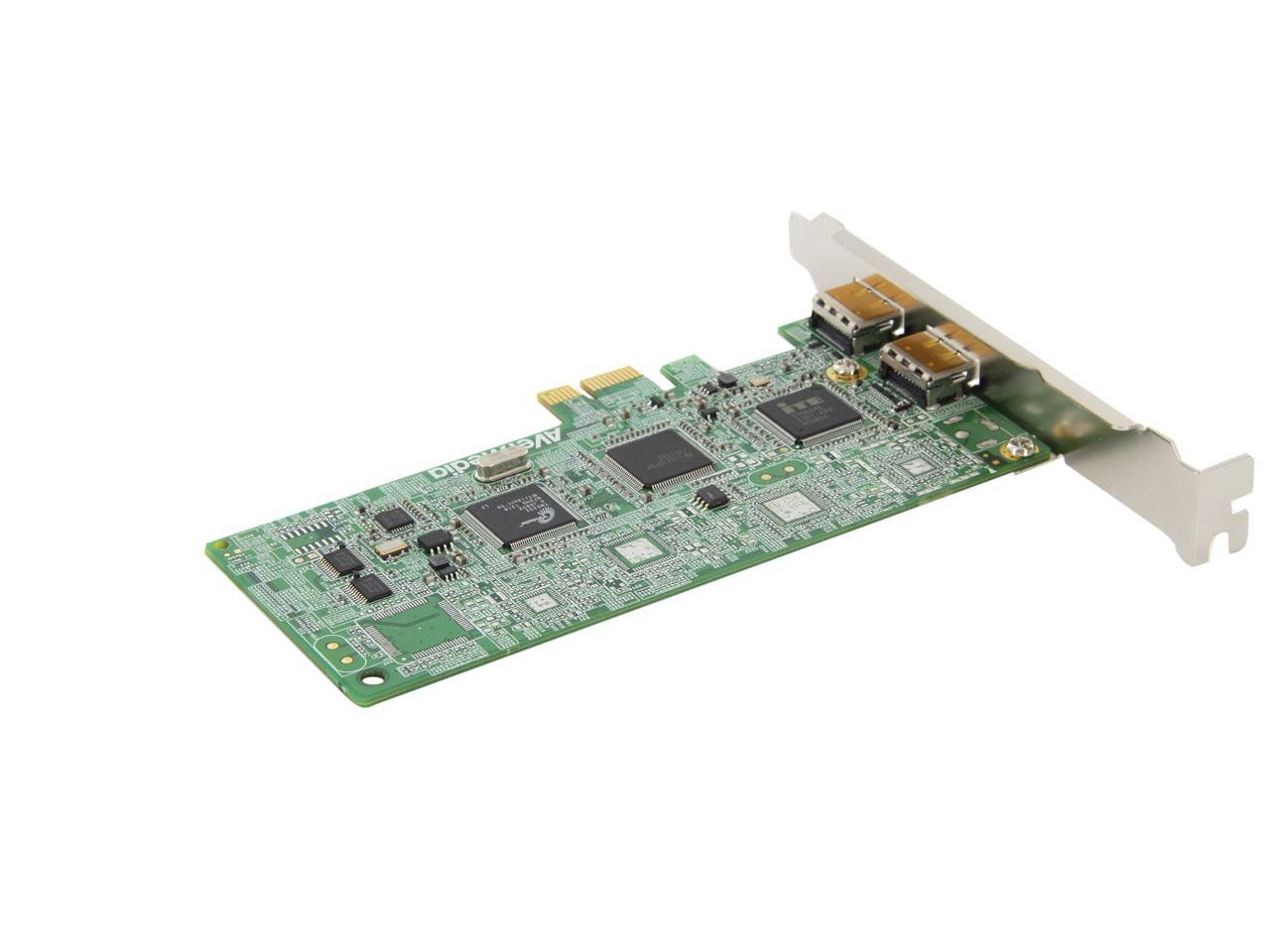
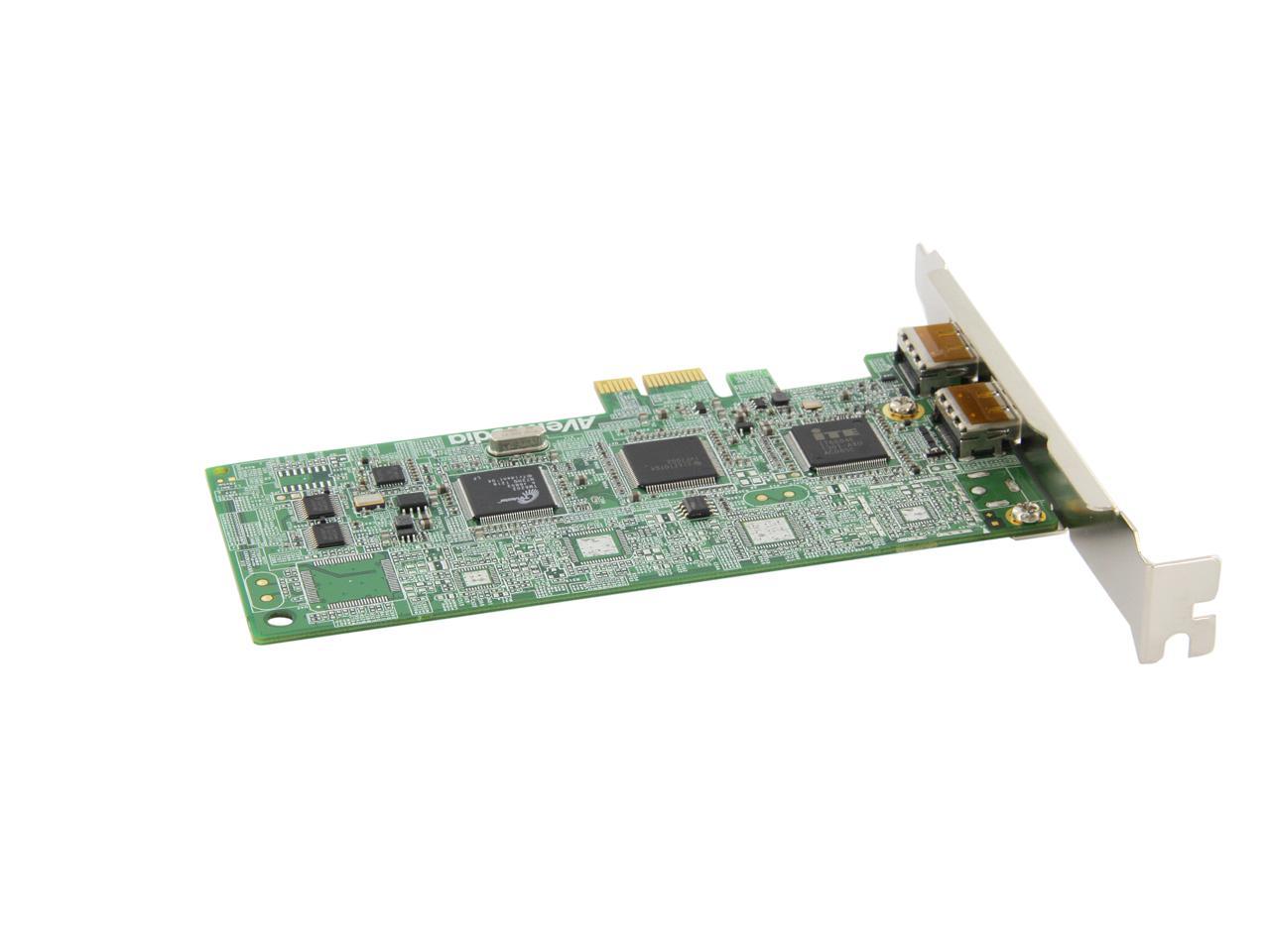
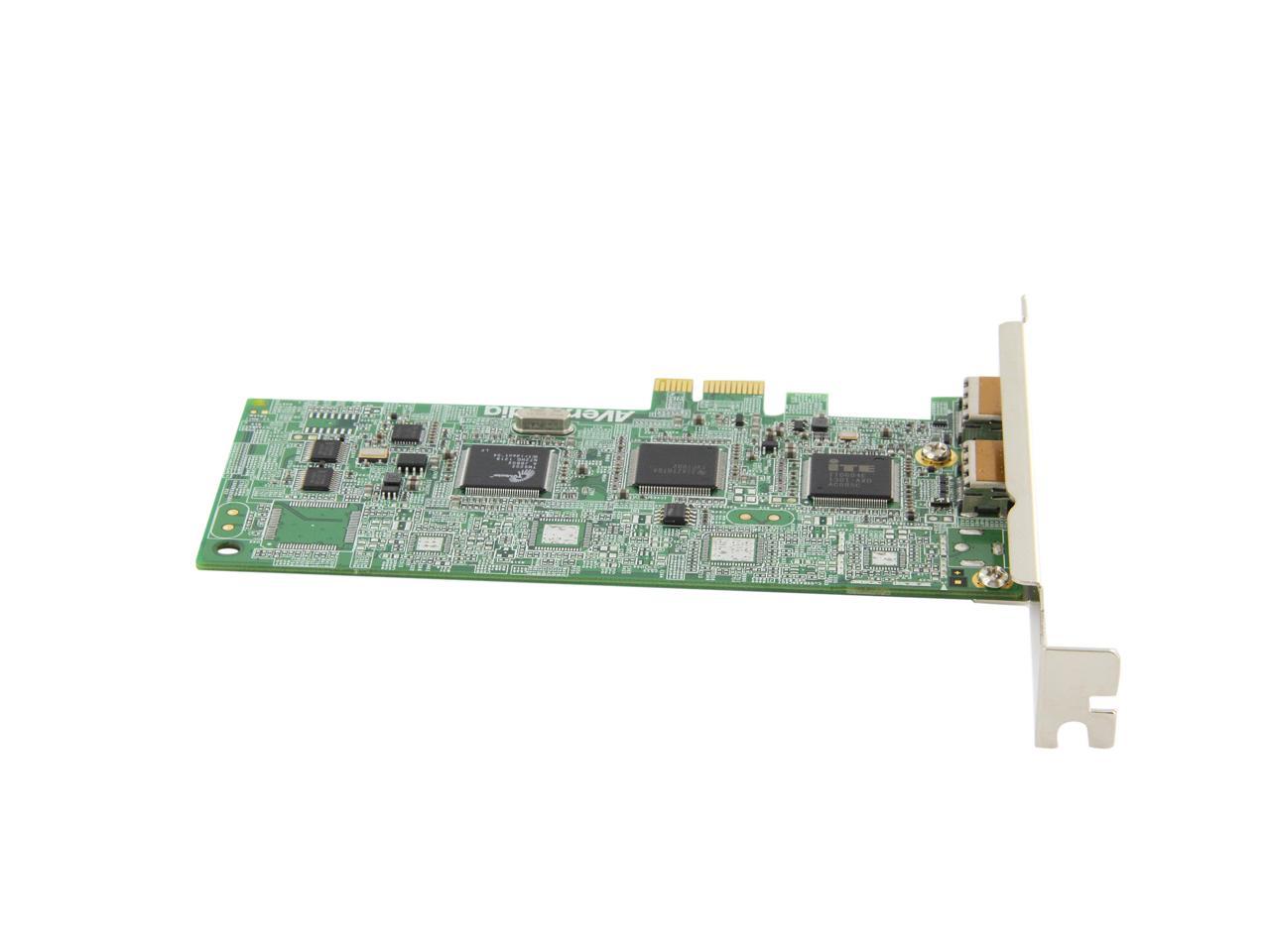
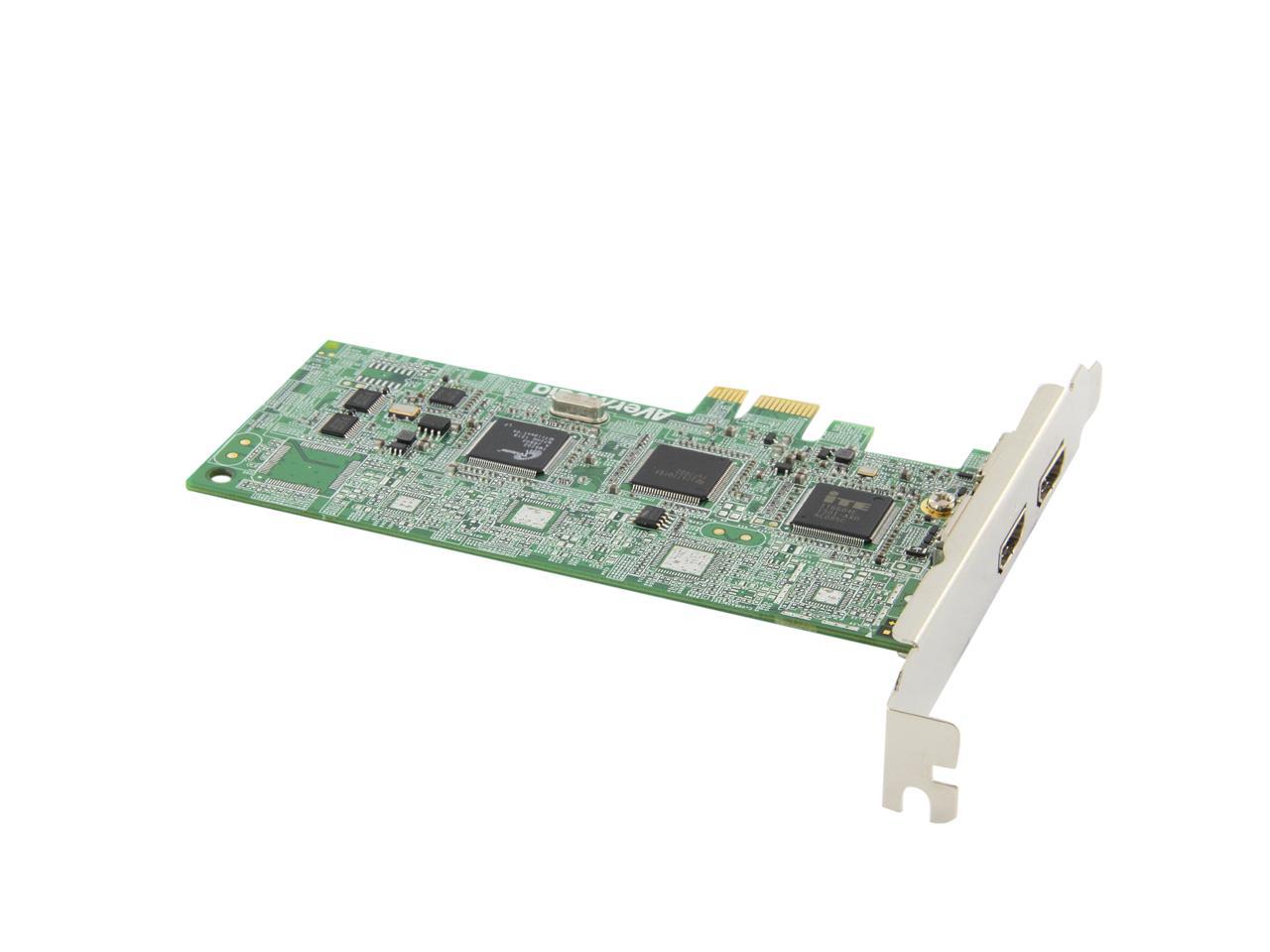
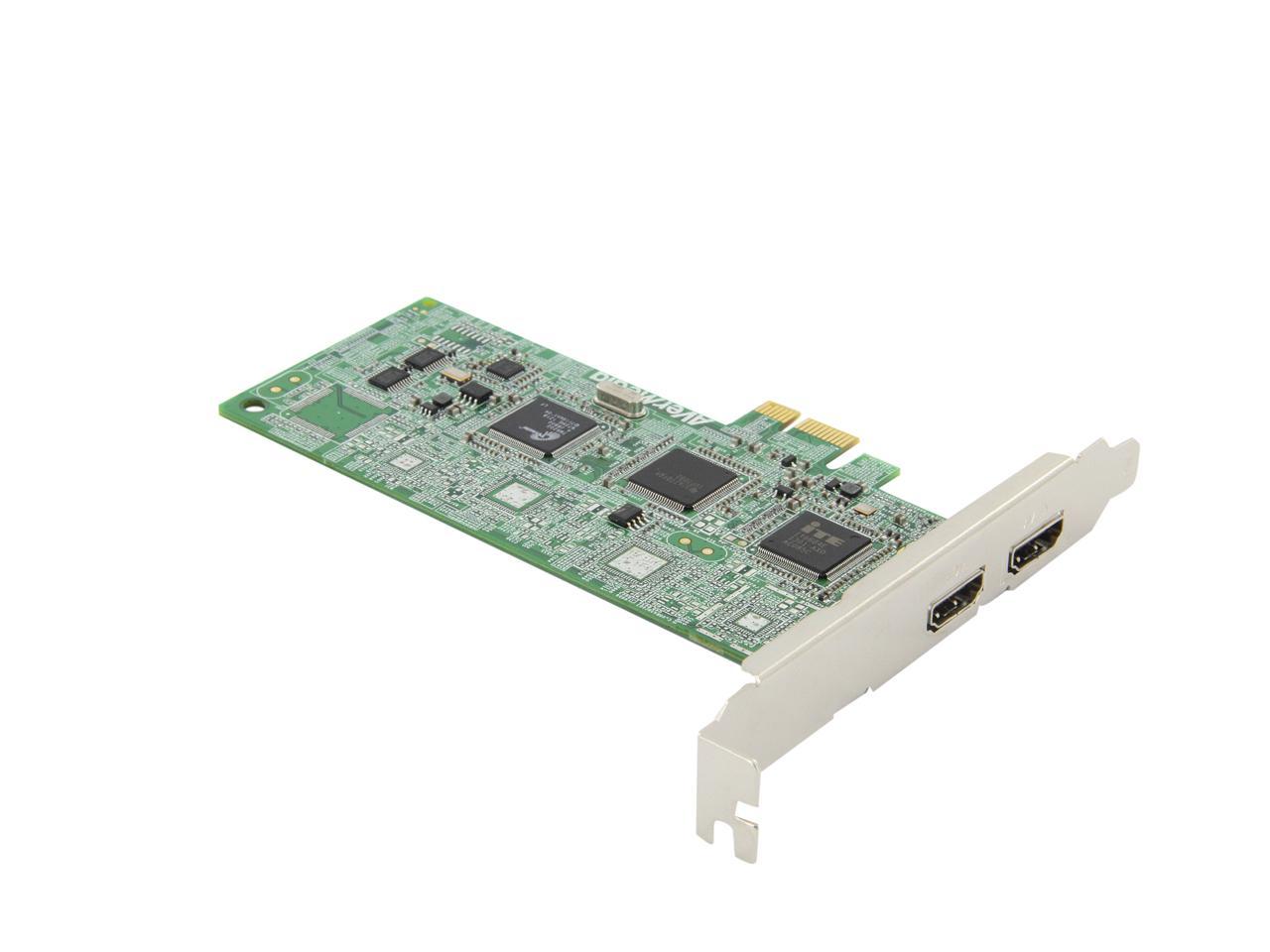
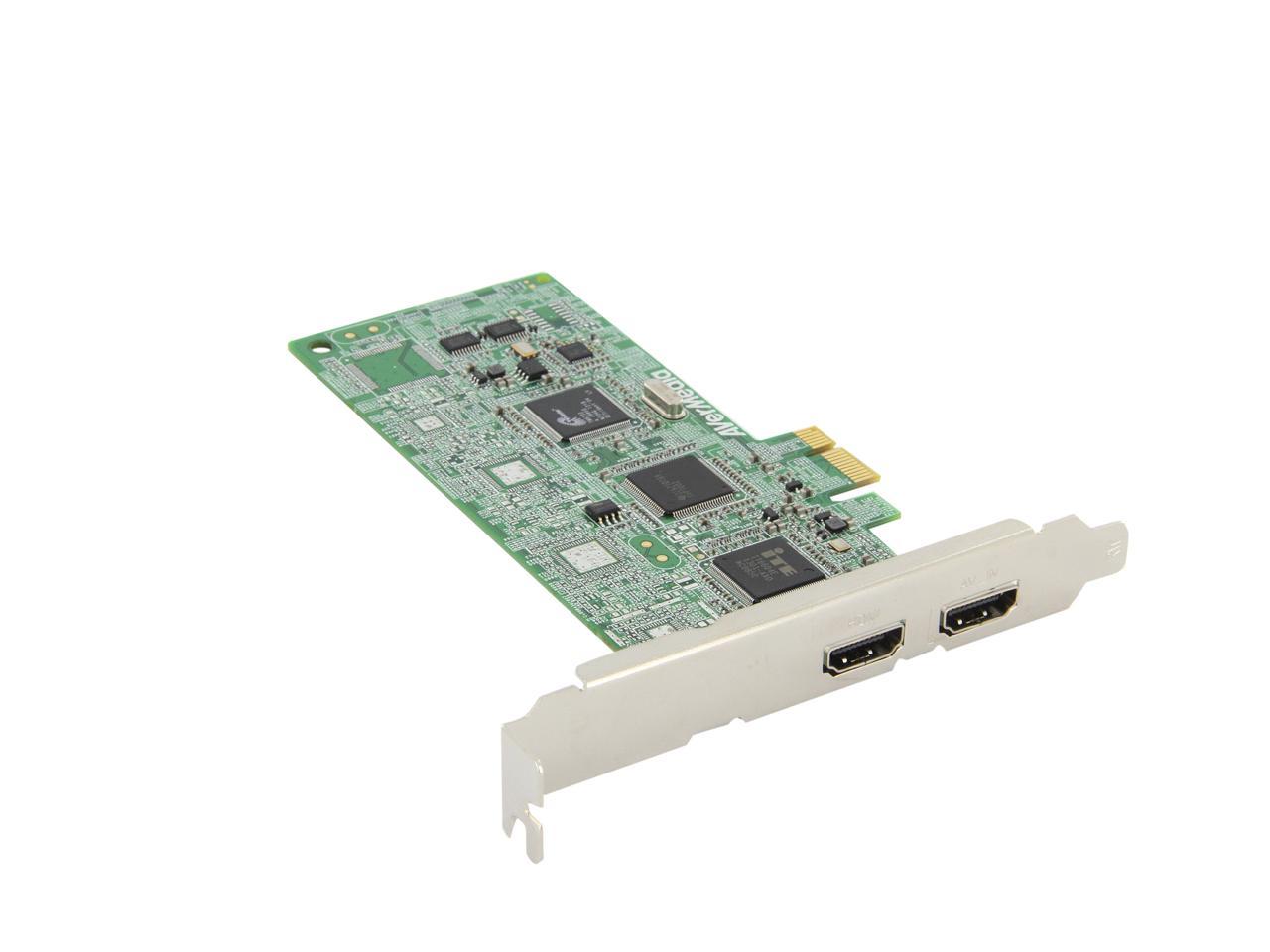
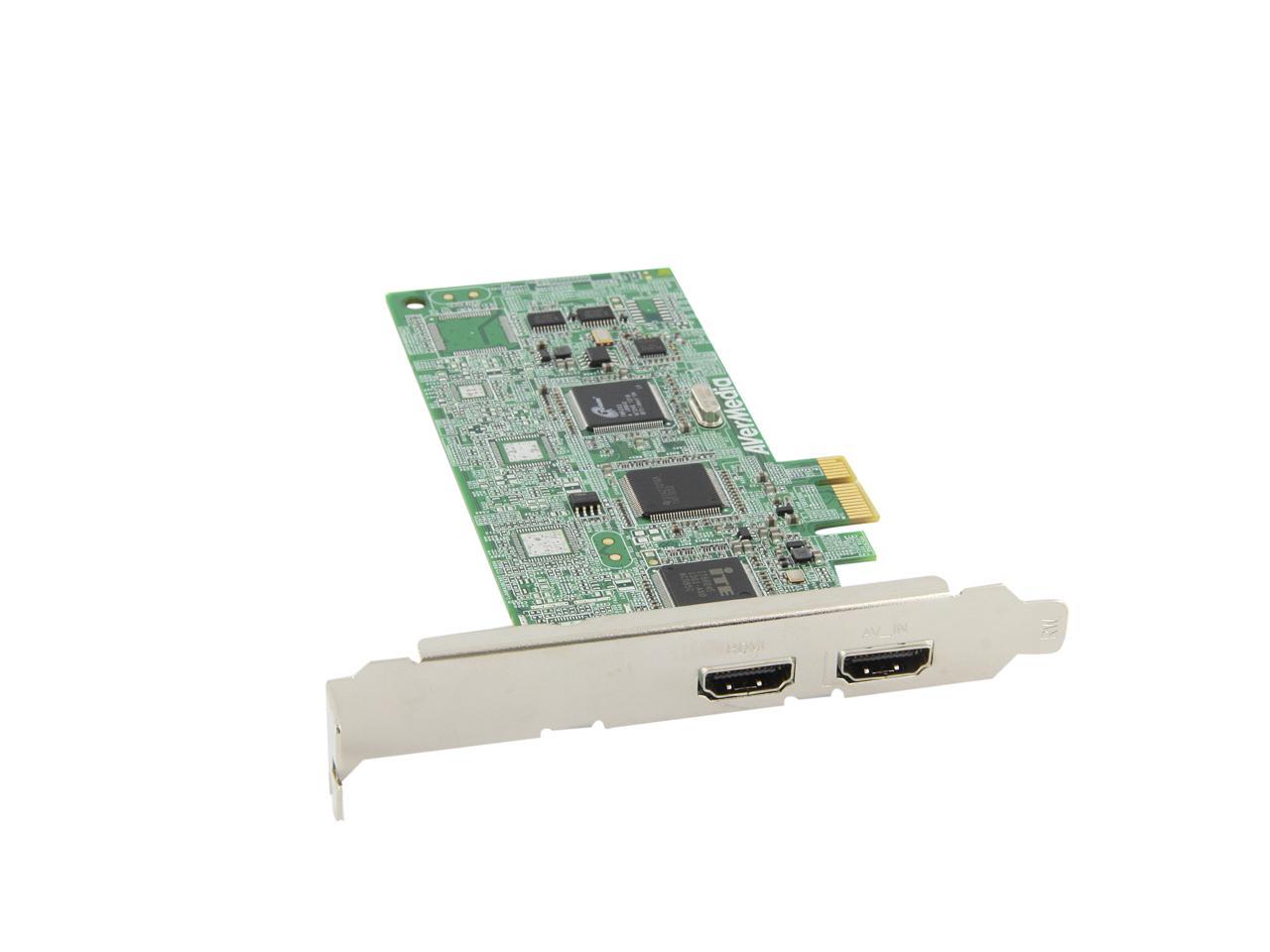
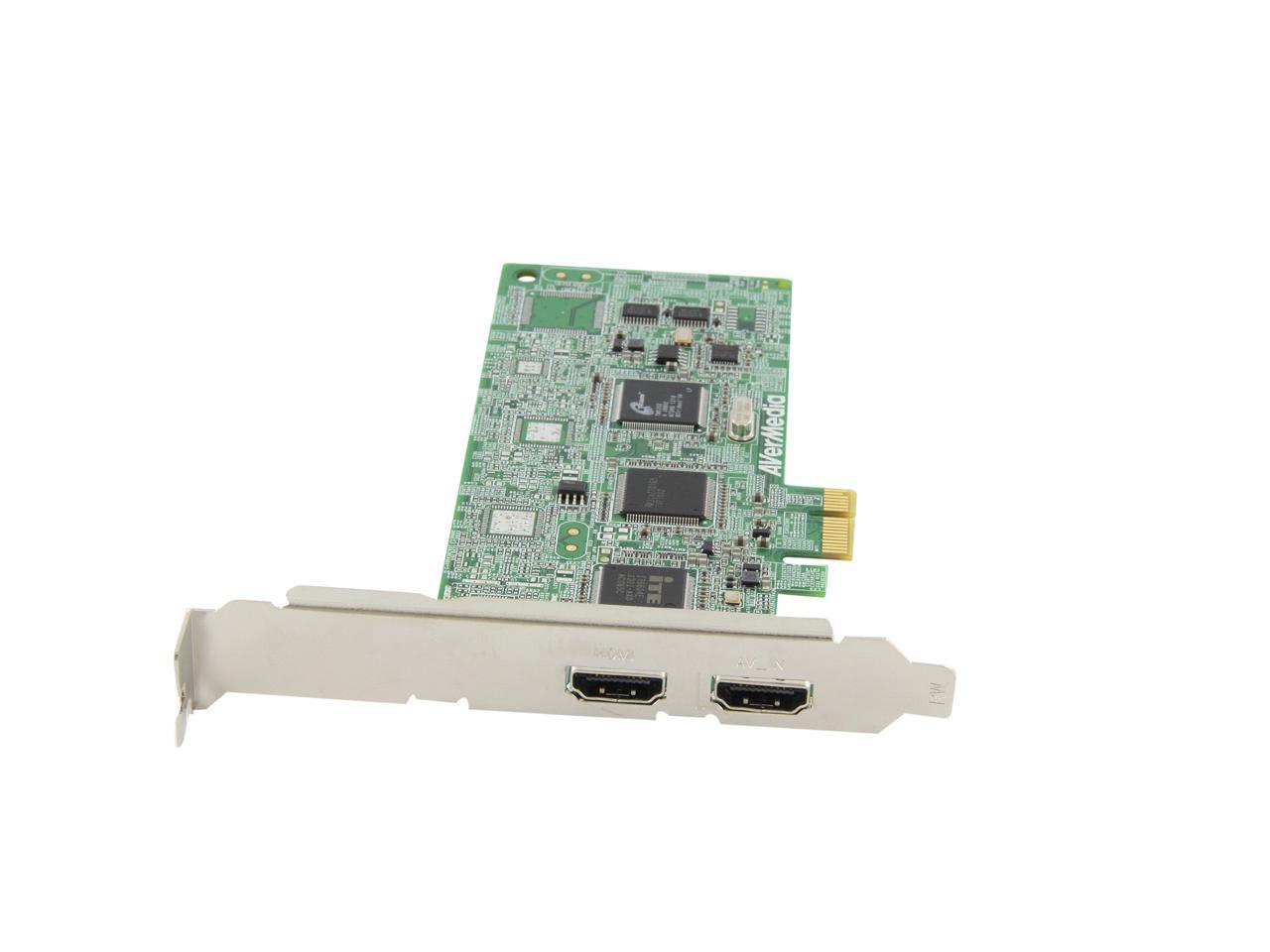
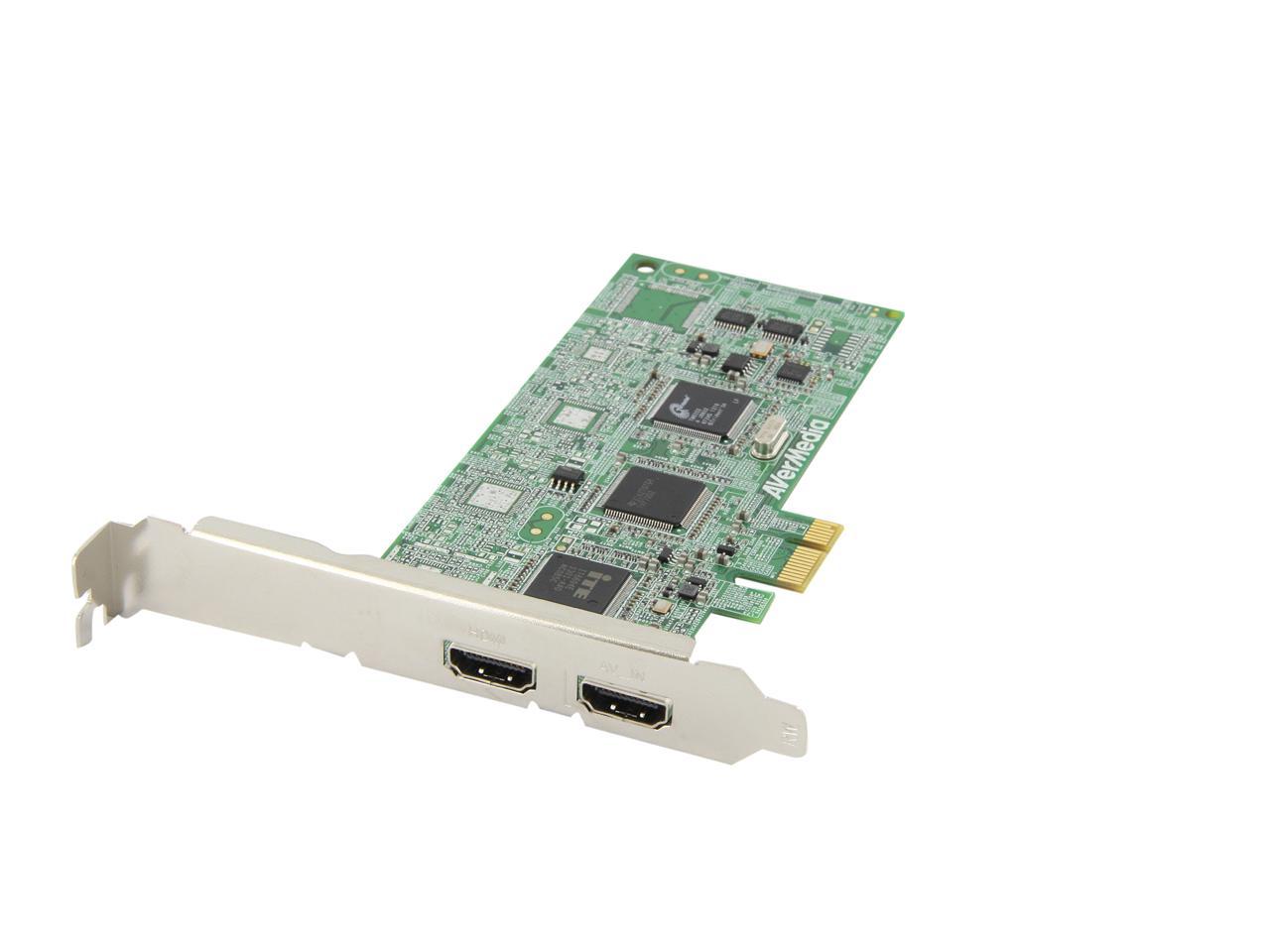
AVerMedia AVerTV HD DVR MTVHDDVRR PCI-Express x1 Interface

neweggOUT OF STOCK.

  • Capture HD video up to 1080i
  • Save as MPEG 2/H.264
  • PCI-Express x1 Interface
ICON Loading...

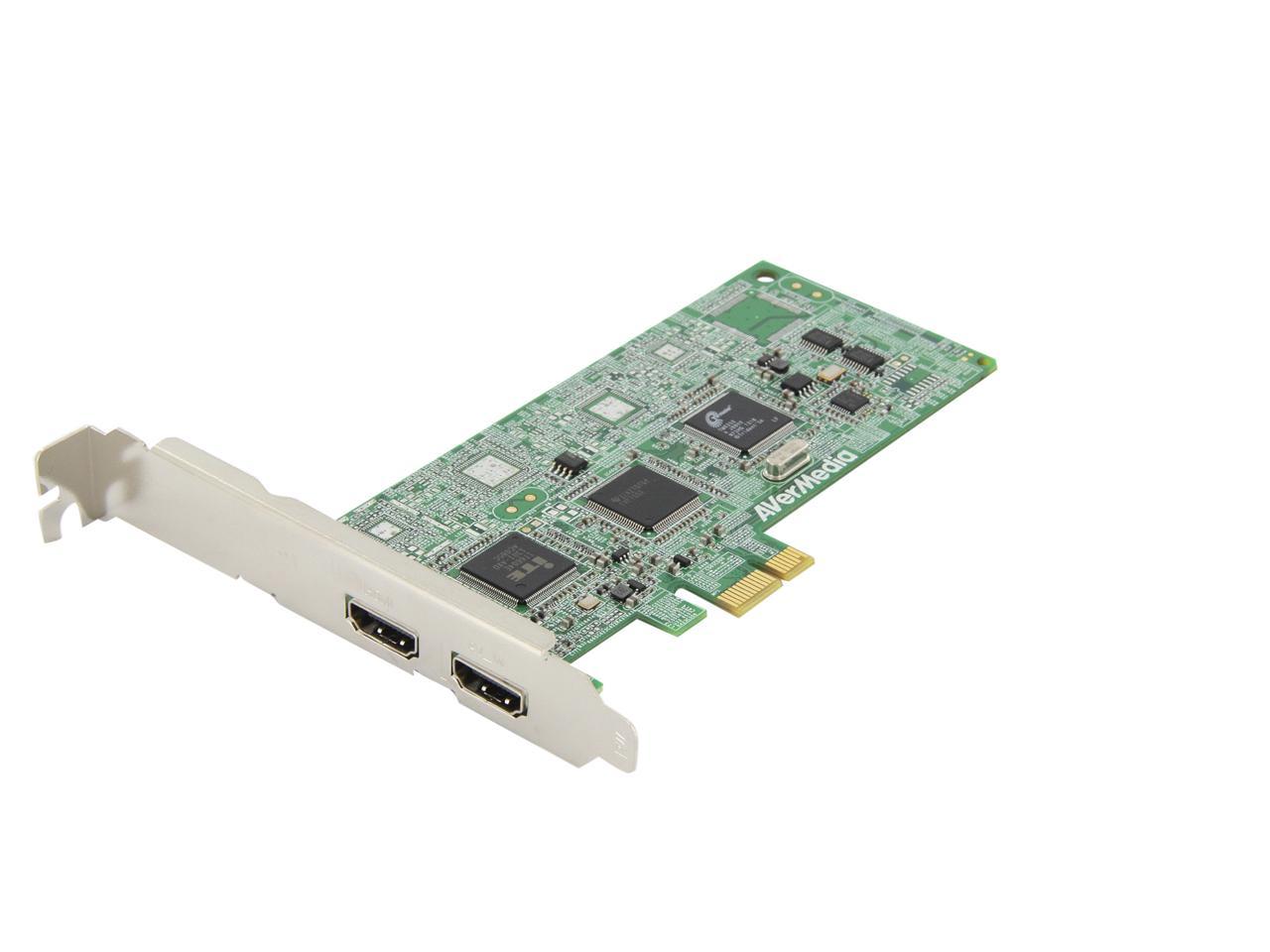
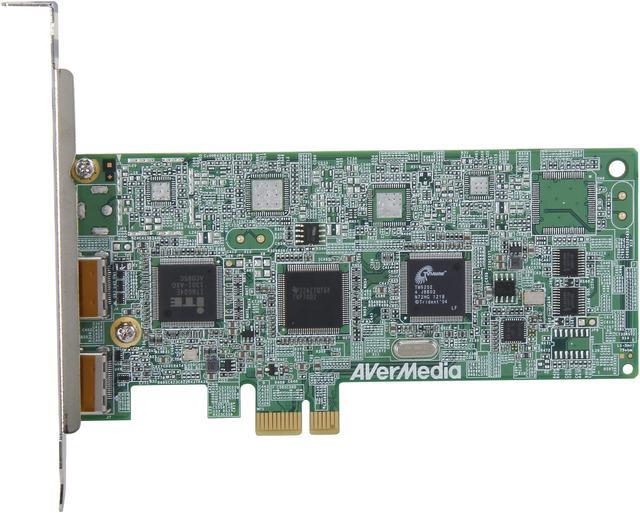
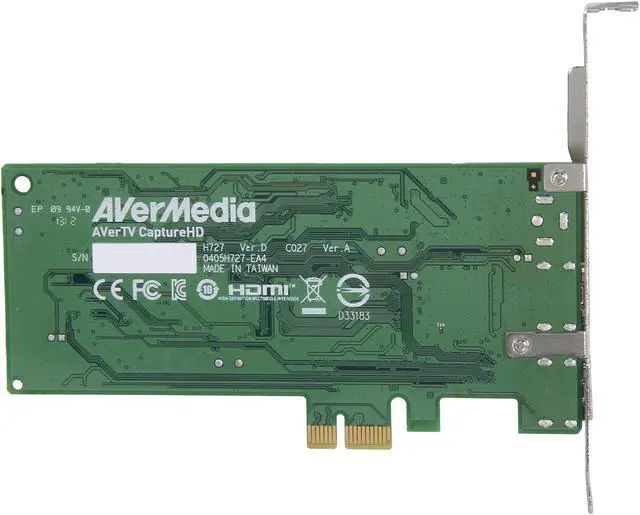
The AVerMedia MTVHDDVRR is a high definition / analog video capture card. Featuring the HDMI port, it can work with HDMI-enabled equipments and capture HD video up to 1080i, and with the 10-in-1 dongle cable, it delivers broad compatibility with analog video devices equipped with composite, s-video or component interface. You can also connect it to cable/satellite set-top-box, gaming console and HD video recorders to capture your favorite video content on PC.

  • newegg HDMI Support Featuring HDMI inputs, the AVerMedia MTVHDDVRR can work with HDMI-enabled devices and capture HD video up to 1080i.
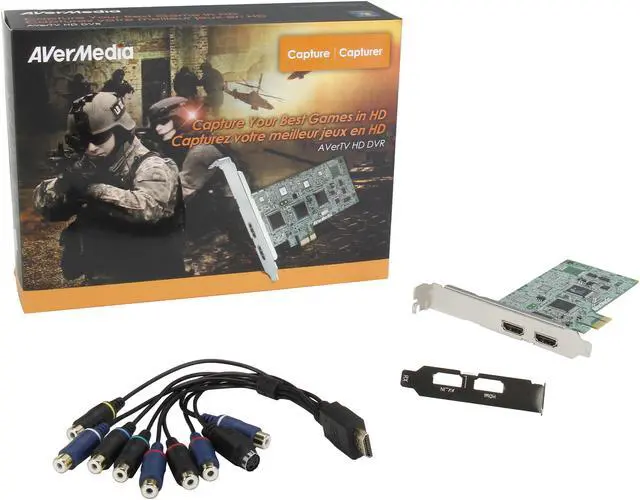
  • newegg 10-In-1 Dongle Cable Equipped with 10-in-1 dongle cable, the AVerMedia MTVHDDVRR is compatible with a wide range of devices with component, composite or s-video ports.
  • newegg Video Recording Connecting to your HD cable/satellite set-top-box and using the included software, the AVerMedia MTVHDDVRR can help you record your favorite TV shows on your PC.

Learn more about the AVerMedia MTVHDDVRR

Model

Brand
AVerMedia
Model
MTVHDDVRR

General

Type
Video Capture & Editing
Interface
PCI-Express x1
Low Profile Ready
Yes
Low Profile Bracket Included
Yes

Features

Features
The AVerTV HD DVR - is a High Definition / Analog video capture card. It's equipped with HDMI and
through the included dongle cable, Component, S-Video and Composite Video input interface.
Allowing users to connect to their Cable/Satellite Set-Top-Box, Gaming Console and HD Video
recorders to capture High Definition and Analog video content on their to PC.

The package includes our AVer MediaCenter software application with advance software encoding
algorithm engine and built-in schedule recording features. Users can capture HD video, up to 1080i,
and save it in MPEG 2 or H.264 file format (which can be use to playback under iPod or PSP gaming
device) as well as program start and end times of TV shows from HD Cable/Satellite Set-Top-Box.

AVerTV HD DVR is a superior device to digitalize piles of videotapes, turning moments recorded in
analog video signals into DVD format! You can easily connect your desktop computer with home
video devices, in just one step -"plug and play"!

Specifications

Specifications
High Definition Input up to 1080i
- HDMI
- Stereo L/R Audio (2)
- YPbPr Component (3)

Standard Definition Input to 480p
- S-Video (1)
- Composite (1)
- Stereo L/R Audio (2)

System Requirements

Processor
Intel Core 2 Duo E6600 2.4GHz or Equivalent AMD CPU
Graphics Card
VGA card with 128MB memory supports DirectX 9.0c or above
Memory
1GB RAM or above
Operating Systems Supported
Windows 7/ Vista / XP (32 and 64 Bit)
Others
200MB Hard Drive Space
Sound Card

Packaging

Package Contents
AVerTV HD DVR
10-in-1 Dongle Cable
Low Profile Bracket
Installations CD
Quick Guide

Manufacturer Warranty

Parts
1 year limited
Labor
1 year limited

Quick Info

Warranty

  • Limited Warranty period (parts): 1 year
  • Limited Warranty period (labor): 1 year


Customer Reviews of the AVerMedia MTVHDDVRR

Do you own this product? Write a Review

Filter Results

Go
  • Mart
  • 5/20/2013 4:40:08 AM
  • Tech Level: High
  • Ownership: more than 1 year
  • Verified Owner

5 out of 5 eggsGreat Card

Pros: Works Amazing When in the Right hands.
Beautiful Quality.
Works well with my 360 and my Wii.

Cons: Software is garbage.
Drivers have a habbit of causing problems some people. Not hard to fix if you use a simple web search.
No Customer Support. Shame on you AverMedia!
Quality of Standard Def is very poor.. Be Warned if you plan on doing anything Pre-PS2.(Unless I'm doing something completely wrong, with the included software leaves very limited reasons as to why )

Other Thoughts: The software is AWFUL! But it gets the job done. I use this to Live stream my consoles. They look crystal clear, no choppiness, no Input lag. I've had friends purchase the same card, some of which had problems, some did not. Most of the people who had problems Reinstalled windows and their problems went away, which indicates a Driver Compatibility Issue... Most likely conflicting with something else in your system.

I'd love to play PS2 Games, but unfortunately I can't get the quality to look like it does without the capture card. It looks extremely blurry and dull-grayish. I've used Composite, Component, Svideo, and it all looks like garbage. The software's included options to change the settings are Limited to non existent, so trying to make it look "good" had proven to be too much of a hassle. I've chucked this up to User Error ( FOR NOW ) And took 1 Star off for How their software limits you in every way possible, and the lack of support from Aver media.

If there's a better alternative to the software included, I'd highly recommend it - But after extensive researching nobody seems to make an independent software which does what I need it to do, at least one that's free.

Did you find this review helpful? Yes No

  • Leviathan Mist
  • 5/2/2013 4:38:39 AM
  • Tech Level: High
  • Ownership: 1 month to 1 year
  • Verified Owner

4 out of 5 eggsDoes everything I need it to do

Pros: Captures HDMI, composite, and component inputs nearly flawlessly. Works with any one of my game consoles. I can record high-quality videos and stream my gameplay with little to no issues.

Cons: I had one issue with the HDMI input, where my PS3 would stop outputting sound once I loaded the game, I would basically have to restart my PC to get it to work again. The issue only came up when loading a game, and it is fixable. Other than that, there is nothing wrong with it that I can tell. Installation was a little awkward bu that was due to my motherboard and case rather than the card itself.

You need to know how to install a device into a PCI slot in your PC to use it. This might cause trouble for those who are unfamiliar with computer hardware.

Did you find this review helpful? Yes No

  • mrdantownsend
  • 4/30/2013 12:12:53 PM
  • Tech Level: High
  • Ownership: 1 month to 1 year
  • Verified Owner

4 out of 5 eggsGreat gaming capture card!

Pros: Does exactly what you would expect it to.

Cons: Software is kind of bare bones, no settings, no features. Why bother with 1080i?

Other Thoughts: I bought this a month ago and have been using it to stream gameplay videos on twitch.tv and it has been working great so far. There is almost no latency between game and capture (I actually noticed less lag on the Wii U on my computer than on my actual television). One thing I noticed is you can not have the card being used by multiple programs at once (for example the included avermedia center and open broadcasting software can not have access to the card at the same time). This isn't that bad because you can simply do a screen capture of the window on your computer screen.

Another thing I'd have to note is the 1080i input looks like complete garbage. I know that this is an expected result when displaying an interlaced image on a progressive scan monitor, but this is sort of a warning for those that don't know. If you are buying this card to capture video at 1920 x 1080 DO NOT BUY THIS CARD. I can happilly play my Wii U at 720p and it looks amazing on my monitor.

Also one strange effect is that when I plugged in my Nintendo 64 into the composite inputs the audio was getting all messed up whenever a loud noise would occur. I figured out that the card doesn't have a large enough quantization range for the input audio on these channels. A quick fix for me was to stop by my local electronics store and purchase a passive headphone volume control device, wire it with an assortment of adapters through the RCA jacks, and adjust the audio level manually. This fixed all of the audio issues I was having with the card on the composite inputs.

1 out of 1 people found this review helpful. Did you? Yes No

  • N/A
  • 4/26/2013 7:00:50 AM
  • Tech Level: High
  • Ownership: less than 1 day
  • Verified Owner

4 out of 5 eggs

Pros: -Works with X Split after some tweaking
-Records well in 720p on a PCI-E 1x slot
-Relatively cheap.

Cons: -1080i is choppy on a PCI-E 1x slot, but the system is only a Phenom II X2 550 @ 3.1GHz w/ 4 GB of ram.
-Included software looks terrible, but gets the job done.

Other Thoughts: Ordered this to use with X Split. Tried to get it to work after installing software and drivers from the CD, but the video source came up as a black screen. Went into the included software and changed the input setting from s-video to hdmi. Added the video source in X Split successfully after that.

Not sure if the limitations of 1080i is due to the system or the bandwidth of the PCI-E 1x slot, kind of a let down.

Using this for recording church services, and eventually doing a livestream.

Did you find this review helpful? Yes No

  • bforma27
  • 3/4/2013 9:09:34 AM
  • Tech Level: High
  • Ownership: more than 1 year

2 out of 5 eggsNo Windows 8

Pros: Pretty good video quality with S-Video input. Setup of the capture inputs and TV channels is fairly painless.

Cons: Beware!! The drivers do not support Windows 8. Tech support says Windows 8 support is in the works, but couldn't predict an availability date.

I used the card successfully with Windows 7, but after my upgrade to Windows 8, the card won't capture any video whatsoever. Tech support agrees, yep it's a problem.

2 out of 4 people found this review helpful. Did you? Yes No

  • N/A
  • 3/1/2013 3:48:00 PM
  • Tech Level: Somewhat High
  • Ownership: 1 week to 1 month
  • Verified Owner

1 out of 5 eggsThis card is bi-polar.

Pros: When it works its excellent.

Cons: Like i said. WHEN it works. When the system likes to detect it, or when it dosen't freeze and crash, which afterwards the system will not detect it unless I unplug the system for a few moments.... And I have tried both slots in the system. I really wish I could find Avermedia's tech support number, because NOTHING on their site likes to work. Especially the "contact support" section.

Other Thoughts: I WANT this card to work. the picture and recording quality is excellent.

1 out of 1 people found this review helpful. Did you? Yes No

  • HEDWARDS
  • 2/13/2013 7:27:12 PM
  • Tech Level: Somewhat High
  • Ownership: 1 month to 1 year
  • Verified Owner

1 out of 5 eggsYou may want to consider this

Pros: Good quality.

Cons: Locks after 45 minutes of recording. Tech support is virtually non existent.

Other Thoughts: Card locks up after 45 minutes. I'm running it on a I7 with 32 gig of ram and a 2 gig video card. It's not the system. When I went to the avermedia website for help I was amazed at how they try to avoid helping you. Just check out there RMA flow. Funny.

I also called their 1-800 which wasn't in the manual supplied with the hardware. I found it in a PDF file online. I called the tech support number during hours which was a bunch of menus which sent you to an answering machine. And that was any menu you tried, even the operator.

I sent them an email with no response after 4 days. I've had this card for 45 days. It's only been in computer for 2 weeks. I'm very disappointed in this product.

Before you buy, make sure the manufacturer supports it. My bad. I didn't look.

2 out of 2 people found this review helpful. Did you? Yes No

  • N/A
  • 1/24/2013 7:02:48 PM
  • Tech Level: Somewhat High
  • Ownership: 1 day to 1 week
  • Verified Owner

5 out of 5 eggsGreat for what it is.

Pros: 1080i video and audio capture via HDMI is great. Many other programs out there if you don't like the default (though it's fine when you're using it just for TV)

Cons: Umm... I guess no 1080p? But for the price, I'm surprised I got all I did.

Other Thoughts: Zero lag. Zilch. If you're getting lag, you're probably using some sort of splitter or something else interfering with the signal. I game on my 42 inch TV hooked up straight to my PC, so there is nothing to interfere with the signal that way.

The video capture is seen by your computer in much the same way as a webcam is... nearly any software that can view/edit/capture from your webcam will work with this card.

A shame a lot of people seem to be giving this negative reviews because it's not MCE compatible, but if they had done any research before, they would have known this. MCE is only useful if you're using this for TV and if you're using it for TV you'd be much better suited with a tuner card instead.

2 out of 3 people found this review helpful. Did you? Yes No

  • Amar
  • 1/15/2013 7:39:19 AM
  • Tech Level: Somewhat High
  • Ownership: 1 month to 1 year
  • Verified Owner

5 out of 5 eggsAmazing Card

Pros: Easy Installation. Easy Instructions. Easy to update from their website.

Cons: The software is garbage, but there's plenty of alternatives laying around.

Other Thoughts: I stream Live games off my console. This does the job and then some. Its only capable of 1080i, I can't tell the difference from 1080p. I play FPS games, Fighting games, and strategy games on my 360 / ps3 / ps2 / NES /Genesis and this thing handles them all with ease. The quality is just AMAZING from the old systems, but the lack of being able to control features like Contrast / hue is a big negative to the included software. It tended to capture so dark in a lot of games that I had to use an alternative. But the card itself deserves a 10 star because of the ease of use, the price, and the effectiveness of the CARD.. Software not so much.

1 out of 1 people found this review helpful. Did you? Yes No

  • Videoman
  • 1/10/2013 5:45:17 PM
  • Tech Level: High
  • Ownership: more than 1 year

2 out of 5 eggsDecent card, lousy Tech Support

Pros: Easy to install. PCIe slot

Cons: NO record level adjustment, complicated H264 record settings.

Other Thoughts: I did not purchase this card from Newegg, however, I do own one and here's my review. First of all there is NO way to adjust the audio record level, whether it's composite, component or HDMI video. I went back and forth with Avermedia Tech support and after 7 days of emails, responses and screenshots, it turns out they never understood my question at all. Second issue, the original software version 1.7.5 captured video at 29.97 FPS, but the new MediaCenter 3D version 1.7.9 captures at 30 FPS. which by the way, there is NO adjustment for.

0 out of 3 people found this review helpful. Did you? Yes No

ICON Loading...
Discontinued
  • This item is currently out of stock and it may or may not be restocked.
  • $10.74 Shipping
Discontinued
Are you an E-Blast Insider? Subscribe Newegg e-Blast

Buzz

Bad Dongle Cable

1 out of 5 eggs
Spoke to Cain at AverMedia 12:50 EDT 04-13-12 and they refuse to replace the cable ("company policy") ...
— campex 4/13/2012

Very good Capture Card

5 out of 5 eggs
Package came in excellent conditions. Card is brand new and came with all the adapters as advertised.
Installed in Windows ...
— Dan D 12/29/2009


LOADING... LOADING...
Shop by Region: United States | Canada | China
Follow us:   RSS Feeds Youtube
VeriSign Reliability Seal1 PaypalVerify GoldenSeal InteracThis site protected by Trustwave's Trusted Commerce program Inc500

Policy & Agreement | Privacy Policy

 © 2000-2013 Newegg Inc.  As used herein, “Newegg.ca” means Newegg Canada Inc. unless the context specifically refers to the www.newegg.ca web address.
If the Adobe Reader does not appear when you click on a link for a PDF file, you can download Adobe Reader from the Adobe web site. nassau