Newegg.ca - A great place to buy computers, computer parts, electronics, software, accessories, and DVDs online. With great prices, fast shipping, and top-rated customer service - once you know, you Newegg.
If you are reading this message, Please click this link to reload this page.(Do not use your browser's "Refresh" button). Please email us if you're running the latest version of your browser and you still see this message.
WarrantyBeyond any applicable Newegg return policy, this item is warranted independently by the product's Manufacturer or a Third party. Below is a summary provided for convenience only and may not be accurate or current.
Read full details.
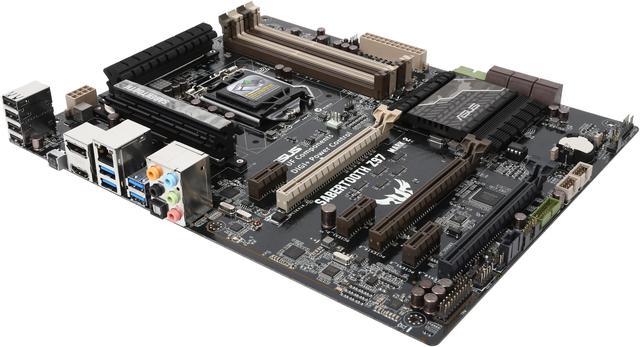
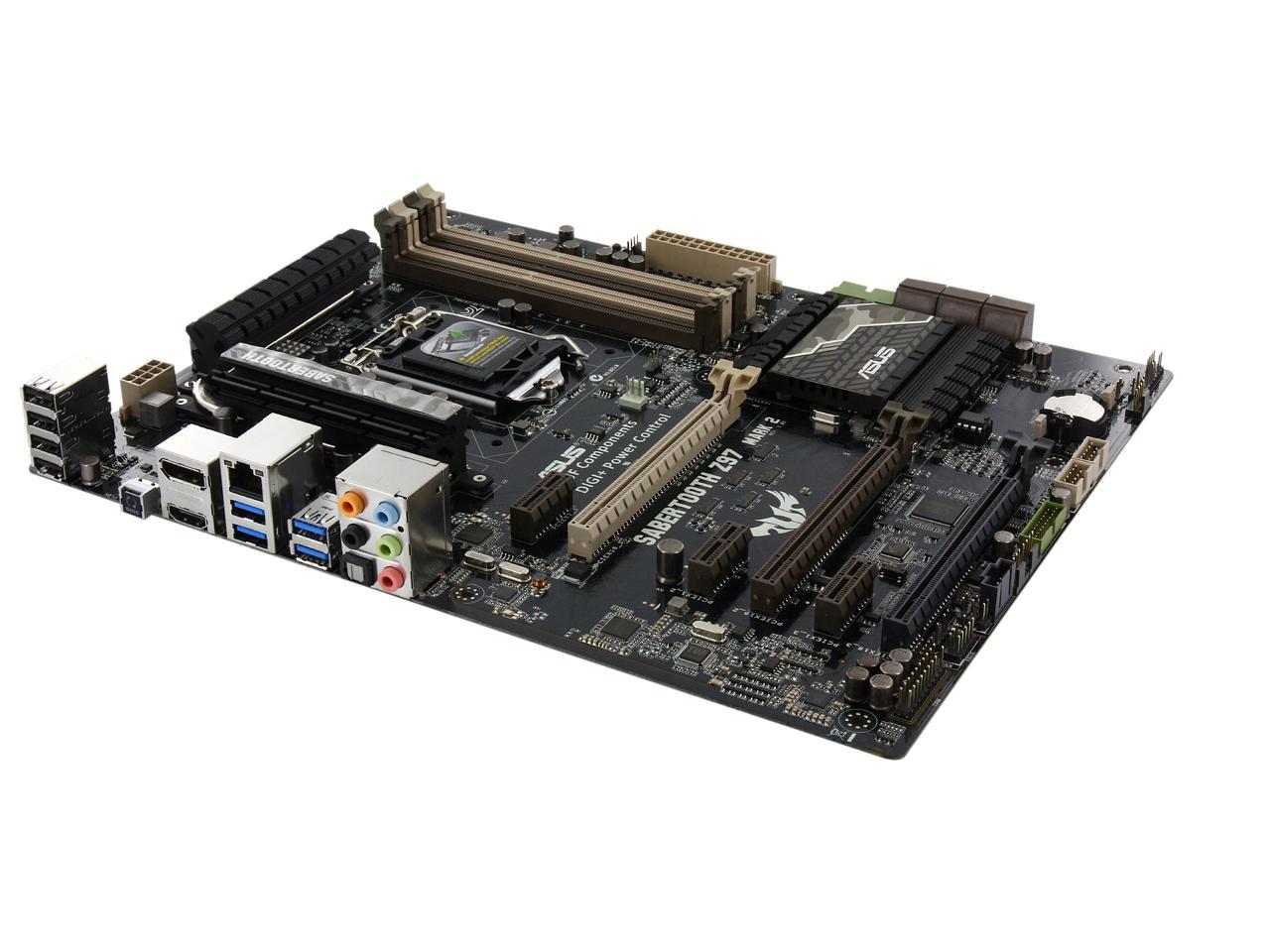
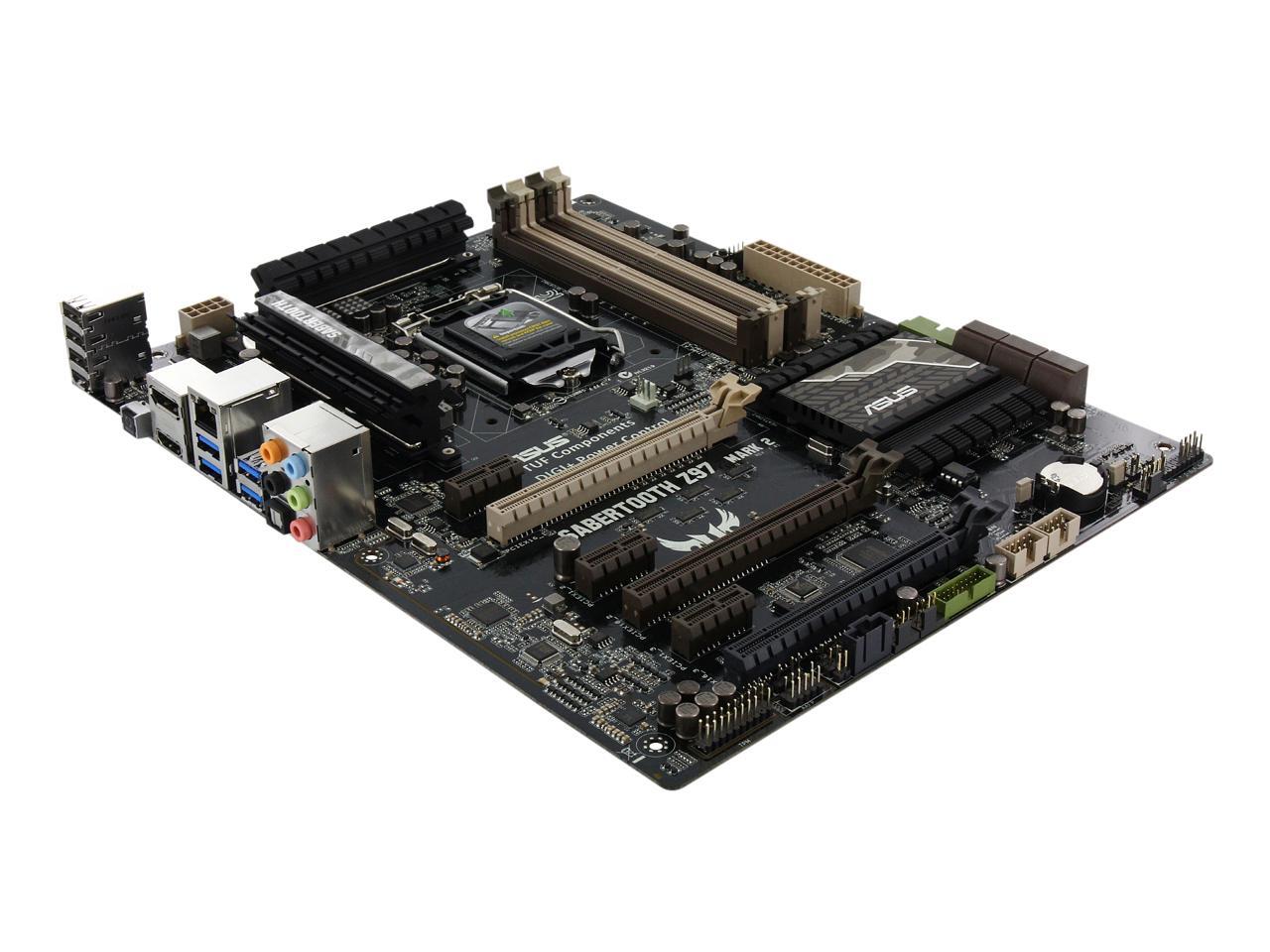
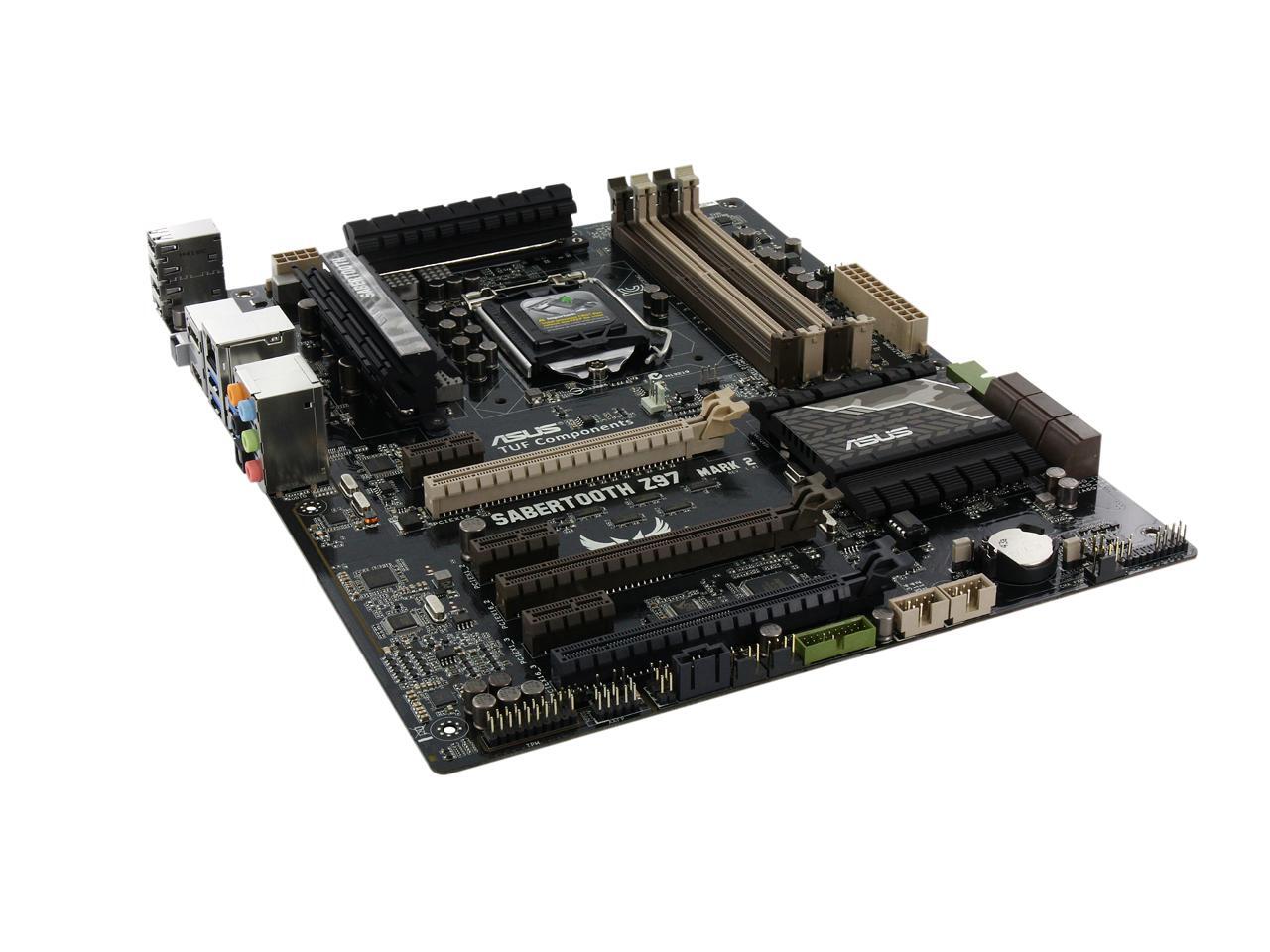
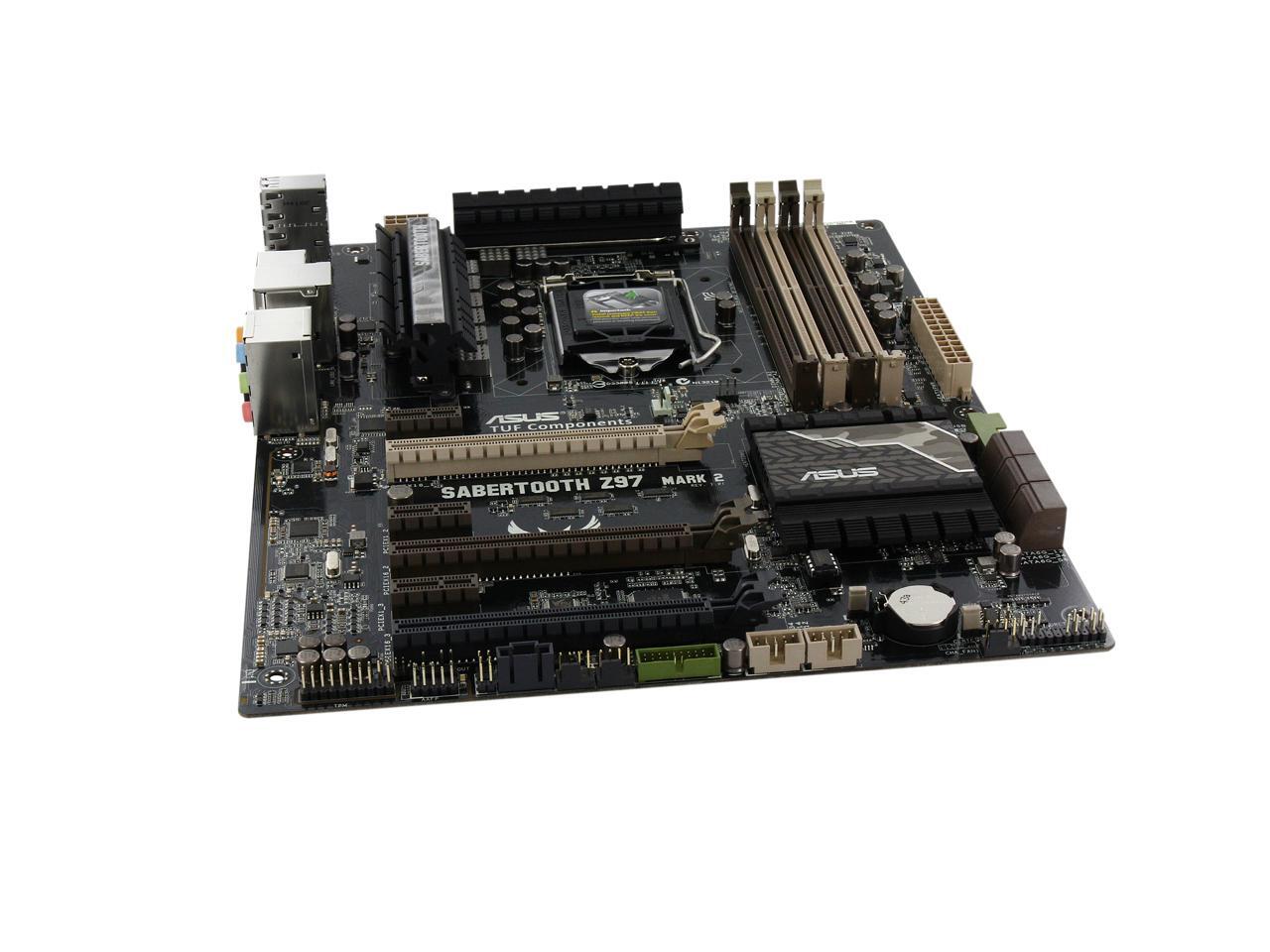
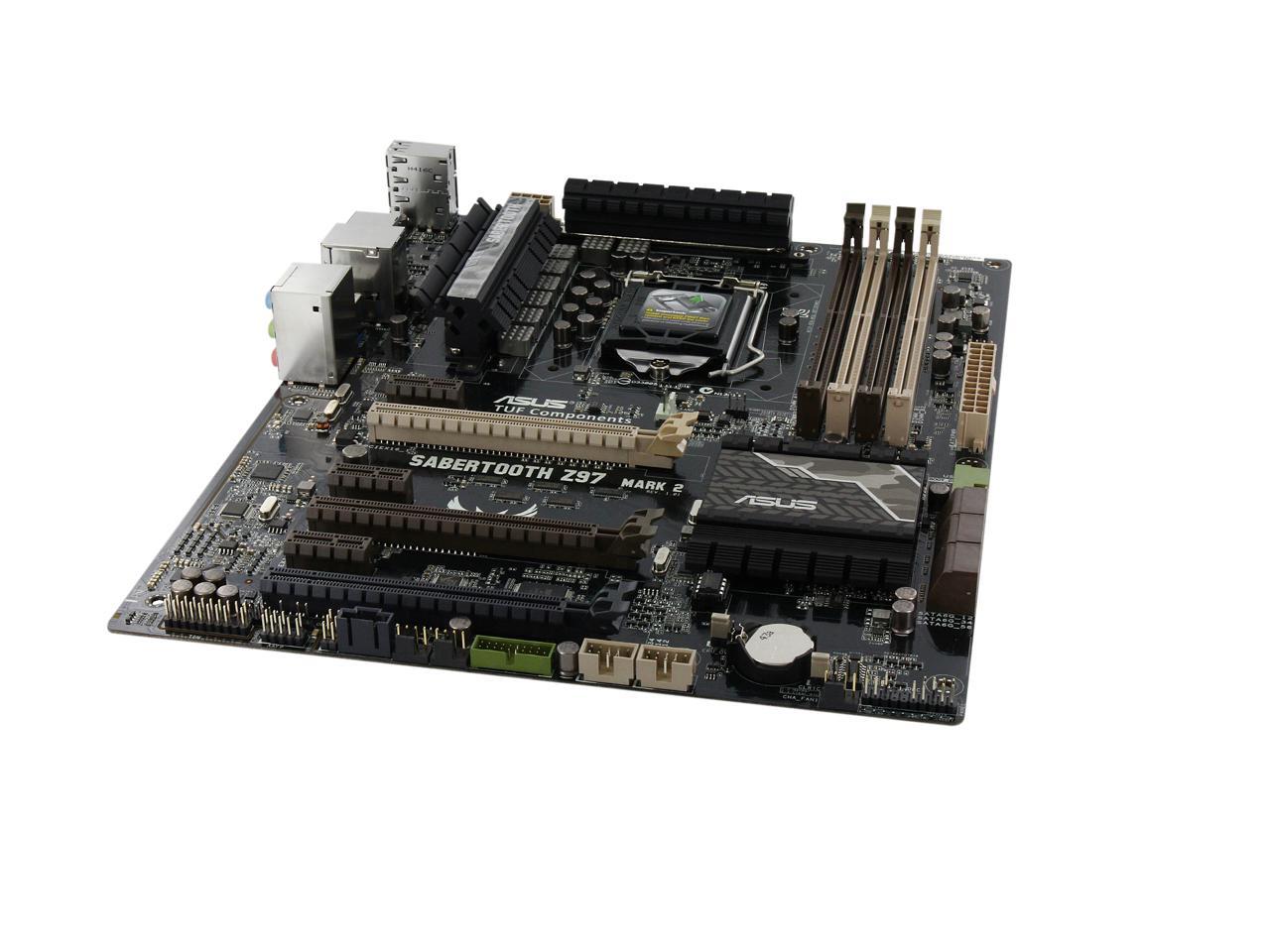
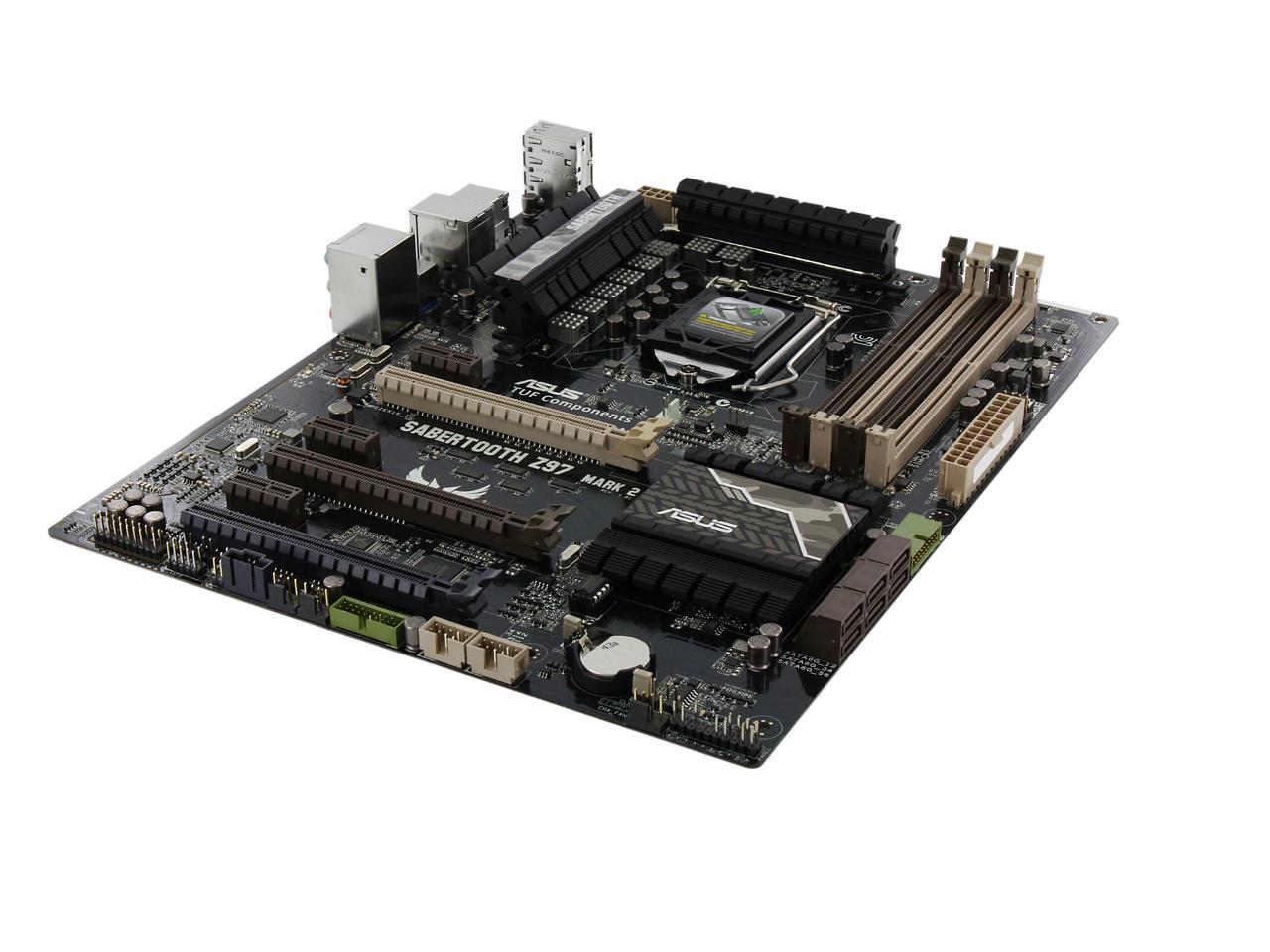
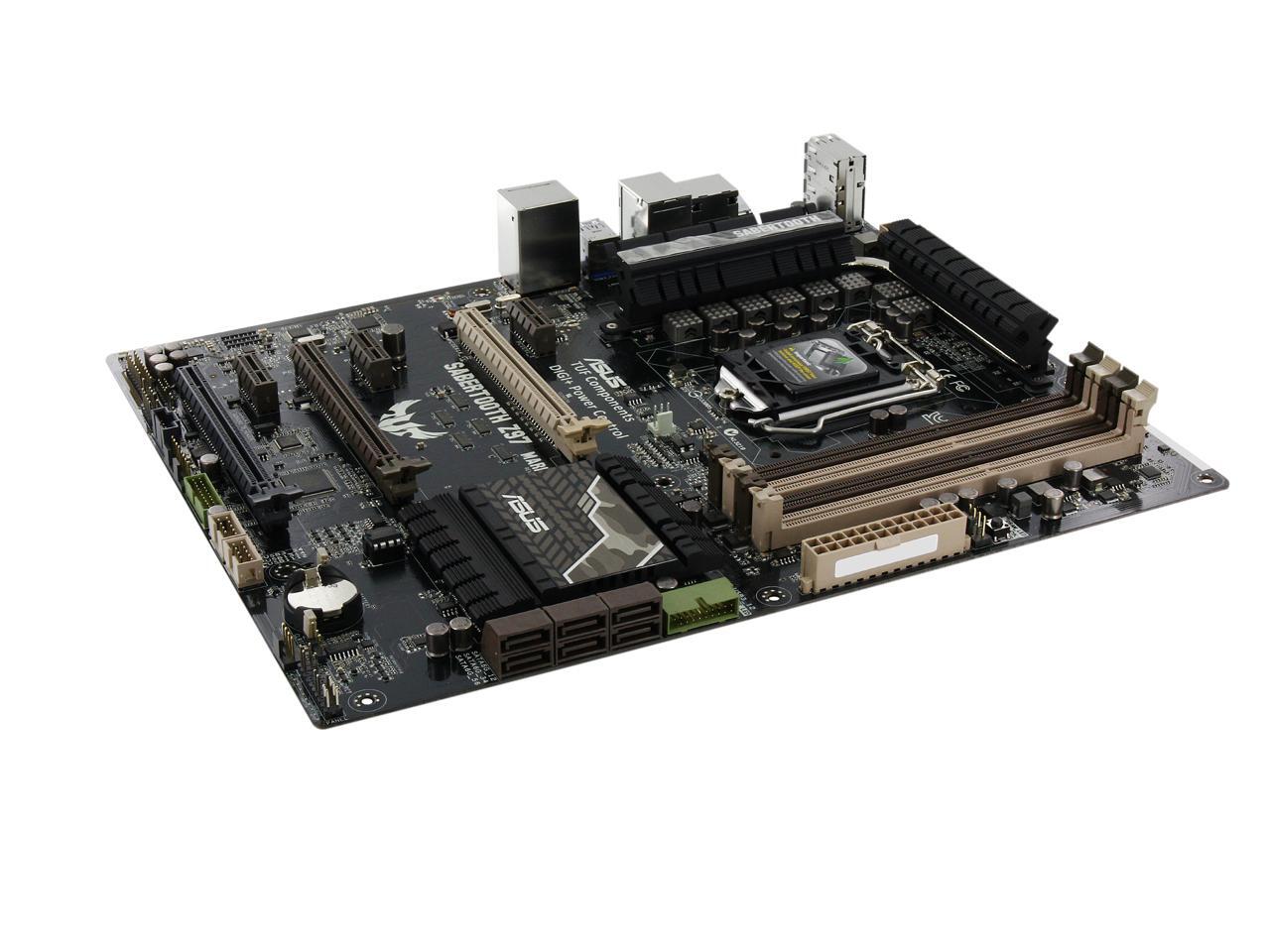
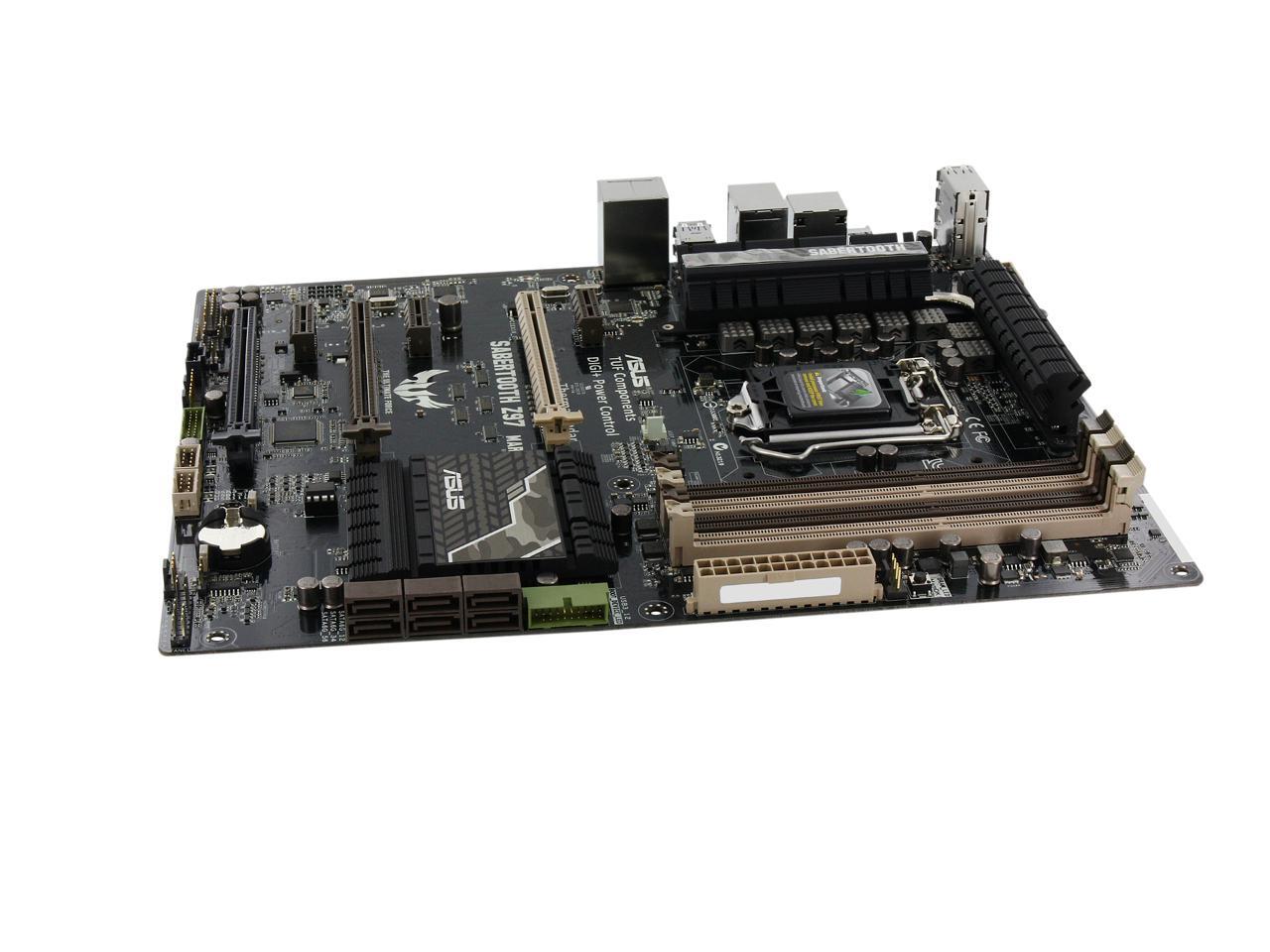
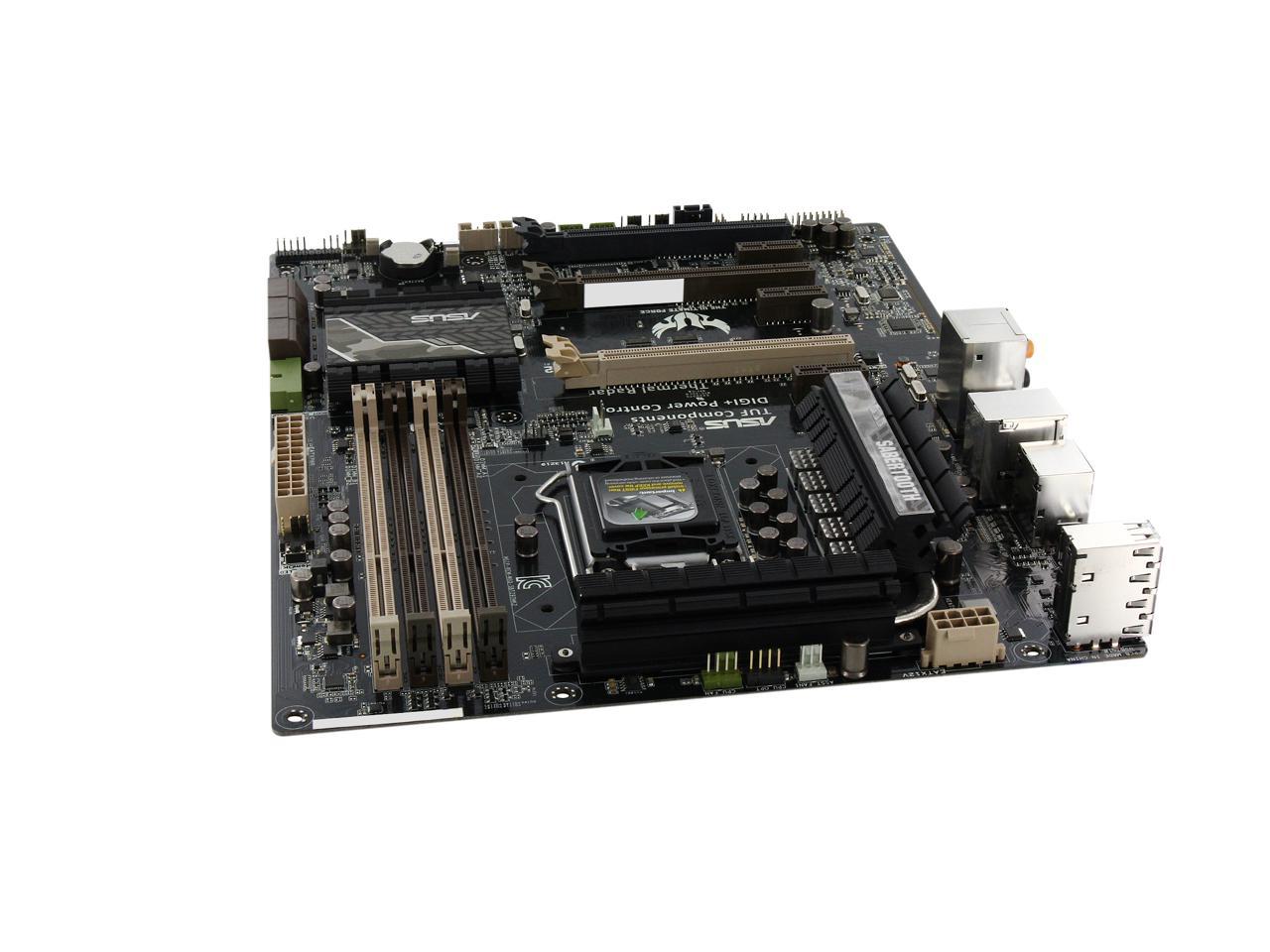
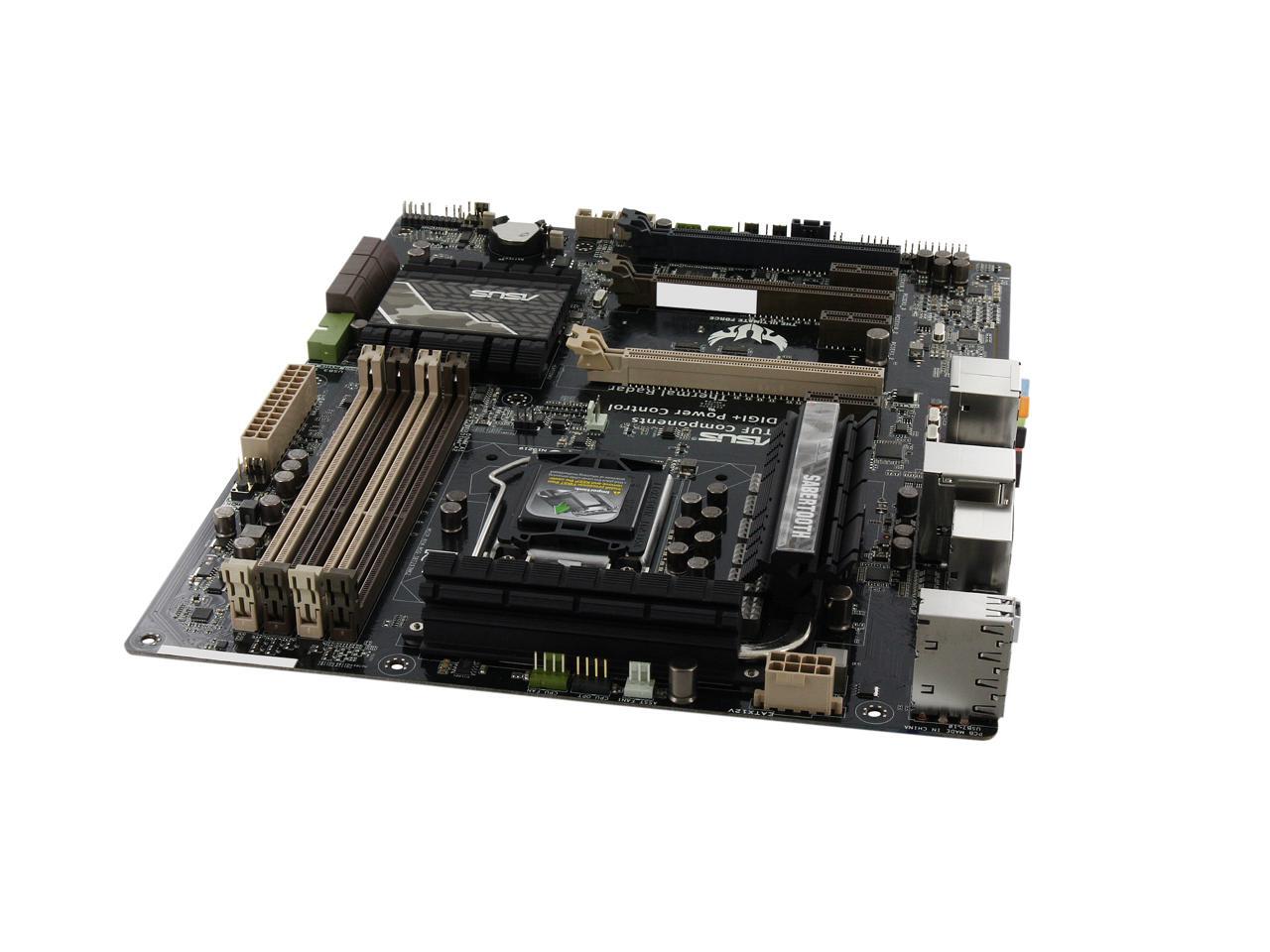
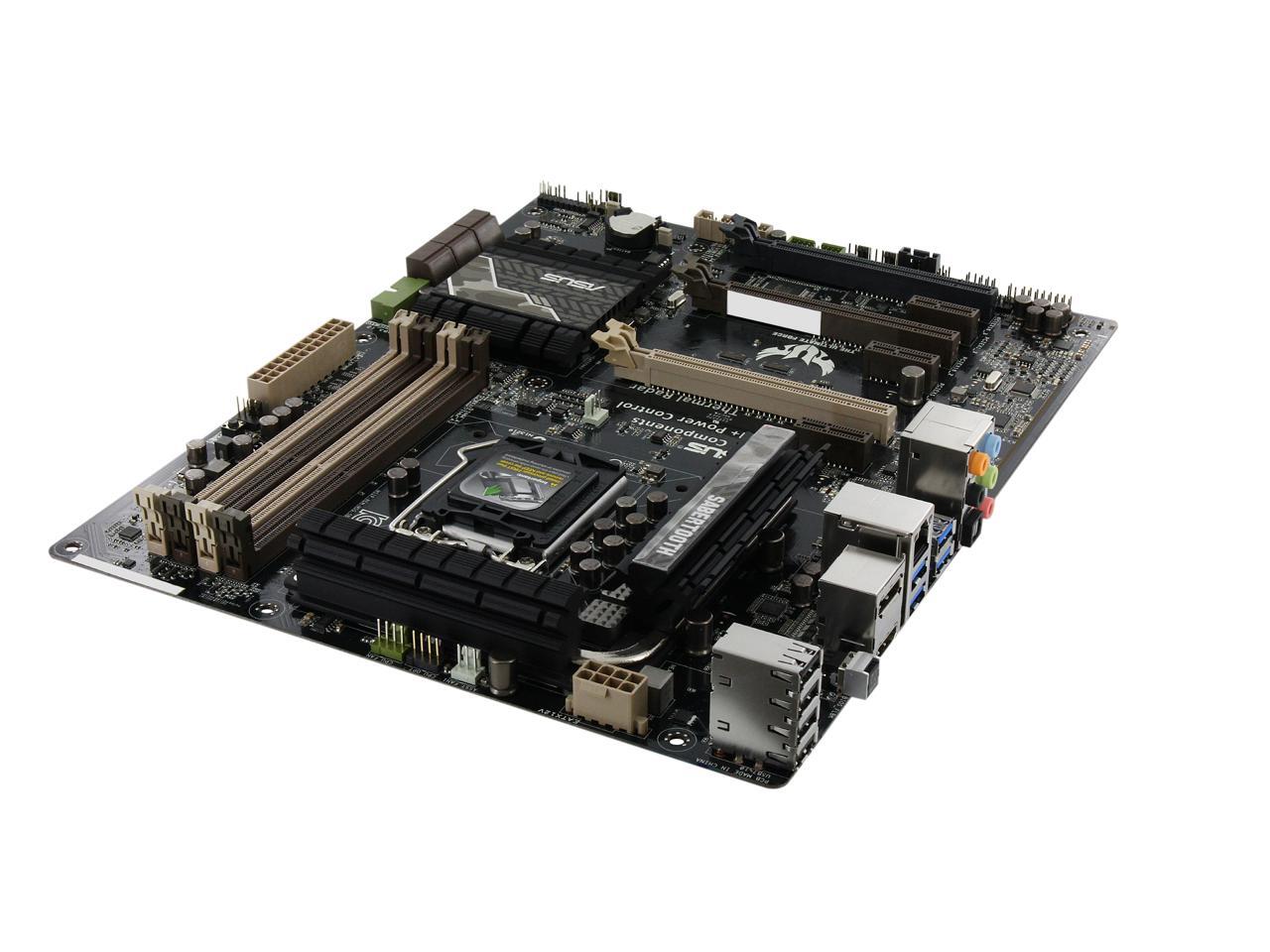
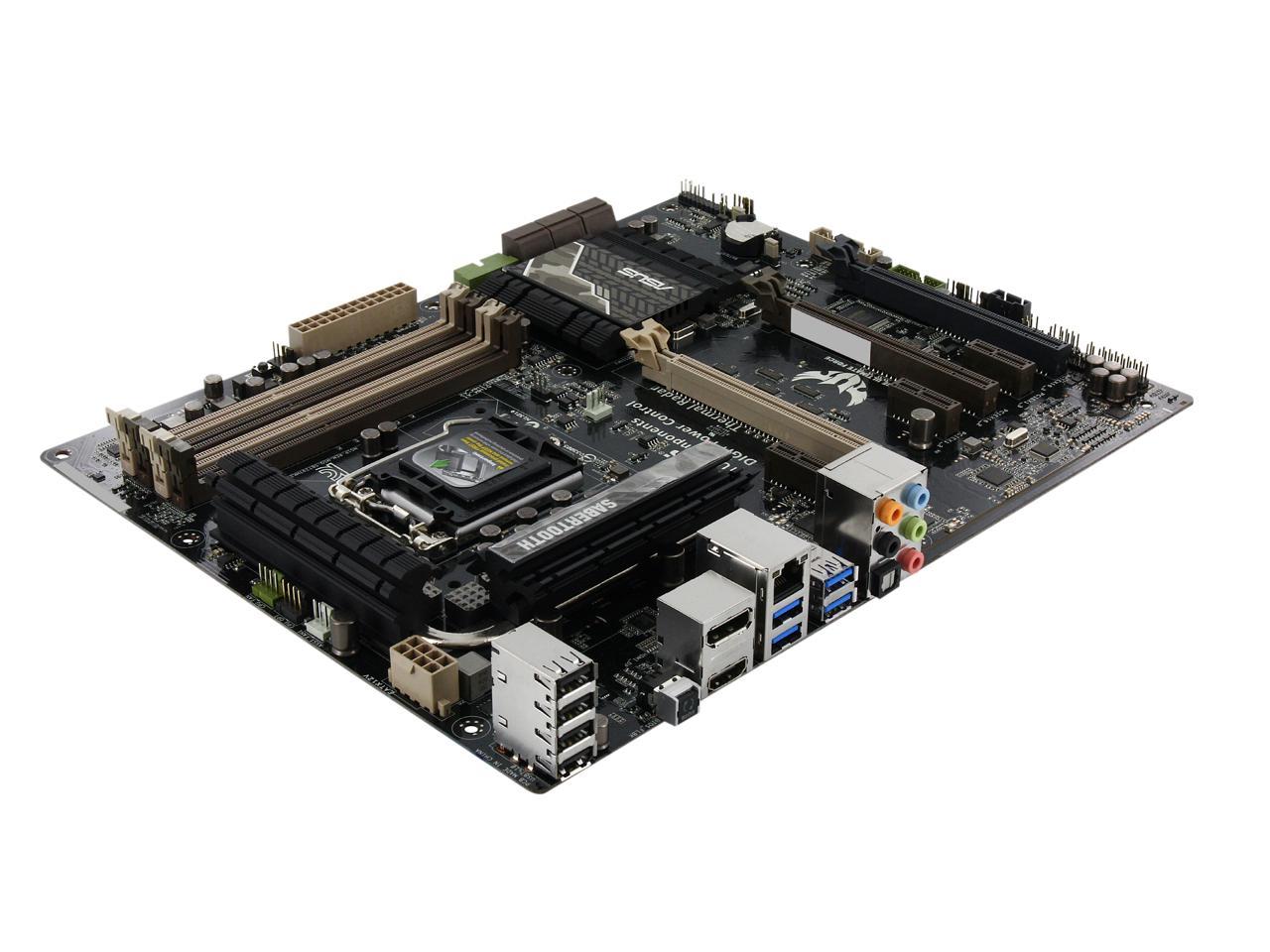
This review is from: ASUS SABERTOOTH Z97 MARK2 LGA 1150 Intel Z97 HDMI SATA 6Gb/s USB 3.0 ATX Intel Motherboard
Pros: This Mobo is a great quality build and has all of the ports I needed.
Cons: LINUX SUPPORT FOR ETHERNET ON CURRENT ISO IS NON-EXISTENT!!!! This is fixed when you update to the newest version but when installing arch Linux you are up a creek without a paddle. Luckily other distros such as fedora have the ability to use the USB port for Ethernet. I tethered from my iPhone when installing fedora. You will need the e1000e driver to get the thing working. But the .tar from Intel doesn't work due to and issue with the make command. INTEL FIX THIS FOR ARCH LINUX.
Also, when booting from a disk it only gives you 0.2 seconds to "press any key to boot from CD/DVD". It took me about 6 boots to see the message because it passes by so quickly.
Other Thoughts: All around a great board that has not given me any trouble other than the networking aspect. Unfortunately without network access you are out of luck in most situations. This needs to be fixed by someone. Although this will fixed in the near future when the newer kernels are LTS. If the ethernet issue didn't cost me so much hair this mobo would have gotten a 4 egg rating from me. I probably need to update my bios as well.
Did you find this review helpful?
Thanks for the valuable feedback you provided!
Drunkensailor
10/20/2014 8:46:38 PM
Tech Level: 3/5
Ownership: 2/5
Verified Owner
Rating: 5/5works perfect
This review is from: ASUS SABERTOOTH Z97 MARK2 LGA 1150 Intel Z97 HDMI SATA 6Gb/s USB 3.0 ATX Intel Motherboard
Pros: no problems thus car. I love the bios. I mean awesome upgrade from what I had before
Cons: none :)
Other Thoughts: if you get any memory about 1333GHz be mindful that YOU WILL HAVE TO OVERCLOCK the ram. but it is super easy there is a EZwizard OC in the BIOS that helps you
Did you find this review helpful?
Thanks for the valuable feedback you provided!
N/A
10/19/2014 8:29:13 PM
Tech Level: 4/5
Ownership: 3/5
Verified Owner
Rating: 5/5Works well!
This review is from: ASUS SABERTOOTH Z97 MARK2 LGA 1150 Intel Z97 HDMI SATA 6Gb/s USB 3.0 ATX Intel Motherboard
Pros: The board is very easy to work with and the uefi bios is very nice. No issues installing and works exactly as advertised. Overclocking is extremely easy. Hit 4.5ghz stable with my 4690k by just raising the multiplier. Could easily push it for more, but no need to with the already super fast 4690k.
Cons: Nothing so far!
Did you find this review helpful?
Thanks for the valuable feedback you provided!
N/A
10/18/2014 8:29:41 PM
Tech Level: 4/5
Ownership: 3/5
Verified Owner
Rating: 4/5
This review is from: ASUS SABERTOOTH Z97 MARK2 LGA 1150 Intel Z97 HDMI SATA 6Gb/s USB 3.0 ATX Intel Motherboard
Pros: Seems well built, does everything as promised.
Cons: The RAID feature is all or none. If you have an SSD or DVD drive on one of the 6 SATA connectors you will not be able to build a RAID on the remaining connectors. How many users will not have a separate DVD or main drive? A couple of separate SATA connectors would be nice.
Did you find this review helpful?
Thanks for the valuable feedback you provided!
Anonymous
10/12/2014 10:06:52 PM
Tech Level: 4/5
Ownership: 2/5
Verified Owner
Rating: 5/5BIOS update saves the day
This review is from: ASUS SABERTOOTH Z97 MARK2 LGA 1150 Intel Z97 HDMI SATA 6Gb/s USB 3.0 ATX Intel Motherboard
Pros: I confess - I usually cheap out on motherboards. My last board gave me numerous headaches and severely limited my overclockability, so this time I figured I'd go with something a little more high end. Looks like I made the right choice.
I'm a fairly experienced overclocker but this is the first board I've owned that has auto-overclocking features, so out of curiosity I gave it a shot. In a matter of clicks, it brought my i5 4690k to just under 4.5GHz at a reasonable voltage - temps are great, everything is stable. At this rate, I'm not even sure if it's necessary to fine tune and stress test like I normally do, and y'know, that's JUST FINE BY ME.
Oh, and USB BIOS Flashback is a lifesaver - see "other thoughts" for details.
Cons: Now here's the thing - I spent hours upon hours troubleshooting this thing when I first set it up. Whether I connected my monitor(s) to my GPU or the processor's integrated graphics, I'd get a blank display - a signal, yes, but completely black screens. Diagnostic lights on the motherboard all looked good, so I wasn't convinced it was a hardware issue.
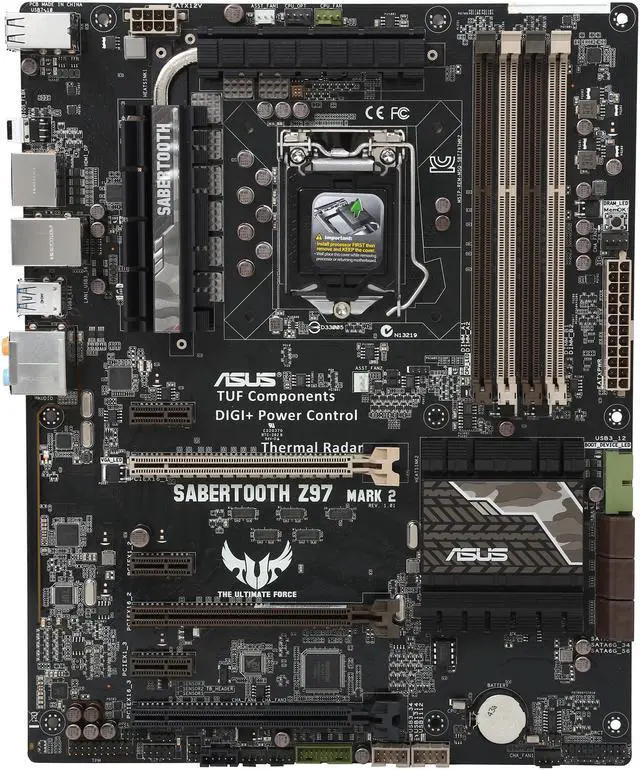
Eventually, I took note of the BIOS number on a sticker in the top right corner of the board - 0902. Just for laughs, I checked the CPU compatibility list... and sure enough, the K model of the 4690 was the one that was NOT compatible with that particular BIOS version.
A BIOS update and a skipped heartbeat later and bam, that beautiful and rather clunky UEFI screen graced my monitor.
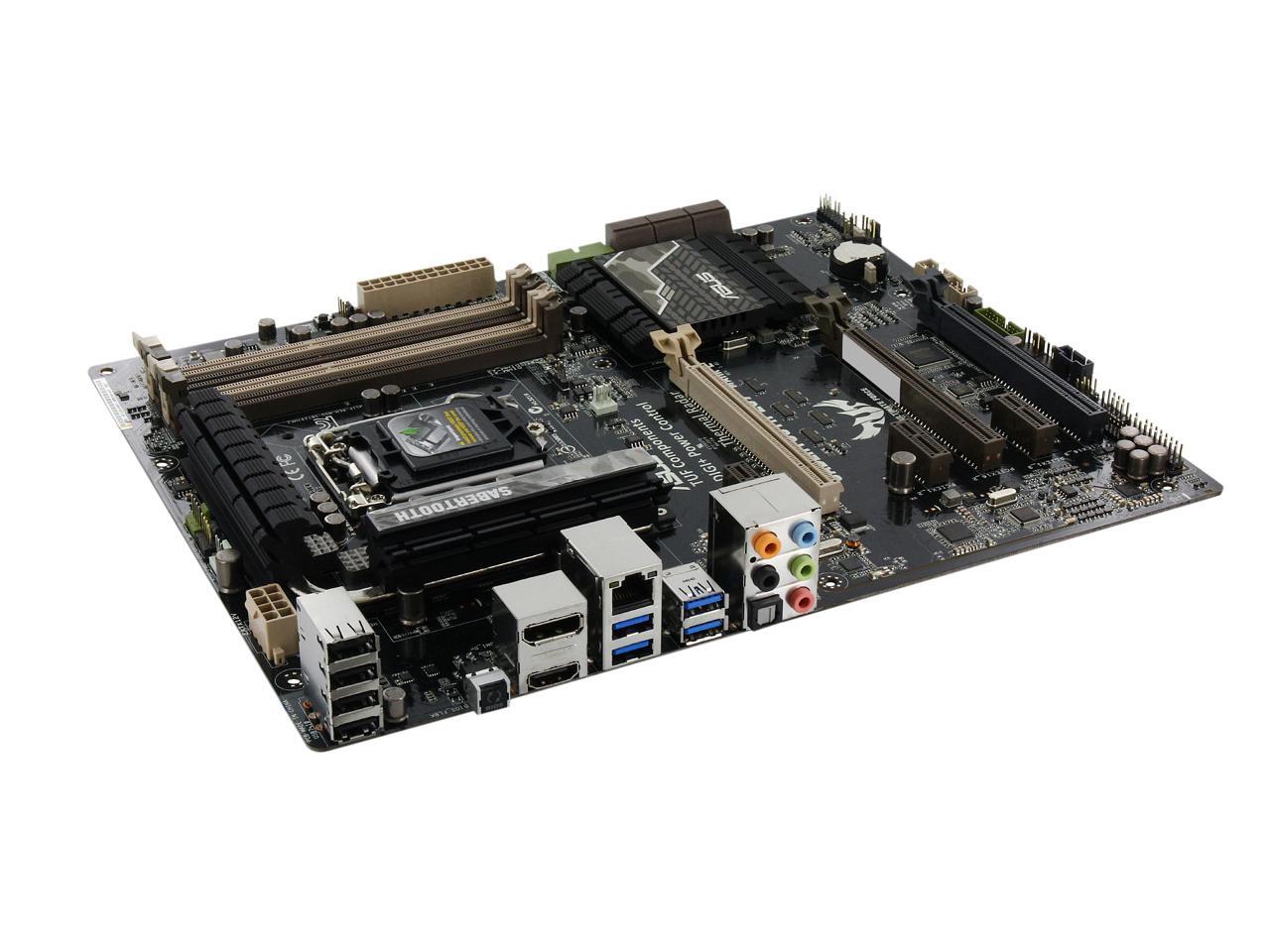
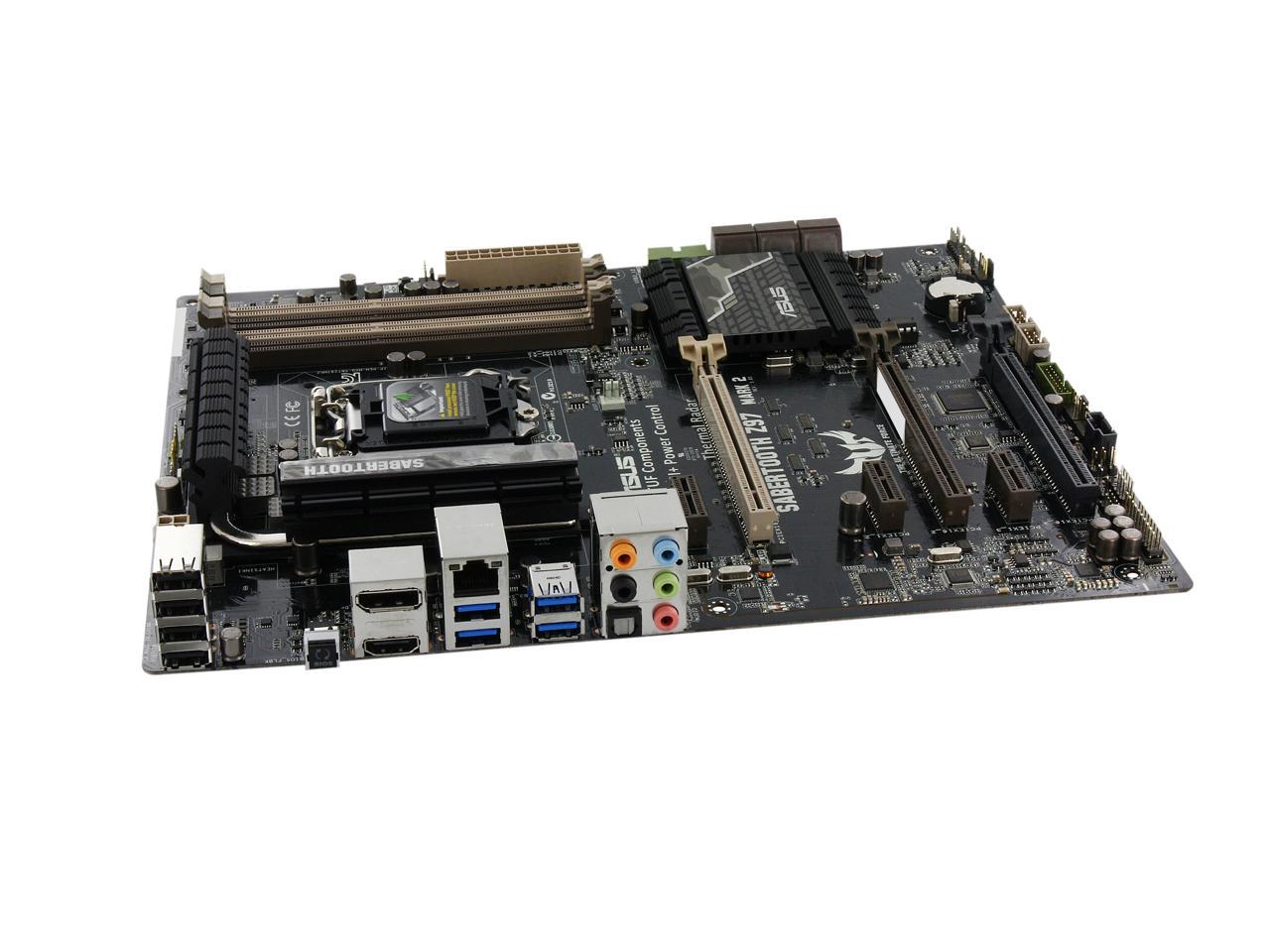
Other Thoughts: Luckily, this board has a nifty feature called ASUS USB BIOS Flashback, which allows you to flash the board's BIOS even without a CPU or memory installed. Essentially, it's impossible to brick this motherboard with a bogus or botched flash. Unfortunately, this feature is very poorly documented and (as far as I can tell) not even listed in the motherboard's manual. Google didn't turn up much more. So here's what I did to update my board's BIOS:
1) Grab the nearest USB stick and format it to FAT32 2) Download the latest BIOS (1304 at the time of this review) from ASUS's website, rename it to Z97ST2.CAP, put it on the USB stick 3) Plug that sucker into the dedicated BIOS USB port on the motherboard 4) Press the BIOS flash button above and let it do its thing - once it stops flashing, you're good to go!
4 out of 4 people found this review helpful.
Did you?
Thanks for the valuable feedback you provided!
Mitchell
10/11/2014 7:22:10 PM
Tech Level: 1/5
Ownership: 2/5
Verified Owner
Rating: 3/5Need help!
This review is from: ASUS SABERTOOTH Z97 MARK2 LGA 1150 Intel Z97 HDMI SATA 6Gb/s USB 3.0 ATX Intel Motherboard
Pros: The motherboard is fairly simple to put everything together.
Cons: I just built a computer with this motherboard but it won't display anything on my monitor. When I turn it on the green light turns on, the cpu fan, case leds and fans turn on, a red light next to cha fan 2 turns on. I plugged it into an hdtv with hdmi and nothing displays. I plugged it into a monitor with dvi cord and dvi to display port adapter. The PC uses integrated graphics I used the hdmi and display ports. How do I get it running and get help from customer service?
Manufacturer Response:
Hello Mitchell,
I am sorry that you are experiencing issues with your motherboard display sir. Have you already tried installing a graphics card as well to see if there is video displayed? If so, perhaps you can check the BIOS as well to see if the port is enabled. I have supplied the ASUS support website and phone number below for your reference. If you would like to discuss this case further, please contact me through email and include your reference number within the subject line. In addition, please provide me with what troubleshooting steps you had tried, as well as the rest of the systems hardware configuration. Thank you. Cs#N141032463
This review is from: ASUS SABERTOOTH Z97 MARK2 LGA 1150 Intel Z97 HDMI SATA 6Gb/s USB 3.0 ATX Intel Motherboard
Pros: No problems yet, easy install, looks great. Great price!
Cons: Had some problems installing with the power supply and some of the power ports are weird, but overall I am very happy with the mobo.
1 out of 1 people found this review helpful.
Did you?
Thanks for the valuable feedback you provided!
N/A
9/21/2014 11:56:15 PM
Tech Level: 4/5
Ownership: 4/5
Verified Owner
Rating: 5/5Asus Sabertooth Mark 2 Z97
This review is from: ASUS SABERTOOTH Z97 MARK2 LGA 1150 Intel Z97 HDMI SATA 6Gb/s USB 3.0 ATX Intel Motherboard
Pros: Easy to work with, comes with good drivers and sleek bios. Very sturdy, and easy to use.
Cons: wish it had one more usb 2.0 header, but not a big deal
Other Thoughts: Seems like a great product, have had no issues yet.
1 out of 1 people found this review helpful.
Did you?
Thanks for the valuable feedback you provided!
Deep
9/20/2014 4:28:44 PM
Tech Level: 5/5
Ownership: 4/5
Verified Owner
Rating: 5/5Excellent
This review is from: ASUS SABERTOOTH Z97 MARK2 LGA 1150 Intel Z97 HDMI SATA 6Gb/s USB 3.0 ATX Intel Motherboard
Pros: Even though online specs didn't indicate it, the manual did - This MB supports all the latest and fastest ram speeds as of this writing. The BIOS is great and at the price point I think this may be the best ASUS board out there. Great for overclocking as well.
Cons: None
1 out of 1 people found this review helpful.
Did you?
Thanks for the valuable feedback you provided!
N/A
9/14/2014 8:22:24 PM
Tech Level: 5/5
Ownership: 4/5
Rating: 5/5Amazingly stable @4.9Gghz
This review is from: ASUS SABERTOOTH Z97 MARK2 LGA 1150 Intel Z97 HDMI SATA 6Gb/s USB 3.0 ATX Intel Motherboard
Pros: First time buying Asus motherboard, hooked this up to my Devils Canyon 4690k and was amazed at how well this board overclocked and stayed super cool! Got a 4.9ghz oc out of my 4690k@1.400 vcore and stayed very stable through benching. Has extreme over volting settings specifically set up for Ln2 cooling, this board is server grade quality. Thermal radar is SICK! This deck has 9 thermal sensors as well has 100% control over fan settings, memory overclocking etc. 6x 6gb Sata 3, Intel Lan controller, tons of ideal connections for cooling fans, even has a built in 40mm fan on board. Tuf components means this board will last a decade! Super satisfied with this deck so far, way better than some of the other Z97 decks I've recently put together for clients. 5 yr warranty on top if it.
Cons: none so far
2 out of 2 people found this review helpful.
Did you?
Thanks for the valuable feedback you provided!
Through the Newegg EggXpert Review Program, Newegg invites its best reviewers, known as EggXperts, to post opinions about new and pre-release products to help their fellow customers make informed buying decisions.Click here for more details.
Newegg’s gift-wrap service is the ideal solution for making your gift special!
Select your item as a gift, then add your message. Your gift will also be discreet with no prices being included on the packing slip.