
Your Browsing History



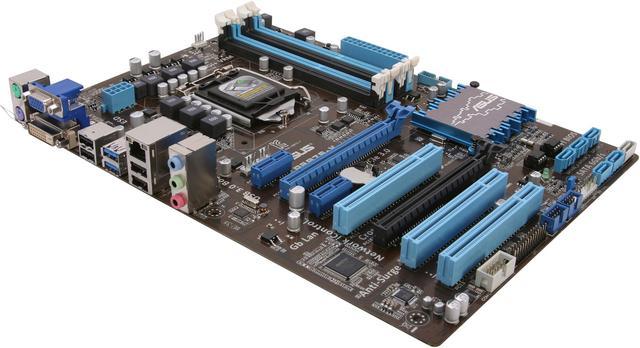
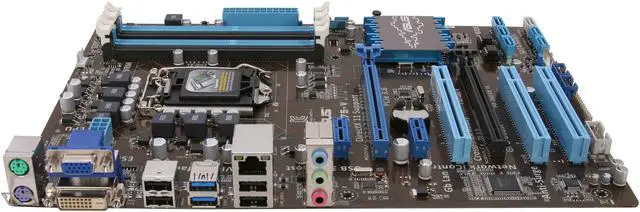
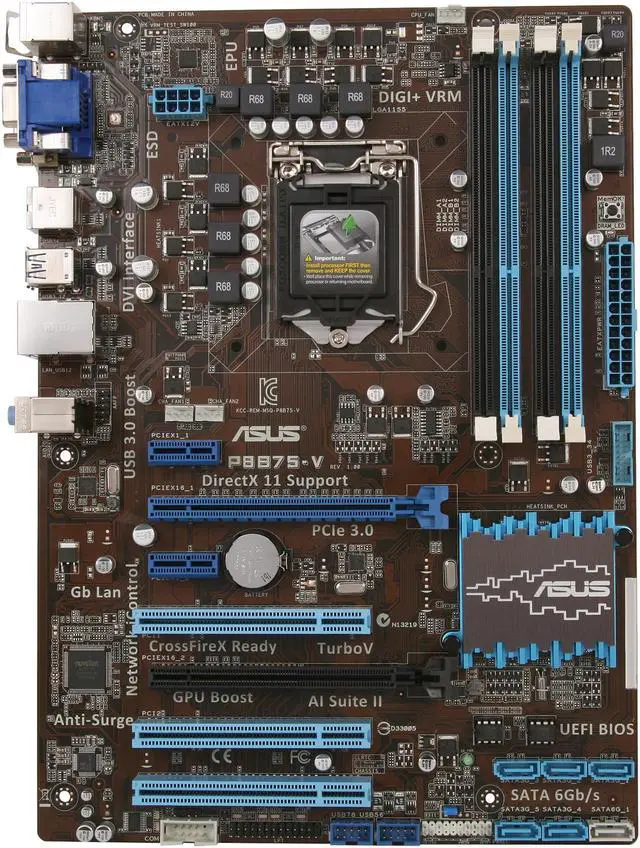
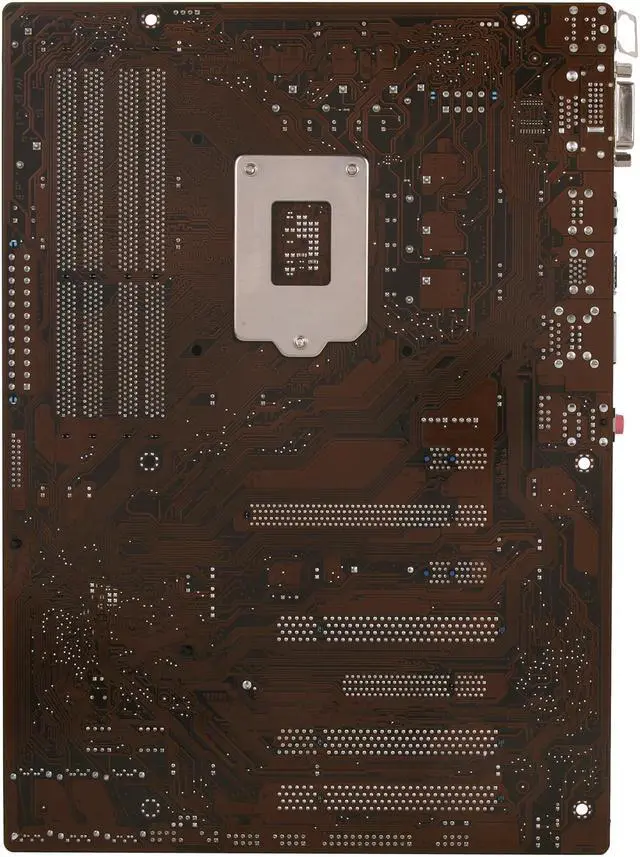
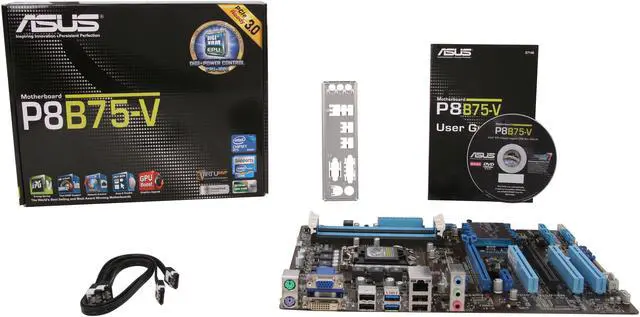
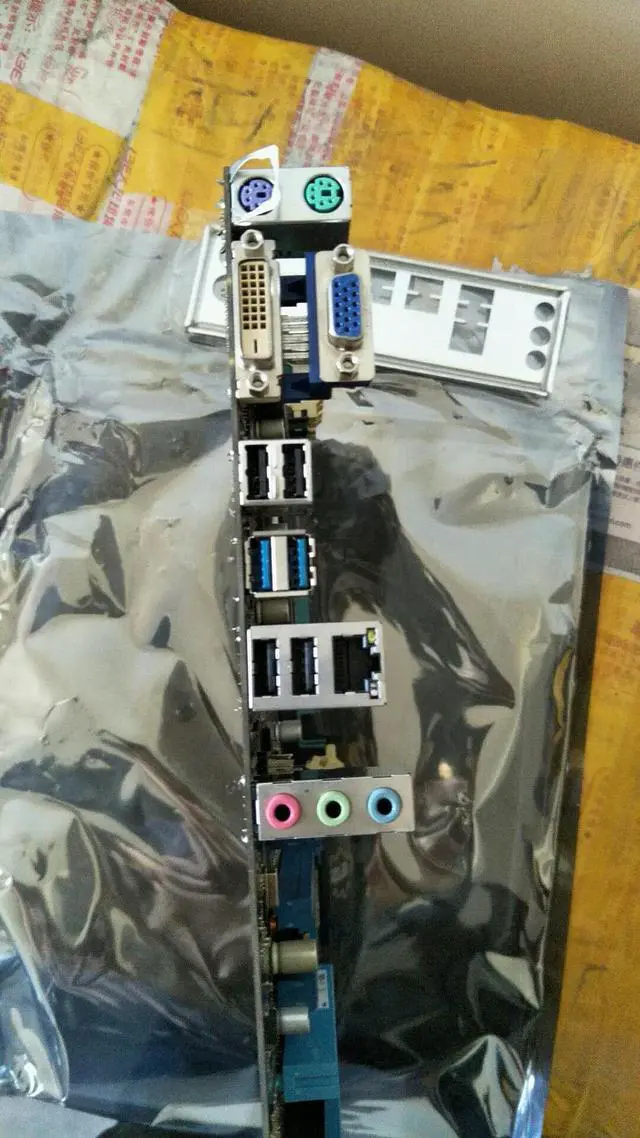
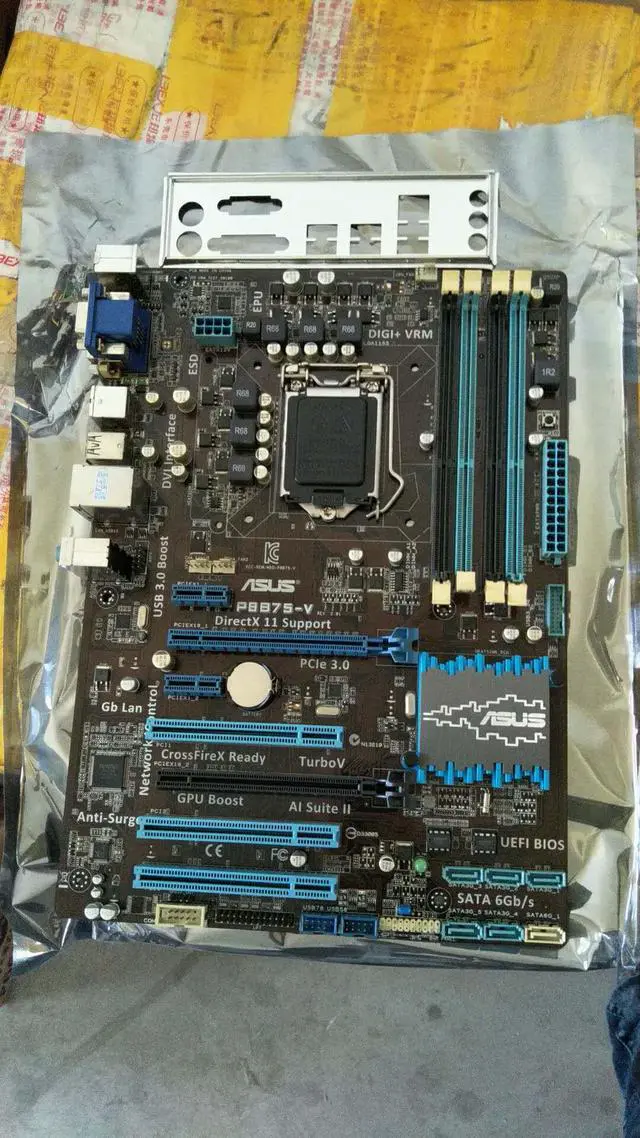
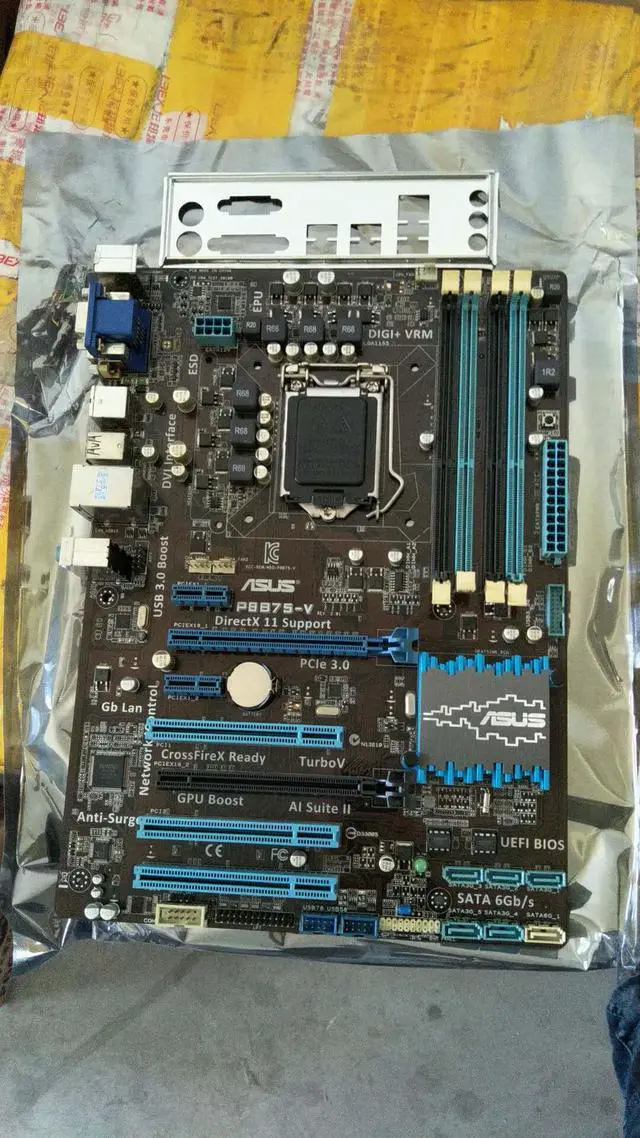


ASUS P8B75-V LGA 1155 Intel B75 USB 3.0 ATX Intel Motherboard
- Intel B75
- Core i7 / i5 / i3 (LGA1155)
- DDR3 2200(OC)/2133(OC)
Overview
Specs
Reviews (81)
With its unrivalled quality and full spectrum of features, the Asus P8B75-V Motherboard is a great foundation for your next powerhouse. Based on the Intel B75 Express chipset, it works flawlessly with the second- and third-generation Intel Core processors in an LGA 1155 package, and empowers you to take full advantage of the evolved technology – such as USB 3.0, SATA 3.0, and PCIe 3.0 (when used with a third-generation Core processor). An array of in-house features and technology ensure a new level of user experience in your PC build and system tuning. And with Asus's proven reliability and stability, you'll see and feel the difference in your everyday computing.
 DIGI+ VRM Digital Power DesignAll-new digital CPU power controls work perfectly together to match digital power signal (SVID) requests from the CPU, with ultra-fast sensing and response efficiently delivering precision power. Accurate delivery reduces waste, and provides more stable CPU Vcore voltages. Users can adjust CPU PWM voltages and frequencies for various overclocking scenarios, with accurate input through UEFI BIOS tuning or the exclusive ASUS interface. This proprietary design increases overclocking headroom to push performance to its full potential.
 EPUap into the world's first real-time PC power-saving chip through a simple onboard switch or the AI Suite II utility. Get total system-wide energy optimization by automatically detecting current PC loadings and intelligently moderating power consumption. This also reduces fan noise and extends component longevity!
 GPU BoostGPU Boost accelerates the integrated GPU for extreme graphics performance. The user-friendly interface facilitates flexible frequency adjustments. It easily delivers stable system-level upgrades for every use.
 USB 3.0 BoostWith USB 3.0 Boost technology, USB transfer speeds are significantly increased up to 132%, enhancing an already impressive USB 3.0 transfer rate. Asus software automatically accelerates data speeds for compatible USB 3.0 peripherals without the need for any further user configuration.
 Asus Q-DesignAsus Q-Design enhances your DIY experience. All of the Q-Slot and Q-DIMM design features speed up and simplify the DIY process!
 Asus UEFI BIOS (EZ Mode)Asus UEFI BIOS offers the first mouse-controlled graphical BIOS designed with selectable modes, providing a user-friendly interface that goes beyond traditional keyboard-only controls. It also natively supports fully utilized hard drives larger than 2.2TB in 64-bit operating systems. EZ Mode displays frequently accessed info. Users can choose system performance settings, and drag and drop boot priorities. Advanced Mode for performance enthusiasts includes detailed DRAM settings via a dedicated memory info page for complete insight.
 DIGI+ VRM Digital Power DesignAll-new digital CPU power controls work perfectly together to match digital power signal (SVID) requests from the CPU, with ultra-fast sensing and response efficiently delivering precision power. Accurate delivery reduces waste, and provides more stable CPU Vcore voltages. Users can adjust CPU PWM voltages and frequencies for various overclocking scenarios, with accurate input through UEFI BIOS tuning or the exclusive ASUS interface. This proprietary design increases overclocking headroom to push performance to its full potential.
 EPUap into the world's first real-time PC power-saving chip through a simple onboard switch or the AI Suite II utility. Get total system-wide energy optimization by automatically detecting current PC loadings and intelligently moderating power consumption. This also reduces fan noise and extends component longevity!
 GPU BoostGPU Boost accelerates the integrated GPU for extreme graphics performance. The user-friendly interface facilitates flexible frequency adjustments. It easily delivers stable system-level upgrades for every use.
 USB 3.0 BoostWith USB 3.0 Boost technology, USB transfer speeds are significantly increased up to 132%, enhancing an already impressive USB 3.0 transfer rate. Asus software automatically accelerates data speeds for compatible USB 3.0 peripherals without the need for any further user configuration.
 Asus Q-DesignAsus Q-Design enhances your DIY experience. All of the Q-Slot and Q-DIMM design features speed up and simplify the DIY process!
 Asus UEFI BIOS (EZ Mode)Asus UEFI BIOS offers the first mouse-controlled graphical BIOS designed with selectable modes, providing a user-friendly interface that goes beyond traditional keyboard-only controls. It also natively supports fully utilized hard drives larger than 2.2TB in 64-bit operating systems. EZ Mode displays frequently accessed info. Users can choose system performance settings, and drag and drop boot priorities. Advanced Mode for performance enthusiasts includes detailed DRAM settings via a dedicated memory info page for complete insight.
Warranty & Returns
Warranty, Returns, And Additional Information
Warranty
- Limited Warranty period (parts): 3 years
- Limited Warranty period (labor): 3 years
- Read full details
Return Policies
- Return for refund within: 30 days
- Return for replacement within: 30 days
- This item is covered by Newegg.ca's Standard Return Policy.
- Read full return policy for details.
Manufacturer Contact Info
- Manufacturer Product Page
- Manufacturer Website
- Support Phone: 1-510-739-3777
- Support Website
- View other products from ASUS
LOADING...
LOADING...