If you are visually impaired and are having difficulty navigating this site, please call our Customer Support line via our toll free number (800) 390-1119.
Newegg.ca - A great place to buy computers, computer parts, electronics, software, accessories, and DVDs online. With great prices, fast shipping, and top-rated customer service - once you know, you Newegg.
If you are reading this message, Please click this link to reload this page.(Do not use your browser's "Refresh" button). Please email us if you're running the latest version of your browser and you still see this message.
Beyond any applicable Newegg return policy, this item is warranted independently by the product's Manufacturer. Below is a summary provided for convenience only and may not be accurate or current.
Use this link for full details.
Manufacturer Limited Warranty period (parts): 1 year
Manufacturer Limited Warranty period (labor): 1 year
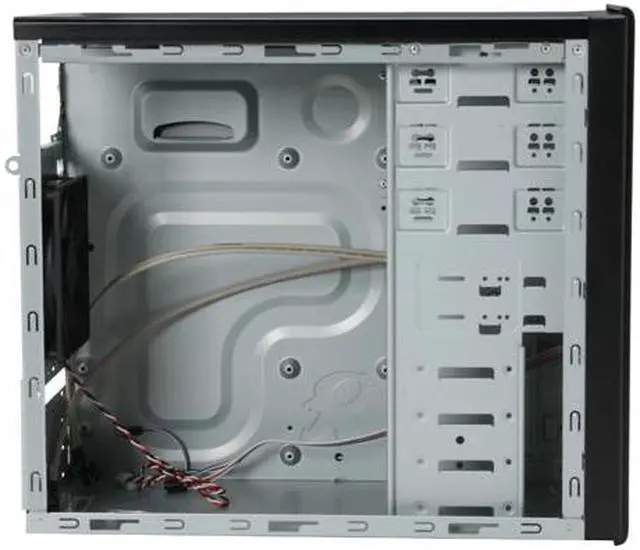
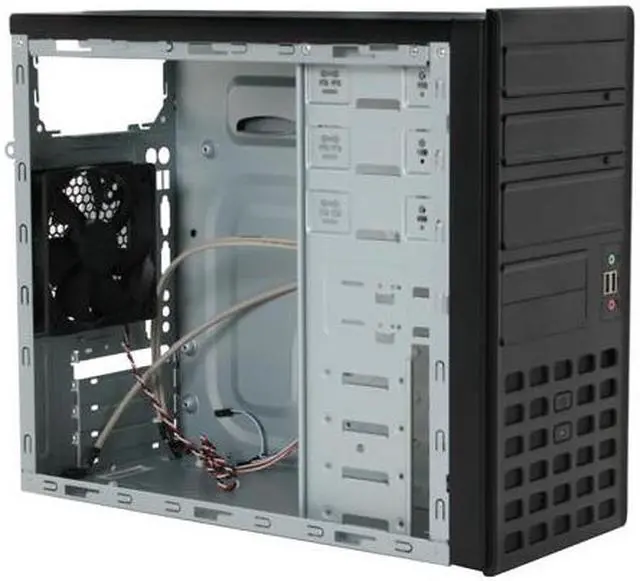
Pros: got it for $19 on shell shocker.. it's well constructed, sturdy and side panels are a little wobbly but not so much to the point where it feels cheap if that makes any sense. it's fat, as in wide, so if you are planning on placing a tall heatsink, it should fit. I have a thermaltake spin Q inside of mine.
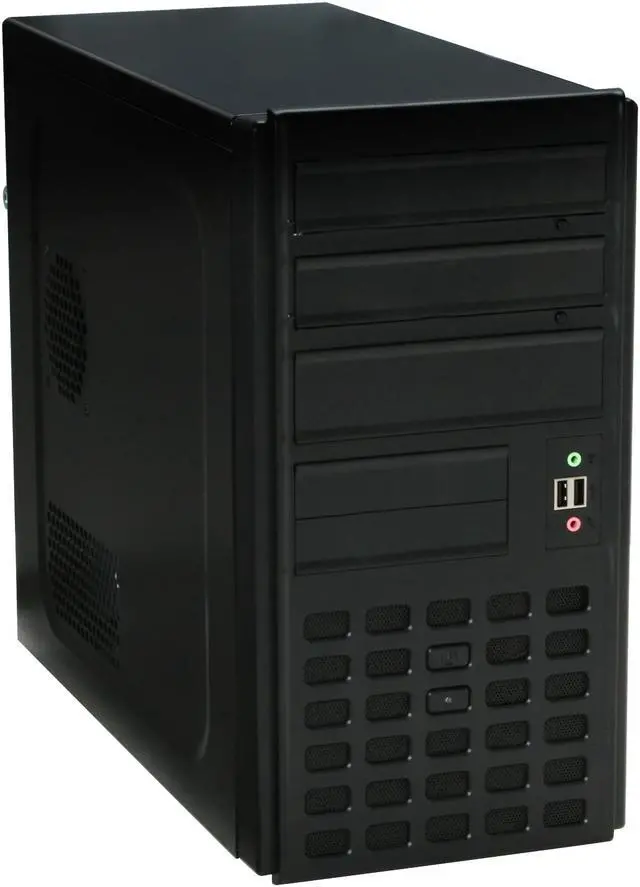
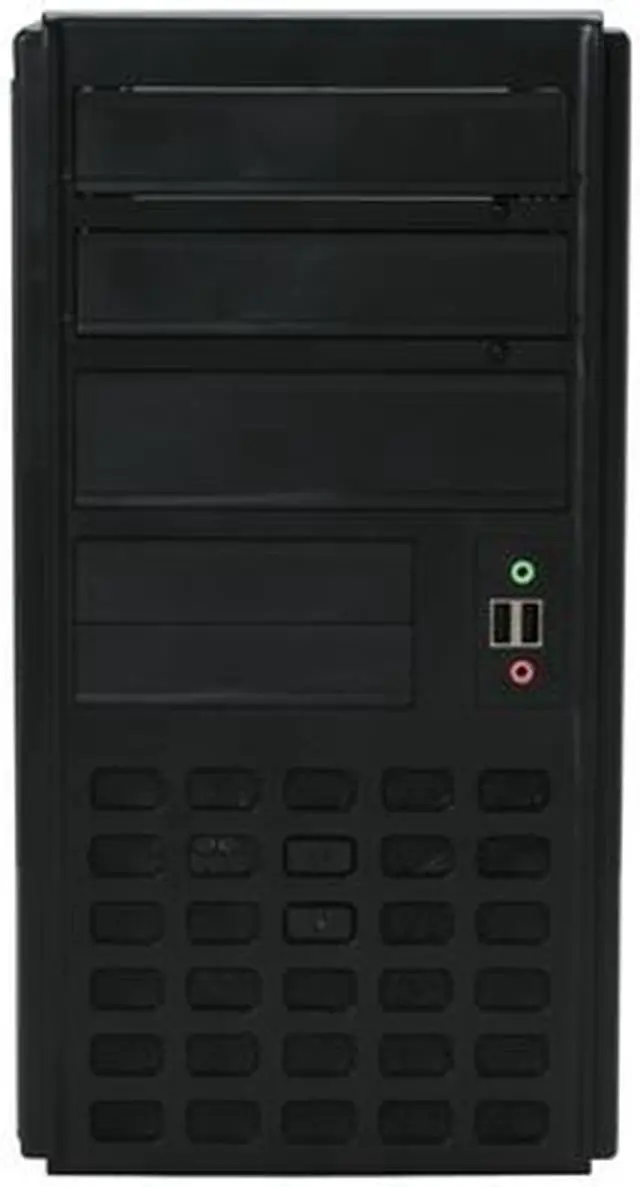
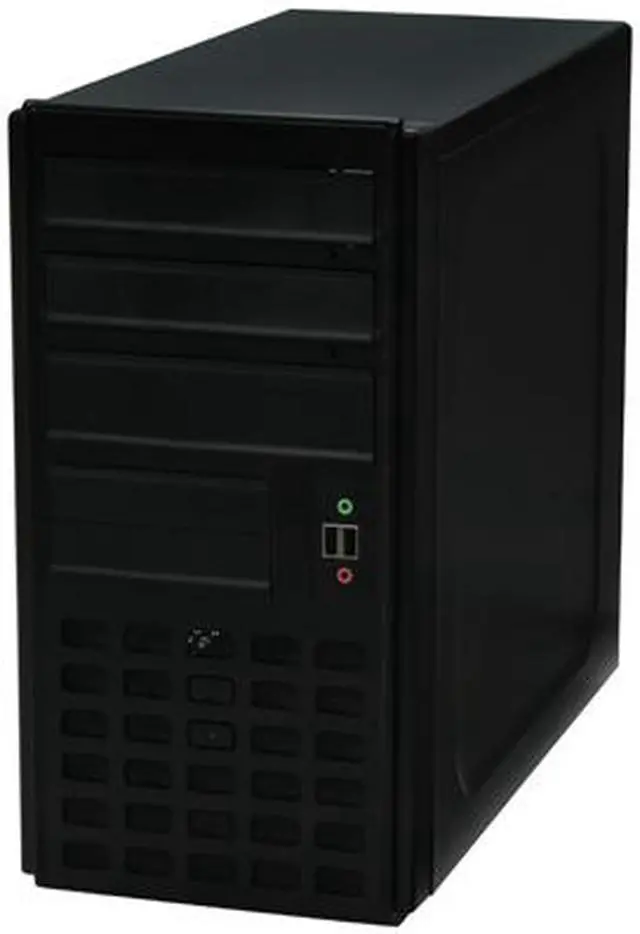
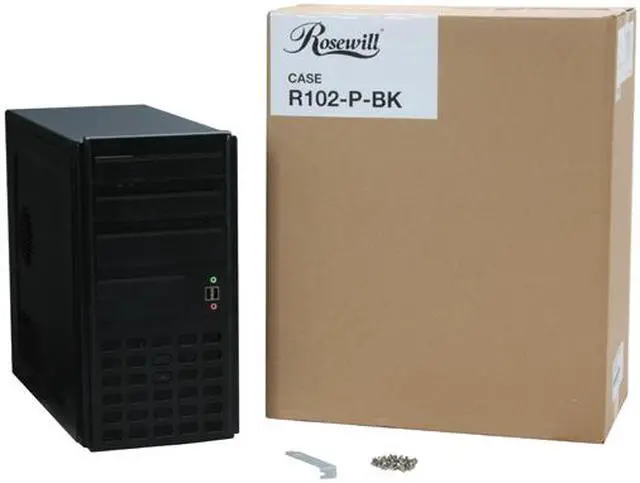
Cons: I used this to build and sell and I must admit, the overall aesthetics are kind of ugly. my biggest complaint would be the pink and green audio ports in front, it really stands out and looks cheap. I would have preferred that they be on the side or somewhere tucked away but I knew this before I bought.
Other Thoughts: I like Rosewill cases and will continue to buy. I'm not really into the whole big Antec 900 type cases that suck in more dust than anything. I like low maintenance Micro ATX cases even if it means my cpu or video card runs a little hotter.
Did you find this review helpful?
Thanks for the valuable feedback you provided!
flimsy
Reviewed By: Mike on 1/14/2010
Tech Level: somewhat high - Ownership: 1 week to 1 month
This user purchased this item from Newegg
Pros: i got it for $20 with free shipping. good airflow. hd audio.
Cons: the steel is very thin, you should not move this around without the side panels attached or it will flex.
Other Thoughts: at full price plus shipping this would have been a waste.
0 out of 1 people found this review helpful.
Did you?
Thanks for the valuable feedback you provided!
Nice for the money
Reviewed By: speeddemon1092 on 1/11/2010
Tech Level: high - Ownership: 1 day to 1 week
Pros: Despite Rosewill's reputation for making less than spectacular parts, this case is easily on par with $40-60 mATX cases.
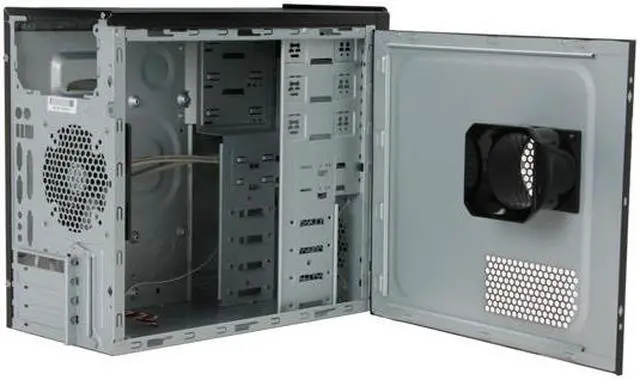
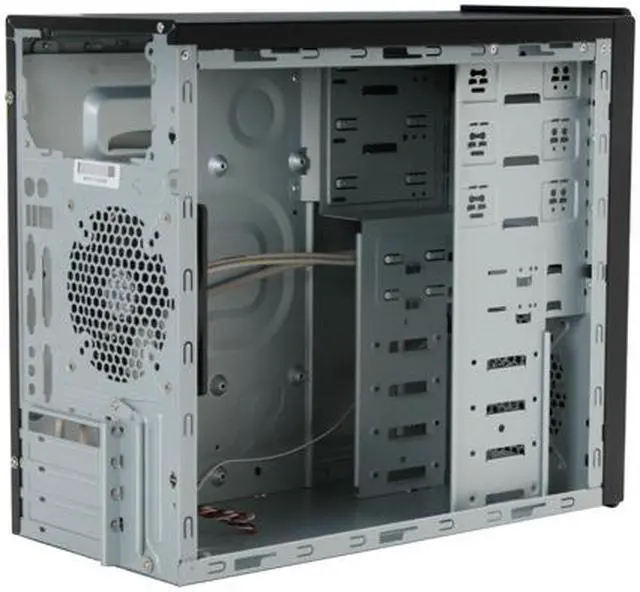
Average construction: It will take a few knocks without deforming, but dont try to use it as a wrecking ball. Made of steel, obviously, and the paint job is nothing special. Good airflow: add a 80, 92, or 120mm fan up front (the case has the holes for all 3 sizes, both on the front and the back fan slots) and you will get some good airflow running from the drive cage to the processor. Clean design: Its simple, small, and gets the job done. no flashy lights, no chrome trim, none of that stuff one would find on a more expensive unit.
Cons: Power LED: People arent kidding when they say it is BRIGHT. I finished installing my system, pressed the power switch, and was promptly blinded by the brilliance of that LED. And here i was thinking the power lights on the Centurion 5 were bright. Space: even though its a mATX case, and things are cramped as it is, this thing made me learn how to cram my large hands into really small places, and getting my motherboard into the case was a very tight squeeze. If you have large hands you will have a hard time getting your stuff locked down in the case ODD drive bays: the optical drive bays put them very close to the motherboard. I reccomend a unit that isnt too long.
Other Thoughts: I personally like this case. Its cheap, it does what i need it to do, nuff said. For those who had trouble installing optical drives, look near the front 120mm fan mount, you will see 4 black tabs. Press the bottom one closest to you towards the drive cage, and pull the one above it towards you until the front panel slips a little. Flip the case on its side, look at the bottom of the front panel, there should be a gap there that one can grab and pull. Do so, and the front panel should pop off with little trouble. Dont fix the optical drives until the front panel is back on and you know which mount holes to fasten them to. It is easy to put back on, just align the tabs to the holes and press until the whole thing is locked back down.
If you are so inclined to add an LED fan or some other decoration to the case, a red LED fan would be best placed on the front slot. Just make sure you have some method of dimming the front LED
Hope this helps some people
1 out of 1 people found this review helpful.
Did you?
Thanks for the valuable feedback you provided!
Model
Brand
Rosewill
Model
R102-P-BK
Spec
Type
MicroATX Mid Tower
Color
Black
Case Material
SECC Steel
With Power Supply
No
Power Supply Mounted
Top
Motherboard Compatibility
MicroATX
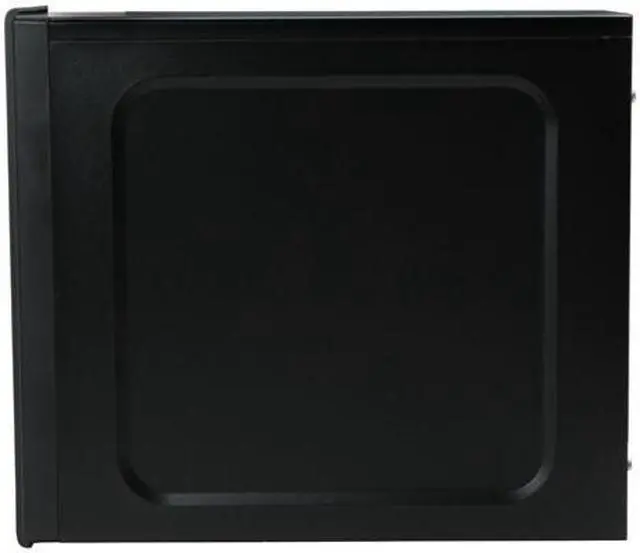
With Side Panel Window
No
Expansion
External 5.25" Drive Bays
3
External 3.5" Drive Bays
2
Internal 3.5" Drive Bays
4
Expansion Slots
4
Front Ports
Front Ports
USB,HD & AC97
Cooling System
80mm Fans
No
120mm Fans
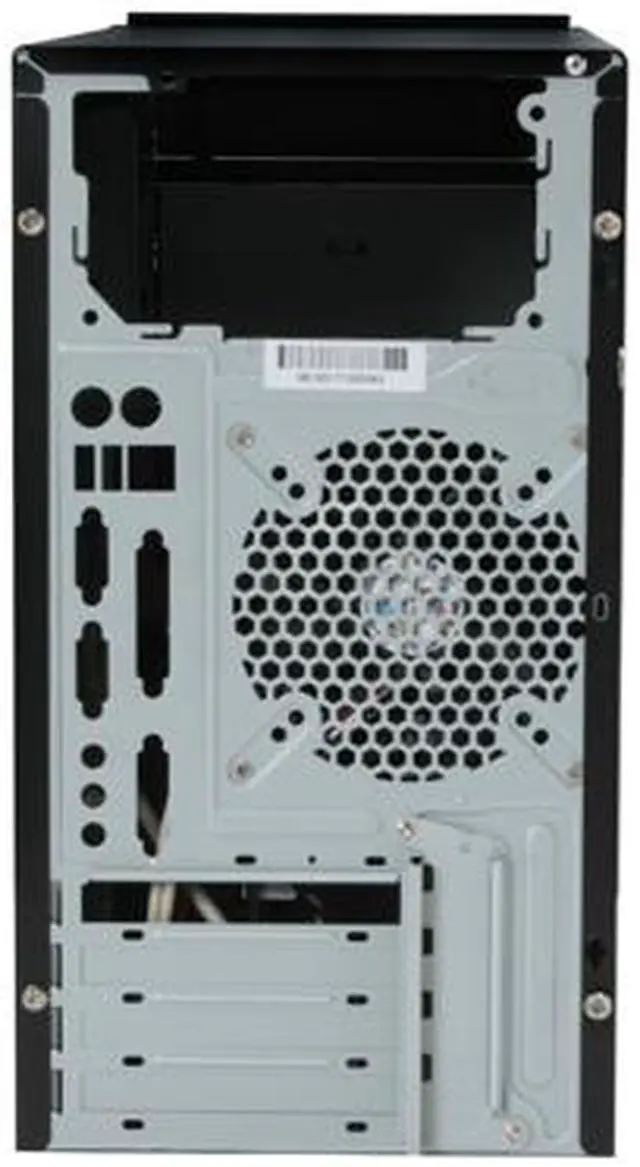
1 x 120mm Rear Fan
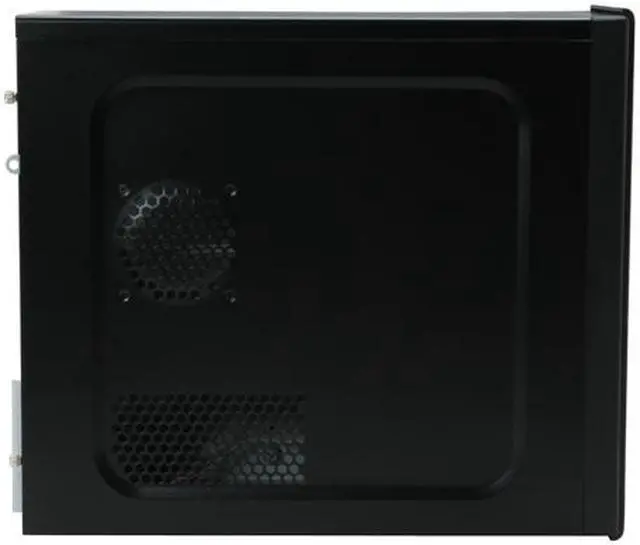
Side Air duct
Yes
Physical Spec
Dimensions(L x W x H)
15.00" x 7.50" x 13.80"
Features
Features
Ideal for Intel & AMD Systems Advanced Air Guide design PCI Vent Holes Built-in 1 x120mm Rear Exhaust Fan, (Option)1 x 120mm Front Intake Fan Front I/O Ports (2 x USB, MIC In/Audio Out)