
Your Browsing History




Product Description
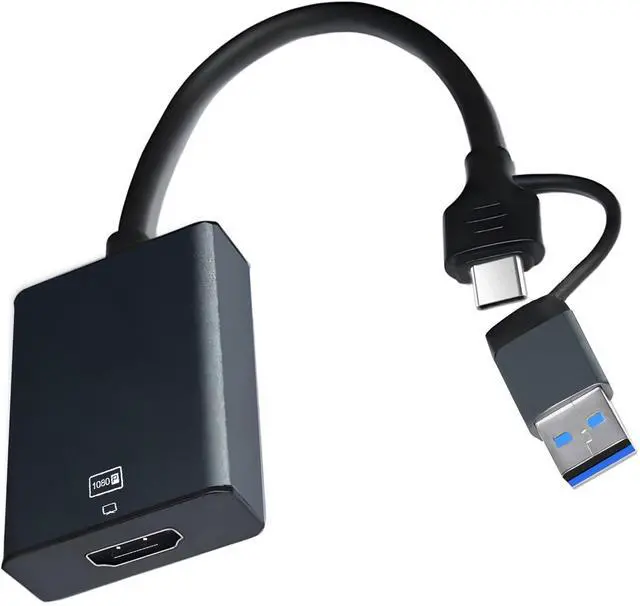
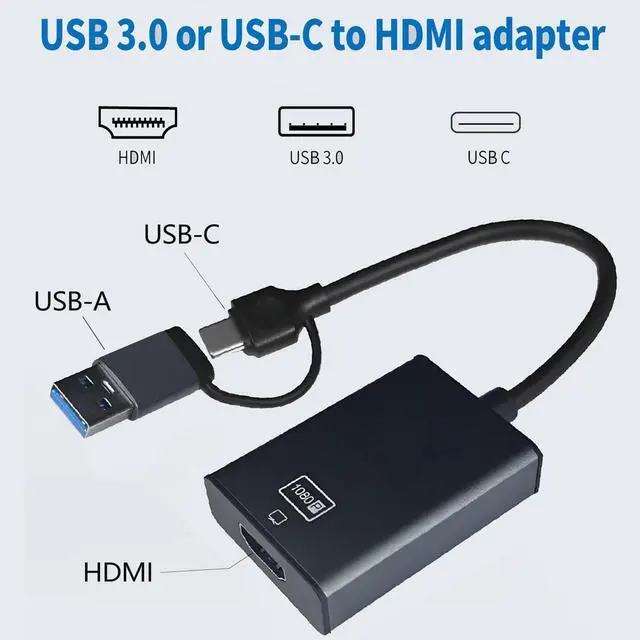
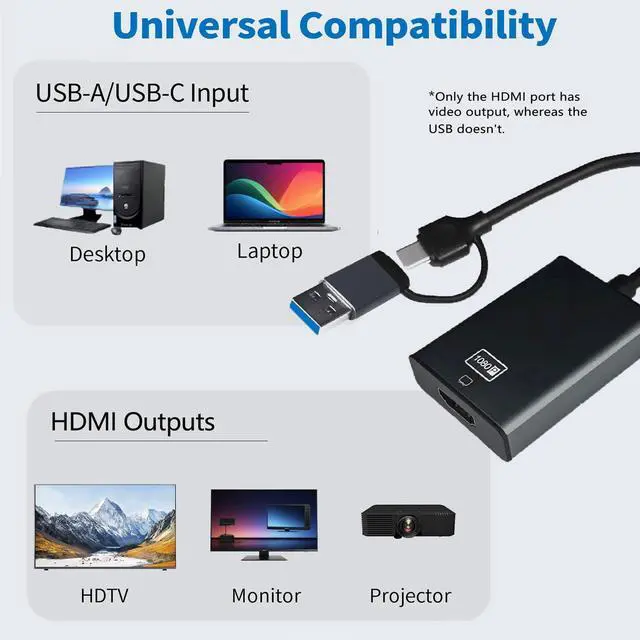
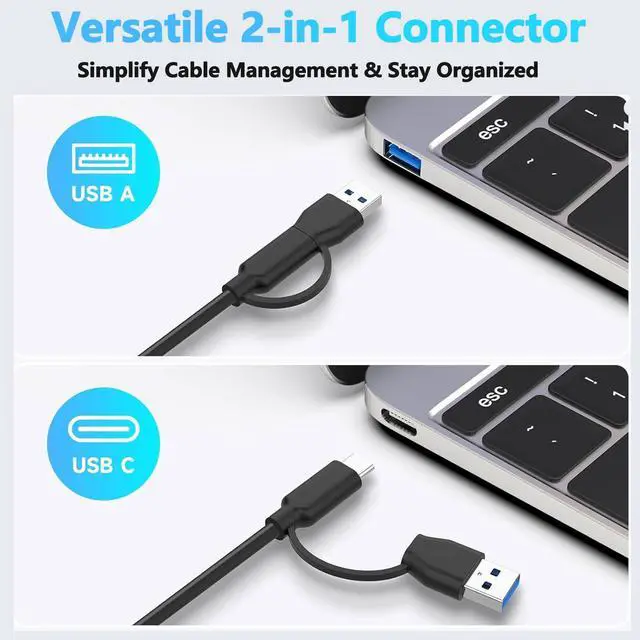
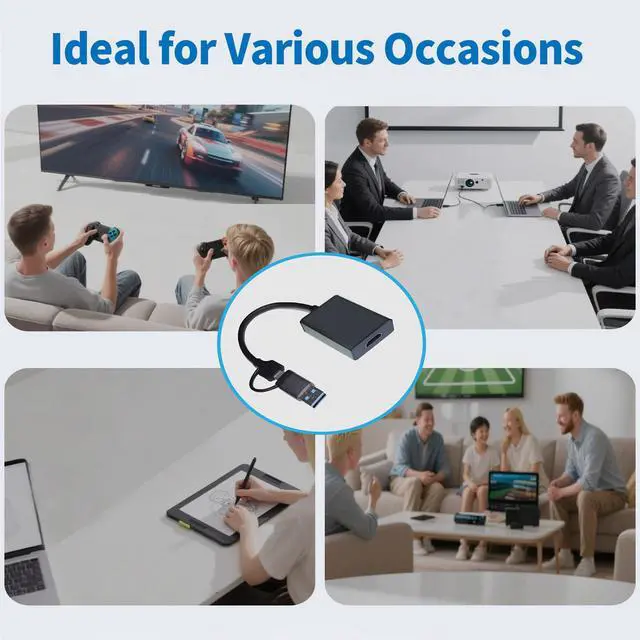
The USB to HDMI adapter enables you to output HDMI signals through your computer's USB port. By installing the built-in driver, this adapter connects laptop or desktop PC to HDMI display devices.
Specifications
- Input: 2-IN-1 USB Type-C /USB-A Male
- Output: HDMI Female
- Audio Support: Yes
Features
1.Supports 1920×1080@60Hz (1080P) resolution display
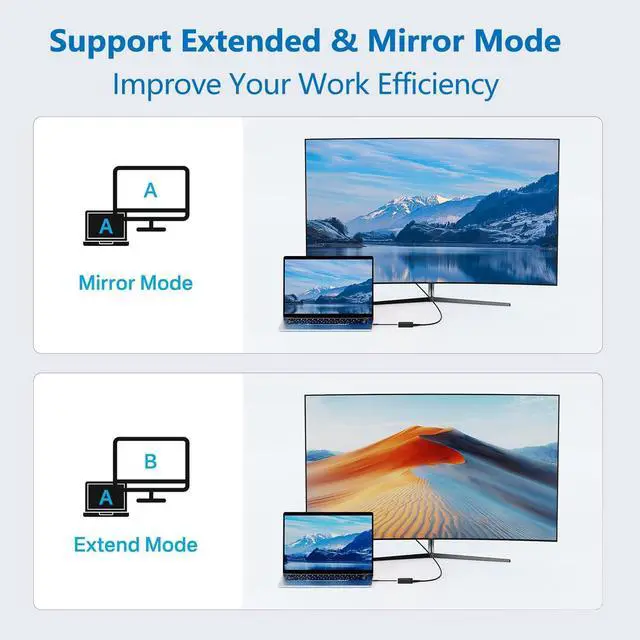
2.Supports multi-screen mirroring display and multi-screen extended display
3. Supported operating systems: Windows XP/7/8/10/11, Mac OS
Instructions for Use
Windows System Installation:
1). Insert the adapter into the computer and wait for the computer to recognize the driver.
2). Click This Computer > Disk: USBDISPLAY > Click to install WinUSBDisplay_Windows_V4.1.8.15 Win USB Display -installation complete. Restart your computer.
To enable Extended Mode or Split Screen Mode, click the Window icon > Settings > Display to configure the settings.
Mac System Installation:
Insert the adapter into the Mac PC and wait for the computer to recognize the "USBDISPLAY" driver and install it.
Privacy & Security-Screen Recording-Add USB Display, then return to the Settings page - Displays to configure either split-screen mode or extended mode.
Important Notes:
Ensure the video signal is transmitted from the computer's USB port to the display device's HDMI port, not the reverse.