


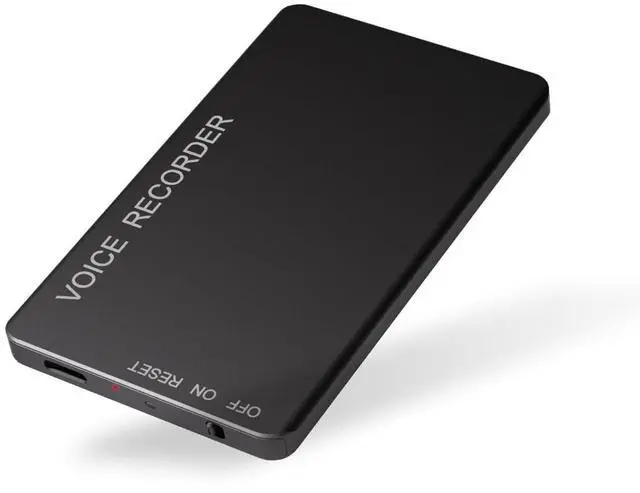
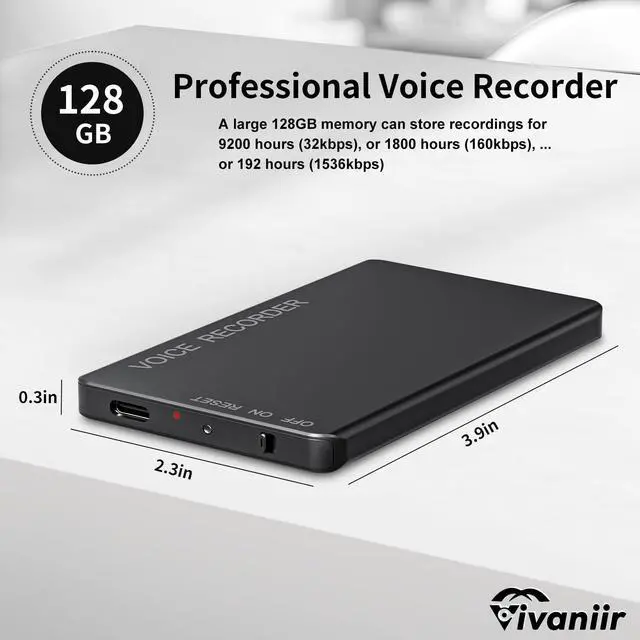
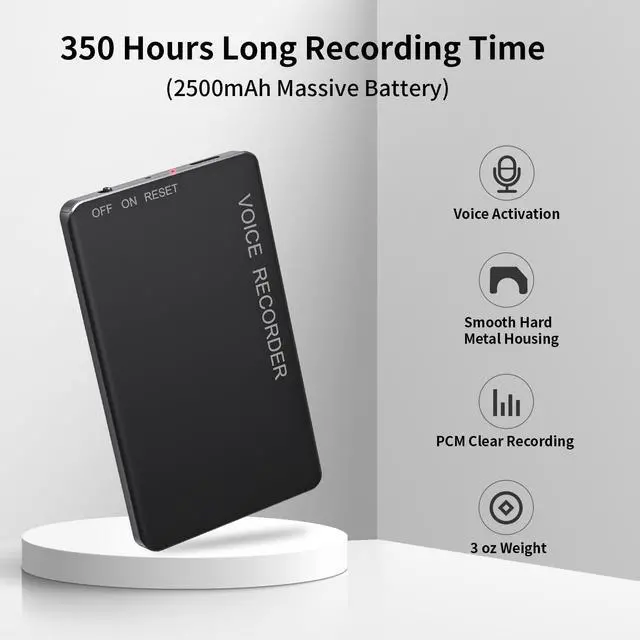


Witnessing Truth and Dreams
Vivaniir - The Choice for Those Who Value Higher Quality Audio & Portable Recording Device

Vivaniir is a brand dedicated to providing high-quality recording equipment
We strive to offer easy-to-use recording products with outstanding sound quality for every sound enthusiast. Whether you are a student, journalist, traveler, or professional in your daily work, Vivaniir helps you effortlessly capture every important moment
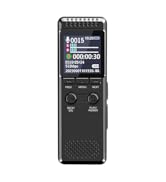
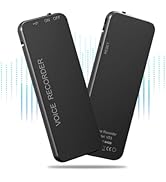
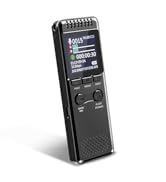
2159 Powerful Noise Reduction



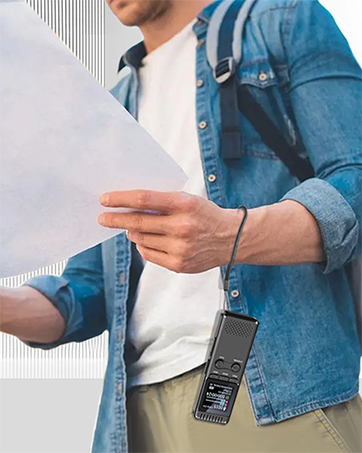
Why choose us?
Vivaniir has earned the trust of users worldwide with its exceptional sound quality, exquisite craftsmanship, and user-friendly operation. Our products are designed to be lightweight and portable, with simple operation and comprehensive features, making them the top choice for users seeking high-quality audio and long battery life.
Is our quality superior?
For Vivaniir, as a brand with its own factory, we use high standard production process and strict quality inspection to bring consumers trustworthy and high quality recording equipment.

Let Vivaniir Voice Recorder Record Your Interesting Life!

Six Sides of the Vivaniir Voice Recorder

Voice Recorder for Meetings Classes Interviews Lectures


PCM Clear Recording
Intelligent PCM noise reduction technology and high-quality recording mic , achieving clear sound

Easy to Use
ON—Recording starts when the indicator light goes off, OFF- Save the recording

Voice Activated Recording Mode
Turn on the voice recorder, automatically starts recording when sound is detected, Paused due to low/quiet sound, reducing gaps and whispers while saving memory and power

Scene 1

Scene 2

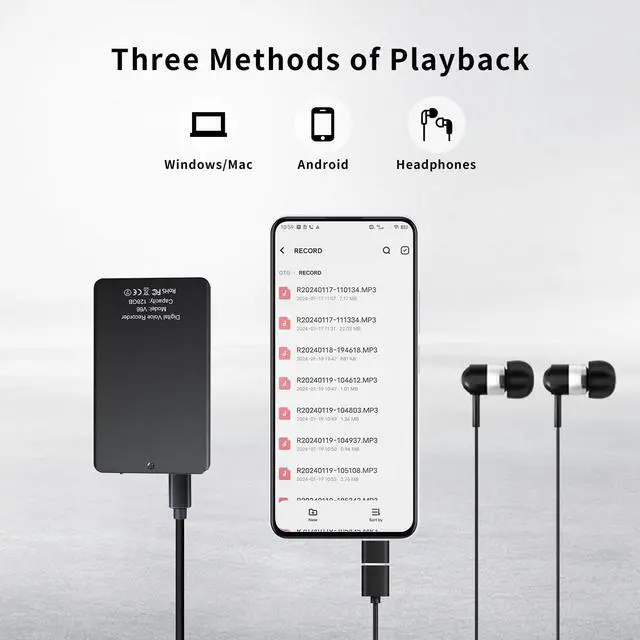
Connect to PC/Android Phone
Check and manage recording files using your computer/Android phone
- How to use?
- ON-Enables recording, OFF-Saves recording
- Headphone playback
- Note: All screenless recorders do not come with any speakers in order to save size, please use the supplied headphones to play
- Important Reminder:
- 1?Please turn off the voice recorder before charging/connecting to the computer
- 2?Please let everyone present know the use of the voice recorder when recording
- 3?Voice activation is turned off by default, please refer to the manual to turn it on if you need to use it.
- 4?Try to avoid friction with objects such as hands or clothes when recording (to avoid slight noise)
- 5?Please do not format this machine on your computer, it will be not compatible and cause problems such as not working, not charging, not being recognized by your computer, etc
- 6?If the connection to the computer fails, please try to wait longer or use another cable/change port/computer. If the computer lacks the driver, please search through Google or tell us
Let Vivaniir Voice Recorder Record Your Interesting Life!
Six Sides of the Vivaniir Voice Recorder
Voice Recorder for Meetings Classes Interviews Lectures
PCM Clear Recording
Intelligent PCM noise reduction technology and high-quality recording mic , achieving clear sound
Easy to Use
ON—Recording starts when the indicator light goes off, OFF- Save the recording
Voice Activated Recording Mode
Turn on the voice recorder, automatically starts recording when sound is detected, Paused due to low/quiet sound, reducing gaps and whispers while saving memory and power
Scene 1
Scene 2
Connect to PC/Android Phone
Check and manage recording files using your computer/Android phone
- How to use?
- ON-Enables recording, OFF-Saves recording
- Headphone playback
- Note: All screenless recorders do not come with any speakers in order to save size, please use the supplied headphones to play
- Important Reminder:
- 1?Please turn off the voice recorder before charging/connecting to the computer
- 2?Please let everyone present know the use of the voice recorder when recording
- 3?Voice activation is turned off by default, please refer to the manual to turn it on if you need to use it.
- 4?Try to avoid friction with objects such as hands or clothes when recording (to avoid slight noise)
- 5?Please do not format this machine on your computer, it will be not compatible and cause problems such as not working, not charging, not being recognized by your computer, etc
- 6?If the connection to the computer fails, please try to wait longer or use another cable/change port/computer. If the computer lacks the driver, please search through Google or tell us
Witnessing Truth and Dreams
Vivaniir - The Choice for Those Who Value Higher Quality Audio & Portable Recording Device
Vivaniir is a brand dedicated to providing high-quality recording equipment
We strive to offer easy-to-use recording products with outstanding sound quality for every sound enthusiast. Whether you are a student, journalist, traveler, or professional in your daily work, Vivaniir helps you effortlessly capture every important moment
2159 Powerful Noise Reduction
Why choose us?
Vivaniir has earned the trust of users worldwide with its exceptional sound quality, exquisite craftsmanship, and user-friendly operation. Our products are designed to be lightweight and portable, with simple operation and comprehensive features, making them the top choice for users seeking high-quality audio and long battery life.
Is our quality superior?
For Vivaniir, as a brand with its own factory, we use high standard production process and strict quality inspection to bring consumers trustworthy and high quality recording equipment.