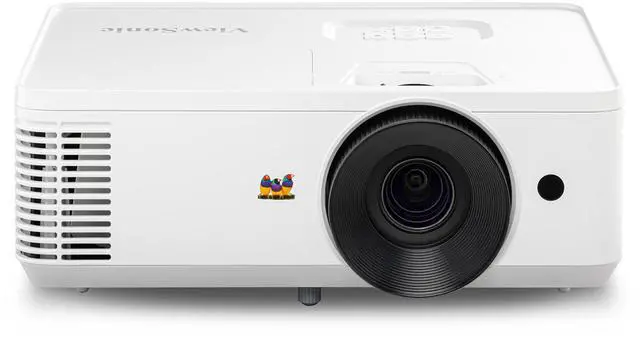
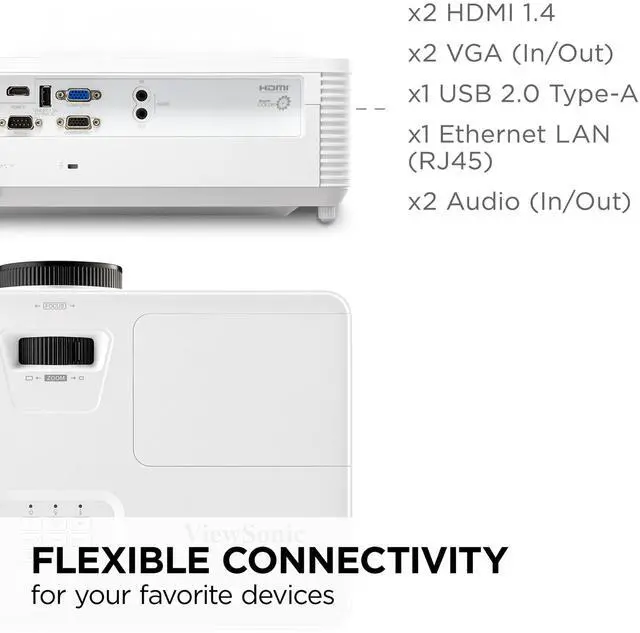
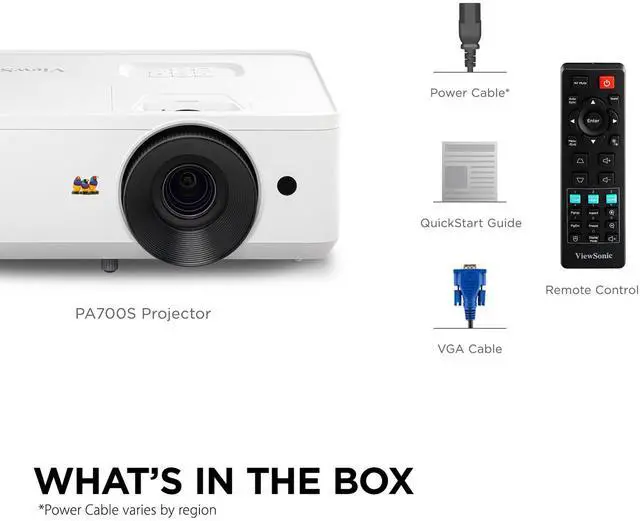
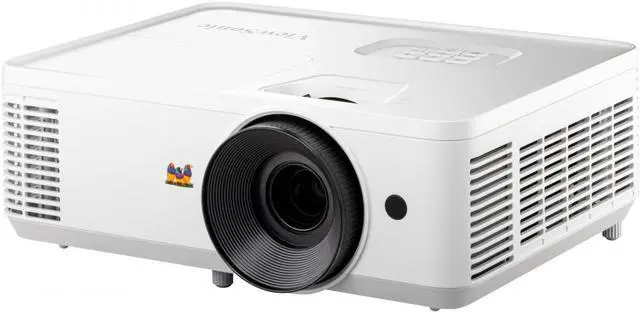
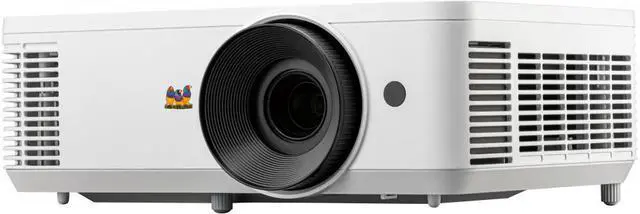
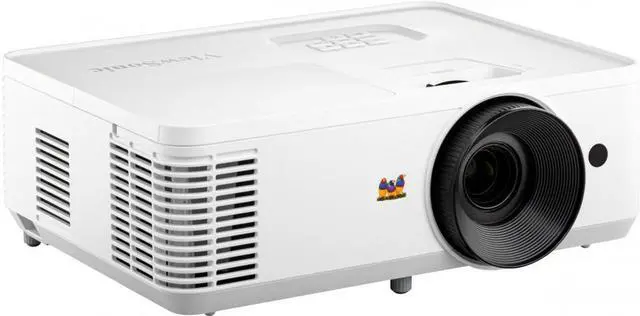
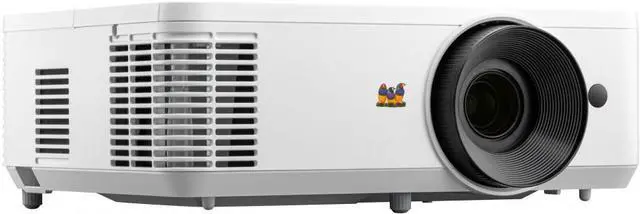
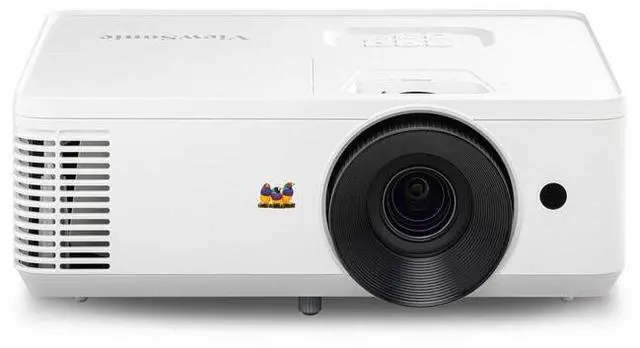
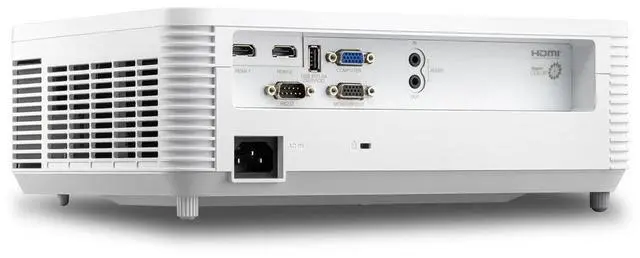
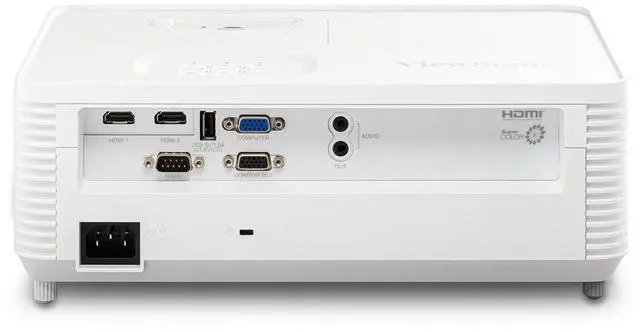
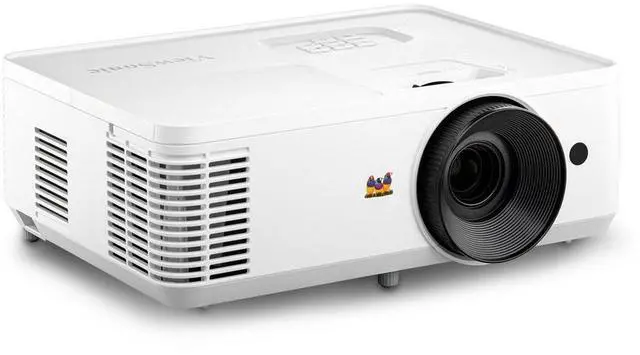
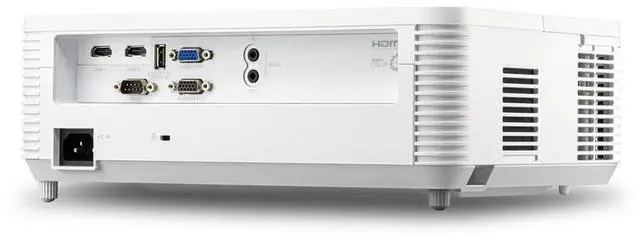
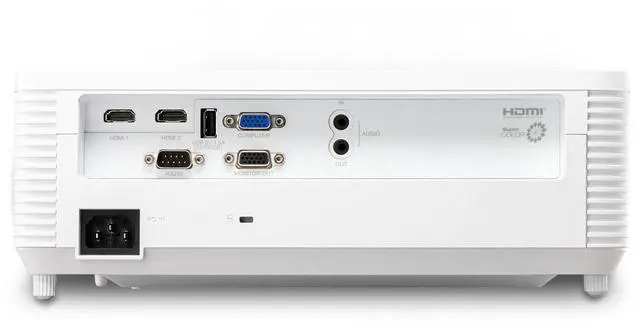
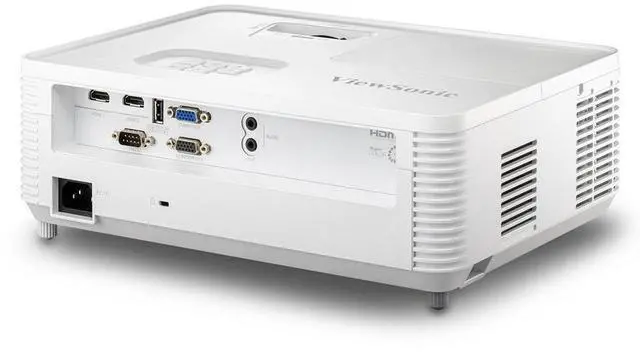
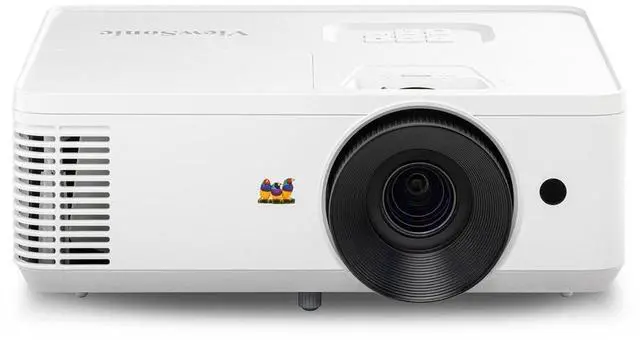
Put your presentations in the best light with the ViewSonic PA700S SVGA projector. This state-of-the-art high brightness projector combines a powerful 4, 500 ANSI lumens and SVGA resolution for stunning images on a 300" screen. Dual HDMI ports empower you to seamlessly switch between different devices while a USB Type-A port lets you connect wireless dongles directly into the projector. And with easy USB software updates, you can effortlessly keep your projector up-to-date with the latest features. Whether you consider the PA700S a business projector or an education projector, this powerful device is the perfect presentation tool for any environment.
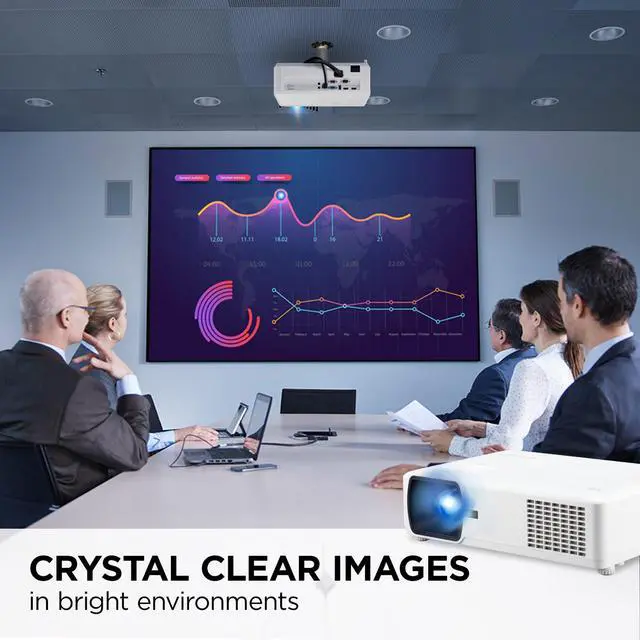
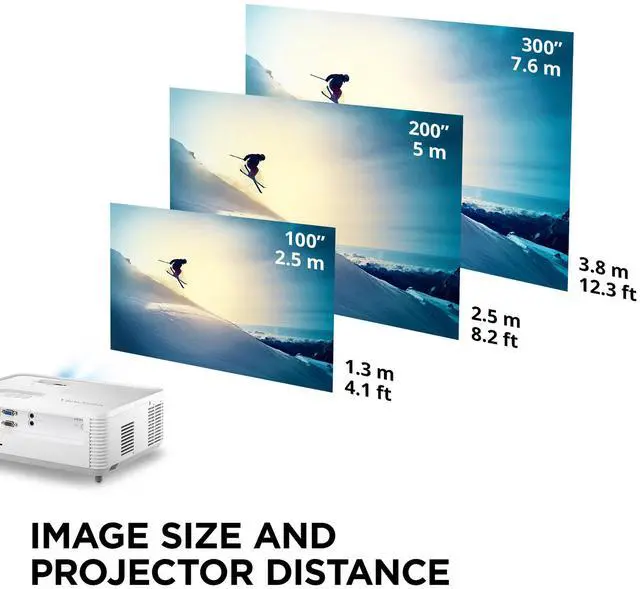
Bright Images in Large SpacesPacked with 4, 500 lumens and a high contrast ratio, this projector is guaranteed to produce bright images in large spaces with high ambient light including large boardrooms, conference halls, and auditoriums. 300" Ultra Large ScreenEnjoy breathtaking images on an ultra-large screen capable of reaching up to 300". This state-of-the-art projector has a lower cost-per-inch compared to commercial displays. Versatile ConnectivityDual HDMI and a USB 3.0 port give you the freedom to connect your projector to a variety of devices and external media players. Software Updates via USBSoftware updates for this projector can be easily accessed online.
Simply connect the projector to a computer via USB, and run the software update program.