





Brand Promise
VCOM Beyond your imagination.
VCOM is a brand of mobile phone & computer storage and accessories.
Our aim is to make customers' work easier and life more convenient.
VCOM has a strong R&D team
And from the factory side through the direct sales to end users, more cost-effective,
the real quality and price.
VVCOM is committed to developing high quality products and providing the most satisfactory after-sales service!
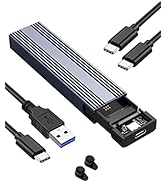
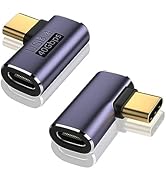
VCOM Beyond your Imagination
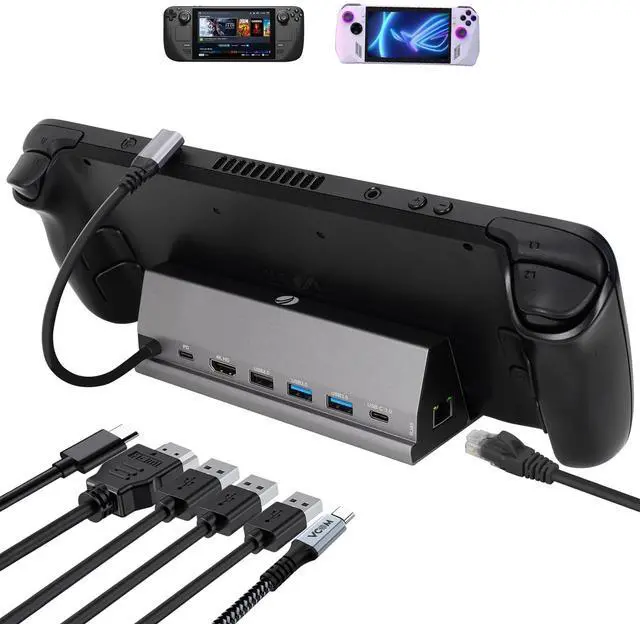
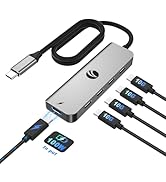
V VCOM 7-in-1 Docking Station for Steam Deck


V VCOM 7-in-1 Docking Station for Steam Deck/ROG Ally
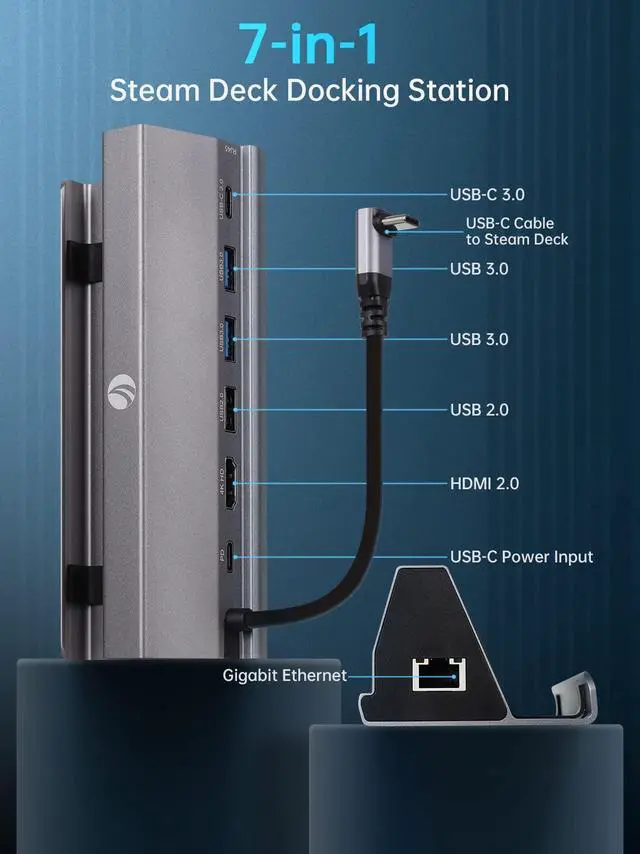
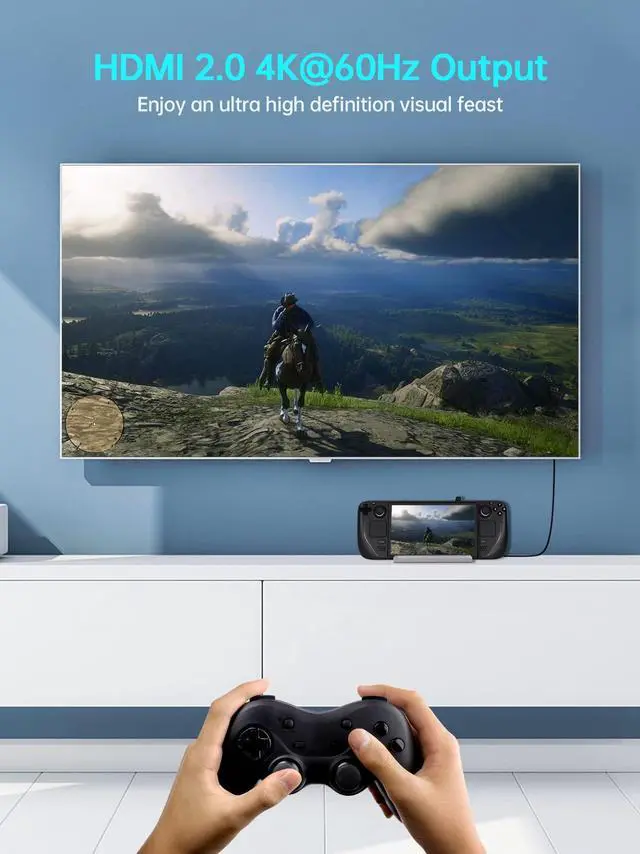
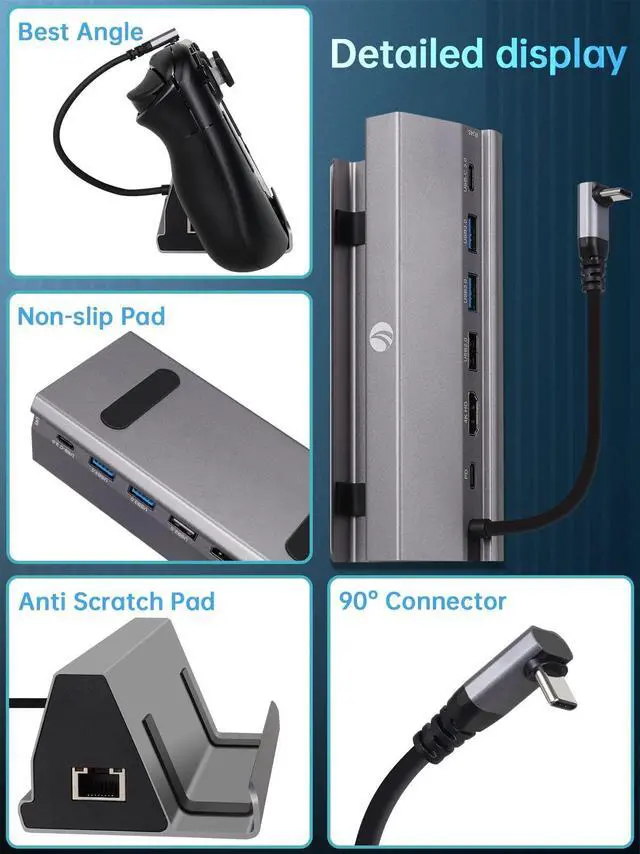
- 4K HDMI: HDMI 2.0 4K 60Hz output could project game to your TV or monitor, providing you with a clearer and smoother visual experience for a visual feast in gaming.
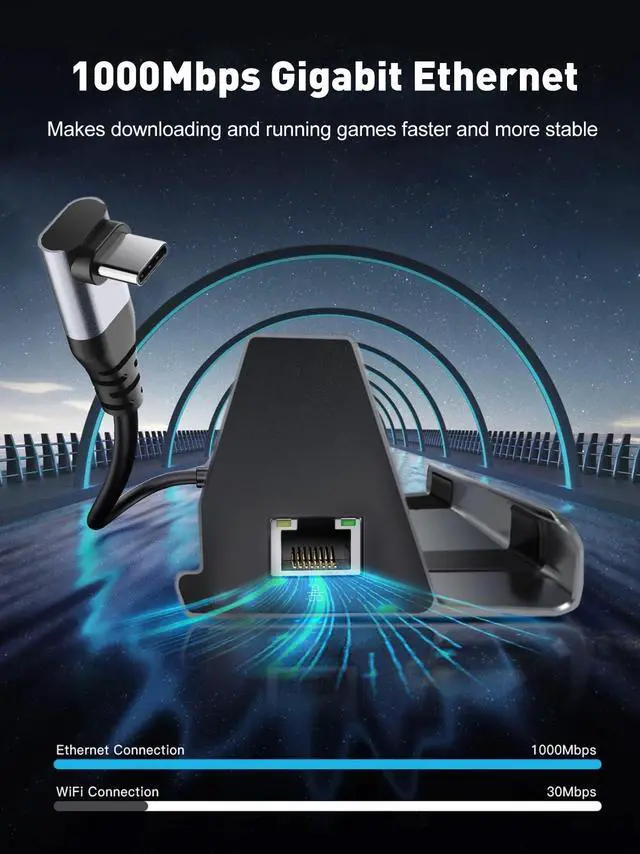
- 1* Gigabit Ethernet: Steam dock could provide 1000Mbps stable and high-speed network could get better gaming experience.
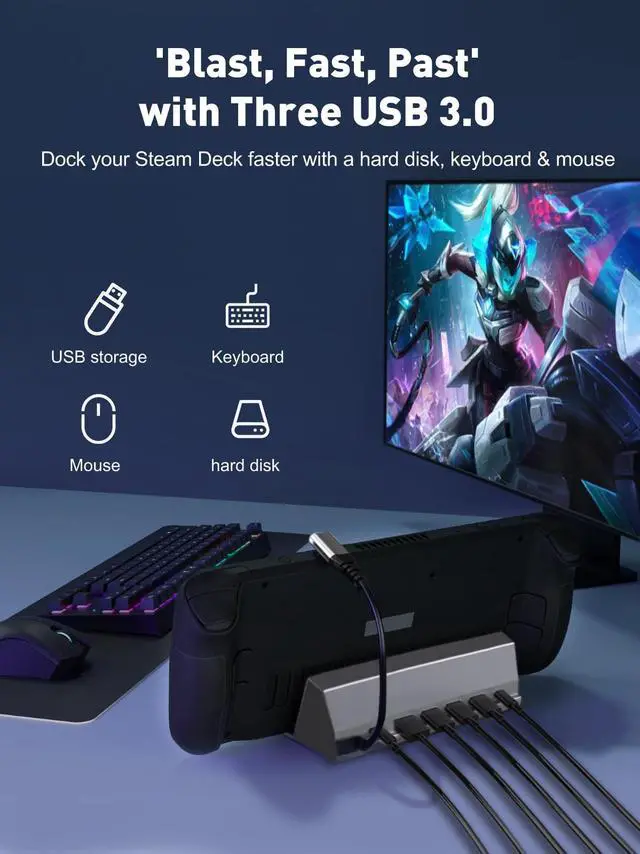
- 2* USB 3.0 Ports ,1* USB 2.0 Port, 1* USB C Data Port: Speed up to 5Gbps, support you connect smart phones, tablet, hard drives for effortless data transfer with USB-C port and allows you to connect to keyboard or mouse without any lag.
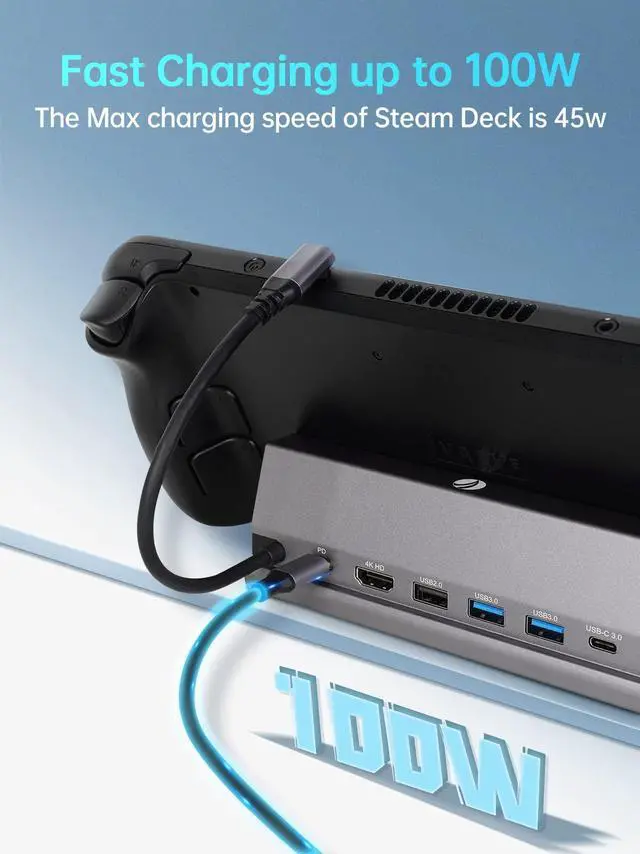
- 1* 100W USB C PD Port: Supports power delivery max 100W and safe power out is rated at 45W to charge your Steam Deck.
NOTE:
- Some wireless network cards, wireless adapter receivers, Bluetooth adapters can only be used in the computer USB port.
- Videos don't support secondary transmission, so please don't use HDMI to Displayport cables or adapters for video transfer.
- Please meet the following step to achieve 4K 60Hz output: HDMI to HDMI 2.0/2.1 cable length is shorter than 15 feet; Switch the Steam Deck to desktop mode and set the output resolution to 4K 60Hz.
V VCOM 7-in-1 Docking Station for Steam Deck
V VCOM 7-in-1 Docking Station for Steam Deck/ROG Ally
- 4K HDMI: HDMI 2.0 4K 60Hz output could project game to your TV or monitor, providing you with a clearer and smoother visual experience for a visual feast in gaming.
- 1* Gigabit Ethernet: Steam dock could provide 1000Mbps stable and high-speed network could get better gaming experience.
- 2* USB 3.0 Ports ,1* USB 2.0 Port, 1* USB C Data Port: Speed up to 5Gbps, support you connect smart phones, tablet, hard drives for effortless data transfer with USB-C port and allows you to connect to keyboard or mouse without any lag.
- 1* 100W USB C PD Port: Supports power delivery max 100W and safe power out is rated at 45W to charge your Steam Deck.
NOTE:
- Some wireless network cards, wireless adapter receivers, Bluetooth adapters can only be used in the computer USB port.
- Videos don't support secondary transmission, so please don't use HDMI to Displayport cables or adapters for video transfer.
- Please meet the following step to achieve 4K 60Hz output: HDMI to HDMI 2.0/2.1 cable length is shorter than 15 feet; Switch the Steam Deck to desktop mode and set the output resolution to 4K 60Hz.
Brand Promise
VCOM Beyond your imagination.
VCOM is a brand of mobile phone & computer storage and accessories.
Our aim is to make customers' work easier and life more convenient.
VCOM has a strong R&D team
And from the factory side through the direct sales to end users, more cost-effective,
the real quality and price.
VVCOM is committed to developing high quality products and providing the most satisfactory after-sales service!
VCOM Beyond your Imagination