



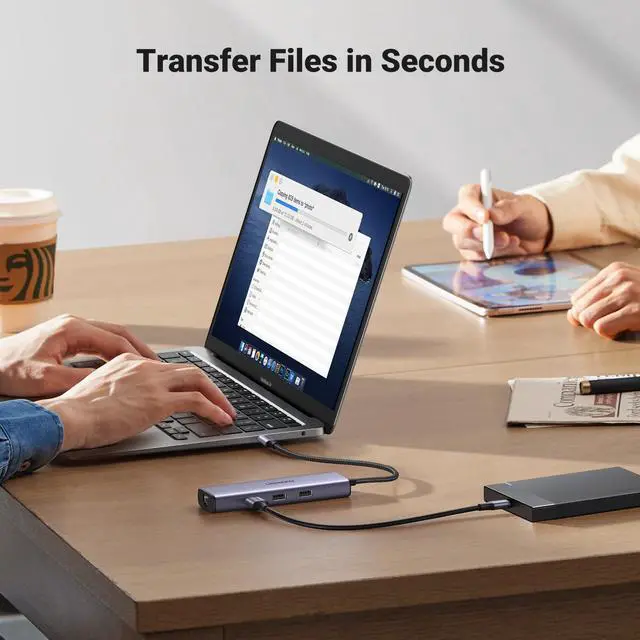
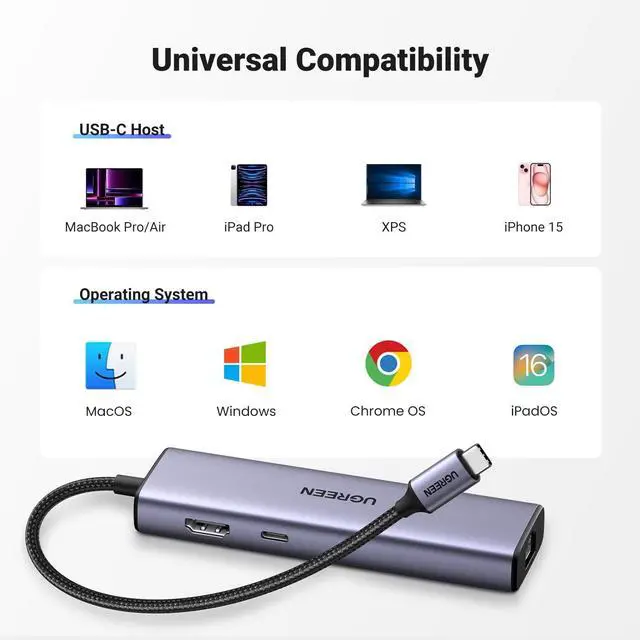


What can I do if I can't get the ethernet port isn’t properly connecting?
1) Please install the driver;
2) For Mac devices, add this adapter in the Network settings page. Go to "System Preferences"-->"Network"--> "+" -->Select the network card with the corresponding name--> "Create"
Why doesn't my laptop display properly when using the HDMI port?
1) The laptop must support the video transmission function (DisplayPort Alternate Mode), in order to use this docking station to transmit video.
2) Please make sure your HDMI cable has no cuts or breaks and is functioning properly.
Why can't my laptop use the PD interface?
1) The USB-C interface of the device must support the PD charging function.
2) In order to avoid an identification problem with the PD protocol, we suggest using the original charger of the notebook to charge.
Why does the 30W ROG Ally Turbo Mode cannot be triggered?
It is suggestd to connect a 87W or above PD charger to trigger the 30W turbo mode.
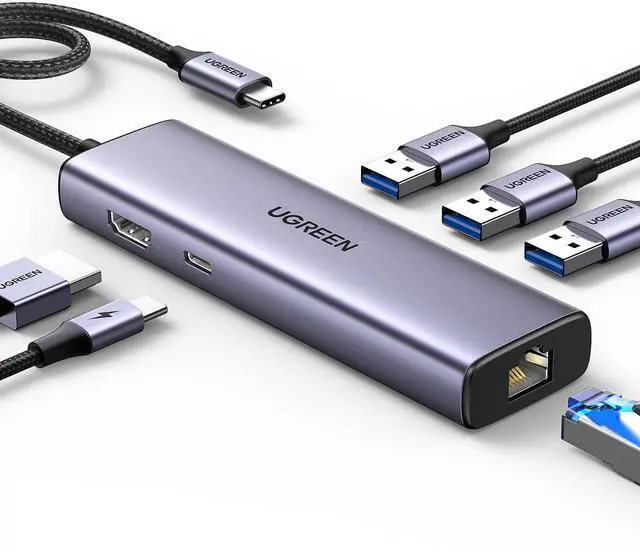
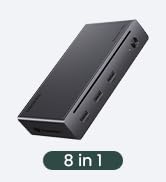
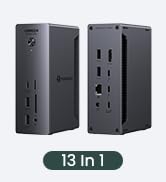
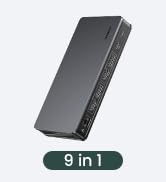
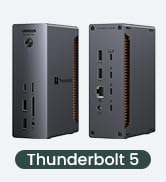
UGREEN USB C Hub
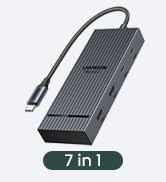
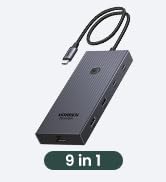
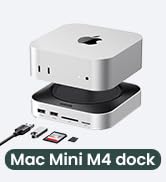
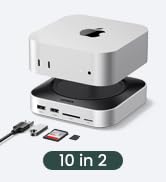
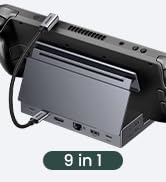
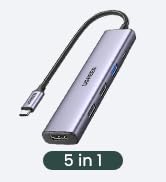
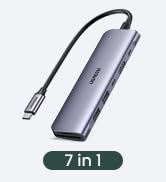
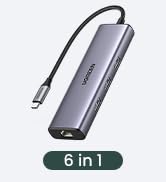
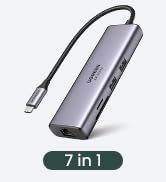
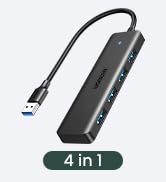
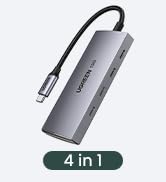
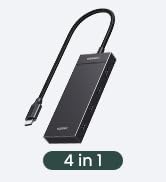
 UGREEN USB C Ethernet Hub |  USBC Hub With Screen Lock | 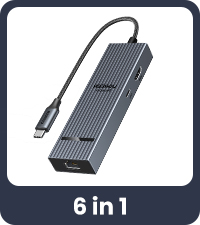 Revodok 10Gbps USB C Hub | 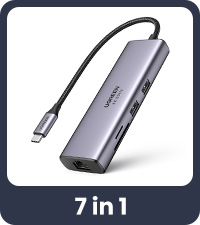 UGREEN USB C Ethernet Hub | 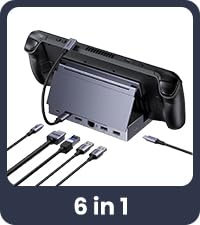 Dock for Gaming & Work | 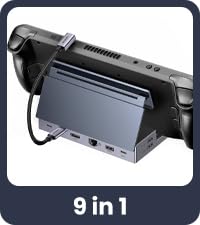 Steam Deck Dock | 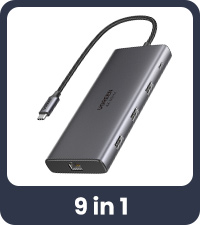 UGREEN USB C Ethernet Hub | |
|---|---|---|---|---|---|---|---|
Customer Reviews | — | — | — | — | — | — | — |
Price | — | — | — | — | — | — | — |
Max Transfer Speed | 5Gbps | 10Gbps | 10Gbps | 5Gbps | 5Gbps | 10Gbps | 10Gbps |
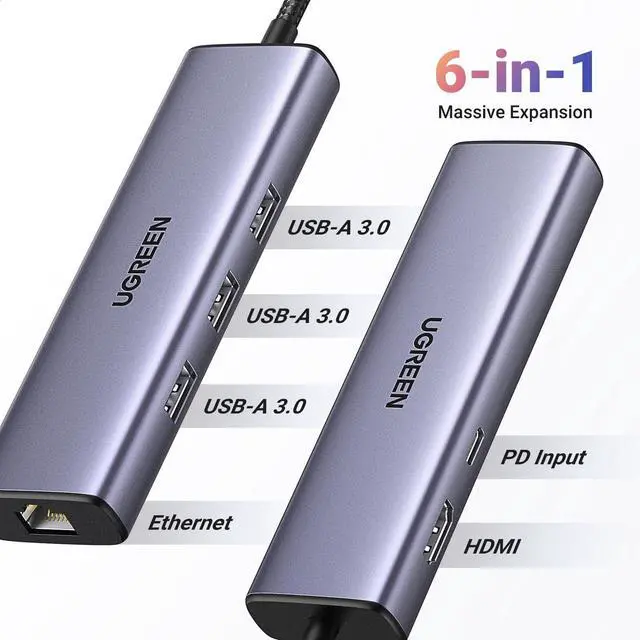
USB Ports | 3xUSB-A 3.0 | 2*USB A +2*USB C | 2*USB A 3.2+USB C 3.2 | 2xUSB A 3.0 | 2xUSB A 3.0+USB C 3.0 | USB A 3.2+USB C 3.2+2*USB 2.0 | USB-A 3.2+USB-C 3.2+2xUSB 3.0 |
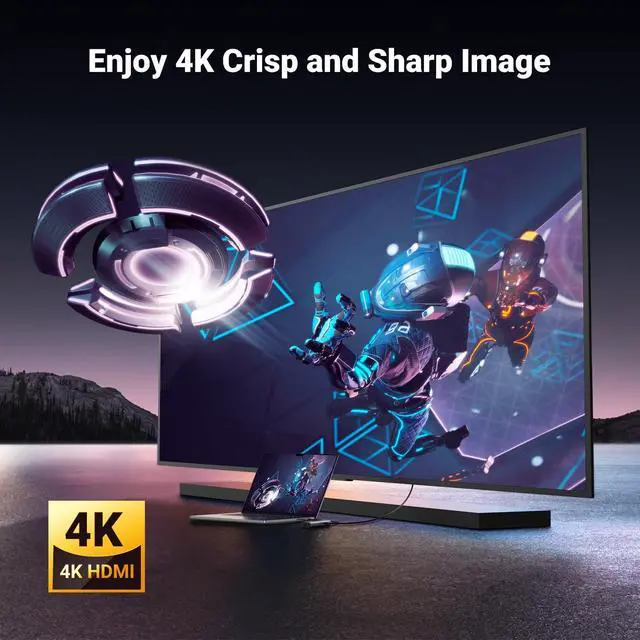
Max Display Resolution | 4K@30Hz | 4K@60Hz | 4K@60Hz | 4K@60Hz | 4K@120Hz | 4K@60Hz | 4K@60Hz |
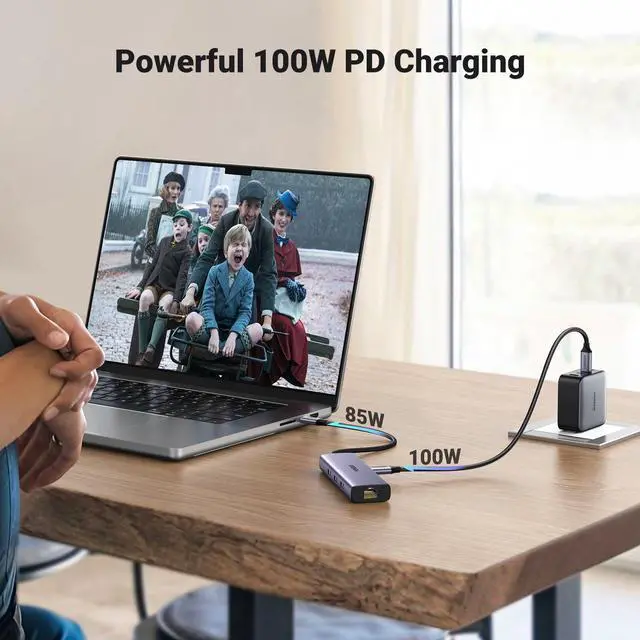
Charging Port | 100W | 100W | 100W | 100W | 100W | PD 100W | 100W |
Plug & Play | ? | ? | ? | ? | ? | ? | ? |
Gigabit Ethernet | ? | ? | ? | ? | ? | ? | ? |
SD/TF Card Reader | ? | ? | ? | ? | ? | ? | ? |
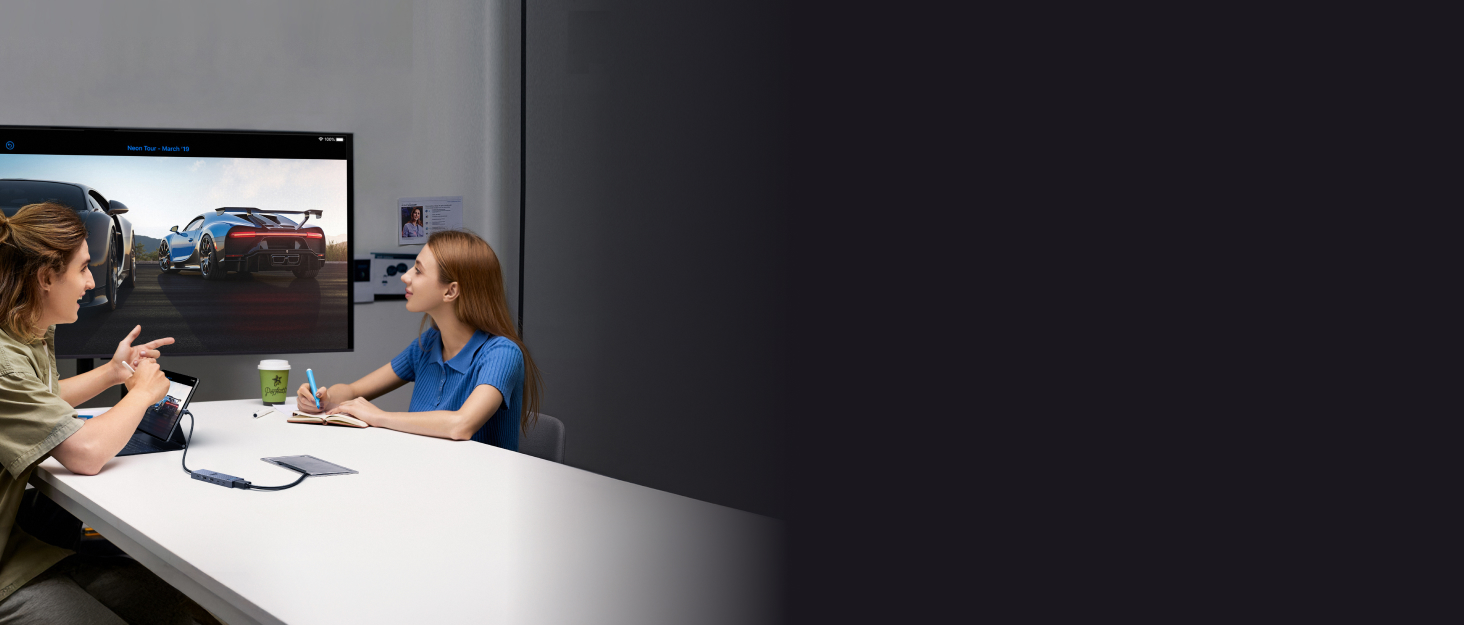










What can I do if I can't get the ethernet port isn’t properly connecting?
1) Please install the driver;
2) For Mac devices, add this adapter in the Network settings page. Go to "System Preferences"-->"Network"--> "+" -->Select the network card with the corresponding name--> "Create"
Why doesn't my laptop display properly when using the HDMI port?
1) The laptop must support the video transmission function (DisplayPort Alternate Mode), in order to use this docking station to transmit video.
2) Please make sure your HDMI cable has no cuts or breaks and is functioning properly.
Why can't my laptop use the PD interface?
1) The USB-C interface of the device must support the PD charging function.
2) In order to avoid an identification problem with the PD protocol, we suggest using the original charger of the notebook to charge.
Why does the 30W ROG Ally Turbo Mode cannot be triggered?
It is suggestd to connect a 87W or above PD charger to trigger the 30W turbo mode.
UGREEN USB C Hub
UGREEN USB C Ethernet Hub | USBC Hub With Screen Lock | Revodok 10Gbps USB C Hub | UGREEN USB C Ethernet Hub | Dock for Gaming & Work | Steam Deck Dock | UGREEN USB C Ethernet Hub |
|---|---|---|---|---|---|---|
| Customer Reviews | ||||||
| — | — | — | — | — | — | — |
| Price | ||||||
| — | — | — | — | — | — | — |
| Max Transfer Speed | ||||||
| 5Gbps | 10Gbps | 10Gbps | 5Gbps | 5Gbps | 10Gbps | 10Gbps |
| USB Ports | ||||||
| 3xUSB-A 3.0 | 2*USB A +2*USB C | 2*USB A 3.2+USB C 3.2 | 2xUSB A 3.0 | 2xUSB A 3.0+USB C 3.0 | USB A 3.2+USB C 3.2+2*USB 2.0 | USB-A 3.2+USB-C 3.2+2xUSB 3.0 |
| Max Display Resolution | ||||||
| 4K@30Hz | 4K@60Hz | 4K@60Hz | 4K@60Hz | 4K@120Hz | 4K@60Hz | 4K@60Hz |
| Charging Port | ||||||
| 100W | 100W | 100W | 100W | 100W | PD 100W | 100W |
| Plug & Play | ||||||
| ? | ? | ? | ? | ? | ? | ? |
| Gigabit Ethernet | ||||||
| ? | ? | ? | ? | ? | ? | ? |
| SD/TF Card Reader | ||||||
| ? | ? | ? | ? | ? | ? | ? |
UGREEN 10Gbps USB C HUB
UGREEN Hub & Stand
UGREEN USB C Hub
UGREEN USB Hub
UGREEN Mouse & Keyboard
UGREEN Multi HDMI Dock
UGREEN 10Gbps USB C HUB
Revodok Basic
Revodok Pro
Revodok Max
