4x4 MU-MIMO 802.11ac Wave 2 Access Point
Small, Low-Profile Access Point
Supports 200+ Concurrent Users
Scalable Enterprise Wi-Fi Management
Enterprise Wi-Fi performance now can be expanded to any site you like. Start with one, and expand to big networks of up to thousands in the future. And you can configure and manage them all using the intuitive easy-to-learn UniFi Controller software. With easy installation, compact form, and custom skins, it is easy to integrate into any settings.
The Newest Price / Performance Leader in Enterprise Wi-Fi
4x4 MU-MIMO technology at an extremely affordable price
Powered by Software Defined Networking
Easily deploy your UniFi Enterprise System using the included UniFi Controller software. Manage thousands of UniFi devices across multiple sites, and scale your network as needed without any ongoing licensing fees.
Intuitive, Graphical UI
Intuitive, Graphical UI Centralized Control via Easy-to-Use Interface
Real-Time Status
Real-Time Data Collection and Analysis
Breakthrough RF Mapping
RF Maps with Predictive Coverage
Hotspot Setup
Billing Integration, Vouchers, RADIUS, and Guest Controls
DPI Analytics
Deep Packet Inspection
Advanced Security
Secure Network and Clients
Designed for Seamless Integration *
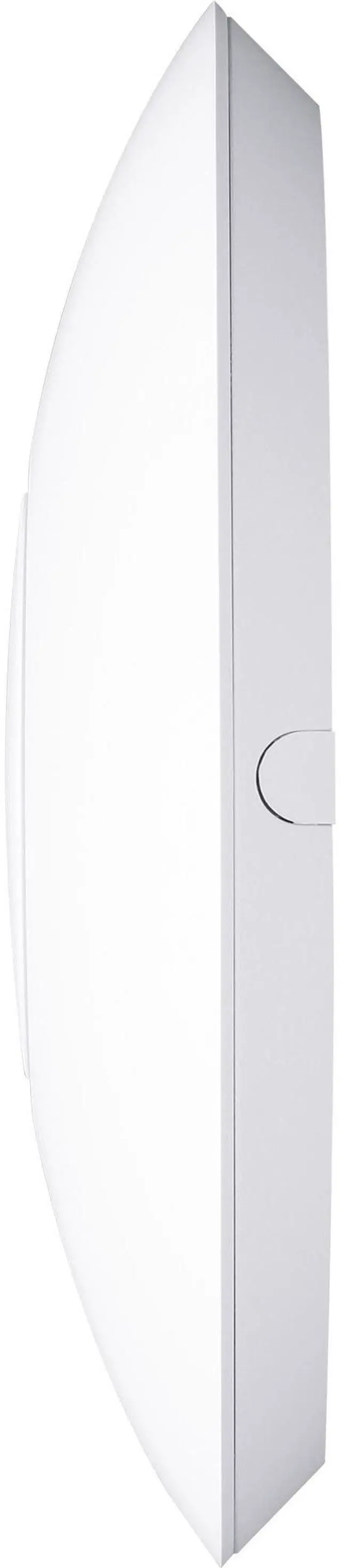
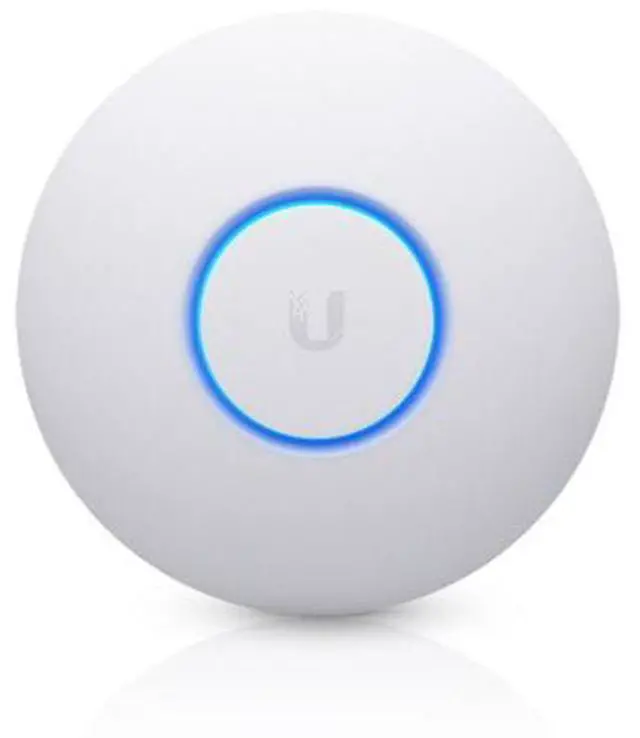
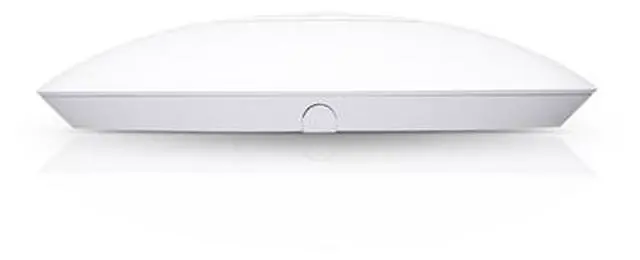
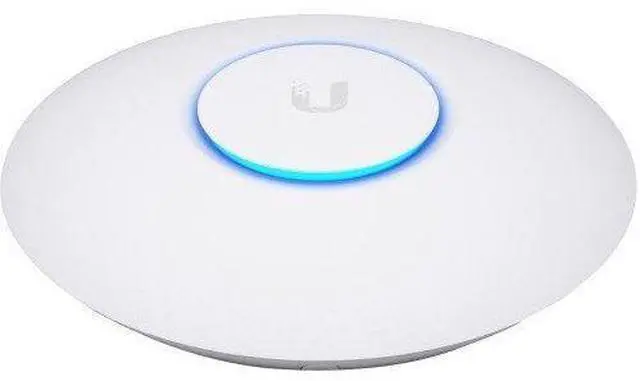
The UniFi nanoHD Access Point features a low-profile form factor. The optional ceiling mount or custom skins allow the AP to blend even more discreetly into its setting.
* Low-profile mounting accessory is sold separately
Ceiling Mount
Allows the UniFi nanoHD AP to integrate into the ceiling quickly and easily.
Low-Profile Mounting
Hide your device with low-profile mounting for nice and fluid surface.
Basic Mounting
With basic mounting device is more visible than new low-profile module.
Our Smallest Access Point
Our Smallest UniFi Access Point Available On the Market. UAP nanoHD is 30% smaller than UAP AC Pro version.
Custom Skins
Optional skins (sold separately) allow the UniFi nanoHD AP to blend into its surroundings.
Scalable Enterprise Wi-Fi Management UniFi is the revolutionary Wi-Fi system that combines enterprise performance, unlimited scalability and a central management controller. The UniFi nanoHD AP has a refined industrial design and can be easily installed using the included mounting hardware. Easily accessible through any standard web browser and the UniFi app (iOS or Android), the UniFi Controller software is a powerful software engine ideal for high-density client deployments requiring low latency and high uptime performance. Use the UniFi Controller software to quickly configure and administer an enterprise Wi-Fi network - no special training required.
RF map and performance features, real-time status, automatic UAP device detection and advanced security options are all seamlessly integrated. Save Money and Save Time UniFi comes bundled with a non-dedicated software controller that can be deployed on an on-site PC, Mac or Linux machine; in a private cloud; or using a public cloud service. You also have the option of deploying the compact UniFi Cloud Key with built-in software. Powerful Hardware The UniFi nanoHD AP features the latest in Wi-Fi 802.11 ac Wave 2 MU-MIMO technology. Intuitive UniFi Controller Software Configure and manage your APs with the easy-to-learn user interface.
Expandable Unlimited scalability: build wireless networks as big or small as needed. Start with one (or upgrade to a five-pack) and expand to thousands while maintaining a single unified management system. Extend Your Coverage With the UniFi Controller software running in a NOC or in the cloud, administrators
can manage multiple sites: multiple, distributed deployments and multi-tenancy for managed service providers. UniFi Controller Packed with Features Use the UniFi Controller to provision thousands of UniFi APs, map out networks, quickly manage system traffic and provision additional UniFi APs. View Your RF Environment Use the RF environment functionality of the UniFi nanoHD AP to detect and troubleshoot nearby interference, analyze radio frequencies, choose optimal AP placement and configure settings. Powerful RF Performance Features Advanced RF performance and configuration features include spectral analysis, airtime fairness and band steering. Detailed Analytics Use the configurable reporting and analytics to manage large user populations and expedite troubleshooting. Wireless Uplink Wireless Uplink functionality enables wireless connectivity between APs for extended range. One wired UniFi AP uplink supports up to four wireless downlinks on a single operating band, allowing wireless adoption of devices in their default state and real-time changes to network topology. Guest Portal/Hotspot Support Easy customization and options for Guest Portals include authentication, Hotspot setup and the ability to use your own external portal server. Use UniFi's rate limiting for your Guest Portal/Hotspot package offerings. Apply different bandwidth rates (download/upload), limit total data usage and limit duration of use.
All UniFi APs include
Hotspot functionality: Built-in support for billing integration using major credit cards Built-in support for voucher-based authentication Built-in Hotspot Manager for voucher creation, guest management and payment refunds Full customization and branding of Hotspot portal pages Multi-Site Management A single UniFi Controller running in the cloud can manage multiple sites: multiple, distributed deployments and multi-tenancy for managed service providers. Each site is logically separated and has its own configuration, maps, statistics, guest portal and administrator read/write and read-only accounts. WLAN Groups The UniFi Controller can manage flexible configurations of large deployments. Create multiple WLAN groups and assign them to an AP's radio. Each WLAN can be VLAN tagged. Dynamic VLAN tagging per Wi-Fi station (or RADIUS VLAN) is also supported. 802.11 ac Technology Initial 802