
Your Browsing History

 We‘re shipping as usual! The Canada Post strike only affects certain remote deliveries and PO Boxes. Details
 Holiday Shipping Details & Extended Holiday Returns
Make informed decisions with expert advice. Learn More



A router for the new way to Wi-Fi

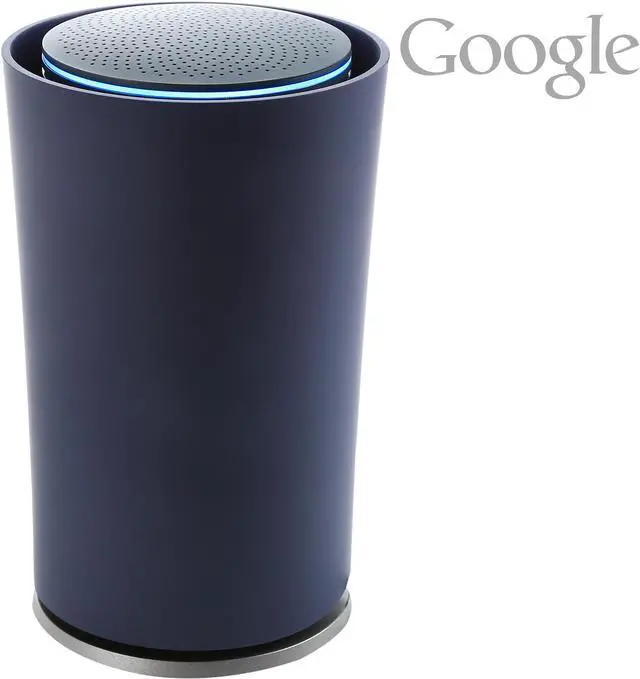
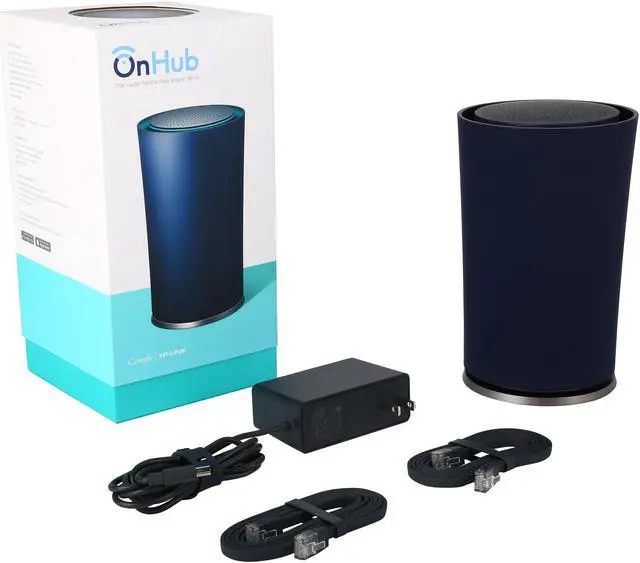
Meet OnHub, a router for the new way to Wi-Fi. We're streaming and sharing in new ways our old routers were never built to handle. OnHub is built for all the ways you Wi-Fi. OnHub provides smooth streaming and speedy downloads for all of your devices, speaks in a language you understand, and keeps getting better.

Get the most from your Wi-Fi with an innovative antenna design and smart software that work to constantly optimize your connection. Plus, prioritize a device for the fastest Wi-Fi speed when it matters most.

The companion Google On app makes setup quick, and if there's ever an issue with your Wi-Fi, it offers simple solutions to help. Plus it provides tools to help you monitor and manage your connection. Run a speed test, change your settings, see what devices are connected to your network, troubleshoot at home or away, and enable a friend to help you remotely.
The Google On app is available for Android 4.0 or higher and iOS 7 or higher.

OnHub is designed to last, even as the way we use Wi-Fi changes. Its hardware supports a growing number of smart devices, and automatic updates mean you'll always have the latest features and security upgrades.

Once you have your OnHub, download the free Google On App to help you set up and manage OnHub right from your phone or tablet. Prioritize bandwidth to a device ortroubleshoot issues, at home or away.
If there’s ever a problem with your network, the Google On app tells you what it is and how to fix it.
The Google On app guides you through an easy-to-follow setup, so you’ll be online in minutes.
Choose a password you can remember, and share it with a friend using the Google On app.

Easily test the speed of your connection for hiccups, and the app gives you simple ways to get back to peak performance.

See each device that’s connected to your Wi-Fi and which are taking up the most bandwidth.

Use the Google On app to troubleshoot at home or away, see who’s on your network, or enable a friend to help you remotely.
OnHub is designed to support a growing number of "smart devices" over time because it includes Bluetooth® Smart Ready, 802.15.4 and Weave.
OnHub often updates its router software with newly released features without any interruptions to your Wi-Fi.
OnHub's software includes advanced and always-evolving security features to keep your network safe.
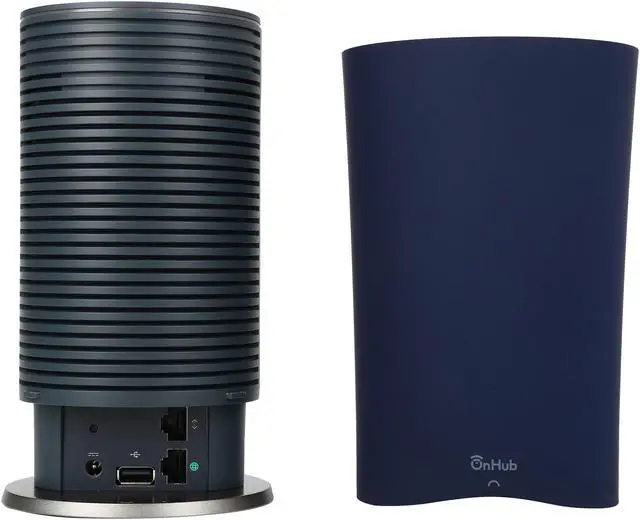
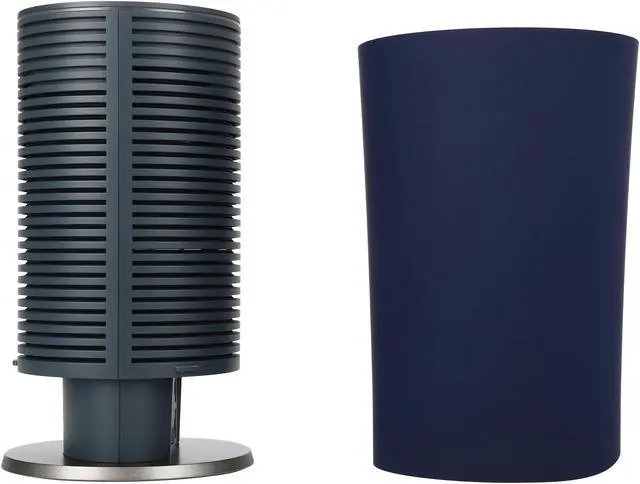
We built OnHub to help you get the most out of your Wi-Fi. It helps deliver smooth
streaming and speedy downloads with a congestion-sensing radio, circular antenna
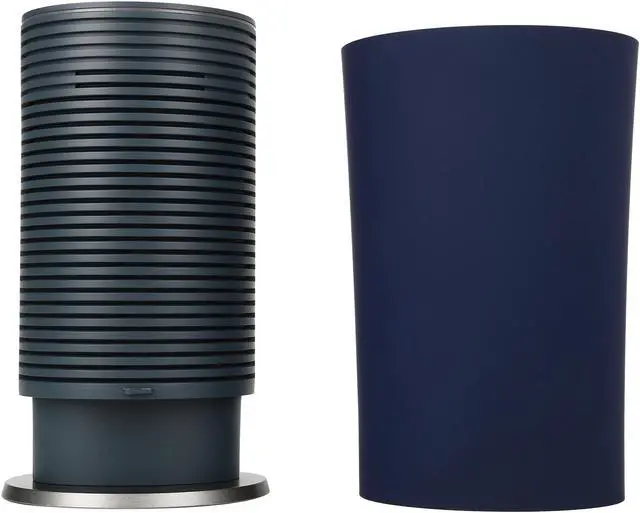
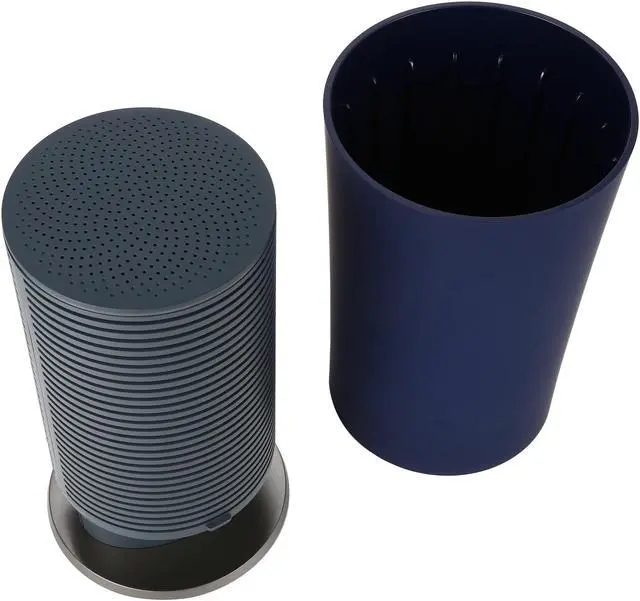
arrangement, and hardware designed to be out in the open.

The visual below demonstrates how much belter Wi-Fi performs when you place
your router at eye level, compared to on the floor. Generally, the signal can reach
twice as far when you make this small change. But most people hide their router out
of sight, which weakens the Wi-Fi signal throughout their homes.
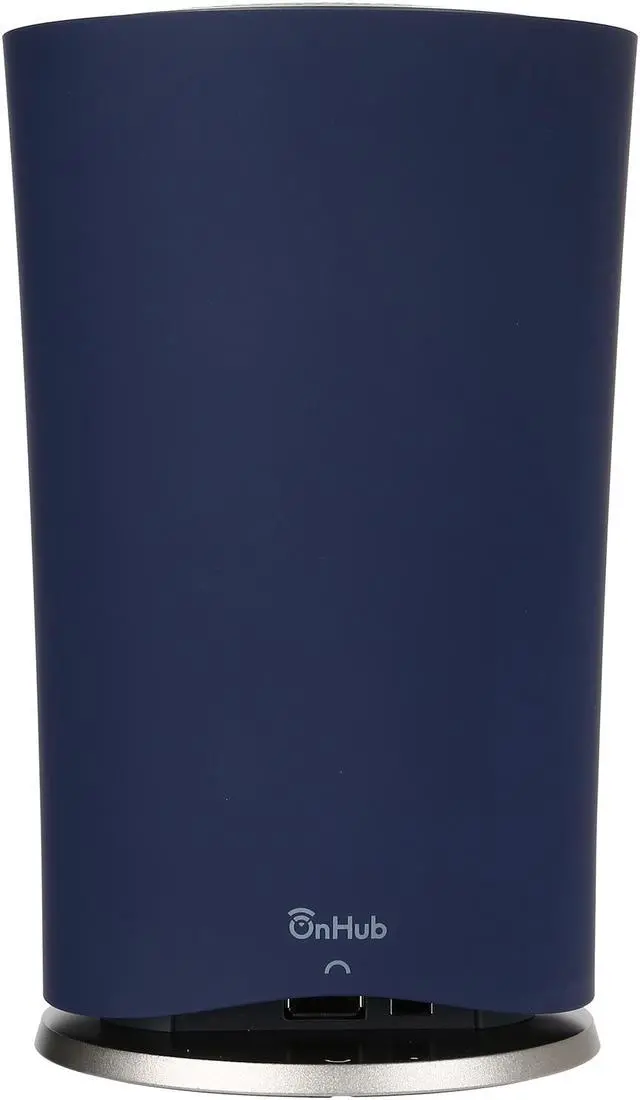
OnHub's design encourages you to put it in the open, where it can perform best, with
its sleek shell and subtle lighting design. And to provide an even stronger signal, a
front-facing antenna boosts range in that direction.


Wireless support
Hardware specs
Wired support
System requirements
TP-LINK 2 year warranty