Your Browsing History

Make informed decisions with expert advice. Learn More



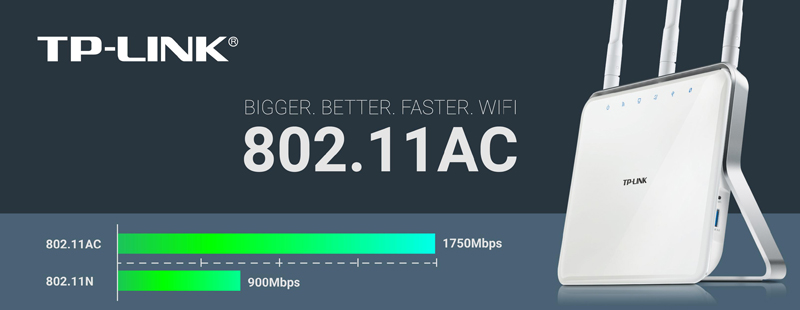
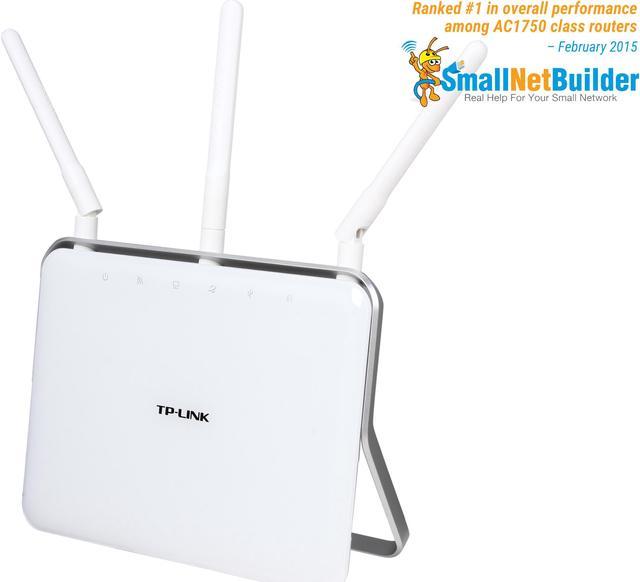
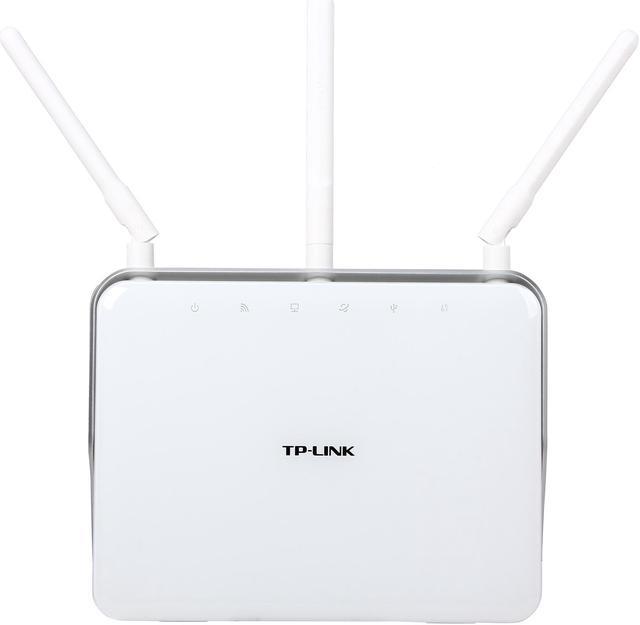
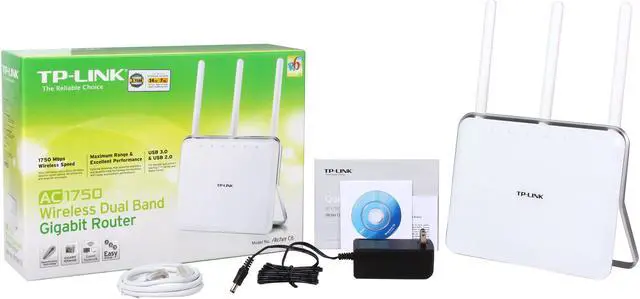
Upgrade your network to the breakneck-fast dual-band AC1750. The TP-Link Archer C8 delivers 1.3Gbps over the clearer 5GHz channel, and 450Mbps over the 2.4GHz Channel, for a total bandwidth of 1750Mbps for smooth online gaming and video streaming. Four Gigabit RJ45 ports ensure lag-free wired connection with your game console, desktop and more. Dual USB ports, one USB 3.0 and one USB 2.0, make it easy to share your printer and flash drive over your network. Plus, all these are powered by an ultra-fast 800MHz dual-core CPU, which function as a great ‘heart’ for fast, stable and responsive performance with Wi-Fi, Ethernet and USB devices.

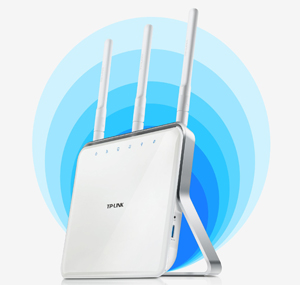
Greater Coverage and Reliable Wi-Fi
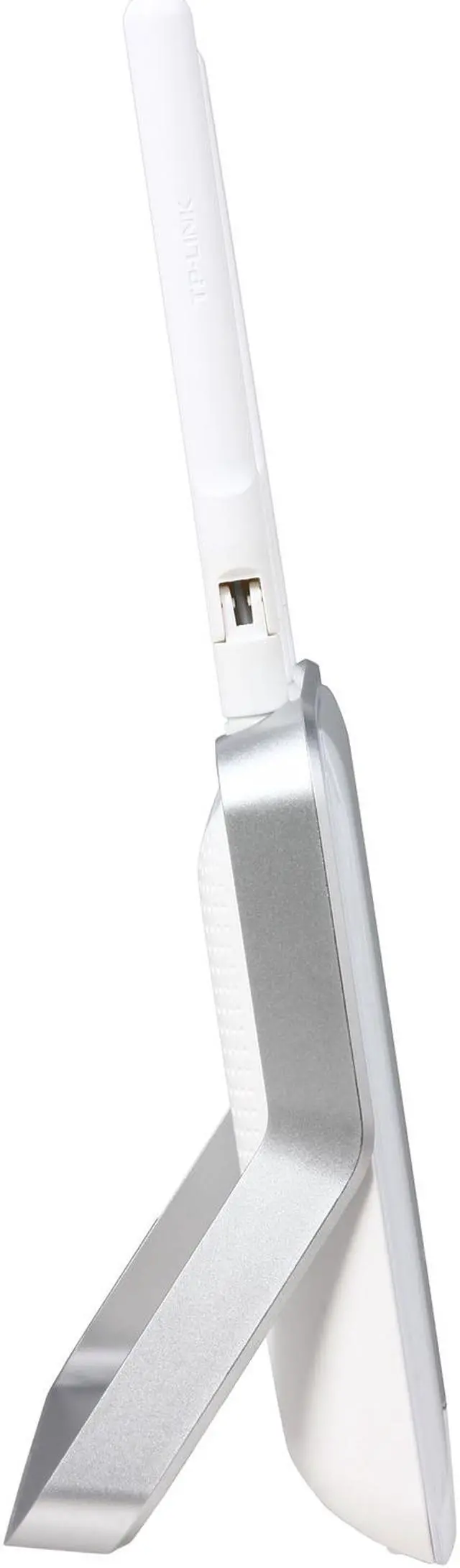
The Archer C8’s 3 dual band antennas with high powered signal amplifiers guarantee continuous Wi-Fi speeds to all your devices while boosting Wi-Fi coverage throughout your home.
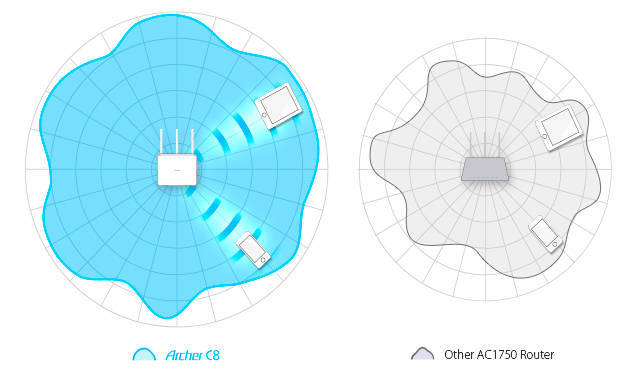
Beamforming Technology
The Archer C8's Beamforming Technology locates your connected devices and boosts the wireless signal strength in those directions, delivering a more targeted and highly efficient wireless connection.
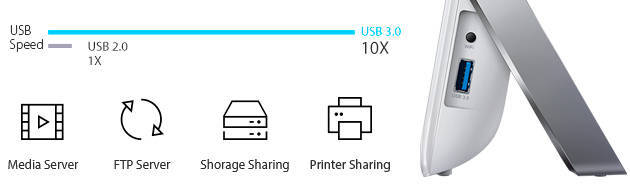
Dual USB Ports for Easy Sharing
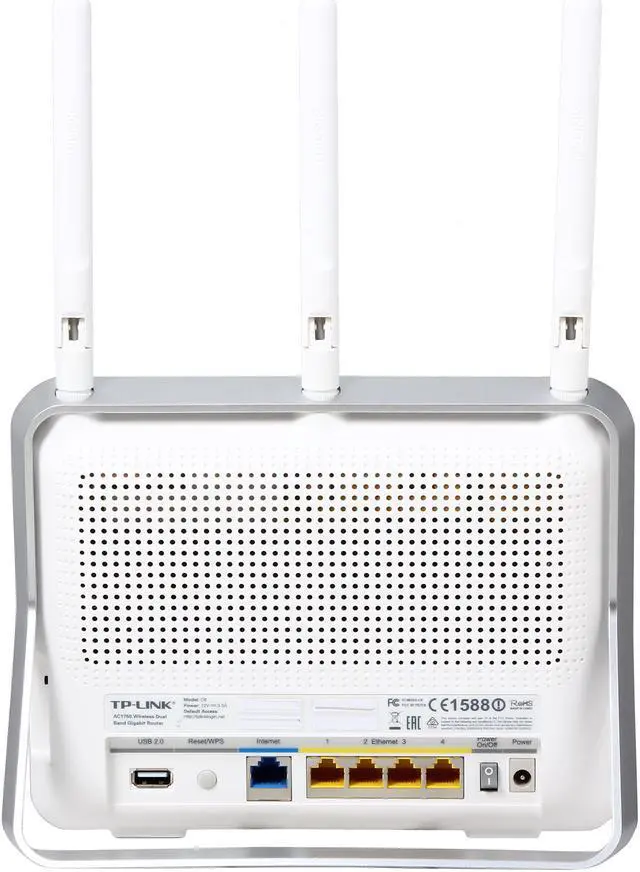
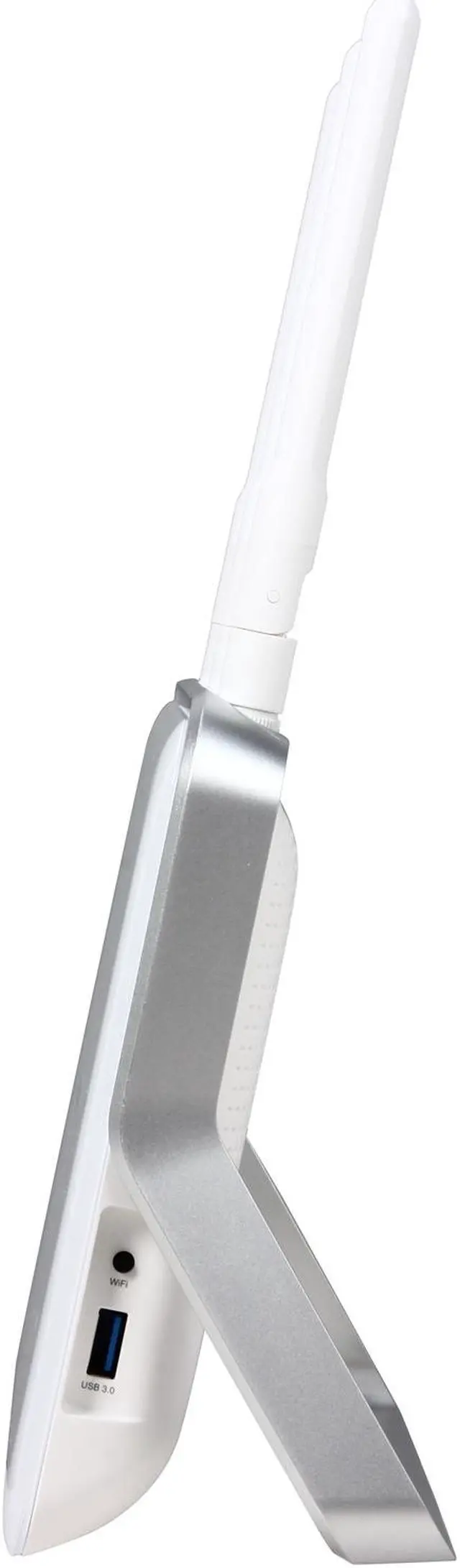
With one ultrafast USB 3.0 port and one USB 2.0 port, you can easily access and share files, printers, and media with devices on your network or remotely via the router’s FTP server. The USB 3.0 port is up to 10x faster than USB 2.0 ports.
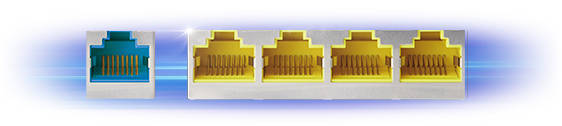
Ultrafast Wired Connections
The Archer C8 features full shielded Gigabit WAN-LAN ports that can achieve blistering speeds of up to 1000Mbps, making it a powerful hub to support a robust and extremely fast wired network.

Guest Network
Guest Network Access provides secure access to guests sharing your Wi-Fi network.

Parental Control
Parental Controls allow parents or administrators to deploy restricted access for children or staff. With URL blocking, you can easily set up a black or white list to limit the level of web access.

IPv6 Supported
The Archer C8 supports IPv6, the next generation of Internet protocol, future-proofing the network you are setting up today.

Easy Setup
Quick and hassle free installation via the web configuration utility from any laptop, smartphone or tablet.
Intuitive Mobile Interface
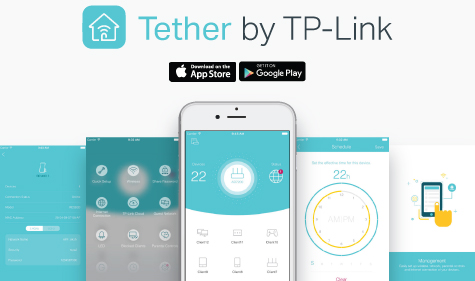
Setup and manage your Wi-Fi through the TP-Link Tether app, available for both Android and iOS. Tether’s simple layout lets you quickly access Wi-Fi settings such as guest access, device management, and scheduling on your phone or tablet without any complications.