





STABLE, PORTABLE, STURDY
PRO-UHF WIRELESS RECEIVER
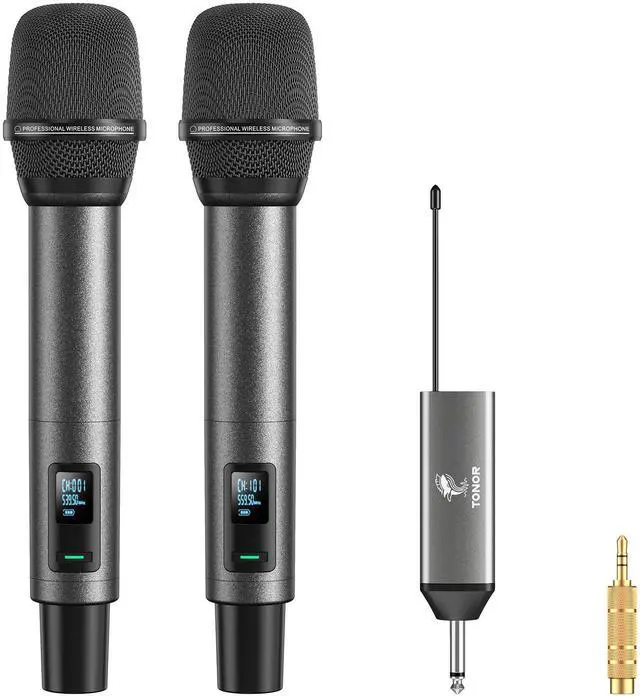
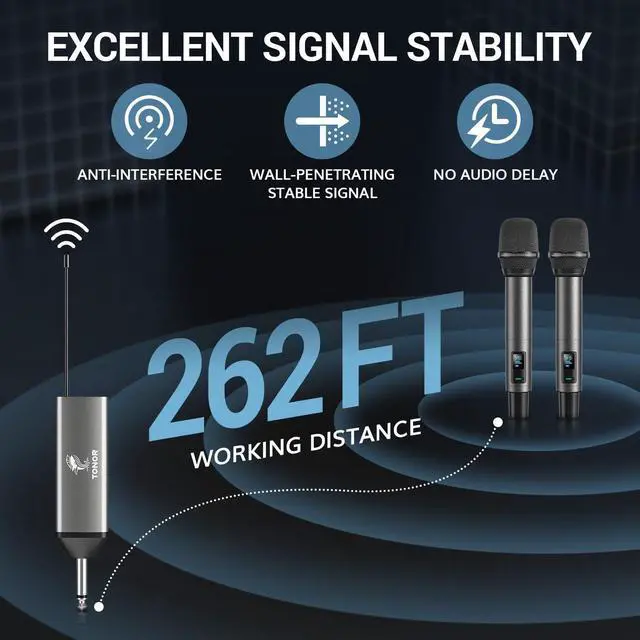
Latest PRO-UHF chip, metal casing, and portable size - TW520 wireless receiver ensures stable long-distance transmission and rugged quality, let you enjoy wireless freedom anywhere anytime.

CLEAR, AUTHENTIC, BALANCED
PROFESSIONAL SOUND QUALITY
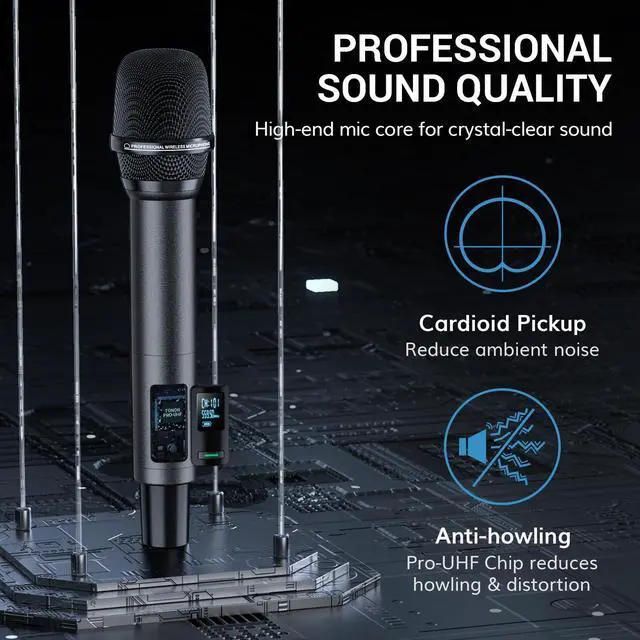
High-end cardioid mic core delivers crystal-clear and lossless audio.


Why do I get interference when using my microphone?
(1) There is wireless signal interference nearby
(2) The user puts the device in a metal cabinet, resulting in signal shielding
Why is there noise when using the microphone?
(1) The distance to the speaker is too close. It is recommended to increase the distance.
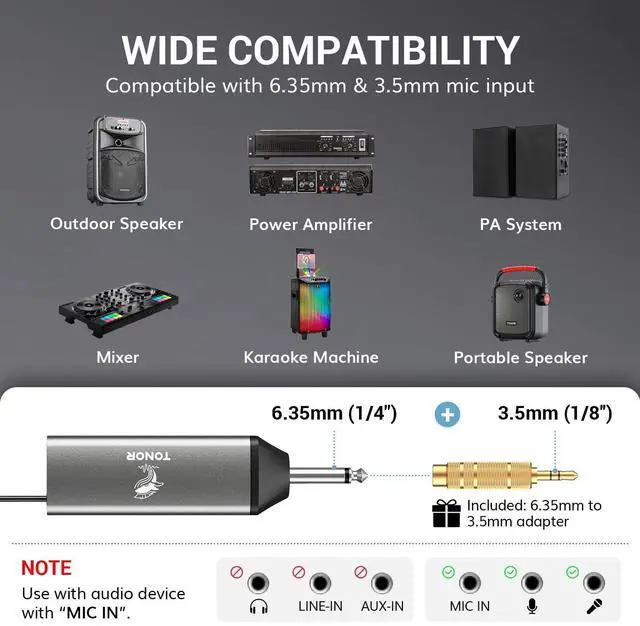
(2) The 6.35mm interface is not firmly plugged in.
(3) There are devices with the same frequency in use nearby. It is recommended to switch to other frequencies


PRO-UHF WIRELESS RECEIVER
Latest PRO-UHF chip, metal casing, and portable size - TW520 wireless receiver ensures stable long-distance transmission and rugged quality, let you enjoy wireless freedom anywhere anytime.

PROFESSIONAL SOUND QUALITY
High-end cardioid mic core delivers crystal-clear and lossless audio.


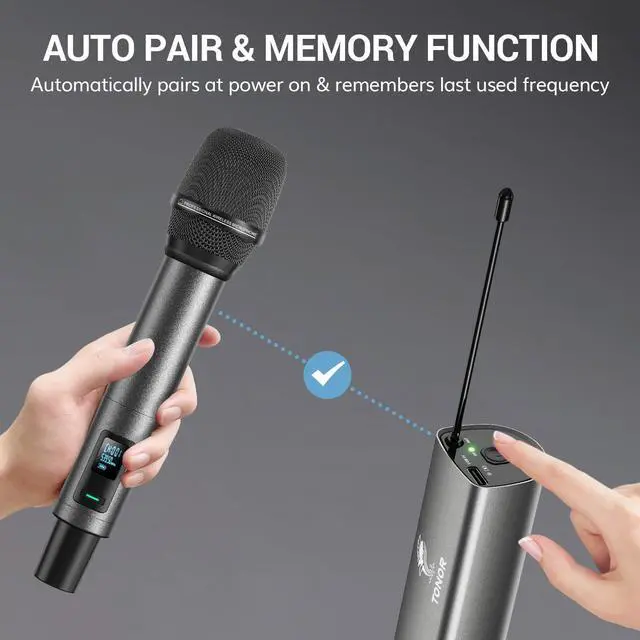
STEPS TO PAIR
1. Make sure the receiver is off.
2.Turn on the microphone, then long press SET botton for 3seconds into the pairing mode. The handheld microphone screen flashes quickly,then release SET botton simultaneously.
3. Turn on the receiver, wait for 3 seconds. Then click the SET buttonon the handheld microphone until the handheld microphone screen becomes steady and no longer flashes. The RF light on the receiver turns steady indicating that the pairing is successful.
TROUBLESHOOT: ONE MIC IS NOT WORKING
1.Check mic numbers: Mic A = "CH:0XX," Mic B = "CH:1XX." If incorrect, turn off the mic, hold POWER for ~10s until CH:0/CH:1 switches, then release. 2.Turn off the receiver and turn on the problematic mic.
3.Unscrew the mic's tailpiece, hold SET until the screen flashes, then release.
4.Turn on the receiver, wait 1-2s, and press the mic's SET button once.
5.When the mic screen stops flashing and the receiver's RF light turns on, pairing is successful.
TROUBLESHOOT: MICROPHONE HAS NO SOUND
1. Check if the mics are unpaired, and pair them.
2. Check if the mic is muted and unmute it, or adjust mic volume
3. Check if two mics are in the same channel
4. If yes, turn off the mic that can't work, and long press power button for 10 secs, until the mic switches to another channel.
Why do I get interference when using my microphone?
(1) There is wireless signal interference nearby
(2) The user puts the device in a metal cabinet, resulting in signal shielding
Why is there noise when using the microphone?
(1) The distance to the speaker is too close. It is recommended to increase the distance.
(2) The 6.35mm interface is not firmly plugged in.
(3) There are devices with the same frequency in use nearby. It is recommended to switch to other frequencies