






We want to ensure your holiday shopping this year is hassle-free. That’s why we’re automatically extending our return policies on almost every product! For purchases placed between November 1st, 2026 and December 31, 2026 you will have until January 31, 2027 to return your product.
| Attribute | Value |
|---|---|
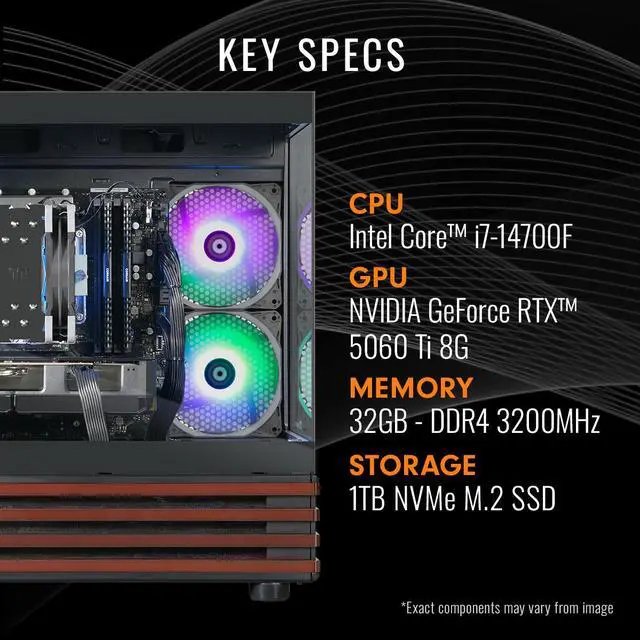
| Best For | Home/desktop gaming, livestreaming and multitasking content work supported by a discrete RTX 5060 Ti GPU, Intel Core i7-class CPU, 32GB RAM and NVMe storage |
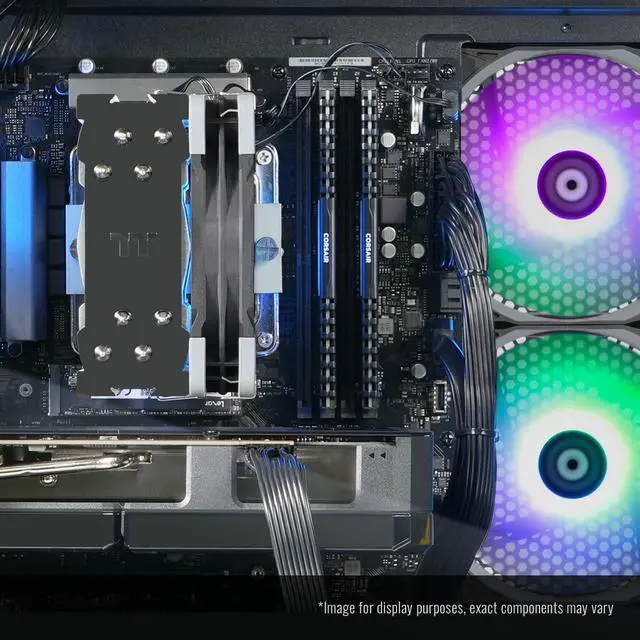
| Processor | Intel Core i7-14700F desktop processor; system includes a Thermaltake ARGB tower air cooler for CPU cooling |
| GPU And VRAM | NVIDIA GeForce RTX 5060 Ti graphics with 8GB VRAM |
| Memory Configuration | 32GB DDR4 3200MHz memory installed, upgradeable to 128GB |
| Storage And Expansion | 1TB NVMe M.2 SSD primary storage |
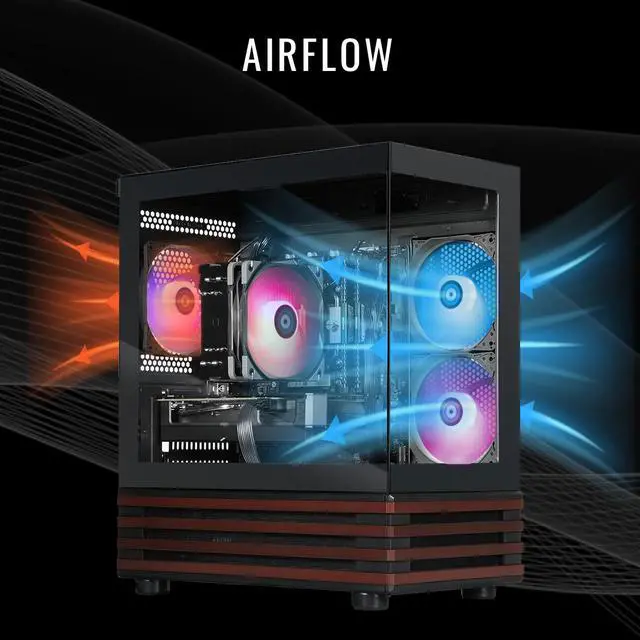
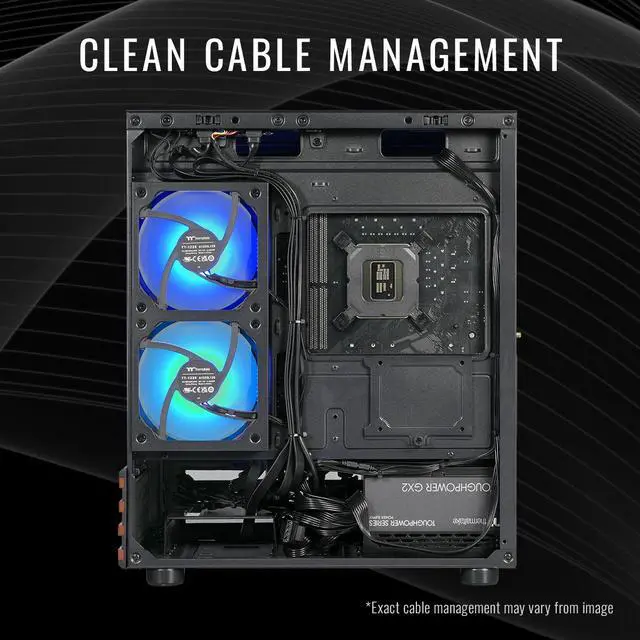
| Power And Cooling | 650W 80+ Gold power supply and included Thermaltake ARGB tower air cooler |
| Wired And Wireless Networking | 802.11ac WiFi and Bluetooth 4.2 wireless; Gigabit Ethernet (LAN) for wired network |
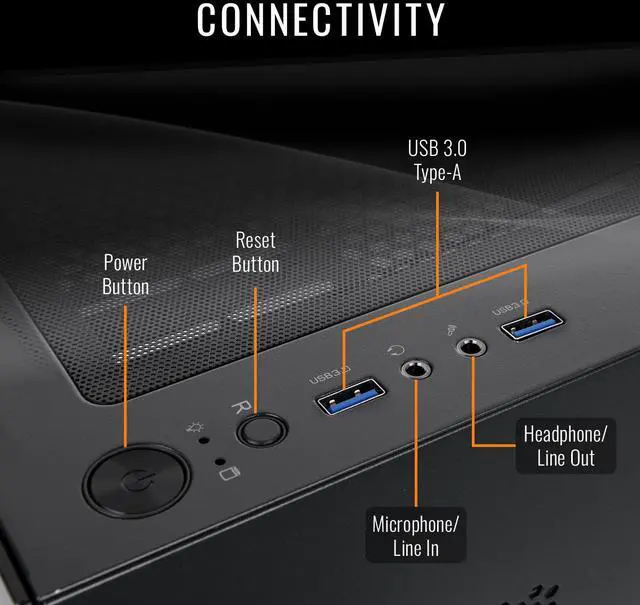
| Audio And Ports | 7.1-channel HD audio; multiple USB ports including 4 front and 4 rear USB connections |
| Operating System And Software | Ships with Microsoft Windows 11 installed |
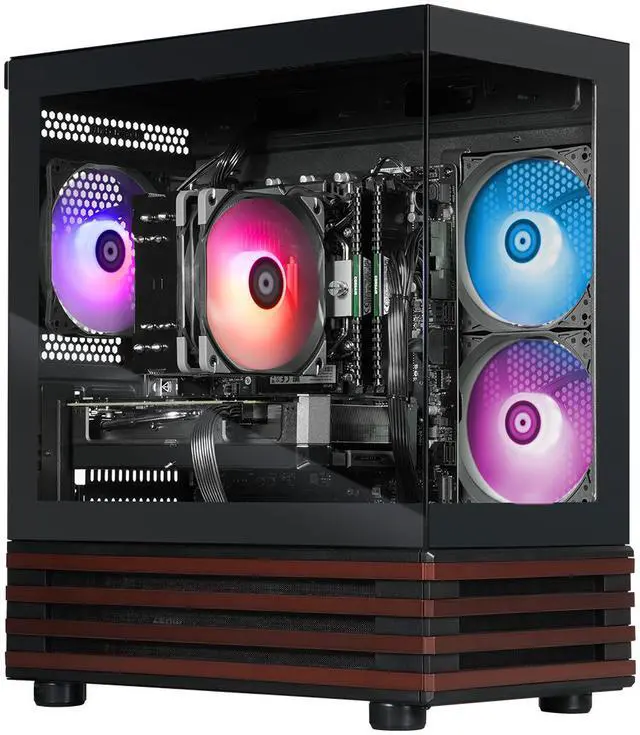
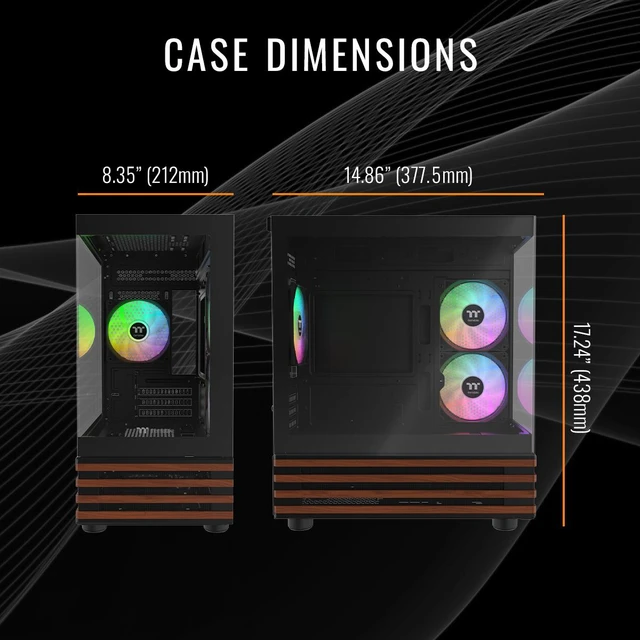
| Model Identifiers | Thermaltake LCGS NE Gaming Desktop (see product page for SKU and full model details) |
Q: Should I get this gaming desktop or a gaming laptop for the same budget?
A: Choose this desktop if performance, cooling, and upgrade flexibility matter more than mobility. A desktop with a full desktop GPU and standard components is typically the better fit for longer gaming sessions, easier storage and memory upgrades, and better value per dollar. Choose a gaming laptop instead if you need one system that travels with you. Community discussion is consistent that similarly named laptop GPUs usually run at lower power and do not match the sustained performance of desktop versions.
Q: Should I buy this i7-14700F and RTX 5060 Ti desktop or spend more on an RTX 5070 desktop?
A: Buy this system if you mainly play at 1080p or balanced 1440p settings and want a stronger CPU plus 32GB of RAM without moving into a higher price tier. Spend more on an RTX 5070 desktop if your main goal is higher frame rates at 1440p, more ray tracing performance, or a longer runway before the GPU becomes the limiting part of the system. The usual trade-off is that RTX 5070 systems deliver a clearer GPU uplift, while this Thermaltake configuration is the more balanced choice for buyers who value CPU multitasking and overall system memory alongside gaming.
Q: Is this PC a worthwhile upgrade over an RTX 4060 Ti desktop?
A: It is usually a worthwhile upgrade if you are moving from an older midrange desktop and want newer GPU features plus a stronger current-generation platform. The RTX 5060 Ti is positioned above the RTX 4060 Ti and reviews show the newer card improving memory bandwidth and overall gaming and creator performance. The trade-off is that this specific Thermaltake system still uses the 8GB version of the card, so the upgrade is easier to justify for users focused on 1080p gaming than for buyers specifically seeking more VRAM capacity.
Q: Should I choose this RTX 5060 Ti 8GB desktop or step up to an RTX 5060 Ti 16GB system?
A: Choose this desktop if your priority is strong 1080p gaming, a fast Core i7 CPU, and a lower total system cost. Step up to an RTX 5060 Ti 16GB system if you want more headroom for higher texture settings, heavier ray tracing, newer AAA games, or GPU-assisted creative and AI workloads. Across review coverage, the 8GB and 16GB versions are often close in lighter 1080p scenarios, but the 16GB model is the safer long-term choice because VRAM limits appear sooner in demanding games and some professional workloads.