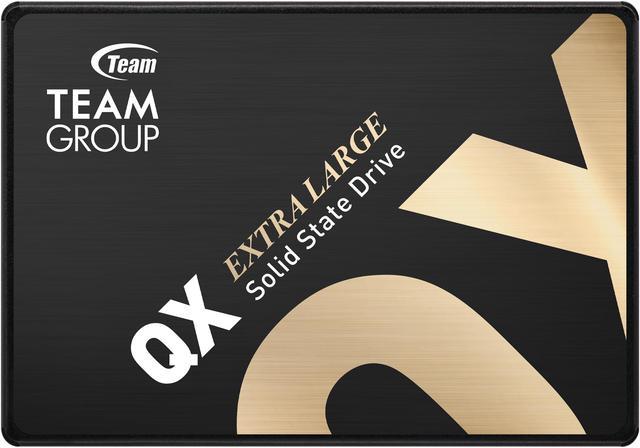
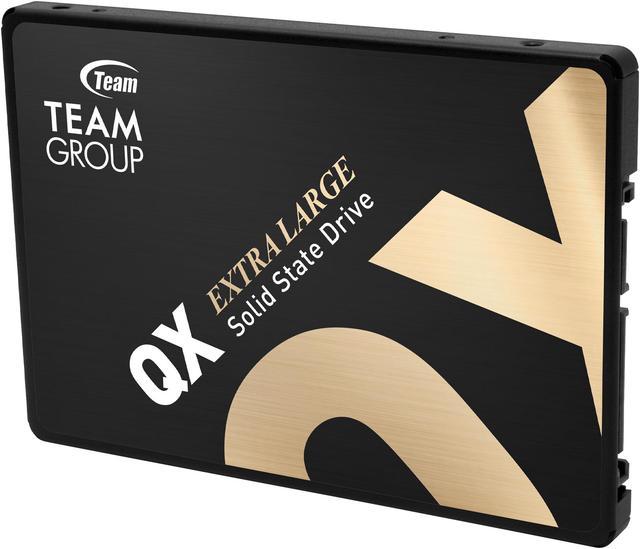
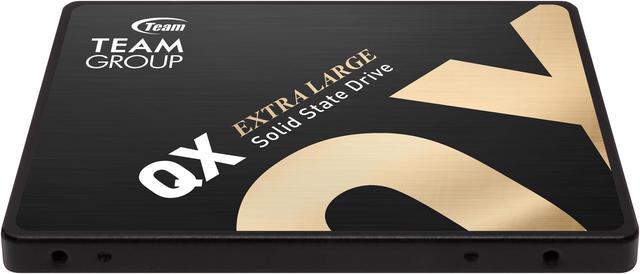
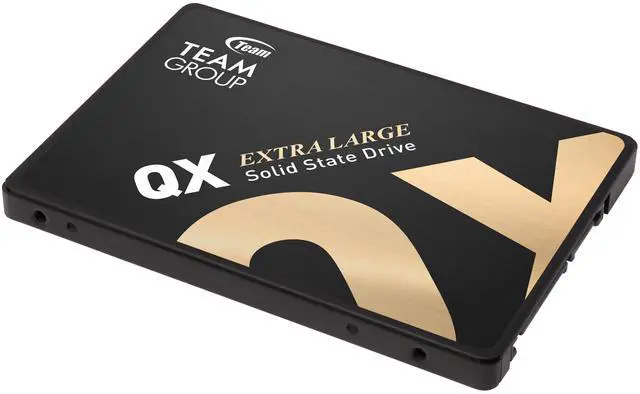
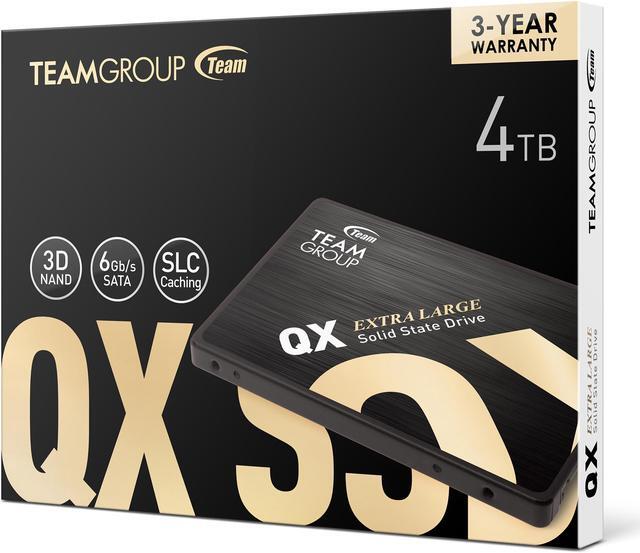
The Team Group QX is a 4TB 2.5-inch SATA III internal SSD for laptop and desktop users who want substantial storage and faster everyday access than a mechanical hard drive, provided their system has a compatible SATA drive bay.
Recommended For
- PC owners with an available 2.5-inch SATA bay who want to add up to 4TB for a large game library or media collection; its SATA SSD format and capacity suit storage where everyday reads matter more than top-end NVMe speeds.
- People upgrading an older laptop or desktop that has a 2.5-inch SATA connection and needs more storage; the QX’s standard 2.5-inch SATA form factor can fit systems that lack a usable M.2 slot, provided the device supports the drive.
- Home media-library or bulk-storage users who mostly read stored files and want quieter, lower-power solid-state storage instead of mechanical drives; a QX owner described using the 4TB drives for Plex and bulk storage.
- Users adding a secondary drive for games, downloads, or everyday files who need high capacity over frequent, very large write transfers; TEAMGROUP specifies SLC caching, QLC flash, and SATA III for this model.
Real-World Use Scenarios
- Replacing a compatible laptop or desktop hard drive: the QX can make everyday startup and app access feel more responsive, while providing a quiet, solid-state alternative to a mechanical drive.
- Adding a large internal drive for a game library: it offers room for many installed games and should feel more responsive than a mechanical hard drive, though it remains a SATA drive rather than an NVMe upgrade.
- Keeping a home media collection for local playback or Plex: QX owners discuss using the 4TB drive for bulk storage and Plex libraries; it suits regular reads better than workloads dominated by prolonged heavy writes.
- Using it as a secondary drive for documents, photos, and mixed-size files: a review of another QX capacity found it handled everyday storage and small-file activity well, making this a practical use for a system that has a compatible SATA bay.
- Storing backups or transferring very large files: short transfers may start quickly, but sustained writes can slow after the cache is used, so it is less suited to repeated, long write-heavy jobs than to routine storage.
Spec Summary
| Attribute | Value |
|---|
| Best For | Consumer storage expansion or replacement in compatible laptops and desktop PCs, using a 2.5-inch SATA connection |
|---|
| Capacity | 4 TB |
|---|
| Interface And Form Factor | Internal 2.5-inch SSD with a SATA III interface and SATA protocol |
|---|
| Memory And Cache | 3D NAND flash with no DRAM; HMB cache configuration |
|---|
| Read Write Performance | Sequential read up to 560 MB/s and sequential write up to 550 MB/s; listed maximum random read of 500 Mbps and random write of 460 Mbps |
|---|
| Endurance And Operating Conditions | Rated for 800 TB written and 1,500,000 hours MTBF; operating temperature 0°C to +70°C, storage temperature -40°C to +85°C, maximum shock resistance 1500G, and non-operating vibration resistance 20G |
|---|
| Physical Specifications | 100 × 69.9 × 7 mm (depth × width × height); listed item weight 20 g |
|---|
| Model Identifiers | Team Group QX, model T253X7004T0C101 |
|---|
Reference Q&A
Q: Is the TeamGroup QX 4TB a good upgrade from a 2.5-inch SATA hard drive?
A: Choose the QX if you want 4TB in a standard 2.5-inch SATA drive and prioritize SSD responsiveness over a hard drive’s mechanical design. It is 7mm thick and rated for up to 500MB/s reads and 460MB/s writes; check that your laptop or desktop supports a 2.5-inch SATA drive before buying.
Q: TeamGroup QX 4TB or Samsung 870 QVO 4TB—which should I choose?
A: Choose the QX if its price and 4TB SATA capacity suit your needs. Choose the Samsung 870 QVO if you prefer a drive with onboard DRAM and a higher rated write endurance: Samsung specifies 1,440TBW for the 4TB 870 QVO, compared with 800TBW for the QX. Both are SATA SSDs, so neither is an NVMe upgrade.
Q: Should I get the 2TB or 4TB TeamGroup QX?
A: Choose the 4TB QX for twice the capacity and a higher rated total write endurance of 800TBW. Choose the 2TB QX if 2TB is enough and you want the higher official sequential-speed ratings: 560/500MB/s read/write versus 500/460MB/s for the 4TB model.
Q: TeamGroup QX 4TB or an M.2 NVMe SSD—which makes more sense?
A: Choose the QX when you need a 2.5-inch SATA drive—for example, to add storage without an available M.2 slot—or when your device does not support NVMe. Choose an M.2 NVMe SSD for higher performance if your system supports it; the QX is limited by its SATA interface and is rated up to 500MB/s read and 460MB/s write.
Q: Will this SSD fit in my laptop?
A: It can fit a laptop that has an available 2.5-inch SATA drive bay and supports a 7 mm-tall drive. Check your laptop’s specifications first; an M.2-only system or a model with a different bay will not accept this drive.
Q: Can I install this SSD in a desktop PC?
A: Yes, if the desktop has a compatible SATA connection and space to mount a 2.5-inch drive. Check whether you need a mounting bracket or SATA cables; the provided product information does not say that these accessories are included.
Q: Can this SSD replace a laptop or desktop hard drive?
A: It can replace a hard drive if the computer supports a 2.5-inch SATA drive and the 4TB capacity. You can install an operating system or transfer existing data separately; the product information does not specify included cloning software or accessories.
Q: Does the drive come with the cables I need?
A: The provided product information does not confirm whether cables are included. An internal SATA installation typically requires a compatible SATA connection and, in a desktop, a way to mount the 2.5-inch drive; verify the package contents before purchasing.
Q: Is the Team Group QX 4TB a reasonable choice for adding lots of SATA storage?
A: It may suit a system that needs high-capacity 2.5-inch SATA storage: the drive offers 4TB and advertises sequential speeds up to 560MB/s read and 550MB/s write. Check that your device has a compatible SATA connection; this is not an M.2 NVMe drive.
Q: Can I use the QX 4TB as a game-storage drive?
A: It can work as a game-storage drive in a system with a 2.5-inch SATA connection. Its advertised sequential speeds are typical of a SATA SSD, but it will not provide NVMe-level transfer speeds. The product data lists no DRAM cache, so it may be less suitable for workloads involving frequent, large writes.
Q: Is the QX 4TB a suitable replacement for a mechanical hard drive?
A: It can replace a hard drive for storage if the computer supports 2.5-inch SATA drives. The QX is an SSD with advertised sequential speeds up to 560/550MB/s, but keep a separate backup for important files; an SSD should not be treated as a backup by itself.
Q: Should I rely on the QX 4TB as my only copy of important files?
A: No. Community posts include individual reports of QX drive failures, but anecdotes cannot establish how often failures occur. Keep another copy of important data on a separate drive or backup service.