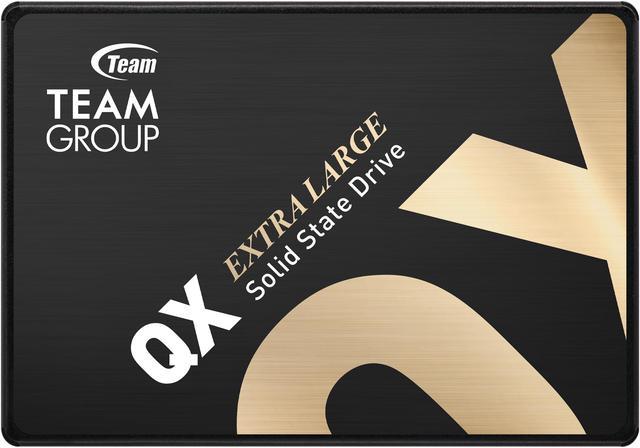
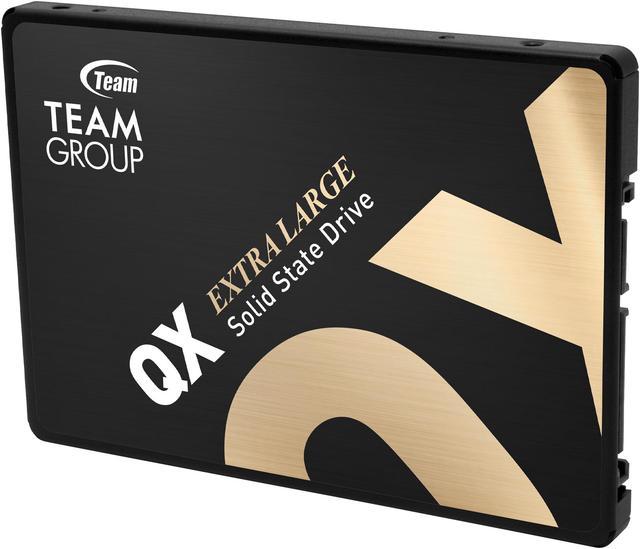
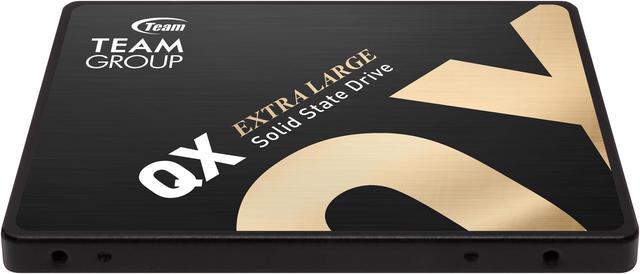
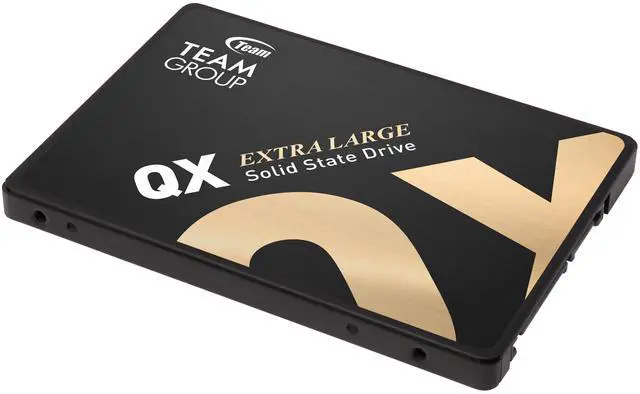
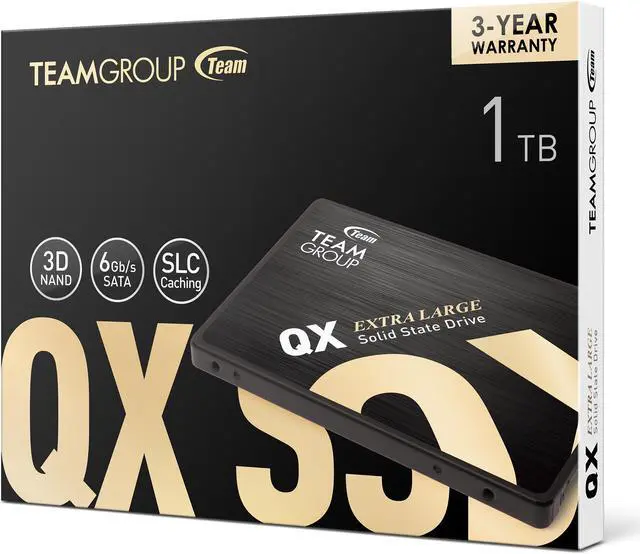
The Team Group QX is a 1TB, 2.5-inch SATA III internal SSD for consumers upgrading a compatible laptop or desktop, with 3D NAND and sequential speeds up to 560MB/s read and 550MB/s write.
Recommended For
- Owners of an older laptop or desktop with a 2.5-inch SATA bay who want to replace a mechanical boot drive with quieter, faster-feeling storage.
- PC gamers with an available SATA connection who want a read-focused drive for an installed game library and do not need NVMe-class transfer speeds.
- Home users who mainly store and read games, photos, videos, or other files, with occasional rather than sustained large file writes.
- Users adding storage to a SATA-only system who value 1TB of capacity in a standard 2.5-inch drive over a newer M.2 NVMe upgrade.
Real-World Use Scenarios
- Replacing a mechanical hard drive in a compatible 2.5-inch SATA laptop or desktop with the QX can make booting and opening everyday apps feel more responsive; the improvement depends on the rest of the system.
- Using it as the main drive for a home or office PC can make routine work—starting the operating system, opening programs, and accessing files—feel quicker than on a hard drive.
- Adding it to a compatible desktop as a game drive gives older SATA-based systems space for installed games, with potentially shorter loading waits than a mechanical drive; it does not increase a game’s frame rate.
- For everyday transfers of documents, photos, or a few game and program folders, the QX should provide responsive storage; exceptionally large sustained writes may slow after its cache fills.
- In a SATA-equipped laptop or desktop with limited storage, the 1TB QX can serve as an additional internal drive for frequently used files and applications, provided the system has a compatible 2.5-inch bay and SATA connection.
Spec Summary
| Attribute | Value |
|---|
| Best For | Consumer laptop and desktop users needing internal SSD storage for gaming, multimedia, or personal use |
|---|
| Capacity And Flash Configuration | 1TB 3D NAND SSD with SLC caching, Smart Dual Cache, and no DRAM (HMB) |
|---|
| Interface And Form Factor | 2.5-inch internal SSD with a SATA III interface supporting SATA 6.0 Gb/s |
|---|
| Sequential Read And Write Performance | Sequential speeds up to 560 MB/s read and 550 MB/s write; the external write-speed listing reports up to 500 MB/s |
|---|
| Endurance And Operating Limits | Rated for 200TB written and 1,500,000 hours MTBF; operating temperature 0°C to +70°C, storage temperature -40°C to +85°C, shock resistance up to 1500G, and non-operating vibration resistance up to 20G |
|---|
| Physical Dimensions | 100.00 × 69.90 × 7.00 mm; listed weight is 20 g |
|---|
| Model Identifiers | Team Group QX, model T253X7001T0C101 |
|---|
Reference Q&A
Q: TeamGroup QX 1TB or Samsung 870 EVO 1TB—which should I choose?
A: Choose the QX for a compatible 2.5-inch SATA system when its 1TB capacity and up-to-560/500 MB/s rated read/write speeds meet your needs. Choose the 870 EVO if you prefer its higher published endurance rating (600TBW versus 200TBW for the QX) and longer limited warranty (five years versus three). Both are SATA drives, so neither has NVMe-level interface speeds.
Q: Is the TeamGroup QX 1TB a better pick than the Crucial BX500 1TB?
A: Their published sequential speeds are close: the QX is rated up to 560/500 MB/s read/write, while the BX500 is rated up to 540/500 MB/s. The BX500 has a higher published endurance rating at 360TBW versus 200TBW for the QX; both have three-year limited warranties. Choose between them based on current price, availability, and whether the QX’s slightly higher rated read speed matters for your use.
Q: Should I get the QX SATA SSD or an NVMe M.2 SSD?
A: Choose the QX if your computer has a compatible 2.5-inch SATA drive bay or you specifically need a SATA replacement. Choose an NVMe M.2 drive if your system supports that format and you prioritize higher interface speeds; the QX is rated for up to 560 MB/s sequential reads, while NVMe models can have substantially higher rated sequential speeds.
Q: Is the QX 1TB worth choosing over a 1TB hard drive?
A: Choose the QX for a compatible 2.5-inch SATA system when you want solid-state storage and rated sequential speeds up to 560/500 MB/s. A hard drive may suit a different capacity or cost priority, but compare the specific drives and prices before deciding; the QX’s stated capacity is 1TB.
Q: Will this SSD work in my laptop?
A: It is designed for laptops with a 2.5-inch SATA drive bay. Check your laptop’s specifications before buying: a system that uses only an M.2 drive, or a different interface, will not accept this SSD as an internal replacement. The drive is 7 mm thick.
Q: Can I install it in a desktop PC?
A: Yes, if the desktop has a SATA data connection and SATA power available. The drive is 2.5 inches; if the case has only a 3.5-inch mounting bay, you may need a 2.5-to-3.5-inch mounting adapter.
Q: Can I use it to replace my current hard drive and transfer my files?
A: It can replace a compatible 2.5-inch SATA hard drive, but the product information does not specify that cloning software or a USB adapter is included. Transferring an existing installation may require separate cloning software and a SATA-to-USB adapter or drive dock; alternatively, you can install the operating system and files separately.
Q: Is it a suitable upgrade from a mechanical hard drive?
A: It is a suitable option when you need a 1TB internal SSD for a computer with a 2.5-inch SATA connection. Its listed sequential read speed is up to 560 MB/s; actual performance depends on the computer and workload. It uses SATA III, so it is not intended for systems that require an M.2 or NVMe drive.
Q: Is the TeamGroup QX suitable for a NAS or bulk-storage drive?
A: It may suit mostly read-oriented storage, but it is a less certain choice for frequent, sustained writes. The provided 1TB specifications list 200TBW and no DRAM; a Reddit owner of a 4TB QX reported slower writes after the SLC cache filled during heavy sustained activity. That report concerns a different capacity and is anecdotal, so keep backups and assess your write workload.
Q: Is the QX a reasonable choice for a Steam library or media storage?
A: It can be a practical option if your computer has an available SATA connection, especially when M.2 storage is already in use. The drive is a 2.5-inch SATA III SSD rated for sequential reads up to 560 MB/s; Reddit users discuss QX SATA drives for games and media storage. It will not use an M.2 slot or provide NVMe performance.
Q: What are the main trade-offs of the TeamGroup QX?
A: Its 2.5-inch SATA format can add storage to systems with an available SATA connection, but it is not an NVMe drive and has no DRAM cache according to the provided specifications. The listed endurance is 200TBW. Reddit discussion of a 4TB QX also describes slower sustained writes after its SLC cache fills; treat that as a report about that user’s drive, not a guaranteed result for the 1TB model.
Q: Are there reliability concerns with the QX?
A: Reddit includes an anecdotal report of two 4TB QX drives failing after about a year, but one user’s experience cannot establish the failure rate or predict the 1TB model’s reliability. The provided specifications list 200TBW for this 1TB drive. Keep separate backups for important data rather than relying on any single SSD.