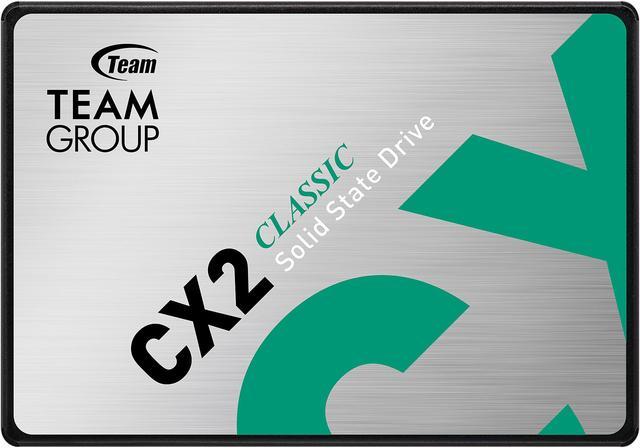
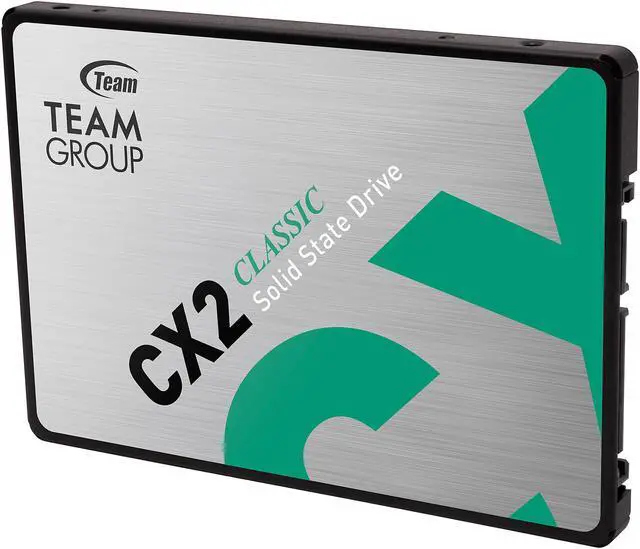
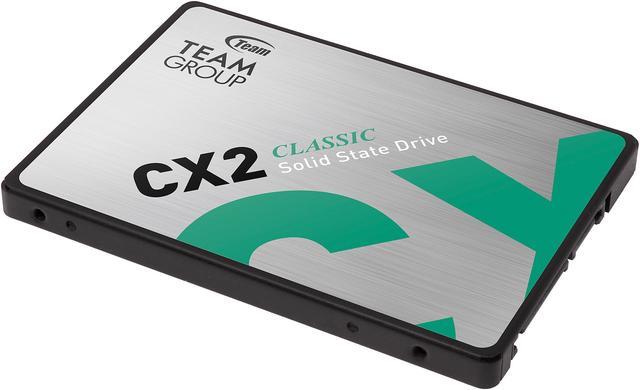
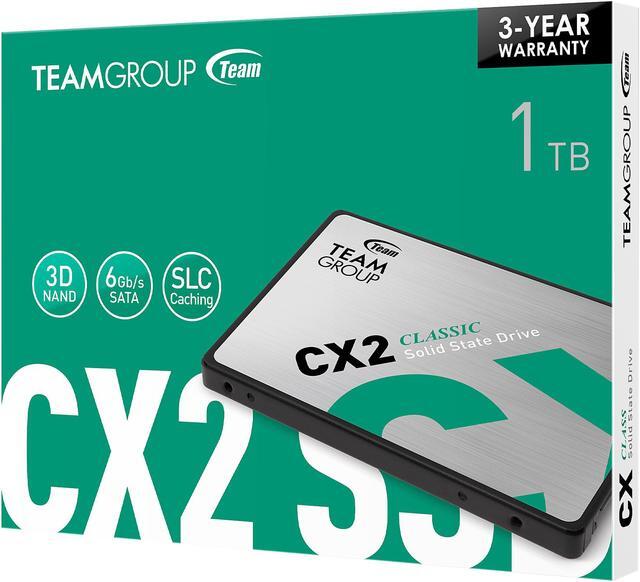
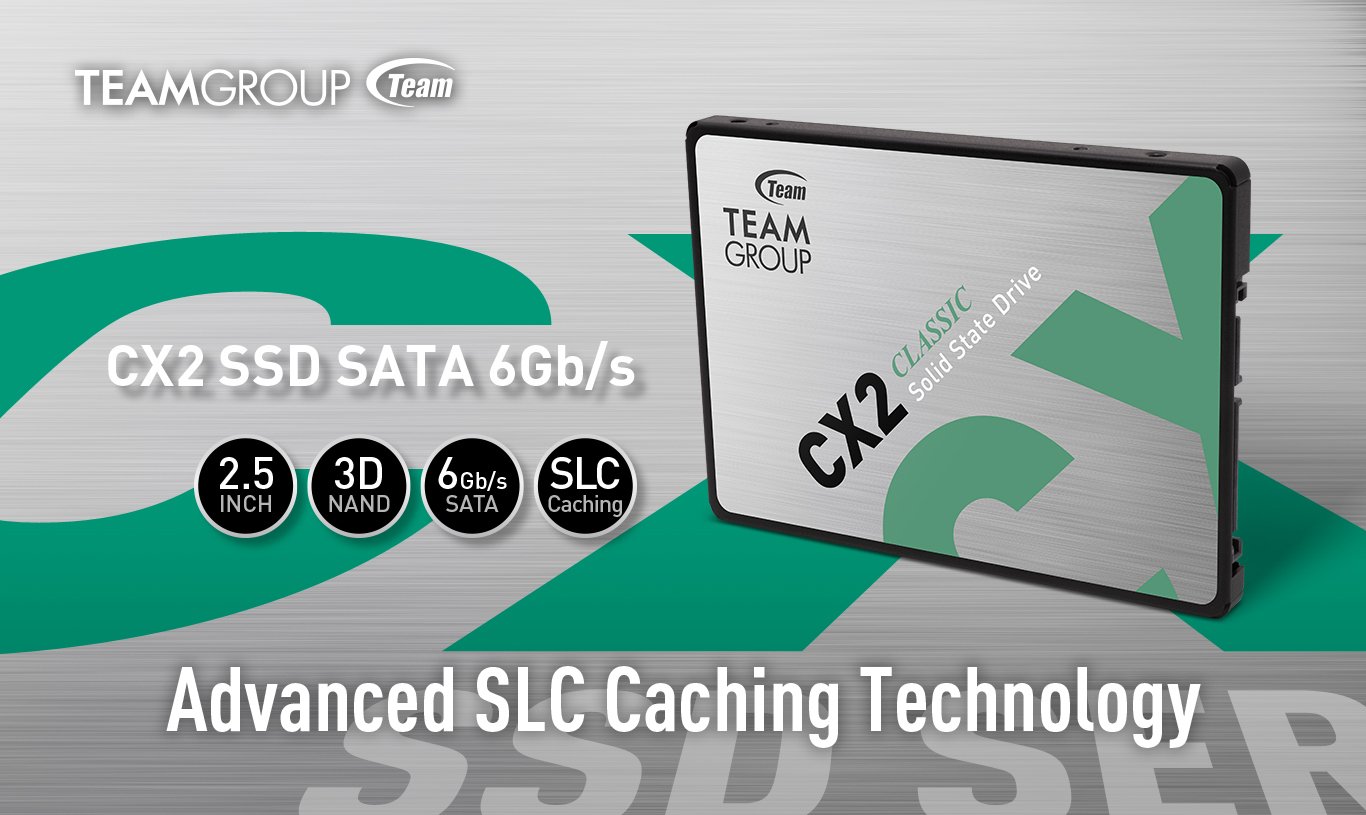
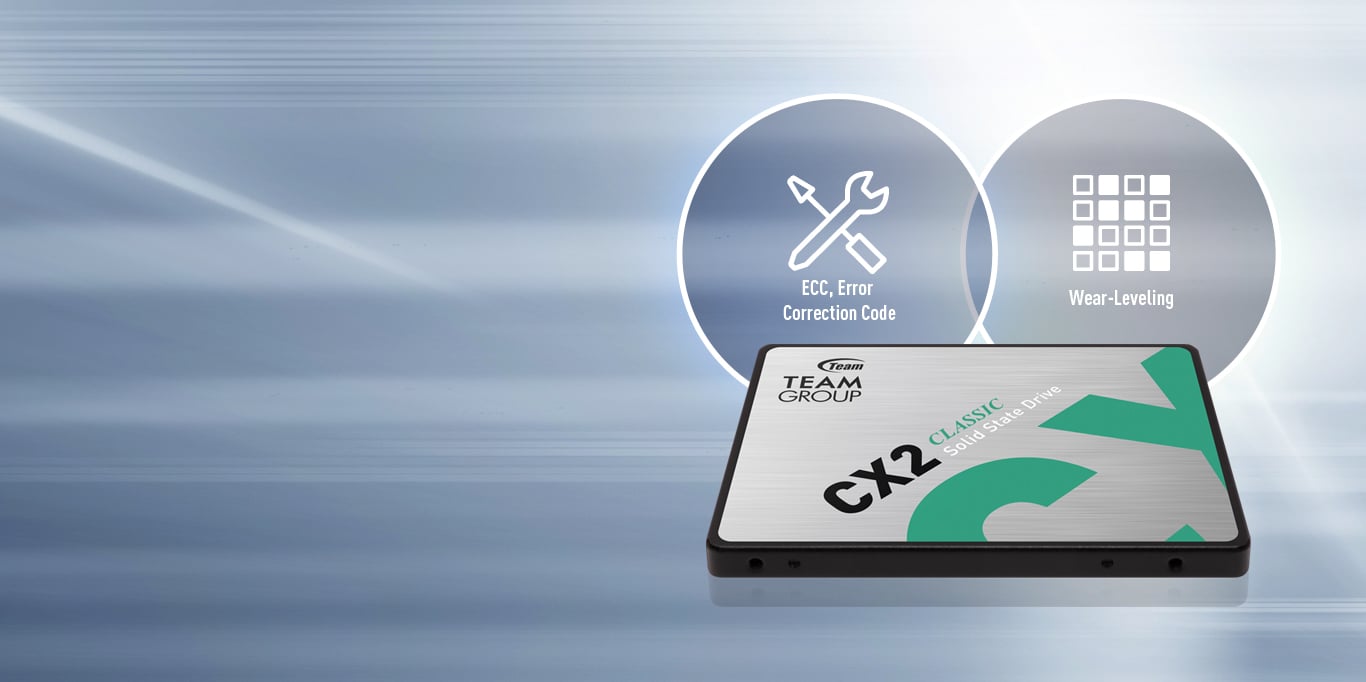
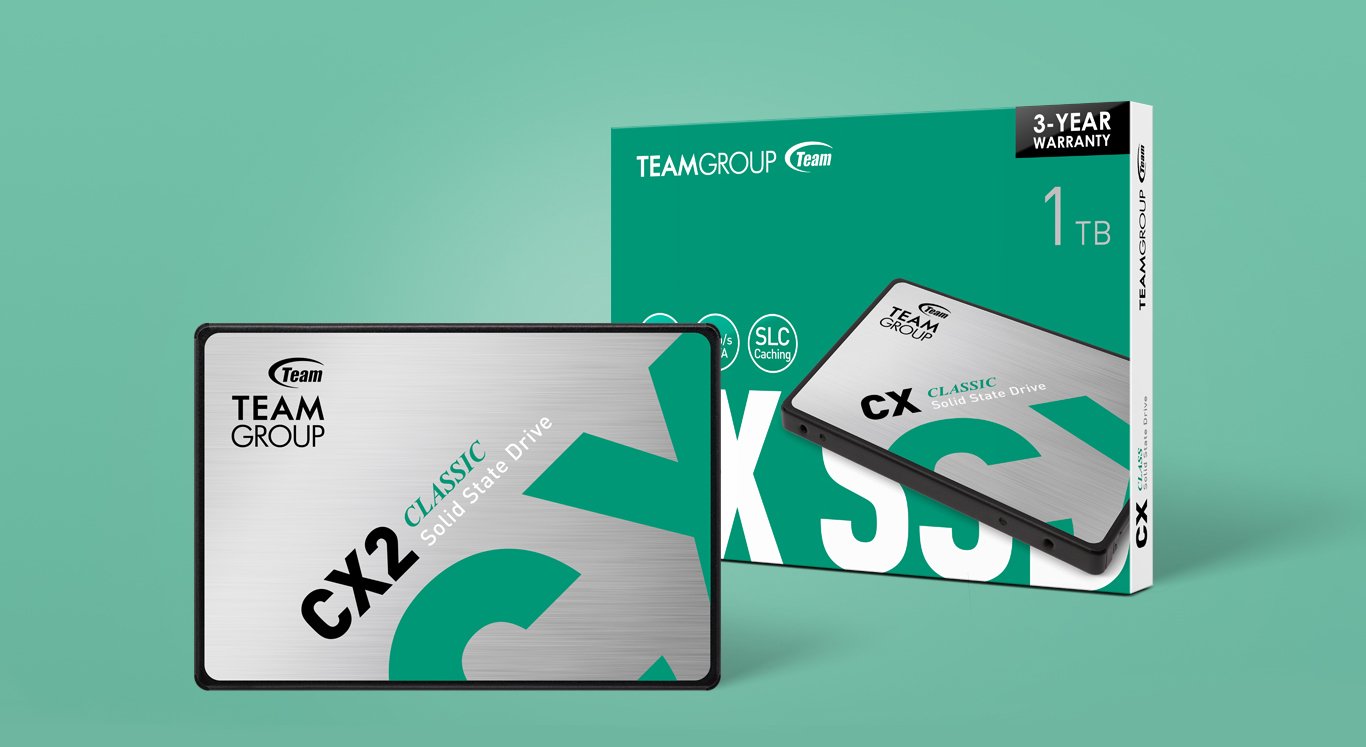
The Team Group CX2 is a 1TB, 2.5-inch SATA III internal SSD for consumers upgrading a compatible desktop or laptop from a mechanical hard drive, with sequential read speeds up to 540 MB/s and write speeds up to 490 MB/s.
Recommended For
- Laptop owners replacing a mechanical hard drive can use the CX2 as a 2.5-inch SATA upgrade for faster everyday startup and app loading, provided the laptop has a compatible SATA bay.
- Desktop users with an available 2.5-inch SATA connection can use it for everyday operating-system, office, and web-browsing workloads where responsive access matters more than NVMe-level transfer speeds.
- PC gamers adding a read-heavy game library to a SATA-equipped system can use the CX2 for game storage when they do not need NVMe-class loading or frequent large write transfers.
- Owners of older desktops or refurbished PCs with a spare 2.5-inch SATA bay can use it to add 1TB of local storage without needing an M.2 slot.
Real-World Use Scenarios
- Replacing a mechanical drive in a SATA-compatible laptop or desktop with the CX2 can make everyday use feel more responsive, especially when starting the operating system and opening apps.
- As a boot and application drive in a budget or older PC with a 2.5-inch SATA bay, the 1TB CX2 provides room for the operating system, commonly used programs, and everyday files without requiring an M.2 slot.
- Adding it to a compatible PS4 as game storage gives players more room for installed games; community users report using CX2-family drives in PS4 consoles.
- Using it as a secondary game drive in a SATA-equipped PC can expand space for a local game library; compared with a mechanical drive, SSD storage can reduce waiting on game loads, but it does not increase graphics performance or frame rates.
- For everyday documents, photos, and downloaded media on a desktop with an available SATA connection, the CX2 can serve as quiet internal storage with no moving drive parts.
Spec Summary
| Attribute | Value |
|---|
| Best For | For consumer systems replacing a traditional mechanical hard drive, where a 2.5-inch SATA SSD is supported |
|---|
| Capacity | 1TB of storage |
|---|
| Interface And Form Factor | 2.5-inch internal SSD with a SATA III interface and SATA protocol |
|---|
| Read Write Performance | Sequential speeds up to 540 MB/s read and 490 MB/s write |
|---|
| Memory And Cache | 3D NAND flash with no DRAM (HMB) cache, SLC caching, and ECC error correction |
|---|
| Endurance And Reliability | 200TBW endurance rating, 1,000,000-hour MTBF, up to 1500G shock resistance, and 20G non-operating vibration resistance |
|---|
| Operating Environment | Operating temperature: 0°C to +70°C; storage temperature: -40°C to +85°C |
|---|
| Physical Specifications | 100 × 69.9 × 7 mm; item weight 50 g |
|---|
| Model Identifiers | Team Group CX2 series, model T253X6001T0C101 |
|---|
Reference Q&A
Q: Should I replace my laptop’s HDD with the Team Group CX2 1TB?
A: Choose the CX2 if the laptop has a compatible 2.5-inch SATA bay and you want faster booting, application launches, and game loading than a mechanical HDD. Its 1TB capacity and SATA III interface suit a straightforward storage upgrade; an HDD may make more sense when you prioritize high-capacity bulk storage over responsiveness.
Q: Team Group CX2 SATA or an M.2 NVMe SSD—which should I get?
A: Choose the CX2 for a system that needs a 2.5-inch SATA drive or for a practical upgrade from an HDD. Choose an M.2 NVMe SSD if the system supports it and you regularly move large files or run storage-heavy workloads: NVMe offers much higher transfer bandwidth, while the CX2 is rated up to 540 MB/s read and 490 MB/s write.
Q: Team Group CX2 or Samsung 870 EVO 1TB—which is the better SATA upgrade?
A: Choose the CX2 for a basic SATA upgrade with everyday storage needs. Choose the Samsung 870 EVO if you prefer its longer stated warranty and higher rated write endurance: the CX2 is rated at 200 TBW with a 3-year limited warranty, while the 1TB 870 EVO is rated at 600 TBW with a 5-year limited warranty. Both are SATA SSDs, so check system compatibility before buying.
Q: Is the 1TB CX2 worth choosing over the 512GB version?
A: Choose the 1TB CX2 if you need more room for an operating system, applications, games, and files, or want the higher rated endurance. TEAMGROUP lists the 1TB model at up to 540/490 MB/s read/write and 200 TBW, compared with up to 530/470 MB/s and 120 TBW for the 512GB model. Choose 512GB if that capacity meets your needs.
Q: Will this SSD work in my laptop or desktop?
A: It can replace a drive in a computer that supports a 2.5-inch SATA SSD. Check the computer’s drive interface and available space first; a system that only supports M.2 or NVMe drives is not compatible with this SATA drive.
Q: What do I need to install this SSD in a desktop?
A: The desktop needs a compatible SATA data connection and SATA power connection. Because this is a 2.5-inch drive, a 3.5-inch mounting adapter may also be needed if the case does not have 2.5-inch mounting points. The product information does not confirm that cables or an adapter are included.
Q: Is this a suitable upgrade for everyday computer use?
A: It is designed as a consumer internal SSD and can suit everyday use or replacing a mechanical hard drive, provided the computer supports 2.5-inch SATA. The listed sequential speeds are up to 540 MB/s read and 490 MB/s write; actual performance varies with the system and workload.
Q: Is the Team Group CX2 1TB worth buying for gaming and general storage?
A: It can make sense as a budget game or storage drive if your device supports a 2.5-inch SATA SSD and the CX2 costs less than suitable alternatives. Its listed maximum sequential speeds are 540 MB/s read and 490 MB/s write. Reddit discussions describe it as an entry-level SATA option, but do not establish that it is the best value at current prices.
Q: Is the CX2 a reasonable upgrade from a hard drive for a PS4 or older computer?
A: It may suit a compatible system that accepts a 2.5-inch SATA drive. Reddit users specifically discuss using a CX2-class SATA SSD in a PS4 Pro and as an upgrade from a hard drive. Check your device’s drive size and interface before buying; the CX2 is SATA, not NVMe.
Q: Should I choose the CX2 or an NVMe SSD if my computer supports both?
A: If both fit and cost about the same, the Reddit discussion favors considering NVMe; the CX2 is limited to SATA III, with listed sequential speeds up to 540/490 MB/s. The CX2 may still be a practical choice when you need a 2.5-inch SATA drive or want to add storage without using an M.2 slot.
Q: Is the CX2 reliable enough to use as a primary or boot drive?
A: The supplied specifications list 200 TBW and a 1,000,000-hour MTBF, but those ratings do not guarantee an individual drive’s lifespan. Reddit includes anecdotal reports of CX2-family drives failing, as well as reports of drives working normally; those posts cannot establish a failure rate. Keep backups of important data, especially if using it as a boot drive.