






We want to ensure your holiday shopping this year is hassle-free. That’s why we’re automatically extending our return policies on almost every product! For purchases placed between November 1st, 2026 and December 31, 2026 you will have until January 31, 2027 to return your product.
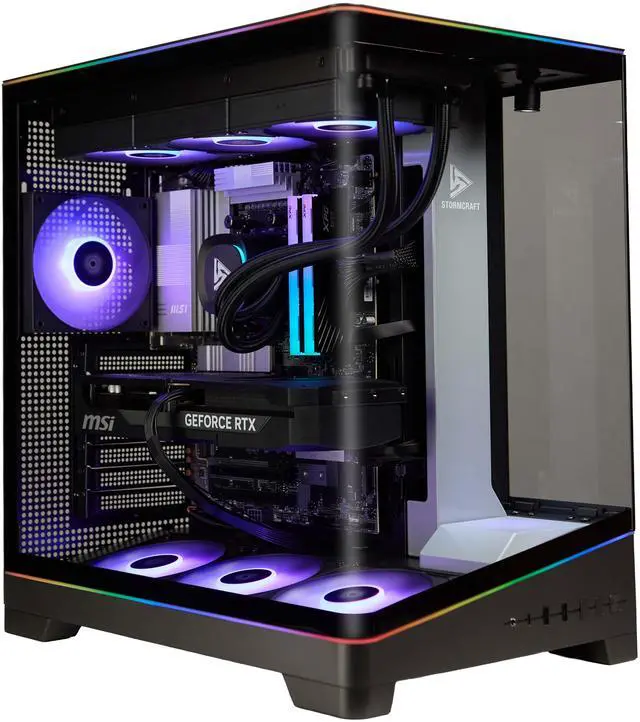
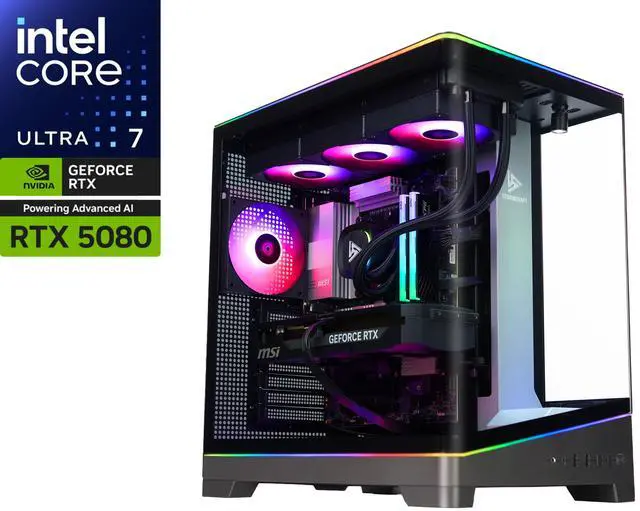
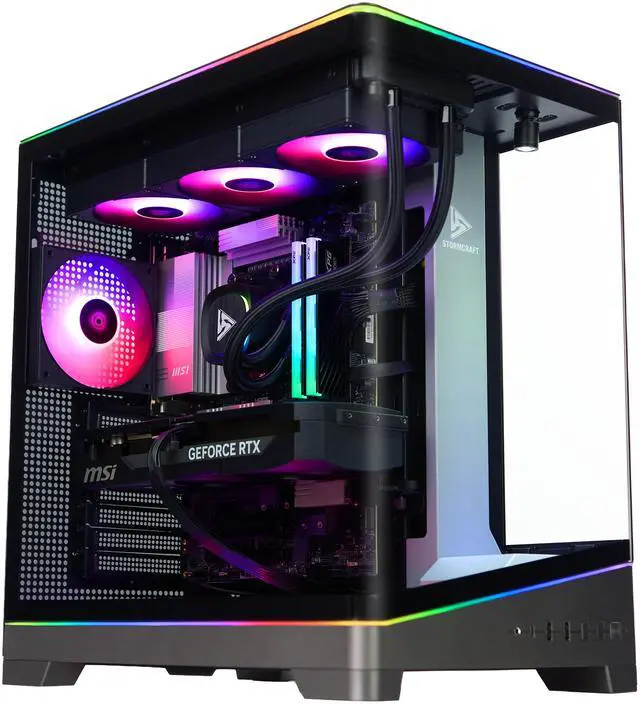
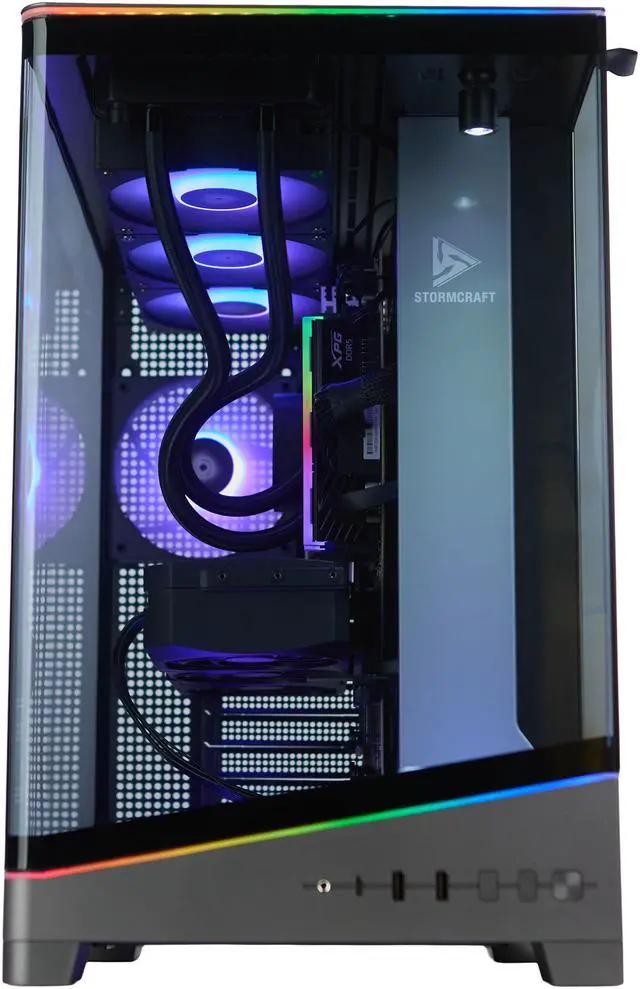
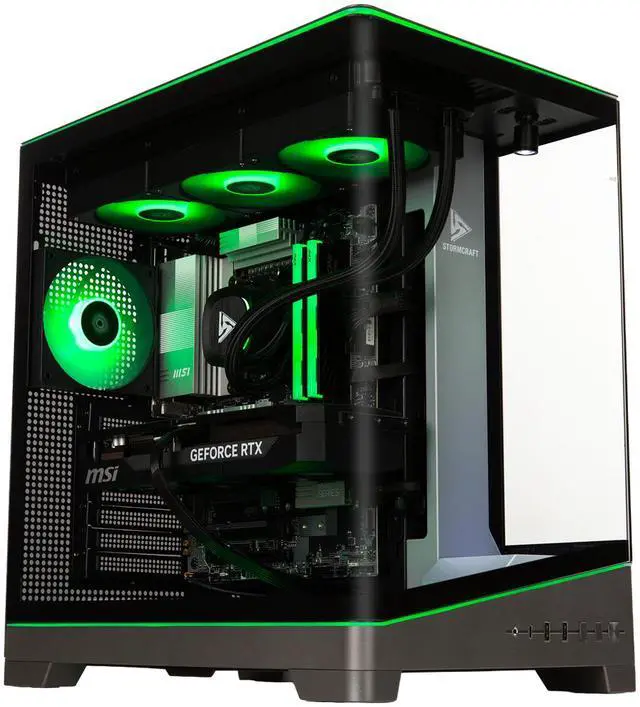
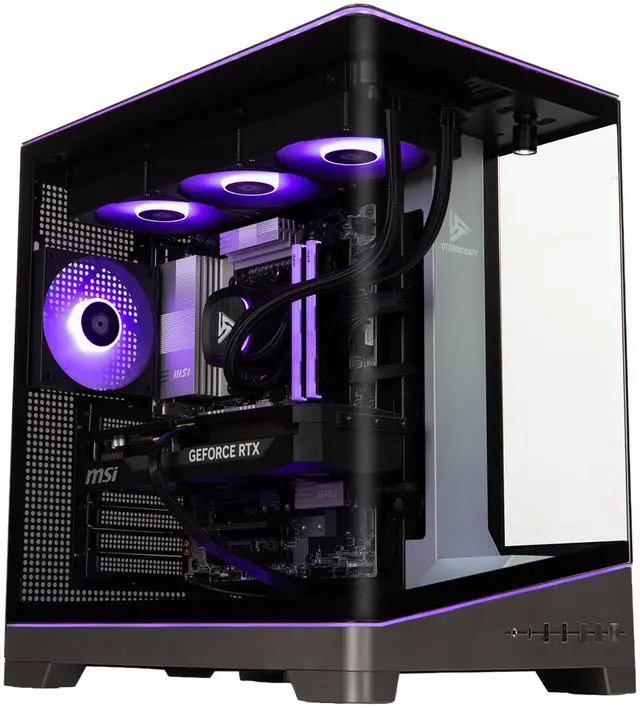
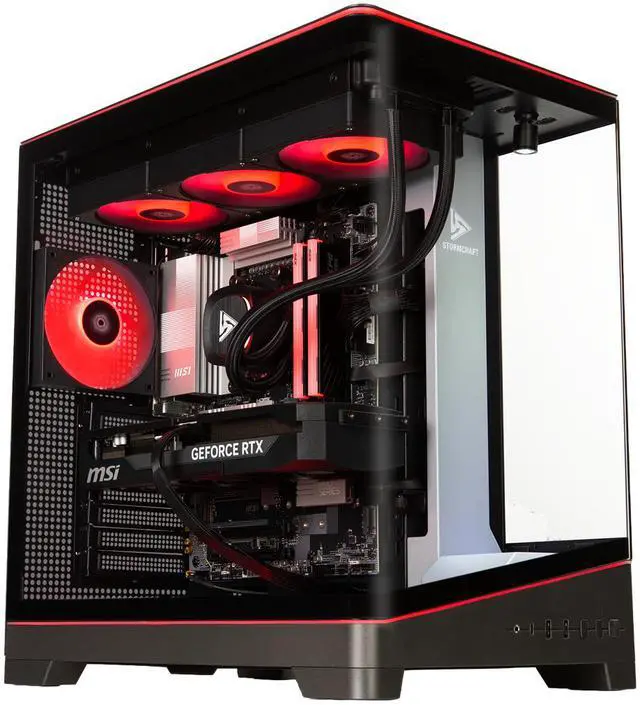
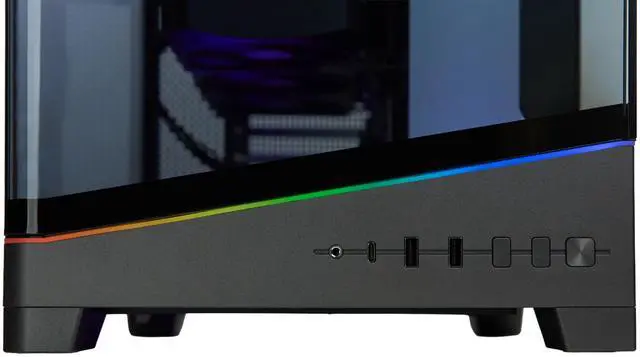
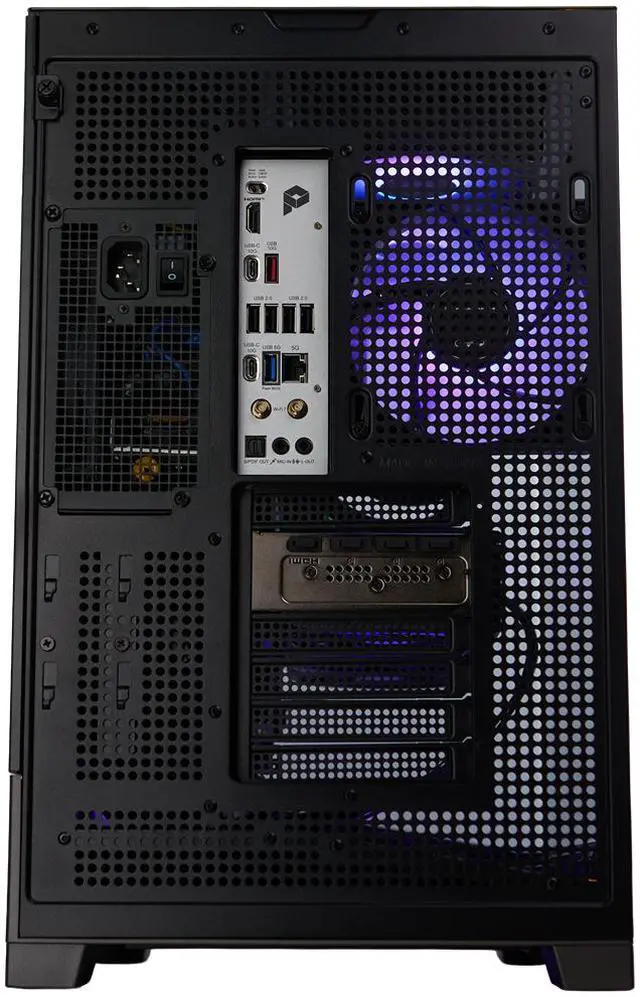
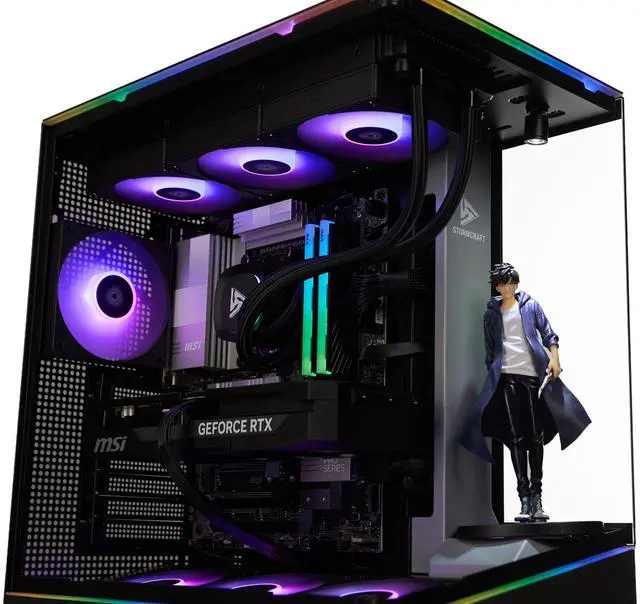
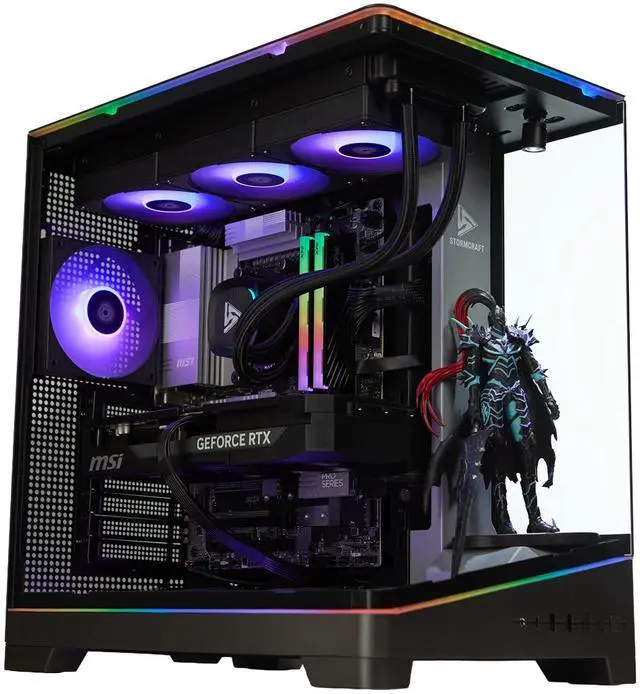
The STORMCRAFT VALKYRIE VA270K0CC-580N1 is a high-end prebuilt gaming desktop with an Intel Core Ultra 7 270K Plus, NVIDIA GeForce RTX 5080, 32GB DDR5-6000, and a 2TB Gen 4 NVMe SSD, making it well suited for gamers, VR users, and creators who want strong 1440p to 4K performance in a ready-to-use Windows 11 system.
| Attribute | Value |
|---|---|
| Best For | Gaming and entertainment enthusiasts seeking a VR-ready desktop configured for demanding games and workloads — equipped with an Intel U7 270K Plus CPU, NVIDIA GeForce RTX 5080, 32GB DDR5, and a 2TB Gen4 NVMe SSD |
| Processor And Core Count | Intel U7 270K Plus 64-bit processor; source attributes list both 16-core and 20-core counts |
| Memory Configuration | 32GB DDR5-6000 (2 x 16GB modules) installed; maximum supported memory listed as 32GB |
| Storage And Expansion | 2TB NVMe SSD (Gen 4.0) installed; no HDD or optical drive reported |
| GPU And VR Readiness | NVIDIA GeForce RTX 5080 with PCI Express x16 interface; listed as VR-ready |
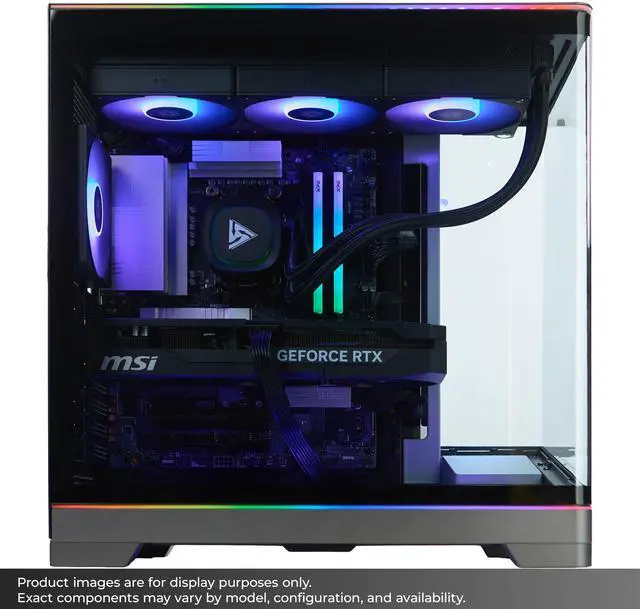
| Cooling And Thermal | Liquid cooling with a top-mounted 1 x 360mm radiator installed; radiator support listed up to 360mm at top |
| Power And Power Supply | 850W power supply included |
| Motherboard And Chipset | Intel Z890 chipset motherboard (Z890) |
| Input Devices Included | Keyboard and mouse included; keyboard listed as Standard |
| Operating System | Windows 11 |
| Model Identifiers | Stormcraft VALKYRIE — Model VA270K0CC-580N1 (Part Number VA270K0CC-580N1) |
| Display Note | Monitor not included |
Q: Should I buy this RTX 5080 gaming desktop or step down to an RTX 5070 Ti system?
A: Choose this STORMCRAFT VALKYRIE if you want stronger 4K gaming headroom, higher ray tracing performance, and a system that is more aligned with premium high-refresh 1440p or 4K use. External review coverage and community discussion consistently place the RTX 5080 about 15% ahead of the RTX 5070 Ti on average, while both cards target high-end gaming. A 5070 Ti system is the more practical choice when price efficiency matters more than the last tier of performance, especially for 1440p-focused builds.
Q: Is this RTX 5080 desktop a better buy than an RTX 5090 prebuilt?
A: This RTX 5080 desktop is the better fit if you want a high-end gaming tower without moving into the much higher pricing tier that usually comes with RTX 5090 prebuilts. RTX 5090 systems are the better choice for buyers who specifically want the fastest available tier for heavy 4K, path tracing, or creator workloads and are comfortable paying substantially more. For most gaming-first buyers, the RTX 5080 tier is the more balanced stopping point.
Q: Is this a worthwhile upgrade over an RTX 4080 Super gaming desktop?
A: Yes, this system makes sense over an RTX 4080 Super desktop if you want newer-generation graphics features and a modest but real uplift in top-end gaming performance. Review data shows the RTX 5080 is only a step ahead of the RTX 4080 Super in traditional raster performance, so the upgrade is easiest to justify for buyers building new, prioritizing ray tracing and newer AI-assisted features, or wanting a longer runway before their next GPU upgrade. If you already own a well-balanced RTX 4080 Super desktop, the performance difference alone is usually not the main reason to switch.
Q: Should I choose this Core Ultra 7 270K Plus desktop or pay more for a Core Ultra 9 gaming desktop?
A: Choose this Core Ultra 7 270K Plus configuration if your main goal is high-end gaming with a stronger focus on GPU value than CPU overbuying. Coverage of Intel's unlocked desktop stack shows the gap between Core Ultra 7 and Core Ultra 9 is usually much smaller in gaming than in heavily threaded productivity work. A Core Ultra 9 tower is the better fit if you also expect to do frequent rendering, compiling, or other sustained multi-core workloads alongside gaming.
Q: Is this gaming desktop a better choice than an RTX 5080 gaming laptop?
A: Yes, this desktop is the better choice if performance, thermal headroom, and future serviceability matter more than portability. Desktop RTX 5080 systems generally sit above RTX 5080 laptops in sustained gaming performance, and laptop benchmarking coverage places the mobile RTX 5080 closer to desktop RTX 5070 Ti-class performance than to a desktop RTX 5080. An RTX 5080 laptop is the right alternative only when you need one machine that travels easily.
Q: Who is this gaming PC best suited for?
A: This model is best suited for buyers who want a high-end prebuilt desktop for 4K gaming, VR, and heavy multitasking without building a PC themselves. Its RTX 5080, 32GB DDR5 memory, 2TB Gen4 SSD, Z890 platform, and 360mm liquid cooling put it in the enthusiast class. It is less suitable for budget buyers or users who only need a basic home or office PC.
Q: Is this a good choice if I want a prebuilt PC that stays cool under heavy gaming loads?
A: Yes. Based on the listed hardware, it is a strong fit for sustained gaming loads because it includes a 360mm AIO liquid cooler, an 850W 80+ Gold power supply, and case airflow designed for up to seven fans. That matches the cooling-related questions buyers repeatedly ask on comparable RTX 5080 prebuilts, where liquid cooling is a key decision factor.
Q: Is 32GB of RAM and a 2TB SSD enough for modern gaming and everyday use?
A: For most buyers, yes. 32GB RAM and a 2TB Gen4 SSD are already a strong gaming configuration for current AAA games, streaming, school, work, and general multitasking. The main trade-off is long-term headroom: if you plan to run heavy creator workloads, many virtual machines, or very large mod libraries, you may eventually want more memory or storage.
Q: What are the main trade-offs versus another similarly priced RTX 5080 prebuilt?
A: The main advantage is the core hardware set: RTX 5080, 32GB DDR5-6000, 2TB Gen4 SSD, Z890 motherboard, Wi-Fi/Bluetooth readiness, and 360mm liquid cooling. The main trade-off is parts specificity. This listing states that component brands may vary, so buyers who want exact motherboard, PSU, RAM, or GPU board partner models may prefer a system with more fixed component disclosure. Another practical plus is that this model includes a keyboard and mouse, which some competing desktops do not.
Q: Is this PC a good fit for work, school, and meetings as well as gaming?
A: Yes, if you want one desktop for both high-end gaming and demanding productivity. It comes with Windows 11 Home, Wi-Fi and Bluetooth readiness, a 32GB memory configuration, and a 2TB SSD, so it will handle office apps, video meetings, web workloads, and multitasking easily. The trade-off is that it is far more powerful, larger, and likely more expensive than a typical office desktop, so it only makes sense if gaming or GPU-heavy tasks are also important.
Q: Is this RTX 5080 prebuilt worth buying if I want high-end gaming without building my own PC?
A: It can make sense if your priority is getting RTX 5080-class gaming in a ready-to-use system. The core hardware is strong for high-refresh 1440p and capable 4K gaming: RTX 5080, 32GB DDR5, 2TB Gen4 SSD, liquid cooling, and an 850W Gold PSU. The main trade-off is typical prebuilt uncertainty: the listing says component brands may vary, so value depends partly on the exact PSU, SSD, motherboard, and GPU brand you receive.
Q: Who is this PC a good fit for?
A: This PC is best suited to buyers who want a premium gaming desktop with minimal setup, especially for demanding modern games, VR, and multitasking. It is a better fit for users who value convenience and strong out-of-box performance than for hobbyists who want full control over every component choice or future memory expansion.
Q: What are the main trade-offs with this prebuilt compared with building a similar PC yourself?
A: The advantage is convenience: assembly, Windows installation, included keyboard and mouse, and a single-system warranty. The trade-offs are less transparency and less control. Because the listing allows varying component brands and caps maximum memory support at 32GB, it is less flexible than a carefully selected DIY build, especially if you care about exact SSD quality, motherboard features, or future RAM upgrades.
Q: Is 32GB RAM and a 2TB SSD enough for a gaming PC at this level?
A: Yes for most buyers. 32GB DDR5 is a practical amount for modern gaming and normal background multitasking, and a 2TB Gen4 SSD is a solid starting point for a large game library. The limitation is that this listing states a 32GB maximum memory capacity, so buyers who expect heavy workstation use or larger future memory needs may want a platform with higher stated RAM support.