




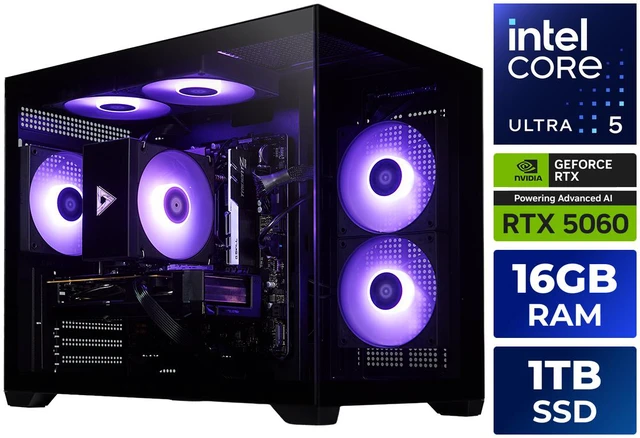
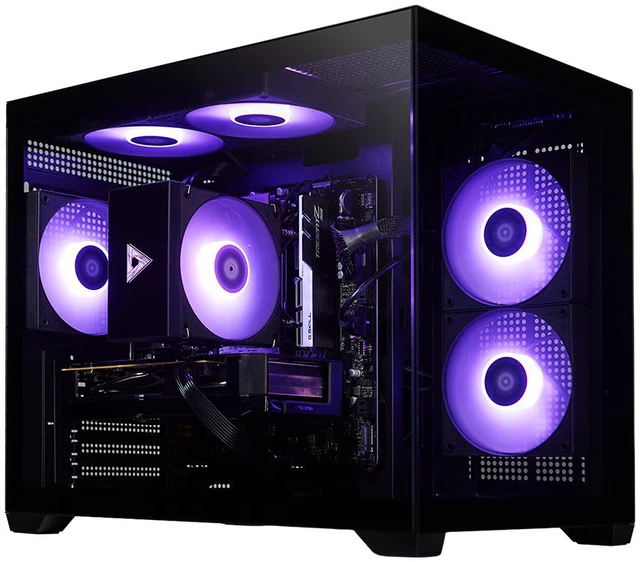
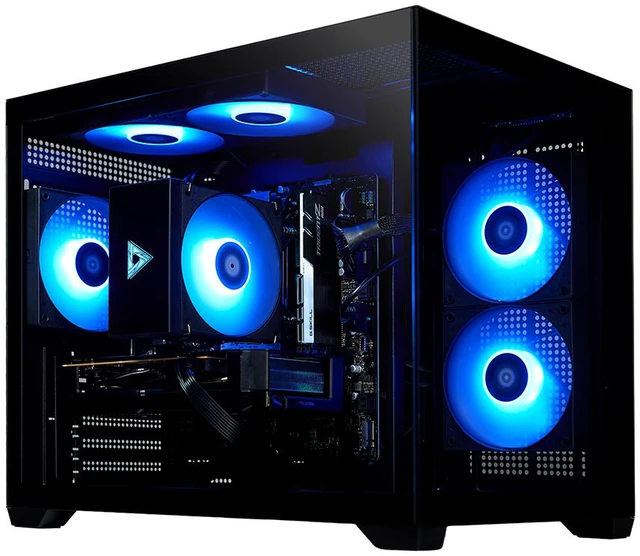
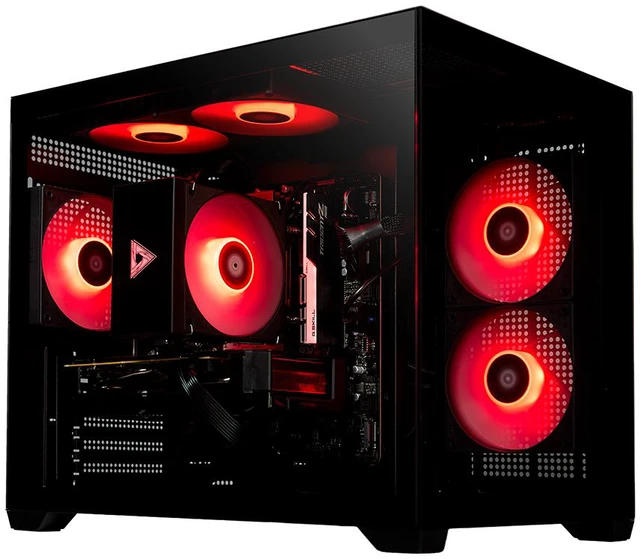


STORMCRAFT Gaming PC SIRIUS Intel Core Ultra 5 225F NVIDIA Geforce RTX 5060 16GB DDR5 RGB 1TB SSD 650W PSU Windows 11 Home - SI225F0BB-560N1
- Operating System with Intel Core Ultra 5 225F
- NVIDIA RTX 5060 - AI Powered Performance
- 16GB DDR5 4800MHz RGB RAM
- 1TB NVMe SSD
- B860 WI-Fi CEC Motherboard
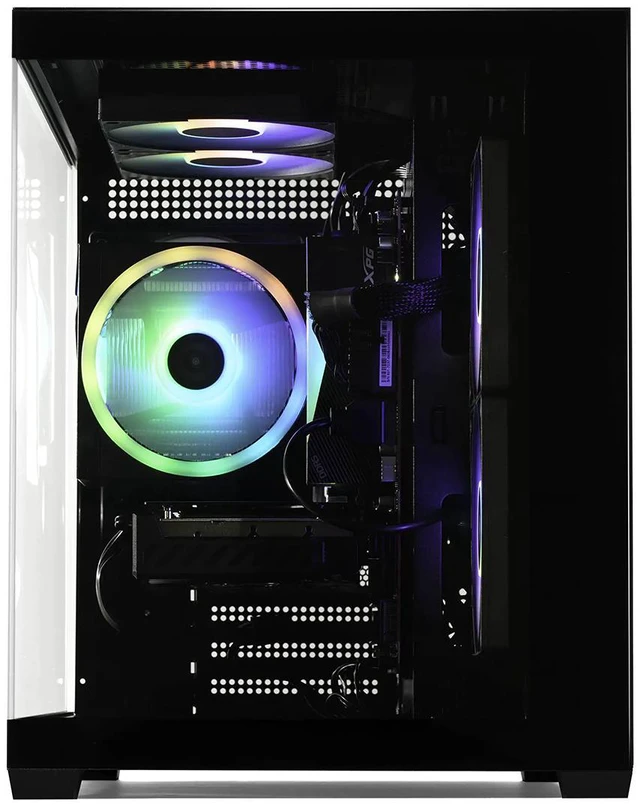
- Tower Cooler fan
- 650W 80+ Gold
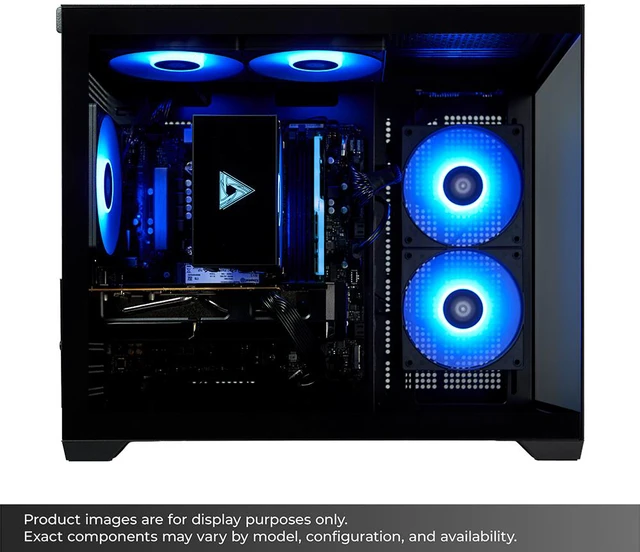
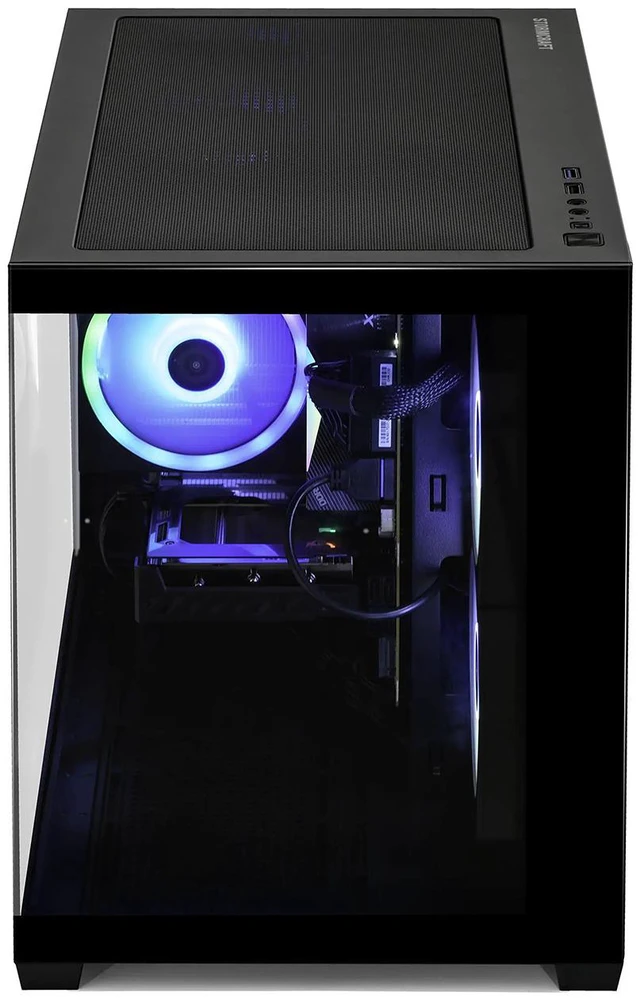
- Premium Micro ATX case
- WiFi and Bluetooth ready
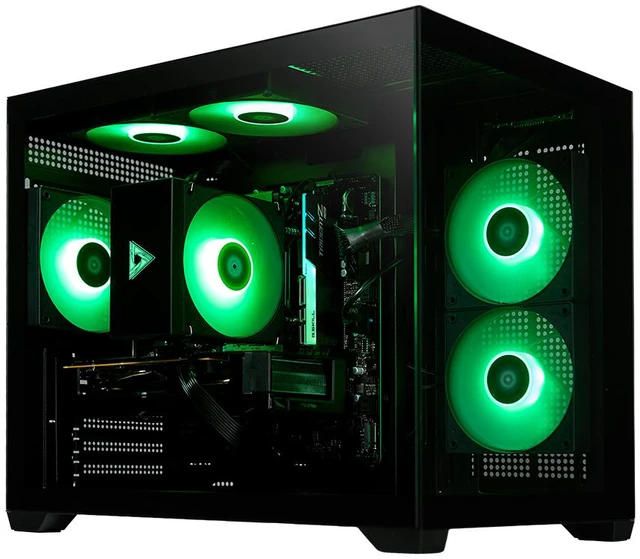
- Excellent airflow with total 5 ARGB fans
- VR Ready
- AI PC Ready
- Mechanical Keyboard and Gaming mouse included
- Windows 11 Home
- Proudly designed and built in California
- Dedicated professional customer service
- Actual component brands and configurations may vary, including but not limited to the motherboard, graphics card, power supply, Wi-Fi module, I/O ports, storage, and RAM (including DIMM quantity and capacity per DIMM)
+
+
Overview
Specs
Reviews
Warranty & Returns
Warranty, Returns, And Additional Information
Warranty
- Limited Warranty period (parts): 2 years
- Limited Warranty period (labor): 3 years
- Read full details
Return Policies
- Return for refund until: January 31, 2027
- Return for replacement until: January 31, 2027
- This item is covered by Newegg.ca's Extended Holiday Return Policy.
- Read full return policy for details.
We want to ensure your holiday shopping this year is hassle-free. That’s why we’re automatically extending our return policies on almost every product! For purchases placed between November 1st, 2026 and December 31, 2026 you will have until January 31, 2027 to return your product.
Manufacturer Contact Info
- Manufacturer Product Page
- Manufacturer Website
- Support Phone: 1-949-226-8899
- Support Email: cs@stormcraftpc.com
- Support Website
- View other products from STORMCRAFT
LOADING...
The Stormcraft SIRIUS is a prebuilt gaming desktop with an Intel Core Ultra 5 225F, GeForce RTX 5060, 16GB DDR5, and a 1TB NVMe SSD, making it a strong fit for mainstream PC gamers, home users, and anyone who wants a ready-to-use Windows 11 system for gaming, everyday work, and VR-ready setups.
Recommended For
- Desktop gamers who mainly play at 1080p, especially esports and lighter AAA settings, and want a ready-to-use tower with Windows, keyboard, and mouse included. Reviews and community feedback around RTX 5060 systems consistently frame this class as strongest for 1080p rather than high-end 1440p play.
- First-time prebuilt buyers who want a straightforward gaming desktop for bedroom or home-office use, with no parts shopping or OS setup. The product positioning and similar prebuilt discussions fit buyers who value convenience over custom building.
- Students or home users who split time between everyday productivity and after-hours gaming, and do not need workstation-class memory or storage. The Core Ultra 5 225F and 16GB/1TB pairing aligns with mainstream multitasking plus gaming use rather than specialist workloads.
- Users moving from an older GTX/RTX 20- or 30-series class PC who want modern features like DDR5, NVMe storage, and current-gen NVIDIA gaming features without jumping into a higher-price enthusiast build.
Real-World Use Scenarios
- Playing competitive games like Fortnite, Valorant, or CS2 at 1080p with high refresh-rate settings is the clearest fit for this PC; users should expect smooth gameplay and enough CPU/GPU headroom for esports-focused play without needing major setting compromises.
- Running recent AAA games at 1080p is realistic for buyers who are aiming for solid frame rates rather than maxing every texture setting; the usual experience is high settings in many titles, while the 8GB-class RTX 5060 tier is more likely to need selective reductions in texture or ray-tracing-heavy options.
- Using a 1440p monitor is workable for lighter games or for players comfortable using DLSS and tuned settings, but typical community and review feedback points to 1080p as the more consistent target if the goal is stable performance across a wide mix of games.
- For everyday mixed use—schoolwork, web browsing, streaming, Discord, and gaming in one machine—the system matches what buyers usually want from a mainstream prebuilt: fast boot and load times from the NVMe SSD, enough memory for typical multitasking, and an easy out-of-box setup with Windows 11 included.
- Trying PC VR should be reasonable for entry to mid-level VR use, especially in less demanding titles, but buyers should expect to tune graphics settings in heavier games rather than assume a max-settings VR experience across the board.
- For beginner content creation such as 1080p gameplay capture, simple video edits, and streaming with chat and background apps open, this configuration is suitable, but 16GB of RAM is the point where heavier editing timelines or more demanding multitasking can start to feel limiting.
Spec Summary
| Attribute | Value |
|---|---|
| Best For | Home and consumer gaming and entertainment; VR-ready configuration with an Intel Core Ultra 5 10-core CPU, NVIDIA GeForce RTX 5060, 16GB DDR5, and 1TB NVMe SSD |
| Processor And Core Count | Intel Core Ultra 5 225F (Series 2), 10-core 64-bit processor with 22 MB L2 cache and 20 MB L3 cache |
| Memory Configuration | 16GB DDR5 RGB, 6000 MHz |
| Storage And Expansion | 1TB NVMe SSD (PCIe Gen 4.0) |
| GPU And VRAM | NVIDIA GeForce RTX 5060 |
| Motherboard And Chipset | B860M Max Gaming motherboard with Intel B860 chipset |
| Cooling And Chassis | Tower cooling |
| Operating System | Windows 11 Home |
| Peripherals And Drives | Includes keyboard and mouse; no optical drive |
| AI And Special Features | AI Ready |
| Virtual Reality Ready | Yes |
| Model Identifiers | Stormcraft SIRIUS — Part Number SI225F0BB-560N1 |
Reference Q&A
Q: Should I choose this Stormcraft SIRIUS with RTX 5060 or a similar prebuilt with RTX 4060?
A: Choose this Stormcraft SIRIUS if your priority is newer-generation GPU features and stronger 1080p gaming headroom. The RTX 5060 is positioned by NVIDIA as part of the newer Blackwell family with DLSS 4 support, and review coverage places it ahead of the RTX 4060 class overall. A similar RTX 4060 desktop still makes sense if it is meaningfully cheaper and your focus is standard 1080p gaming without much emphasis on newer AI-assisted frame generation features.
Q: Is this Core Ultra 5 225F and RTX 5060 desktop a better buy than an older i5-14400F and RTX 4060 prebuilt?
A: This Stormcraft system is the better fit when you want a more current platform and a newer GPU generation in one purchase. The Core Ultra 5 225F is part of Intel's newer Core Ultra desktop lineup, while the RTX 5060 gives this system a clearer upgrade path for current graphics features than an i5-14400F plus RTX 4060 configuration. An older i5-14400F and RTX 4060 prebuilt remains reasonable if the price difference is large and your workload is mostly mainstream 1080p gaming.
Q: When is a higher-tier RTX 5060 Ti desktop a better choice than this Stormcraft RTX 5060 model?
A: Step up to an RTX 5060 Ti desktop if you want more consistent 1440p performance or plan to keep the system longer for newer games with heavier VRAM use. Review data and benchmark roundups show the 5060 Ti 16GB class meaningfully ahead of the RTX 5060, especially once settings rise or resolution moves beyond straightforward 1080p play. This Stormcraft RTX 5060 model is the better choice when your target is balanced cost and strong 1080p gaming on a current desktop platform.
Q: Should I buy this 16GB RAM desktop or look for a 32GB version of a similar gaming PC?
A: Buy this 16GB version if your main goal is gaming and you want to stay close to entry-to-midrange prebuilt pricing. For most gaming-focused buyers, the bigger performance driver here is still the RTX 5060 rather than moving from 16GB to 32GB memory. A 32GB version is the better choice if you also expect heavier multitasking, content creation, large mod packs, or longer-term headroom from day one.
Q: Should I choose this gaming desktop or a gaming laptop if I need one PC for everything?
A: Choose this desktop if gaming performance, cooling capacity, and upgrade flexibility matter more than mobility. Desktop systems typically deliver better sustained performance for the money than gaming laptops with similar branding, while laptops trade some of that headroom for portability. A gaming laptop is the better choice only if you need to move the system regularly for school, work, or shared spaces.
Q: Is this a good fit for 1080p gaming, and is 16GB RAM enough to start with?
A: Yes. Based on the included Intel Core Ultra 5 225F, GeForce RTX 5060, 16GB DDR5, and 1TB NVMe SSD, this is a sensible midrange gaming desktop for mainstream 1080p play and general everyday use. The main limitation is not basic speed, but headroom: 16GB RAM is fine to start with, but heavier multitasking, newer AAA games, or content creation will benefit from a future memory upgrade.
Q: Who is this desktop most suitable for?
A: It is best suited to buyers who want one desktop for gaming, school or home use, web and office work, and light creator tasks without building a PC themselves. It makes the most sense for users who value a ready-to-use Windows 11 gaming tower with included keyboard and mouse, solid airflow, and room to grow later. It is less ideal for buyers who already know they need higher-end 1440p or 4K performance on day one.
Q: Can this PC also handle office work, meetings, and everyday home use?
A: Yes. For office apps, web browsing, video meetings, schoolwork, media streaming, and general home computing, this system is more than sufficient. Its gaming hardware is well above what those tasks require, so the trade-off is not capability but size, power draw, and cost compared with a simpler non-gaming desktop.
Q: What are the main trade-offs versus stepping up to a stronger gaming desktop?
A: The main trade-off is longevity at higher settings rather than day-one usability. This configuration is balanced for mainstream gaming, but buyers considering more demanding 1440p gaming, heavier streaming, larger mods, or creator workloads may want more than 16GB RAM and may eventually prefer a faster GPU tier or more VRAM. In short: this build is the practical value choice, while a higher-tier system buys more performance headroom.
Q: Is this a good choice if I want to upgrade later?
A: Yes, it is a reasonable starting point for buyers who plan to upgrade over time. The current specs are usable as-is, and common shopper questions on comparable desktops focus on later upgrades such as RAM, storage, motherboard details, GPU fit, and power headroom. The safest assumption is that memory and storage are the easiest early upgrades, while major GPU changes depend on case clearance and power supply limits.
Q: Is this a good first gaming PC if I want a plug-and-play desktop?
A: Yes, it fits that use case well. It includes Windows 11 Home, a keyboard and mouse, 16GB DDR5 memory, a 1TB NVMe SSD, and an RTX 5060, so it is positioned as a ready-to-use mainstream gaming desktop. The main trade-off is that 16GB RAM is adequate but not generous for newer games, heavy multitasking, or long-term headroom.
Q: Who is this PC best suited for?
A: It is best suited for mainstream 1080p PC gaming, everyday home use, and buyers who want a prebuilt system without needing immediate upgrades. The Core Ultra 5 225F, RTX 5060, 1TB SSD, and tower cooling make it more suitable for gaming and general-purpose use than for workstation-heavy tasks. It is less ideal for users who already know they want 32GB RAM, higher-end GPU performance, or creator-focused workloads.
Q: What are the main trade-offs with this configuration?
A: The main trade-offs are memory capacity and likely GPU ceiling rather than storage or cooling. 16GB DDR5 and a 1TB Gen4 NVMe SSD are solid baseline specs, but many buyers comparing prebuilts specifically question whether 16GB is enough versus 32GB alternatives. The RTX 5060 makes this a midrange gaming system, not a high-end or long-horizon enthusiast build.
Q: Is it worth buying if I mainly care about gaming value?
A: It can be worth buying if the price is competitive for an RTX 5060 prebuilt, because the specs are balanced for mainstream gaming. The decision usually comes down to price versus nearby alternatives with the same GPU but more RAM or storage. If a similarly priced model offers 32GB RAM or a stronger GPU, that may be the better value; if not, this spec sheet is reasonable for a midrange gaming desktop.
Q: Should I expect any downsides common to prebuilts like this?
A: Yes. With prebuilts in this class, buyers commonly watch for component quality details that are not fully spelled out in the listing, such as power supply model, motherboard feature depth, and upgrade headroom. On paper, this model covers the basics well, but cautious buyers may still want to confirm exact PSU, Wi-Fi, and internal expandability details before purchase.