USB-C to RJ45 adapter adds an Ethernet port to your computer supporting up to Gigabit speeds on 10/100/1000 Mbps Networks; Ideal for reliable wired gigabit network connections, or as an alternative to WiFi
USB-C to Ethernet dongle; Uses Realtek RTL8153 Chipset for native compatibility with laptop, desktops, and 2-in-1 computers; Compatible with USB C, Thunderbolt 3 and Thunderbolt 4
USB NIC adapter for laptop offers plug and play connectivity (no driver install required); Works with Windows versions 7 and up, Windows Server, macOS 10.14 and up, Linux distributions with kernel 4.11 and up (LTS only), and Chrome OS
With its compact and lightweight design for maximum portability, this USB Type-C NIC/Gigabit network adapter enables you to securely connect your laptop to a Gigabit Ethernet network wherever you go; USB bus-powered
+
+
Overview
Specs
Reviews (1)
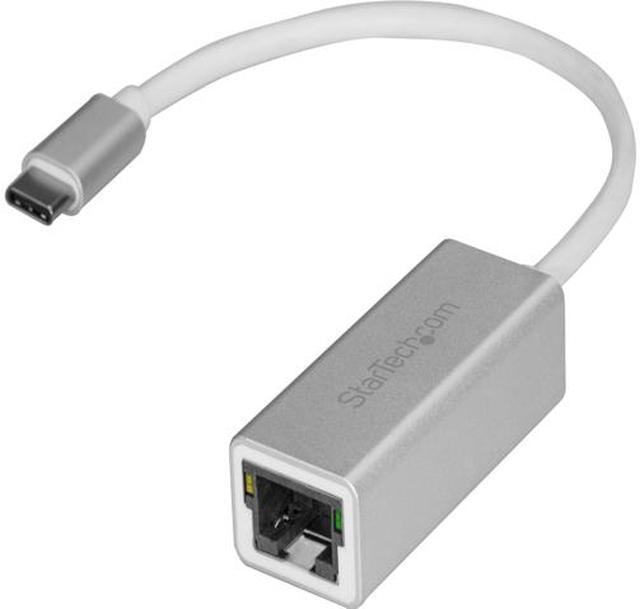
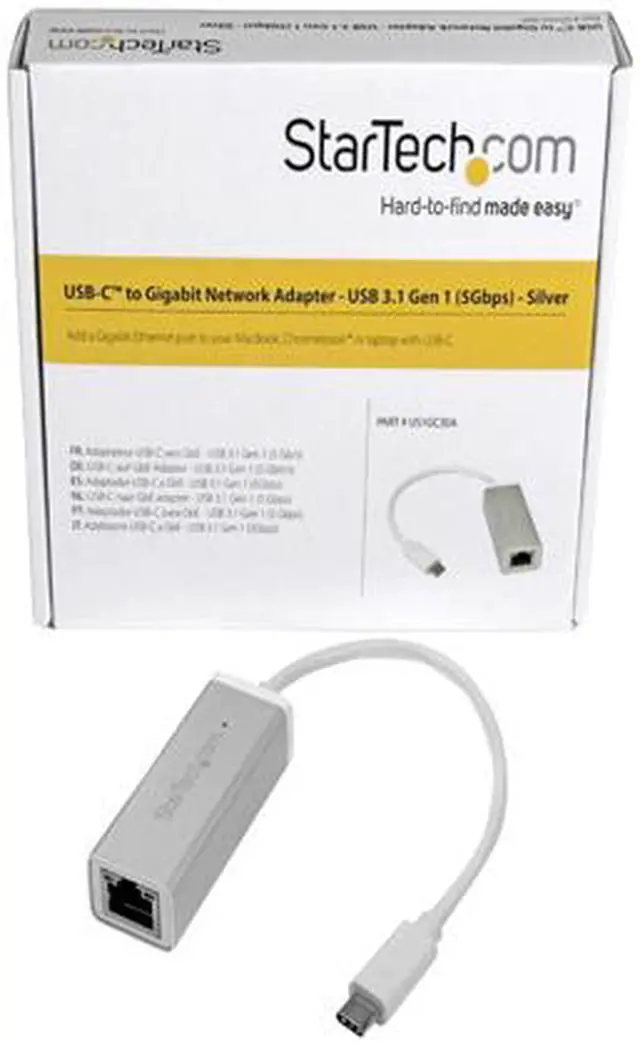
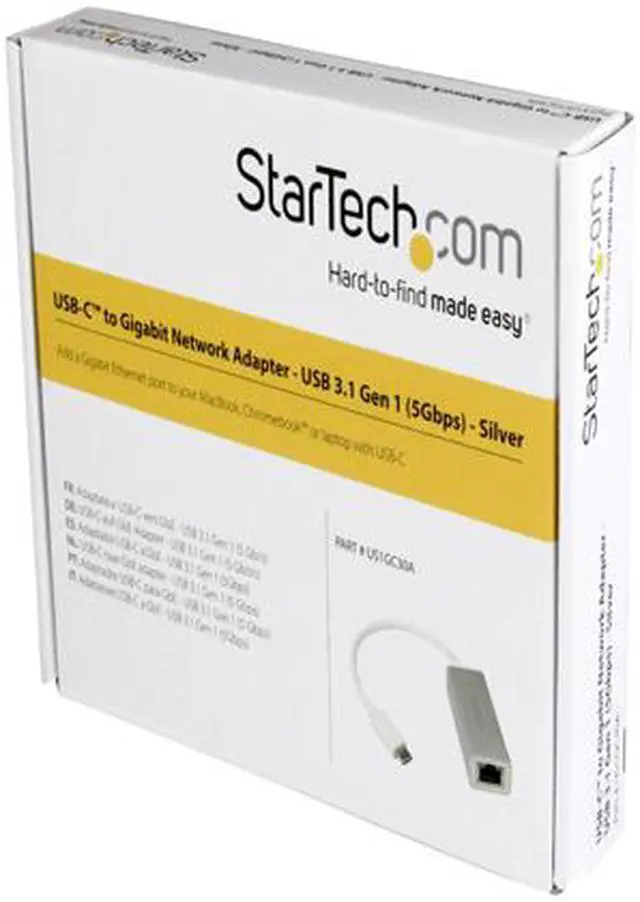
USB-C to Gigabit Network Adapter - Silver.Use this sleek aluminum converter to add a Gb Ethernet port to your MacBook, Chromebook or laptop with USB Type-C.
Learn more about the STARTECH US1GC30A
Model
Brand
StarTech.com
Model
US1GC30A
Details
Standards
IEEE 802.3, 802.3u and 802.3ab
Speed
10/100/1000Mbps
Connectors
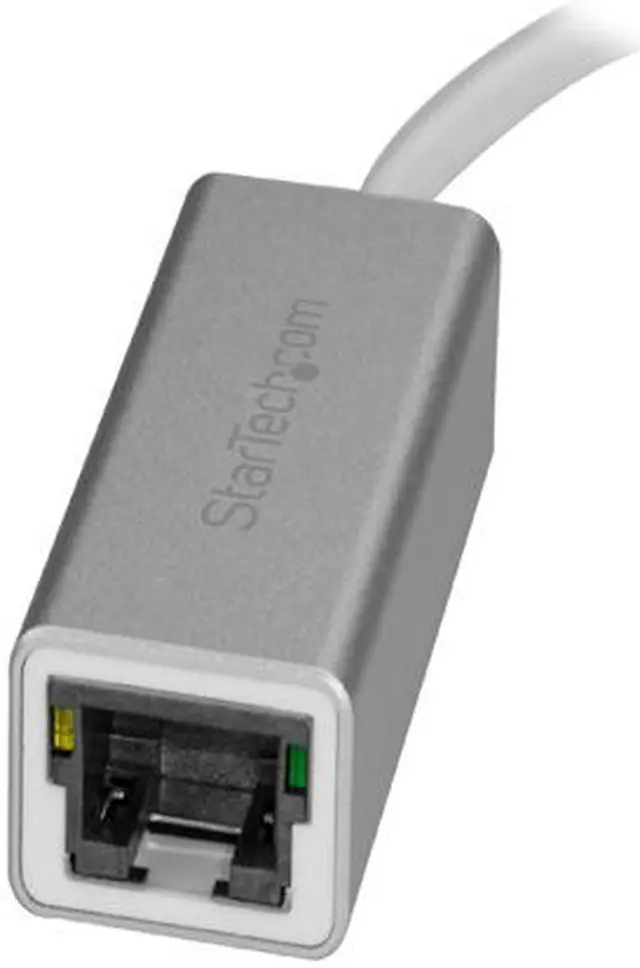
1 x RJ45
Interface
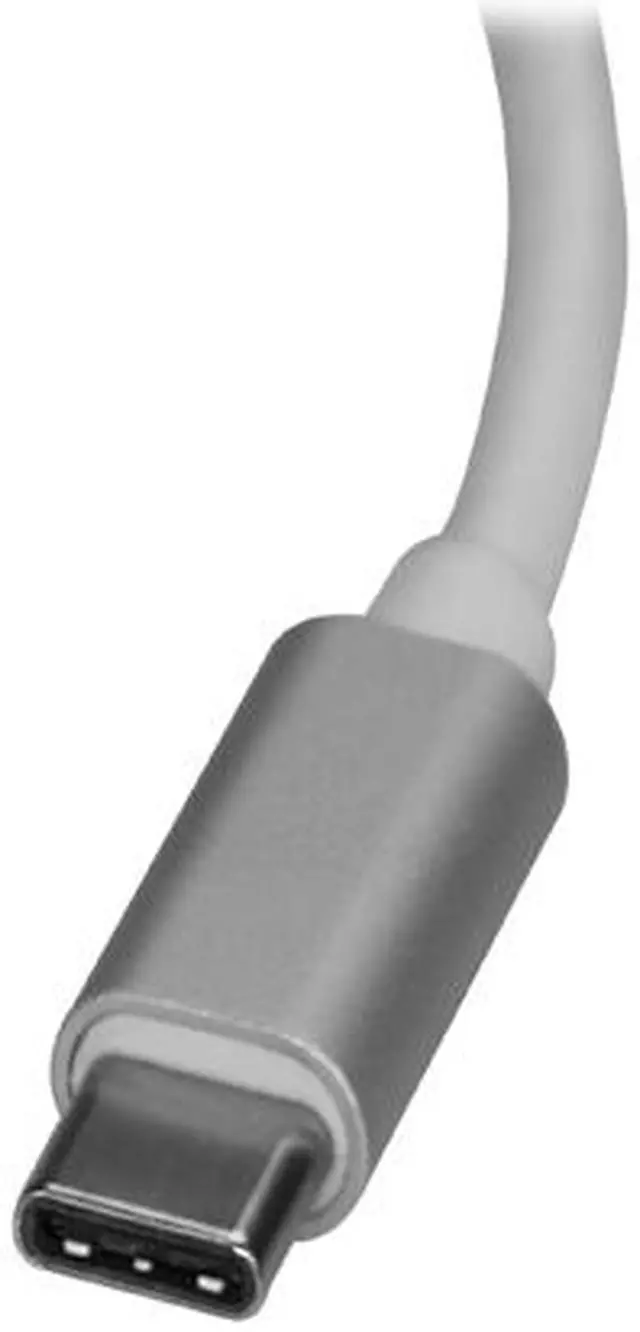
1 - USB Type-C (24 pin) USB 3.0 Male
Features
Features
Add a Gigabit Ethernet network connection to your computer through the USB-C port
Sleek silver finish looks great with your MacBook, and any laptop or Chromebook with similar color finish
Thunderbolt 3 port compatible
Native driver support in Chrome OS, Mac OS 10.10, Windows 8.1 for easy set-up
Powered directly from the USB port
Compact, lightweight design for maximum portability
Supports 10/100/1000 Mbps auto-detection
IEEE 802.3, 802.3u and 802.3ab compatible
IEEE 802.1Q VLAN tagging support
Built-in checksum and large send offload
Up to 9K jumbo frame support
Wake-On-LAN support
IEEE 802.3az Energy Efficient Ethernet support
Additional Information
First Listed on Newegg
July 23, 2019
Customer Reviews of the STARTECH US1GC30A
There are no reviews yet.
Do you own this product?
Warranty & Returns
Warranty, Returns, And Additional Information
Warranty
Please contact the Seller directly for warranty information. Warranty information may also be found on the Manufacturer's website.



 We‘re shipping as usual! The Canada Post strike only affects certain remote deliveries and PO Boxes. Details
 Holiday Shipping Details & Extended Holiday Returns


