






We want to ensure your holiday shopping this year is hassle-free. That’s why we’re automatically extending our return policies on almost every product! For purchases placed between November 1st, 2026 and December 31, 2026 you will have until January 31, 2027 to return your product.
Q: Should I choose this RTX 5060 Ti 8GB desktop or look for a 16GB graphics configuration instead?
A: Choose this system if you mainly play at 1080p and want a practical midrange gaming desktop. Look for a 16GB graphics configuration if you expect to use higher texture settings, heavier ray tracing, or more demanding 1440p workloads over time. Review testing shows that 8GB and 16GB versions can be close in traditional rasterized gaming, but the 16GB card keeps more headroom in VRAM-heavy games and some ray-traced scenarios. That makes this Skytech PC the more straightforward value choice for mainstream use, while a 16GB alternative is the better fit for buyers optimizing for longer-term graphics headroom.
Q: Is this desktop better than an RTX 5060 Ti laptop for gaming?
A: Yes, if gaming performance is the priority. A desktop like this is the better fit when you want sustained performance, easier cooling, and future upgrade flexibility. A laptop with an RTX 5060-class GPU is the better choice only when portability matters more than absolute performance or upgrade options. For users deciding between a fixed gaming setup and a portable system, the main trade-off is mobility versus higher and more consistent desktop performance.
Q: Should I choose this Ryzen 7 5700 + RTX 5060 Ti desktop or a cheaper RTX 5060 or Ryzen 5 configuration?
A: Choose this Skytech build if you want more balanced long-term gaming performance and a stronger CPU for multitasking, streaming, or CPU-heavier games. A cheaper RTX 5060 or Ryzen 5 desktop can make sense for budget-focused 1080p gaming, but it will usually give up some graphics headroom and some CPU margin. In current coverage, the RTX 5060 Ti is generally treated as the safer midrange choice over the plain RTX 5060, especially when buyers want more room for newer titles rather than the lowest upfront price.
Q: Is this RTX 5060 Ti desktop a worthwhile upgrade over an RTX 4060 Ti PC?
A: Yes, if you are buying new and want a clearer step forward in GPU performance, bandwidth, and newer-generation features. Reviews comparing the RTX 5060 Ti with the RTX 4060 Ti generally show a meaningful performance gain, especially in newer games and at 1440p. If you already own a well-balanced RTX 4060 Ti desktop, the upgrade case is more situational and depends on whether you want better headroom for newer titles, frame generation support, or a full-system refresh. For a first-time buyer, this Skytech system is the more current option.
Q: Should I buy this Skytech RTX 5060 Ti desktop or step up to an RTX 5070 gaming PC?
A: Choose this Skytech system if your main goal is strong 1080p gaming, solid entry 1440p performance, and a lower total system cost. Step up to an RTX 5070 desktop if you want a more performance-first build for higher-refresh 1440p gaming or heavier ray tracing. Across major reviews, the RTX 5070 is consistently faster than the RTX 5060 Ti class, while the 5060 Ti remains a practical fit for mainstream gaming builds. This Skytech configuration also uses a Ryzen 7 5700, 16GB DDR4, and a 1TB SSD, which is appropriate for a midrange gaming desktop rather than a higher-tier enthusiast setup.
Q: Is this Skytech Shadow a good buy if I want a ready-to-use 1080p or entry 1440p gaming PC?
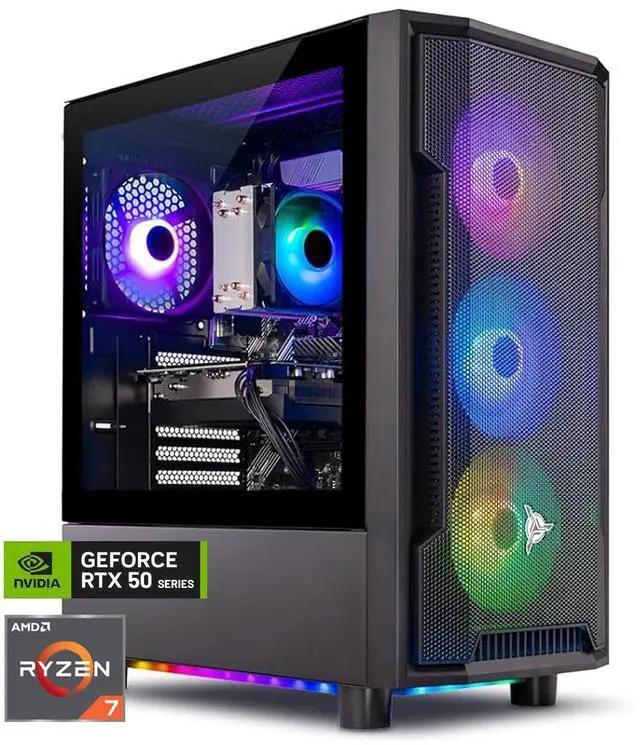
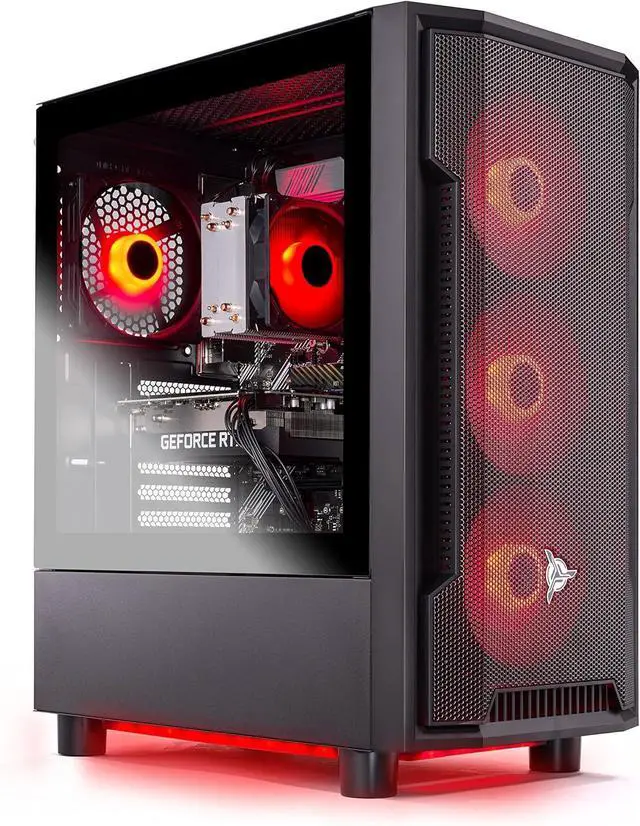
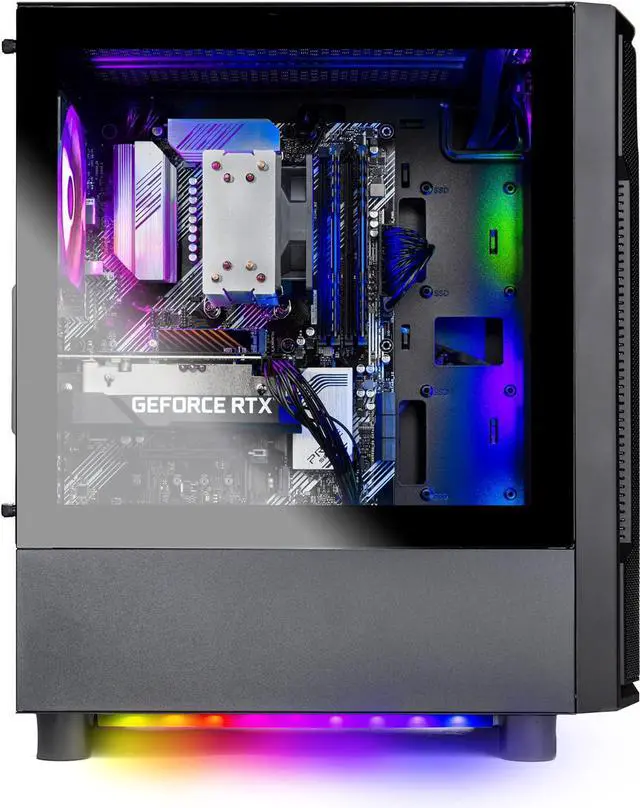
A: It can be a reasonable buy if you want a prebuilt desktop that is ready to use and you value convenience over maximum parts value. The Ryzen 7 5700, RTX 5060 Ti 8GB, 16GB DDR4, and 1TB NVMe SSD are suitable for mainstream gaming today. The main trade-off is value: community discussions about similar Skytech Shadow and Skytech prebuilts repeatedly focus on price sensitivity, with buyers saying the system is only worth it when discounted rather than at a premium price.