





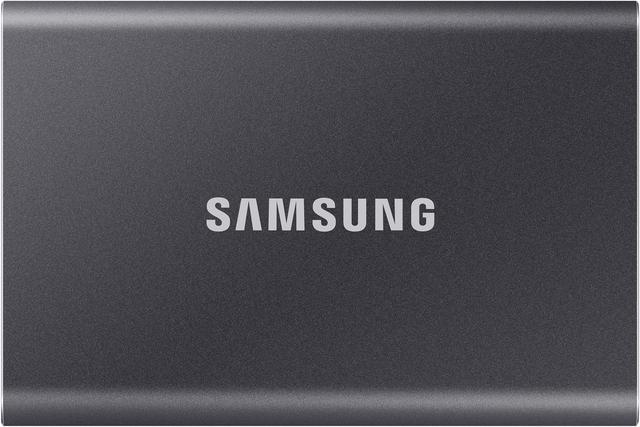
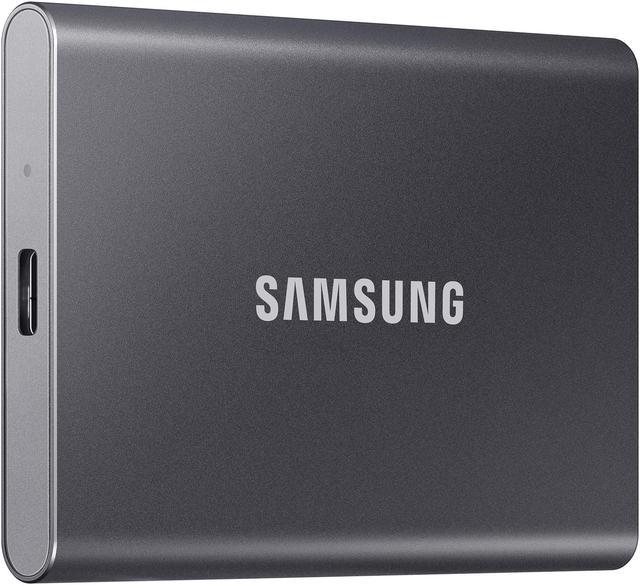
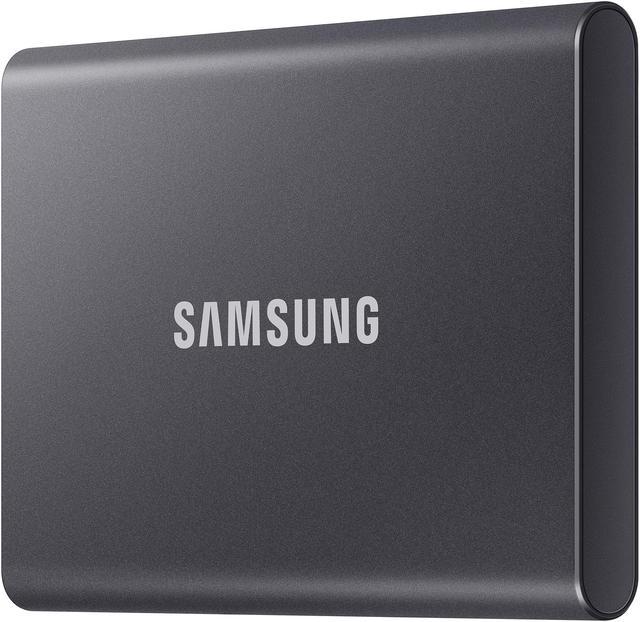
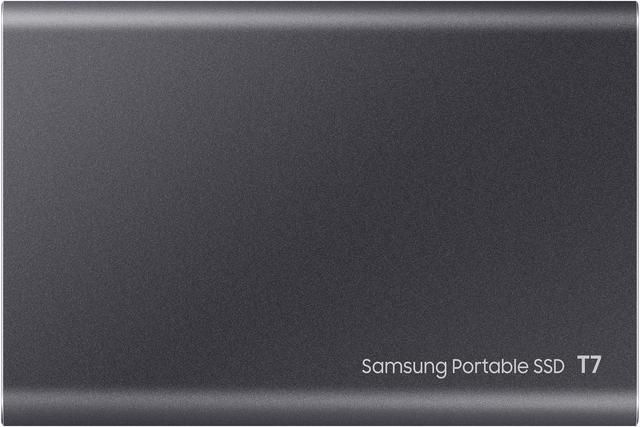
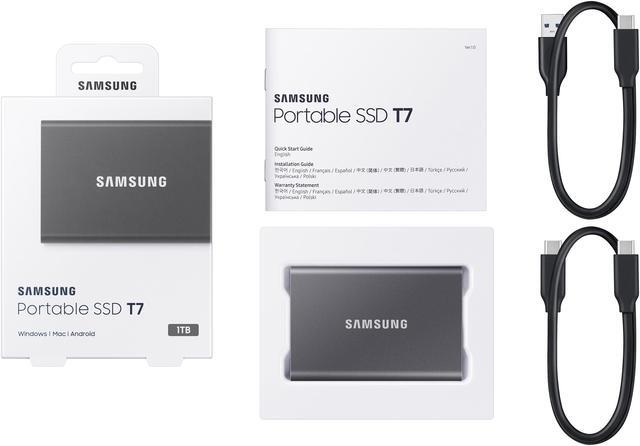
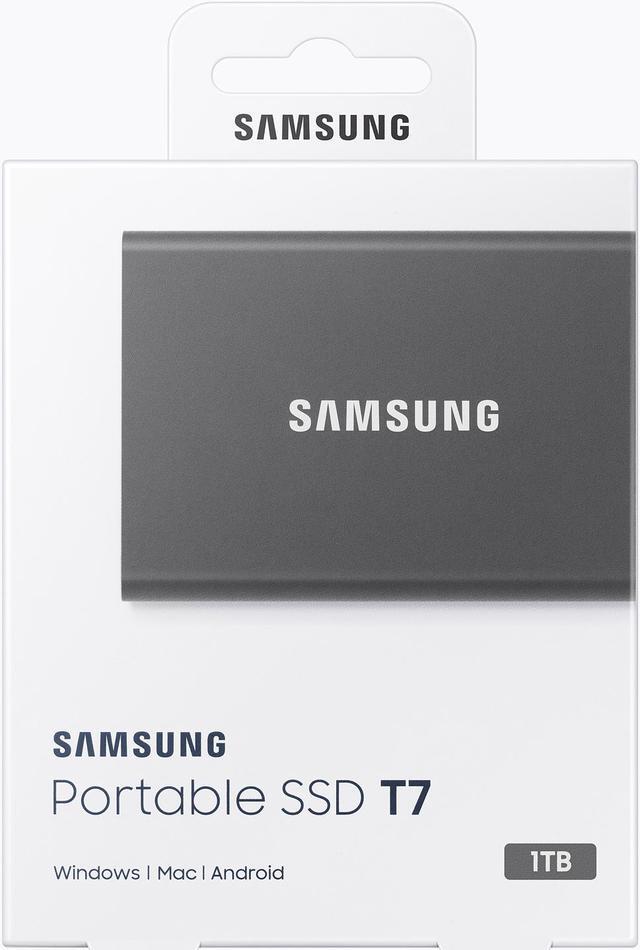
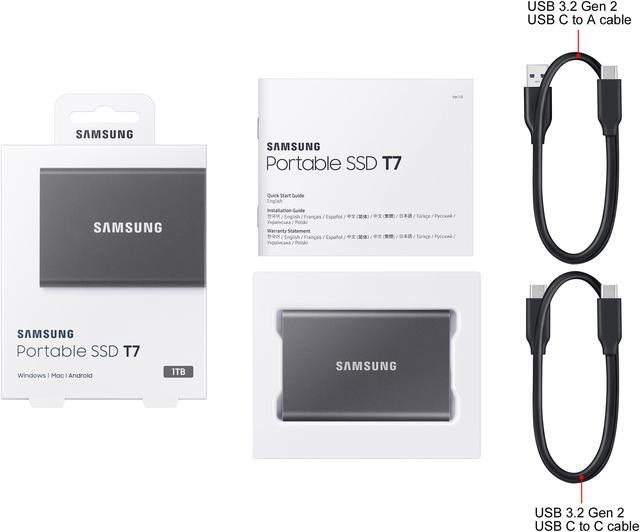


Portable SSD T7 USB 3.2 Gen 2
1,050MB/s Read | 1,000MB/s Write | For Gamers & Creators
Highlights

Read up to 1,050 MB/sec Seq. Write up to 1,000 MB/sec Seq.

USB 3.2

Shock Resistant

Thermal Control
Made for the makers
Create. Explore. Store. The T7 Portable SSD delivers fast speeds and durable features to back up any endeavor. Build your video-editing empire, file your photographs or back up your blogs all in an instant.

Share ideas in a flash
Read/Write Speeds up to 1,050/1,000 MB/s
Don’t waste a second waiting and spend more time doing. The T7 is embedded with PCIe NVME technology that brings you fast read and write speeds up to 1,050/1,000 MB/s1, making it almost twice as fast as the T5.
1. Performance may vary depending on host configuration. To reach maximum read/write speeds of up to 1,050/1,000 MB/s, respectively, the host device and connection cables must support USB 3.2 Gen 2 and the UASP mode must be enabled.

Always make the save
Storage Capacities up to 4TB
Compact design with massive capacity. With capacities up to 4TB, save exactly what you need to your drive–from large working files to game data and everything in between.

Adapts to every need
Extensive Compatibility
Whether you’re using a PC or a mobile phone, count on the T7 for extensive compatibility. It’s a true team player when it comes to heavy-duty application usage or file-saving.


Hi Resoultion Video Recording
Record Ultra High Resolution (4K 60fs) videos directly onto the T7 Portable SSD with your favorite camera or mobile devices.

All for the shot
Solid Aluminum Unibody Construction
Set your sights high. This strong, sturdy sidekick will help you see it through with shock resistance and fall protection up to 6 feet.2 With its solid aluminum unibody construction, it’s made to withstand any adventure. It can also be secured with an AES 256-bit encrypted password for extra protection.
2. Based on a free fall shock test conducted under controlled conditions.
Gawx Art Creates the Superartwork with Samsung Portable SSDs

World's No. 1 Flash Memory Brand
Conquer confidently with the world's No.1 flash memory brand.* Samsung Memory ceaselessly refines gameplay with smashing strides in advancing technology. dive into epic titles with the most reliable storage for gamers everywhere.
* Source: 2003-2024 OMDIA data: NAND suppliers' revenue market share. Results are not an endorsement of Samsung. Any reliance on these results is at the third party’s own risk.
Enjoy seamless direct recording
Whether you’re using a PC or a mobile phone, count on the T7 for extensive compatibility. It’s a true team player when it comes to heavy-duty application usage or file-saving.

Samsung recommends using genuine USB Type-C Cable included with Samsung Portable SSX Products. Non-genuine cables may result in the device not being recognized or performance degradation.
1. Test items for Samsung Galaxy 526 Ultra include 1) device detection, 2) file transfer, 3) APV 8K 30fps & 4K120fps video recording.
2. Test items for iPhone 16 Pro & iPhone 16 Pro Max & iPhone 17 Pro & iPhone 17 Pro Max include 1) device detection, 2) file transfer, 3) ProRes 4K120fps & 4K 60fps video recording. Other features and/or functions have not been specifically tested for compatibility. Test items for iPhone 15 Pro & iPhone 15 Pro Max include 1) device detection, 2) file transfer, 3) ProRes 4K 60fps video recording. Other features and/or functions have not been specifically tested for compatibility.
3. Based on information made public by the respective video equipment manufacturer for select devices. Other manufacturer devices may also achieve similar recording conditions; please refer to the applicable video equipment manufacturer's web-site for more information.