




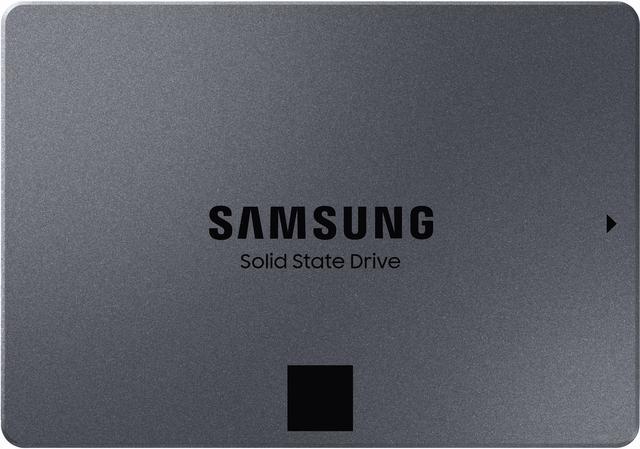
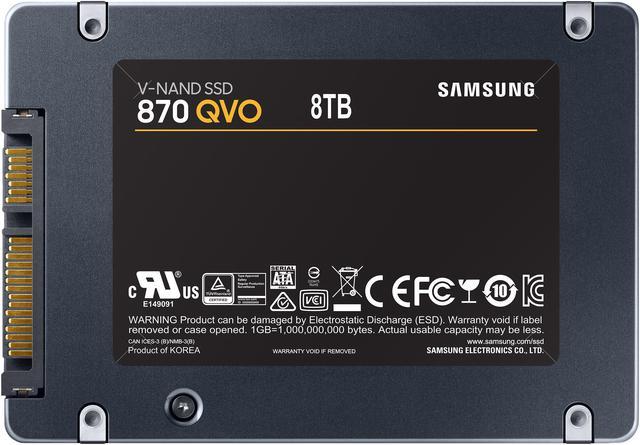
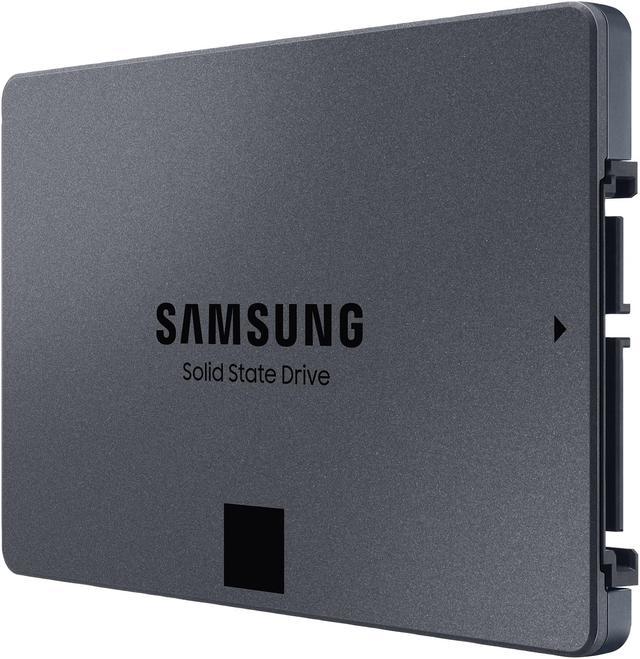
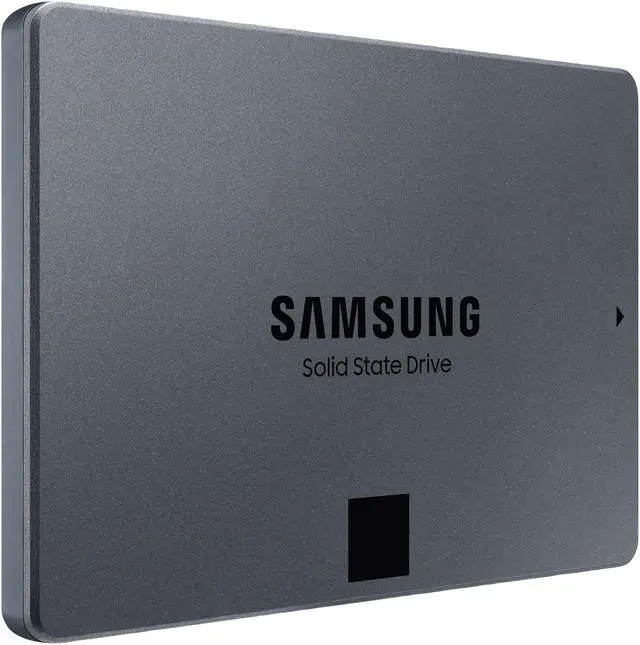
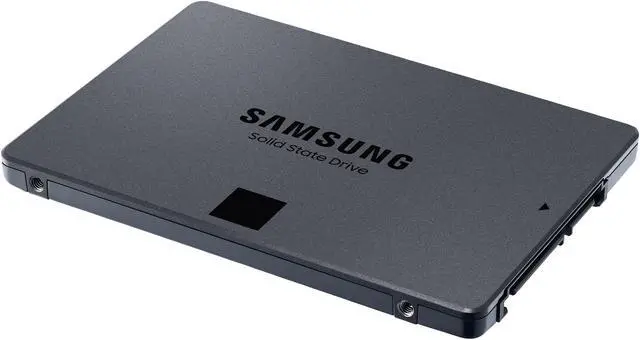
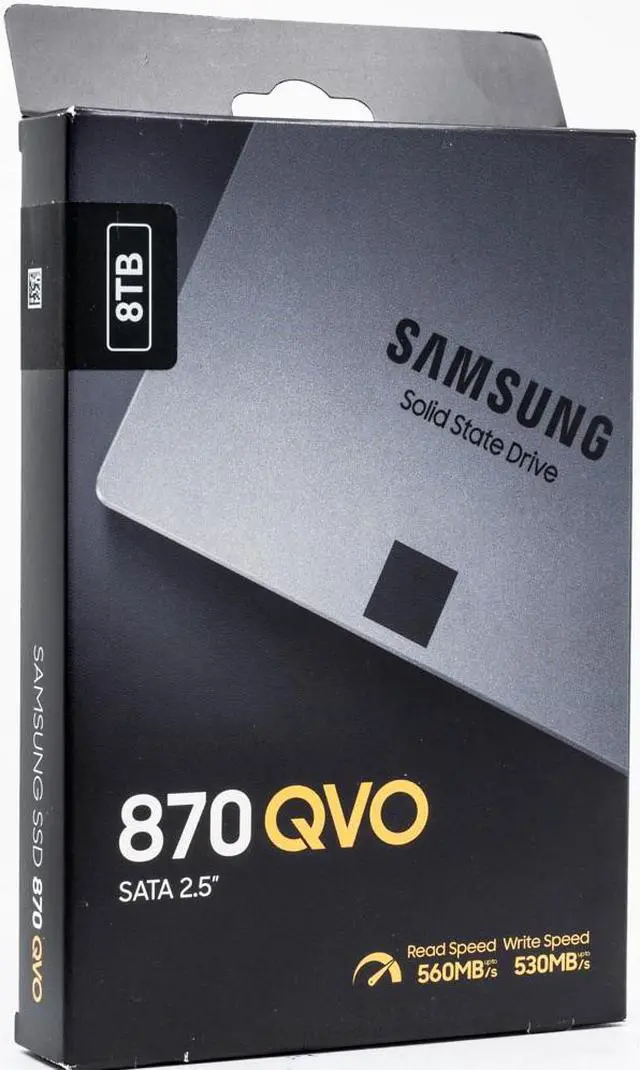
The Samsung 870 QVO is an 8TB 2.5-inch SATA III internal SSD for desktop PCs and laptops with a compatible 2.5-inch SATA bay, suited to users who want high-capacity storage and sequential read/write speeds of up to 560/530 MB/s.
Recommended For
- PC owners with a compatible 2.5-inch SATA bay who want to add a large game library or media collection without replacing their system or moving to NVMe.
- Users with SATA-only desktops or laptops who need up to 8TB in a single internal drive and value capacity over NVMe-level transfer speeds.
- People keeping a mostly read-heavy local library—such as installed games, photos, or already-edited video—who write new data in occasional batches rather than continuously.
- Users consolidating several storage drives into one high-capacity SATA SSD for quieter, lower-power local storage, provided the drive is not their only copy of important files.
Real-World Use Scenarios
- A home media-server owner keeps a large movie or music library on the drive for repeated playback; it suits read-heavy storage better than frequent writes to a transcoding or scratch folder.
- Someone with an older desktop or laptop that has a 2.5-inch SATA bay uses it to add a large amount of internal storage without moving to a newer NVMe-based system; everyday file access feels more responsive than on a hard drive.
- A PC gamer consolidates a large games library on one drive when spare storage slots are limited; games load from SSD storage, though the SATA interface does not deliver NVMe-level speeds.
- A home file server or data-hoarding setup uses the drive for a large collection of files that are read often but not constantly rewritten; it provides quiet, high-capacity storage, while sustained write-heavy workloads are a less suitable fit.
- A creator stores completed video projects, photo libraries, or other large files on the drive and retrieves them as needed; very large continuous write or copy jobs can slow after the write cache fills.
Spec Summary
| Attribute | Value |
|---|
| Best For | Consumer internal-storage upgrades for desktop PCs and laptops with a 2.5-inch SATA drive bay |
|---|
| Capacity | 8TB |
|---|
| Interface And Form Factor | 2.5-inch internal SSD with a SATA III interface and SATA protocol |
|---|
| Flash Memory And Controller | Samsung 4-bit QLC V-NAND with an MKX controller and 0MB cache |
|---|
| Read Write Performance | Sequential speeds up to 560 MB/s read and 530 MB/s write; random 4KB performance up to 98,000 IOPS read and 88,000 IOPS write at QD32, or 11,000 read and 35,000 write at QD1 |
|---|
| Endurance And Reliability | Rated for 2,880 TBW with a 1,500,000-hour MTBF |
|---|
| Encryption | AES 256-bit full-disk encryption, TCG/Opal V2.0, and Encrypted Drive (IEEE1667) |
|---|
| Power And Operating Conditions | 30mW idle power; 2.2W average and 4W maximum active power; operating temperature 0°C to +70°C |
|---|
| Physical Profile | 100 × 70 × 7mm and 60g |
|---|
| Model Identifiers | Samsung 870 QVO Series; model and part number MZ-77Q8T0B/AM |
|---|
Reference Q&A
Q: Samsung 870 QVO 8TB vs 870 EVO 8TB: which should I choose?
A: Choose the 870 QVO when the price is lower and you want 8TB of 2.5-inch SATA storage for mostly read-heavy files. Choose the 870 EVO if you regularly write large amounts of data or prioritize endurance: both are rated up to 560/530 MB/s, but Samsung rates the QVO at 2,880 TBW with a 3-year limited warranty and the EVO at 4,800 TBW with a 5-year limited warranty. The QVO’s write speed can drop after its cache fills.
Q: Is the 870 QVO 8TB better than a Crucial MX500 4TB?
A: Choose the 870 QVO if fitting up to 8TB in one 2.5-inch SATA drive matters most. The MX500 tops out at 4TB, uses TLC NAND, and is rated for up to 560/510 MB/s; it may suit workloads with frequent large writes better than the QVO, whose write speed falls after its cache is exhausted. Both use SATA, so neither offers NVMe-class transfer speeds.
Q: Should I upgrade from the Samsung 860 QVO to the 870 QVO?
A: The 870 QVO is a modest performance refresh rather than a capacity upgrade if you already have an 860 QVO of the same size. Samsung reports up to 13% higher low-queue-depth performance and up to 21% higher sustained performance for the 870 QVO. Upgrade if those gains or the 8TB capacity are useful; otherwise, replacing a working 860 QVO may offer limited practical benefit.
Q: Should I get the 870 QVO 8TB or an 8TB NVMe SSD?
A: Choose the 870 QVO if your system needs a 2.5-inch SATA drive or you value high-capacity SATA storage for files you access more often than you rewrite. Choose an NVMe SSD if your computer supports the required M.2 interface and you need higher transfer performance. The QVO is limited by SATA speeds, and its sustained writes slow after the cache fills; comparative testing found the 8TB QVO behind an 8TB NVMe drive in performance.
Q: Will this SSD fit my laptop or desktop?
A: It fits a computer with an available 2.5-inch SATA drive bay and a compatible SATA connection. Check your computer’s specifications first: a system that accepts only an M.2 drive will not take this 2.5-inch SATA SSD.
Q: Can I use this SSD as an external drive?
A: Yes, if you connect it through a compatible 2.5-inch SATA-to-USB enclosure or dock. The 870 QVO is an internal SATA SSD, so it does not connect directly to USB on its own.
Q: What read and write speeds can I expect?
A: The drive is rated for sequential speeds of up to 560 MB/s read and 530 MB/s write. Actual performance depends on the computer and workload.
Q: Is 8TB enough for a large collection of files or projects?
A: The drive provides 8TB of capacity, making it suitable when you need substantial internal storage in a 2.5-inch SATA format. Its specified endurance is 2,880 TBW; confirm that your computer supports both the drive format and the capacity.
Q: Is the 870 QVO 8TB suitable for a game library or media storage?
A: It can suit read-heavy storage if your system has a 2.5-inch SATA connection and you need the capacity in one drive. Samsung specifies sequential reads up to 560 MB/s. Community discussions describe game and media-library use as reasonable, but the drive is less suited to workloads dominated by large, continuous writes.
Q: Does the 870 QVO 8TB slow down during large file writes?
A: It can. The 870 QVO uses QLC NAND, and Reddit discussions report write speeds dropping after the fast write cache is exhausted. Its rated maximum sequential write speed is up to 530 MB/s, but that figure does not describe performance through an exceptionally large, uninterrupted write. Consider another drive for frequent large transfers.
Q: Is the 870 QVO 8TB a reasonable drive for a home server or NAS?
A: It may fit a read-heavy home server or media-library role when 8TB of 2.5-inch SATA storage is useful. Reddit users discuss using it for file and media storage, while also cautioning against write-heavy tasks such as frequent transcoding. It is a consumer SSD, so keep backups and check that the NAS supports the drive.
Q: What should I weigh when choosing the 870 QVO 8TB over a hard drive or another SSD?
A: The main trade-off discussed by buyers is high-capacity, quiet SATA solid-state storage versus price and sustained-write performance. It is most compelling when a single 8TB SATA drive meets a specific space or noise need; compare current prices and alternatives before buying, since community price discussions are dated and do not establish today’s value.