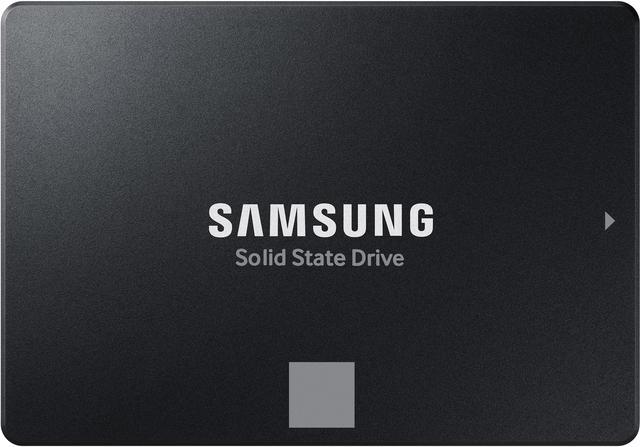
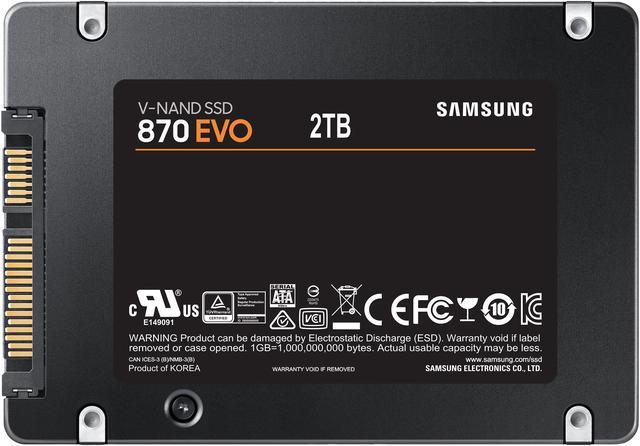
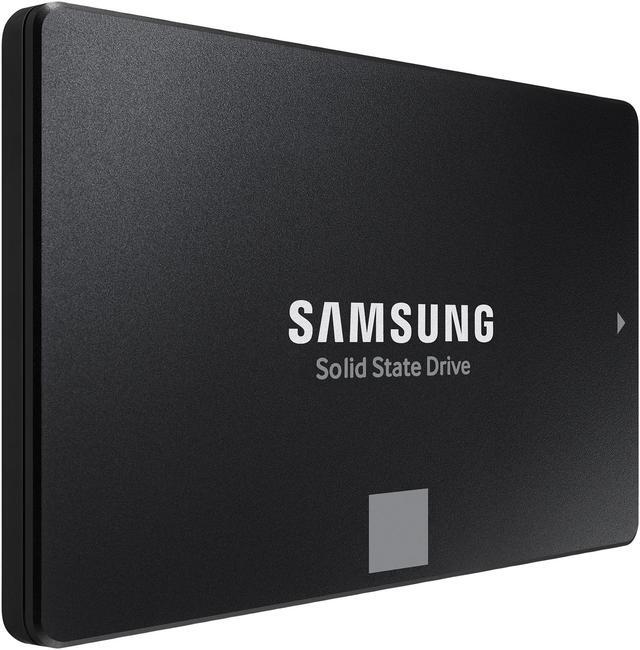
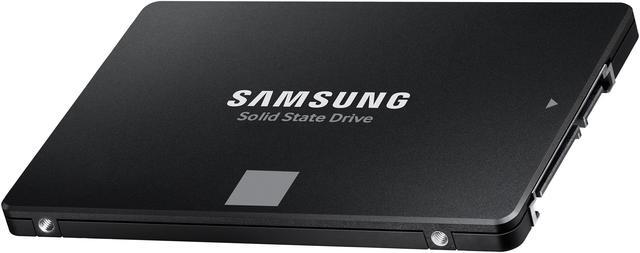
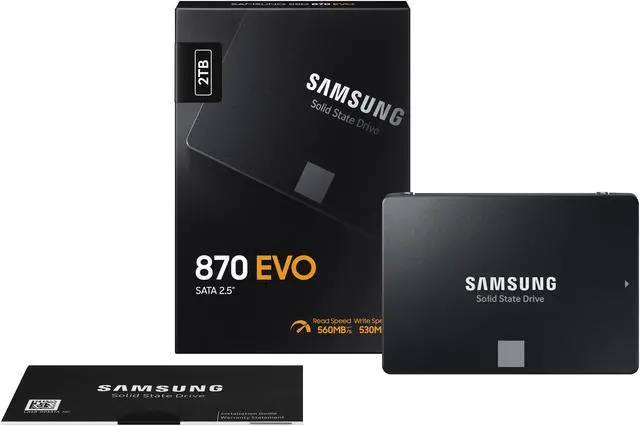
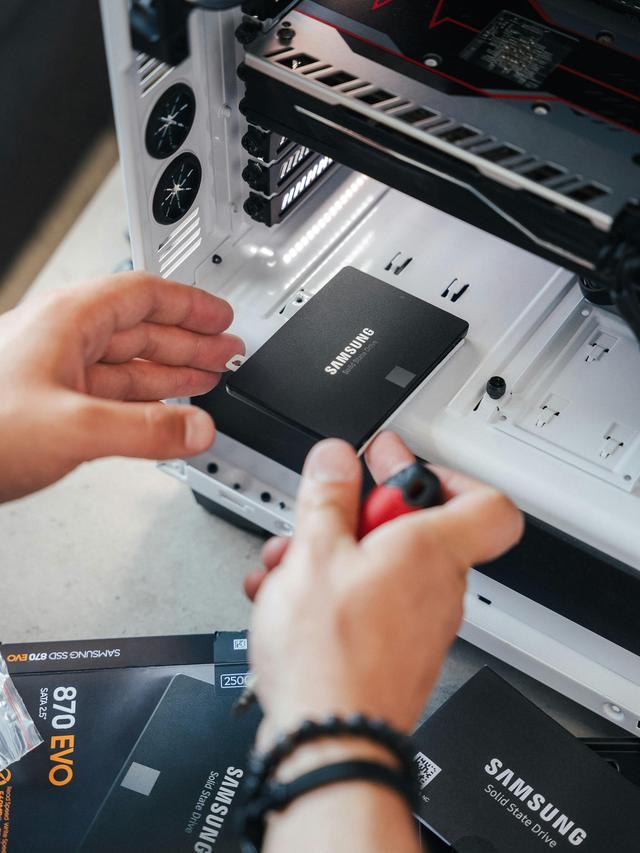
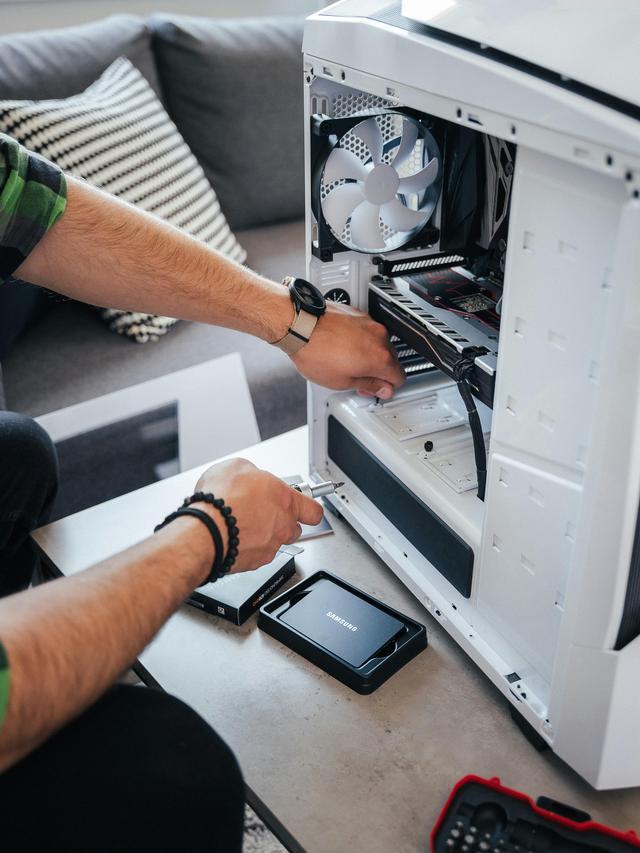
The Samsung 870 EVO 2TB is a 2.5-inch SATA III internal SSD for desktop PC and laptop users who want a high-capacity upgrade for everyday computing, with sequential speeds up to 560 MB/s read and 530 MB/s write.
Recommended For
- Owners of older laptops or desktops with an available 2.5-inch SATA bay who want to replace a hard drive or smaller SSD with a 2TB internal drive. Check the device’s fit and SATA support before buying.
- PC owners who need a roomy SATA drive for a game library, applications, or frequently used files, and whose system has no suitable NVMe slot or drive bay. Reviews found strong performance among SATA SSDs, but the SATA interface sets the speed ceiling.
- Users who regularly move or edit files on a SATA-only computer and want a consumer SSD reviewed for consistent everyday and mixed-file performance, rather than a high-speed NVMe drive.
- Buyers who want a high-capacity consumer SATA SSD for a compatible desktop or laptop and value the 870 EVO’s rated endurance and five-year limited warranty.
Real-World Use Scenarios
- Replacing a mechanical hard drive in a compatible 2.5-inch SATA laptop or desktop: using the 870 EVO as the system drive can make everyday tasks such as starting the computer and opening apps feel more responsive.
- Keeping a large game library on an older PC with a 2.5-inch SATA bay: the 2TB drive provides room for games, and its SSD storage supports game loading, though reviews found little difference in level-load times versus other SSDs and it does not increase in-game performance by itself.
- Moving large folders, such as game installations or video files, between drives: testing found the 870 EVO handled extended transfers consistently, making it useful when moving sizable amounts of data rather than just launching apps.
- Adding internal storage to a SATA-based PC for everyday documents, apps, and media: the 2TB capacity lets users keep more files locally, while small-file and multitasking tests suggest a responsive experience when accessing several files or programs.
- Using a SATA SSD in a computer that cannot take an NVMe drive: the 870 EVO offers a practical internal-drive upgrade for systems with a compatible 2.5-inch SATA connection, but performance remains limited by the SATA interface.
Spec Summary
| Attribute | Value |
|---|
| Best For | 2TB internal storage upgrades for consumer PCs, Macs, and laptops that support a 2.5-inch SATA drive |
|---|
| Capacity | 2TB solid-state storage |
|---|
| Interface And Form Factor | 2.5-inch internal drive with a SATA III interface and SATA protocol |
|---|
| Read Write Performance | Sequential speeds up to 560 MB/s read and 530 MB/s write; random performance up to 98,000 IOPS read and 88,000 IOPS write |
|---|
| Memory And Cache | V-NAND flash with 2GB low-power DDR4 SDRAM cache |
|---|
| Endurance And Reliability | Rated for 1,200TB written, with a 1,500,000-hour MTBF and shock resistance up to 1,500G for 0.5 ms; includes a 5-year limited warranty |
|---|
| Security | Class 0 AES 256 encryption with TCG/Opal v2.0 and MS eDrive (IEEE 1667) support |
|---|
| Power Consumption | Up to 35mW idle; average active consumption of 2.5W, with up to 4.5W in burst mode |
|---|
| Physical Specifications | 100 × 70 × 7mm; weighs 86.18g |
|---|
| Software And Compatibility | Samsung Magician software supports drive management, health and status monitoring, and updates; compatibility information lists PC, Mac, and laptop devices |
|---|
| Model Identifiers | Samsung 870 EVO Series, model MZ-77E2T0B/AM |
|---|
Reference Q&A
Q: Samsung 870 EVO 2TB or Crucial MX500 2TB—which should I buy?
A: Choose the 870 EVO if you want the higher rated write speed and endurance: Samsung specifies up to 530 MB/s sequential writes and 1,200 TBW for the 2TB model, versus Crucial’s 510 MB/s and 700 TBW for the 2TB MX500. Both are 2.5-inch SATA SSDs rated for up to 560 MB/s sequential reads, so the MX500 may be a better fit if it costs less and its endurance rating meets your needs.
Q: Should I get the 870 EVO or the 870 QVO for a 2TB SATA upgrade?
A: Choose the 870 EVO for frequent or sustained writes and its longer warranty: the 2TB EVO is rated for 1,200 TBW and a five-year limited warranty, while the 2TB QVO is rated for 720 TBW and a three-year limited warranty. The QVO is the alternative to consider when its price or capacity is more important than write endurance; both use the 2.5-inch SATA interface.
Q: Is the 870 EVO a worthwhile upgrade from the 860 EVO?
A: For a working 860 EVO, the 870 EVO is usually a modest performance upgrade rather than a reason to replace the drive: both are SATA SSDs, and the interface limits their maximum sequential speeds. The 870 EVO makes more sense when buying a new drive, replacing a failing one, or when its price and condition compare favorably; benchmark results show improvements in some workloads, not a large across-the-board change.
Q: Should I buy the 870 EVO or an M.2 NVMe SSD?
A: Choose the 870 EVO when your computer needs a 2.5-inch SATA drive or lacks a compatible NVMe slot; it supports up to 560 MB/s reads and 530 MB/s writes. If your system supports NVMe and you often transfer large files or run storage-heavy workloads, an NVMe drive can offer substantially higher sequential throughput. Check your system’s supported form factors and interfaces before choosing.
Q: Will this SSD fit my laptop or desktop?
A: It fits a computer that supports a 2.5-inch SATA drive. Check your computer’s specifications before buying: this is a SATA SSD, not an M.2 drive, and the 2TB capacity must also be supported by the system.
Q: Can I use it to clone my current drive?
A: Yes. The product information references Samsung migration software for drive upgrades, and a Best Buy Q&A response says the software can be downloaded. Confirm the software supports your current drive and setup before starting the migration.
Q: Does it come with the cable I need to install it?
A: The provided product information does not confirm that a SATA data cable or other installation accessories are included. Check the package contents and your computer’s available cables before buying.
Q: Can I use it to replace the drive in a PS4?
A: It may be suitable if your PS4 model supports a 2.5-inch SATA drive replacement. Check your console’s model-specific installation requirements before buying; the SSD’s product information does not confirm compatibility with every PS4 model.
Q: Is the 870 EVO a good choice if my computer needs a 2.5-inch SATA SSD?
A: It is a suitable option for a system with a compatible 2.5-inch SATA connection, including older computers or systems without an available compatible M.2 slot. The 2TB model is rated for sequential speeds up to 560 MB/s read and 530 MB/s write. Confirm your computer supports a 2.5-inch SATA drive before buying.
Q: Should I buy this instead of an NVMe SSD if my PC has an available M.2 slot?
A: Usually, compare compatible NVMe options first if the M.2 slot is available and you do not specifically need a 2.5-inch drive. The 870 EVO is limited by its SATA interface; it makes more sense when SATA is required, M.2 slots are occupied, or its capacity and price better fit your needs.
Q: Is the 870 EVO worth paying more for as a game-storage drive?
A: For game storage, the 870 EVO provides 2TB of SATA SSD capacity, but Reddit discussions note that less expensive SATA SSDs can also work for this use. Compare current prices and drive specifications; paying extra may be harder to justify if the drive will mainly store and load games rather than handle frequent large writes.
Q: Should I be concerned about reports of 870 EVO failures?
A: Some Reddit discussions raise concerns about reported failures and firmware, but individual posts do not establish how common failures are across all 870 EVO drives. If you buy one, check its firmware with Samsung’s management software and keep backups of important data; an SSD should not be treated as a backup.