
Your Browsing History




 We‘re shipping as usual! The Canada Post strike only affects certain remote deliveries and PO Boxes. Details
 Holiday Shipping Details & Extended Holiday Returns


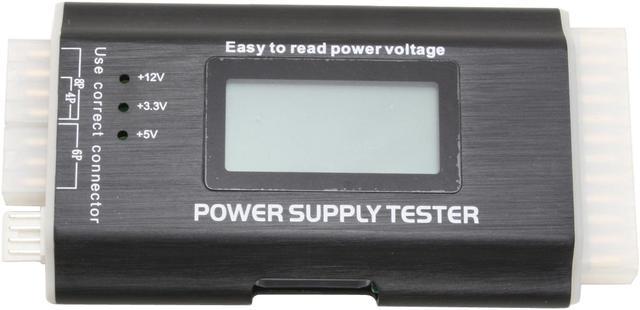
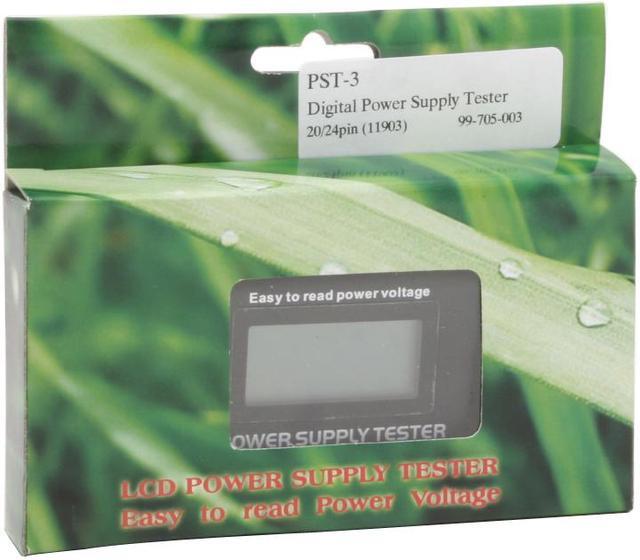
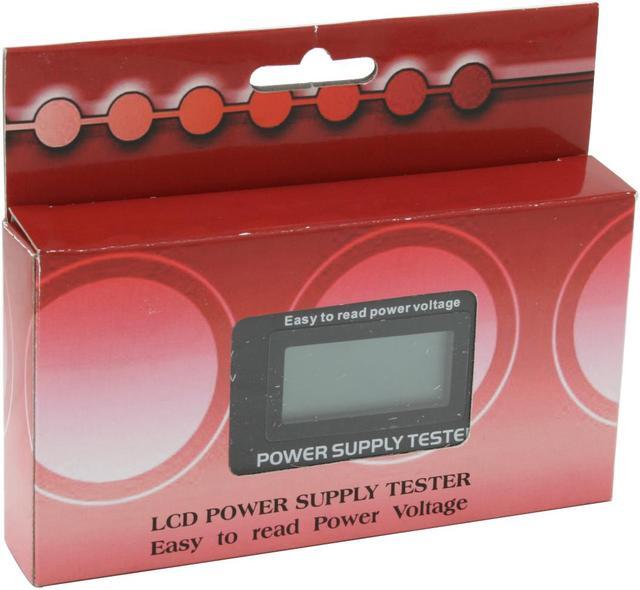
Rexus PST-3 Digital Power Supply Tester with LCD
A quick and easy solution for troubleshooting your PSU issues
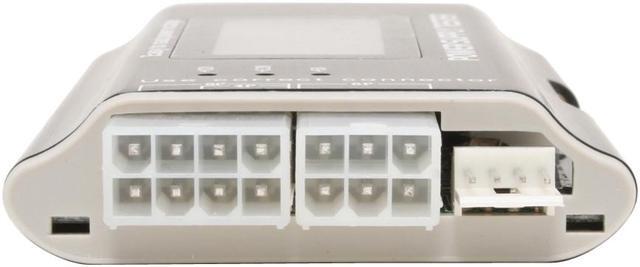
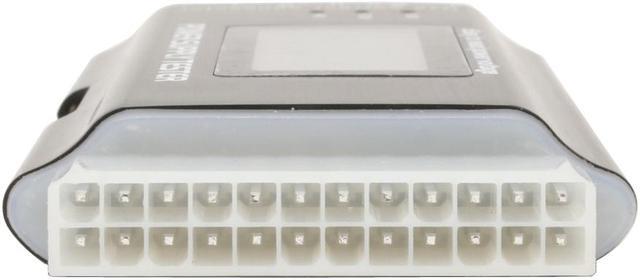
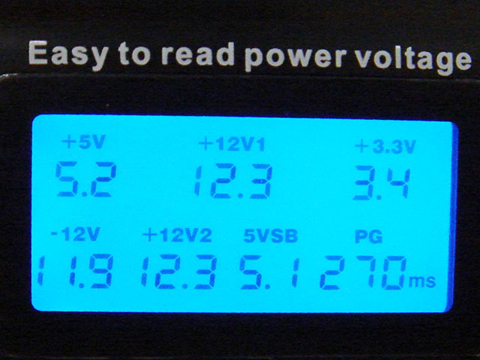
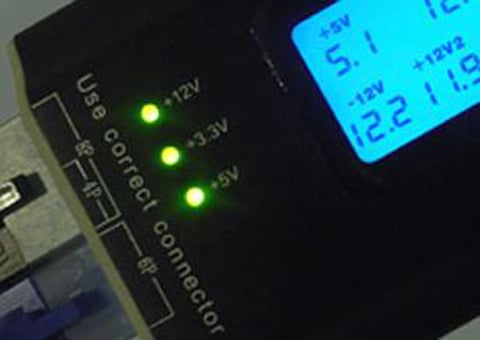
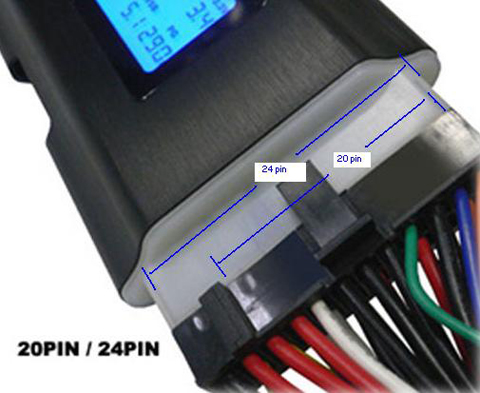
The Rexus PST-3 power supply tester is a must-have for DIY enthusiasts or those working on computers for a living. It connects to the PSU's output connectors, measures the voltage, and displays the results on a backlit LCD screen - instead of having just LEDs indicating the status. It supports today's popular connectors, including 20+4-pin, 4+4-pin for CPU, 6-pin PCIe, 4-pin Molex, SATA and 4-pin fan power connectors. It also displays the Power Good (PG) value on the lower right hand corner. It is the delay in time between the DC rails stabilizing and the Power Good signal being issued for the system to boot, without this signal a system will be unable to boot. Plus, this gadget is compact, lightweight, and rugged built with metal housing, making the Rexus PST-3 power supply tester with LCD a durable and portable solution you can count on to troubleshoot power supply issues at home or in the field.
How to use
When abnormal happened, it will alarm and relative readouts blink on the screen.
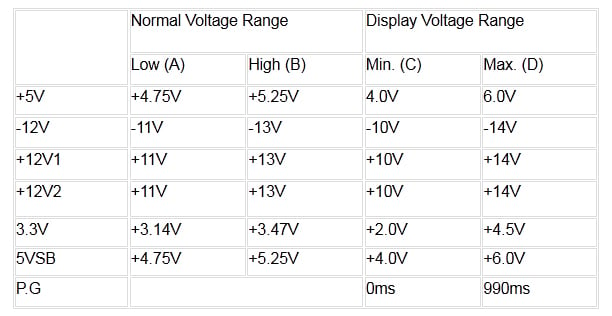
Please Note:
Each voltage normal range:
The -5V DC output is taken off from Intel ATX12V design guide since the 1.2 version.
Rexus 8-in-1 Deluxe 20+4-pin ATX Power Supply Tester w/ LCD PST-3 LCD Screen
Features:
This product is a simple tester for switching power supply. It makes it easy to test the power supply output.
1. plug-in 24pin and P4 or P6 or P8 connector
2. turn on your power supply
3. display ATX power voltage on LCD
4. read each voltage value
5. read power good signal rising time (PG)
6. check the voltage ,if too lower or too higher , maybe system can't boot
7. check each out connector (same as before)
Dimension: H * L *D : 64mm * 150mm * 18mm
Test for:
Tests 20-pin and 24-pin power supplies
Tests SATA power
Tests Pentium 4 power connector
Tests PCI-Express power connectors
Tests Xeon power connectors
Tests Floppy drive connectors
Tests standard 4-pin power supply connectors
Tests for +3.3V, -12V, PG, +5VSB, +12V, -5V, +5V outputs
Warning:
This product is designed only for power supply output tests. Do not leave it connected to the power supply unattended. It generates heat and could possibly damage your power supply.