
Your Browsing History

Quick View
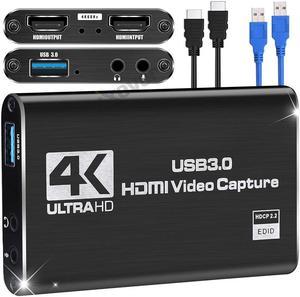
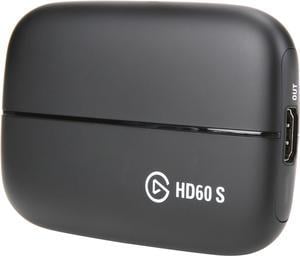
Elgato Game Capture HD60 S - Stream, Record and Share Your Gameplay in 1080p 60 FPS, Superior Low Latency Technology, USB 3.0, For PS4, Xbox One and Nintendo Switch
- Interface: Interface: USB 3.0 Ports In: PlayStation 4, Xbox One, Nintendo Switch (unencrypted HDMI) Ports Out: HDMI (pass-through) up to 1080p60
- Camera Resolution: Up to 1080p Video
- Color: Black
- Compatibility: Mac: OS: macOS Sierra GPU: AMD or NVIDIA CPU: Intel i5-4xxx quad-core or better Windows: OS: Windows 10 (64-bit) GPU: Intel HD, NVIDIA GeForce GTX 600 or better CPU: Intel i5-4xxx quad-core or better
- Model #: 1GC109901004
- $379.90 –
- Free Shipping
Quick View
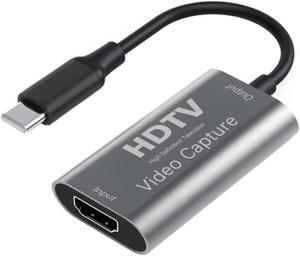
IXEVER Video Capture Card, Video Recording Card Wonderful 4K HDMI to 1080P USB C for Gaming Streaming TV Recorder, for Windows Mac OS System with USB C Adapter to Adjust PS4, Switch, Xbox1
- Camera Resolution: Up to 1080p Video
- Option: C to HDMI
- Model #: CAP-CTHD
Quick View
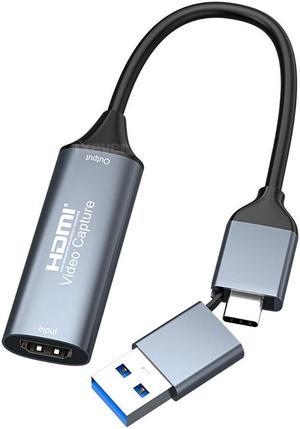
HDMI Video Capture Card, iXever USB2.0 HDMI to USB C Audio Video Capture Card 4K 1080P for Gaming Live Streaming, Video Recorder, Support Windows Mac OS System, OBS Zoom, Quest 3 VR Switch PS4/5
- Camera Resolution: 4K/30Hz
- Option: 4K
- Model #: CAP-U2-CTAHD
Quick View
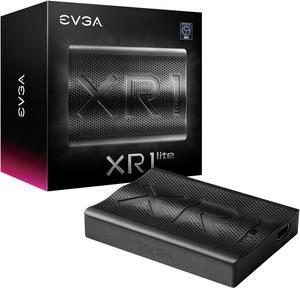
EVGA XR1 lite Capture Card, Certified for OBS, USB 3.0, 4K Pass Through, PC, PS5, PS4, Xbox Series X and S, Xbox One, Nintendo Switch, 141-U1-CB20-LR
- Interface: USB 3.0 Type-C
- Resolution Support: 4K
- Specification: Video Input Interface: HDMI (up to 4k@60fps) Audio Input Interface: HDMI Video Bypass: HDMI (up to 4k@60fps) Video Resolution Input: 480p / 576p / 720p / 1080p / 2160p@60fps Video Resolution Pass Through: 480p / 576p / 720p / 1080p / 2160p@60fps Encode Resolution: Up to 1080p @ 60fps Encode Format: Raw
- Feature: The EVGA XR1 lite capture card allows you to capture every epic gameplay moment-Record at 1080p/60fps while you game at 4K/60fps. The new compact design and USB 3.0 are perfect for capturing gameplay or connect it to a DSLR camera for a high-quality webcam option.
- Model #: 141-U1-CB20-LR
- $214.47 –
- More options from $149.99 - $214.47
- Free Shipping
Quick View
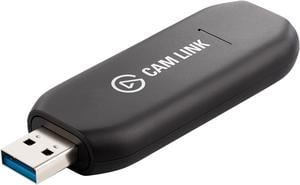
Elgato Cam Link 4K - HDMI to USB 3.0 Camera Connector, Broadcast Live and Record in 1080p60 or 4K at 30 fps via a Compatible DSLR, Camcorder or Action Cam
- Resolution Support: 3840x2160 up to p30, 1920x1080 up to p60 / i60, 1280x720 up to p60, 720x576p50, 720x480p60
- HDMI: 1 x HDMI Input (unencrypted)
- System Requirements: MINIMUM REQUIREMENTS: Windows 10 (64-bit) / macOS Sierra 10.12, USB 3.x port, 4th generation quad-core Intel Core i5 CPU
- Feature: Easily connect your DSLR, camcorder, or action cam to your PC or Mac Go live on any platform in no time thanks to ultra-low-latency technology Broadcast in stunning quality at 1080p60 or even up to 4K at 30 fps Shoot and produce within your favorite tools
- Model #: 10GAM9901
- $159.50 –
- More options from $134.99 - $214.99
- Free Shipping

Quick View
ASUS TUF Gaming Video Capture Card(CU4K30) 4K/2K/1080p120, Near-Zero Latency, HDR Passthrough, USB 3.2, RGB Lighting, Certified for OBS™, USB 3.2 Plug & Play, Record &Stream with PC, PS5, Xbox, Switch

- Interface: HDMI
- Color: Black
- Video: Video Input: HDMI 2.0 Video Output(Passthrough): HDMI 2.0
- Audio: Audio Input: HDMI 2.0 Audio Output(Passthrough): HDMI 2.0
- Model #: 90YM00H0-B0AA00
- $321.74 –
- More options from $321.74 - $396.78
- Free Shipping
Quick View
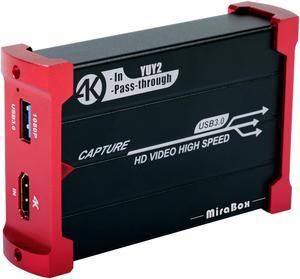
MiraBox Game Capture - HSV321 4K In 1080P@60fps YuY2 Capture Out HDMI to USB3.0 Video Capture Card for Facebook YouTube Game Live Stream With 4K HDMI Loopout Support Windows Mac OS X
- Interface: USB 3.0
- 3D Support: Yes
- Network Protocol: UVC / UAC
- Codecs: YUV / RGB
- Model #: HSV321
- $149.99 –
- Free Shipping
Quick View
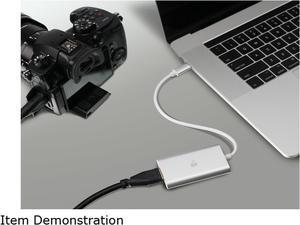
IOGEAR GUV301 Video Capture Adapter - HDMI to USB-C
- HDMI: 1 x HDMI female (480P/720P/1080P)
- USB Port: USB-C 3.1 G1 (1080P@60Hz)
- System Requirements: Windows 7 and above with UVC (USB Video Class) v1.1 support Mac OSX 10.13 and above with UVC support Android Smartphone with UVC support* System requirements: CPU: Intel Core i3 2.8 GHz or higher Memory: 4GB or more One USB-A or USB-C 3.1 port Stream software with UVC device support Stream Software Support*: Youtube, Facebook, and Twitch OBS: https://obsproject.com Xsplit: https://www.xsplit.com *NOTE: For latest Android phone that supports UVC format: If after connecting to GUV301, the Android phone display output has fragmentation, glitch background or screen noise, the Android phone might be using bandwidth lower than USB3.0. For such case, please download the firmware "GUV301_USB2.0_Smartphone Support" via Windows platform before connecting GUV301...
- Model #: GUV301
- $162.15 –
- More options from $98.99 - $162.15
- Free Shipping

Quick View
USB3.0 to HDMI Conversion Capture Card HDMI Video Capture Card OBS Recorder 4K HDMI Capture Card
- Interface: USB 3.0
- USB Port: 1
- Component: 2 In
- S-Video: 1 Input/1 Output
- Model #: 082403
- $56.23 –
- More options from $44.88 - $66.97
- Free Shipping
Quick View
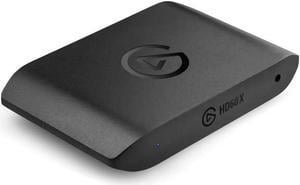
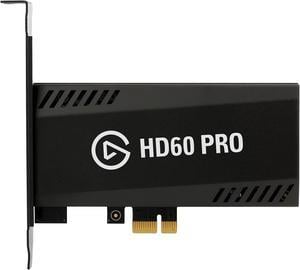
Elgato Game Capture HD60 Pro PCIe Capture Card, Stream and Record in 1080p 60 FPS
- Camera Resolution: N/A
- Color: Black
- HDMI: 1 Input/1 Output
- System Requirements: OS: Windows 10 (64-bit) GPU: Intel HD, NVIDIA GeForce GTX 600 or better CPU: Intel i5-4xxx quad-core or better Other: PCIe x1/x4/x8/x16 slot
- Model #: 1GC109901002
- $389.90 –
- Free Shipping
Quick View
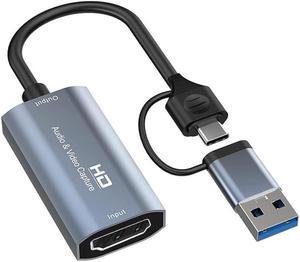
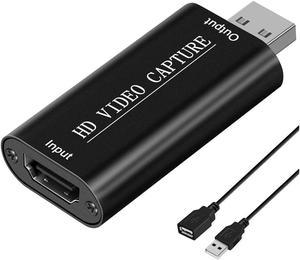
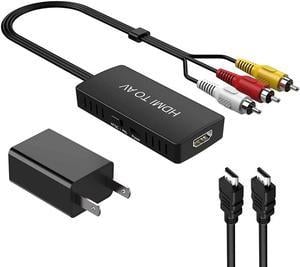
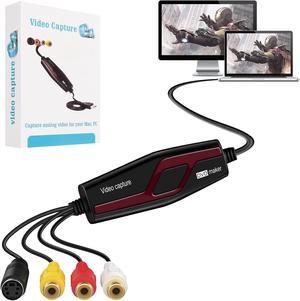
USB 2.0 Video Capture Card Device Converter, Easy to Use Capture, Edit and Save Analog Video to Digital Files for Your Mac OS X or Windows 7 8 10 PC, One Touch VHS VCR TV to DVD
- Feature: Video Capture comes with RCA and S-Video inputs and also uses a USB 2.0 interface. Any device with a composite output such as a VHS player can be used to transfer video and audio to your PC. Preserve Your Old Home videos You can share all your old & precious videos on social media anytime.This the best way to digitize home videos to playback on your computer, or to upload to YouTube. So you can enjoy these videos with your family and friends anywhere. Share on Social Media you can share with your friends and family on Facebook, YouTube, Twitter and other social media.
- Model #: HU-SO2091
- $56.99 –
- Free Shipping
Quick View
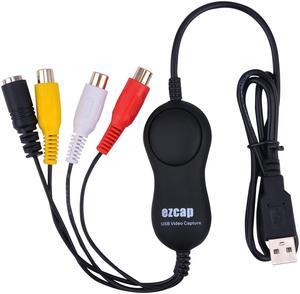
Ezcap158 USB Audio Video Recording Card UVC Video Capture Convert Analog Video Audio to Digital format for XBOX VHS PS3
- Interface: USB 2.0
- Model #: EZCAP158
- $96.00 –
- Free Shipping
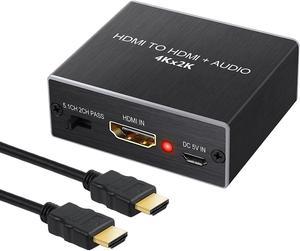

Quick View
- $28.80 –
- More options from $28.80 - $61.80
- Free Shipping
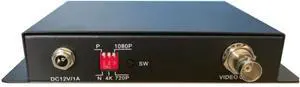
Quick View
HDMI to AHD/TVI Converter w/audio output 4K /EDID /1080p/HDMI Loop Out/ 4-500 Meters/HD CCTV Outdoor Security Surveillance DVR NVR Video Recorder
- Model #: AHD-ER03HR
- $287.50 –
- $60.00 Shipping
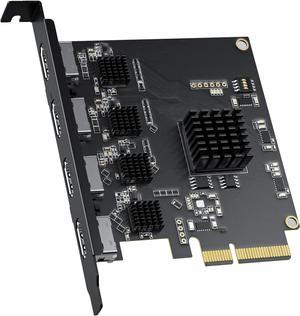
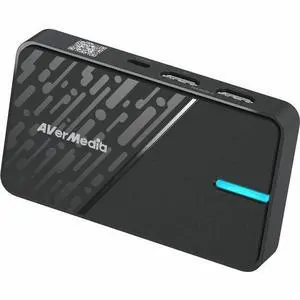
Quick View
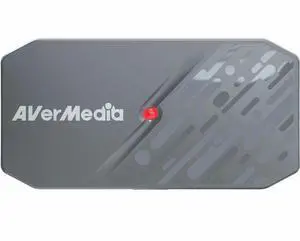
AVerMedia StreamLine MINI+ Video Capturing Device - Functions: Video Capturing, Video Streaming - 2160p, 1440p, 1080p, 1080i, 720p, 576p, 480p, 480i - 3840 x 2160 - 4K - NV12, YUY2, MJPEG - USB - PC -
- Brand: AVerMedia
- Model #: GC311G2 BLACK
- $115.99 –
- More options from $115.99 - $132.82
- Free Shipping
Quick View
AVerMedia BU113G2 CamStream 4K - Functions: Video Capturing, Video Streaming - 2160p, 1080p, 1440p, 1024p - 3840 x 2160 - 240 fps - 4K, Full HD, 2K - MJPEG, YUY2, NV12 - USB - PC, Android - Camera, De
- Brand: AVerMedia
- Model #: BU113G2-Black
- $179.99 –
- More options from $175.11 - $185.45
- Free Shipping

Quick View

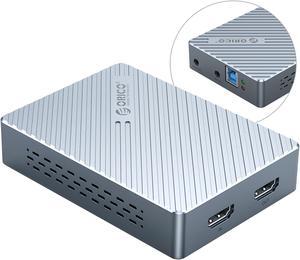
- Interface: USB-A 3.0*1(PC Connection), HDMI*1(1080P@60Hz Video Input), Audio*2(Dual Audio Input)
- Resolution Support: 1080P 60Hz
- Camera Resolution: Up to 1080p Video
- LED Indicator: Red/Green
- Model #: HVC-1080-GY-BP
- $188.99 –
- Free Shipping
Quick View
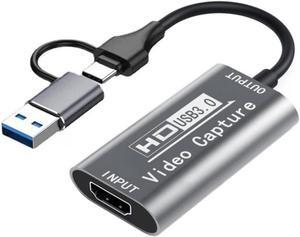
IXEVER 4K HDMI Capture Card for Streaming, Full HD 1080P 60FPS USB Cam Link Game Audio Video Capture Card for Nintendo Switch/PS5/3ds/Xbox/PS4 to Window Mac OS System OBS Zoom
- Camera Resolution: Up to 1080p Video
- Model #: CAP-CTAHD
Quick View
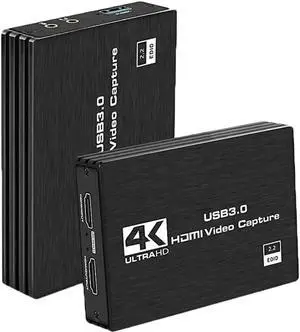
4K 1080P 60FPS Capture Card Nintendo Switch, Video Capture Card, Game Capture Card, HDMI to USB/Type-C Capture Card for Streaming Work with PS4/PC/OBS/Camera
Limited time offer, ends 04/08
- Model #: BZ59-1222-Z57
- $70.02 –
- Free Shipping

Quick View
CORN 4K Audio Video Capture Card, USB 3.0 HDMI Video Capture Device, Full HD 1080P 60FPS for Game Recording, Live Streaming Broadcasting-Black
- Camera Resolution: Up to 1080p Video
- Model #: DZ-ZHT-268
- $39.99 –
- Free Shipping
Quick View
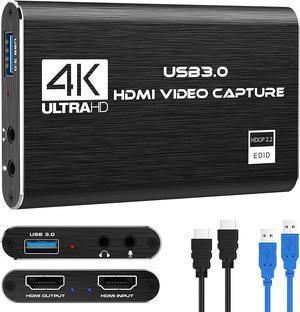
Audio Video Capture Card,4K HDMI USB 3.0 Capture Adapter Video Converter 1080P 60fps Portable Capture Device for Video Game Recording Live Streaming Broadcasting,Support PS4 Xbox One Camera
Limited time offer, ends 04/08
- Feature: 1080P HD Quality:Capture resolution up to 1080p at 60fps for video source and it is ideal for all HDMI devices such as PS4, PS3, Xbox One, Xbox 360, Wii U, Nintendo Switch, DVDs, DSLR, Camera, Security Camera and set top box. Compatible with Multiple Systems:suitable for Windows and Mac OS. High speed USB 3.0 technology and superior low latency technology makes it easier for you to transmit live streaming to Twitch, Youtube, Facebook, Twitter, OBS, Potplayer and VLC. Plug and Play:No driver or external power supply required, true PnP. Once plugged in, the device is identified automatically as a webcam. Detect input and adjust output automatically. Won't occupy CPU, optional audio capture. No freeze with correct setting. HDMI LOOP-OUT:Based on the high-speed USB 3.0 technology, it can capture one single channel HD HDMI video signal. There is no delay when you a...
- Model #: HU-9HU8900
- $38.72 –
- More options from $38.72 - $78.99
- Free Shipping
Quick View
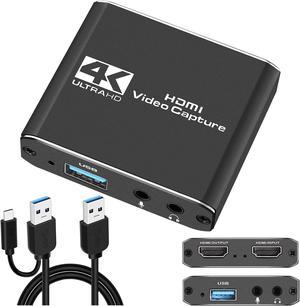
Capture Card, HDMI Audio Video Capture Card, 1080P 60FPS Video Recorder Capture Device Converter with Mic Input & Audio Output and 4K HD Loop-Out Work with Nintendo Switch/PS4/DSLR/OBS
- Feature: 4K HDMI Game Capture Card: TKHIN game video capture card is designed with high-end smart chip, stylish and compact by decent Aluminum Alloy shell. Supports up to 4K@60fps HDMI input, plug and play let the device work instantly with stream media like OBS. Ideal for live streaming, gaming broadcast, video recording, conference rooms, etc. HD 1080P 60fps Signal Loop Out: This HDMI capture card for Nintendo Switch has maximum HDMI output resolution up to 4K@30fps, and streams 1080p@60fps video signal through USB 2.0 port. It outputs a clean and clear excellent inage quality without frame lag. You can enjoy recording specific moments in video game adventures. 3.5mm Microphone and Audio Input/Output Port: You can connect the audio video capture device with your earphone with 3.5.mm audio out port, you can also connect the video capture device with 3.5mm Microphone so...
- Model #: HU-OSE9201
- $66.89 –
- More options from $66.89 - $69.17
- Free Shipping
Quick View
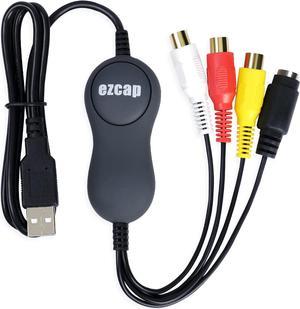
CORN USB 2.0 Video Capture Card, VHS/VCR to Digital Converter, Digitize Analog Video for Mac or Windows, Easy VHS/VCR/TV to DVD
- Model #: DZ-ZHT-269
- $39.99 –
- Free Shipping

Quick View
CORN Capture Card, Video Capture Card 4K HDMI to USB/Type-C 1080P 60FPS Game Capture Card for Streaming, Teaching, Video conferencing or Live Broadcasting
- Model #: DZ-ZHT-270
- $39.99 –
- Free Shipping
Quick View
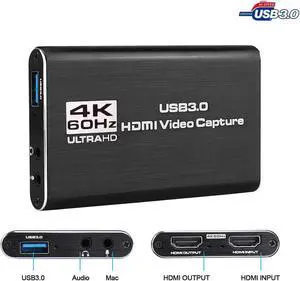
Video Capture Card,Game Capture Card,Game Recording Audio Video Capture Card,HD Video Capture 1080P HDMI Video Recorder,HDMI to USB 3.0 4K for PS4 PS5 DSLR Xbox Streaming and Recording
Limited time offer, ends 04/08
- Model #: BZ59-1222-Z12
- $52.42 –
- Free Shipping
Quick View
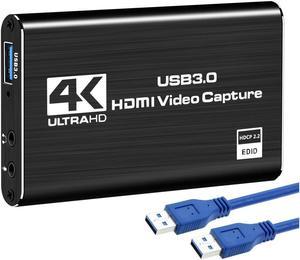
4K Audio Video Capture Card, USB 3.0 HDMI Video Capture Device, Full HD 1080P 60FPS for Game Recording, Live Streaming Broadcasting-Black
Limited time offer, ends 04/06
- Model #: 0028
- $32.97 –
- More options from $32.97 - $89.98
- Free Shipping