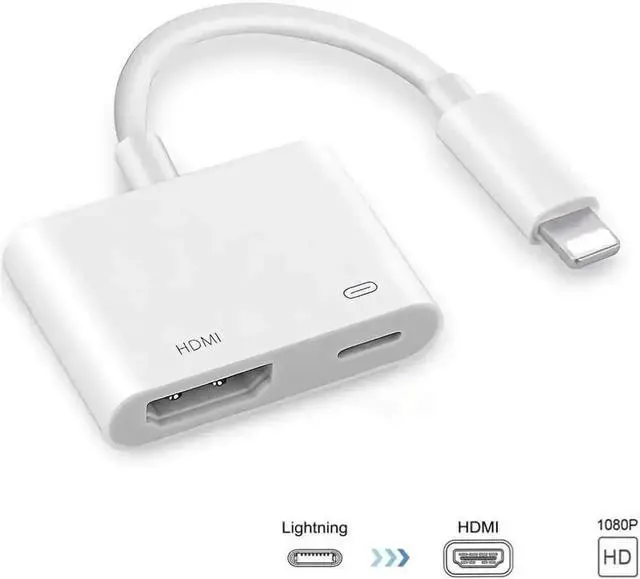
JVFYI Compatible with iPhone iPad to HDMI Adapter Cable, Digital AV Adapter 1080p HD TV Connector Cord Compatible with iPhone 8 Xs Max XR 7 6Plus, iPad Pro Mini Air to TV Projector Monitor
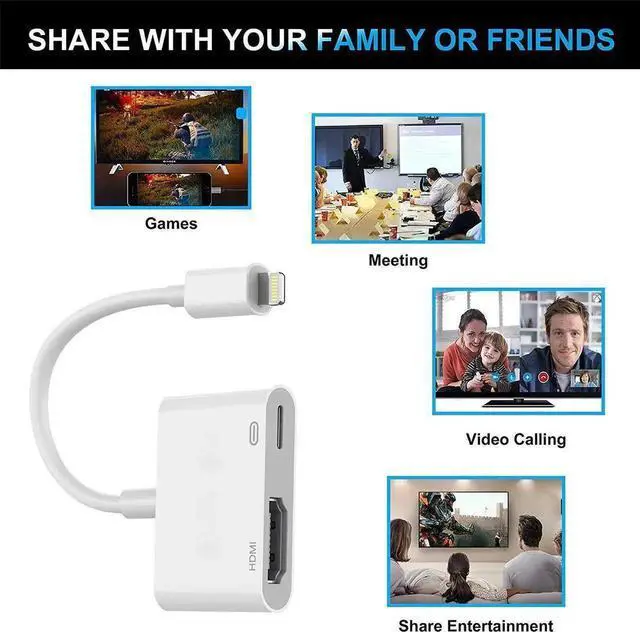
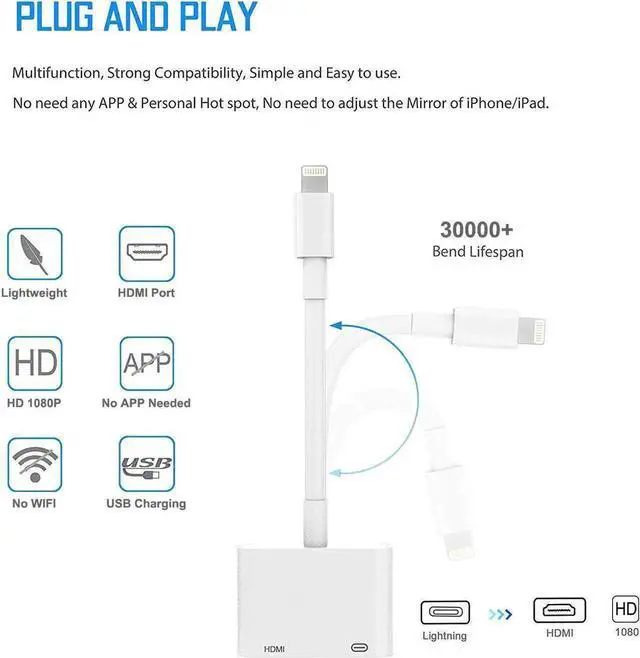
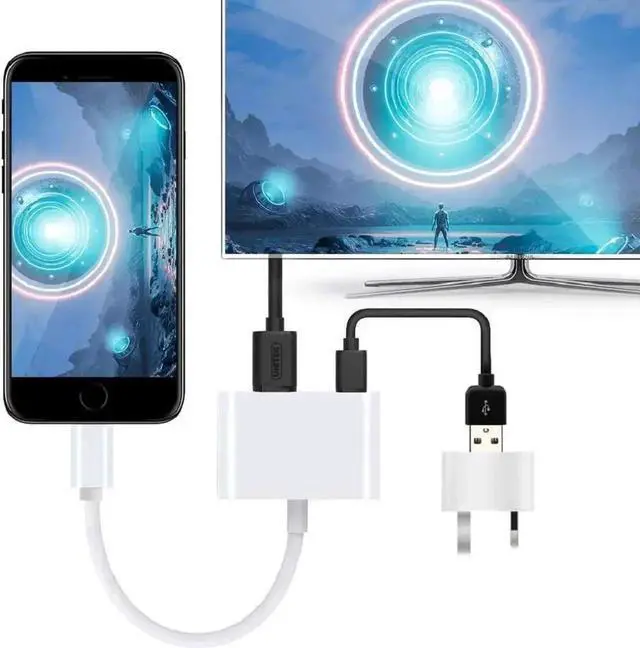
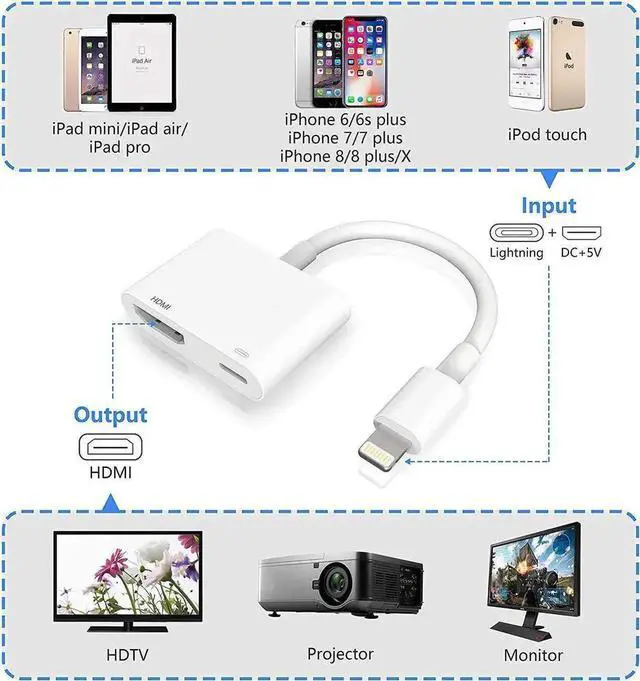
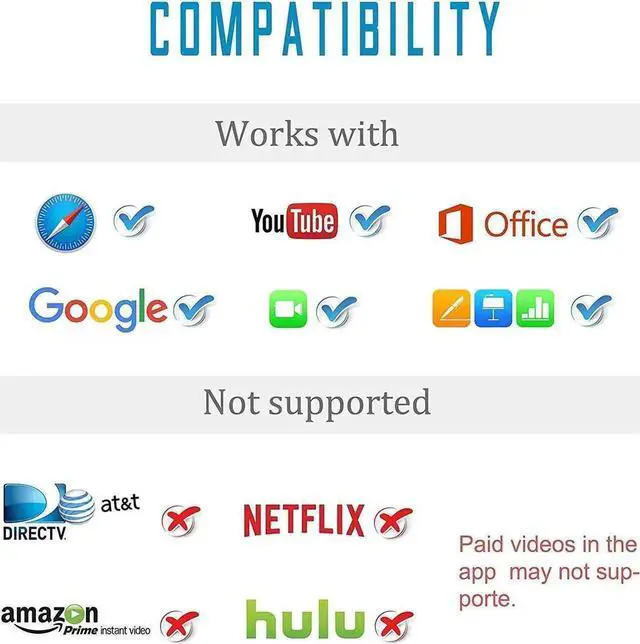
Full 1080P HD: This Lighting to HDMI Dongle supports mirroring of what is displayed on your Phone/Pad screen to your HDMI equipped TV, display, projector. which delivers full 1080P HD Output. Providing wonderful visual experience in daily life and work. Great for home entertainment, business meetings, education, training and etc.
Compatibility With:
iPhone 11 / 11 Pro / 11 Pro Max.
iPhone X / XR / XS / XS Max.
iPhone 8 / 8 Plus.
iPhone 7 / 7 Plus.
iPhone 6 / 6 Plus / 6s / 6s Plus.
iPhone 5 / 5C / 5S / SE.
iPad / iPod.
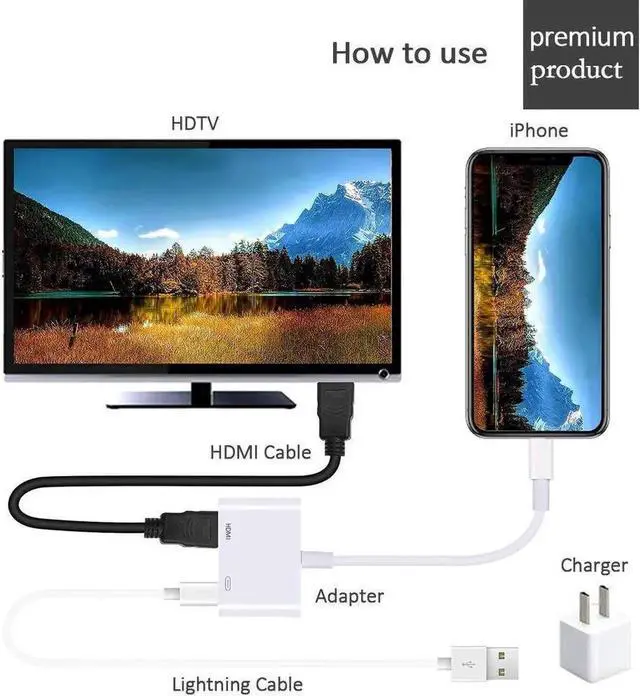
How to Connect It to Work:
1. Insert the your phone charge cable into the 5V/1A USB AC Adapter.
2. HDMI Port: connect to your TV or big screen via HDMI cable.
3. connection: connect into your Phone.
4. Please click the "Trust" and wait 8-10 seconds to synchronize the phone screen with the TV.
+
+
Overview
Specs
Reviews
Full 1080P HD: This Lighting to HDMI Dongle supports mirroring of what is displayed on your Phone/Pad screen to your HDMI equipped TV, display, projector. which delivers full 1080P HD Output. Providing wonderful visual experience in daily life and work. Great for home entertainment, business meetings, education, training and etc.
Compatibility With:
iPhone 11 / 11 Pro / 11 Pro Max.
iPhone X / XR / XS / XS Max.
iPhone 8 / 8 Plus.
iPhone 7 / 7 Plus.
iPhone 6 / 6 Plus / 6s / 6s Plus.
iPhone 5 / 5C / 5S / SE.
iPad / iPod.
How to Connect It to Work:
1. Insert the your phone charge cable into the 5V/1A USB AC Adapter.
2. HDMI Port: connect to your TV or big screen via HDMI cable.
3. connection: connect into your Phone.
4. Please click the "Trust" and wait 8-10 seconds to synchronize the phone screen with the TV.
Learn more about the Detailed Specifications
Additional Information
First Listed on Newegg
December 14, 2025
There are no reviews yet.
Do you own this product?
Warranty & Returns
Warranty, Returns, And Additional Information
Warranty
Please contact the Seller directly for warranty information. Warranty information may also be found on the Manufacturer's website.


 We‘re shipping as usual! The Canada Post strike only affects certain remote deliveries and PO Boxes. Details
 Holiday Shipping Details & Extended Holiday Returns


