
Your Browsing History
- In Stock
- Sold by Newegg
Quick View
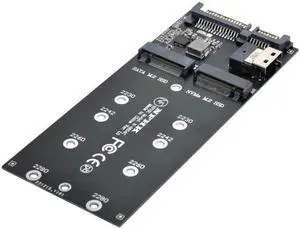
JVFYI SF-033 SFF-8643 to U2 Kit NGFF M-Key to HD Mini SAS NVME PCIe SSD SATA Adapter for Motherboard
- Model #: C2JG-16005
- $25.39 –
- Free Shipping
Quick View
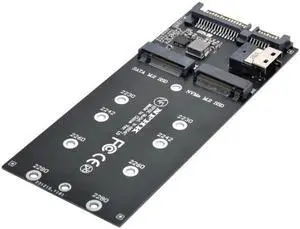
JVFYI SF-016 SFF-8654 to U2 Kit NGFF M-Key to Slimline SAS NVME PCIe SSD SATA Adapter for Mainboard
- Model #: C2JG-16038
- $25.39 –
- Free Shipping
Quick View
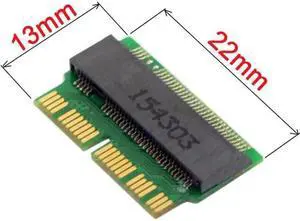
12+16pin 2014 2015 Macbook to M.2 NGFF M-Key AHCI SSD Convert Card for A1493 A1502 A1465 A1466
- Model #: YC32P.1211205
- $20.47 –
- More options from $20.47
- Free Shipping
Quick View
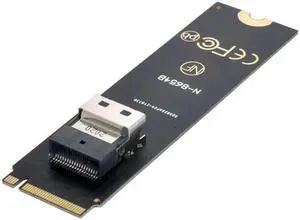
SF-013 NGFF M-Key NVME to U.2 U2 Kit SFF-8639 to SFF-8654 Slimline SAS PCIe SSD Adapter for Mainboard
- Model #: C32P.120163
- $21.80 –
- More options from $21.80
- Free Shipping

Quick View
Low Profile Dual 2x NVME M.2 SSD to PCIE Express Gen4 X8 X16 Raid Card VROC Raid0 Hyper Adapter
- Model #: C32P.120544
- $57.97 –
- More options from $57.97
- Free Shipping

Quick View
Dual 2X NVME M.2 AHCI to PCIE Express 3.0 Gen3 X8 X16 Raid Card VROC Raid0 Hyper Adapter
- Model #: YC32P.121270
- $47.48 –
- More options from $47.48
- Free Shipping
Quick View
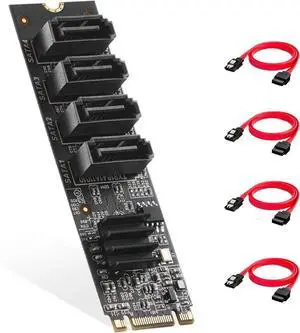
DIXSG .2 to SATA Card 4 Port, 6Gbps SATA 3.0 Controller, Includes 4 SATA Cables, for Windows 10/11
- Model #: C0FE-Y-121510
- $57.58 –
- Free Shipping
Quick View
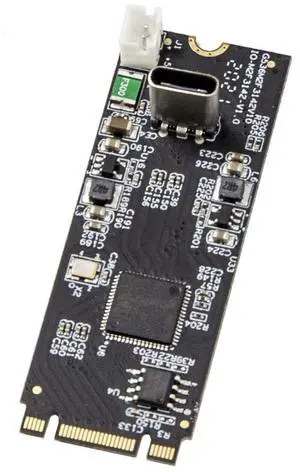
Vszerda USB 3.1 Gen 2 10 Gbps 1 Port Type-C M.2 22x60 B+M Key Expansion Card ASMedia ASM3124 SY-ADA20232
- Model #: SY-ADA20232
- $79.89 –
- Free Shipping
Quick View
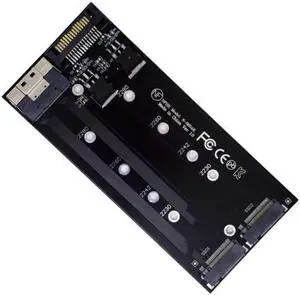
JVFYI SA-014 Dual 2X NVME M.2 AHCI to PCIE Express 3.0 4.0 Slimline SFF-8654 8X Raid Card VROC Raid0 Hyper Adapter
- Model #: C2JG17021
- $34.99 –
- Free Shipping
Quick View
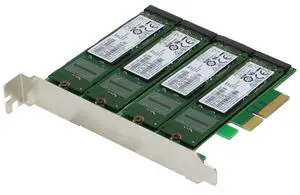
Sedna SE-PCIE-m2SSDx4-R-MA Interface Cards/Adapter M.2 Internal - Accessory (PCIe, M.2, PCIe 2.0, Black, Green, Box, 6 GB/s)
- Model #: 133719589082
- $300.00 –
- More options from $300.00 - $303.03
- Free Shipping
Quick View
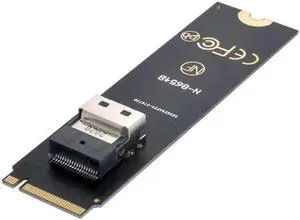
JVFYI SF-013 NGFF M-Key NVME to U.2 U2 Kit SFF-8639 to SFF-8654 Slimline SAS PCIe SSD Adapter for Mainboard
- Model #: C2JG-1597
- $25.39 –
- Free Shipping
Quick View
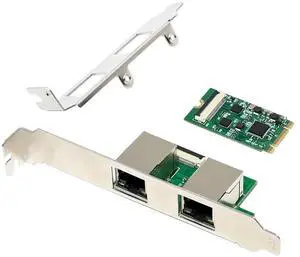
JVFYI M.2 B+M RTL8111H Dual-RJ45 Gigabit Ethernet Card FPC
Limited time offer, ends 04/08
- Model #: C2ZP-H-121858
- $115.78 –
- Free Shipping
Quick View
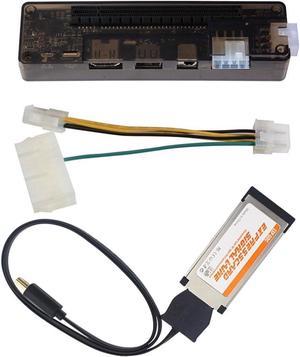
Dutaby EXP GDC External Laptop Graphics Card Dock Laptop Docking Station Video Card Kit Express Card Cable
- Model #: SJB0CJDW28G3
- $118.99 –
- Free Shipping

Quick View
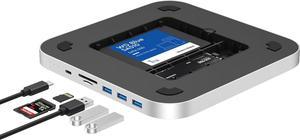
M.2 NVMe SSD Convert Adapter Card for MacBook Air Pro Retina (Year 2013-2017), NVME/AHCI SSD Upgraded Kit for A1465 A1466 A1398 A1502
- Color: Black
- Specifications: Applications: 1. Make sure to move to High Sierra while still on your old drive, so that a newer firmware is installed that can handle NVMe. 2. Do a full backup to your TimeMachine. 3. Create a High Sierra Installer on a bootable USB stick. 4. Open the macbook and disconnect the battery while wsitching out the drive and make sure both adapter and new SSD sit snug. Finally reconnect the battery before closing the shell. 5. Insert the installer USB stick from step2, and press the option key while the machine starts. Once its up you can now go to the disk utils to format.
- Package Contents: 1x M.2 NVMe SSD Adapter Card for Upgrade of Macbook 2013-2017.
- Model #: NVMETMAC

Quick View
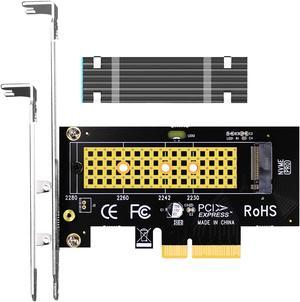
GLOTRENDS PA09-HS M.2 NVMe to PCIe 4.0 X4 Adapter with M.2 Heatsink for 2280/2260/2242/2230 M.2 NVMe SSD
- Type: PCI Express to M.2 Card
- External Ports: M.2
- Internal Ports: PCIE
- Data Transfer Rate: PCIE 4.0 X4
- Model #: PA09-HS
Quick View
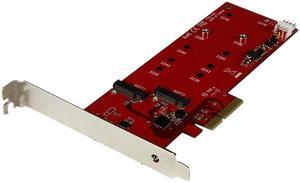
StarTech.com PEX2M2 2x M.2 SATA SSD Controller Card - PCIe - PCI Express M.2 SATA III Controller - NGFF Card Adapter
OUT OF STOCK
- Changer Type: Bus Type: PCI Express Card Type: Standard Profile (LP bracket incl.)
- Specifications: Industry Standards: Serial ATA 3.0 specification - SATA I/II/III (1.5/3/6Gbps) PCI Express 2.0 Type and Rate: SATA III (6 Gbps) OS Compatibility: OS Independent; No additional drivers or software required System and Cable Requirements: PCI Express x4 slot (backward compatible with x8, and x16 slots) Humidity: 20% - 80% RH (Non-condensing) Operating Temp.: 5 to 50 degree C Storage Temp.: -25 to 70 degree C
- Connector A: Connector: 1 x PCI Express x4 Male
- Connector B: Internal Ports: 2 x M.2 (NGFF, B-Key) Receptacle 1 x SP4 (4 pin; Small Drive Power) Male
- Model #: PEX2M2D
- $100.99
- $49.99 –
- Save: $51.00 (50%)
- Free Shipping