
Your Browsing History
- In Stock
- Sold by Newegg
- New
Quick View
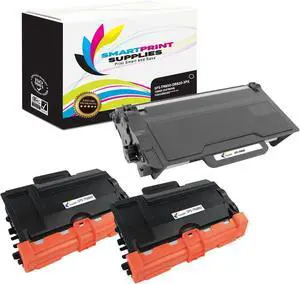
Compatible TN880 DR820 Super High Yield Toner Cartridge and Drum Unit Replacement for Brother HL-L6200 6300 6400, MFC-L6700 6750 6800 6900 Printers (2 TN-880, 1 DR-820) - 3 Pack
- Model #: DARCAQB078K1FHS4
- $533.99 –
- Free Shipping
Quick View
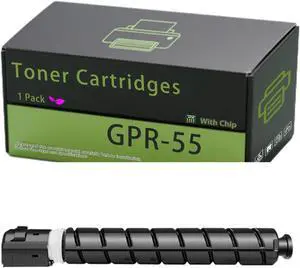
GPR-55 Toner Cartridges Compatible for Canon imageRUNNER Advance C5550i C5550i II C5550i III Printers, High Yield 70000 Pages, Clear and Sharp, Quick to Adapt (1 Pack Magenta)
- Model #: DARCAQB0FQ3KGSVP
- $411.99 –
- Free Shipping
Quick View
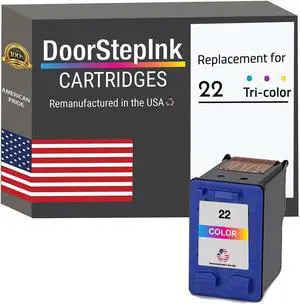
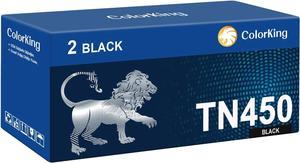
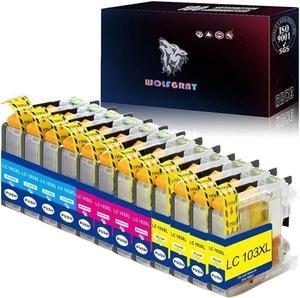
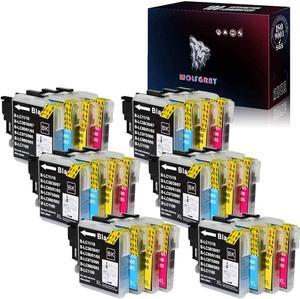
Wolfgray LC103 Color Ink Cartridges 12 Pack - Compatible with Brother LC101 LC103XL LC 103 for MFC-J470DW MFC-J870DW Printers (4C+4M+4Y)
- Model #: EB0BPM17ZFK
- $61.99 –
- Free Shipping
Quick View
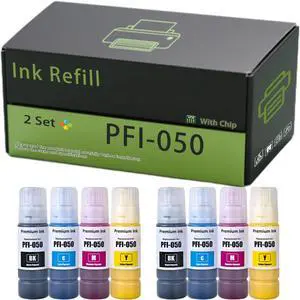
PFI-050 Ink Refill Compatible for Canon TC-20 TC-20M Printers, High Yield 3600 Pages, Clear and Sharp, Quick to Adapt (2 Set)
- Model #: DARCAQB0FNJ1BY4C
- $392.99 –
- Free Shipping

Quick View
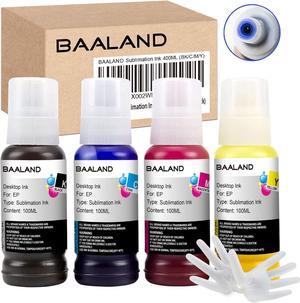
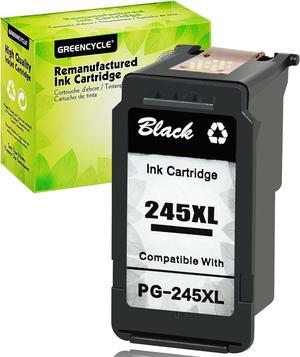
LC-61 Ink Cartridges Compatible for Brother MFC-250C MFC-255CW MFC-290C MFC-295CN MFC-490CW MFC-495CW Printers, High Yield 1000 Pages, Clear and Sharp, Quick to Adapt (2 Set)
- Model #: DARCAQB0FSYX3KX5
- $160.99 –
- Free Shipping
Quick View
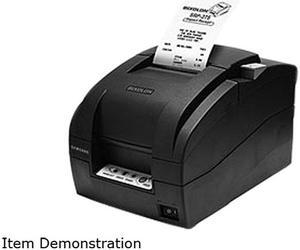
Bixolon SRP-275III 3" Impact Dot Receipt Printer, USB, Serial, Tear Bar, Black - SRP-275IIIAOSG
- Printer Type: Desktop
- Media Type: Receipt
- Model #: SRP-275IIIAOSG
- $267.99 –
- Free Shipping
Quick View
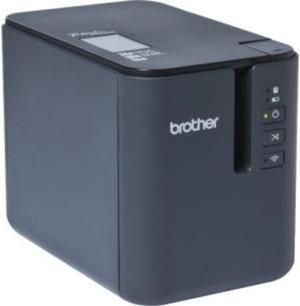
Brother PT-P950NW Wireless Powered Network Laminated Label Printer
- Printer Type: Desktop
- Memory: 6 MB
- Fonts Included: Resident: Helsinki, Letter Gothic; P-touch Editor Software: Brother & Compatible TrueType Fonts
- Barcode Type: Barcodes (Stand-alone mode) Linear: Code39, Code128, ITF, UPC-A/E, EAN-8/13, GS1-128 [UCC/EAN-128], Codabar (NW-7); 2D: PDF417/Micro PDF417, Data Matrix, Maxicode, QR Code/Micro QR Code Barcodes (connected to computer) P-touch Editor Software - Linear: Code39, Code128, ITF, UPC-A/E, EAN-8/13, GS1-128 (UCC/EAN-128), Codabar (NW-7), ISBN-2/5, POSTNET, Laser, GS1 DataBar (RSS) 2-Dimensional: PDF417, QR Code, Micro QR Code, Data Matrix, MaxiCode, GS-1 Composite, AztecCode
- Model #: PTP950NW
- $821.76 –
- More options from $600.99 - $986.98
- Free Shipping
Quick View
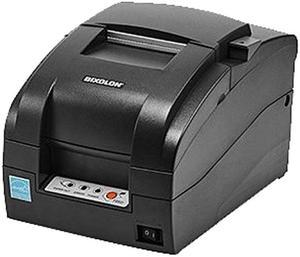
Bixolon SRP-275III 3" Impact Dot Receipt Printer, USB, Serial, Auto Cutter, Black - SRP-275IIICOSG
- Color: Black
- Printer Type: Desktop
- Memory: 64 Mbit SDRAM, 16 Mbit FlashROM
- Cutter: Auto-Cutter
- Model #: SRP-275IIICOSG
- $333.99 –
- Free Shipping
Quick View
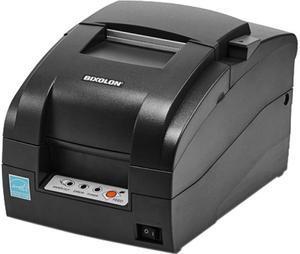
Bixolon Srp-275Iii Dot Matrix Printer - Monochrome - Desktop - Receipt Print
- Color: Black
- Printer Type: Desktop
- Memory: 64 Mbit SDRAM, 16 Mbit FlashROM
- Fonts Included: Character Size Font A: 9 x 9 Font B: 7 x 9 KOR: 17 x 9 CHN: 16 x 16 Characters Per Line Font A: 35 Font B: 40 KOR: 20 CHN: 22 Character Sets Alphanumeric: 95 Extended Graphics:128 x 27 page International: 48
- Model #: SRP-275IIICOPG
- $317.99 –
- $12.49 Shipping
Quick View
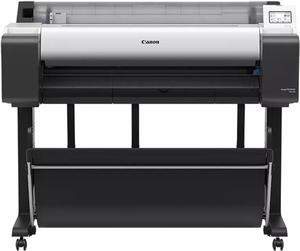
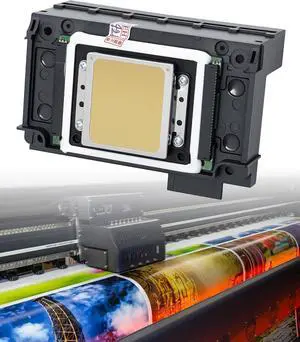
Canon imagePROGRAF TM-350 Large Format Printer
- Color Print Speed: CAD Drawing: Plain paper (A1) 0:17 (Fast Economy Mode), 3.2ppm Plain paper (A0) 0:32 (Fast Economy Mode) 0:41 (Fast) 1:08 (Standard) Poster: Plain Paper (A0) 0:37 (Fast Economy Mode) 0:43 (Fast) 1:18 (Standard) Heavy Coated Paper (A0) 1:40 (Fast) 2:33 (Standard)
- Number of Nozzles: Total : 15360 nozzles MBK : 5120 nozzles BK, C, M, Y: 2560 nozzles each
- Print Languages, std.: HP-GL/2, HP RTL, JPEG (Ver. JFIF 1.02), CALS G4 (submission via FTP only)
- Memory, std.: 2GB
- Model #: 6246C002AA
- $5,999.99 –
- More options from $5,999.99 - $6,991.22
- $129.00 Shipping
Quick View
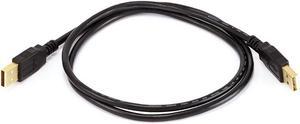
Monoprice USB 2.0 Cable - 3 Feet - Black | USB Type-A Male to USB Type-A Male, 28/24AWG, Gold Plated for Data Transfer Hard Drive Enclosures, Printers, Modems, Cameras and More!
- Connector Type: USB
- Cable Length: 3.00 ft.
- Connector Number: 2
- Terminal Gender: Male to Male
- Model #: 5442
- $56.88 –
- Free Shipping
Quick View
Monoprice USB 2.0 Cable - 1.5 Feet - Black | USB Type-A Male to USB Type-A Male, 28/24AWG, Gold Plated for Data Transfer Hard Drive Enclosures, Printers, Modems, Cameras and More!
- Connector Type: USB
- Cable Length: 1.50 ft.
- Connector Number: 2
- Terminal Gender: Male to Male
- Model #: 844660054412
- $45.50 –
- Free Shipping
Quick View
Monoprice USB 2.0 Cable - 33 Feet - Black | USB Type-A to USB Type -B, Active, 28/24AWG For Scanners, Printers, Digital Camera
- Connector Type: USB
- Cable Length: 32.99 ft.
- Connector Number: 2
- Terminal Gender: Male to Male
- Model #: 7531
- $128.97 –
- Free Shipping
Quick View
Monoprice USB 2.0 Cable - 15 Feet - Black | USB Type-A Male to USB Type-A Male, 28/24AWG, Gold Plated for Data Transfer Hard Drive Enclosures, Printers, Modems, Cameras and More!
- Connector Type: USB
- Cable Length: 15.00 ft.
- Connector Number: 2
- Terminal Gender: Male to Male
- Model #: 844660054450
- $58.50 –
- Free Shipping
Quick View
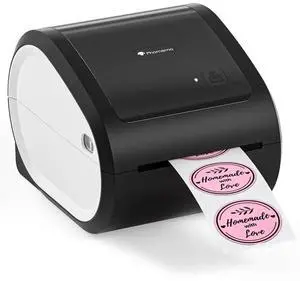
JVFYI Phomemo D520BT Thermal Shipping Label Printer | Wireless Bluetooth 4x6 Label Printer for Small Business black
- Model #: C2JG-1218111
- $469.17 –
- Free Shipping
Quick View
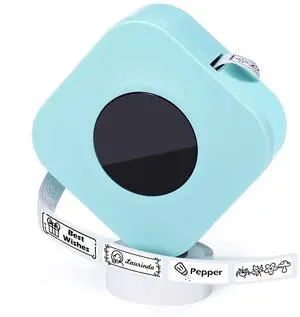
JVFYI Phomemo Q30S Handheld Thermal Labeler Printer Mini Wireless 203dpi Cute Interface Android Max 12mm Home Sticker Maker Green
- Model #: C2JG-1218106
- $81.20 –
- Free Shipping
Quick View
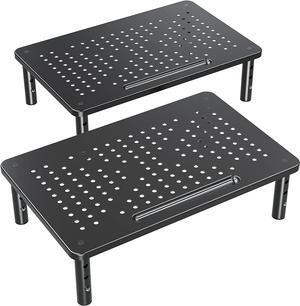
ELIVED 2 Pack Monitor Stand Riser - 3 Height Adjustable Metal Mesh Monitor Stand for Laptop, Computer, PC, Printer - Black
- Model #: BAOCAHB08MWS8BHN
- $143.99 –
- Free Shipping
Quick View
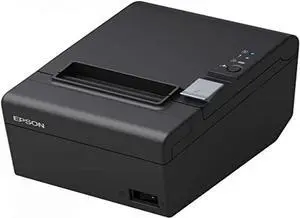
Epson TM-T20III POS Receipt Printer Mfr Part#: C31CH51001
- Model #: BAOCAHB086FWJFPT
- $560.99 –
- Free Shipping
Quick View
ELIVED 2 Pack Monitor Stand Riser - 3 Height Adjustable Metal Mesh Monitor Stand for Laptop, Computer, PC, Printer - Black
- Model #: DARCAQB08MWS8BHN
- $143.99 –
- Free Shipping
Quick View
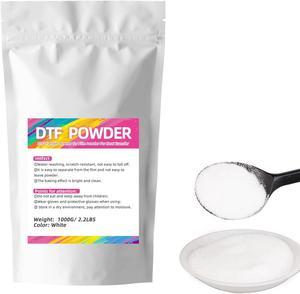
DTF Powder White 1KG/35.3 Digital Transfer Hot Melt Adhesive, Pretreat Powder for Ep L1800 Printer
- Model #: EB0BRZ83X2F
- $64.95 –
- More options from $64.95
- Free Shipping
Quick View
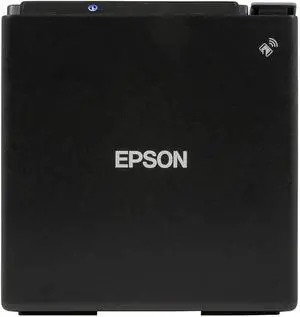
Epson, Tm-M30Ii, Thermal Receipt Printer, Autocutter, USB, Ethernet, Epson Black, Energy Star
- Model #: BAOCAHB0965K63LH
- $830.99 –
- Free Shipping
Quick View
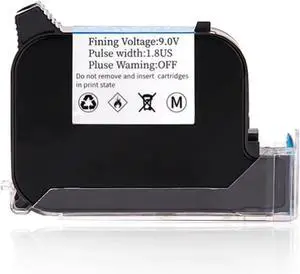
2588 2588+ 2588+M 12.7mm Eco Solvent-Based Fast Dry Quick-Drying Colorful Ink Cartridge for No Encrypted Handheld Inkjet Printer Multi-Format Printing(Blue)
- Model #: BAOCAHB0FQ2MBZV4
- $231.99 –
- Free Shipping
Quick View
Wide Coding Applications 2588 2588+ 2588+M 12.7mm Eco Solvent-Based Fast Dry Quick-Drying Colorful Ink Cartridge for No Encrypted Handheld Inkjet Printer Lightweight and Convenient
- Model #: BAOCAHB0FWK557NR
- $348.99 –
- Free Shipping
Quick View
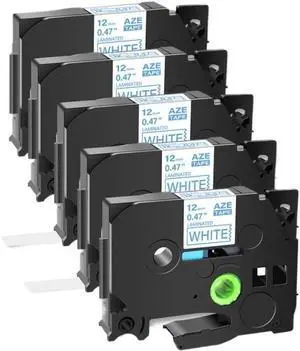
5 Pack Blue On White Label Tape Compatible with TZE 233 12mm for PTD410 PTD610 PTE300 PTD460BT Printers
- Model #: DARCAQB0F8PRX57F
- $127.99 –
- Free Shipping
Choosing the Right Printer for Your Office Needs
When it comes to office solutions, printers and scanners are essential tools for any business. Whether you need to print important documents, scan invoices, or create professional-quality marketing materials, having the right equipment is crucial. In this article, we will explore the different types of printers and scanners available in the market and provide tips on how to choose the best one for your office.
All-in-One Printers: Versatility and Convenience
all-in-one printers, also known as multifunction printers, are a popular choice for offices. These devices combine the functionality of a printer, scanner, copier, and sometimes even a fax machine into a single unit. They offer versatility and convenience, allowing you to perform multiple tasks without the need for separate devices. All-in-one printers are available in both inkjet and laser options, catering to different printing needs and budgets.
Specialized Printers for Specific Tasks
In addition to all-in-one printers, there are specialized printers designed for specific tasks. For example, 3D printers are ideal for creating prototypes or intricate models, while barcode and label printers are perfect for businesses that require efficient inventory management. laser printers are known for their fast printing speeds and high-quality output, making them suitable for offices with high-volume printing needs. inkjet printers, on the other hand, are more cost-effective and can produce vibrant color prints.
Choosing the Right Supplies
Once you have selected the right printer for your office, it is important to choose the right supplies to ensure optimal performance and longevity. When it comes to inkjet printers, using high-quality ink cartridges is essential to achieve the best print quality and prevent clogging. For laser printers, it is important to choose the right type of toner cartridges that are compatible with your printer model. Additionally, investing in high-quality paper can make a significant difference in the final print results.
FAQs: Common Questions about Printers and Scanners
| Q: How often should I replace the ink cartridges? | A: The frequency of replacing ink cartridges depends on your printing volume. However, it is recommended to replace them when the print quality starts to degrade. |
|---|---|
| Q: Can I use third-party ink cartridges with my printer? | A: While it is possible to use third-party ink cartridges, it is important to ensure compatibility with your printer model. Using incompatible cartridges may result in poor print quality or damage to the printer. |
| Q: How do I clean the scanner glass? | A: To clean the scanner glass, use a soft, lint-free cloth slightly dampened with glass cleaner. Gently wipe the glass surface to remove any smudges or debris. |
| Q: What is the difference between optical and interpolated resolution in scanners? | A: Optical resolution refers to the actual hardware resolution of the scanner, while interpolated resolution is achieved through software enhancements. Optical resolution provides more accurate and detailed scans. |
| Q: How can I improve the scanning speed? | A: To improve scanning speed, reduce the scanning resolution, use black and white mode instead of color, and ensure that the scanner is connected to a high-speed USB port. |