




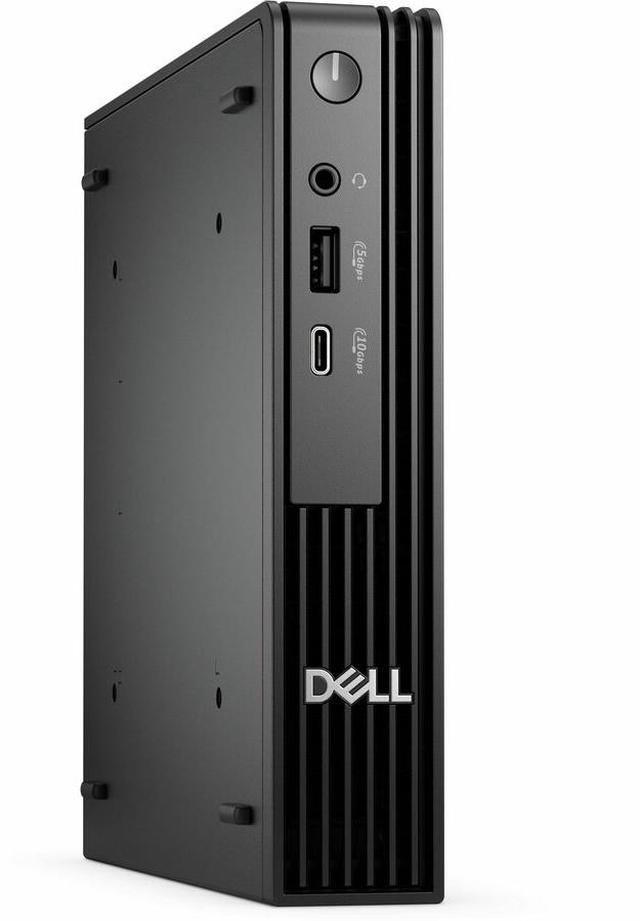
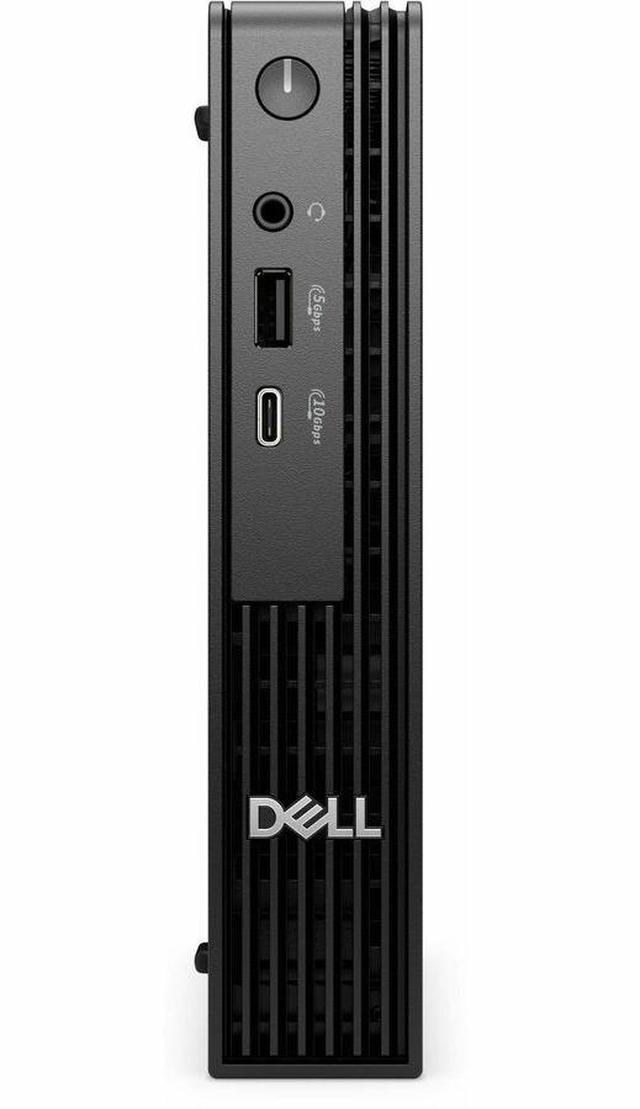
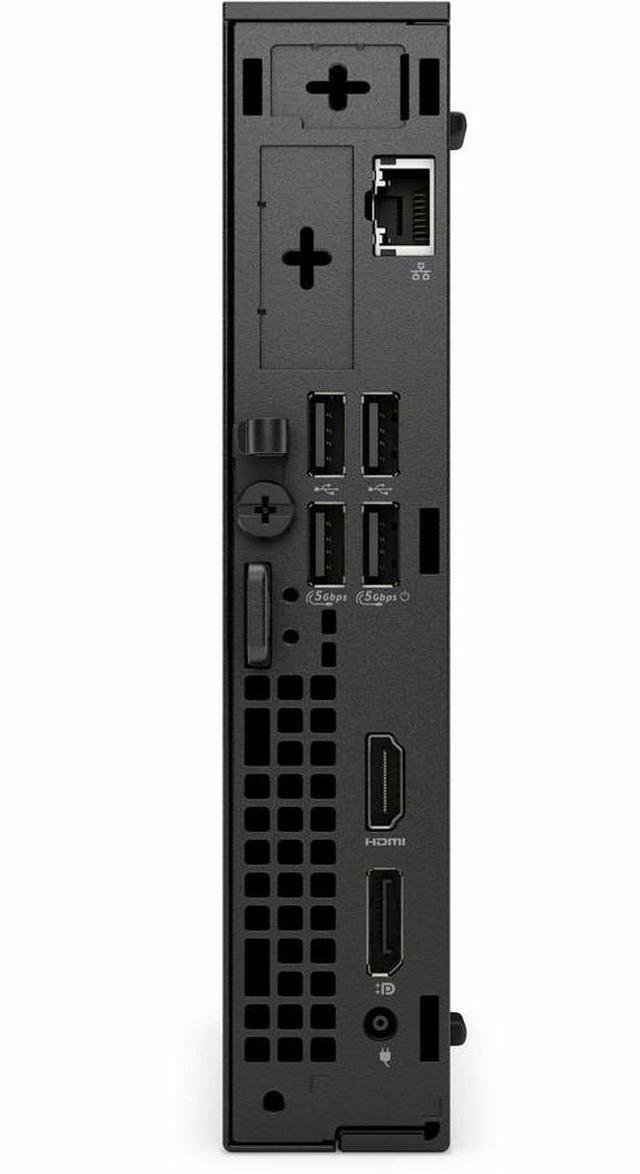
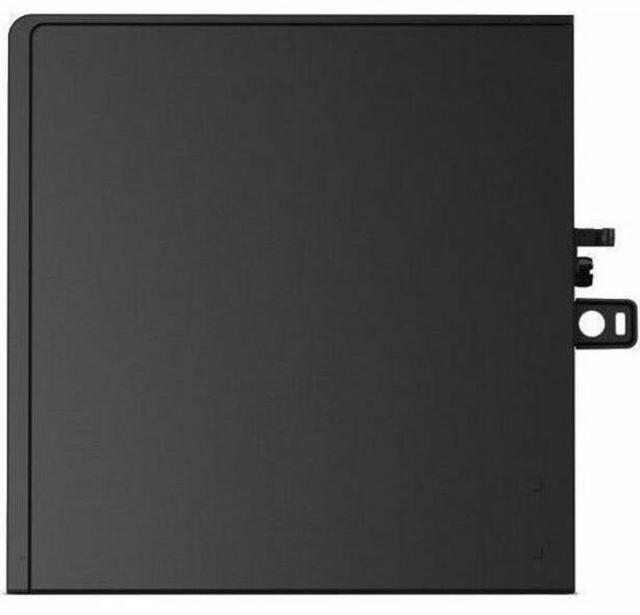
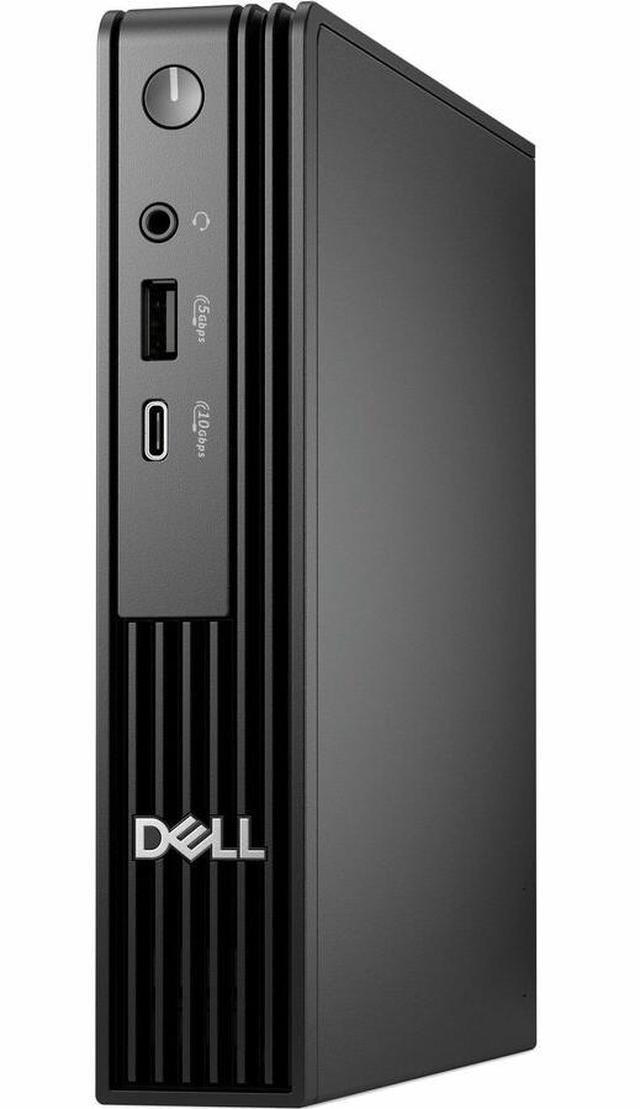


Dell Pro Micro QCM1250 Desktop - Intel Core Ultra 7 265T - 16GB - 512GB SSD - Micro PC - Intel Chip - Windows 11 Pro - IEEE 802.11ax - 90W 22HGM
- Intel Core Ultra 7 265T
- 16GB DDR5
- 512GB M.2 NVMe SSD
- Windows 11 Pro
- Intel Graphics
- Actual component brands and configurations may vary, including but not limited to the motherboard, graphics card, power supply, Wi-Fi module, I/O ports, storage, and RAM (including DIMM quantity and capacity per DIMM)
Overview
Specs
Reviews
NEW DELL PRO MICRO QCM1250 INTEL CORE ULTRA 7 (U7) 265T 20C 16GB DDR5 512GB SSD
Warranty & Returns
Warranty, Returns, And Additional Information
Warranty
- Limited Warranty period (parts): 1 year
- Limited Warranty period (labor): 1 year
- Read full details
Return Policies
- Return for refund within: 15 days
- Return for replacement within: 15 days
- This item is covered by Newegg.ca's 15-Day Return Policy.
- Read full return policy for details.
Manufacturer Contact Info
- Manufacturer Product Page
- Manufacturer Website
- Support Phone: 1-800-WWW-DELL
- Support Website
- View other products from DELL
LOADING...
LOADING...
The Dell Pro Micro QCM1250 is a compact Windows 11 Pro desktop with an Intel Core Ultra 7 265T, 16GB DDR5 memory, and a 512GB NVMe SSD, suited to business users who want a small-footprint PC for everyday office and work tasks.
Recommended For
- Office and operations teams running Microsoft 365, business applications, video calls, and several everyday tasks at once who need a compact Windows 11 Pro desktop. Dell positions the QCM1250 as a business micro PC, and its Core Ultra 7 265T configuration has 20 cores. [1][2]
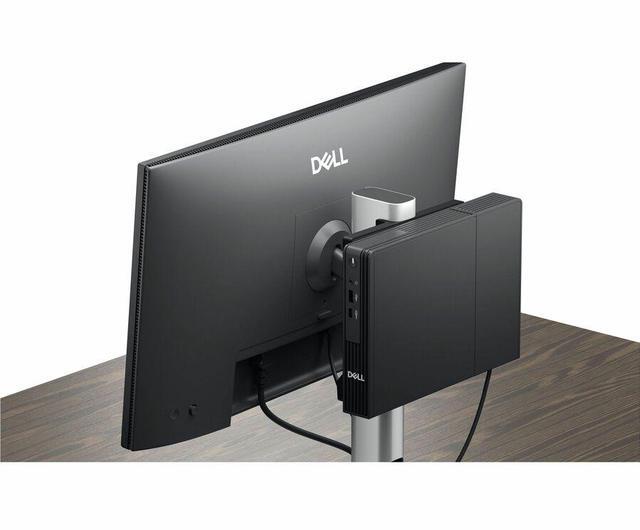
- Workers who want to reclaim desk space or mount a small desktop behind a monitor, under a desk, or on a wall; Dell lists compatible VESA and under-desk mounting options for the QCM1250. [1]
- Business users running productivity and office workloads who value responsive multitasking over a large tower: a Principled Technologies test of a different QCM1250 configuration (Core Ultra 5 235T, 16GB RAM) reported results in office productivity and responsiveness benchmarks. [1][2]
- Desk-based users connecting a wired network and a standard monitor setup who want a small PC with built-in Gigabit Ethernet, DisplayPort, and HDMI. [1]
Real-World Use Scenarios
- For a typical office day, run documents, spreadsheets, email, browser tabs, and business applications from one compact desktop; the Ultra 7 configuration is suited to this kind of everyday productivity and multitasking.
- In a small office or shared workstation, place the PC out of the way or mount it behind a compatible monitor to free up desk space while keeping a Windows business desktop accessible.
- For remote office work, use it as a stationary endpoint to connect to company systems and applications; check monitor connections and resolution with the specific display setup before deploying multiple monitors.
- For learning networking or trying a small home lab, use it to run network tests and a few lightweight containers or virtual machines; with 16GB of RAM, several VMs or other simultaneous workloads may require tighter resource management.
Spec Summary
| Attribute | Value |
|---|---|
| Best For | Compact business and everyday work computing, with Windows 11 Pro, an Intel Core Ultra 7 processor, and 16GB of DDR5 memory |
| Processor And AI Features | Intel Core Ultra 7 265T, with one processor, a 1.50GHz base frequency, turbo frequency up to 5.30GHz, and AI Boost |
| Graphics And External Display | Integrated Intel Graphics with shared graphics memory; supports an external display up to 3840 × 2160 |
| Memory Configuration | 16GB DDR5 memory, with a stated maximum capacity of 64GB |
| Storage | 512GB M.2 NVMe solid-state drive |
| Ports And Connectivity | Six USB ports, including two USB 2.0 ports; one HDMI port and DisplayPort video output; no Thunderbolt ports. Gigabit Ethernet, 802.11ax Wi-Fi, and Bluetooth |
| Operating System | Windows 11 Pro |
| Power And Compliance | 90W power consumption; Energy Star compliant |
| Physical Specifications | Micro desktop measuring 7.2 × 1.4 × 7 inches (H × W × D) and weighing 3.09 lb |
| Included Accessories | Keyboard, mouse, AC adapter, power cord, quick start guide, and documentation |
| Keyboard And Security | Standard wired QWERTY keyboard; security slot |
| Model Identifiers | Dell Pro Micro QCM1250, part number 22HGM; 2025 model |
Reference Q&A
Q: Should I choose the Dell Pro Micro QCM1250 with Core Ultra 7 265T or a Core Ultra 5 version?
A: Choose this Core Ultra 7 265T configuration when you want more processor cores for heavier multitasking: Dell lists the 265T with 20 cores, while the QCM1250 Core Ultra 5 235T and 245T options have 14 cores. Both are 35W processor options in the QCM1250 family; this listing also includes 16GB of DDR5 memory and a 512GB SSD.
Q: How does the Dell Pro Micro QCM1250 compare with the Dell Pro Micro Plus QBM1250?
A: Choose the QCM1250 for a compact business desktop configured with a Core Ultra 7 processor and 512GB SSD. Choose the QBM1250 when you want a higher configuration ceiling: Dell lists options up to Core Ultra 9, 65W processors, and up to 2TB per SSD slot with optional RAID. Dell identifies both models as 1.18L systems.
Q: Is this Dell Pro Micro QCM1250 a worthwhile upgrade from a Dell OptiPlex 7000 Micro with Core i5-12500T?
A: The QCM1250 is the stronger specification fit when you want a newer processor platform and more cores: its Core Ultra 7 265T has 20 cores, compared with 6 cores and 12 threads for the OptiPlex 7000 Micro Core i5-12500T. The QCM1250 listing also specifies 16GB DDR5 memory and a 512GB NVMe SSD.
Q: Is this mini PC suitable for office work and video meetings?
A: Yes. Its Intel Core Ultra 7 265T processor, 16GB DDR5 memory, 512GB NVMe SSD, and Windows 11 Pro are suited to typical office tasks such as documents, email, browsing, and video meetings. It is a desktop, so you will need a monitor and meeting peripherals; the listing includes a keyboard and mouse.
Q: Is it a good choice for travel or working away from a desk?
A: It can be transported between workspaces, but it is not a laptop: it weighs 3.09 lb and needs a monitor, power, and peripherals to use. It is better suited to a compact, movable workstation than to working on the go without a fixed setup.
Q: Can it run two monitors?
A: The provided listing does not specify the video ports or confirm the number of supported displays. Check the exact unit’s port configuration and display specifications before buying for a dual-monitor setup; the listing notes that I/O ports may vary.
Q: Can I upgrade the memory later?
A: The listing confirms 16GB DDR5 but does not confirm the number of memory modules, available slots, or maximum supported capacity. Because it also notes that RAM configurations may vary, verify the exact unit’s upgrade specifications before relying on a future memory upgrade.
Q: Is the Dell Pro Micro QCM1250 suitable for everyday office work and networking tasks?
A: It is positioned as a business desktop, and one QCM1250 owner reported using a 16GB/512GB configuration for networking practice and testing without issues. That is a single user report, not a guarantee for every workload; this listing has an Intel Core Ultra 7 265T, 16GB RAM, and a 512GB SSD.
Q: Can it handle two 1440p monitors at their native resolution?
A: A QCM1250 user reported that one 1440p monitor worked at native resolution while the second showed a lower resolution over HDMI; the discussion did not establish a general fix or definitive limit. Because this listing notes that component and port configurations may vary, confirm the exact video outputs and supported display modes for the unit before buying.
Q: Is it a good choice for heavy multitasking across multiple 4K monitors?
A: The available user report raises a caution: an owner of a QCM1250 with a different processor and 32GB RAM described occasional lag while using two 4K monitors, multiple browser windows, and video. That report does not establish how this 265T/16GB configuration will perform, but buyers with similarly demanding workloads should verify performance and consider whether 16GB of memory is sufficient for their use.
Q: Are there user-reported overheating or memory-error concerns?
A: One QCM1250 owner reported an overheating incident followed by diagnostic lights that indicated a possible RAM issue; the owner later tested and reseated the RAM and reported no further issue at that point. This is an isolated report, not evidence of a widespread defect, but buyers should keep the vents clear and use the warranty or Dell support if similar symptoms occur.