
 We‘re shipping as usual! The Canada Post strike only affects certain remote deliveries and PO Boxes.
  Holiday Shipping Details & Extended Holiday Returns
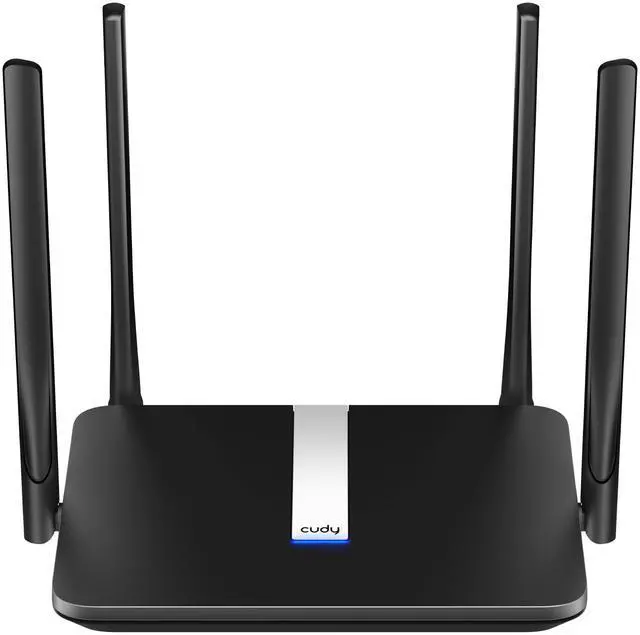
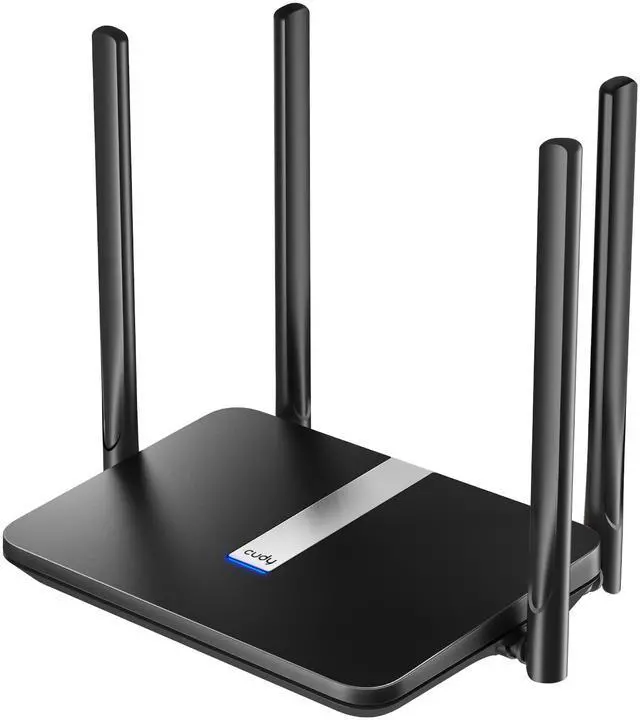
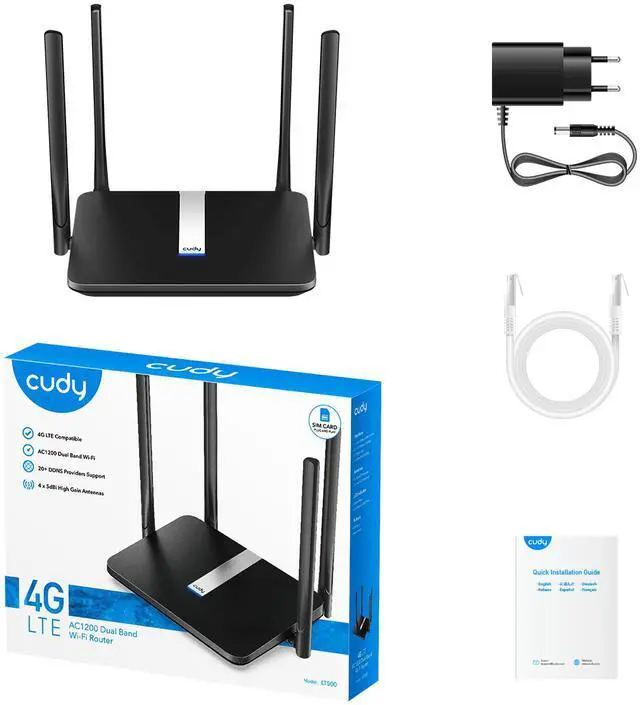


4G/5G | LT500


Turn Everywhere 4G into High-Speed Wi-Fi

Plug in a nano SIM card and connect 4G with a DL speed of up to 150 Mbps. Share the connection via a high-speed dual-band AC1200 Wi-Fi for more than 40 devices.
Stable Internet. Online Guaranteed.

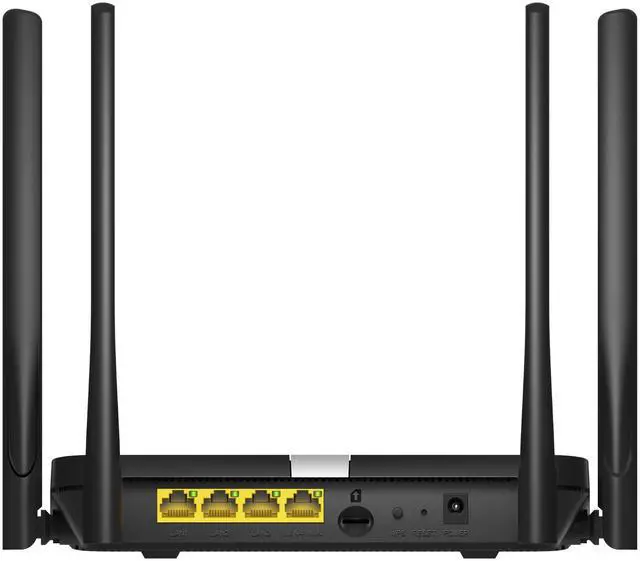
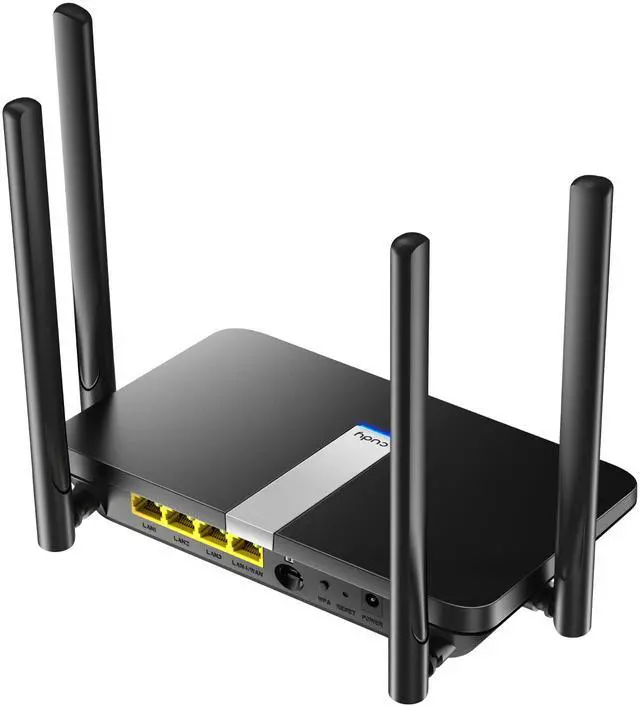
Reliable Wired Sharing over Four Ethernet Ports
Share network via four 10/100 Mbps Ethernet ports, providing stable connections to TV, PC, console, and printers.

Stay Connected
Add redundancy to your network with WAN/WISP/4G connection backup, ideal for surveillance and retail use to protect your business.
East Setup. Versatile Functions.

Online Management
Set a WiFi schedule and a blacklist of domains or IPs to prevent inappropriate content and protects your kids.

VPN
Grab your files conveniently from the remote network with ZeroTier/WireGuard/ OpenVPN/IPSec/L2TP/PPTP.

DDNS
DDNS binds a domain to your network so you can always access your network without a static IP address.

High-Gain Antennas
Delivers stable performance with high-gain antennas, for decent web browsing and video streaming.
Plug in a SIM Card to Enjoy the Network

Home
Plug and play easy-to-install WiFi for every home—no rigid broadband subscription is required.

Automobile
Provide decent networks for all devices on your road journey.

Surveillance
Make sure the network is always on with the WAN + WISP + 4G backup function.

Booth
Utilized the flexible pay-as-you-go plan to equip your temporary booth with a fast network. (SIM card is not included)
Guide for Verizon/T-Mobile/Visible Subscribers
Verizon & Visble:
- Connect to your 4G/5G router via Wi-Fi / Ethernet cable
- Log in your 4G/5G router in browser with url //cudy.net or 192.168.10.1
- Make sure your router has the latest firmware. (Go to the Advanced Settings > System > Firwmare to check. Go to download center or use Cudy app for upgrade)
- Go to Advanced Settings > lPv6 to enable it
- Go to Advanced Settings > TTL , set it as Custom, set TTL to 64 (Visible subscriber only: set HL to 65)
- Go to General Settings > Cellular
- Set APN profile as Manual and then set APN as wvzinternet (Verizon subscriber)/ VSBLINTERNET (Visible subscriber), and leave username and password as blank, and set Authentication as PAP+CHAP
- Save all the settings and then check. Done!
T-Mobile & T-Mobile B2B Static IP:
- Follow step 1-3 in Verizon & Visible section
- Go to General Settings > Cellular
- Set Network mode as 4G only
- Set APN profile as Manual,
- Set APNas fast.t-mobile.com (Note:for static IP plan, set APN as b2b.static), and leave username and password as blank,
- Set Authentication as PAP+CHAP
- Save all the settings and then check
- Finished
- If the internet still not work after all, then please wait 5 minutes and then go to Diagnostic Tools > System log to download the log and send it to [email protected]
1. Actual cellular speeds will vary depending on carrier conditions and environmental factors such as cellular base station location/distance, nearby clients density, building layout, and physical obstacles.
2. Actual wireless data throughput will vary as a result of network conditions, client limitations, and environmental factors including building layout, obstacles, and client location.