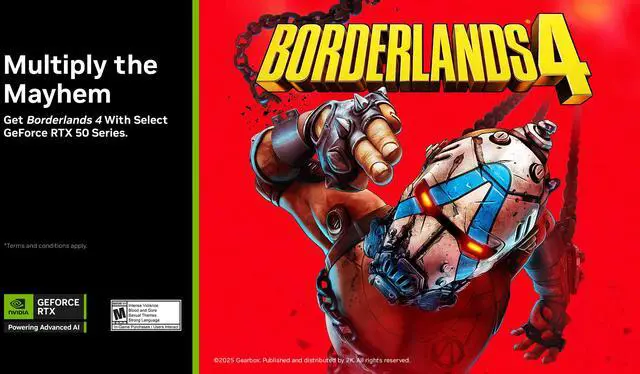
To redeem promotional code for Borderlands 4 Standard Edition, a NVIDIA app and a Steam account are required. Please follow the steps below:
REDEEM YOUR COUPON THROUGH GEFORCE EXPERIENCE.
- Install your qualified graphics card.
- Update or install the latest version of the NVIDIA app.
- Open and log in to the NVIDIA app.
- Go to “REDEEM”.
- Enter your bundle code from your qualifying bundle purchase.
- Follow the remaining instructions on screen to sign in through your Steam account.
- Select “REDEEM” to redeem Borderlands 4 Standard Edition to your Steam account.
- LAUNCH Steam to begin installation.
- For troubleshooting help, please visit our NVIDIA website for more information or contact NVIDIA customer support team.