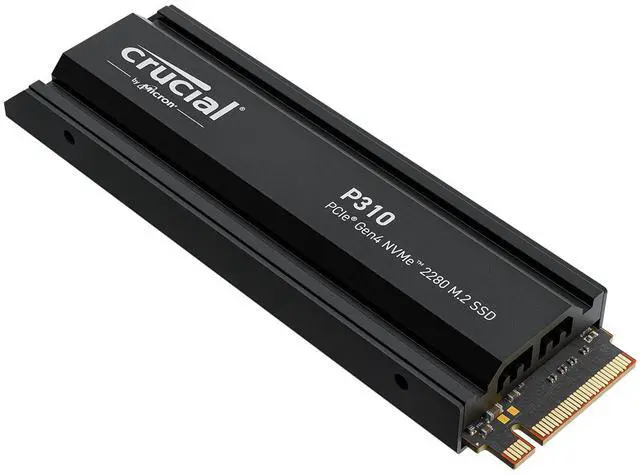
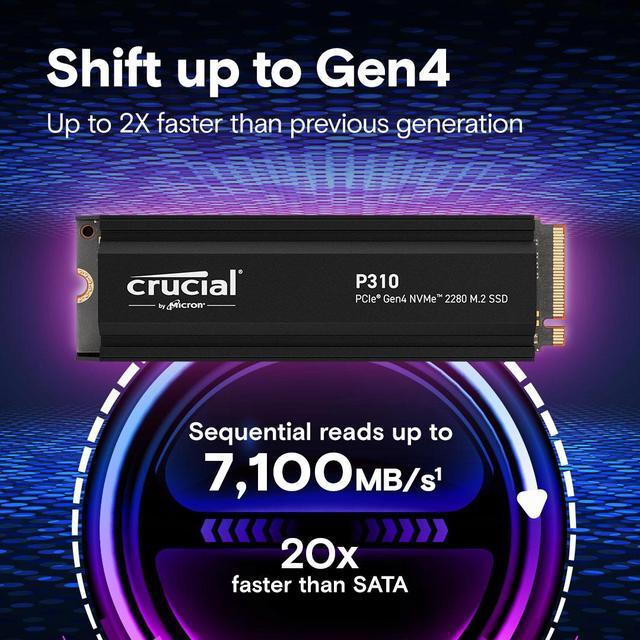
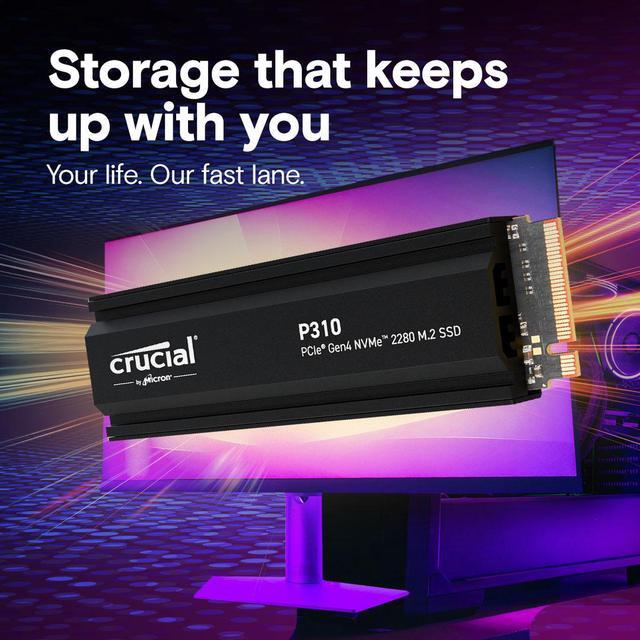
The Crucial P310 is a 1TB M.2 2280 PCIe 4.0 NVMe SSD with an integrated heatsink and read speeds up to 7,100MB/s, suited to PS5 owners seeking added storage and PC users upgrading game or application load performance.
Recommended For
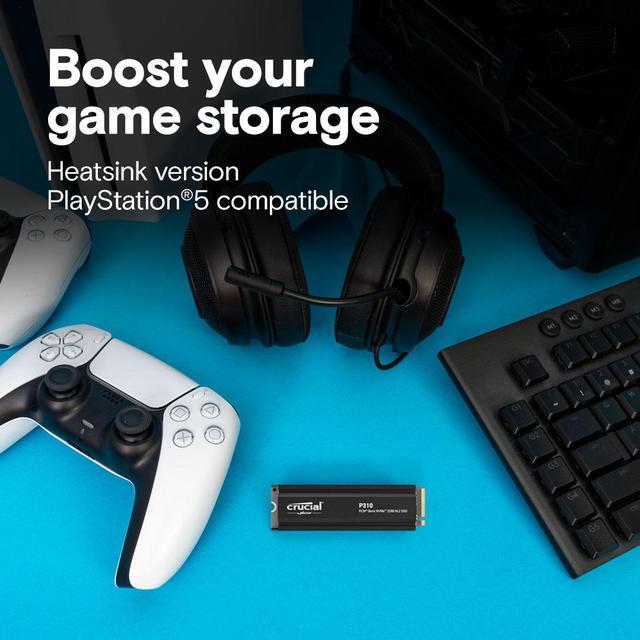
- PS5 owners who want to add internal game storage and prefer an SSD with a heatsink already fitted. Crucial positions the heatsink version for PS5 use; Sony notes that game performance can still vary even with a fast expansion drive.
- PC gamers adding storage mainly for games, downloads, and everyday play rather than long, continuous write workloads. PC Gamer found its gaming performance suitable, while noting that large transfers can slow after the write cache fills.
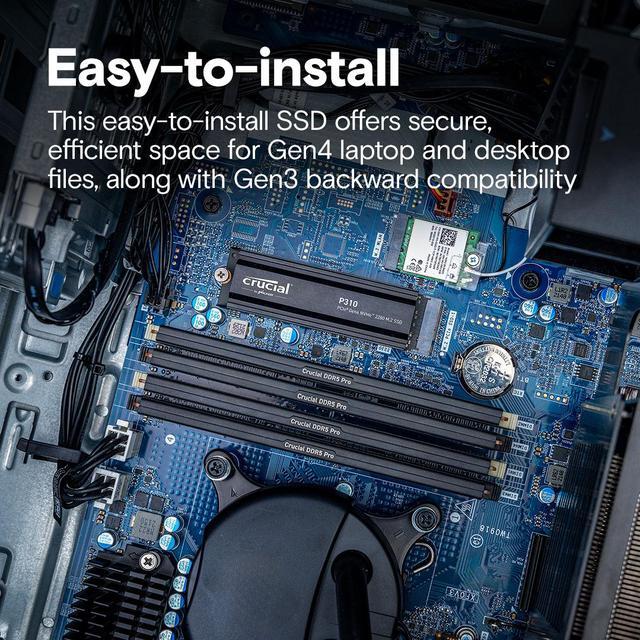
- Desktop gaming-PC builders whose M.2 slot has room for a factory-heatsink drive and who want to add a Gen4 game or application drive without fitting a separate heatsink.
- PC users handling routine booting, application launches, and office work who want a Gen4 NVMe upgrade; Crucial specifically positions the P310 for these everyday tasks.
Real-World Use Scenarios
- When a PS5 owner runs short on space for installed games, the P310 adds internal game storage; in hands-on testing, games loaded and played much like they did from the console’s built-in SSD, and the included heatsink fit the expansion slot.
- In a desktop gaming PC, a user can install a game library on the P310 to add fast storage; gaming-focused benchmark testing found it handled game-storage workloads well, though an SSD upgrade should not be expected to increase a game’s frame rate by itself.
- For everyday desktop work such as booting Windows, opening applications, and handling documents, the P310 provides responsive storage; benchmark testing found it competitive in common productivity tasks, while results will still depend on the rest of the PC.
- When a user installs or moves games and other files in ordinary bursts, the P310 offers fast storage for routine transfers; repeated, very large write jobs are a less suitable workload because sustained write performance can fall during extended transfers.
Spec Summary
| Attribute | Value |
|---|
| Best For | Consumer storage upgrades for gaming and everyday PC use, including PS5-compatible setups |
|---|
| Capacity | 1 TB |
|---|
| Interface And Form Factor | M.2 2280 internal SSD using PCIe 4.0 x4 and NVMe 2.0 |
|---|
| Read Write Performance | Sequential speeds up to 7,100 MB/s read and 6,000 MB/s write; random speeds up to 1,000 IOPS read and 1,200 IOPS write |
|---|
| Memory And Heatsink | 3D NAND with an integrated heatsink specified for PS5 installation |
|---|
| Compatibility | Compatible with Sony PlayStation 5, PC, Mac, desktops, workstations, and gaming consoles |
|---|
| Physical Dimensions And Weight | 3.15 × 0.92 × 0.38 inches; weighs 1.23 ounces |
|---|
| Model Identifiers | Crucial P310; model and part number CT1000P310SSD5 |
|---|
Reference Q&A
Q: Is the Crucial P310 with heatsink a good fit for expanding PS5 storage?
A: Choose this P310 if you want a 1TB PCIe Gen4 SSD with its heatsink already installed: its rated read speed is 7,100 MB/s, above PlayStation’s recommended 5,500 MB/s, and Crucial says the heatsink version is designed for PS5. Check the heatsink’s dimensions against your PS5 model before buying. PlayStation notes that exceeding the speed recommendation does not guarantee identical performance to the console’s internal SSD.
Q: Crucial P310 or Crucial P3 Plus 1TB—which should I get?
A: Choose the P310 if you want higher published sequential speeds or the integrated heatsink in this version: up to 7,100/6,000 MB/s read/write, versus 5,000/3,600 MB/s for the 1TB P3 Plus. Choose the P3 Plus if it costs less and its lower rated speeds meet your needs. These are peak sequential specifications, not a guarantee of the same difference in everyday use.
Q: Should I buy the P310 or WD_BLACK SN850X 1TB?
A: Choose the P310 if you want the integrated heatsink in this model and its rated speeds suit your use. Choose the SN850X if you prioritize a performance-oriented drive for heavier workloads: its 1TB model is rated up to 7,300 MB/s read and 6,300 MB/s write and uses TLC NAND, while reviews identify the P310 as a DRAM-less QLC drive. The SN850X has slightly higher published peak speeds; real results depend on the workload and system.
Q: Is the P310 or Crucial T500 1TB a better choice for frequent large file transfers?
A: For repeated large writes and more write-intensive work, consider the T500: it uses TLC NAND and DRAM, while reviews identify the P310 as QLC and DRAM-less, with sustained-write performance as a trade-off. The P310 remains a suitable choice when your priority is general storage or gaming and you want the integrated heatsink in this version. The T500 is rated up to 7,300/6,800 MB/s read/write; actual results vary by workload.
Q: Can I install this SSD in a PS5 and play games from it?
A: Yes. This 1TB M.2 2280 PCIe Gen4 NVMe SSD includes a heatsink and is listed as PS5-compatible. After installation and formatting, it can be used for PS5 game storage and play.
Q: Will this SSD work in a laptop or desktop PC?
A: It is listed as compatible with laptops and desktops that have an M.2 2280 slot supporting PCIe NVMe. Check the device’s slot and physical clearance before installing the heatsink-equipped drive.
Q: Does this 1TB SSD come with a heatsink?
A: Yes. This model includes an integrated heatsink and is designed for PS5 installation. For a laptop or desktop, confirm the heatsink fits the available space and does not conflict with the system’s own cooling hardware.
Q: Is 1TB enough storage for a PS5 game library?
A: It adds 1TB of storage, making it suitable for expanding a PS5 library. How many games fit depends on their individual sizes and the space already in use; the usable capacity may be less than the advertised amount after formatting.
Q: Is the Crucial P310 worth buying for a PS5?
A: It is a reasonable choice if your main goal is adding internal storage for PS5 games. Community discussions recommend the heatsink version, but do not suggest expecting a major reduction in game load times; value depends on the drive’s price and how much extra space you need.
Q: Can I install the heatsink version of the P310 in a PS5 without buying a separate heatsink?
A: The listed 1TB model includes an integrated heatsink and is described as PS5-compatible, so a separate heatsink should not be needed for this version. Check the model number before buying, because discussions distinguish P310 versions with and without heatsinks.
Q: Can I reuse the Crucial P310 in a desktop PC after using it in a PS5?
A: Yes, if the desktop motherboard has a compatible M.2 NVMe slot. A Reddit discussion about reusing a P310 notes that the drive can work in a PC, but it may need to be formatted before Windows can use it; formatting erases existing data.
Q: Is 1TB enough for a PS5 storage upgrade?
A: A 1TB model adds storage, but whether that is enough depends on how many games you keep installed. In a discussion comparing PS5 SSD options, a buyer considering the P310 said 1TB met their needs, while another discussion explicitly weighed 1TB against 2TB.