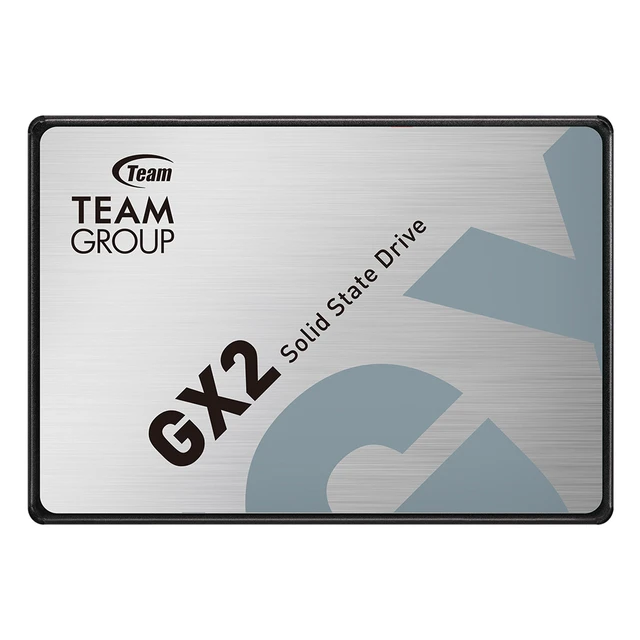
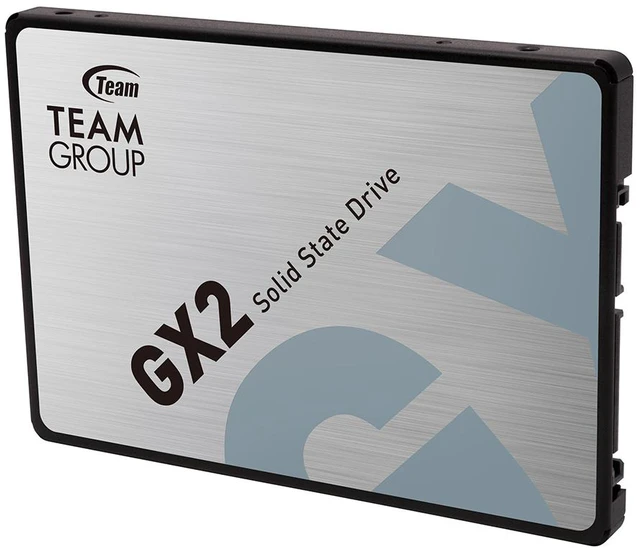
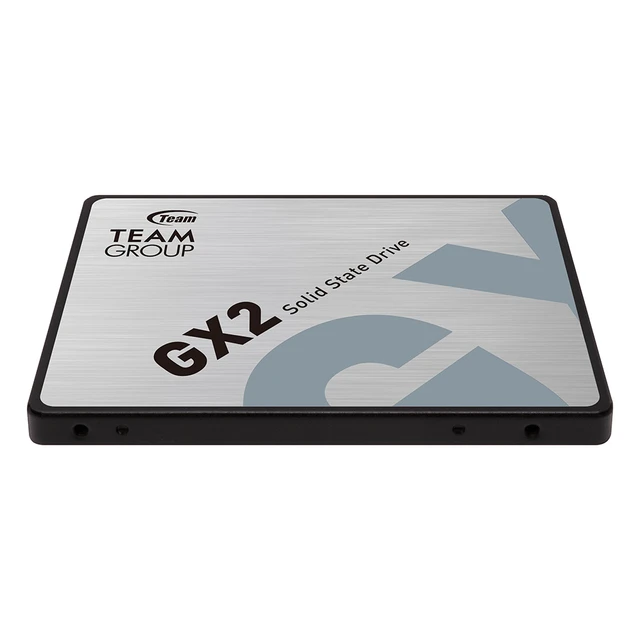
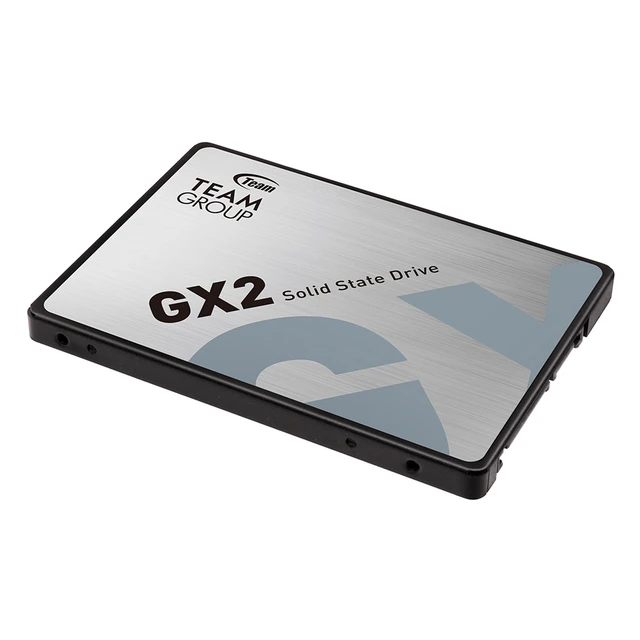
The Team Group GX2 is a 2TB, 2.5-inch SATA III internal SSD for consumers upgrading a compatible PC or notebook from a hard drive, with sequential read speeds up to 550 MB/s and write speeds up to 500 MB/s.
Recommended For
- Owners of an older laptop or desktop with a 2.5-inch SATA bay who want to replace a hard drive with a quieter, more responsive boot drive.
- People upgrading a compatible SATA-based computer who need 2TB of internal space for a game library, photos, or everyday files.
- Budget-focused builders assembling or refreshing an entry-level PC with a 2.5-inch SATA connection rather than an M.2 NVMe-only setup.
- Laptop owners whose system accepts a 7mm 2.5-inch SATA drive and who want to use the GX2’s slim form factor for an internal storage upgrade.
Real-World Use Scenarios
- Replace a mechanical drive in a compatible older laptop: using the GX2 as the system drive can make startup and everyday app response feel quicker, while retaining the laptop’s existing 2.5-inch SATA bay.
- Build or refresh a budget office desktop: install the operating system and everyday applications on the GX2 to make routine startup and use more responsive than with a hard drive.
- Add room for a PC game library: use the 2TB drive for installed games when a compatible desktop or laptop has a spare 2.5-inch SATA connection; it adds storage, but does not increase game frame rates.
- Expand storage in a SATA-equipped desktop: use the GX2 as a secondary drive for applications and frequently used files, keeping them on solid-state storage instead of adding another mechanical drive.
Spec Summary
| Attribute | Value |
|---|
| Best For | Consumer desktop storage in an internally installed solid-state drive |
|---|
| Capacity | 2TB of solid-state storage |
|---|
| Interface And Form Factor | Internal 2.5-inch SATA III drive, 7mm high; 69.90mm wide and 100.00mm deep |
|---|
| Read Write Performance | Sequential read speeds up to 550 MB/s and write speeds up to 500 MB/s |
|---|
| Endurance And Reliability | Rated for 400TB written and a 1,000,000-hour MTBF; supports S.M.A.R.T. drive monitoring |
|---|
| Operating And Shock Tolerance | Operating temperature 0°C to +70°C; storage temperature -40°C to +85°C; shock resistance up to 1500G and non-operating vibration resistance up to 20G |
|---|
| Additional Features | Supports TRIM for compatible operating systems |
|---|
| Model Identifiers | Team Group GX2, model T253X2002T0C101 |
|---|
Reference Q&A
Q: Should I choose the Team Group GX2 2TB or a 2TB NVMe SSD?
A: Choose the GX2 for a system that needs a 2.5-inch SATA drive or lacks a compatible M.2 slot. Choose NVMe if your system supports it and you regularly transfer large files or want higher sequential speeds: the GX2 is rated up to 550 MB/s read and 500 MB/s write, while Team Group rates its 2TB MP44Q NVMe at up to 7,000 MB/s read and 5,900 MB/s write. In game-loading tests, however, the difference between SATA and faster SSDs varies by game, so the GX2 can suit general game storage when SATA compatibility or capacity is the priority.
Q: Is the Team Group GX2 2TB a worthwhile upgrade from a hard drive?
A: For a computer with a 2.5-inch SATA connection, the GX2 is a direct solid-state replacement with 2TB of capacity and rated sequential speeds up to 550 MB/s read and 500 MB/s write. SSD testing shows that moving from a hard drive to an SSD can substantially reduce boot and game-loading times. Choose the GX2 when you want faster access to files and applications; keep a hard drive in consideration when low-cost bulk capacity matters more than responsiveness.
Q: Should I get the GX2 2TB or the 1TB version?
A: Choose the 2TB GX2 if you expect to keep a large game library, media collection, or work files on the drive. The 1TB version is the more suitable capacity if it meets your storage needs and you would rather spend less; compare current prices before deciding, since they can change. Both are 2.5-inch SATA GX2 drives, so check your system’s available capacity and SATA connection before buying.
Q: Will this SSD work in my laptop?
A: It can work in a laptop that has an available 2.5-inch SATA drive bay and supports a 7 mm-tall drive. Check the laptop’s service documentation or specifications first; the form factor and interface alone do not guarantee compatibility with every model.
Q: Can I install it in a desktop computer?
A: Yes, if the desktop has a compatible SATA connection and a way to secure a 2.5-inch drive. A desktop with only a 3.5-inch mounting bay may need a separate adapter. The provided product information does not confirm whether mounting hardware or cables are included.
Q: Can I use it as an external drive?
A: Yes, with a compatible 2.5-inch SATA-to-USB enclosure or adapter, which is not listed in the provided product information. The GX2 is an internal drive, so it does not connect directly by USB on its own.
Q: Will it make an older computer feel faster?
A: Replacing a hard drive with this SSD can improve storage-related responsiveness. The drive is rated for sequential reads up to 550 MB/s and writes up to 500 MB/s, but actual performance depends on the computer’s SATA connection and other system components; it will not upgrade the processor or memory.
Q: Is the Team Group GX2 2TB suitable for storing a game library?
A: It can suit a game library if your system has a 2.5-inch SATA connection: it offers 2TB of capacity and is rated for up to 550 MB/s sequential reads. Reddit users discuss using GX2 drives for games, but one reported repeated problems with their particular drive, so check the seller’s return terms and keep separate backups of important data.
Q: Should I use the GX2 as my boot drive or as secondary storage?
A: The provided specifications list a 2.5-inch SATA III interface but do not establish how it performs as a boot drive. Reddit discussion describes a GX2 as a budget, DRAM-less SSD and considers it more suitable for storage than an operating-system drive. If boot-drive performance is your priority, compare tested alternatives; confirm compatibility with your system before buying.
Q: Is the GX2 reliable enough to store my only copy of important files?
A: No SSD should be treated as the only copy of important files. Reddit posts include individual reports of GX2 failures, but these anecdotes do not establish the failure rate of the model. Keep a separate backup, and consider the listed 400 TBW rating as an endurance specification—not a guarantee against failure.