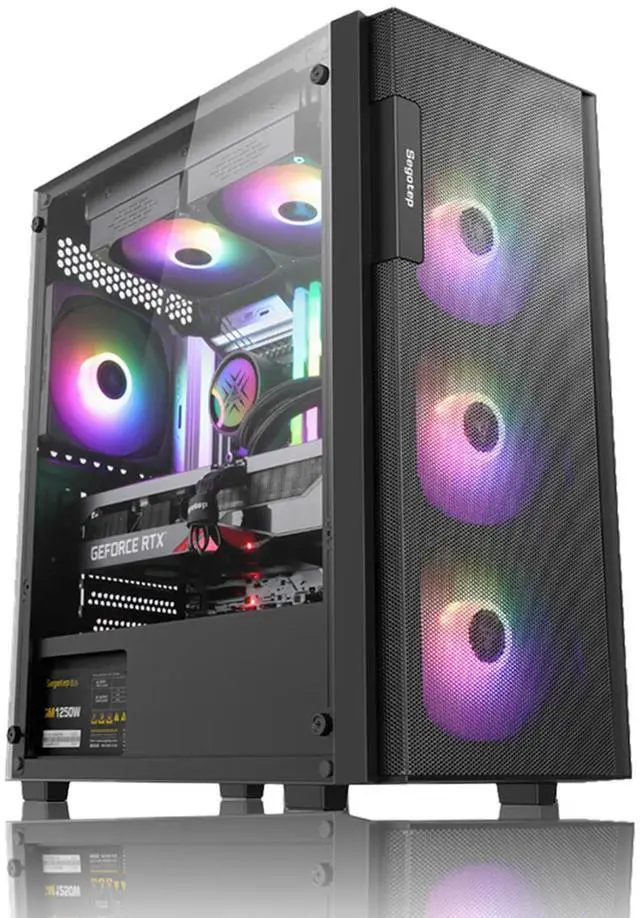
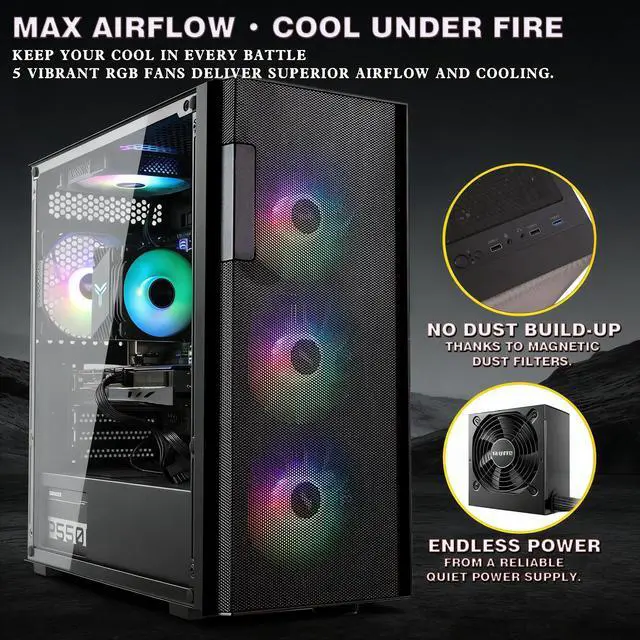
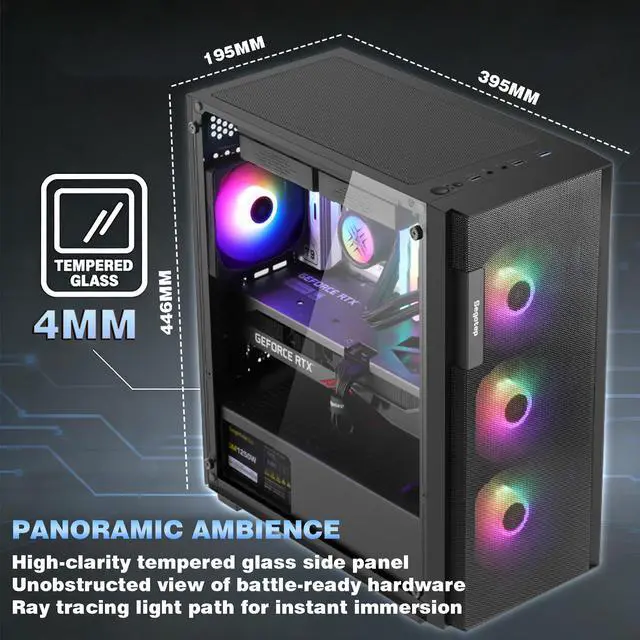
The TitanFusion Gaming PC is a desktop computer with an Intel Core i5-14400F processor, GeForce RTX 5060 graphics, 16GB memory, and a 1TB NVMe SSD. It is suitable for gaming, everyday productivity, and creative workloads that benefit from dedicated graphics and fast storage.
Recommended For
- 1080p competitive gamers who prioritize high frame rates in esports titles and want NVIDIA features such as DLSS, Reflex, and frame generation.
- Mainstream PC gamers using a 1080p monitor for current games at high settings, with willingness to use DLSS or reduce ray-tracing settings in demanding titles.
- Users who want one desktop for gaming, web work, office applications, and moderate multitasking rather than a specialized workstation; the Core i5-14400F provides 10 cores and 16 threads for mixed everyday workloads.
- First-time desktop buyers who prefer a ready-to-use Windows PC with Wi-Fi, an NVMe boot drive, and preinstalled hardware instead of selecting and assembling individual components.
Real-World Use Scenarios
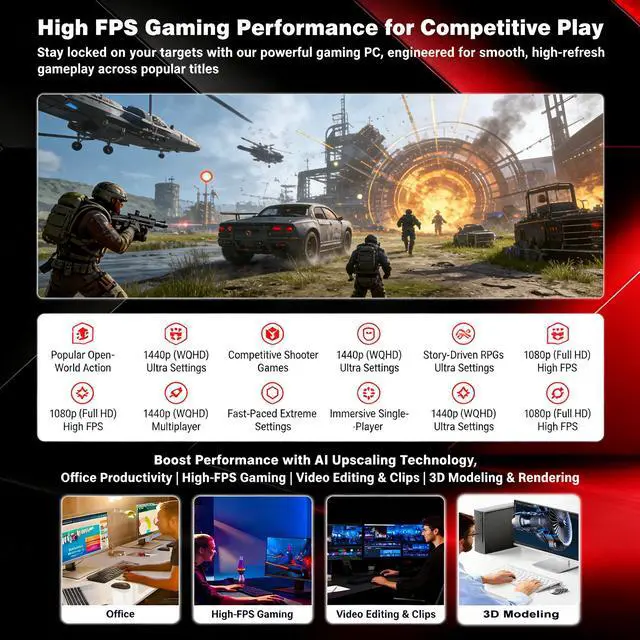
- A player using a 1080p high-refresh monitor for esports games such as Counter-Strike 2, Fortnite, or similar competitive titles can expect high frame rates and responsive gameplay at high settings.
- For typical 1080p AAA gaming, the system should deliver a good experience at high settings in many titles; demanding games may require DLSS, reduced ray tracing, or lower texture settings to avoid performance and VRAM-related issues.
- A user with a 1440p monitor can play esports, older, and less demanding games comfortably, while newer graphics-heavy games will usually require adjusted settings or DLSS rather than native ultra-quality rendering.
- A new streamer can play games while recording or livestreaming at 1080p using the RTX 5060's hardware encoder, with the Core i5-14400F providing enough multithreaded capacity for common streaming, chat, browser, and voice-chat tasks.
- For hobby-level video editing, photo work, and 3D experimentation, the PC should handle 1080p projects, GPU-accelerated effects, and standard exports well; complex 4K timelines, large projects, or heavy 3D scenes may be constrained by 16GB of system memory and the RTX 5060's 8GB VRAM.
Spec Summary
| Attribute | Value |
|---|
| Best For | Gaming and general desktop use with an RTX 5060, 16GB of DDR4 memory, and 1TB NVMe SSD storage |
|---|
| Processor | Intel Core i5-14400F processor |
|---|
| Graphics | NVIDIA GeForce RTX 5060 graphics |
|---|
| Memory Configuration | 16GB DDR4 memory for multitasking and gaming workloads |
|---|
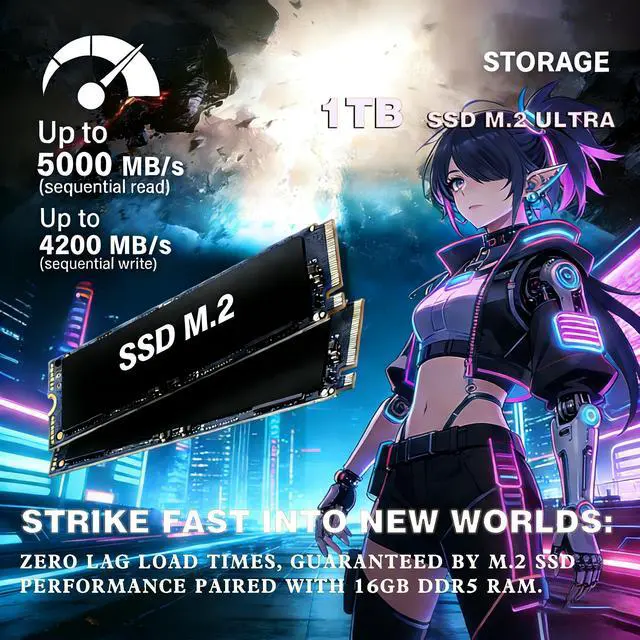
| Storage | 1TB NVMe solid-state drive for system and game storage |
|---|
| Operating System | Windows 11 Pro |
|---|
| Power Supply | 650W power supply |
|---|
| Form Factor | Desktop tower configuration |
|---|
| AI And System Features | AI-ready system |
|---|
Reference Q&A
Q: Is the TitanFusion RTX 5060 gaming PC better than an RTX 4060 PC?
A: For a new purchase, the TitanFusion system is the stronger choice when the price difference is reasonable. RTX 5060 testing shows roughly 20% to 27% higher gaming performance than RTX 4060 in many titles, plus newer Blackwell features such as DLSS 4 and Multi Frame Generation. An RTX 4060 PC remains suitable for 1080p gaming, so upgrading from an existing RTX 4060 system is most worthwhile when you also want newer AI and frame-generation features. ([techspot.com](https://www.techspot.com/review/2992-nvidia-geforce-rtx-5060/?utm_source=openai)
Q: Should I buy this RTX 5060 PC or spend more on an RTX 5060 Ti 16GB PC?
A: Choose the TitanFusion RTX 5060 configuration for primarily 1080p gaming and general-purpose use. Choose an RTX 5060 Ti 16GB system when you regularly play demanding games at 1440p, use high-resolution texture packs, or run GPU-heavy creative applications. Reviews place the RTX 5060 Ti approximately 15% to 25% ahead of the RTX 5060, while NVIDIA lists the 5060 Ti with up to 16GB of GDDR7 compared with 8GB on the RTX 5060. ([gamersnexus.net](https://gamersnexus.net/gpus/forbidden-review-nvidia-rtx-5060-gpu-benchmarks?utm_source=openai)
Q: Is the TitanFusion RTX 5060 PC better for 1080p gaming than a lower-tier RTX 5050 PC?
A: The TitanFusion system is the better fit when you want higher frame rates in modern games or more headroom for ray tracing and demanding settings. An RTX 5050 system is more appropriate when minimizing purchase cost is the priority and 1080p gaming at adjusted settings is acceptable. NVIDIA positions both GPUs in the Blackwell generation, but the RTX 5050 has fewer CUDA cores and lower total graphics power than the RTX 5060. ([nvidia.com](https://www.nvidia.com/en-us/geforce/graphics-cards/50-series/rtx-5050/?utm_source=openai)
Q: Should I choose this RTX 5060 desktop or an RX 9060 XT 16GB gaming PC?
A: Choose the TitanFusion RTX 5060 PC when DLSS, ray tracing, NVIDIA Broadcast, CUDA-supported applications, or NVIDIA Studio features are important. Choose an RX 9060 XT 16GB system when native 1440p gaming and larger video memory are the main priorities. Comparative testing places the RTX 5060 slightly ahead in some 1080p results, while the RX 9060 XT generally has an advantage at 1440p and offers 16GB of memory. ([wired.com](https://www.wired.com/review/nvidia-geforce-rtx-5060/?utm_source=openai)
Q: Is this desktop a better choice than a gaming laptop with similar RTX 5060 graphics?
A: Choose the TitanFusion desktop when performance, cooling, storage expansion, and future component upgrades matter more than portability. Choose a gaming laptop when you need to carry the system between locations or want a built-in display, keyboard, and battery. Desktop and laptop RTX 5060 implementations can use different power limits and cooling designs, so compare the exact laptop wattage and benchmark results rather than assuming equal performance from the GPU name alone.
Q: Who is this gaming desktop suitable for?
A: This desktop is suitable for users who want one Windows 11 Pro computer for 1080p gaming, everyday office work, multitasking, and moderate content-creation workloads. Its Core i5-14400F, RTX 5060, 16GB of memory, and 1TB NVMe SSD provide a balanced starting configuration. It is less suitable as a travel device because it is a full-size desktop tower that requires a separate display, power connection, and peripherals.
Q: Is 16GB of RAM enough for gaming, meetings, and office work?
A: Yes. The included 16GB of RAM is generally suitable for gaming, web browsing, video meetings, document work, and normal multitasking. Users who regularly edit high-resolution video, run virtual machines, or keep many demanding applications open may benefit from upgrading to 32GB. Confirm the installed memory type before purchasing because the listing references both DDR4 and DDR5 in different sections.
Q: Can the RAM, storage, or other components be upgraded later?
A: The system is designed around a B760 desktop motherboard and can potentially be upgraded, but the exact RAM slots, maximum supported memory, available M.2 or storage connections, and case clearance depend on the specific component models installed. Because the listing states that component brands and models may vary, verify the motherboard layout and installed RAM configuration before buying upgrade parts.
Q: Does this PC support both Wi-Fi and wired internet?
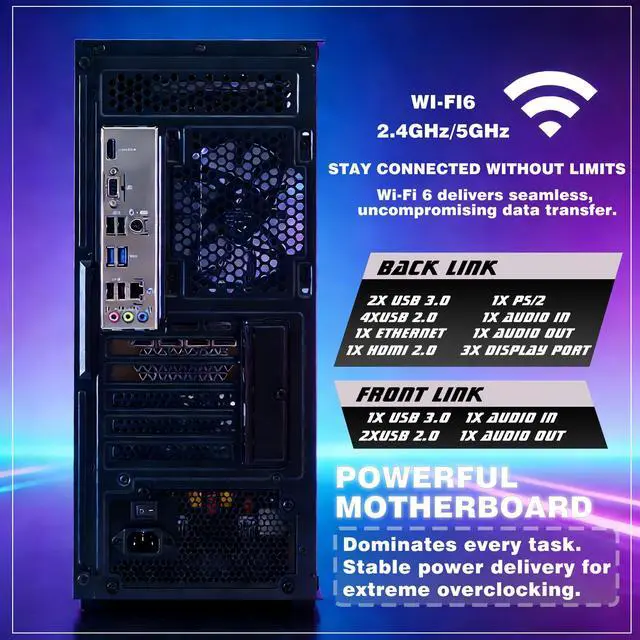
A: Yes. The product description lists a PCIe Wi-Fi adapter and one RJ-45 Gigabit Ethernet connection. Wi-Fi is convenient for locations without an Ethernet cable, while wired Ethernet is generally preferable for lower-latency gaming and more consistent network performance. The exact Wi-Fi standard and adapter model are not specified.
Q: Is this desktop ready to use out of the box?
A: Windows 11 Pro is listed as pre-installed, so the PC should be ready for initial setup after connecting a monitor, keyboard, mouse, and power cable. The product information does not confirm that a monitor, keyboard, or mouse is included, so buyers should plan to provide those accessories unless the seller confirms otherwise.
Q: Is this PC a good choice for 1080p gaming?
A: Yes. The Core i5-14400F and RTX 5060 combination is primarily suited to smooth 1080p gaming. Performance will vary by game and settings, and demanding titles may require optimized graphics settings or upscaling.
Q: Is this PC worth buying?
A: Its value depends mainly on the selling price and the exact components installed. The RTX 5060 and i5-14400F are a reasonable gaming combination, but buyers should compare the price against systems offering more RAM, a stronger GPU, or clearly identified component brands. The product data does not include a price, so value cannot be determined definitively.
Q: Is 16GB of RAM enough for this gaming PC?
A: 16GB is generally adequate for gaming and ordinary multitasking, but it provides less headroom for streaming, video editing, 3D applications, or running many programs at once. Buyers with heavier workloads should confirm whether the motherboard supports an easy upgrade to 32GB.
Q: Is this PC suitable for 1440p or 4K gaming?
A: It is better positioned as a 1080p system. 1440p may be practical in some games with adjusted settings or upscaling, while 4K gaming will place substantially greater demands on the RTX 5060's 8GB graphics memory and is not the configuration's main strength.
Q: Who is this PC best suited for?
A: It is best suited for buyers who want a ready-to-use desktop for 1080p gaming, general productivity, and moderate creation workloads. It is less suitable for users prioritizing 4K gaming, extensive video production, professional 3D work, or maximum upgrade flexibility without first confirming the specific RAM, power-supply, cooling, and component brands.