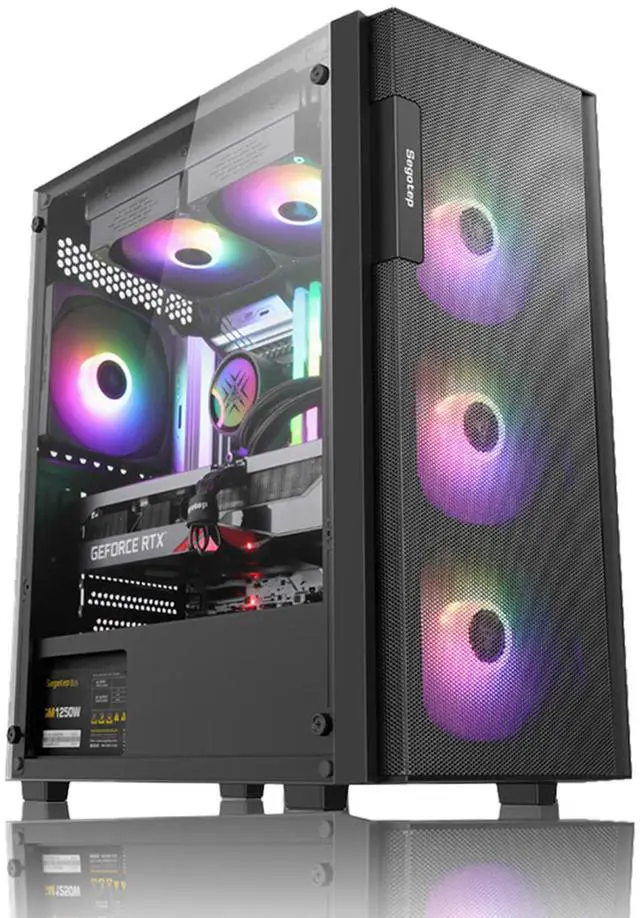
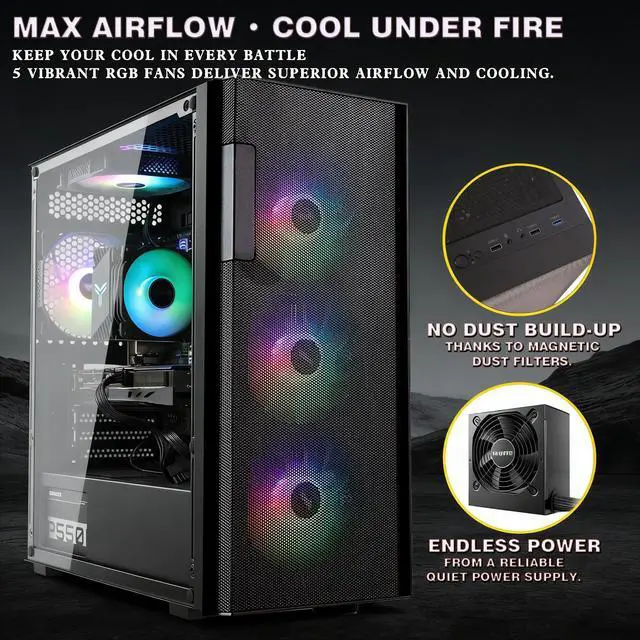
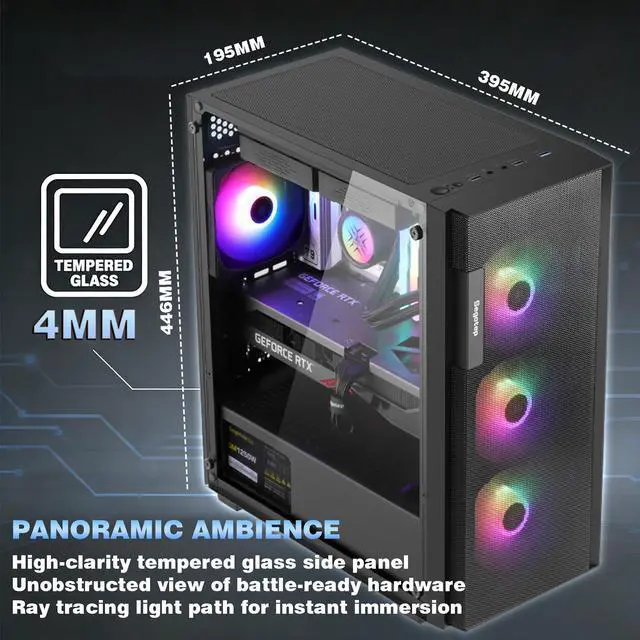
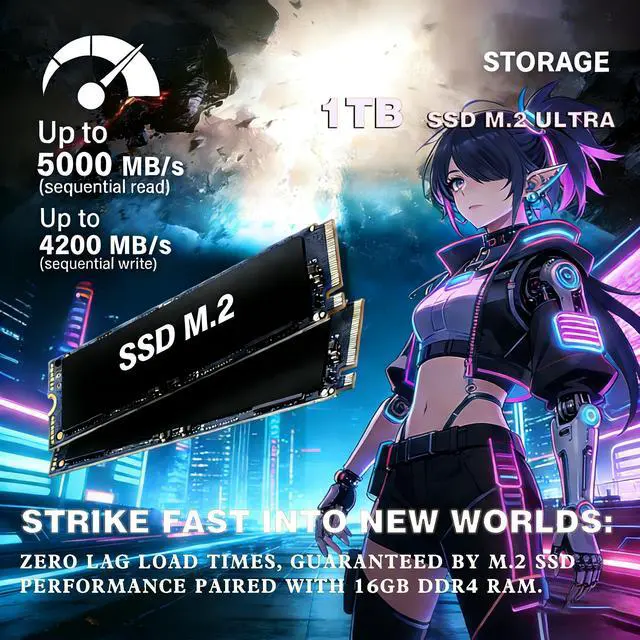
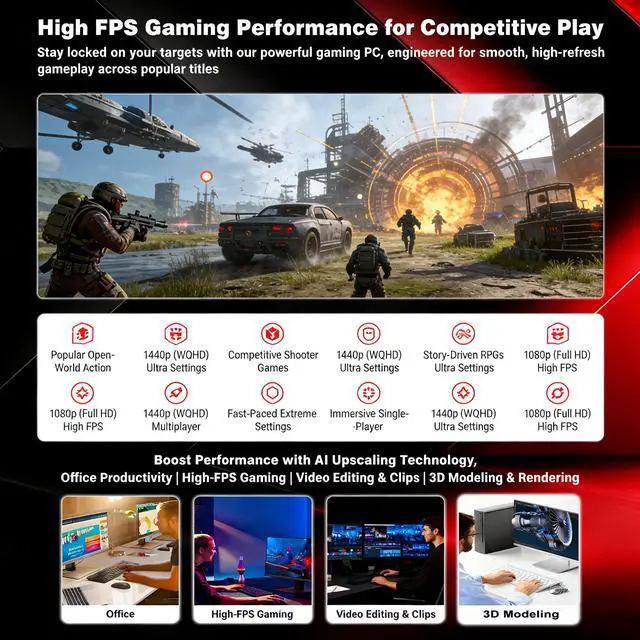
The TitanFusion Gaming PC is a Windows 11 Pro desktop with an Intel Core i5-14400F processor, GeForce RTX 4060 Ti graphics, 16GB DDR4 memory, and a 1TB NVMe SSD. It is suitable for mainstream gaming, multitasking, content creation, and users who want a ready-to-use desktop with built-in Wi-Fi.
Recommended For
- 1080p gamers who want to play current AAA and competitive titles at high settings, with access to DLSS, ray tracing, and frame-generation features where supported.
- Esports and multiplayer players using a 1080p monitor who want a desktop CPU with enough cores for gaming, voice chat, recording, and background applications.
- PC gamers who also livestream or record gameplay and want dedicated NVIDIA encoding features, including AV1 support, instead of relying entirely on CPU-based encoding.
- Hobbyist creators working on 1080p or moderate 4K video projects, photo editing, or entry-level 3D work who can benefit from CUDA, OptiX, NVIDIA Studio software, and GPU-accelerated effects.
- Desktop buyers who prefer a ready-to-use Windows gaming system with Wi-Fi, an NVMe SSD, and a discrete GPU rather than selecting and assembling individual components.
Real-World Use Scenarios
- A gamer plays current esports titles such as competitive shooters at 1080p while using a high-refresh monitor. The system should provide a responsive experience with settings tuned for high frame rates, although exact results depend on the game, display refresh rate, and graphics settings.
- A user plays single-player AAA games at 1080p with high or ultra settings, including ray tracing in supported titles. The RTX 4060 Ti is generally well suited to this resolution, while DLSS can help maintain smoother performance when ray tracing or demanding visual settings are enabled.
- A player uses a 1440p monitor for modern games and is willing to adjust a few settings. The PC should handle many 1440p games at playable performance, but demanding titles may require reduced settings or DLSS rather than consistently running at maximum quality and high frame rates.
- A streamer plays a game while broadcasting to Twitch or recording gameplay locally. The RTX 4060 Ti's dedicated NVIDIA encoder can handle supported H.264, HEVC, or AV1 video workflows, helping keep game rendering separate from much of the encoding workload; stream quality and resolution still depend on the platform and upload connection.
- A student, hobbyist, or small creator edits gameplay clips, social videos, or moderate-resolution projects in applications such as Adobe Premiere Pro or DaVinci Resolve. GPU acceleration and hardware encoding should make previews and exports practical, while the included 16GB of system memory may become a limitation when working with large 4K timelines, many effects, or several applications at once.
- A user keeps a browser with many tabs open while running office software, voice chat, game launchers, and background utilities. The Core i5-14400F's 10 cores and 16 threads are suitable for this type of general multitasking, but users running heavier creator applications or virtual machines may benefit from adding more than the included 16GB of RAM.
Spec Summary
| Attribute | Value |
|---|
| Best For | Gaming and creation workloads that benefit from a dedicated RTX 4060 Ti GPU, 10-core Intel Core i5 processor, 16GB of DDR4 memory, and fast NVMe storage |
|---|
| Processor And Core Count | Intel Core i5-14400F desktop processor |
|---|
| GPU And Graphics | NVIDIA GeForce RTX 4060 Ti dedicated graphics |
|---|
| Memory And Storage | 16GB DDR4 memory paired with a 1TB NVMe SSD for multitasking, boot, and application storage |
|---|
| Operating System | Windows 11 Pro |
|---|
| Power Supply | 700W power supply |
|---|
| Form Factor | Desktop form factor |
|---|
| AI Capabilities | AI-ready system |
|---|
Reference Q&A
Q: Should I choose this RTX 4060 Ti gaming PC or an RTX 4060 desktop?
A: Choose the TitanFusion configuration when you want higher gaming performance, stronger ray-tracing capability, or more headroom for 1440p gaming. Choose an RTX 4060 desktop when the lower purchase price matters more and you mainly play at 1080p. The RTX 4060 Ti provides a measurable performance increase, but the difference is usually more noticeable in demanding games and higher settings than in basic 1080p gaming. ([techspot.com](https://www.techspot.com/review/2709-rtx-4060-vs-rtx-4060-ti/?utm_source=openai))
Q: Is this PC worth upgrading to instead of an RTX 4070 gaming PC?
A: Choose this RTX 4060 Ti PC when you primarily play at 1080p, use moderate 1440p settings, or want to keep system cost lower. Choose an RTX 4070 system when you want substantially more graphics performance for high-refresh 1440p, heavier ray tracing, or more demanding creative workloads. Reviews and comparative testing consistently place the RTX 4070 in a higher performance tier, so the upgrade is most worthwhile when the price difference fits your budget and your monitor or workload can use the extra performance. ([techspot.com](https://www.techspot.com/review/2739-geforce-4070-vs-4060-ti/?utm_source=openai))
Q: Is this better than a previous-generation RTX 3060 Ti gaming PC?
A: Choose this PC for newer platform features, lower GPU power consumption, DLSS 3 frame generation support, and generally higher 1080p performance. A previous-generation RTX 3060 Ti system can remain competitive in native 1440p gaming because the RTX 4060 Ti uses a narrower 128-bit memory interface and its advantage varies by game. Upgrade when you also value newer features, lower power use, or a complete new system rather than expecting a large performance increase in every title. ([tomshardware.com](https://www.tomshardware.com/reviews/nvidia-geforce-rtx-4060-ti-review?utm_source=openai))
Q: Should I buy this desktop or a gaming laptop with a similar RTX 4060-class GPU?
A: Choose the TitanFusion desktop when gaming performance, upgradeability, sustained cooling, and a larger screen or monitor setup matter most. Choose a gaming laptop when portability, an integrated display, battery operation, and easy transport are more important. Laptop GPU performance depends heavily on the laptop's power limit and cooling design, so a similarly named mobile GPU should not be assumed to match a desktop RTX 4060 Ti. ([techspot.com](https://www.techspot.com/review/2064-geforce-vs-geforce-desktop-laptop-gaming/?utm_source=openai))
Q: Is this PC suitable for gaming and content creation, or should I choose a higher-end CPU and GPU?
A: Choose this configuration for mainstream gaming, streaming, photo editing, and moderate video-production workloads. Its Core i5-14400F has 10 cores and 16 threads, while the RTX 4060 Ti supports GPU-accelerated creative applications; however, heavier 4K editing, 3D rendering, large AI models, or frequent professional exports benefit from a higher-tier GPU, more than 16GB of memory, and a faster multi-core processor. The listed 16GB RAM is usable, but upgrading to 32GB is practical for heavier multitasking. ([intel.com](https://www.intel.com/content/www/us/en/products/sku/236777/intel-core-i5-processor-14400f-20m-cache-up-to-4-70-ghz/specifications.html?utm_source=openai))
Q: Who is this gaming desktop suitable for?
A: This desktop is suitable for users who want a ready-to-use Windows 11 Pro system for 1080p gaming, general multitasking, streaming, and entry-level to moderate creative work. Its Core i5-14400F, RTX 4060 Ti, 16GB of DDR4 memory, and NVMe SSD provide a balanced performance configuration, but users running very large creative projects or many demanding applications at once may benefit from more than 16GB of RAM.
Q: Can the memory or storage be upgraded later?
A: The 16GB memory and NVMe storage are the most likely upgrade areas, but exact upgrade capacity depends on the motherboard, available slots, and the specific components installed. Because the listing states that component brands and models may vary, confirm the motherboard layout and supported memory or SSD specifications before purchasing upgrade parts.
Q: Does this desktop include Wi-Fi and support multiple monitors?
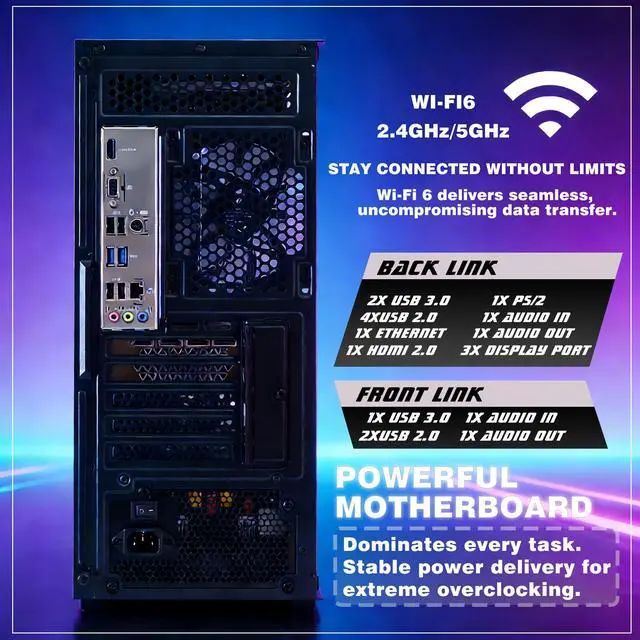
A: Yes. The product includes PCIe Wi-Fi and provides standard desktop connectivity through USB, HDMI or DisplayPort connections associated with the graphics card. Multiple-monitor support depends on the available video outputs on the specific RTX 4060 Ti model supplied, so users with a multi-display setup should verify the final graphics-card port configuration.
Q: Is this desktop ready to use out of the box?
A: Yes. Windows 11 Pro is listed as pre-installed, so the system is intended to be ready for setup after connecting a monitor, keyboard, mouse, and network connection. The listing does not indicate that a monitor or peripherals are included, so those accessories may need to be purchased separately.
Q: Is this a portable or travel-friendly work computer?
A: No. This is a full desktop tower designed for a fixed workspace rather than travel. It is better suited to stationary gaming, office work, streaming, and creation use where a monitor, power outlet, and separate peripherals are available.
Q: Is the TitanFusion PC good enough for Rust, Valorant, League of Legends, and a second monitor?
A: Yes. The listed Core i5-14400F, RTX 4060 Ti, and 16GB RAM should be suitable for 1080p gaming in Valorant and League of Legends, and for Rust with a second monitor running apps such as Discord or Spotify. Actual performance will depend on game settings, resolution, and background processes.
Q: Is this TitanFusion PC overkill for esports games, or not enough for Rust?
A: It is likely more performance than needed for games such as Valorant and League of Legends, but it is a reasonable fit for Rust and other more demanding games. The RTX 4060 Ti also gives the system more headroom for 1440p gaming than an entry-level graphics card.
Q: Can this TitanFusion PC handle gaming while running Discord, Spotify, or other apps?
A: Yes, the 10-core/16-thread Core i5-14400F and 16GB of DDR4 RAM are appropriate for gaming with common background applications. Users who frequently stream, edit video, run virtual machines, or use many demanding programs at once may benefit from upgrading to 32GB of RAM.