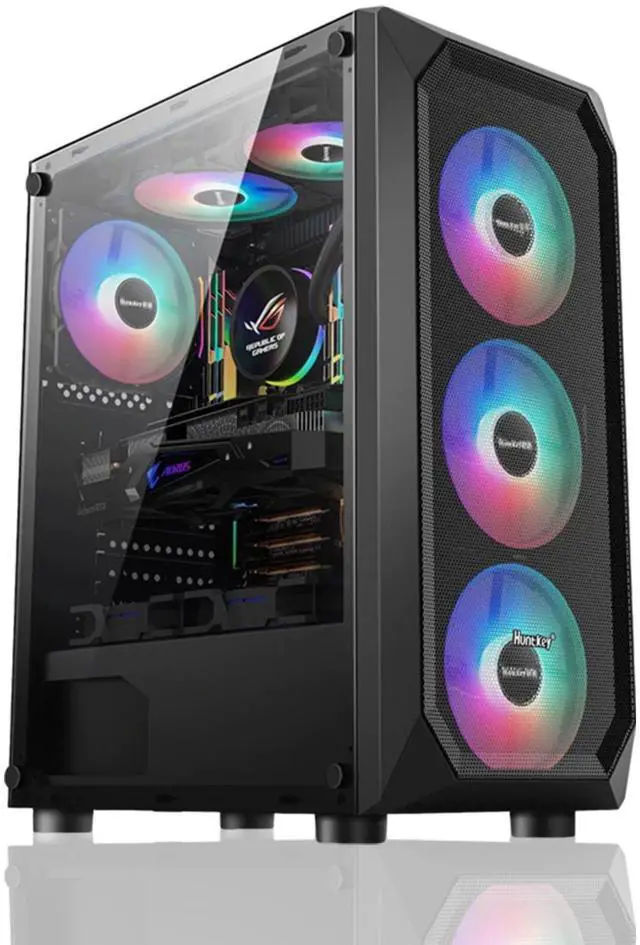
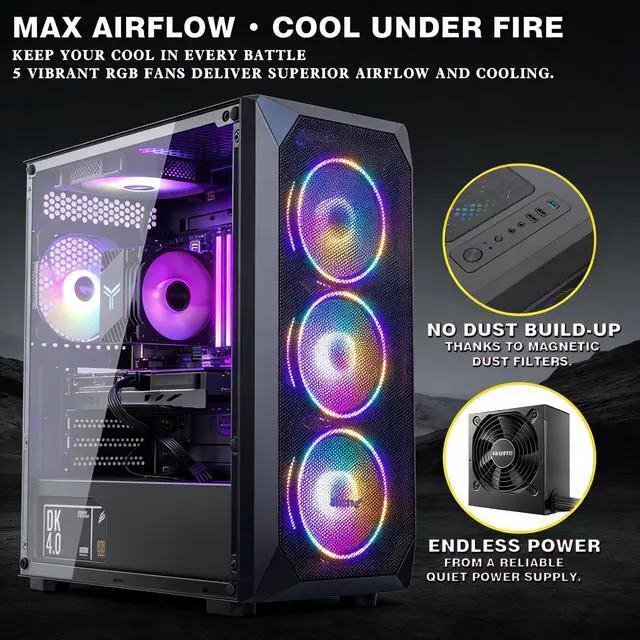
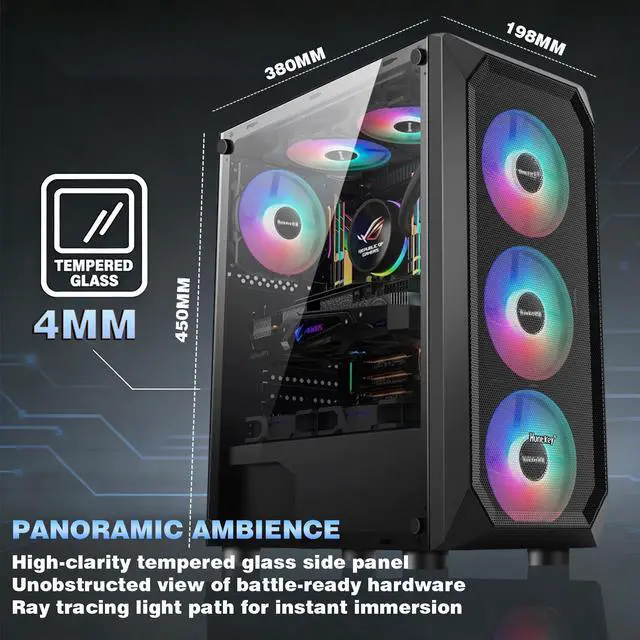
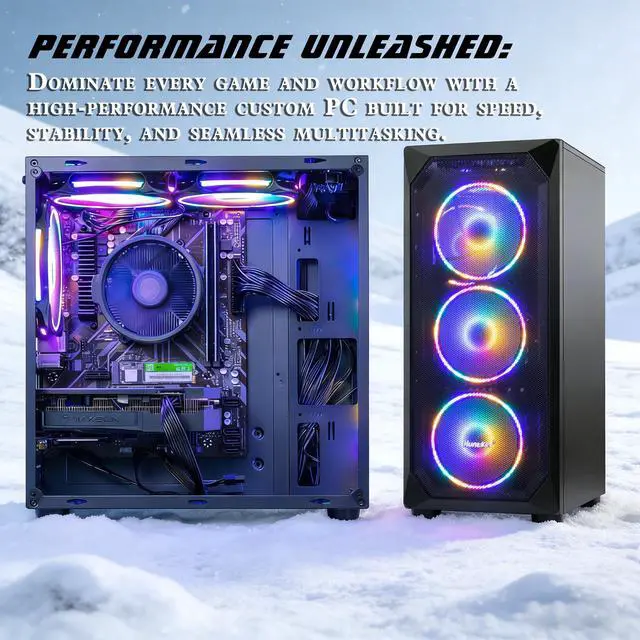
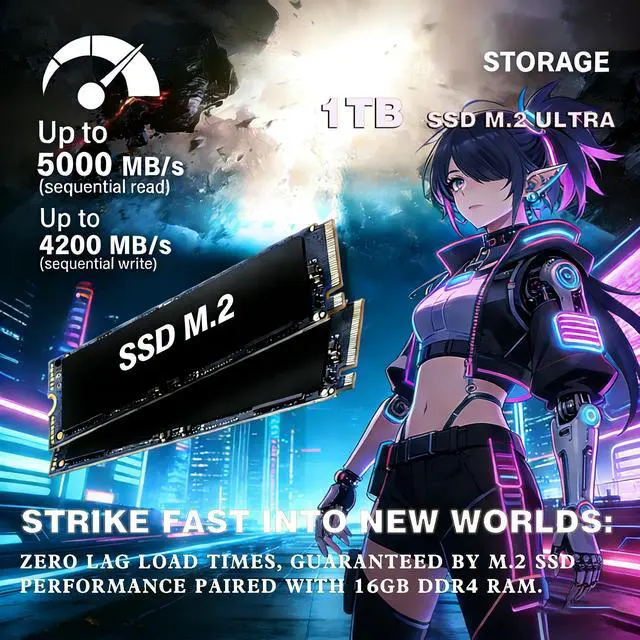
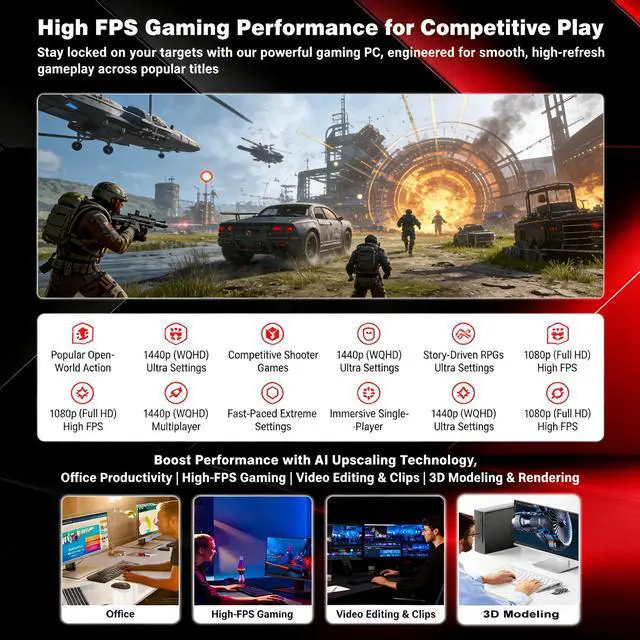
The TitanFusion Gaming PC is a Windows 11 Pro desktop for gaming and everyday creation, combining an AMD Ryzen 5 5600 processor, GeForce RTX 4060 Ti graphics, 16GB DDR4 memory, and a 1TB NVMe SSD. It suits gamers, students, and creators who want strong mainstream performance in a ready-to-use system.
Recommended For
- 1080p gamers who want high frame rates in esports and mainstream AAA games, with access to DLSS, ray tracing, and frame generation rather than targeting native 4K image quality.
- PC buyers replacing an older GTX 1060, GTX 1660, or RTX 2060 system who want a ready-to-use upgrade for 1080p gaming without building a computer from individual parts.
- Gamers who also create 1080p video, stream gameplay, or record content and can benefit from NVIDIA NVENC, AV1 encoding, and GPU-accelerated applications.
- Users who need one desktop for gaming, school or office work, and everyday multitasking, where the Ryzen 5 5600's 6-core/12-thread design and 1TB SSD provide a practical baseline.
Real-World Use Scenarios
- A user playing current games at 1080p can generally expect smooth gameplay at high settings, with DLSS and frame generation improving performance in supported titles. In esports and other CPU-heavy games, the Ryzen 5 5600 may limit very high refresh-rate performance before the RTX 4060 Ti does.
- For 1440p gaming, the system is best suited to GPU-focused games where the user is willing to adjust a few settings or enable DLSS. It can provide a good experience in many titles, but maximum settings, demanding ray tracing, or consistently high frame rates may require compromises.
- A user streaming gameplay through OBS can use the RTX 4060 Ti's hardware encoder instead of relying entirely on the Ryzen 5 5600. With supported software and platforms, NVENC and AV1 can make 1080p or 1440p streaming and local recording practical while preserving more CPU capacity for the game.
- For hobbyist video editing, the PC can handle common 1080p and moderate 4K projects, GPU-accelerated effects, and routine exports. Users working with RAW footage, heavy noise reduction, complex effects, or large projects may experience longer previews and export times, while the included 16GB of RAM can make intensive multitasking less comfortable.
- A beginner or hobbyist using Blender or similar 3D software can preview scenes and use GPU rendering for smaller projects. The experience becomes less predictable with complex scenes, high-resolution textures, or long animation renders, where the RTX 4060 Ti's midrange performance and unspecified VRAM configuration may become limiting.
Spec Summary
| Attribute | Value |
|---|
| Best For | Gaming and general desktop use with dedicated RTX graphics, a 6-core processor, 16GB of memory, and fast NVMe storage |
|---|
| Processor And Core Count | AMD Ryzen 5 5600 desktop processor |
|---|
| Graphics | NVIDIA GeForce RTX 4060 Ti dedicated graphics |
|---|
| Memory Configuration | 16GB DDR4 system memory |
|---|
| Storage | 1TB NVMe solid-state storage |
|---|
| Operating System | Windows 11 Pro |
|---|
| Power And Form Factor | 550W power supply in a desktop form factor |
|---|
| AI Capability | AI Ready |
|---|
Reference Q&A
Q: Should I choose the TitanFusion RTX 4060 Ti PC or an RTX 4060 gaming PC?
A: Choose the TitanFusion PC when you want higher gaming performance, higher refresh rates, or more headroom for 1440p. In a 40-game comparison, the RTX 4060 Ti averaged about 22% faster at 1080p and 24% faster at 1440p than the RTX 4060. Choose an RTX 4060 system instead when the lower price matters more and you mainly play at 1080p with adjusted settings. ([techspot.com](https://www.techspot.com/review/2709-rtx-4060-vs-rtx-4060-ti/?utm_source=openai)
Q: Is the TitanFusion RTX 4060 Ti PC better than a newer RTX 5060 Ti gaming PC?
A: Choose an RTX 5060 Ti system when the price difference is small and you want the newer Blackwell platform, DLSS 4 features, or a 16GB graphics-memory configuration. Choose the TitanFusion PC when it is substantially less expensive and your priority is conventional 1080p gaming rather than newer rendering features. The RTX 5060 Ti is available with 8GB or 16GB of GDDR7, while the TitanFusion listing identifies an RTX 4060 Ti but does not specify the card's VRAM capacity, so buyers should confirm whether the included card is the 8GB or 16GB version. ([nvidia.com](https://www.nvidia.com/en-au/geforce/graphics-cards/50-series/rtx-5060-family/?utm_source=openai)
Q: Should I spend more on an RTX 4070 PC instead of the TitanFusion RTX 4060 Ti PC?
A: Choose an RTX 4070 system for demanding 1440p gaming, ray tracing, or a stronger 4K starting point. TechSpot measured the RTX 4070 at roughly 30% faster than the RTX 4060 Ti 16GB across its test suite, with the advantage increasing in some 1440p and 4K workloads. Choose the TitanFusion PC when your target is primarily 1080p gaming and the lower total system cost is more important than extra graphics headroom. ([techspot.com](https://www.techspot.com/review/2739-geforce-4070-vs-4060-ti/?utm_source=openai)
Q: Is the TitanFusion Ryzen 5 5600 PC a better choice than a Ryzen 5 7600 gaming PC?
A: Choose the TitanFusion PC when you want a lower-cost complete system using DDR4 memory and an AM4 platform, especially for GPU-limited 1080p or 1440p gaming. Choose a Ryzen 5 7600 system for high-refresh gaming, CPU-heavy games, or a newer AM5 upgrade path. In TechSpot's CPU and GPU scaling tests, the Ryzen 5 7600 was about 30% faster than the Ryzen 5 5600 in many typical gaming scenarios, although the difference becomes smaller when the graphics card is the main performance limit. AMD lists the Ryzen 5 5600 as a 6-core, 12-thread AM4 processor supporting DDR4-3200. ([techspot.com](https://www.techspot.com/review/2615-ryzen-7600-vs-ryzen-5600/?utm_source=openai)
Q: Should I buy this desktop or an RTX 4060 gaming laptop for portable gaming?
A: Choose the TitanFusion desktop when sustained gaming performance, easier component upgrades, additional storage expansion, and a larger cooling system matter most. Choose an RTX 4060 laptop when portability, a built-in display, battery operation, and one-device convenience are more important. Desktop and laptop RTX 4060 products use different power and cooling designs, so laptop performance depends heavily on the model's GPU power limit and thermal system; benchmark results should be checked for the specific laptop rather than assumed from the GPU name alone. ([nanoreview.net](https://nanoreview.net/en/gpu-compare/geforce-rtx-4060-mobile-vs-geforce-rtx-4060?utm_source=openai)
Q: Is this gaming PC suitable for 1080p gaming and everyday productivity?
A: Yes. The Ryzen 5 5600, RTX 4060 Ti, 16GB DDR4 RAM, and 1TB NVMe SSD make it suitable for 1080p gaming, web browsing, office work, streaming, and general content creation. The 16GB memory is adequate for most users, but heavier multitasking or demanding creative applications may benefit from a future RAM upgrade.
Q: Can the RAM or storage be upgraded later?
A: The 16GB RAM and 1TB NVMe SSD provide a practical starting configuration, and desktop components are generally more upgradeable than laptop components. However, the exact RAM-slot count, M.2-slot availability, and supported upgrade limits are not specified, so confirm the installed motherboard layout before purchasing replacement or additional components.
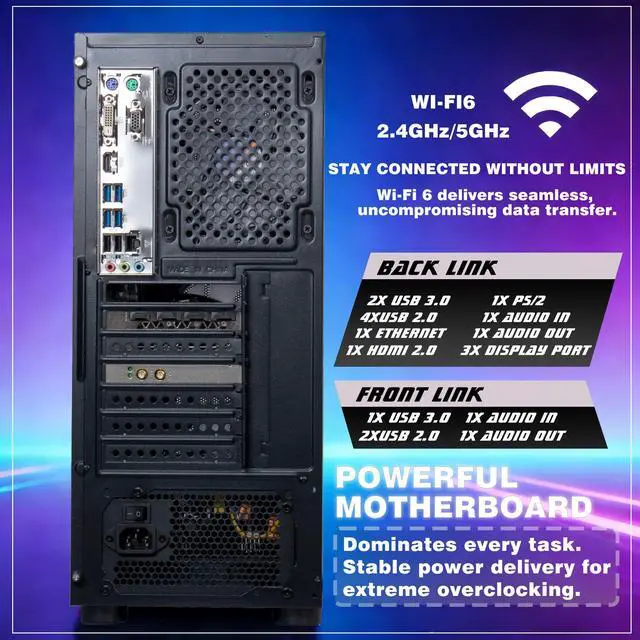
Q: Does this PC include built-in Wi-Fi?
A: Built-in Wi-Fi is not confirmed in the provided specifications. The listed configuration identifies the CPU, GPU, memory, storage, operating system, power supply, and motherboard class, but does not state that Wi-Fi or Bluetooth is included. Buyers who need wireless networking should verify the exact motherboard or plan to use Ethernet or a separate Wi-Fi adapter.
Q: Is this a good travel work computer?
A: No. This is a desktop tower rather than a portable work device, so it requires a separate monitor, keyboard, mouse, and power connection. It is better suited to a fixed desk for gaming, office work, meetings, and creation tasks than to frequent travel.
Q: Is the 550W power supply sufficient for this configuration?
A: The included 550W power supply is intended to support the listed Ryzen 5 5600 and RTX 4060 Ti configuration. If you later install a higher-power graphics card, add hardware, or overclock components, check the required wattage, connectors, and power-supply quality before upgrading.
Q: Is the Ryzen 5 5600 and RTX 4060 Ti combination good for 1080p gaming?
A: Yes. This configuration is suitable for 1080p gaming, including demanding games at high settings. Performance will vary by game and settings, and features such as DLSS or frame generation may be needed for higher frame rates in newer titles.
Q: Is a Ryzen 5 5600 likely to bottleneck the RTX 4060 Ti?
A: The Ryzen 5 5600 and RTX 4060 Ti are generally compatible for mainstream gaming, especially at 1080p and 1440p. CPU limitations are more likely in highly CPU-intensive games, very high refresh-rate gaming, or applications that require substantial processor performance.
Q: Is this type of prebuilt worth buying, or should I look for a stronger alternative?
A: It can be reasonable when priced competitively, but value depends heavily on the total price and the exact component brands. Community discussions commonly compare RTX 4060 Ti systems with alternatives such as RTX 4070 or Radeon RX 6700 XT, RX 6750 XT, or RX 6800 models, which may offer better performance or value in some markets.
Q: What should I verify before buying this prebuilt?
A: Verify the exact motherboard, power-supply model, graphics-card model, RAM configuration, cooling system, and upgrade options. The listing states that component brands and models may vary, and its specifications mention both A520M and B450M, so the delivered motherboard should be confirmed before purchase. The 16GB RAM capacity is adequate for current gaming, but 32GB may be preferable for heavier multitasking or creation workloads.