






Specifications
Why can't my Raspberry Pi 5 detect or boot from the NVMe SSD?
After several major version updates, the bootloader has basically solved the firmware issue, so the remaining is the OS configuration and SSD compatibility issues.
What is the maximum supported NVMe SSD capacity for the X1002?
The X1002 hardware has no limit on NVME SSD capacity, which is dependent on the Raspberry Pi OS.
Can they support Gen3 PCIe speeds or only Gen2?
All PIP boards (e.g., X1001, X1002, X1003) just extend the Raspberry Pi 5’s PCIe interface. PCIe Gen 3 support depends on both the Raspberry Pi 5 and the chip on the PIP board. Models such as X1004, X1011, and X1005 do not support Gen 3 speed.
Why is the SSD recognized but not bootable?
A: The method of flashing OS to NVME SSD may be problematic. B: The SSD used may be incompatible. Please replace it with other brand SSD.


Product Comparison Table
 X1001 |  X1002 |  X1005 |  X1003 |  X1015 |  X1012 |  X1004 | |
|---|---|---|---|---|---|---|---|
Customer Reviews | — | — | — | — | — | — | — |
Price | — | — | — | — | — | — | — |
Compatible with | for Raspberry Pi 5 | for Raspberry Pi 5 | for Raspberry Pi 5 | for Raspberry Pi 5 | for Raspberry Pi 5 | for Raspberry Pi 5 with POE | for Raspberry Pi 5 |
Mounting Position | TOP | Bottom | Bottom | TOP | TOP | TOP | TOP |
M.2 Key-M NVMe SSD Supported | 2230/2242/2260/2280 | 2230/2242/2260/2280 | DUAL 2230/2242/2260/2280 | 2230/2242 | 2230/2242/2260/2280 | 2230/2242/2260/2280 | DUAL 2230/2242/2260/2280 |
Matching Case | P579 | P580 | P580 | P579 | P579 | P579 | P579 |
Support NVMe SSD Boot | ? | ? | ? | ? | ? | ? | ? |
Support Hailo-8 AI Accelerator | Yes | No | Yes | Not tested | Yes | Not tested | Yes |


Geekworm
Founded in 2013, Geekworm is dedicated to the development and design of Raspberry Pi accessories.
Geekworm helps Makers around the world focus on creativity and inspirationby providing innovative.
KVM Over IP
For Raspberry Pi 4
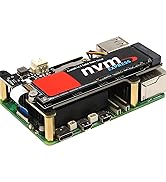
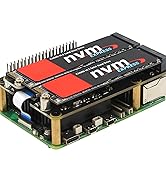
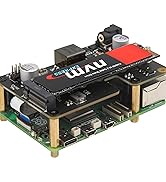
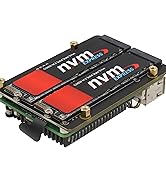
RPi5 PCIe to NVMe Adapter
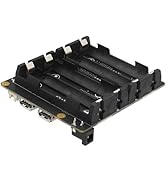
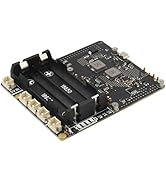
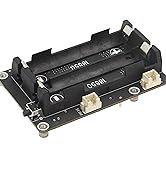
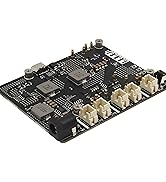
Raspberry Pi 5 UPS
Power Adapter
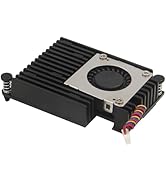
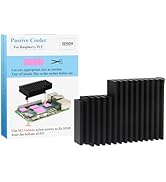
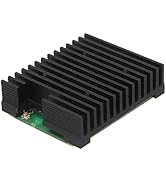
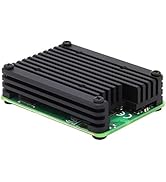
Geekworm Heatsink
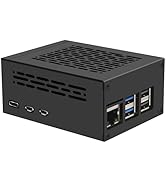
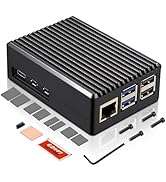
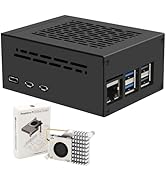
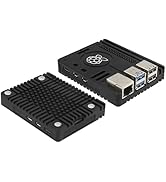
Raspberry Pi 5 Case

Specifications
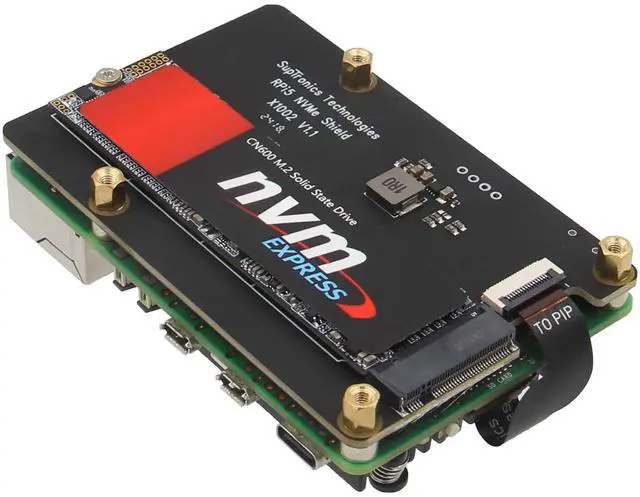
| Model | X1002 |
|---|---|
| Compatible With | for Raspberry Pi 5 2GB/4GB/8GB/16GB |
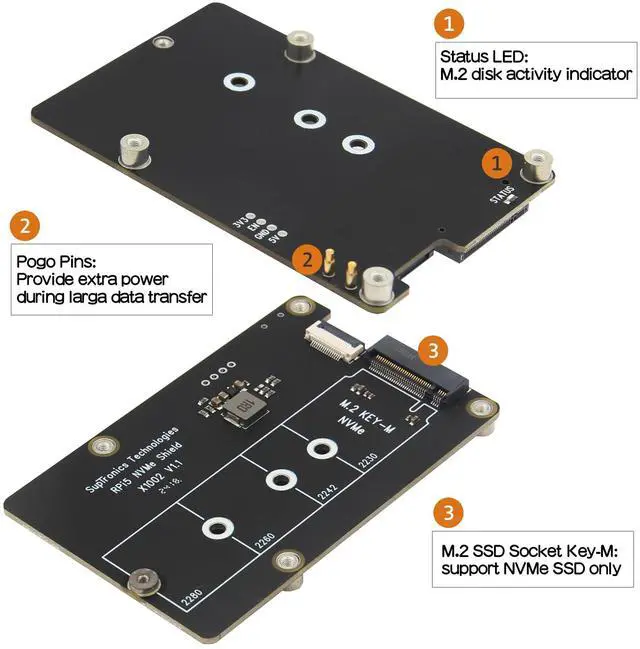
| PCIe Connector | 1x 16-pin pitch 0.5mm |
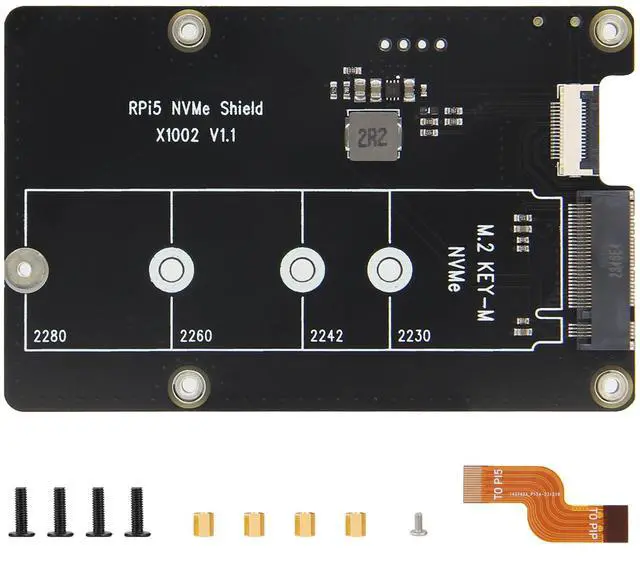
| SSD Connector | 1x M.2 KEY-M 67P |
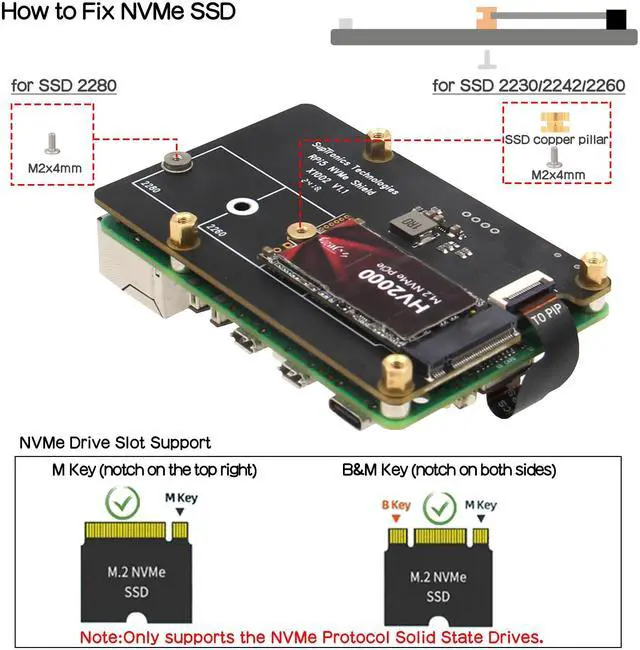
| M.2 Key-M NVMe SSD Supported | Single 2230/2242/2260/2280 |
| PCB Size | 87 mm x 56 mm |
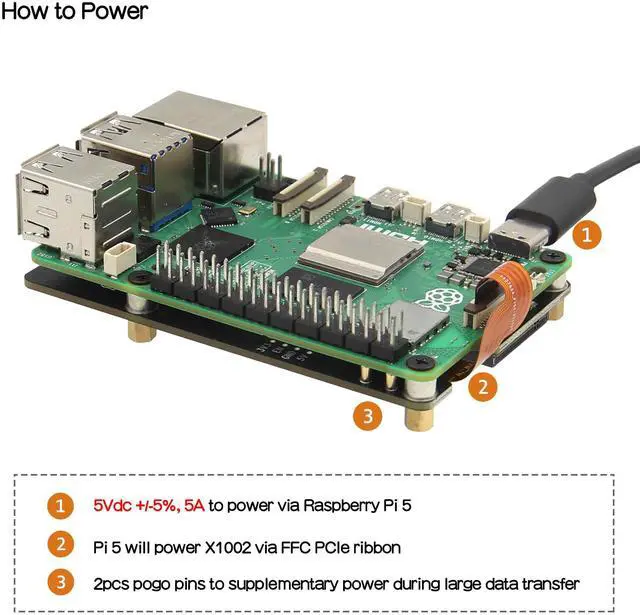
| Power Supply | 5Vdc +/-5% power via pogo pins & FFC, converted to 3.3V max 3.5A to power the SSD |
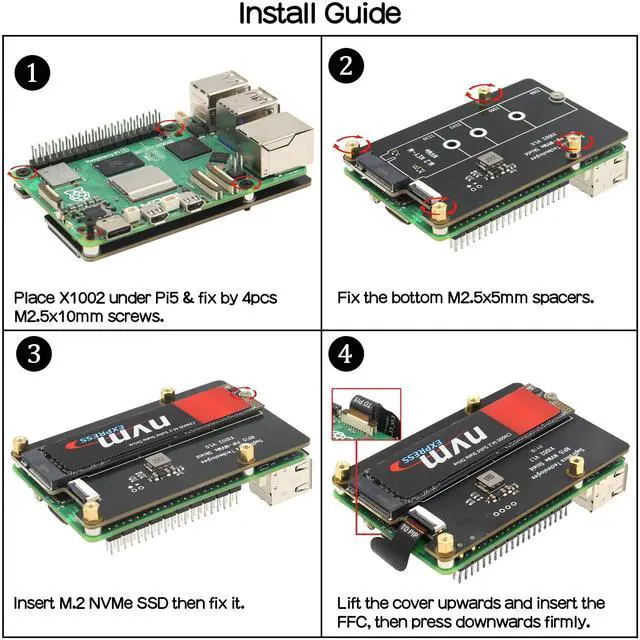
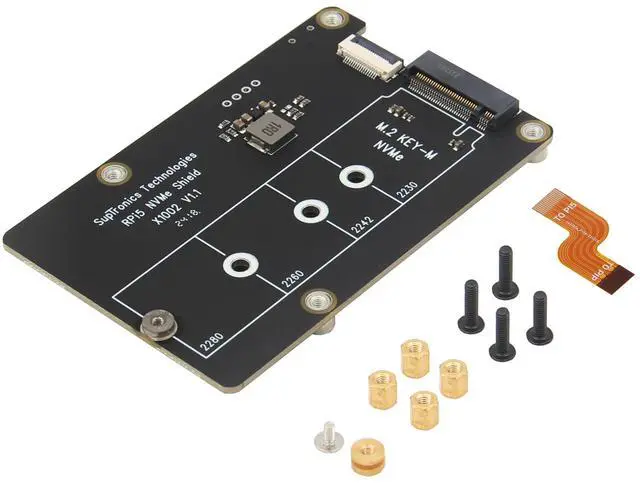
| Packing List | 1 x X1002 PCIe Peripheral Bottom Shield, 1 x PCIe FFC cable, 4 x M2.5x5mm F/F Spacers, 4 x M2.5x10mm Screws, 1 x M2x4mm Screws |
Why can't my Raspberry Pi 5 detect or boot from the NVMe SSD?
After several major version updates, the bootloader has basically solved the firmware issue, so the remaining is the OS configuration and SSD compatibility issues.
What is the maximum supported NVMe SSD capacity for the X1002?
The X1002 hardware has no limit on NVME SSD capacity, which is dependent on the Raspberry Pi OS.
Can they support Gen3 PCIe speeds or only Gen2?
All PIP boards (e.g., X1001, X1002, X1003) just extend the Raspberry Pi 5’s PCIe interface. PCIe Gen 3 support depends on both the Raspberry Pi 5 and the chip on the PIP board. Models such as X1004, X1011, and X1005 do not support Gen 3 speed.
Why is the SSD recognized but not bootable?
A: The method of flashing OS to NVME SSD may be problematic. B: The SSD used may be incompatible. Please replace it with other brand SSD.


Product Comparison Table
X1001 | X1002 | X1005 | X1003 | X1015 | X1012 | X1004 |
|---|---|---|---|---|---|---|
| Customer Reviews | ||||||
| — | — | — | — | — | — | — |
| Price | ||||||
| — | — | — | — | — | — | — |
| Compatible with | ||||||
| for Raspberry Pi 5 | for Raspberry Pi 5 | for Raspberry Pi 5 | for Raspberry Pi 5 | for Raspberry Pi 5 | for Raspberry Pi 5 with POE | for Raspberry Pi 5 |
| Mounting Position | ||||||
| TOP | Bottom | Bottom | TOP | TOP | TOP | TOP |
| M.2 Key-M NVMe SSD Supported | ||||||
| 2230/2242/2260/2280 | 2230/2242/2260/2280 | DUAL 2230/2242/2260/2280 | 2230/2242 | 2230/2242/2260/2280 | 2230/2242/2260/2280 | DUAL 2230/2242/2260/2280 |
| Matching Case | ||||||
| P579 | P580 | P580 | P579 | P579 | P579 | P579 |
| Support NVMe SSD Boot | ||||||
| ? | ? | ? | ? | ? | ? | ? |
| Support Hailo-8 AI Accelerator | ||||||
| Yes | No | Yes | Not tested | Yes | Not tested | Yes |
Geekworm
Founded in 2013, Geekworm is dedicated to the development and design of Raspberry Pi accessories.
Geekworm helps Makers around the world focus on creativity and inspirationby providing innovative.
KVM Over IP
For Raspberry Pi 4
RPi5 PCIe to NVMe Adapter
Raspberry Pi 5 UPS
Power Adapter
Geekworm Heatsink
Raspberry Pi 5 Case