



Meet Your Seller

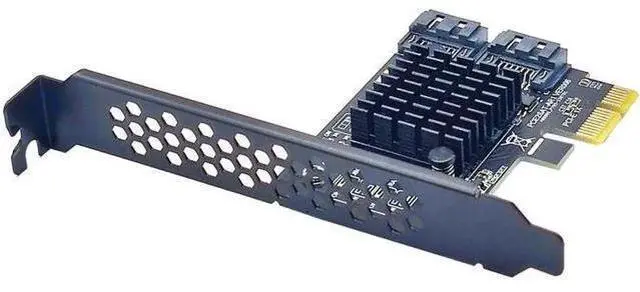
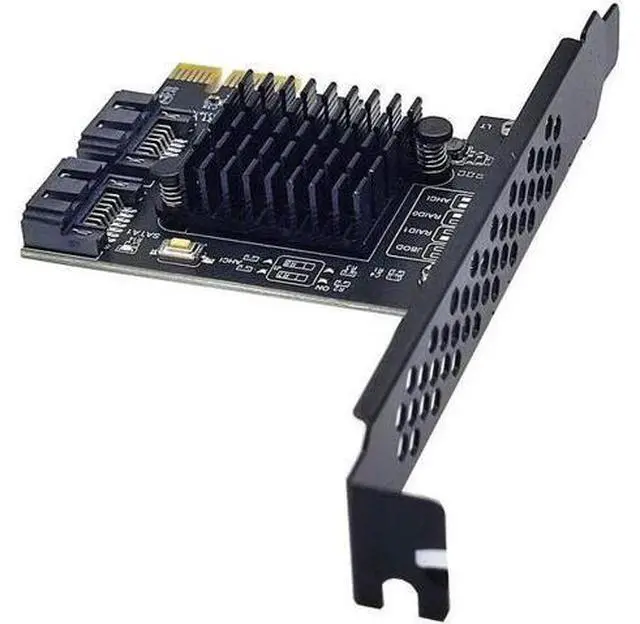
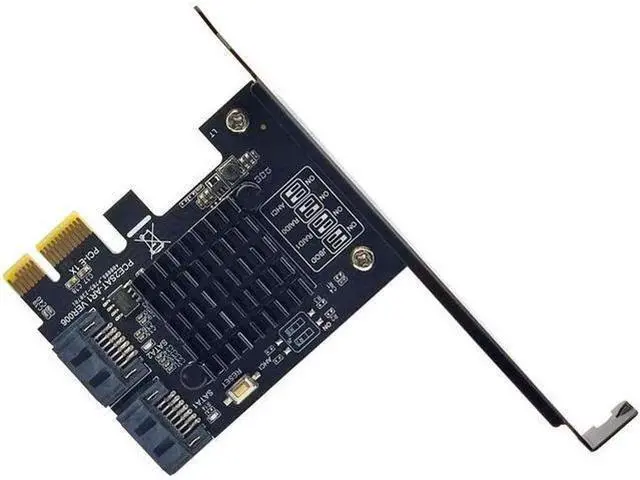
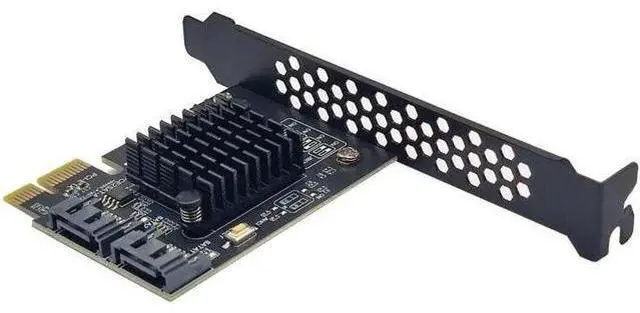
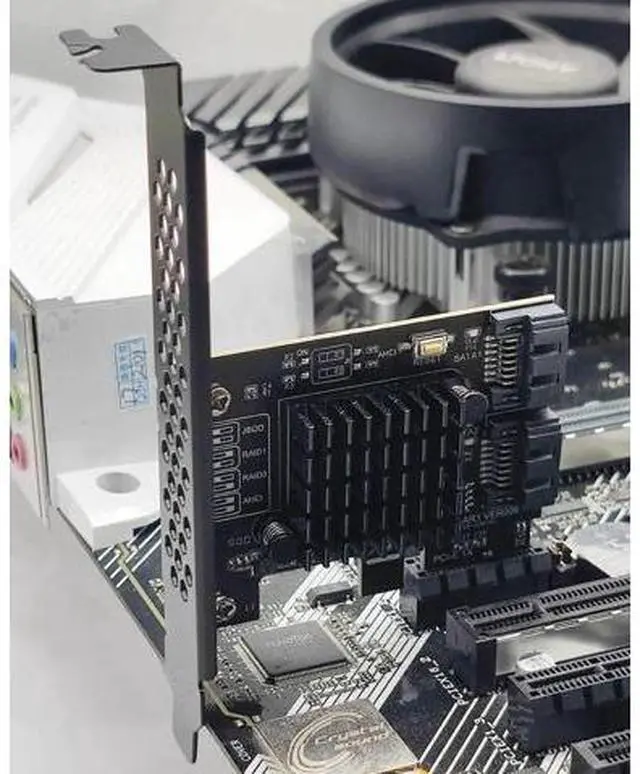
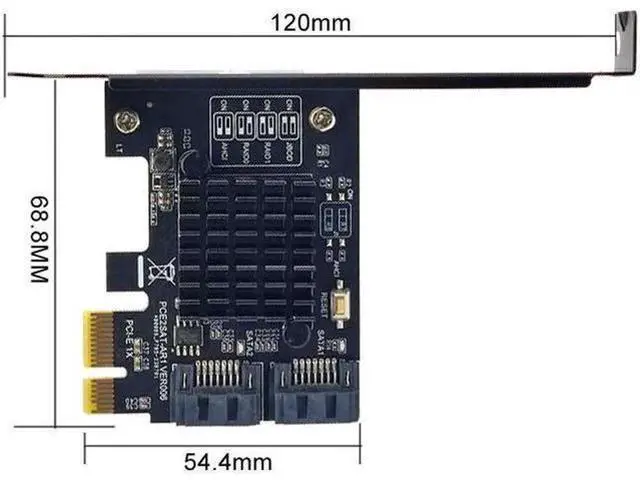
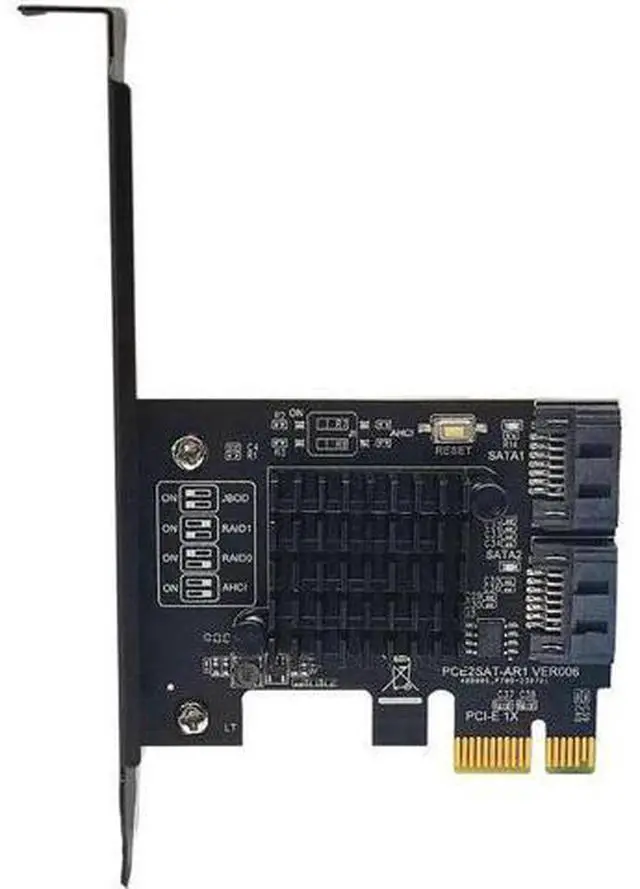


SATA Raid PCI-E Card SATA Raid Controller ASMedia 1061R Chip PCI Express X1 to 2 Port SATA3.0 6Gb RAID Card for SATA HDD SSD
- This is PCI Express Gen2 x1 to two ports of Serial ATA 6Gbps,; Integrates ASMedia Hydratek hardware RAID engine, enables Serial ATA PHY up to 6Gbps high speed interface,; Supports SRIS(Separate Refclk Independent SSC) function, complies with Serial ATA Revision 3.2 Specification.
+
+
Overview
Specs
Reviews
Feature: Product Introduction This is PCI Express Gen2 x1 to two ports of Serial ATA 6Gbps, integrates ASMedia Hydratek hardware RAID engine, enables Serial ATA PHY up to 6Gbps high speed interface, supports SRIS (Separate Refclk Independent SSC) function, complies with Serial ATA Revision 3.2 Specification.
Industry
Note: Not Supported RAID on PM System Requirements Supports Windows 7/8/10/11/Server 2012/2008/linux Hardware Installation 1. Tum off the power to your computer 2. Unplug the power cord and remove your computer cover 3. Locate to an empty PCI Express x1, x4, x8, or x16 slot on the motherboard. 4. To install the board, carefully align the card's bus connector with the selected PCI-E slot on the motherboard. Push the board down firmly. 5. Attach your internal devices to th
Industry
Specifications
Compliance: PCI Express Base Specification Rev. 2.0 PCI Express Card Electromechanical Rev. 2.0 Serial ATA AHCI Spec. Rev. 1.3 Serial ATA Revision 3.2 Serial ATA Features Supports 2 ports Serial ATA PHY 1.5G bps, 3.0G bps and 6.0G bps speed negotiation Supports AHCI programming interface Supports Native Command Queue (NCQ) Supports Port Multiplier command based switching Embedded hardware RAID engine Supports RAID0, RAID1, SPAN RAID mode changeable, controlled via the setting by two GPI Os or GUl utility RAID0 high performance for the data transmission Supports S. M. A. R. T feature Supports automatic rebuild Supports high performance off-line rebuild Supports background rebuildNote: Not Supported RAID on PM System Requirements Supports Windows 7/8/10/11/Server 2012/2008/linux Hardware Installation 1. Tum off the power to your computer 2. Unplug the power cord and remove your computer cover 3. Locate to an empty PCI Express x1, x4, x8, or x16 slot on the motherboard. 4. To install the board, carefully align the card's bus connector with the selected PCI-E slot on the motherboard. Push the board down firmly. 5. Attach your internal devices to th
Warranty & Returns
Warranty, Returns, And Additional Information
Warranty
- Please contact the Seller directly for warranty information. Warranty information may also be found on the Manufacturer's website.
- CONTACT
Return Policies
- Return for refund within: 30 days
- Return for replacement within: 90 days
- This item is covered by OUTDOORMAX GEAR Return Policy
Manufacturer Contact Info
- For a directory of all our manufacturers, please click below.
- Manufacturers Directory
LOADING...