



Meet Your Seller

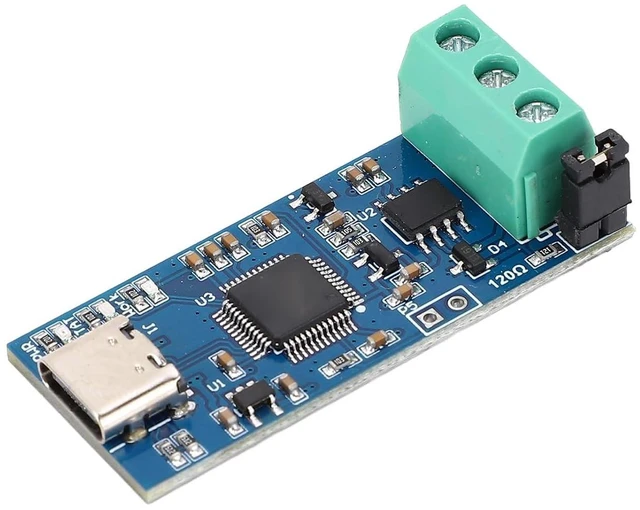
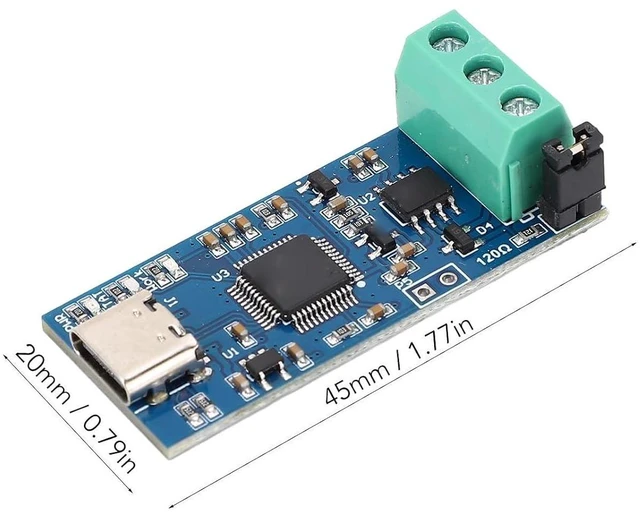
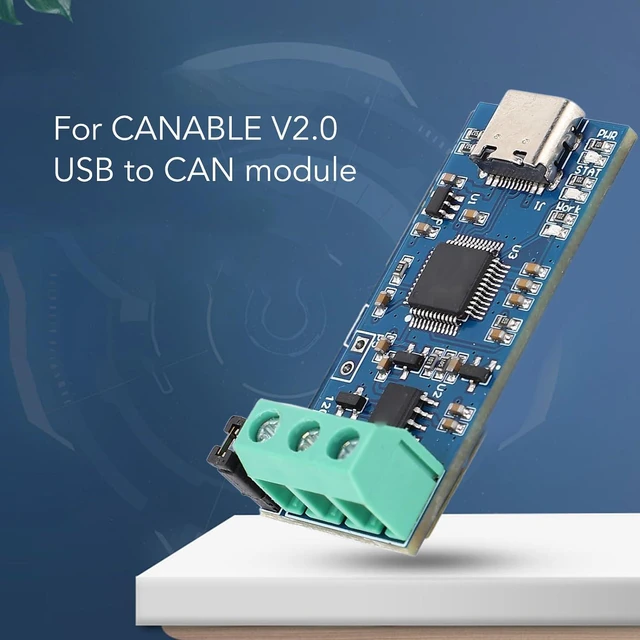


USB to CAN Module Type C Power Supply Converter Adapter for CAN 2.0A/2.0B/FD Protocol Bus Analyzer V2.0 With LED Indicator - High Performance
Limited time offer, ends 11/01 By Kepler Forge
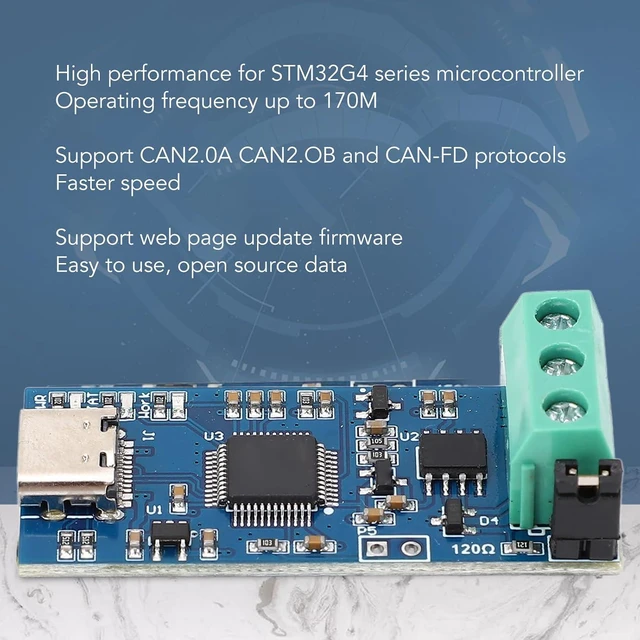
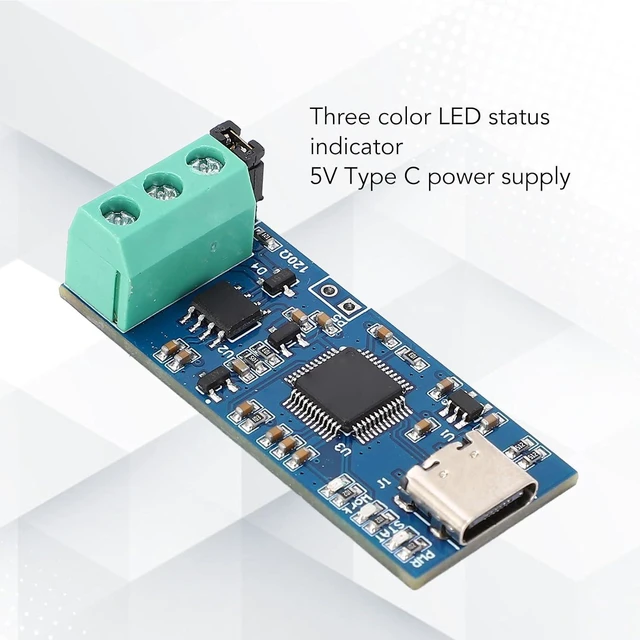
- HIGH EFFICIENCY: For CANABLE V2.0 use high performance for STM32G4 series microcontroller, operating frequency up to 170M. Experience fast and accurate data analysis with the USB to CAN Module, enabling streamlined processing of CAN messages for enhanced efficiency; SUPPORTED PROTOCOLS: USB to CAN Module support CAN2.0A CAN2.OB and CANFD protocols, and the speed is set up your CAN bus interface effortlessly with the user friendly USB to CAN Module, providing a hassle experience for seamless integration into your system; COMPACT DESIGN: from a compact and portable design of the CAN FD analyzer adapter, easily fitting into your workspace for convenient use whenever needed; TYPE C INTERFACE: USB to CAN Module support 5V Type C power supply, more convenient and more practical to use than ever. Enjoy seamless connectivity with multiple devices, ensuring communication across different platforms; LED INDICATOR: USB CAN converter module with three color LED status indicator. Support web page update firmware, easy to use, open source data, useful and practical
+
+
Overview
Specs
Reviews
Product description
Specification: Item
Type: USB to CAN Module
Power Interface: Type C
Supported Protocols: CAN 2.0A, CAN 2.0B, CAN-FD Protocol How to
Use:
1.
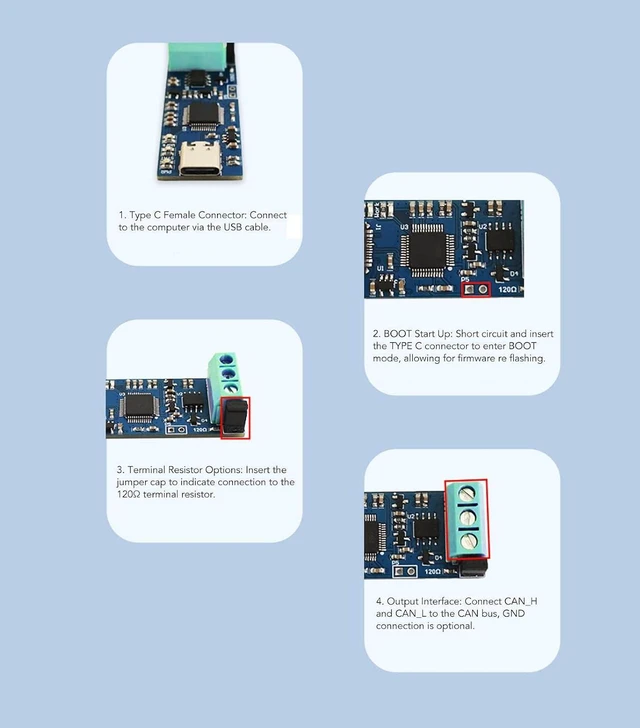
Type C Female Connector: Connect to the computer via the USB cable. 2.
BOOT Start Up: Short circuit and insert the TYPE C connector to enter BOOT mode, allowing for firmware re flashing.
3.
Terminal Resistor Options: Insert the jumper to indicate connection to the 120 terminal resistor.
4.
Output Interface: Connect CAN_H and CAN_L to the CAN bus, GND connection is optional.
Package List: 1 x USB to CAN Module
Specification: Item
Type: USB to CAN Module
Power Interface: Type C
Supported Protocols: CAN 2.0A, CAN 2.0B, CAN-FD Protocol How to
Use:
1.
Type C Female Connector: Connect to the computer via the USB cable. 2.
BOOT Start Up: Short circuit and insert the TYPE C connector to enter BOOT mode, allowing for firmware re flashing.
3.
Terminal Resistor Options: Insert the jumper to indicate connection to the 120 terminal resistor.
4.
Output Interface: Connect CAN_H and CAN_L to the CAN bus, GND connection is optional.
Package List: 1 x USB to CAN Module
Warranty & Returns
Warranty, Returns, And Additional Information
Warranty
- Please contact the Seller directly for warranty information. Warranty information may also be found on the Manufacturer's website.
- CONTACT
Return Policies
- Return for refund within: 30 days
- Return for replacement within: 90 days
- This item is covered by Kepler Forge Return Policy
Manufacturer Contact Info
- For a directory of all our manufacturers, please click below.
- Manufacturers Directory
LOADING...