


- Free 30-day Returns
$26.42
Ships from China.

Meet Your Seller

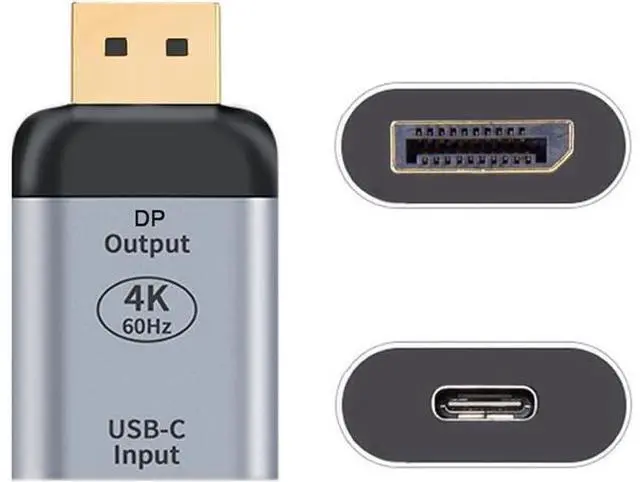
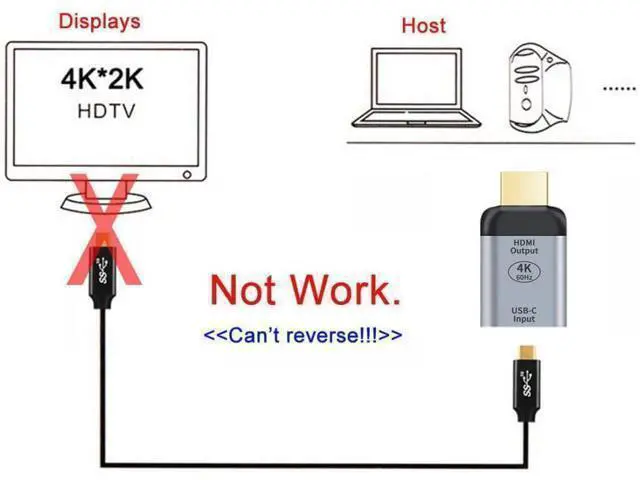
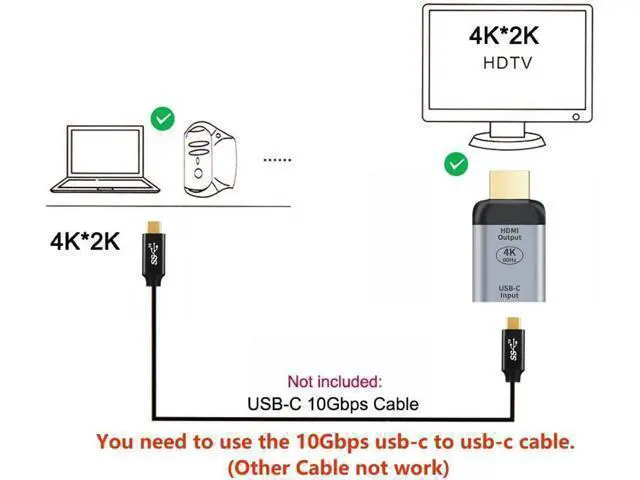
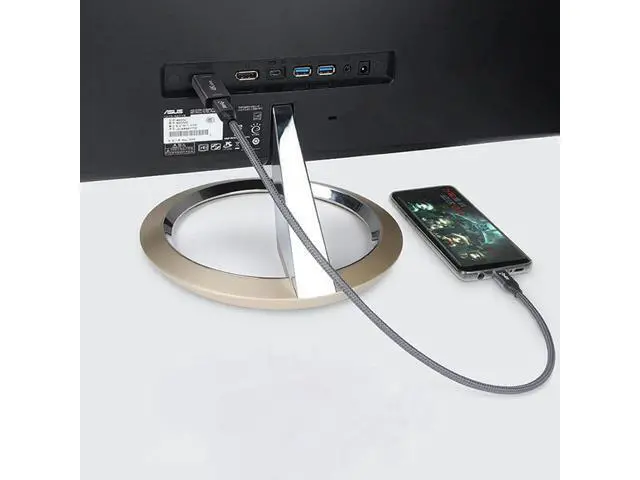
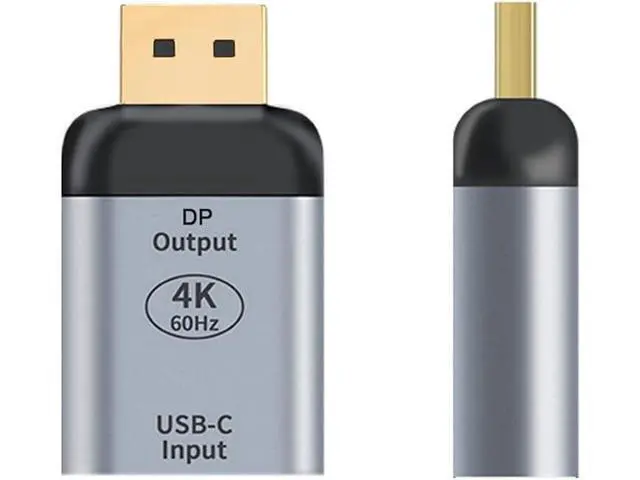
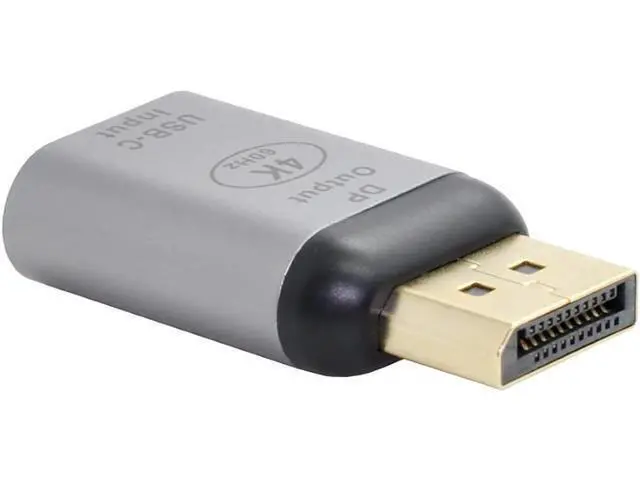


USB C to Displayport Converter(The Displayport Terminal Must be Connected to The Monitor, not The Host.You Need to use The 10Gbps USB C to C Cable.Other Cable not Work)
Limited time offer, ends 10/25 By CoreDepot
- You need to use the 10Gbps usb-c to usb-c cable. (Other Cable not work); Displayport terminal must be connected to the monitor, not the host.; Note: The input device needs to be used with a CC data cable that supports USB3.1 Gen2 full function.; You can connect the 10Gbps USB-C to USB-C Cable to the adapter, Then connect it to the Displayport displays.; USB-C to Displayport Adapter lets you connect your laptop with USB-C port to any Displayport display.
+
+
Overview
Specs
Reviews
You need to use the 10Gbps usb-c to usb-c cable. (Other Cable not work) Displayport terminal must be connected to the monitor, not the host.
Note: The input device needs to be used with a CC data cable that supports USB 3.1 Gen2 full function. You can connect the 10Gbps USB-C to USB-C Cable to the adapter, Then connect it to the Displayport displays. USB-C to Displayport Adapter lets you connect your laptop with USB-C port to any Displayport display.
Note: The input device needs to be used with a CC data cable that supports USB 3.1 Gen2 full function. You can connect the 10Gbps USB-C to USB-C Cable to the adapter, Then connect it to the Displayport displays. USB-C to Displayport Adapter lets you connect your laptop with USB-C port to any Displayport display.
Warranty & Returns
Warranty, Returns, And Additional Information
Warranty
- Please contact the Seller directly for warranty information. Warranty information may also be found on the Manufacturer's website.
- CONTACT
Return Policies
- Return for refund within: 30 days
- Return for replacement within: 90 days
- This item is covered by CoreDepot Return Policy
Manufacturer Contact Info
- For a directory of all our manufacturers, please click below.
- Manufacturers Directory
LOADING...