IMPORTANT: The power supply will not power on simply by connecting the power cord to both the power supply and wall outlet. Ensure that all the power supply cables are properly connected to the PC for it to power on.
IMPORTANT: The 8pin CPU connector can be split apart to become a 4+4 connector by pushing one end of the 4pin down and the other end of the 4pin up for motherboards that require a 4pin power connector.
IMPORTANT: The 24pin motherboard connector can be split apart to become a 20+4 connector by pushing one end of the 20pin down and the other end of the 4pin up for motherboards that require a 20pin power connector
+
+
Overview
Specs
Reviews
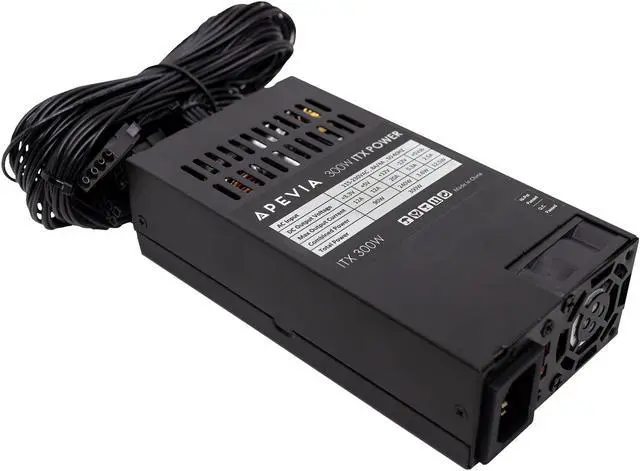
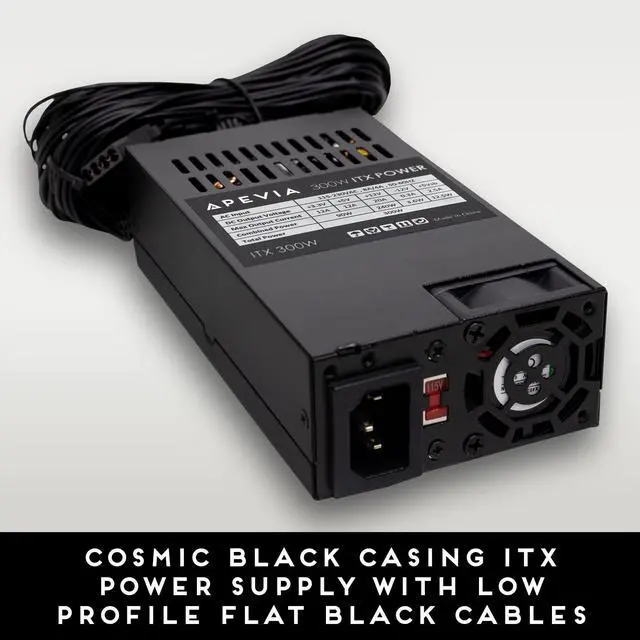
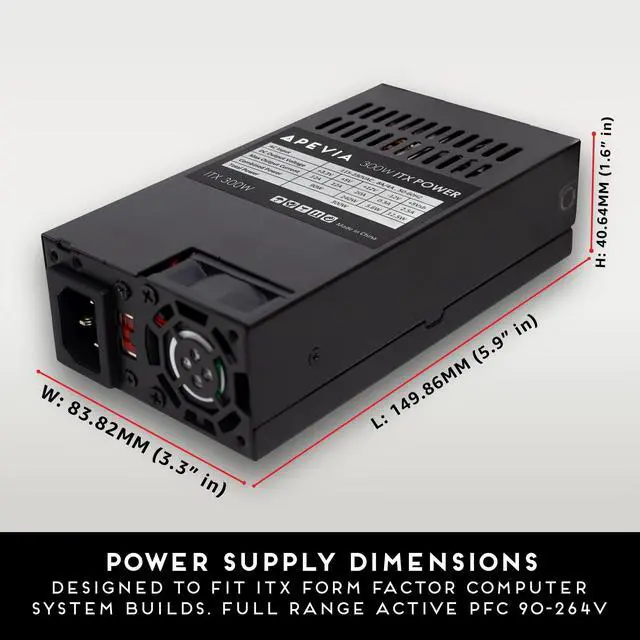
Apevia ITX-AP300W Mini-ITX/Flex ATX / 1U 300W for POS AIO System Desktop Gaming Server Small Form Factor (Flex ITX) Computer Power Supply
Learn more about the Detailed Specifications
Additional Information
First Listed on Newegg
May 15, 2026
There are no reviews yet.
Do you own this product?
Warranty & Returns
Warranty, Returns, And Additional Information
Warranty
Please contact the Seller directly for warranty information. Warranty information may also be found on the Manufacturer's website.