shippingWe‘re shipping as usual! The Canada Post strike only affects certain remote deliveries and PO Boxes. Details
shipping Holiday Shipping Details & Extended Holiday Returns
  • $59.89
  • Free 30-day Returns
Ships from China.
Price alert
Shop it at NeweggBusiness.

Meet Your Seller

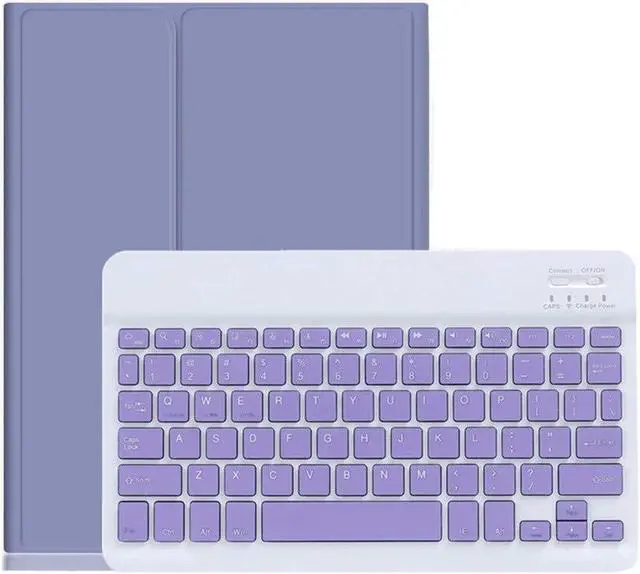
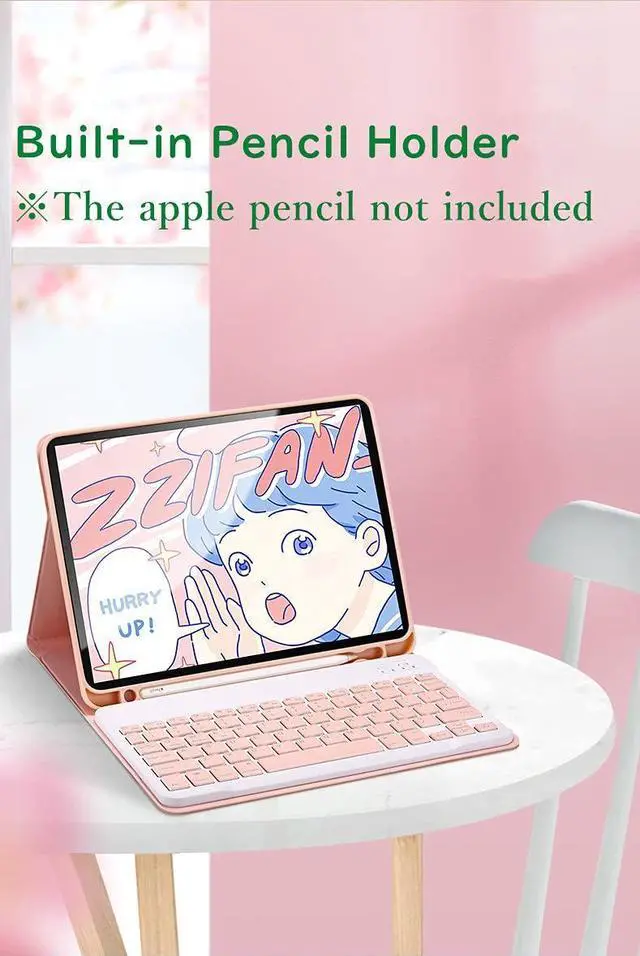
YEEHi iPad 9th 8th 7th Generation Keyboard Case iPad Air 3 iPad Pro 10.5 inch Cute Color Keyboard Detachable Bluetooth Keyboard Cover with Pencil Holder (Purple)

  • Compatible ModelsiPad 9th Generation 10.2-inch 2021 release iPad 8th Generation 10.2-inch 2020 release Model number on the back cover A2270, A2428, A2429, A2430), iPad 7th Generation 10.2 inch (2019 release Model number on the back cover A2197, A2200, A2198), iPad Air 3rd Generation 10.5-inch (2019 release Model number on the back cover A2152, A2153, A2123), iPad Pro 10.5 inch (2017 release Model number on the back cover A1701, A1709).
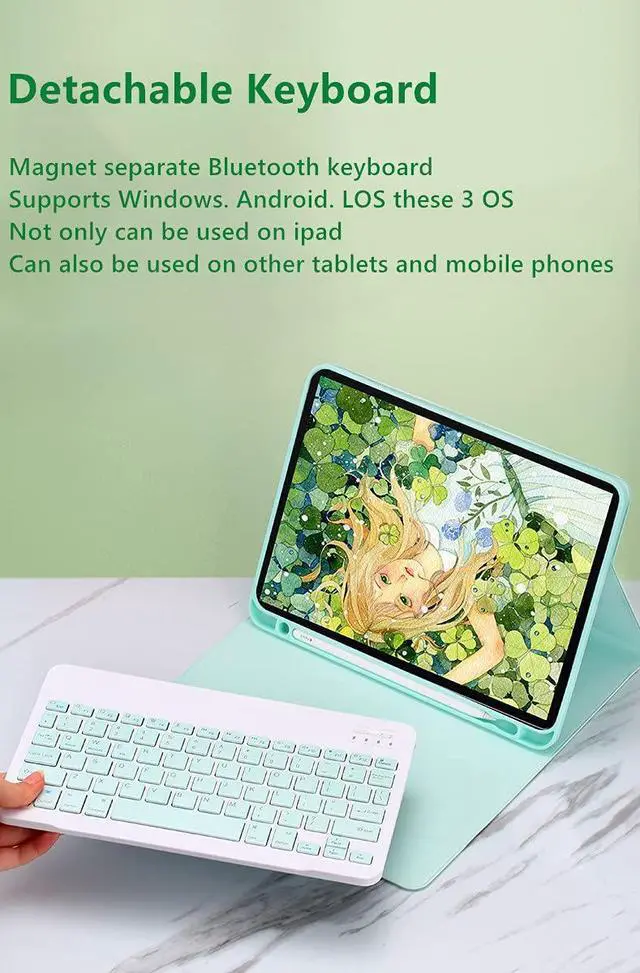
  • Detachable Bluetooth keyboard new design in 2021, colorful buttons are very cute and stylish, make your iPad more colorful, and make your work and study happier , The magnetic separate keyboard is suitable for 3 systems of WindowsAndroidiOS, Not only can be used with iPad, It can also be used with other tablet computers and mobile phones.
  • Soft TPU back cover The soft TPU back cover adopts non-slip design, Easy to install, Can support the tablet at multiple angles . Outside is a softer material Give you a very comfortable
+
+
Overview
Specs
Reviews
How to connect this Bluetooth keyboard to iPad
1 turn on the power button of the keyboard.
The power indicator will go out after flashing. This is to save power, not fault
2Long press the "Connect" button next to the power button until the Bluetooth indicator flashes
This turns on the Bluetooth of the keyboard
3From the iPads home screen, tap Settings. Tap on Bluetooth.
Make sure Bluetooth is set to On, then let it search for devices.
Tap on a Bluetooth keyboard, when it appears, to pair.
4if an authentication (PIN) code appears on the iPad screen,
Enter the number with the keyboard and pressEnter key.
5When the connection is complete, the Bluetooth indicator will go out
6This is a 3-system keyboard,
If you are using this keyboard on your iPad
Please press FN key first, don't release it, then press E key,
This is a system for the iPad

Warranty & Returns

Warranty, Returns, And Additional Information

Warranty

  • Please contact the Seller directly for warranty information. Warranty information may also be found on the Manufacturer's website.
  • CONTACT

Return Policies

  • Return for refund within: 30 days
  • Return for replacement within: 30 days
  • This item is covered by LMSshop Return Policy

Manufacturer Contact Info

LOADING...