
Your Browsing History
- Free 15-day Returns
$120.80
Ships from Hong Kong.

Meet Your Seller

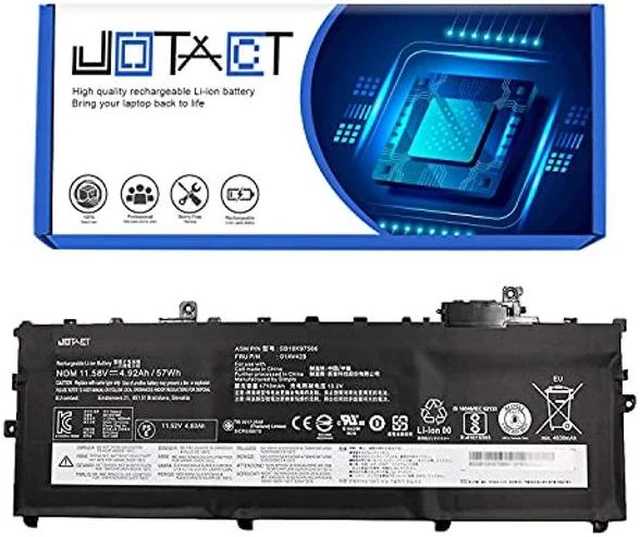
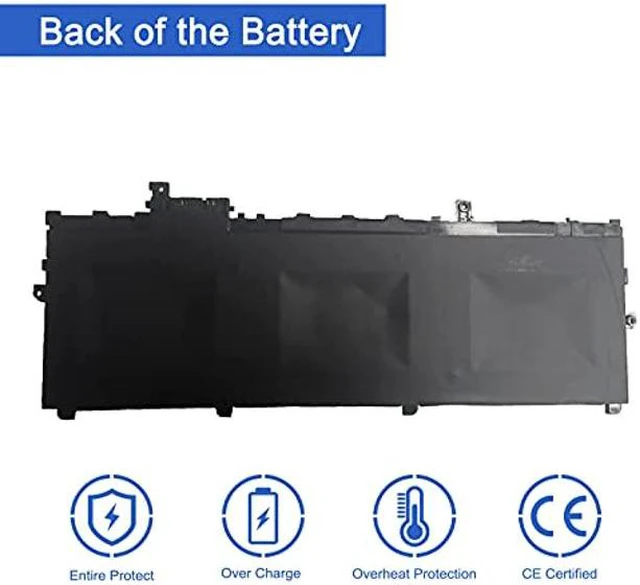


JOTACT 01AV429 01AV430 Laptop Battery Compatible with ThinkPad X1 Carbon 5th Gen 2017 6th Gen 2018 Series SB10K97587 01AV431 SB10K97588 01AV494 SB10K97586 01AV429 SB10K97586
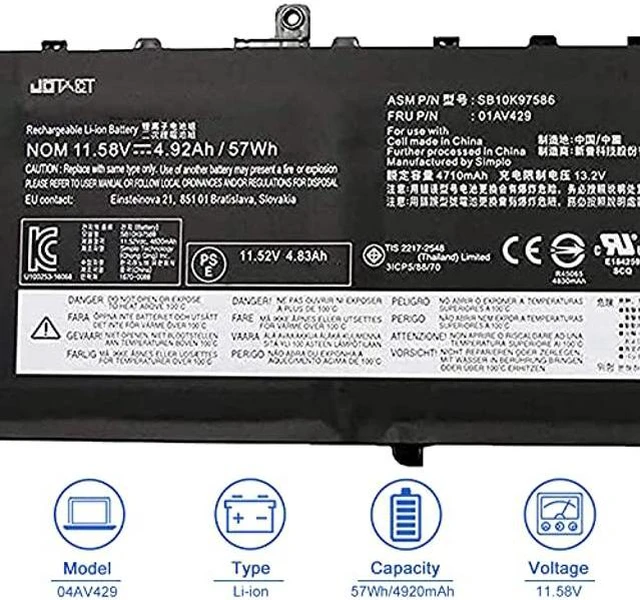
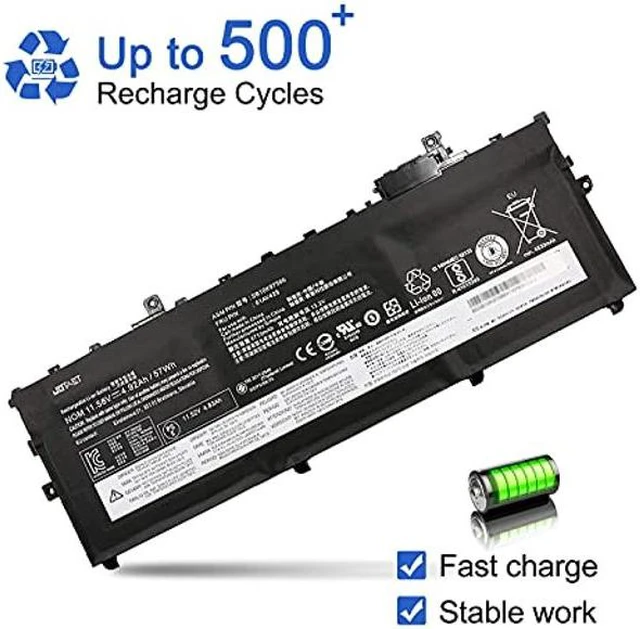
- [(Specifications)] Item Model: 01AV429; Product Type: Replacement battery; Battery Type: Li-ion; Voltage: 11.58V; Capacity: 57Wh/4920mAh; Battery Life: Up to 500 recharge cycles over the life of the battery.
- [(Compatible original Battery Code)] For 01AV429 SB10K9758601AV430 SB10K97587 01AV431 SB10K97588 01AV494 SB10K97586
- [(Compatible Laptop Models)] Compatible with ThinkPad X1 Carbon 5th Gen (2017)/ X1 Carbon 6th Gen (2018) Series.
- [(Use Skills)] Before installing the replacement battery, please read the manual carefully.
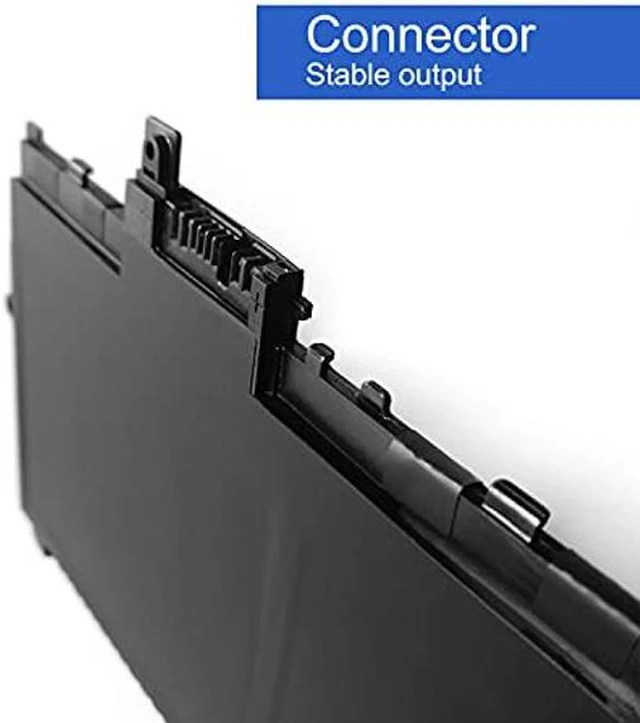
- [(Notes)] Before placing your order, we highly suggest you to open the back case of your latptop and check out the exact part number and connector from your laptop's original battery.
+
+
Overview
Specs
Reviews
JOTACT provides laptop power products, including batteries, adapters, network equipment, etc.
We are passionate about excellence, so every customer who buys our products in our store, you can expect to find quality materials, reliable performance, affordable prices and excellent customer service!
Item Model: 01AV429, 01AV430
Voltage: 11.58V
Capacity: 4920mAh/57Wh
Warranty: 12 Months Long
Replacement Part Numbers:
01AV429 SB10K97586 01AV430 SB10K97587 01AV431 SB10K97588 01AV494 SB10K97586
Compatible Laptop Models(use "Ctrl+F to find your model quickly"):
Compatible with ThinkPad X1 Carbon 5th Gen (2017) / X1 Carbon 6th Gen (2018) Series.
Package List:
1X 01AV429/SB10K97586 battery
1X Instruction manual
Notes:
1After installing the battery, you can try to calibrate the power management system. Discharge the new battery to 10% (not 0%), then charge and cycle 3-4 times to wake up the new battery.
2During the use of the battery, it is best not to discharge to less than 6% or turn off the computer power, otherwise it may be easily damaged and may not be fully charged.
3Do not connect the adapter for a long time when using the battery. Otherwise, the battery may be damaged.
4Avoid man-made impact, disassembly, squeeze or puncture. Do not throw it into fire or water. Avoid using the battery in an environment where the temperature is too high or too low.
5If you do not use the battery for a long time, make sure to charge the battery more than 80% per month.
We are passionate about excellence, so every customer who buys our products in our store, you can expect to find quality materials, reliable performance, affordable prices and excellent customer service!
Item Model: 01AV429, 01AV430
Voltage: 11.58V
Capacity: 4920mAh/57Wh
Warranty: 12 Months Long
Replacement Part Numbers:
01AV429 SB10K97586 01AV430 SB10K97587 01AV431 SB10K97588 01AV494 SB10K97586
Compatible Laptop Models(use "Ctrl+F to find your model quickly"):
Compatible with ThinkPad X1 Carbon 5th Gen (2017) / X1 Carbon 6th Gen (2018) Series.
Package List:
1X 01AV429/SB10K97586 battery
1X Instruction manual
Notes:
1After installing the battery, you can try to calibrate the power management system. Discharge the new battery to 10% (not 0%), then charge and cycle 3-4 times to wake up the new battery.
2During the use of the battery, it is best not to discharge to less than 6% or turn off the computer power, otherwise it may be easily damaged and may not be fully charged.
3Do not connect the adapter for a long time when using the battery. Otherwise, the battery may be damaged.
4Avoid man-made impact, disassembly, squeeze or puncture. Do not throw it into fire or water. Avoid using the battery in an environment where the temperature is too high or too low.
5If you do not use the battery for a long time, make sure to charge the battery more than 80% per month.
Warranty & Returns
Warranty, Returns, And Additional Information
Warranty
- Please contact the Seller directly for warranty information. Warranty information may also be found on the Manufacturer's website.
- CONTACT
Return Policies
- Return for refund within: 15 days
- Return for replacement within: 30 days
- This item is covered by Jiamayanonly Return Policy
Manufacturer Contact Info
- For a directory of all our manufacturers, please click below.
- Manufacturers Directory
LOADING...