


Best Sellers
- $44.98
- + FREE SHIPPING

Meet Your Seller

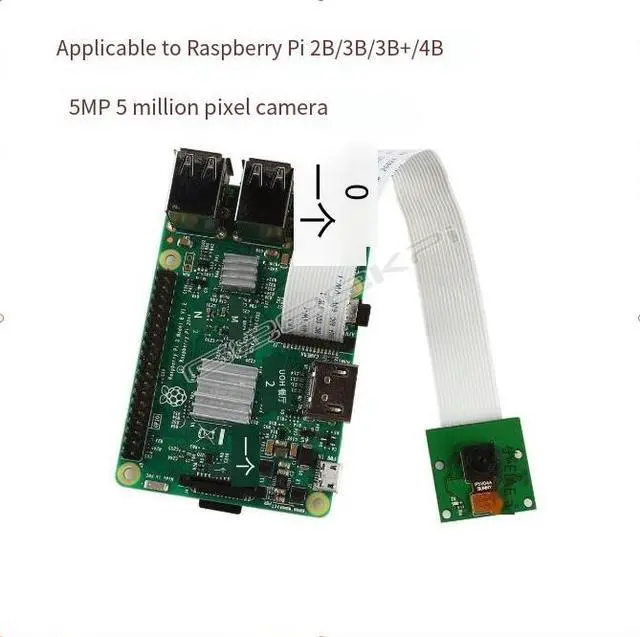
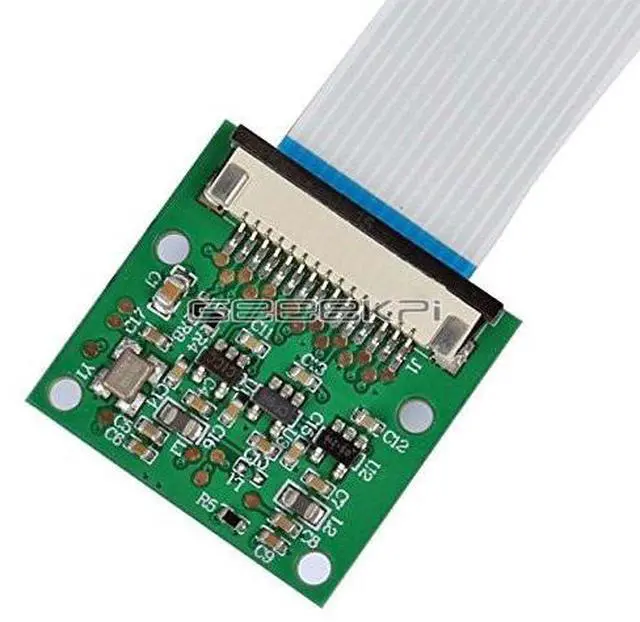
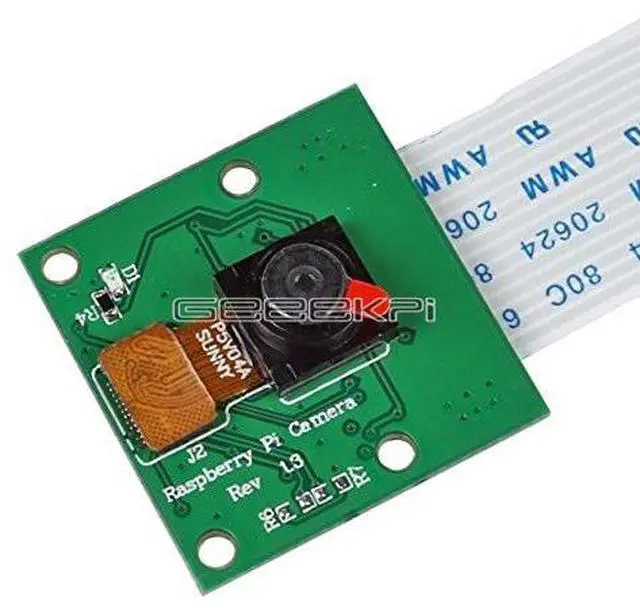
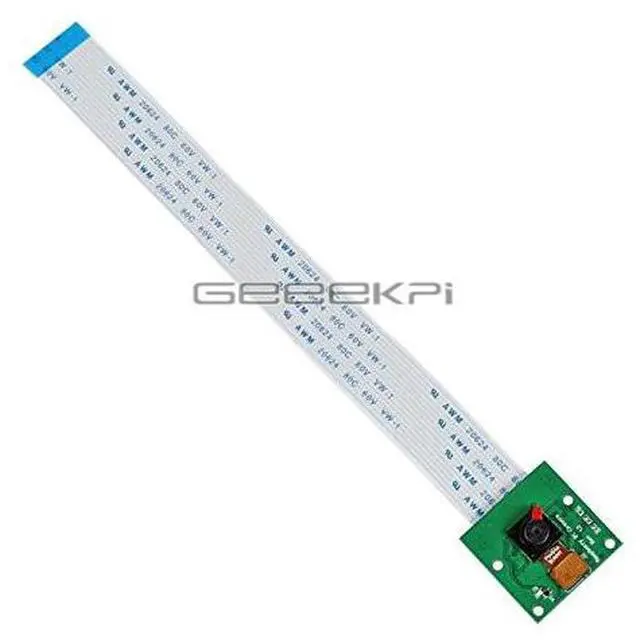
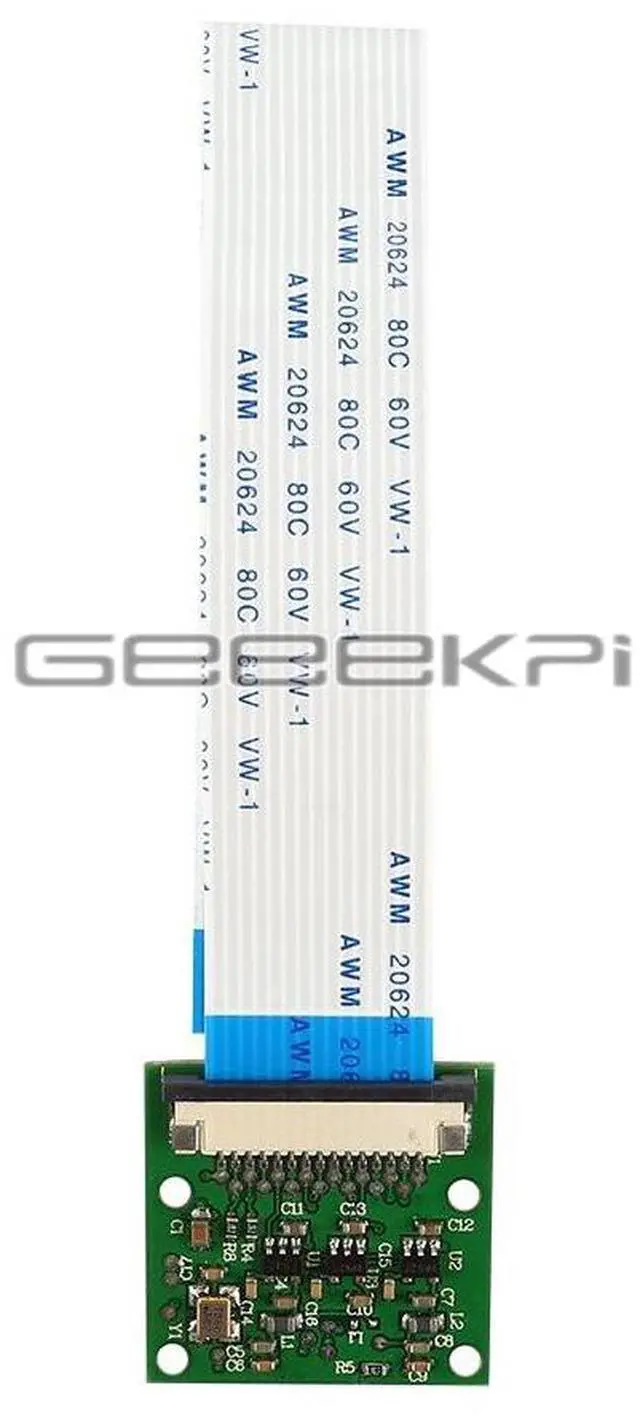


Compatible with Raspberry Pl CSl interface 5-megapixel 15cm flexible cable camera for Raspberry Pi
Limited time offer, ends 10/17 By NovaStar Tech
- Connection method:Connectorposition:90-degree verticalconnector,the one nexto the HoMl port.Duringconnection,thecontact sideshould facethe HDMlinterface.
- Software Usage:The Rpi firmware and raspi-config have been updated for the camera. Please execute the command "apt-get update". apt-get upgrade;2. In raspi-config, select "camera", start the camera driver in the RPi firmware, and then restart.3. Use the command-line programs raspivid and raspistill to operate the camera and capture video clips or images.
- 4.The captured video clips need to be played using mplayer.
- How to broadcast the data from the camera via the network for live streaming?By usingthe nc command (ncat-Concatenate and redirectsockets,theinput data fromthe camera is directy redirected to the network porto achievethe purpose.Output
+
+
Overview
Specs
Reviews
Connection method:
Connectorposition: 90-degree verticalconnector, the one nexto the HoMl port. Duringconnection, thecontact sideshould facethe HDMlinterface.
Software Usage: The Rpi firmware and raspi-config have been updated for the camera. Please execute the command "apt-get update". apt-get upgrade; 2. In raspi-config, select "camera", start the camera driver in the RPi firmware, and then restart. 3. Use the command-line programs raspivid and raspistill to operate the camera and capture video clips or images.
4. The captured video clips need to be played using mplayer.
How to broadcast the data from the camera via the network for live streaming? By usingthe nc command (ncat-Concatenate and redirectsockets, theinput data fromthe camera is directy redirected to the network porto achievethe purpose. Output
Connectorposition: 90-degree verticalconnector, the one nexto the HoMl port. Duringconnection, thecontact sideshould facethe HDMlinterface.
Software Usage: The Rpi firmware and raspi-config have been updated for the camera. Please execute the command "apt-get update". apt-get upgrade; 2. In raspi-config, select "camera", start the camera driver in the RPi firmware, and then restart. 3. Use the command-line programs raspivid and raspistill to operate the camera and capture video clips or images.
4. The captured video clips need to be played using mplayer.
How to broadcast the data from the camera via the network for live streaming? By usingthe nc command (ncat-Concatenate and redirectsockets, theinput data fromthe camera is directy redirected to the network porto achievethe purpose. Output
Warranty & Returns
Warranty, Returns, And Additional Information
Warranty
- Please contact the Seller directly for warranty information. Warranty information may also be found on the Manufacturer's website.
- CONTACT
Return Policies
- Return for refund within: 30 days
- Return for replacement within: 90 days
- This item is covered by NovaStar Tech Return Policy
Manufacturer Contact Info
- For a directory of all our manufacturers, please click below.
- Manufacturers Directory
LOADING...
LOADING...