
Your Browsing History
- Free 30-day Returns
$200.99
Ships from Hong Kong.
Sold by CITY BUSINESS Official
Shipped by CITY BUSINESS Official
Best Sellers
- $349.38
- + FREE SHIPPING

Meet Your Seller

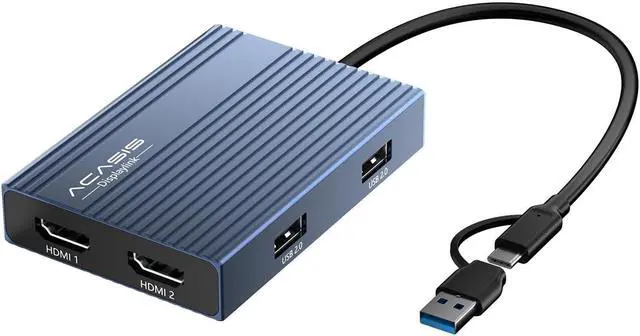
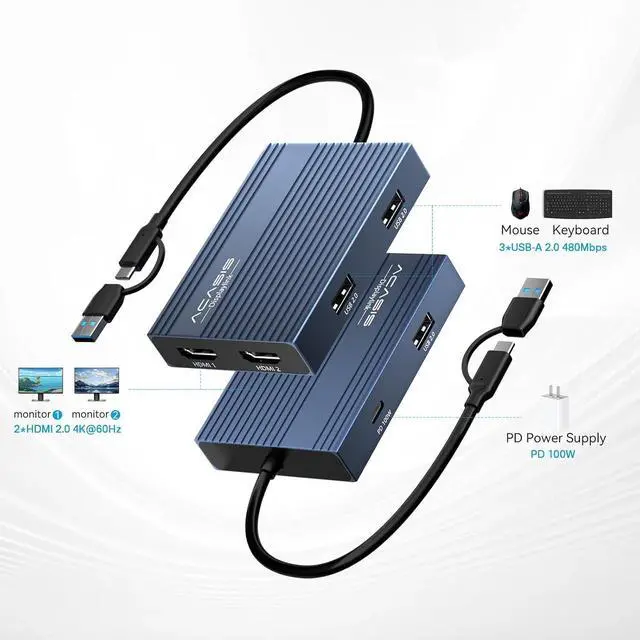
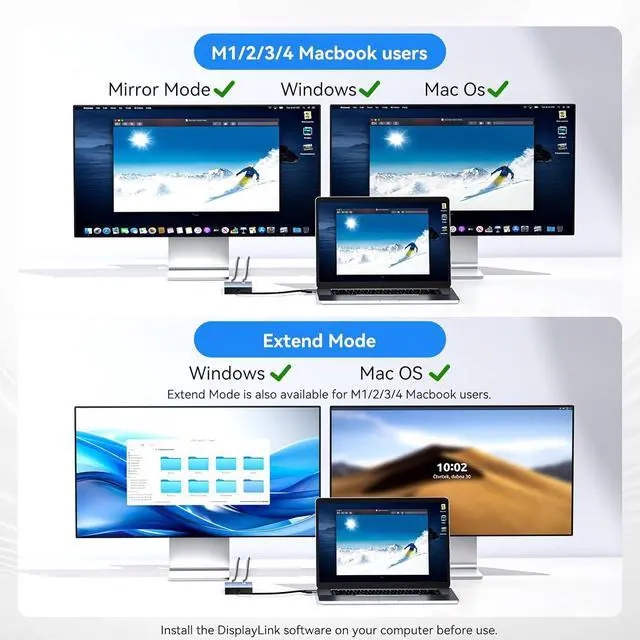


ACASIS USB C to Dual HDMI DisplayLink Adapter, 4K@60Hz, 2 HDMI & 3 USB-A Ports, 100W PD Charging, USB C DisplayLink Docking Station for Mac (Gray)
- ACASIS USB C to Dual HDMI DisplayLink Adapter, 4K@60Hz, 2 HDMI & 3 USB-A Ports, 100W PD Charging, USB C DisplayLink Docking Station for Mac M1/M2/M3/Windows,USB A/C to Dual Monitor Adapter
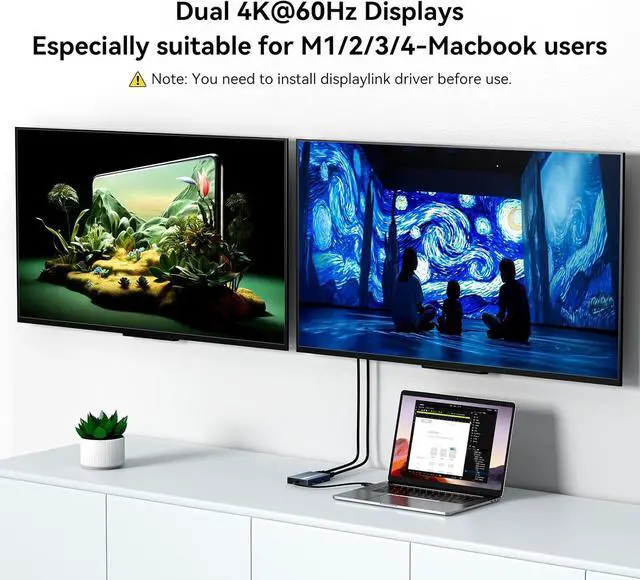
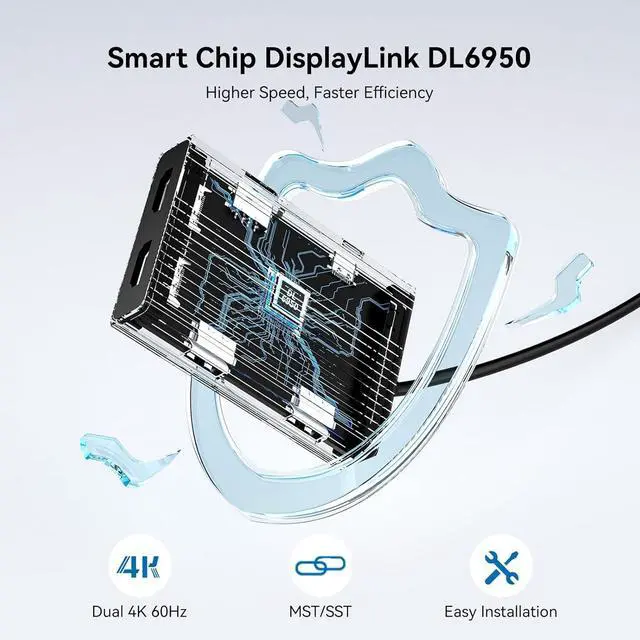
- DisplayLink Technology + Driver RequiredUnlike basic HDMI adapters, this uses advanced HDMI dual monitor adapter tech to extend screens without relying on your laptops native video output. Works with macOS & Windowsjust install the driver (download link included). Note: Unplug only when the computer is off.
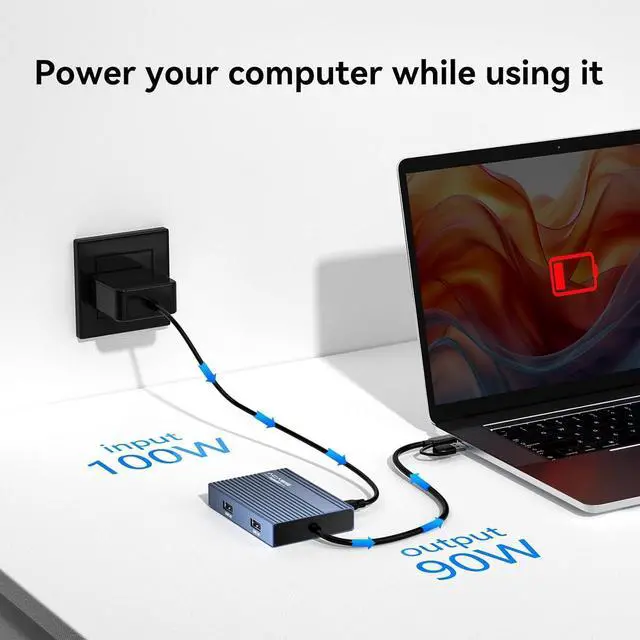
- 100W PD Fast Chargingusb to hdmi adapter Keep your MacBook Pro/Air (M1/M2/M3) or Dell/HP laptop powered up while working! The 100W USB-C PD port delivers high-speed charging, so you wont drain your battery during long sessions.
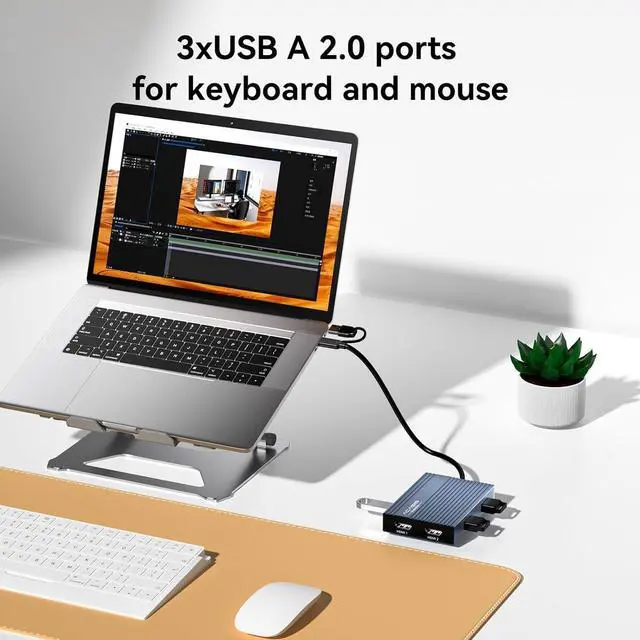
- 3x USB-A Ports for Peripheralshdmi splitter extended display can connect your mouse, keyboard, and flash drives effortlessly with 3x USB-A ports (480Mbps speed). Ideal for office setupsthough not for large file transfers.
- Sleek & Portable Aluminu
+
+
Overview
Specs
Reviews
14K@60HZ2PD100W3Suitable equipment1 Enhanced Product Cooling2Home3Working4What You Get5 Why does my system ask for permission to record my screen?
This is a standard security prompt for DisplayLink The permistion is required because the technology transmits video signals via USB.It needs to capture your screen content to display it on the external monitor.
Is this screen recording process safe?
This is a legitimnate functional requirement, not privacy theft. The process is secure when using offical drivers, and you maintain full control over this permission in your system settings.
If the monitor is not displaying after installing DisplayLink software, please follow these steps:
1.Try using another HDMI port on the dock.
2.Try using a different HDMI cable.
3.Test with another monitor.
If the issue persists, please contact our support team.
Why does my system ask for permission to record my screen?
Is this screen recording process safe?
If the monitor is not displaying after installing DisplayLink software, please follow these steps:
This is a standard security prompt for DisplayLink The permistion is required because the technology transmits video signals via USB.It needs to capture your screen content to display it on the external monitor.
Is this screen recording process safe?
This is a legitimnate functional requirement, not privacy theft. The process is secure when using offical drivers, and you maintain full control over this permission in your system settings.
If the monitor is not displaying after installing DisplayLink software, please follow these steps:
1.Try using another HDMI port on the dock.
2.Try using a different HDMI cable.
3.Test with another monitor.
If the issue persists, please contact our support team.
Why does my system ask for permission to record my screen?
Is this screen recording process safe?
If the monitor is not displaying after installing DisplayLink software, please follow these steps:
Warranty & Returns
Warranty, Returns, And Additional Information
Warranty
- Please contact the Seller directly for warranty information. Warranty information may also be found on the Manufacturer's website.
- CONTACT
Return Policies
- Return for refund within: 30 days
- Return for replacement within: 90 days
- This item is covered by CITY BUSINESS Official Return Policy
Manufacturer Contact Info
- For a directory of all our manufacturers, please click below.
- Manufacturers Directory
LOADING...
LOADING...