• $152.99
  • Free 15-day Returns
  • Ships from United States.
    Price alert
    Shop it at NeweggBusiness.

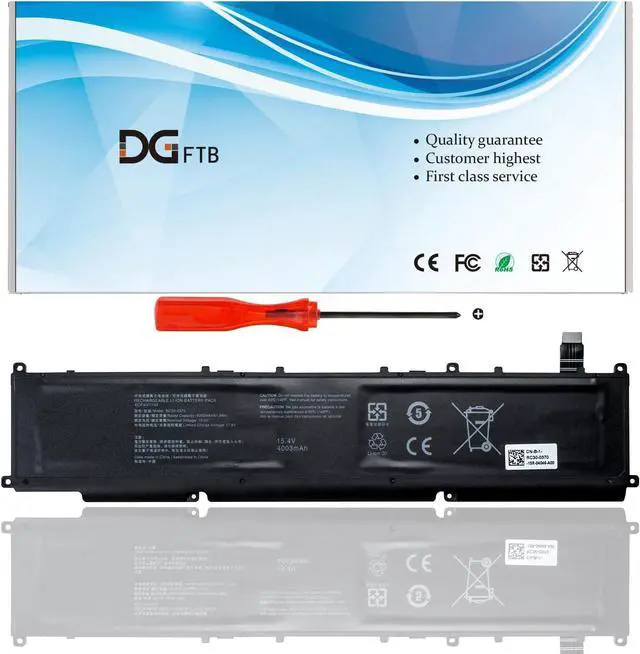
    RC30-0370 Replacement Laptop Battery for Razer Blade 14 2021 2022 RZ09-0370 RZ09-0427 RZ09-0368 RZ09-0370AE23 RZ09-0370CEA3-R3U1 RZ09-0370BEA3-R3U1 RZ09-0427EE23-R3U1 RZ09-0427NEA3 Not 6MT4T

    • Replacement Battery TypeVoltage: 15.4V; Capacity:61.6Wh/4003mAh.
    • Important NoteTHIS IS NOT 6MT4T MODEL NUMBER
    • Compatible P/NRC30-0370 RZ09-0370 RZ09-0427.
    • Compatible Modelsfor Razer Blade 14" 2021 2022, for Razer Blade 14 AMD Ryzen 9 5900HX Nvidia GeForce RTX 3060 3070 3080,for Razer Blade 14 AMD Ryzen 9 6900HX Nvidia GeForce RTX 3060 3070 Ti 3080 Ti, for Razer Blade RZ09-0370AE23-R3U1 RZ09-0370BEA3-R3U1 RZ09-0370CEA3-R3U1 RZ09-0427EE23-R3U1 RZ09-0427EEM3-R3U1 RZ09-0427NEA3-R3U1 RZ09-0427NEM3-R3U1 RZ09-0427NEQ3-R3U1 RZ09-0427PEA3-R3U1 Series.
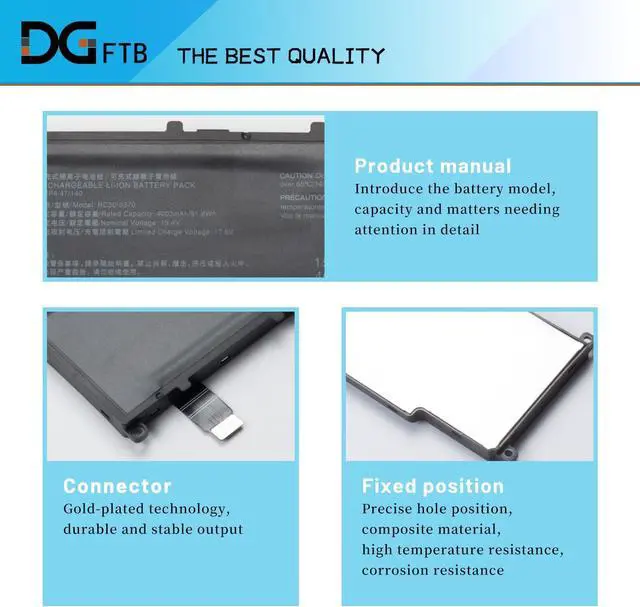
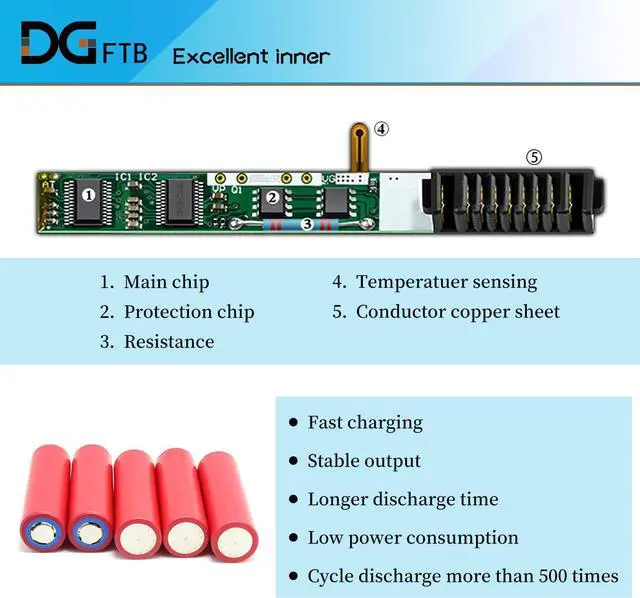
    • DG QualityGrade A cells mitigate the risk of battery leakage and maximize output stability. Built-in circuit protection, enhances safety of usage and extends battery life.
    • DG TIPSFor the initial installation, please reinstall and check the interface fully connected, discharge the battery to 5%(not to 0%) and then charge to 95%, and cycle 3-4 times.

    +
    +
    Overview
    Specs
    Reviews
    Replacement Battery TypeVoltage: 15.4V; Capacity:61.6Wh/4003mAh.
    Important NoteTHIS IS NOT 6MT4T MODEL NUMBER
    Compatible P/NRC30-0370 RZ09-0370 RZ09-0427.
    Compatible Modelsfor Razer Blade 14" 2021 2022, for Razer Blade 14 AMD Ryzen 9 5900HX Nvidia GeForce RTX 3060 3070 3080,for Razer Blade 14 AMD Ryzen 9 6900HX Nvidia GeForce RTX 3060 3070 Ti 3080 Ti, for Razer Blade RZ09-0370AE23-R3U1 RZ09-0370BEA3-R3U1 RZ09-0370CEA3-R3U1 RZ09-0427EE23-R3U1 RZ09-0427EEM3-R3U1 RZ09-0427NEA3-R3U1 RZ09-0427NEM3-R3U1 RZ09-0427NEQ3-R3U1 RZ09-0427PEA3-R3U1 Series.
    DG QualityGrade A cells mitigate the risk of battery leakage and maximize output stability. Built-in circuit protection, enhances safety of usage and extends battery life.
    DG TIPSFor the initial installation, please reinstall and check the interface fully connected, discharge the battery to 5%(not to 0%) and then charge to 95%, and cycle 3-4 times.

    Warranty & Returns

    Warranty, Returns, And Additional Information

    Warranty

    • Please contact the Seller directly for warranty information. Warranty information may also be found on the Manufacturer's website.
    • CONTACT

    Return Policies

    Manufacturer Contact Info

    LOADING...